
An application designed to offer a guided user interface to the well-known FFmpeg utility and allow you to perform video conversions #Video Encoder #Convert Video #FFmpeg GUI #Convert #Encode #FFmpeg
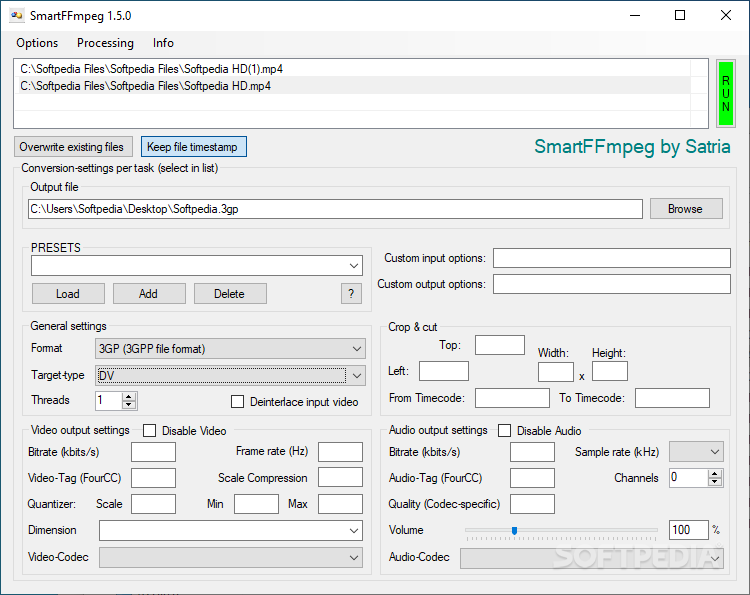
ffmpeg is a useful and powerful tool for video encoding, but its command-line interface may not appeal to less experienced computer users.
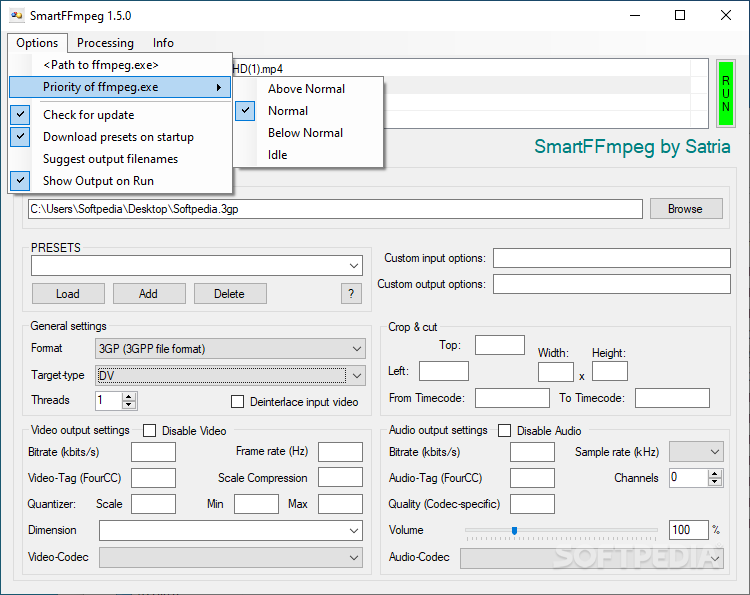
SmartFFmpeg is a graphic user interface designed to allow you to use all of ffmpeg's functions and options from within an intuitive graphic environment.
You can make use of the presets delivered with the application, if you do not want to manually set every parameter. The presets range from fully HD H.264 video conversion, to MP3 and lossless FLAC audio file encoding.
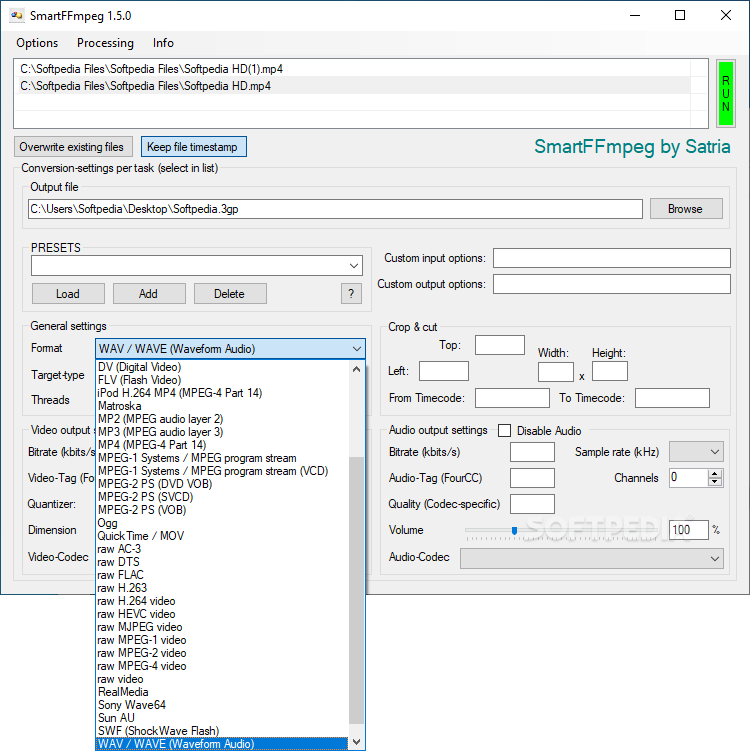
Once you decide to get your hands dirty and tweak the settings by yourself, you can adjust almost every aspect of the output file, including the bitrate, resolution and preferred video codec. Besides the parameters available in the main interface, you can also introduce a few extra advanced options using the dedicated text fields.
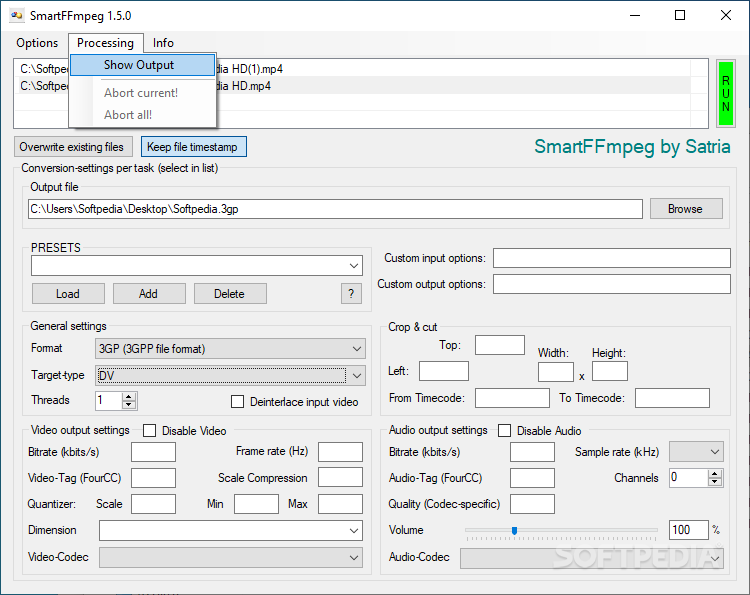
SmartFFmpeg enables you to perform some minor editing on your files before starting the conversion process. You can cut a movie by entering the new desired limits and you can crop it by entering the new dimensions. Although you cannot visualize or preview the changes until the file is already converted, it is still a useful tool to have.
The audio output settings allow you to reset the volume, modify the sample rate and channels, as well as choose another codec from the available list, such as Vorbis or AAC.
SmartFFmpeg manages to include almost every function found in the original ffmpeg and make them much more accessible and easy-to-use. At the same time, it does not require a lot of system resources to run properly, although the encoding process can be quite demanding on your machine, depending on the type of conversion.
SmartFFmpeg provides a useful set of tools for the encoding and conversion of media files, all from within an intuitive user interface that should allow almost anyone to use it.
What's new in SmartFFmpeg 1.5.1:
- Bugfix attempt: When aborting all an array index exception occurred.
SmartFFmpeg 1.5.1
add to watchlist add to download basket send us an update REPORT- PRICE: Free
- runs on:
-
Windows 10 32/64 bit
Windows 8 32/64 bit
Windows 7 32/64 bit
Windows Vista 32/64 bit
Windows XP 32/64 bit - file size:
- 79 KB
- filename:
- SmartFFmpeg.7z
- main category:
- Multimedia
- developer:
- visit homepage
calibre

4k Video Downloader

Context Menu Manager

Windows Sandbox Launcher

ShareX

7-Zip

IrfanView

Bitdefender Antivirus Free

Microsoft Teams

Zoom Client

- Bitdefender Antivirus Free
- Microsoft Teams
- Zoom Client
- calibre
- 4k Video Downloader
- Context Menu Manager
- Windows Sandbox Launcher
- ShareX
- 7-Zip
- IrfanView