
Designed for video production, this program can elevate the quality of your videos as much as your editing knowledge allows: this professional-grade software is well-renowned for a reason. #Video editor #Video production #Video mixer #Premiere #Editor #Production

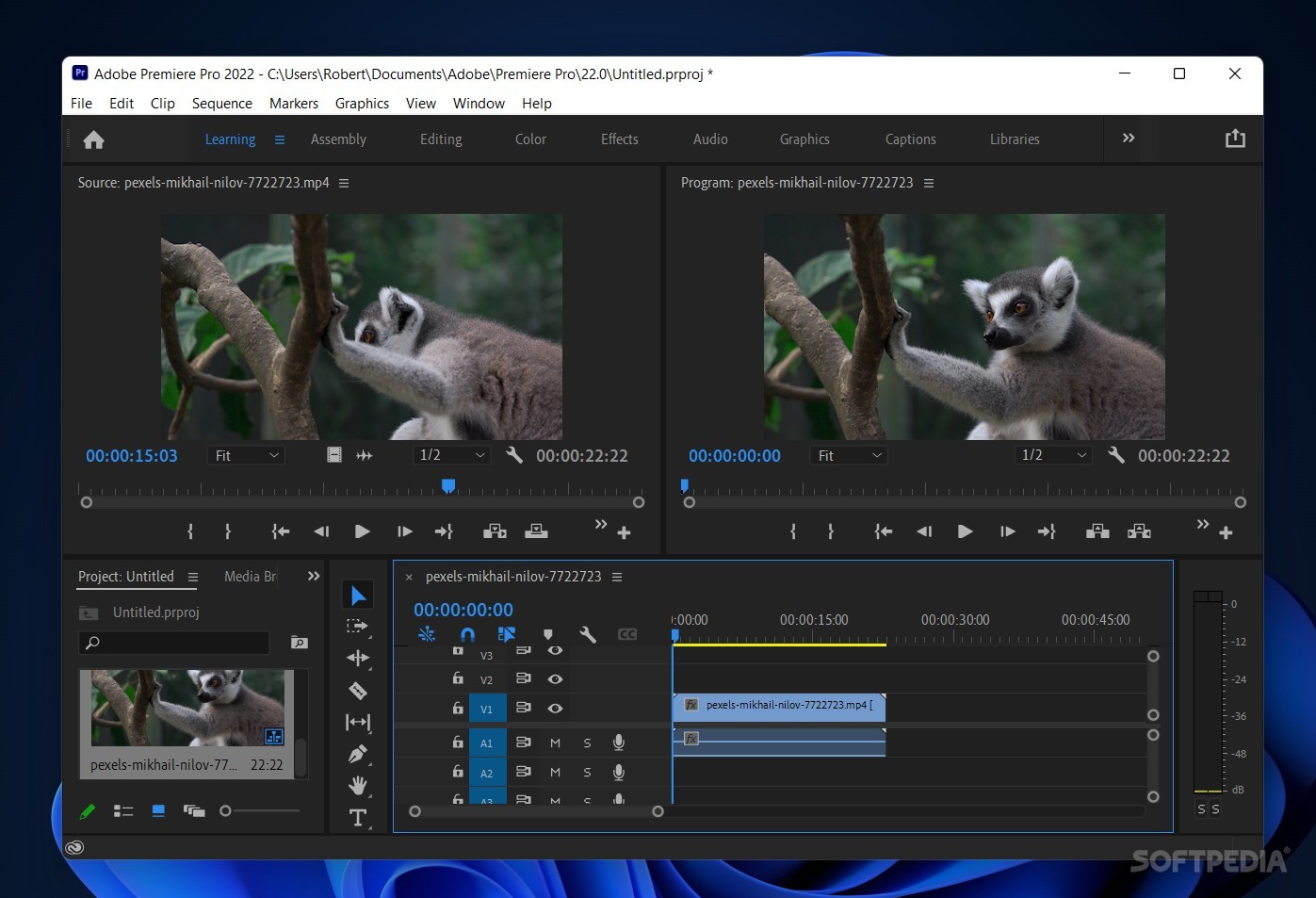
There are perhaps only a few programs more popular for video editing than Adobe Premiere Pro, and frankly, it needs no additional description. It is among the most comprehensive tools one can use when it comes to such work.
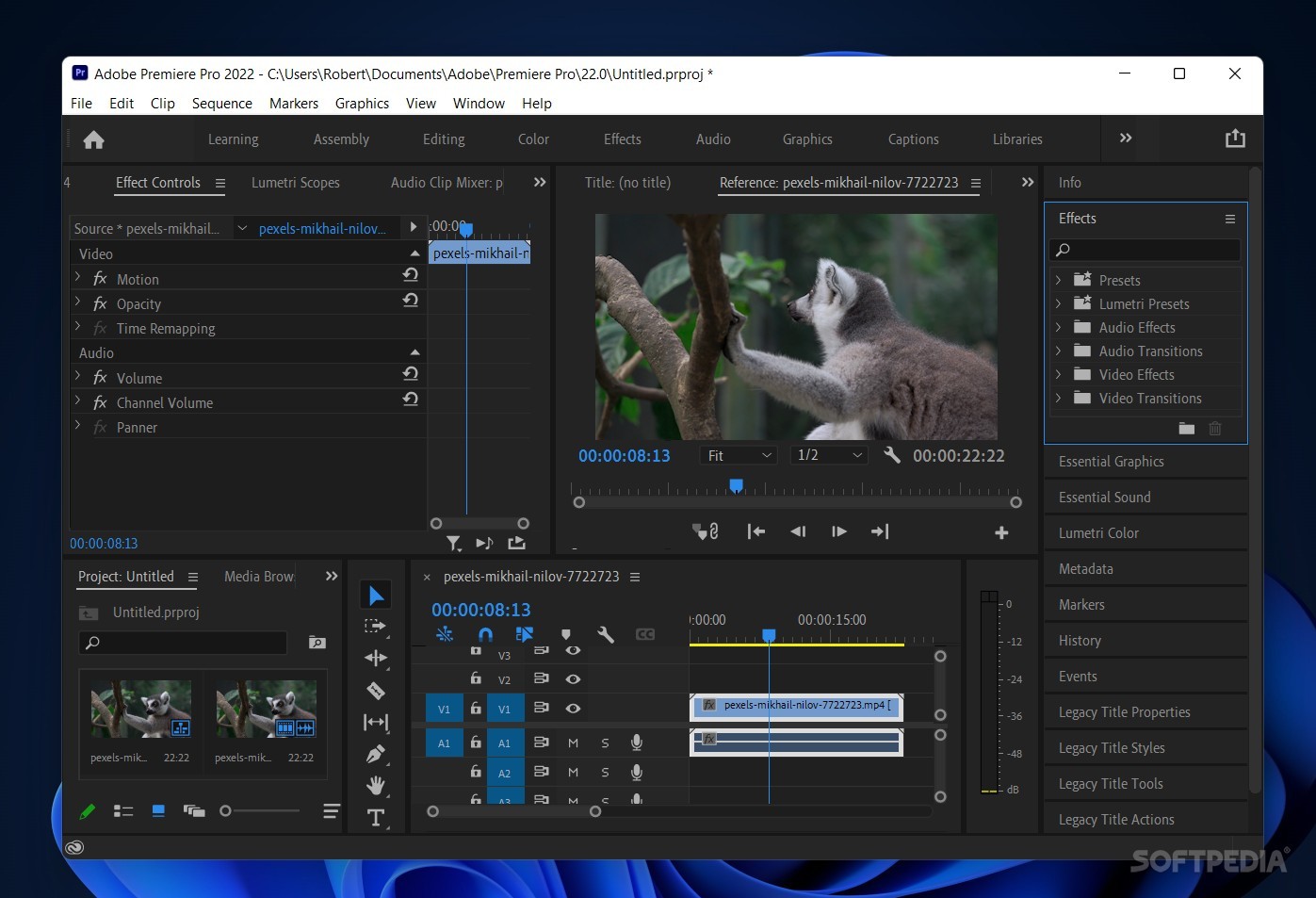
Adobe has equipped this software with an expansive set of features, meant to ensure there's nothing it can't do when it comes to making your videos look their best. Adding your videos and navigating through them is easy, and modifying is much the same: whether you introduce effects, graphics, and various other media, such as images and audio, or just want to use templates — it's all possible here.
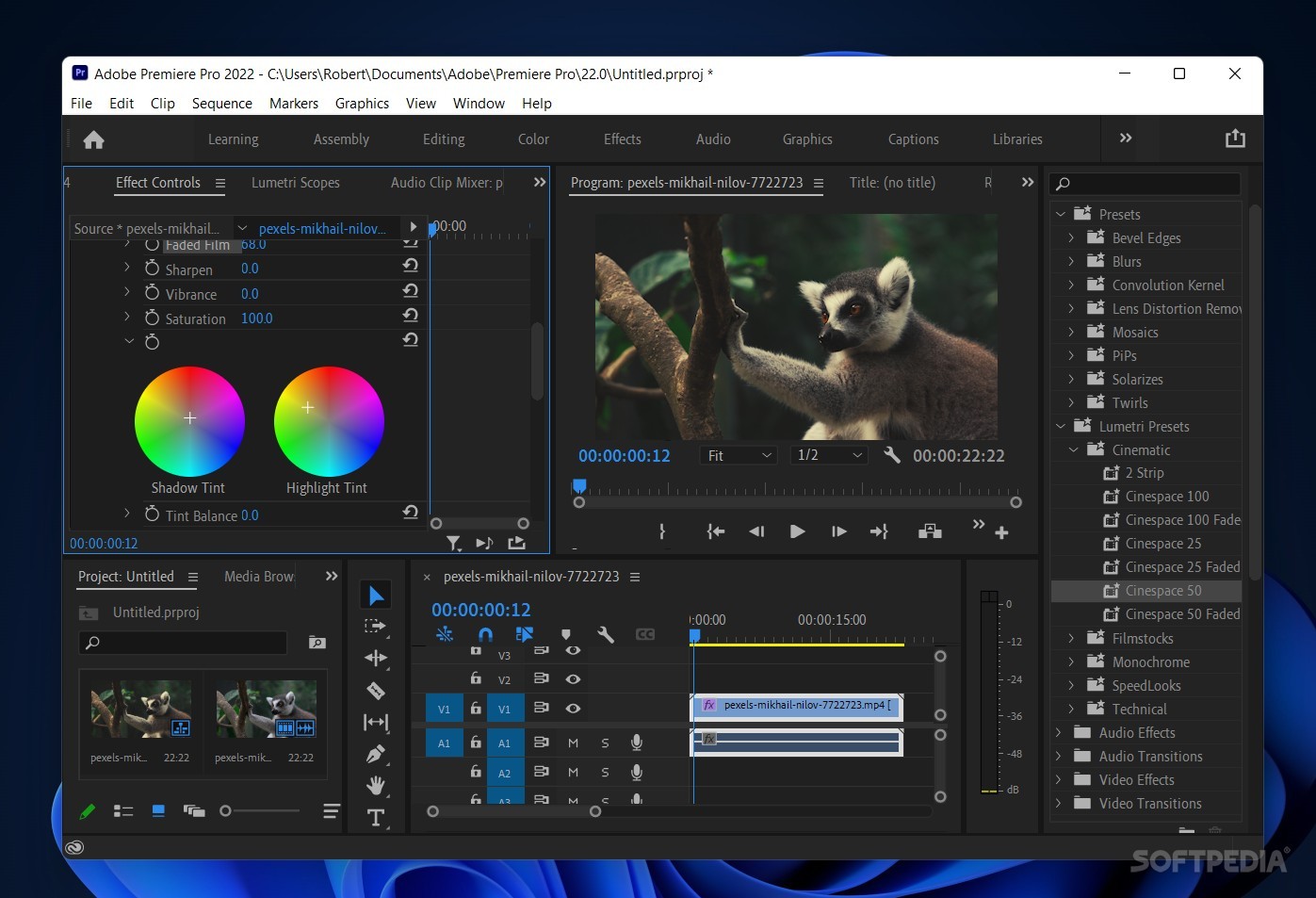
The integrated AI can help you reformat, create captions, and improve your footage's look instantly, or you can do that manually by going to the respective menus for some tuning, which can be as in-depth as you make it: modify the curves, tints, as well as the overall grading of your work, down to the most granular levels.
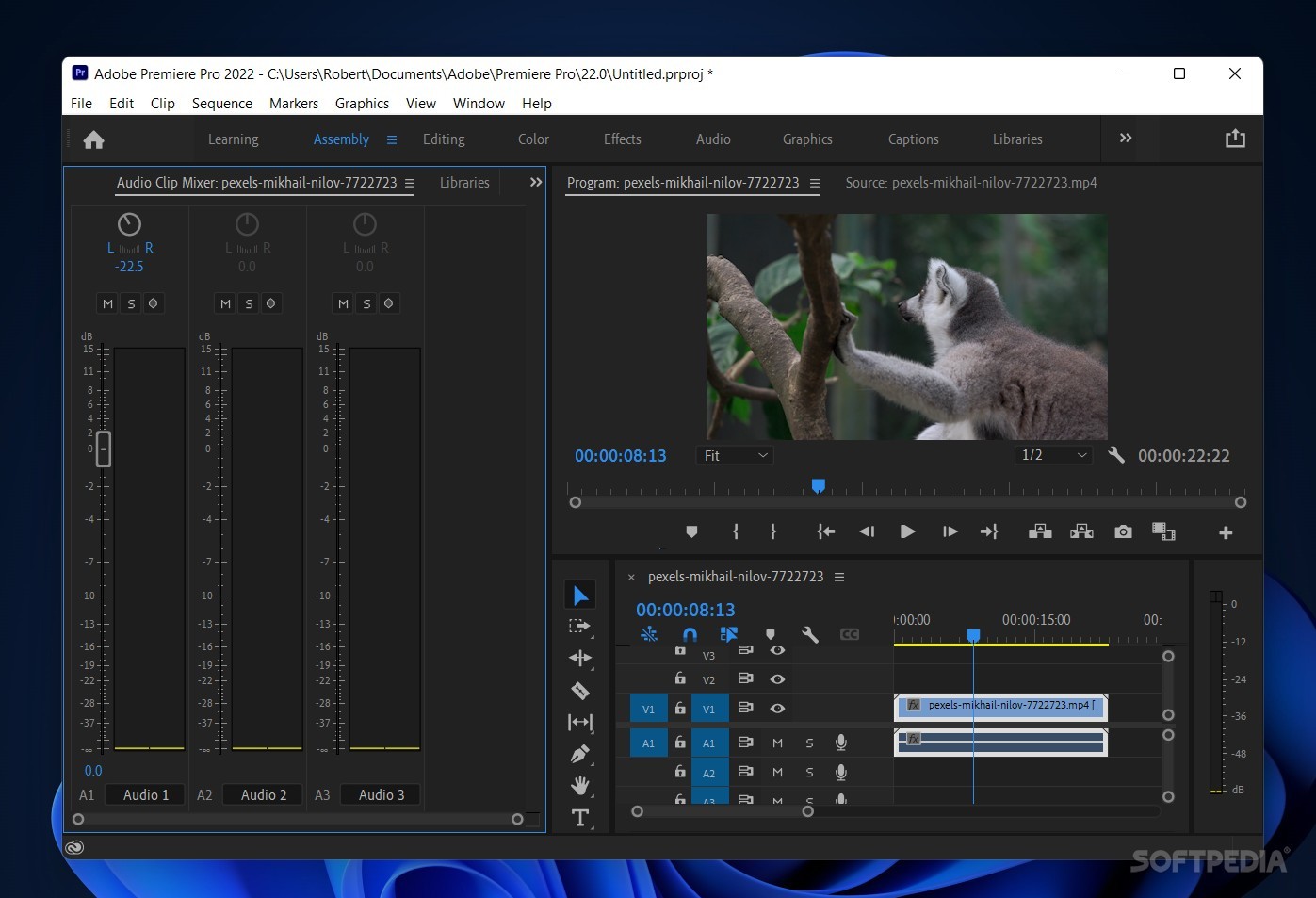
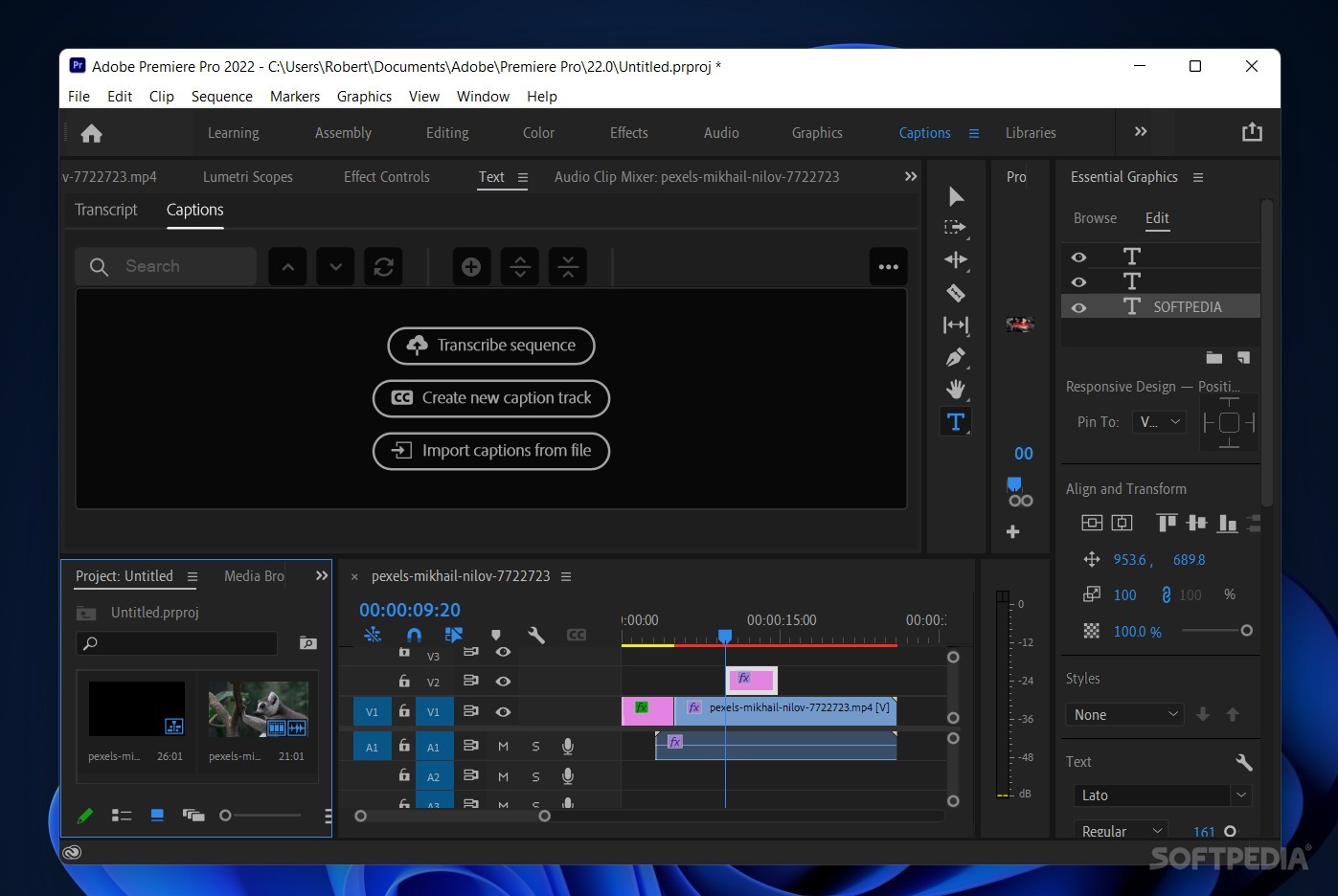
When first delving into this app, one will immediately notice the modular interface, which can be freely resized and changed to fit the user's needs. As such, if something is taking up too much space or is otherwise unnecessary for your current project, you can dispense with it to make space for another element.
The drag and drop is a function you'll be using quite often here. Inputting new effects, editing parts of your videos, adding music, and so forth, are things you can introduce just by moving into the timeline.
What is most true about this program is that it can take you as far as your capabilities allow. This is an app often used in professional circles, and it's easy to see why.
This program comes equipped with some features that help boost your efficiency that much more. For instance, formatting your clips for certain aspect ratios — for example, posting on social media — is now easier with Auto Reframe, which intelligently reframes your clip while keeping the important content at the center of the frame.
Automatic transcriptions are also on offer here, and they can turn your dialogue into captions through Adobe's own AI engine, with just a few inputs from your part. Auto-Match, too, works in the same vein: the artificial intelligence embedded into the software will perform color correction on your videos based on your preferences.
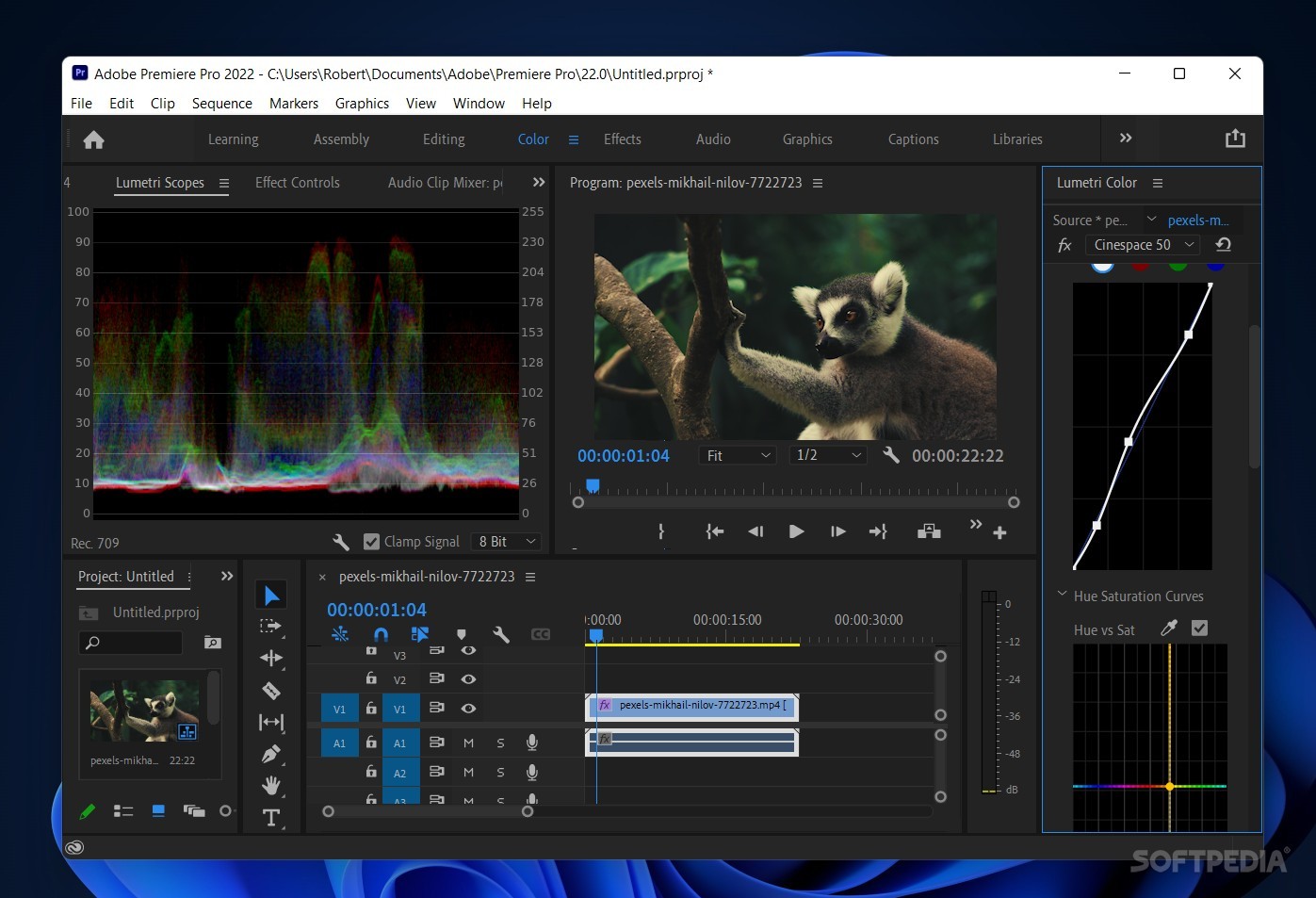
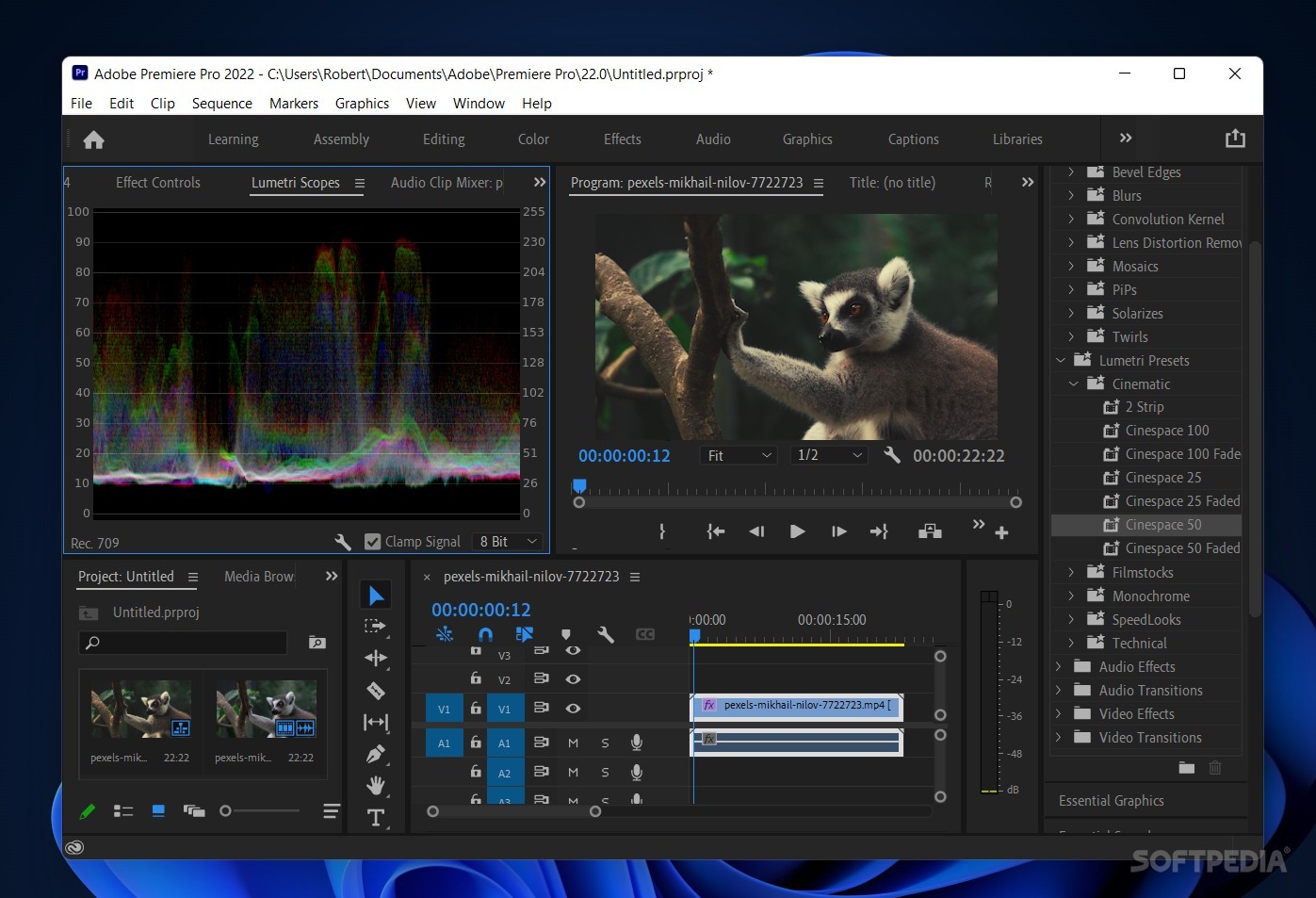
There's more than just AI work at play here: under-the-hood improvements for faster GPU rendering and playback have been made, and deeper color management options for newer formats like HEVC and H.264 are also present. The colorized Vectorscope and improved histogram additionally serve to further empower your video editing and grading.
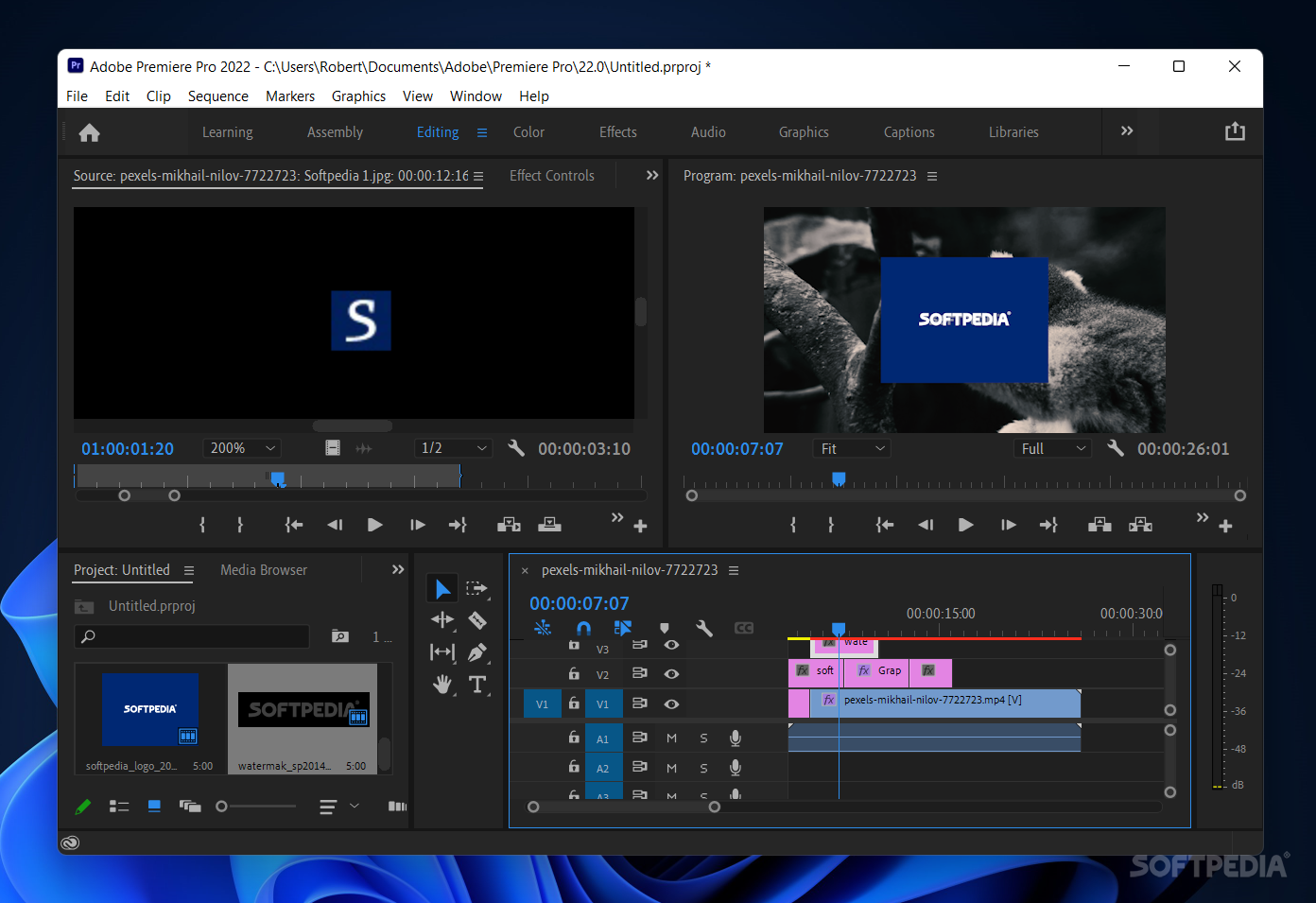
Adding our stuff was easy, and this was facilitated by the media browser, which acts as a storage tab of sorts, where you can drop in the videos and images you want to work with for the current project. We dragged our clip on the timeline, and the program had no trouble creating an audio and video channel for it.
We wanted to add an image over our clip, so we did that — but then noticed it was occupying too much space. We quickly fixed it by going to the Editing tab and modifying the Scale parameter of the element.
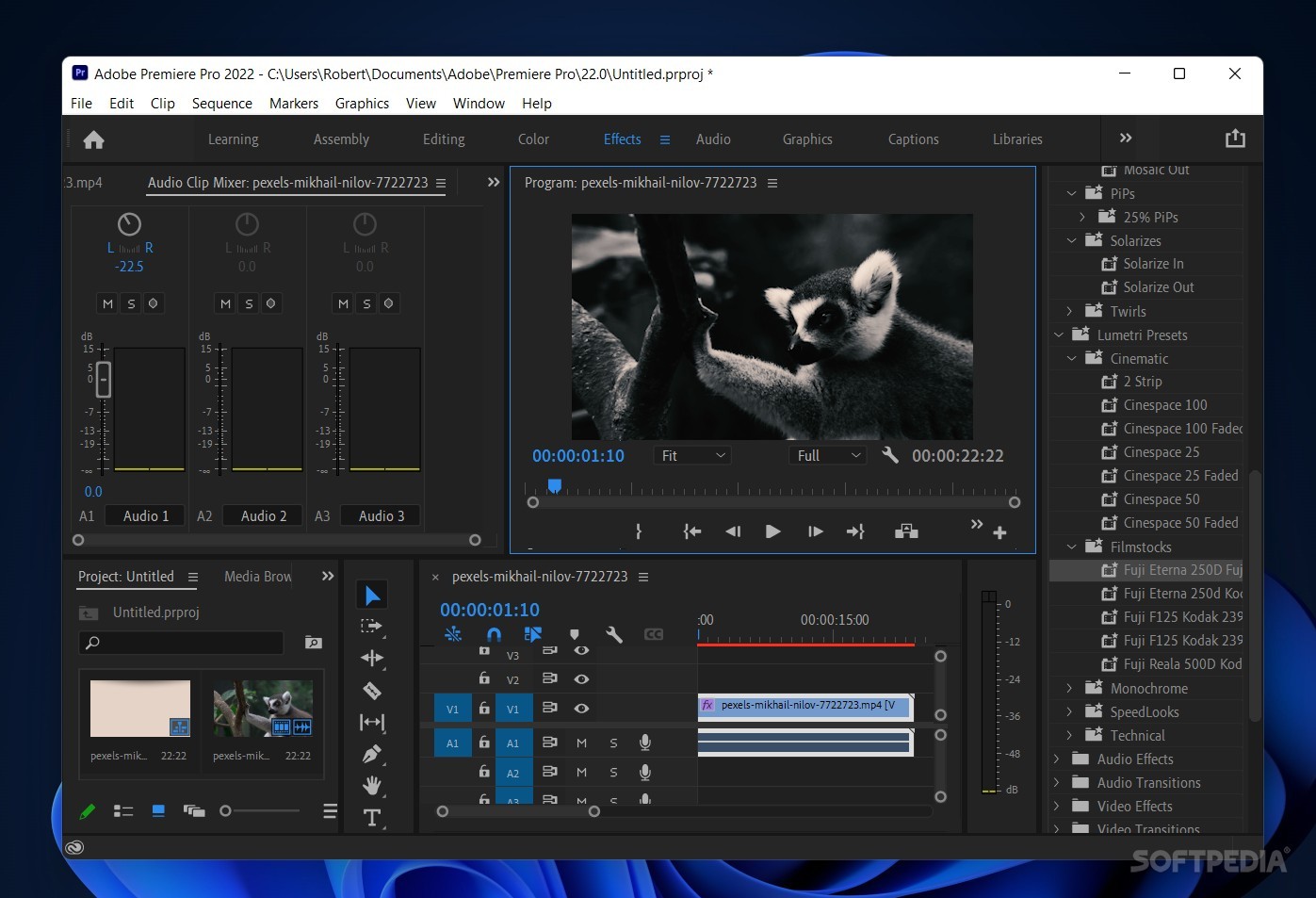
Afterward, our video was due for some color correction work, so we addressed that by heading over to the Color tab and modifying its vibrance, saturation, and tint. The freely-offered Lumetri Presets were helpful, as they gave us some much-needed guidance in going for the film look in our video.
There is virtually no ceiling to what you can do in Adobe Premiere Pro: if you want to make a film and do some intricate, professional-grade video editing, you can. But if you want to just casually edit some clips from time to time? You can do that just fine, too, without any of the "pro" elements to distract you.
Download Hubs
Adobe Premiere Pro is part of these download collections: Video Editors, Edit MP4, Edit 3GP, Edit MPEG
What's new in Adobe Premiere Pro CC 2024 24.3:
- Audio:
- Fixed:
- Enhance Speech effect didn’t always reflect the chosen mix amount after pasting it as an attribute.
Adobe Premiere Pro CC 2024 24.3
add to watchlist add to download basket send us an update REPORT- runs on:
-
Windows 11
Windows 10 64 bit - file size:
- 3 MB




- main category:
- Multimedia
- developer:
- visit homepage
calibre

Bitdefender Antivirus Free

IrfanView

7-Zip

Zoom Client

Windows Sandbox Launcher

4k Video Downloader

Microsoft Teams

ShareX

Context Menu Manager

- Microsoft Teams
- ShareX
- Context Menu Manager
- calibre
- Bitdefender Antivirus Free
- IrfanView
- 7-Zip
- Zoom Client
- Windows Sandbox Launcher
- 4k Video Downloader