
A handy movie file editor. #Video Converter #Video export #Video compression #Converter #Compression #Codec

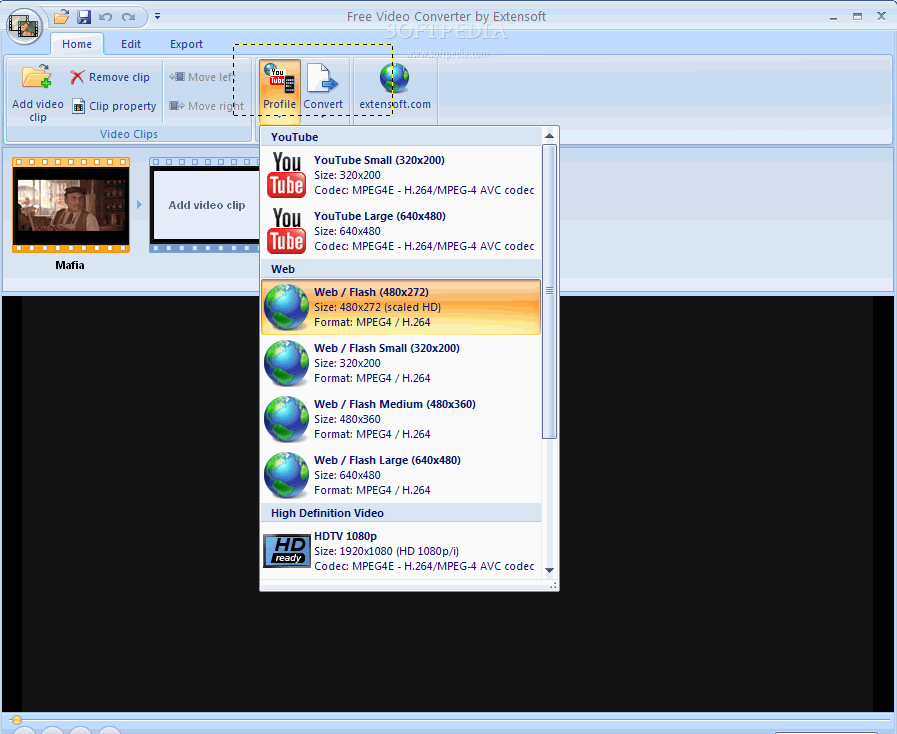
Free Video Converter is a tool that allows you to encode several video formats (e.g. AVI, FLV, MOV, MP4, MPG, RM, RMVB, WMV) to a few profiles (YouTube, web, high definition, iPod, iPhone).
The program comes with a user-friendly interface in which you can import media by using the file browser (the "drag and drop" method is not supported but batch processing is).
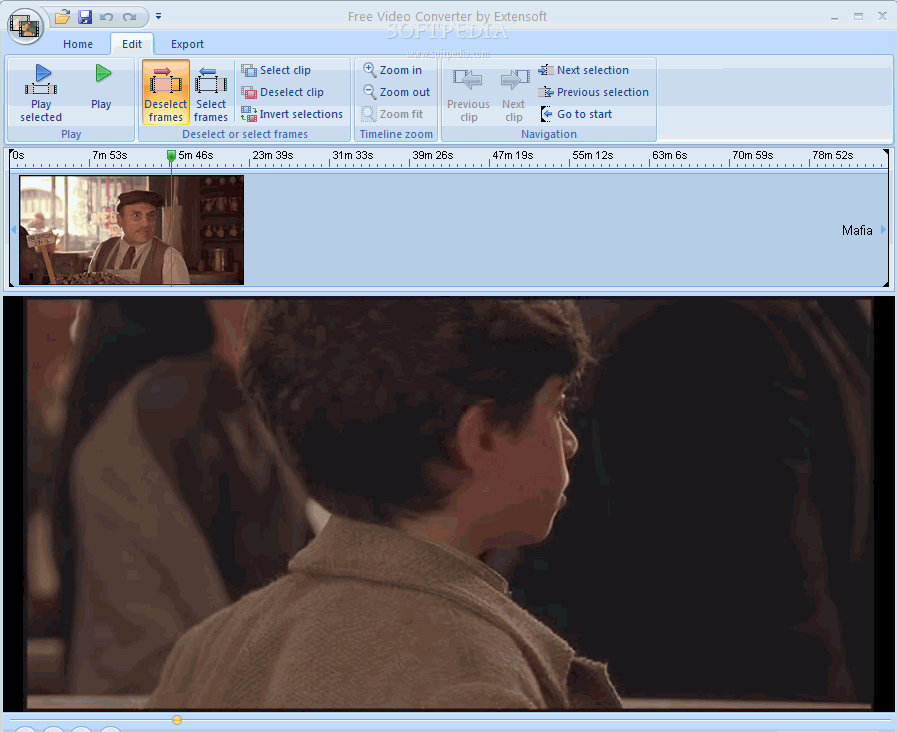
You can preview the clip, pause and stop it, as well as navigate back and forth within the stream.
You can view clip properties (file name, width, height, duration, frames per second), zoom in and out (in a video editor), select and deselect frames, invert selections, select a clip in the timeline, and more.
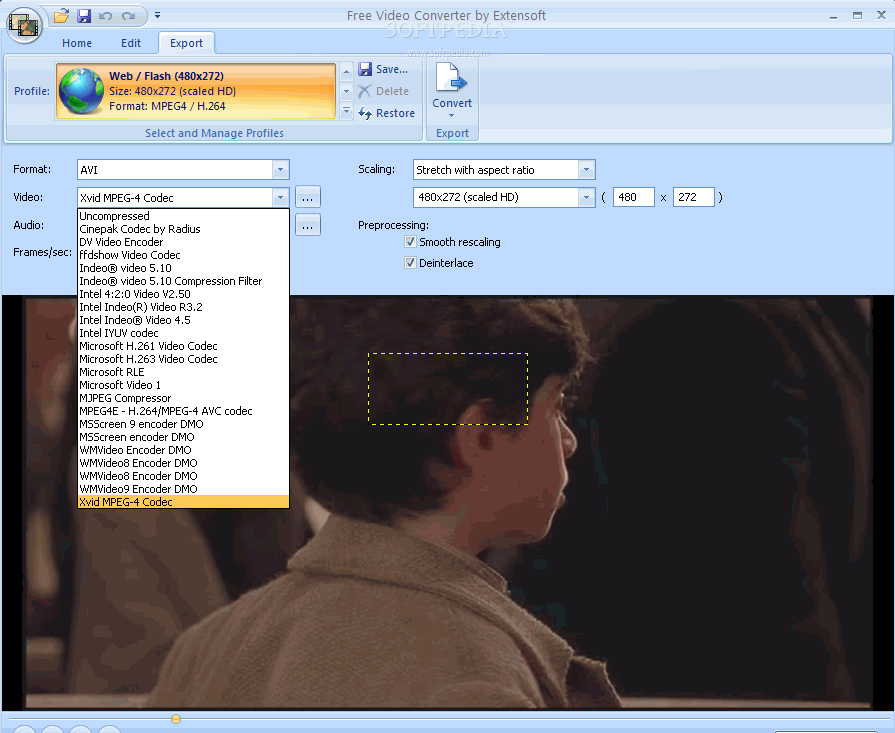
Once you have reached the "Export" tab, you can select the output format (AVI, WMV, MPEG), audio and video codecs, frames per second, scaling (e.g. letterbox, stretch, custom) and configure preprocessing (enable smooth rescaling and deinterlace).
You can save and load your own profiles and projects, change the interface language, use the "undo" and "redo" functions, minimize the ribbon, and more.
The program takes up a moderate-to-high quantity of system resources and doesn't include a help file, which is very important for rookies. A conversion task can take a long time to complete but the image and sound quality in the output files is very good.
However, Free Video Converter failed to properly display a FLV file during our tests and it requires third-party components (that you separately have to install) in order to fully function (in the case of MOV files, for example).
Also, the "Edit" tab is not very relevant to the overall functionality of the tool. Free Video Converter is a good program for encoding video files but other similar products are better organized.
Download Hubs
Free Video Converter is part of these download collections: FLV Joiner
Free Video Converter 1.0.1.4
 Softpedia Editor's Pick
add to watchlist
add to download basket
send us an update
REPORT
Softpedia Editor's Pick
add to watchlist
add to download basket
send us an update
REPORT
- runs on:
- Windows All
- file size:
- 23.3 MB
- filename:
- FreeVideoConverter.exe
- main category:
- Multimedia
- developer:
- visit homepage
Bitdefender Antivirus Free

Context Menu Manager

7-Zip

Windows Sandbox Launcher

ShareX

4k Video Downloader

IrfanView

Microsoft Teams

Zoom Client

calibre

- Microsoft Teams
- Zoom Client
- calibre
- Bitdefender Antivirus Free
- Context Menu Manager
- 7-Zip
- Windows Sandbox Launcher
- ShareX
- 4k Video Downloader
- IrfanView