
Turn to this application in order to convert videos between any of the following formats: AVI, QT (QuickTime) WMV, MPEG-1, MPEG-4, DIVX to AVI or WMV. #Video converter #Video encoder #Video compress #Converter #Convert #Conversion

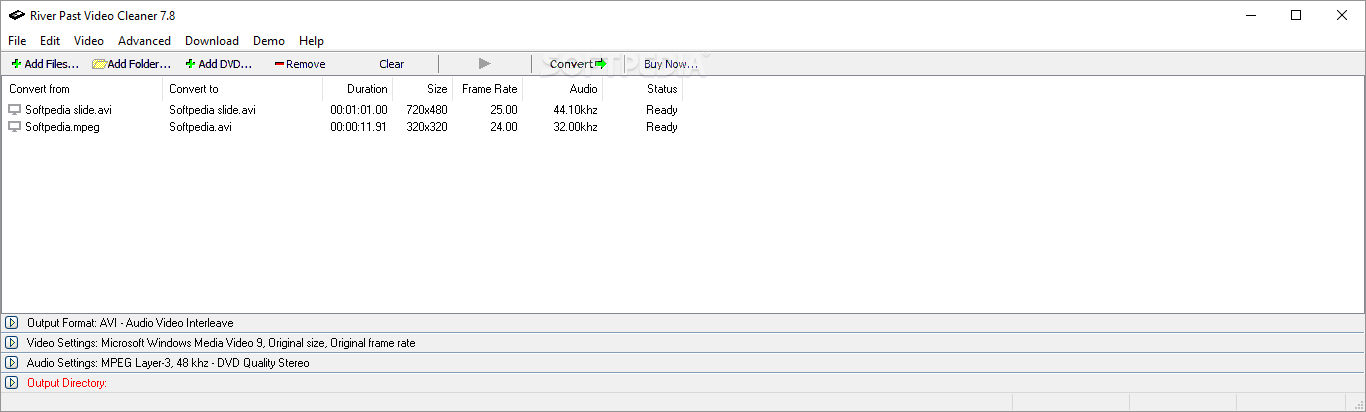
River Past Video Cleaner is a tool that can encode various video files, from 3GP, ASF, AVI, MKV, MOV and more to AVI, DV, MKV, WMV and other extensions.
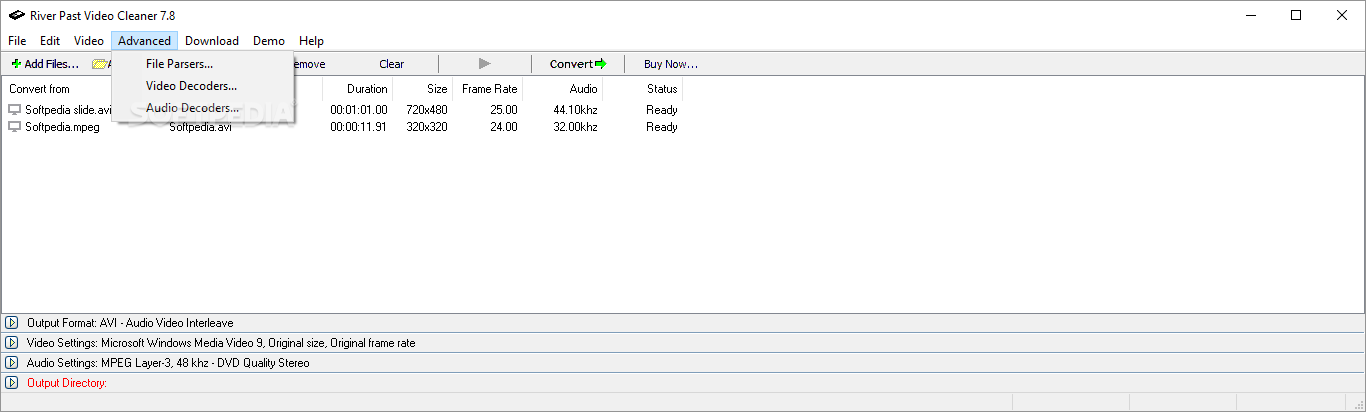
The user interface is simple and easy to use. Once you add a file (the 'drag and drop' method and batch conversion are supported), set its output format, destination and audio/video settings.
You can convert video without sound, select the video and audio compressor, sample rate, channel, bitrate, resolution and frame rate (original or custom), as well as adjust timecode and quality.
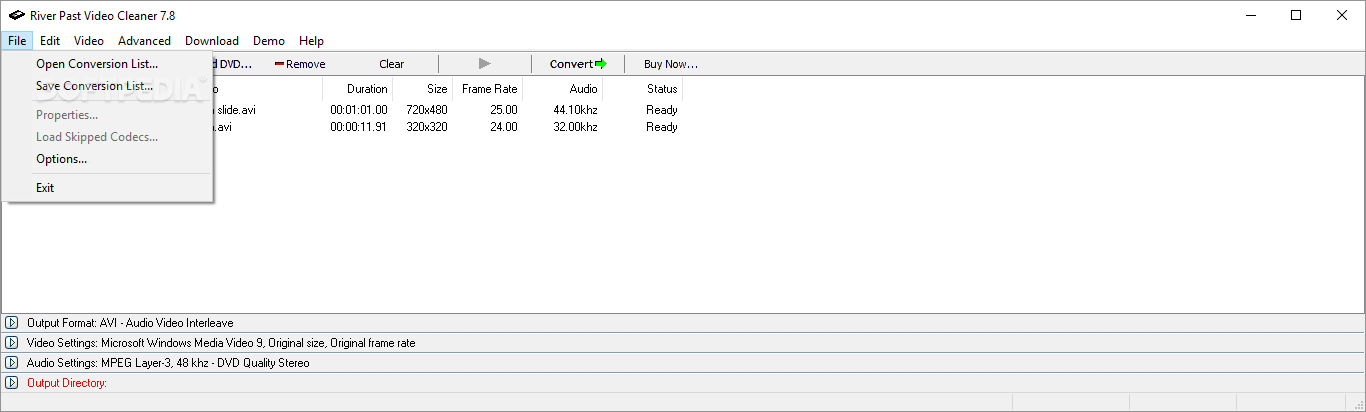
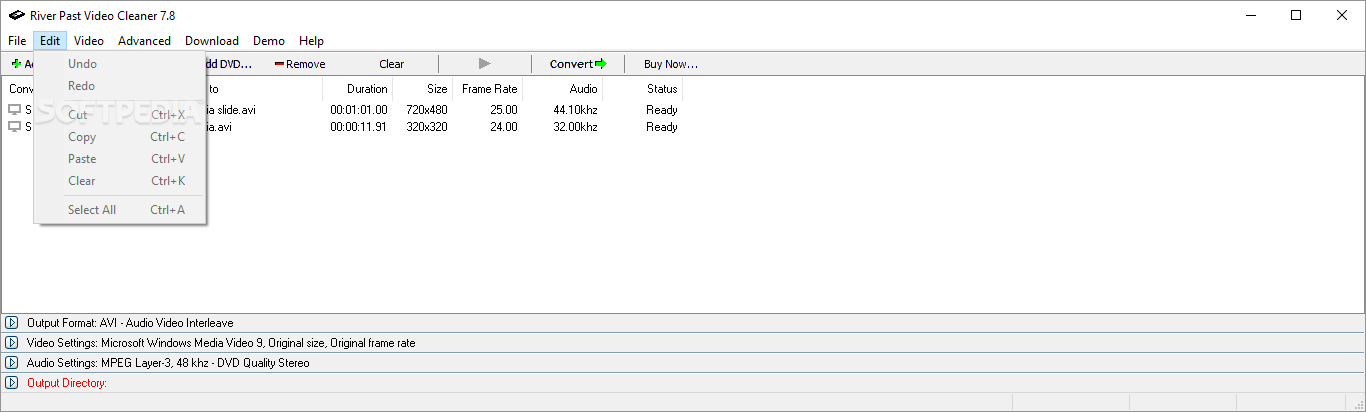
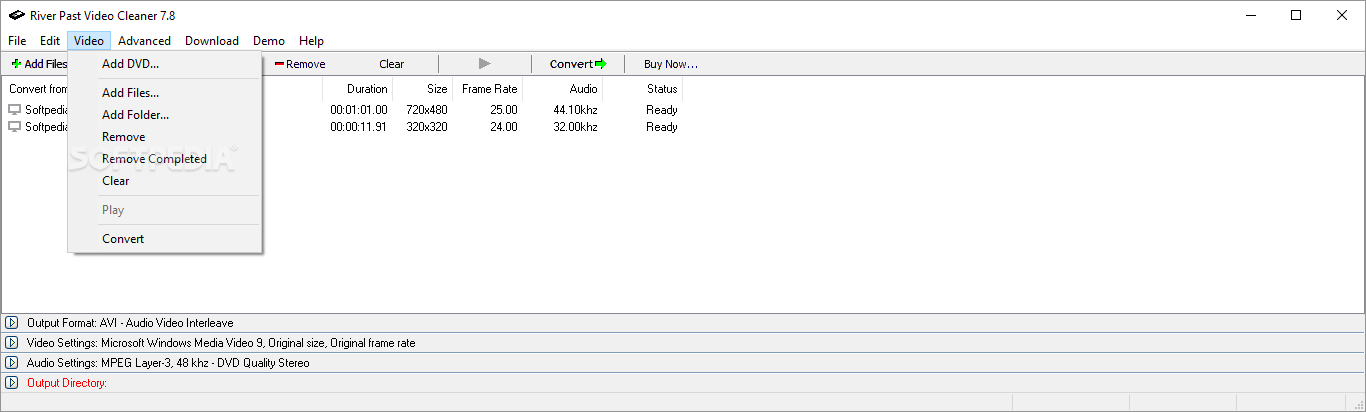
You can view the video from the interface in the default media player, initiate Explorer to verify the output files, select action to take if the file already exists, view properties for each file placed in the queue, establish file parsing components, as well as add or remove audio and video decoders.
A task doesn't take long time to complete and the application manages to keep a very good image and sound quality, while using a high amount of system resources. It also guides you to the developer's website from where you can install missing codecs, comes with guidelines and is easy to use by beginners.
All things considered, River Past Video Cleaner manages to put up a decent performance and provide a simple means of converting movies to and from various formats.
Download Hubs
River Past Video Cleaner is part of these download collections: Compress Video, Convert DivX, Edit DivX, Play DAT
River Past Video Cleaner 7.8.0.2128
add to watchlist add to download basket send us an update REPORT- runs on:
- Windows All
- file size:
- 8.4 MB
- filename:
- videocleaner_setup.exe
- main category:
- Multimedia
- developer:
4k Video Downloader

7-Zip

Zoom Client

Bitdefender Antivirus Free

Windows Sandbox Launcher

calibre

Context Menu Manager

IrfanView

ShareX

Microsoft Teams

- IrfanView
- ShareX
- Microsoft Teams
- 4k Video Downloader
- 7-Zip
- Zoom Client
- Bitdefender Antivirus Free
- Windows Sandbox Launcher
- calibre
- Context Menu Manager