|
|
|
Part of the Video Editors download hub (+17 others) |
|
|
User Rating: Rated by: |
Very Good (4.2/5) 611 user(s) |
|
|
|
|
Softpedia Editor's Review for SONY Vegas Pro
|
Combines real-time SD, DV and HDV video editing with unrivaled audio tools to provide the ultimate all-in-one environment
Written by Elena Opris on March 6th, 2012
When it comes to one's videos or upcoming presentations, no effort is too great to make them look nice – inexperienced and advanced users alike are willing to invest a lot of time to process their videos, even if this means that they first need to learn how to operate a rather complex software like SONY Vegas Pro.
In order to be able to use the unregistered version of SONY Vegas Pro, users have to register online and supply some personal information. Needless to say, Internet connection is a must to ensure successful activation.
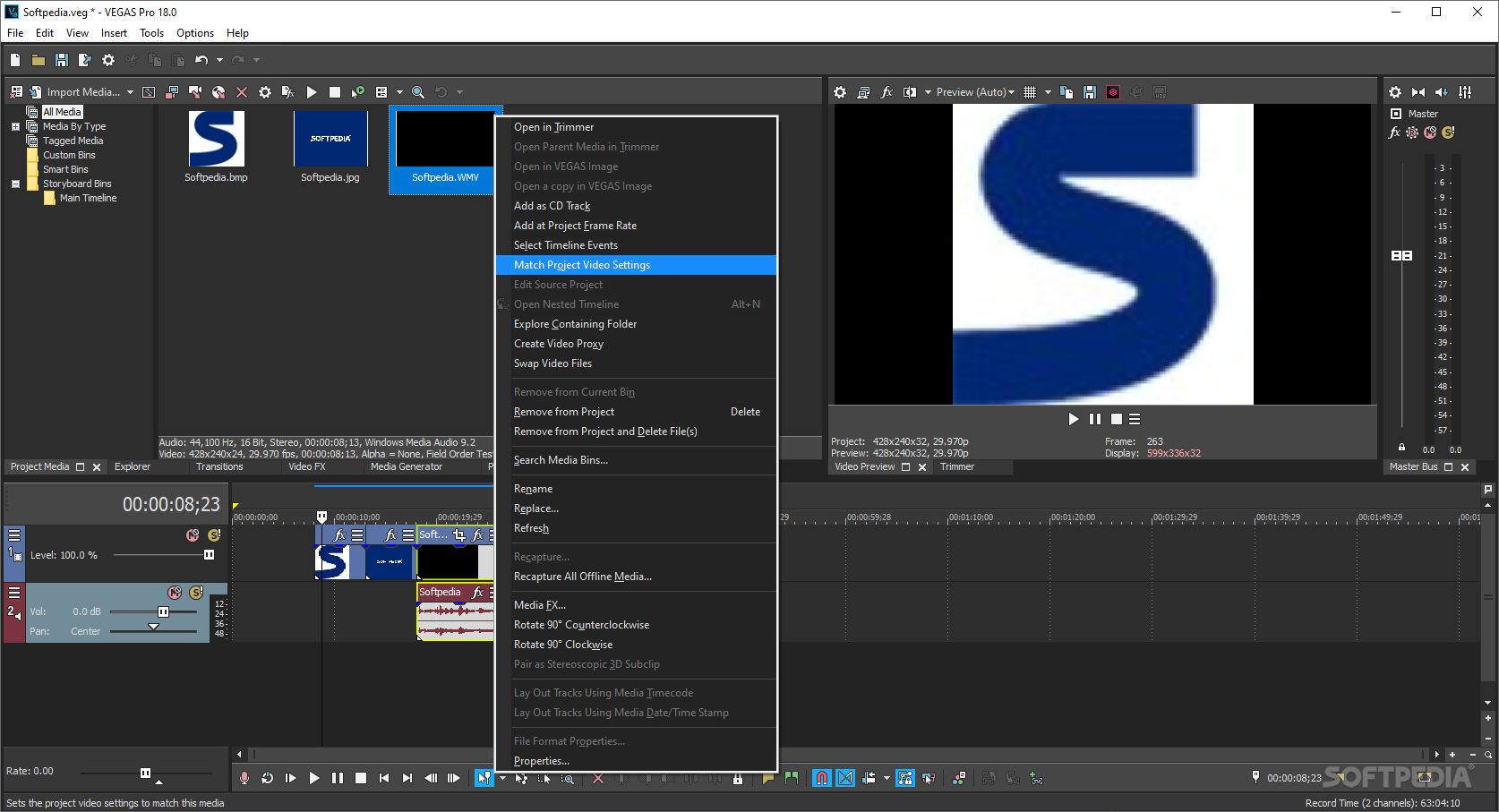
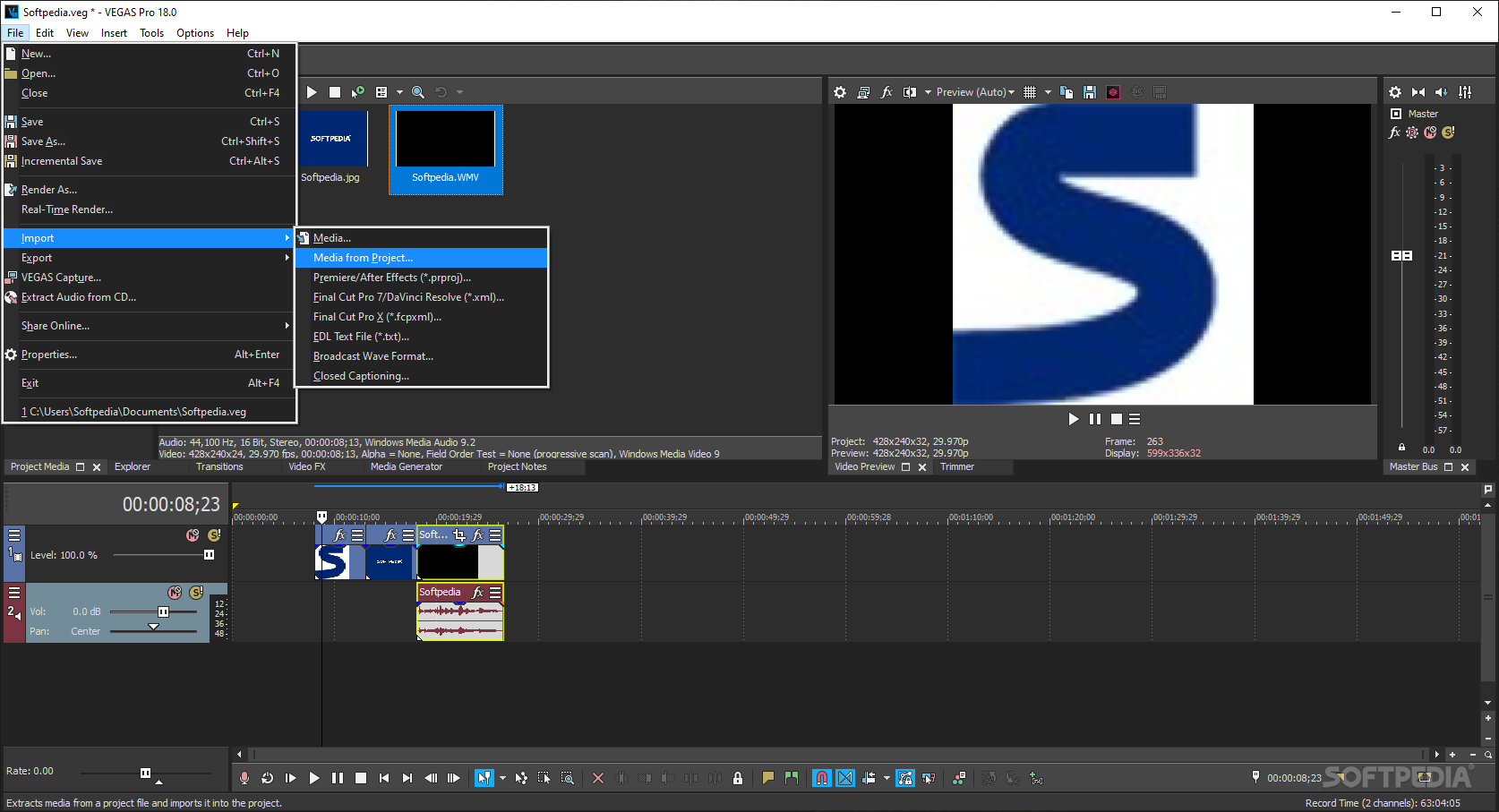
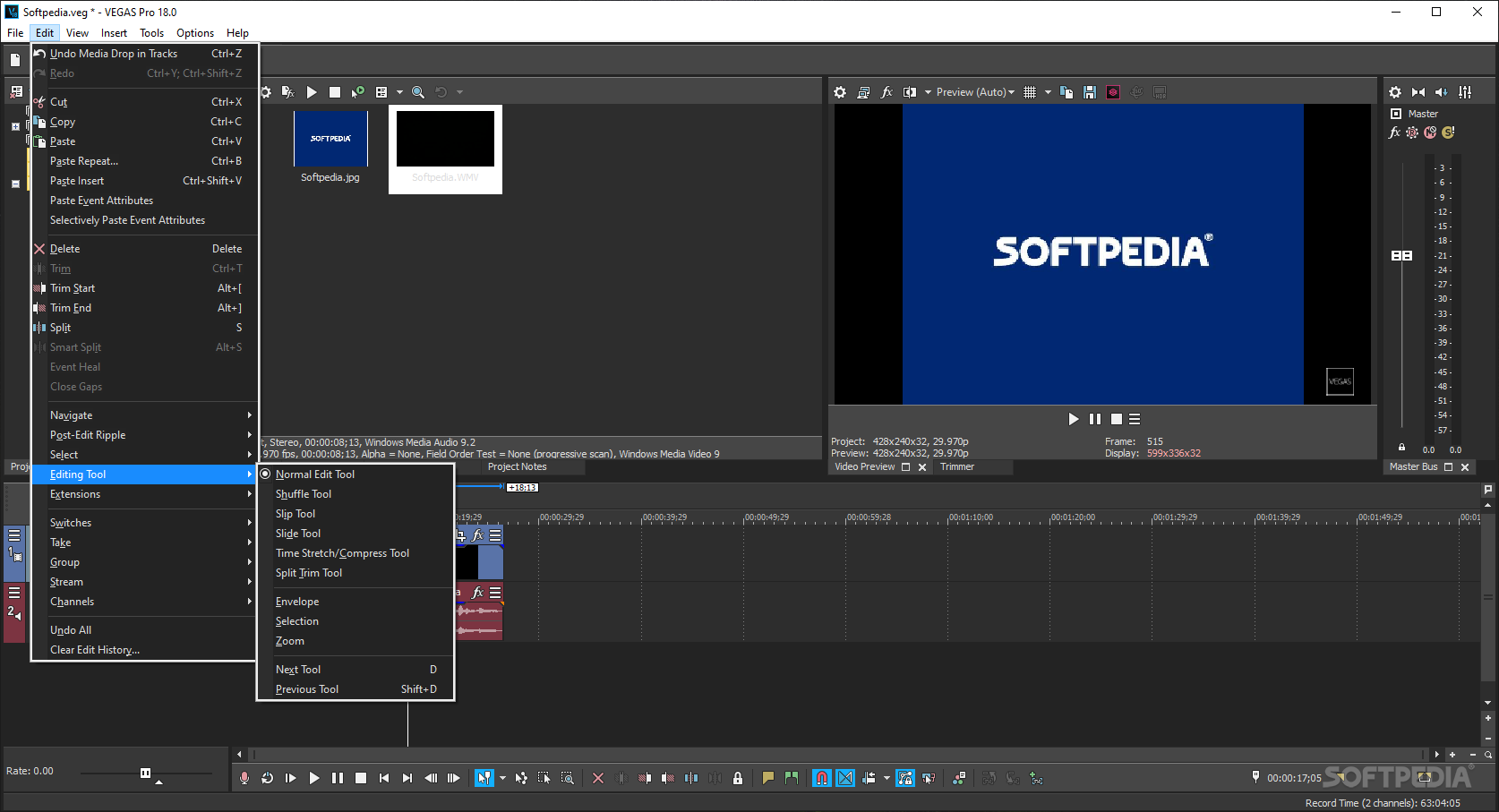
The main window of SONY Vegas Pro might seem a little overwhelming at first sight, as it displays a wide screen which is divided into smaller sections. The best way to get accustomed to all its functions is to take them one by one, and understand the role of each of them.
The right side of the main window is the place where videos can be previewed, allowing users to play then analyze each frame of the clip with the push of a button. Also, a video can be recorded on the spot, and easily integrated in the current project.
The timeline is another feature that takes up a large part of the screen, and it can be used to choose the audio background of a project, add transition effects, insert new video clips and arrange all the objects to obtain a smooth 3D presentation.
The beginners might also be interested in the video effects they can add to their clips, while the experts are bound to appreciate the adjustments they can bring to both audio and video tracks to fit their necessities precisely.
Once the video has been created, it can be shared online or uploaded to YouTube after the proper credentials have been specified.
Anyone who is interested in the multimedia field is welcome to try out SONY Vegas Pro. Although it was initially designed for professionals (e.g. web developers, 3D artists), the app also comes with a suite of interactive help provided by a vast and friendly community. All in all, SONY Vegas Pro is a pretty good tool for creating 3D home videos in high definition yet those who want to use it after the trial period ends need to purchase a license.
Read an in-depth analysis in our professional review for SONY Vegas Pro
|
SONY Vegas Pro description
|
Here are some key features of "SONY Vegas Pro":
Precise editing tools:
· Edit SD, HD, or 3D video with drag-and-drop functionality, extensive editing tools, and incomparable video effects. Features include stereoscopic 3D support, multicamera editing, 32-bit floating-point video processing, video stabilization, customizable window layouts, HDV/ AVCHD/ RED/ SDI/ XDCAM/ HDCAM SR support, and A/V synchronization detection and repair.
GPU Accelerated Performance:
· Working with OpenCL supported devices from AMD and NVIDIA, Vegas Pro leverages GPU acceleration for video FX, transitions, compositing, pan/crop, track motion and encoding, providing a significantly faster workflow. The addition of GPU acceleration streamlines the video editing experience in Vegas Pro by providing playback performance gains and faster rendering times, ideal for industry professionals who work on tight deadlines where every second counts.
Stereoscopic 3D editing:
· Create breathtaking stereoscopic 3D projects with the same ease and agility as the Vegas Pro 2D workflow. Vegas Pro provides the ability to easily import, adjust, edit, preview, and output stereoscopic 3D media — all using industry-standard professional delivery formats including single or dual files with side-by-side, top/bottom, or line-alternate encoding. Anaglyphic monitoring and output are also supported.
NewBlue Titler Pro:
· Create 3D titles with Titler Pro, an exceptional new titler from NewBlueFX. Titler Pro enables users to add animations, professional-style templates, and effects to their titles. Work in real-time with GPU-accelerated effects and transitions and easily move text on the X, Y, and Z axes, all within the Vegas Pro 11 workspace. Titler Pro is the perfect addition to the stereoscopic 3D toolset.
Superior audio control:
· Access unlimited audio tracks, 24-bit/192 kHz audio, punch-in recording, 5.1 surround mixing, effects automation, and time compress/expand, while applying customizable, real-time audio effects like EQ, Reverb, Delay, and more. Expand your audio processing and mixing options with supported third-party VST audio plug-ins. Use the Mixing Console for precise audio control.
Powerful Blu-ray Disc authoring:
· Burn movies to Blu-ray Disc directly from the Vegas Pro timeline for high-definition delivery. Use DVD Architect Pro software (included with the Vegas Pro collection) to author DVDs or Blu-ray Discs with subtitles, multiple languages, and numerous playback menus. Preview and test your work in real time. Apply Brightness and Contrast, Crop, and Anti-Flicker filters. Add high-quality preset backgrounds and themes to add life to any project. Set CSS and Macrovision copy-protection flags for masters.
Professional 32- and 64-bit workflow:
· The Vegas Pro interface provides a fully customizable workspace for accomplishing a wide range of production requirements. Dock multiple windows across multiple monitors and save your layouts to fit specific editing tasks. Nest Vegas Pro projects within the timeline, customize and save keyboard commands, and use application scripting to automate repetitive tasks.
Broad format support:
· Vegas Pro software natively supports the newest professional camcorder formats including XDCAM, NXCAM, AVCHD, and RED. Vegas Pro software also includes support for still images greater than one gigapixel in resolution. Use the Pan and Scan tools to create stunning movie sequences from these large pictures while maintaining beautiful HD resolution.
Requirements:
· 2 GHz processor (multicore or multiprocessor CPU recommended for HD or stereoscopic 3D)
· 500 MB hard-disk space for program installation
· 2 GB RAM (4 GB recommended)
· OHCI-compatible IEEE-1394DV card (for DV and HDV capture and print-to-tape)
· USB 2.0 connection (for importing from AVCHD, XDCAM EX, NXCAM, or DVD camcorders)
· Windows-compatible sound card
· DVD-ROM drive (for installation from a DVD only)
· Supported CD-recordable drive (for CD burning only)
· Supported DVD-R/-RW/+R/+RW (for DVD burning only)
· Supported BD-R/-RE drive (for Blu-ray Disc burning only)
· Microsoft .NET Framework 3.5 SP1 (included on application disc)
· Apple QuickTime 7.1.6 or later for reading and writing QuickTime files
· Internet Connection (for Gracenote MusicID Service)
· Supported NVIDIA or ATI cards for GPU-acceleration
Limitations:
· 30 days trial
· Nag screen What's New in This Release: [ read full changelog ]
· Added support for rendering 24p AVC-Intra 100 Panasonic P2 video to a folder on your computer or to a connected P2 camera..
· Improved performance for decoding XAVC 4K video from Sony F5/F55 cameras.
· Added support for exporting event timestretching as velocity when exporting to Final Cut Pro X format.
· Added support for exporting event pan and crop settings as motion when exporting to Final Cut Pro X format. Please note that event zooming, cropping, and scaling are exported as separate operations.
· To export event zoom, the Event Pan/Crop Maintain aspect ratio control must be set to No, and Stretch to fill frame must be set to Yes.
· To export event crop, the Event Pan/Crop Stretch to fill frame control must be set to No.
· To export event rotation, the Event Pan/Crop Stretch to fill frame control must be set to Yes.
· Added support for importing event pan and crop settings when importing a Final Cut Pro X format.
· Timecode for MOV files is now read properly and displayed in Vegas Pro media pro...
|
|
 | |  | | Softpedia guarantees that SONY Vegas Pro 11.0 Build 700 32-bit / 12.0 Build 563 64-bit is 100% CLEAN, which means it does not contain any form of malware, including spyware, viruses, trojans and backdoors. [read more >] |
|