
Increase the resolution of your videos without damaging their quality using various VirtualDub filters with the help of this reliable software utility. #Enhance video #Resolution enhancer #Improve resolution #Resolution #Improve #Enhance

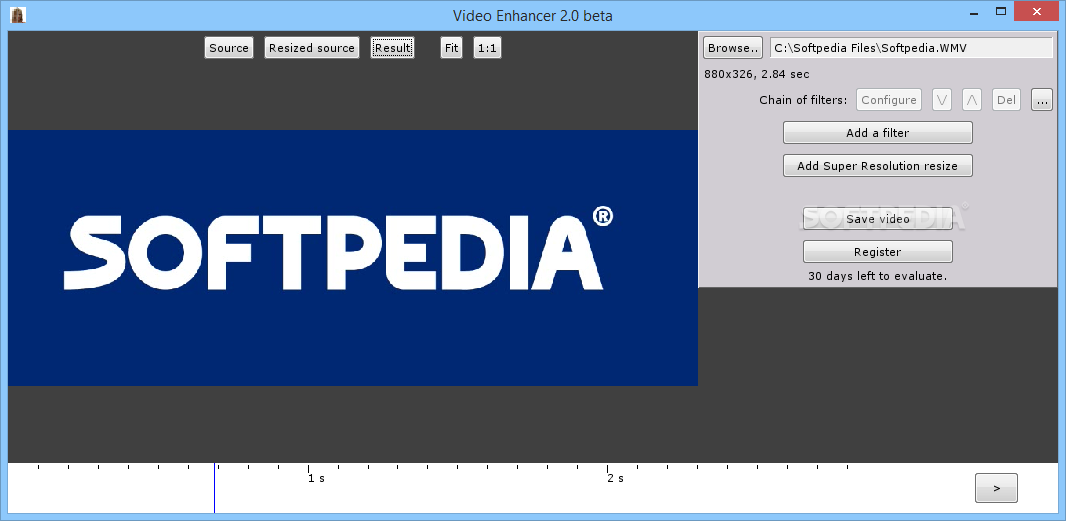
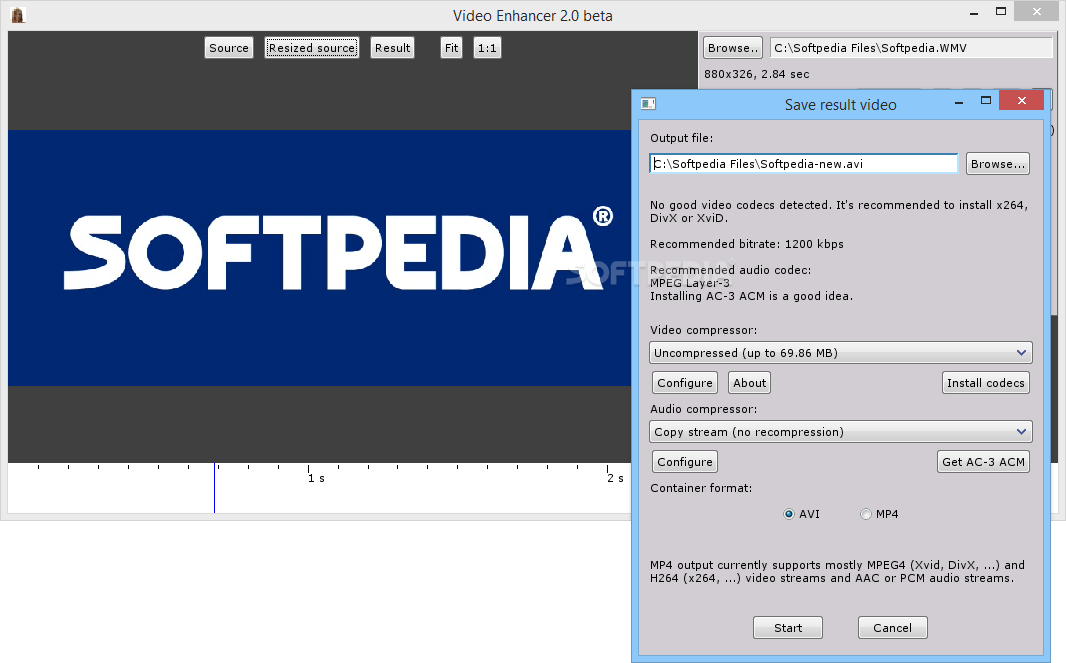
Video Enhancer is a reliable utility that can help you increase resolution of your video files while trying to preserve the quality of the original clip as much as possible.
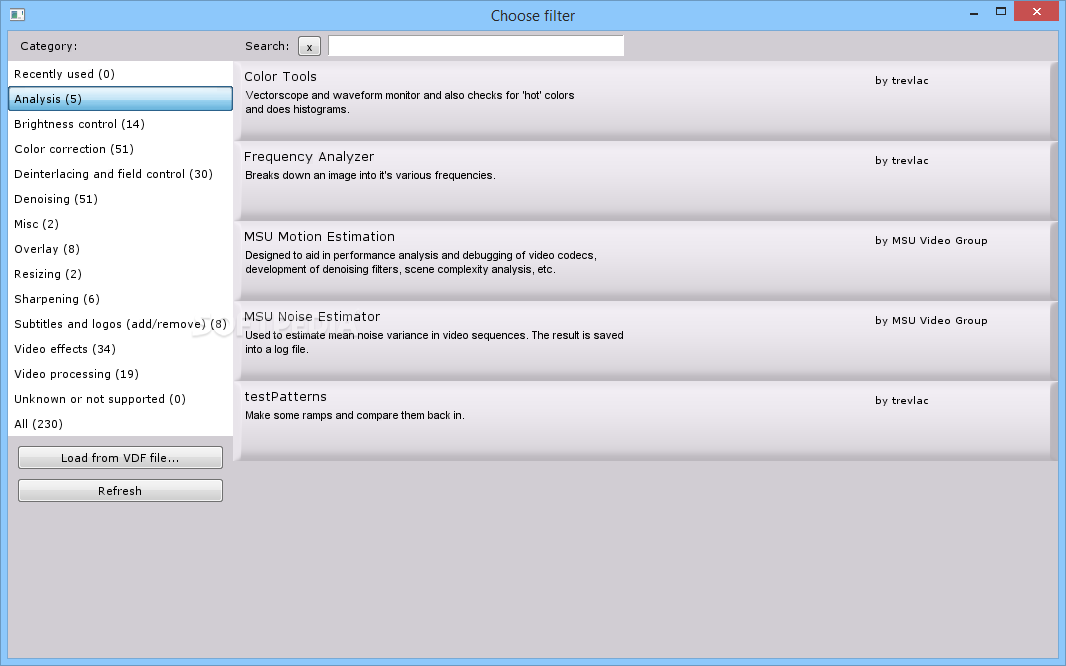
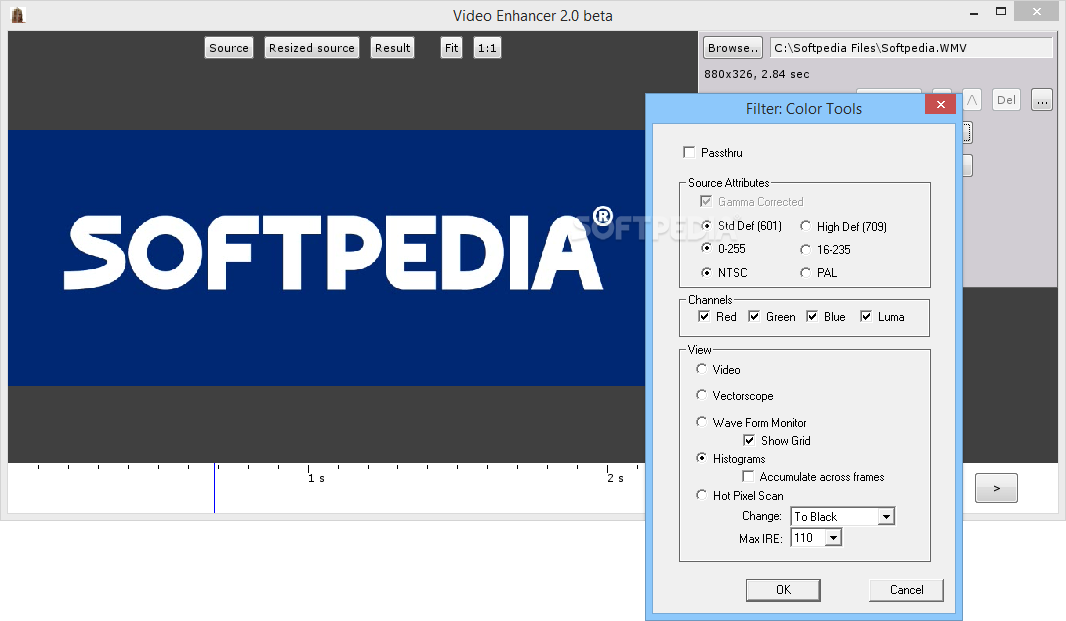
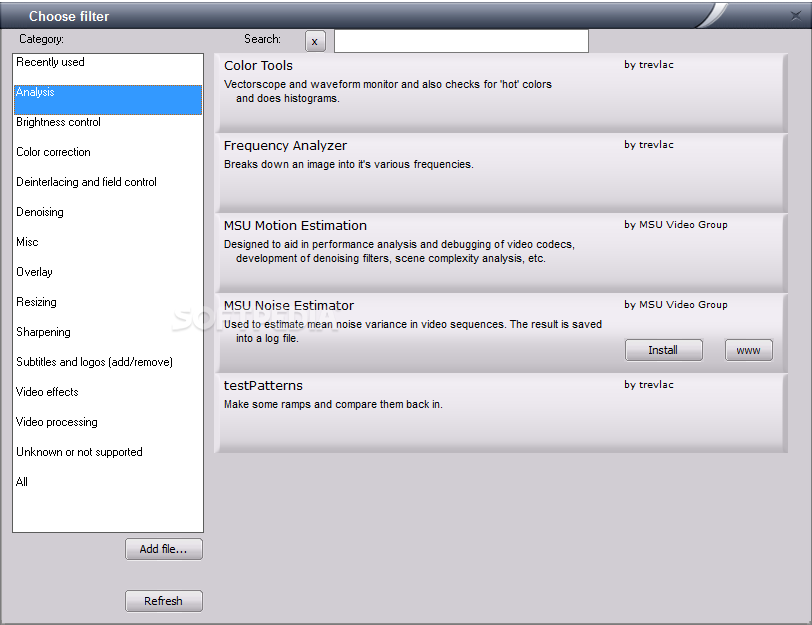
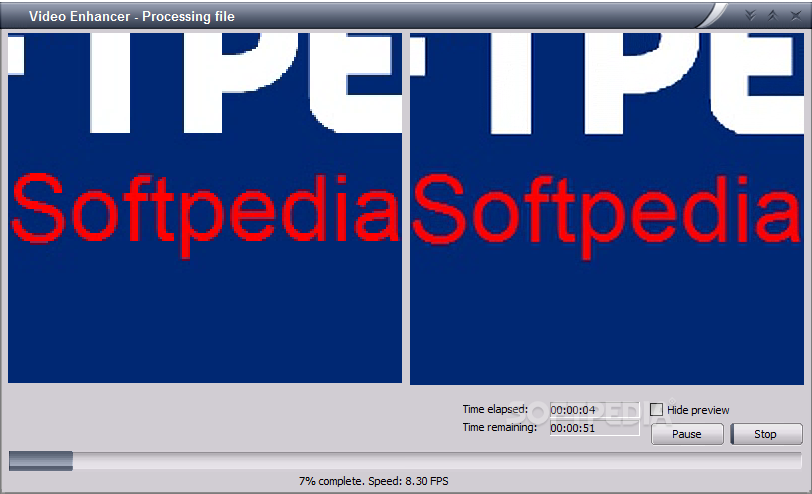
With the help of VirtualDub filters, Video Enhancer tries to apply multiple adjustments to the new video, including brightness control, noise removal and color correction. It can recompress the processed video with a codec selected by the users, via a very simple and intuitive interface.
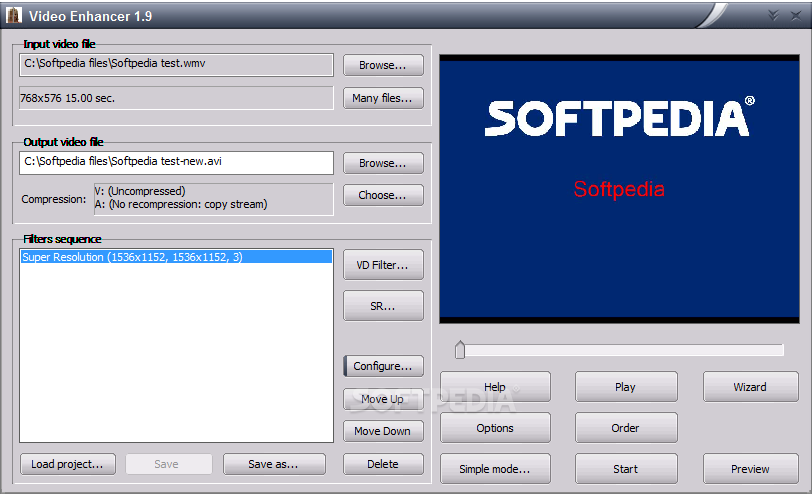
Speaking of its appearance, Video Enhancer sports a minimal look, with a few options displayed in the main window, making itself accessible to beginners as well.
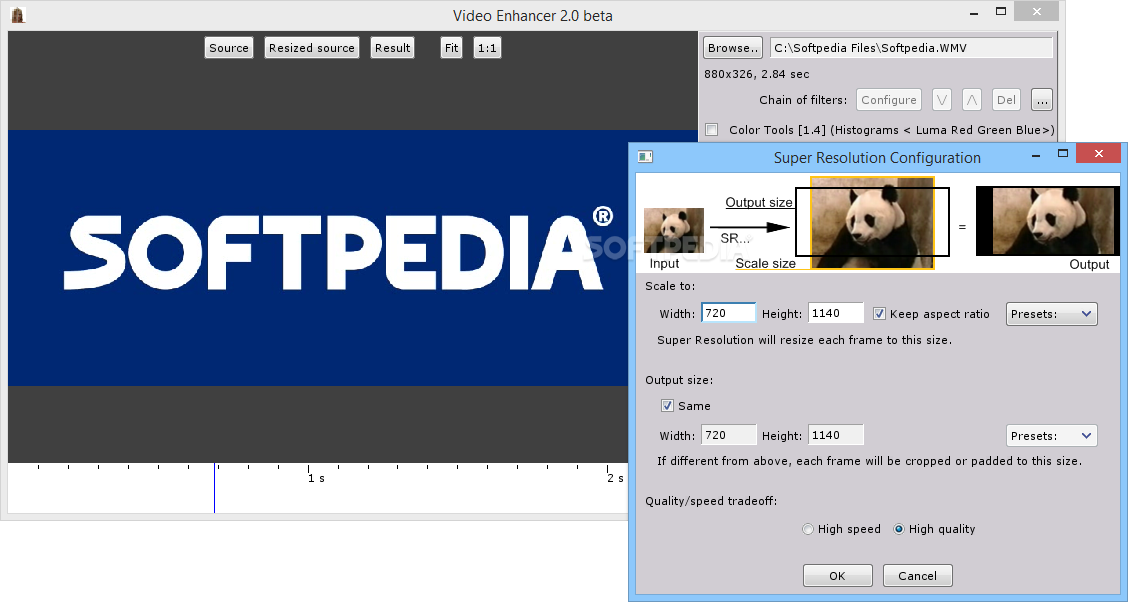
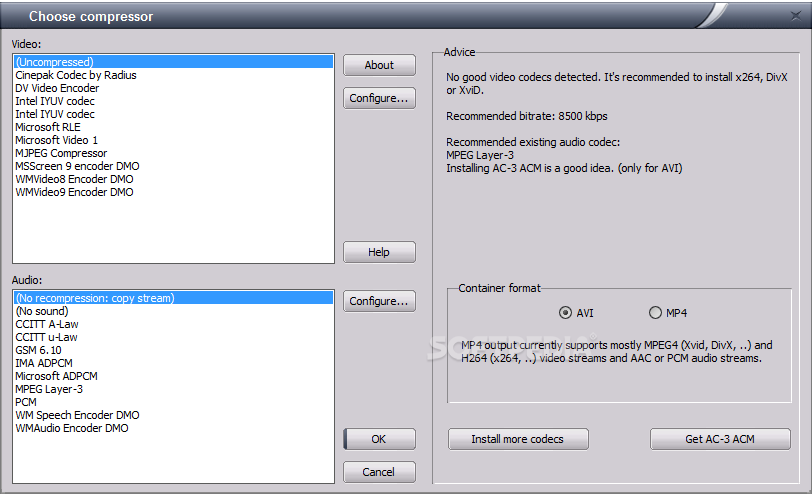
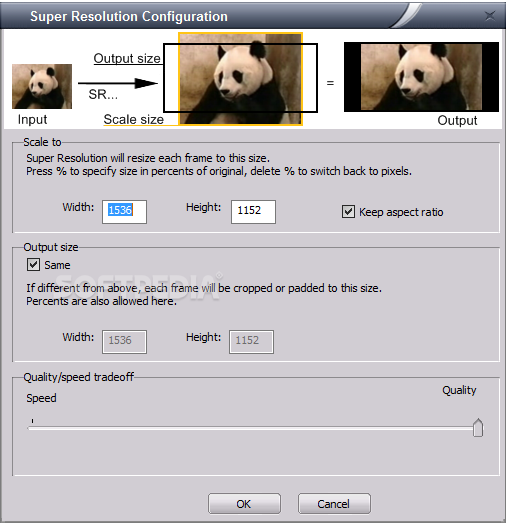
Besides choosing the path to the source file, the user is also required to pick the so-called “Super Resolution work mode”, which can be focused either on speed or on quality. They have to select the output video file, but also the frame size and the compression ratio.
If you need assistance throughout this process, it's better to use the built-in wizard and thus let Video Enhancer lend you a hand. All you need is to answer a few questions regarding the original video and let the app know if it’s interlaced or if there's too much noise.
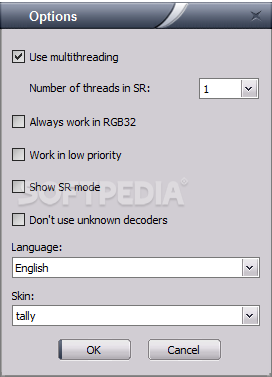
The “Options” menu allows you to enable multithreading, configure the app to work with a low priority and choose one of the built-in skins for the program.
Video Enhancer seriously stresses up the machine while processing a new video. While it manages to change resolution of any clip, there's still too much noise, so it's probably a good idea to concentrate on the configuration process as much as possible.
Overall, Video Enhancer is a handy that supports batch video conversion. With a proper configuration process, it could really do an amazing job.
What's new in Video Enhancer 2.2.0:
- Version 2.2.0: fixed some issues causing processing to stop at 99% and never finish. Other minor fixes and improvements.
Video Enhancer 2.2.0
add to watchlist add to download basket send us an update REPORT- runs on:
-
Windows 10
Windows 2003
Windows 8
Windows 7
Windows Vista
Windows XP - file size:
- 6.9 MB
- main category:
- Multimedia
- developer:
- visit homepage
IrfanView

7-Zip

ShareX

Bitdefender Antivirus Free

calibre

Microsoft Teams

4k Video Downloader

Context Menu Manager

Windows Sandbox Launcher

Zoom Client

- Context Menu Manager
- Windows Sandbox Launcher
- Zoom Client
- IrfanView
- 7-Zip
- ShareX
- Bitdefender Antivirus Free
- calibre
- Microsoft Teams
- 4k Video Downloader
