
Edit videos, sound, animated images, and other video recordings, add and edit video subtitles, merge or split video recording, make minimal color corrections, and more, with a lightweight video editor. #Video editor #Edit video #AVI editor #Editor #Player #Transition
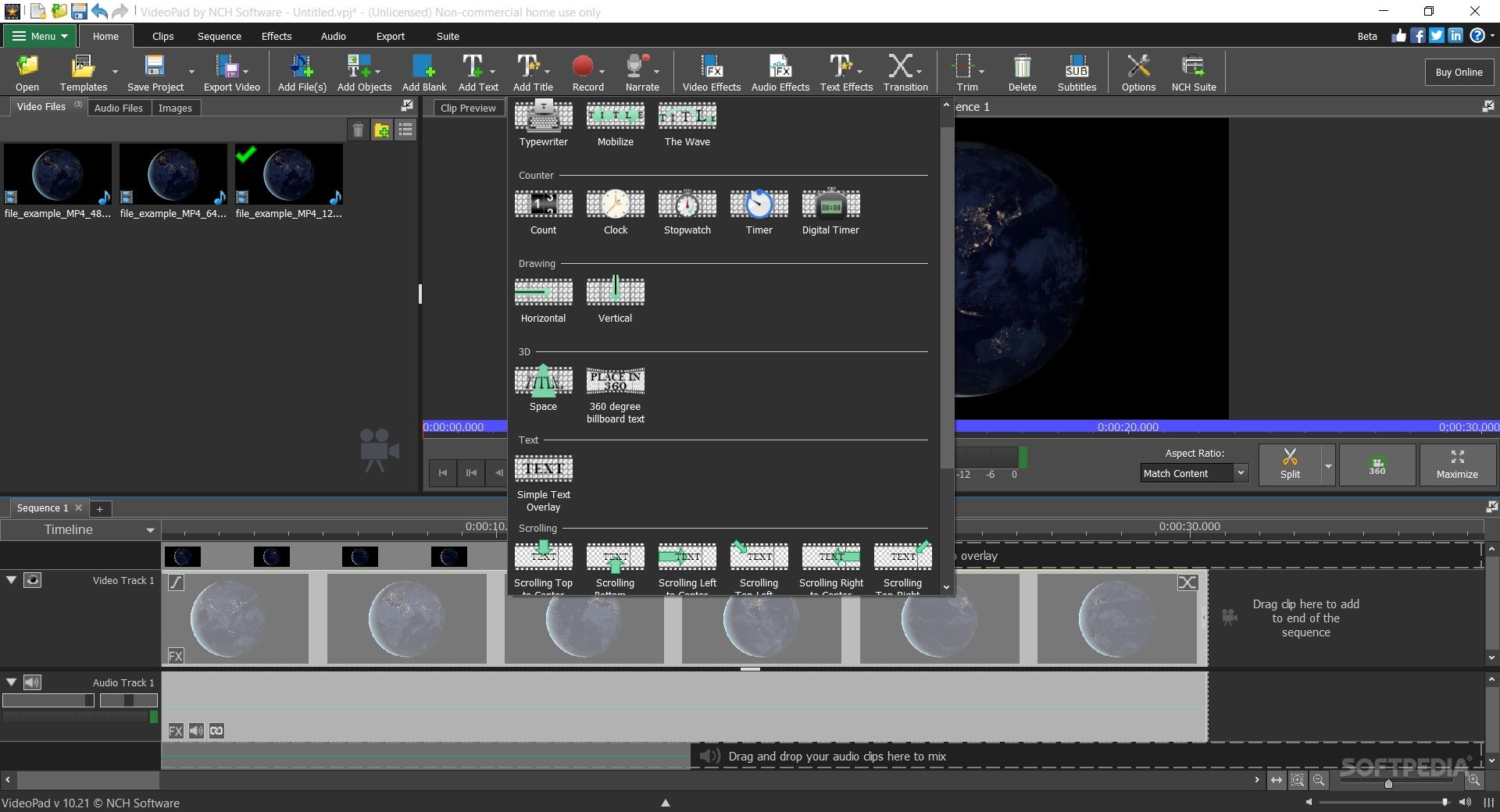
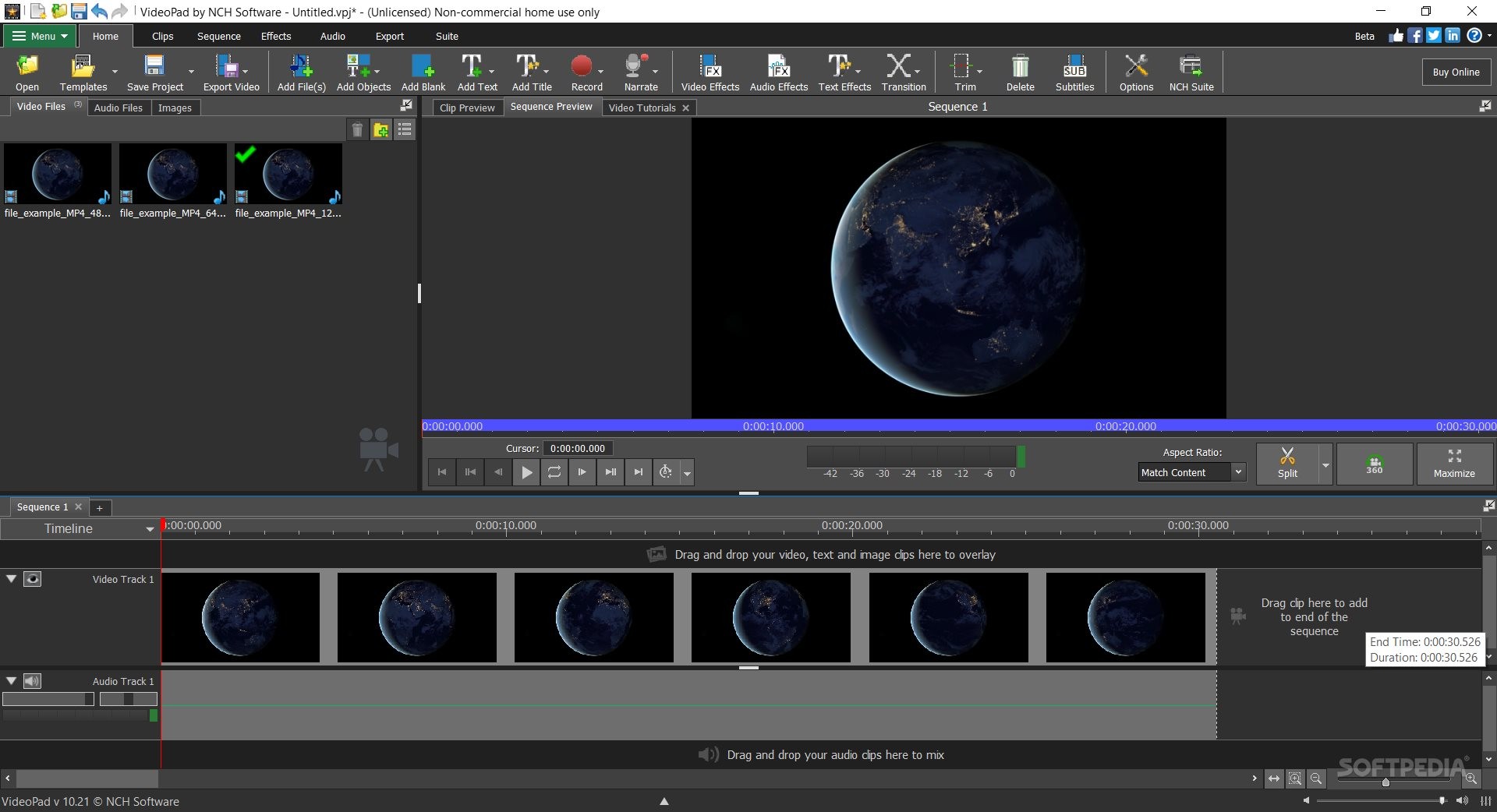
VideoPad Video Editor is an affordable solution for users who want to perform basic to intermediate-level video changes and edits.
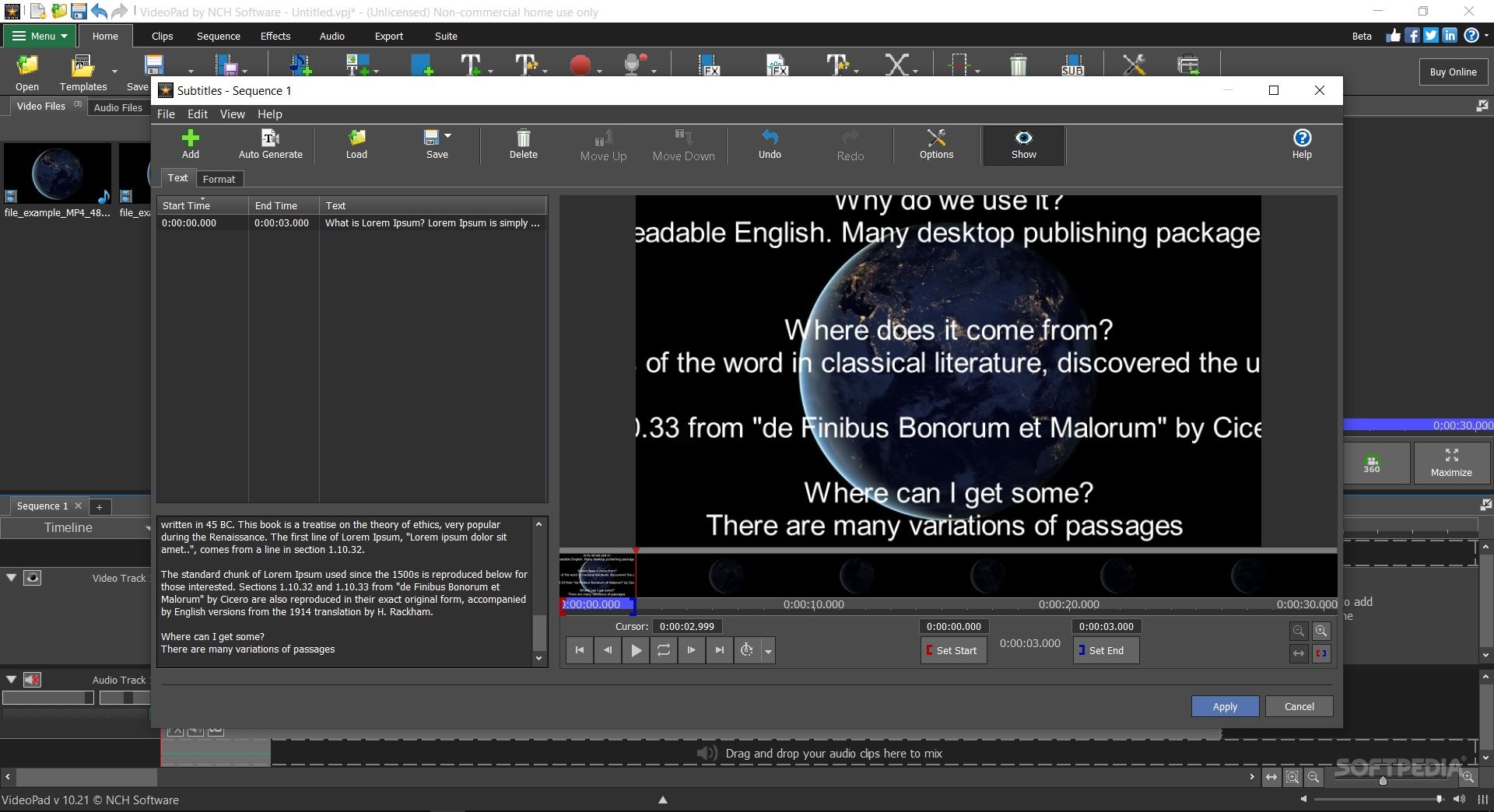
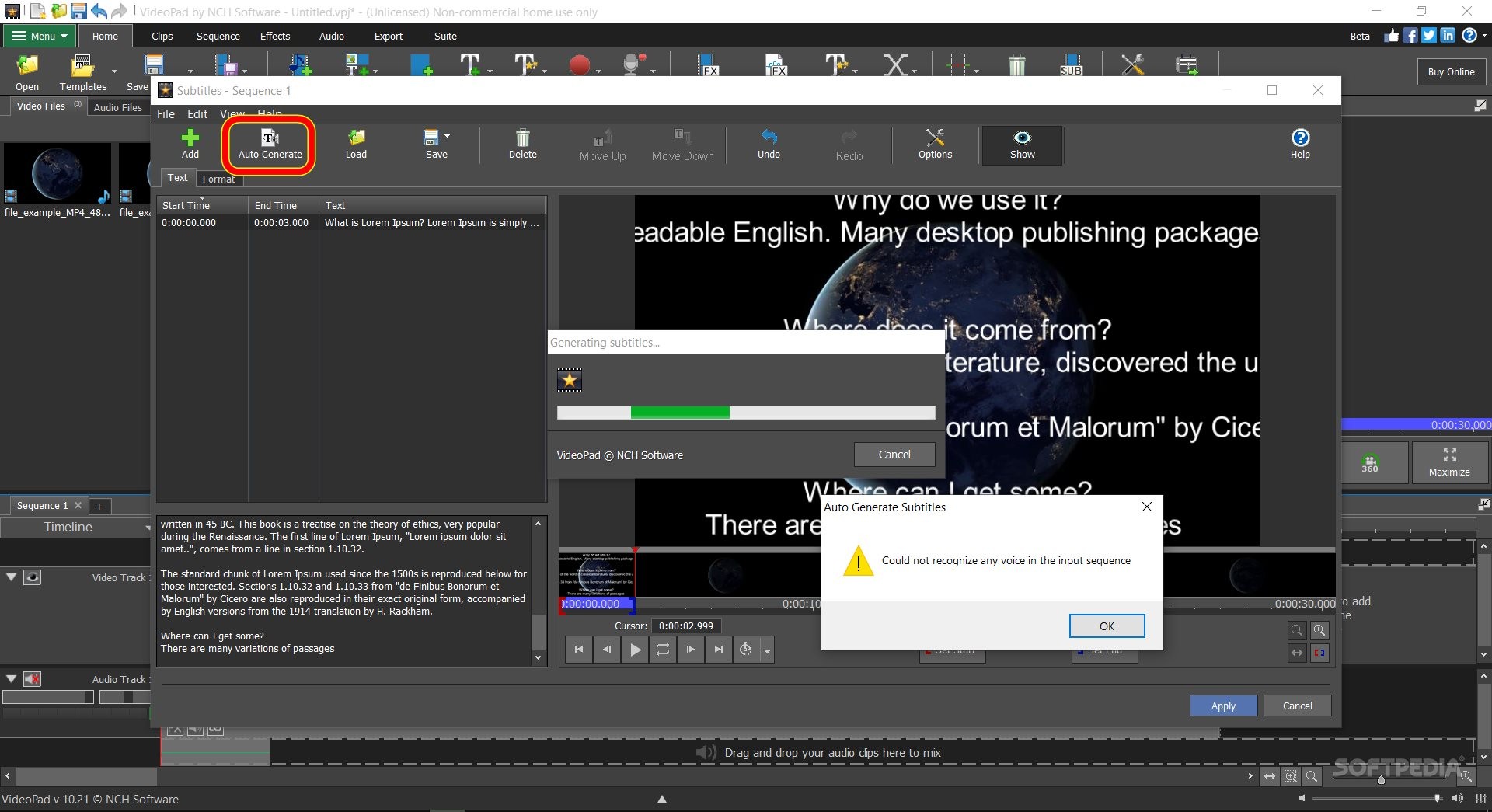
It is getting increasingly difficult to get started with a program, nowadays. Software becomes more and more sophisticated, and the product adoption time frame rapidly increases. For example, if you are in need of adding subtitles to a video, synchronizing text to video frames, and applying a basic color correction filter, when asking for the best program/solution, you are surely going to hear big names. But the thing is, you don't need to install DaVinci for color corrections nor After Effects for video compositing (unless you are an actual pro). For most people and most day-to-day needs, a simple program will just do the job.
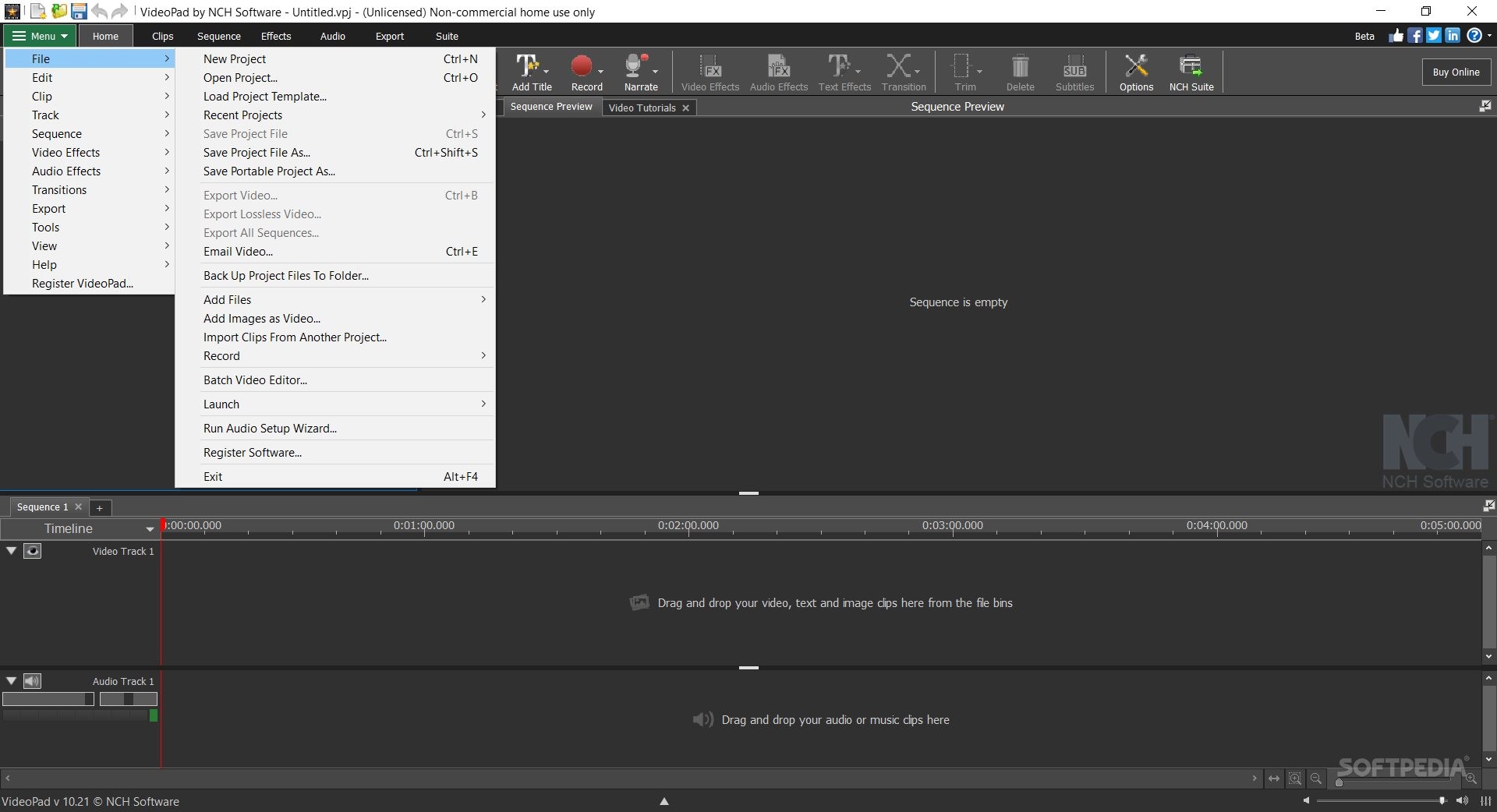
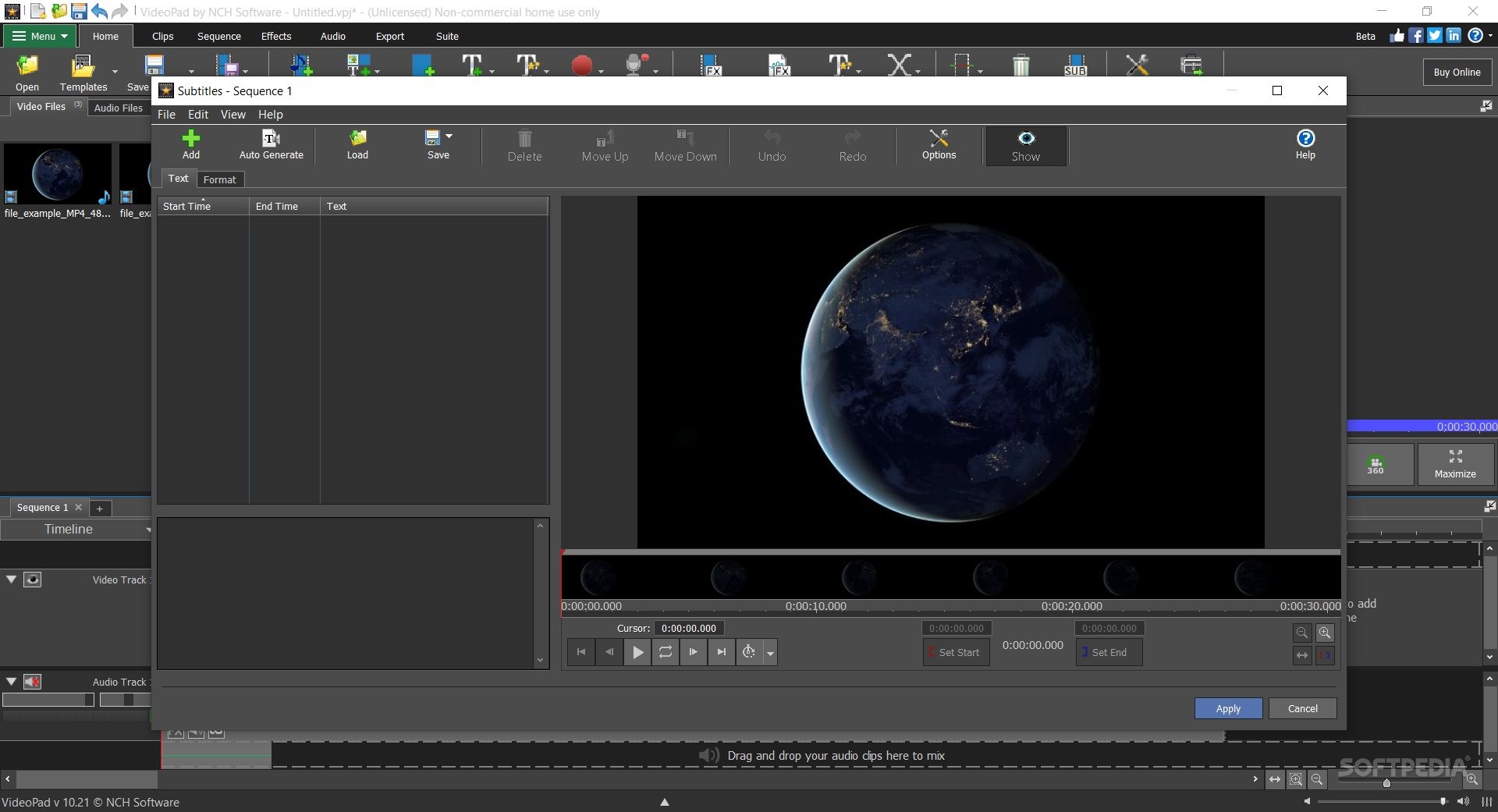
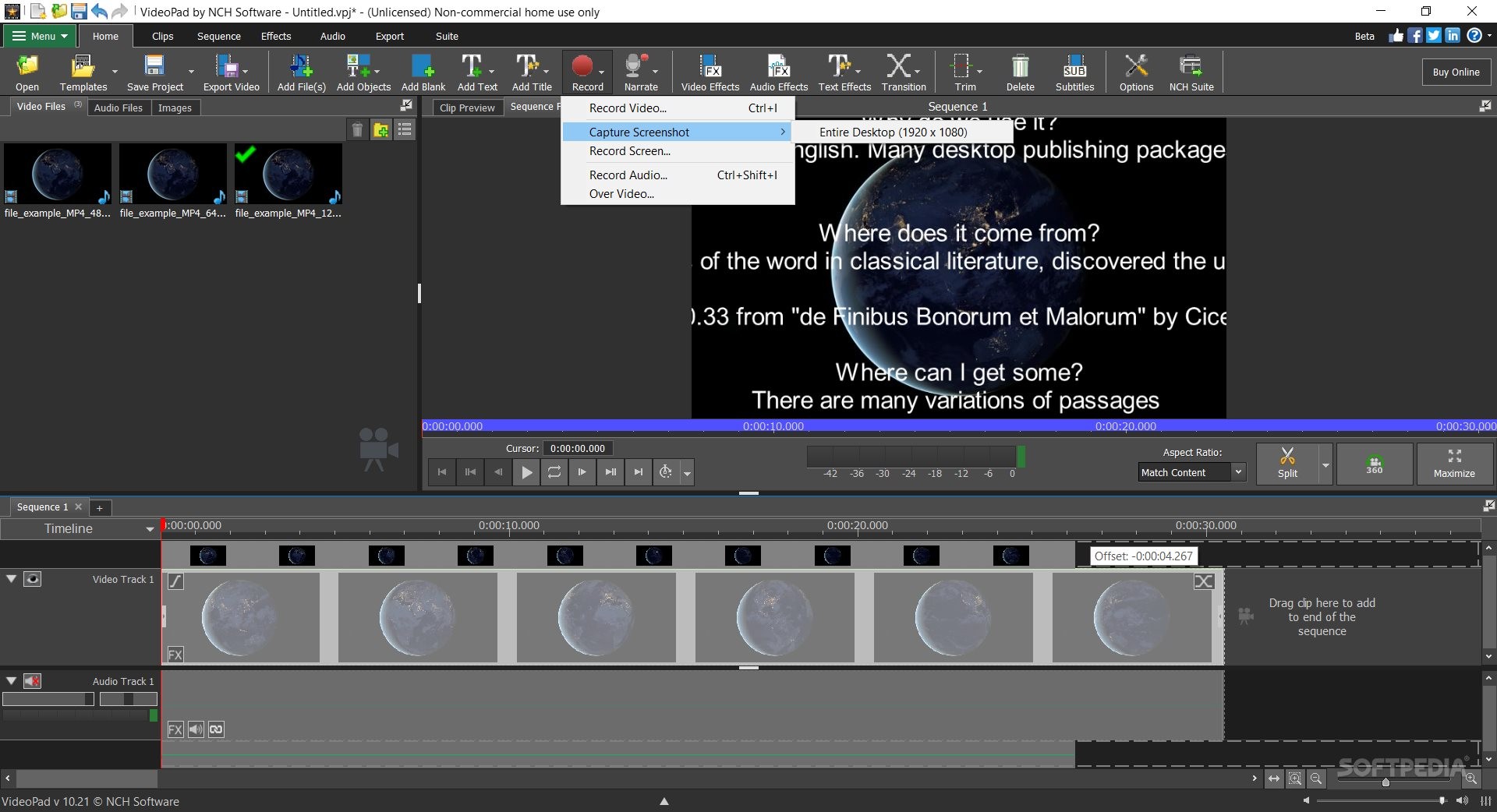
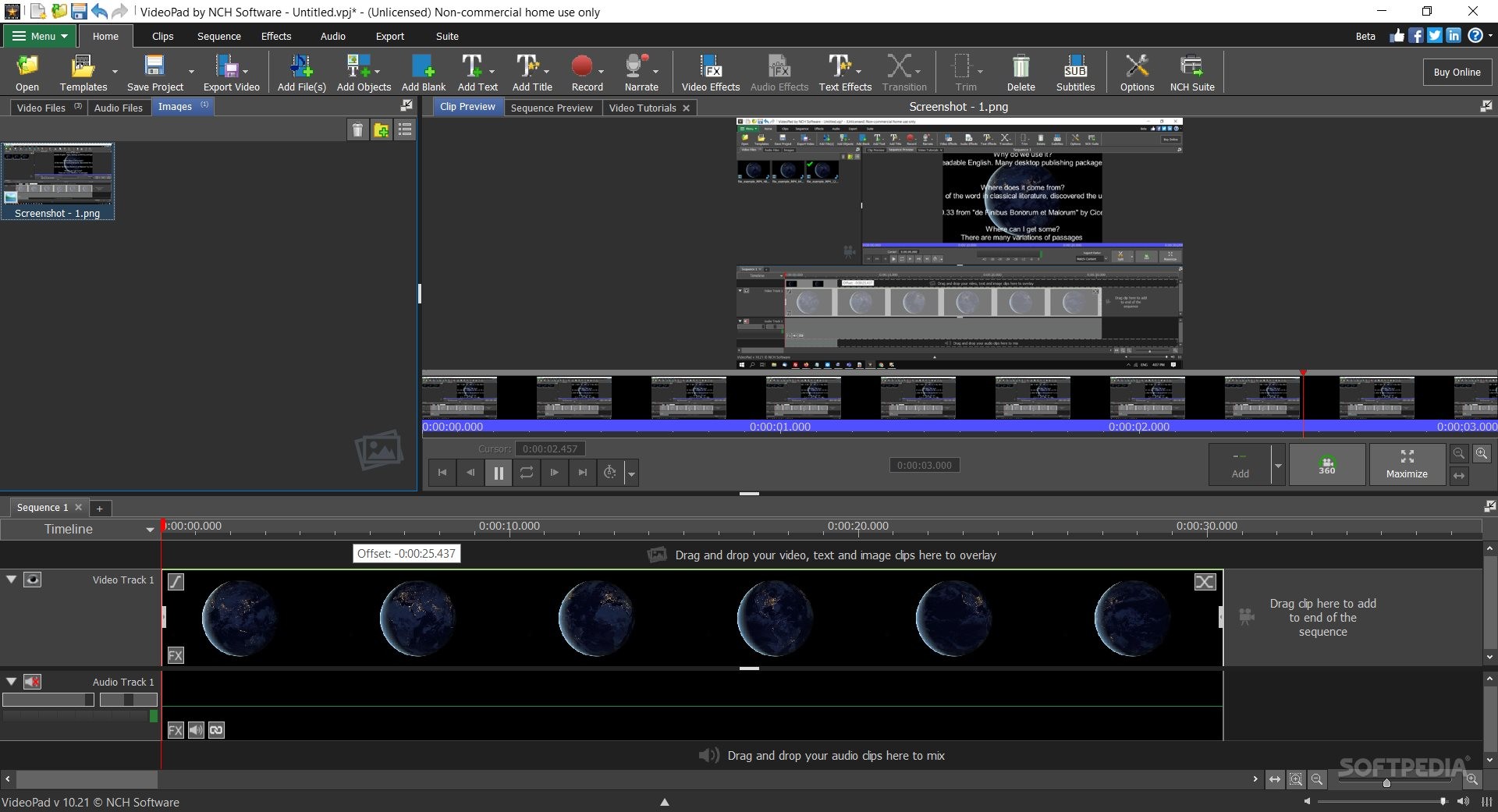
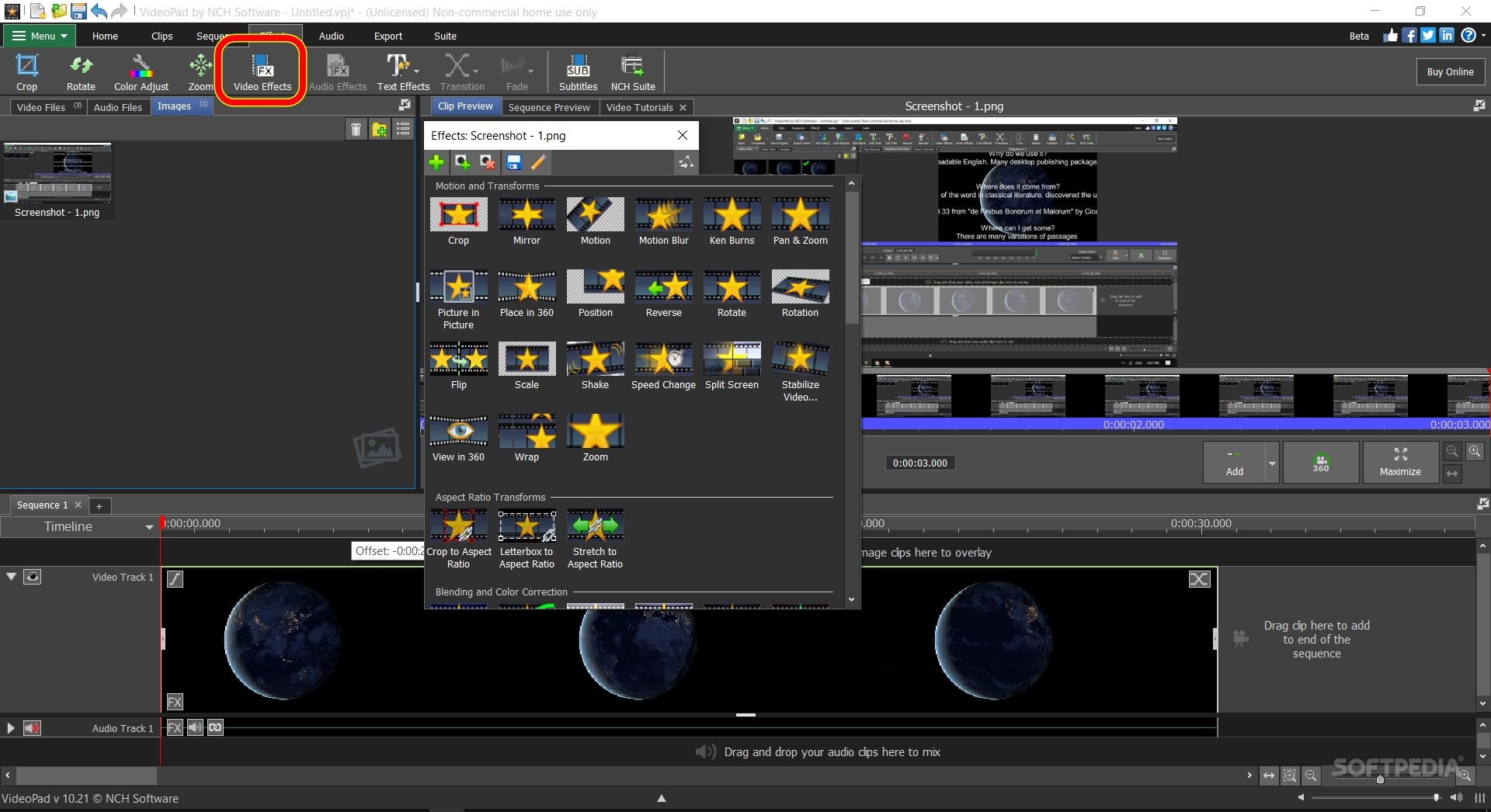
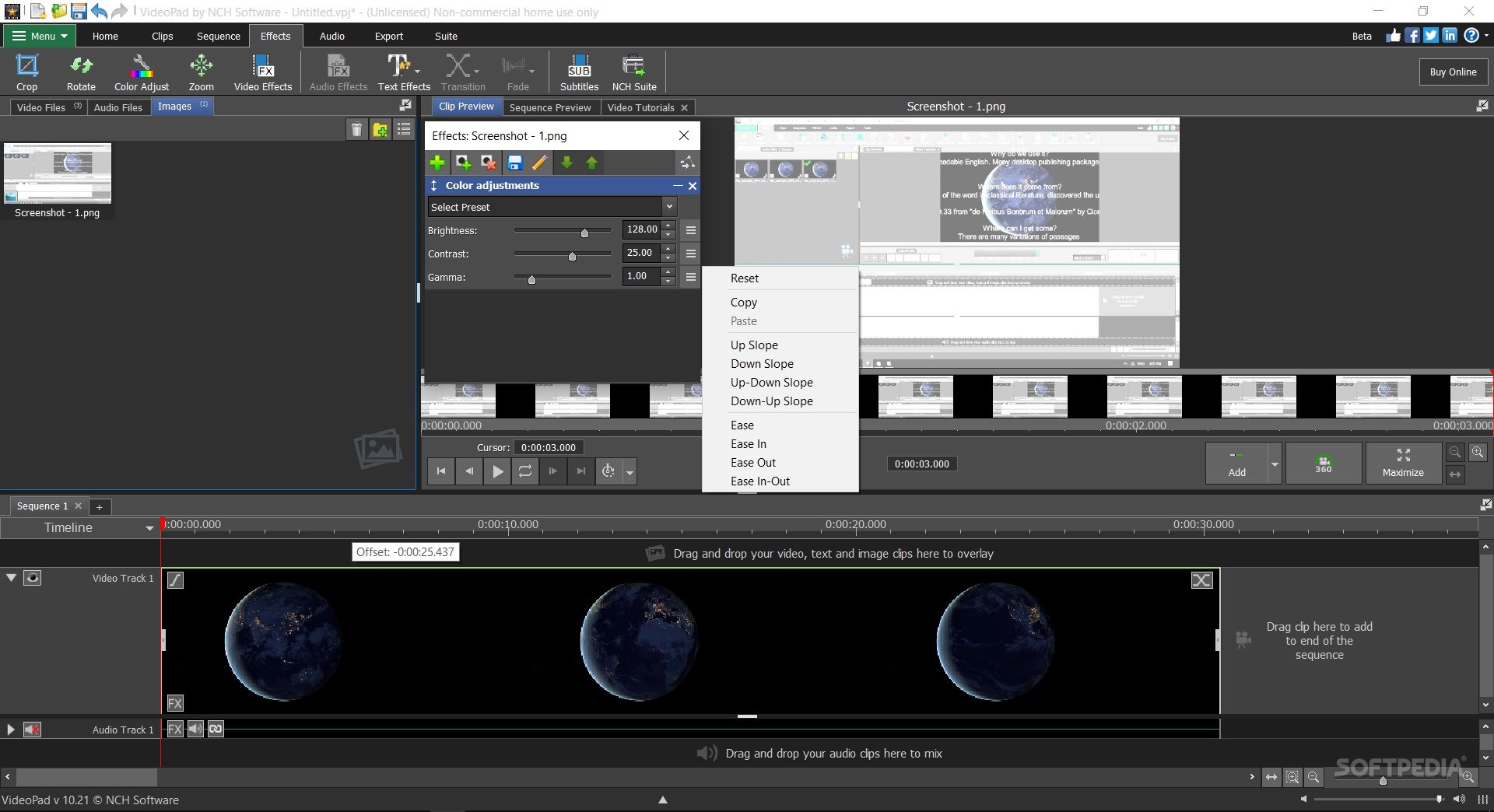
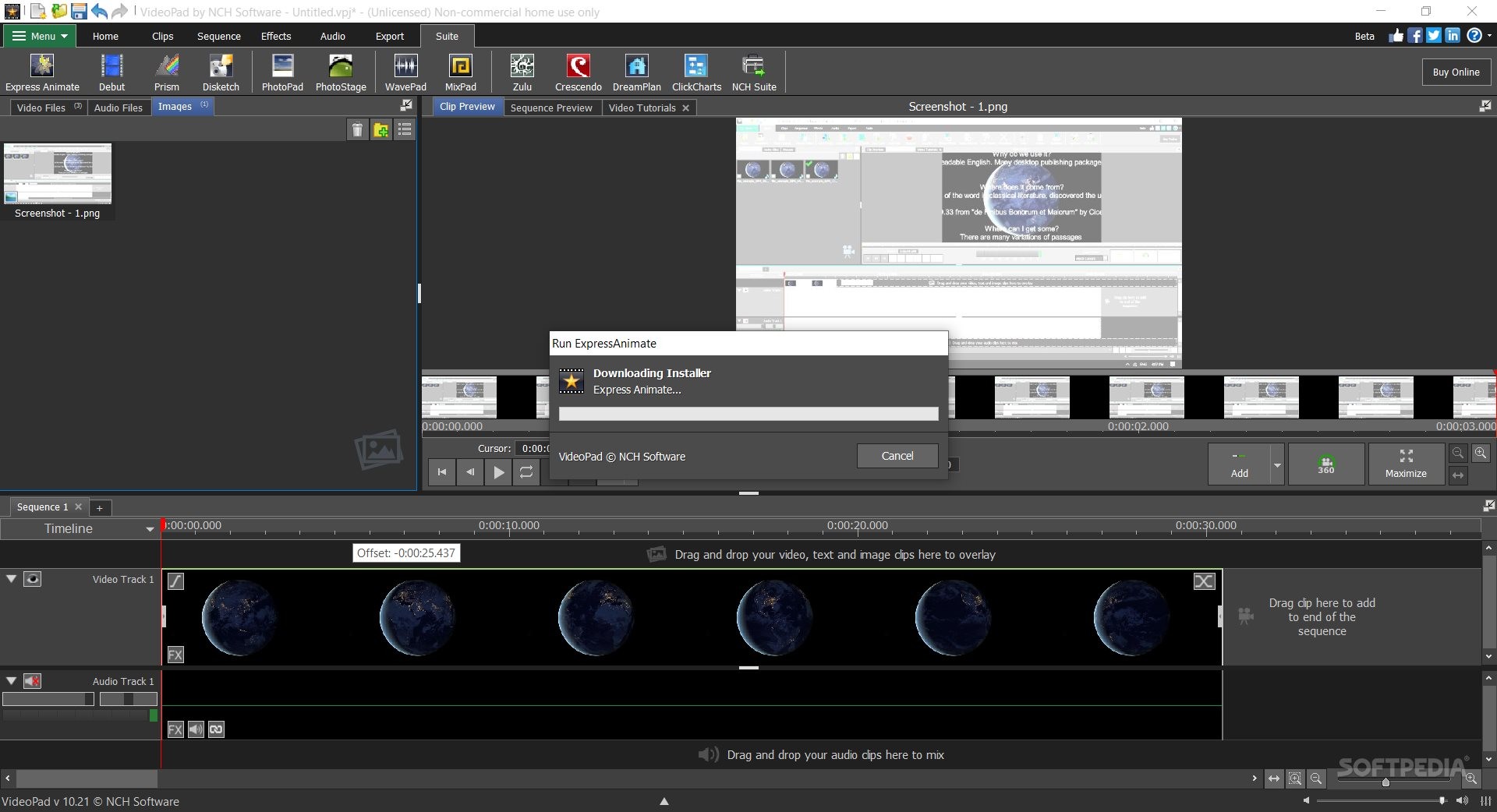
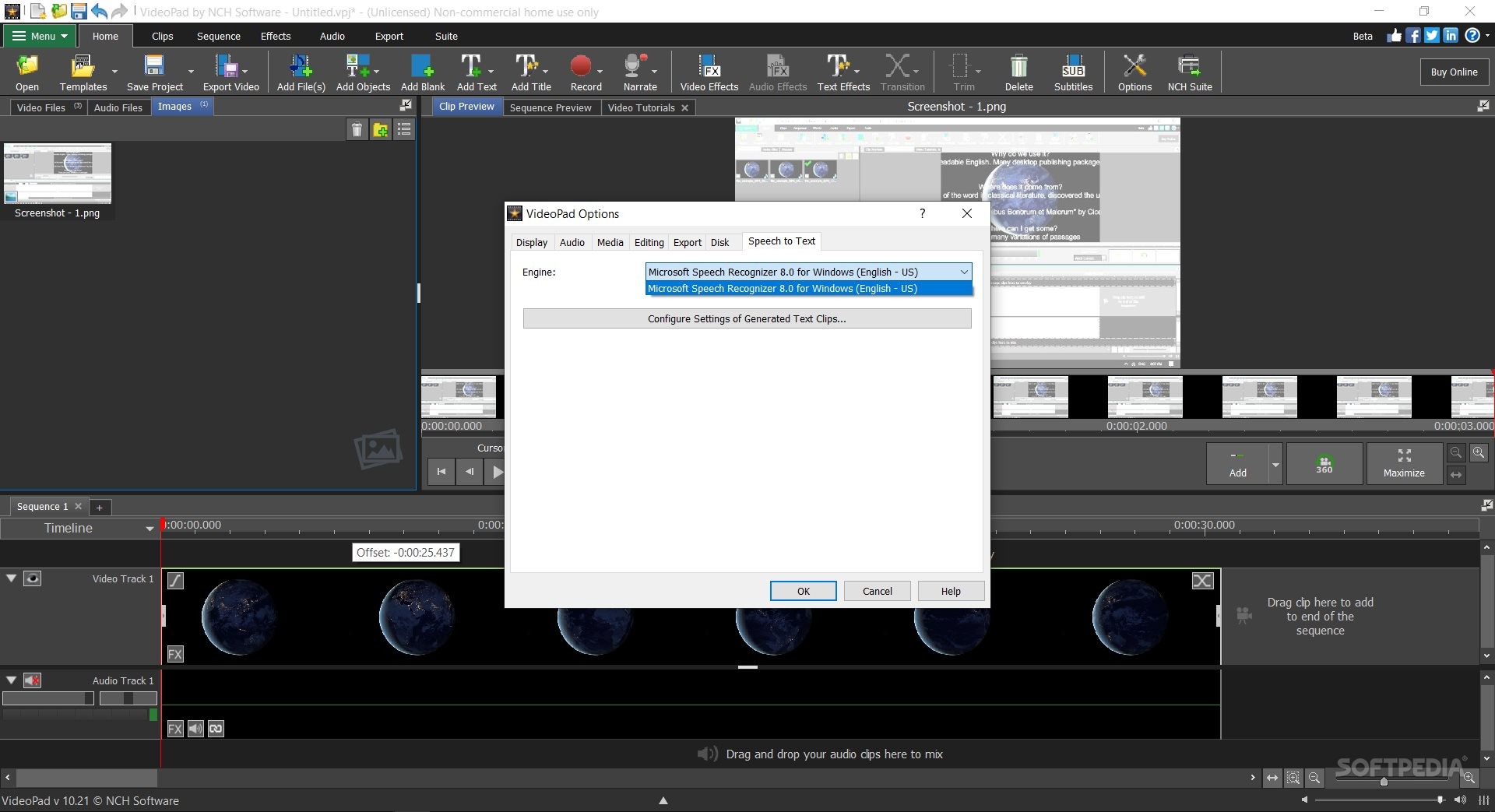
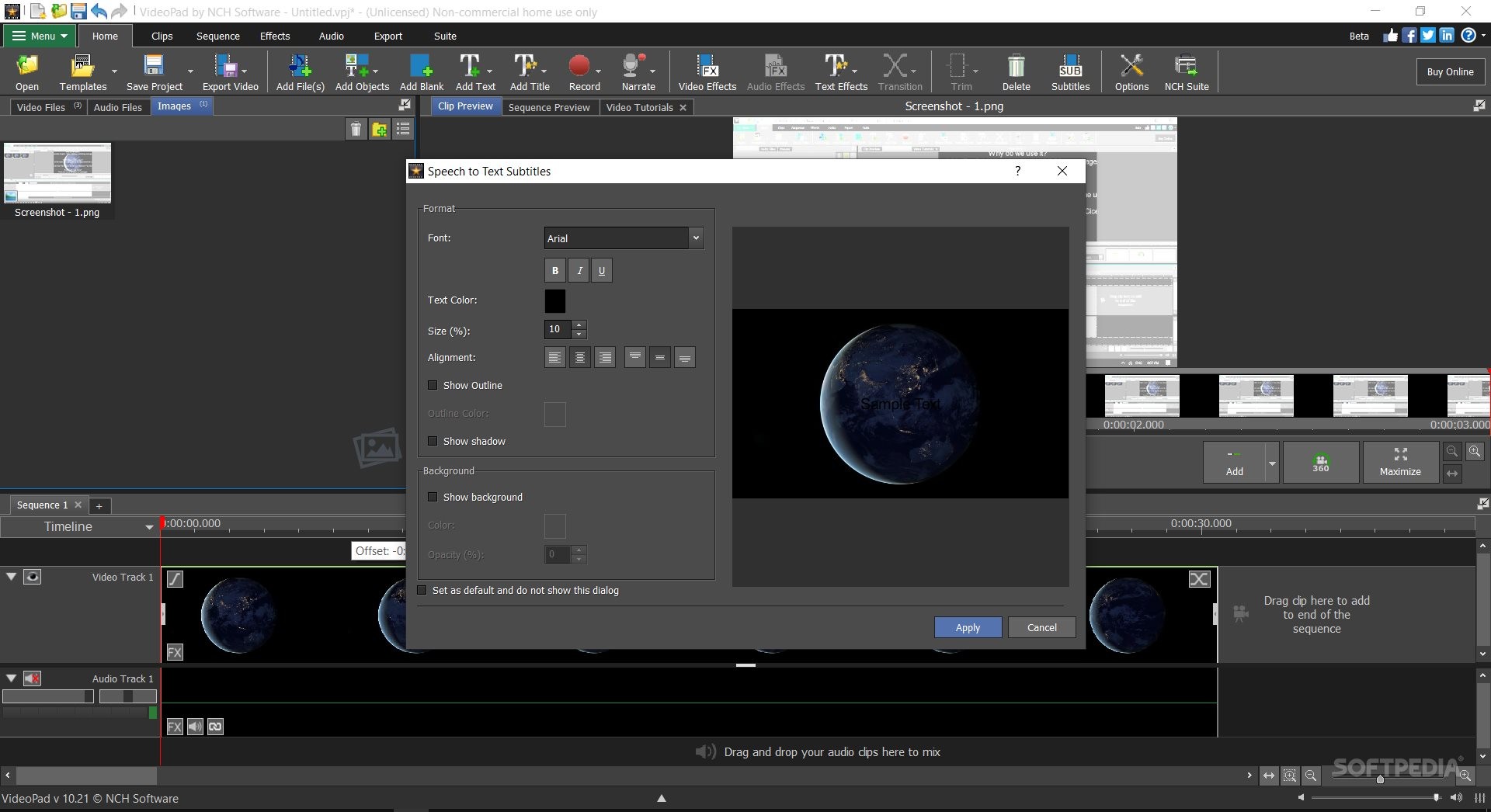
VideoPad Video Editor is a basic to intermediate-level editing tool. It can help you split or remove certain video portions, merge multiple frames, apply overlays or other basic video effects (e.g. glow), add, edit, and sync subtitles, change the video playback speed, turn your video into multi-frame sequences, or export content in a YouTube/Vimeo ready file (or in a 3D, portable, or lossless video file).
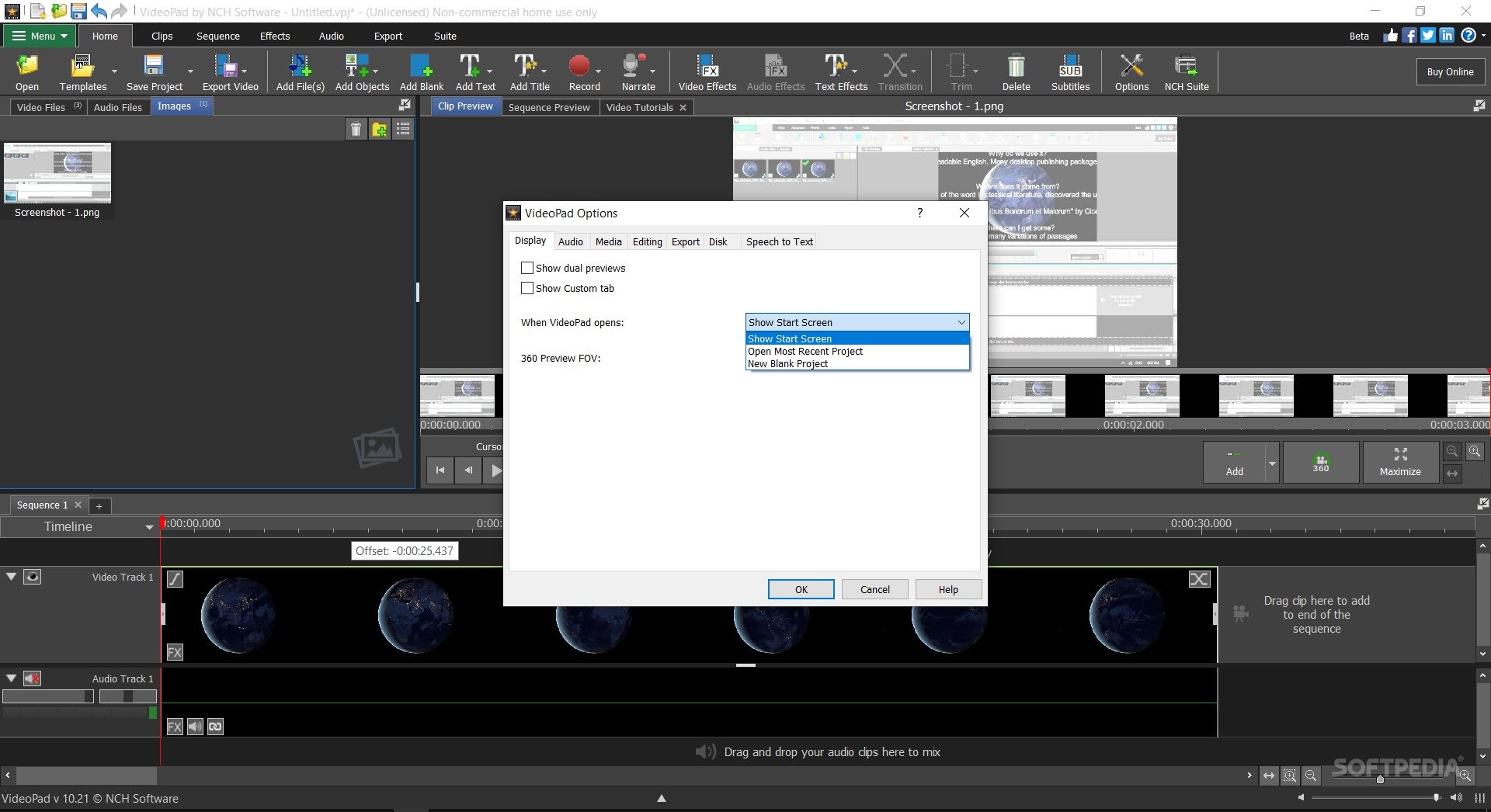
Adding one or more videos is incredibly simple. As a matter of fact, using this program is, as an overall experience, extremely simple and intuitive. The uncomplicated video editor will allow you to create separate projects and add multiple video files, regardless of them being of different video formats.
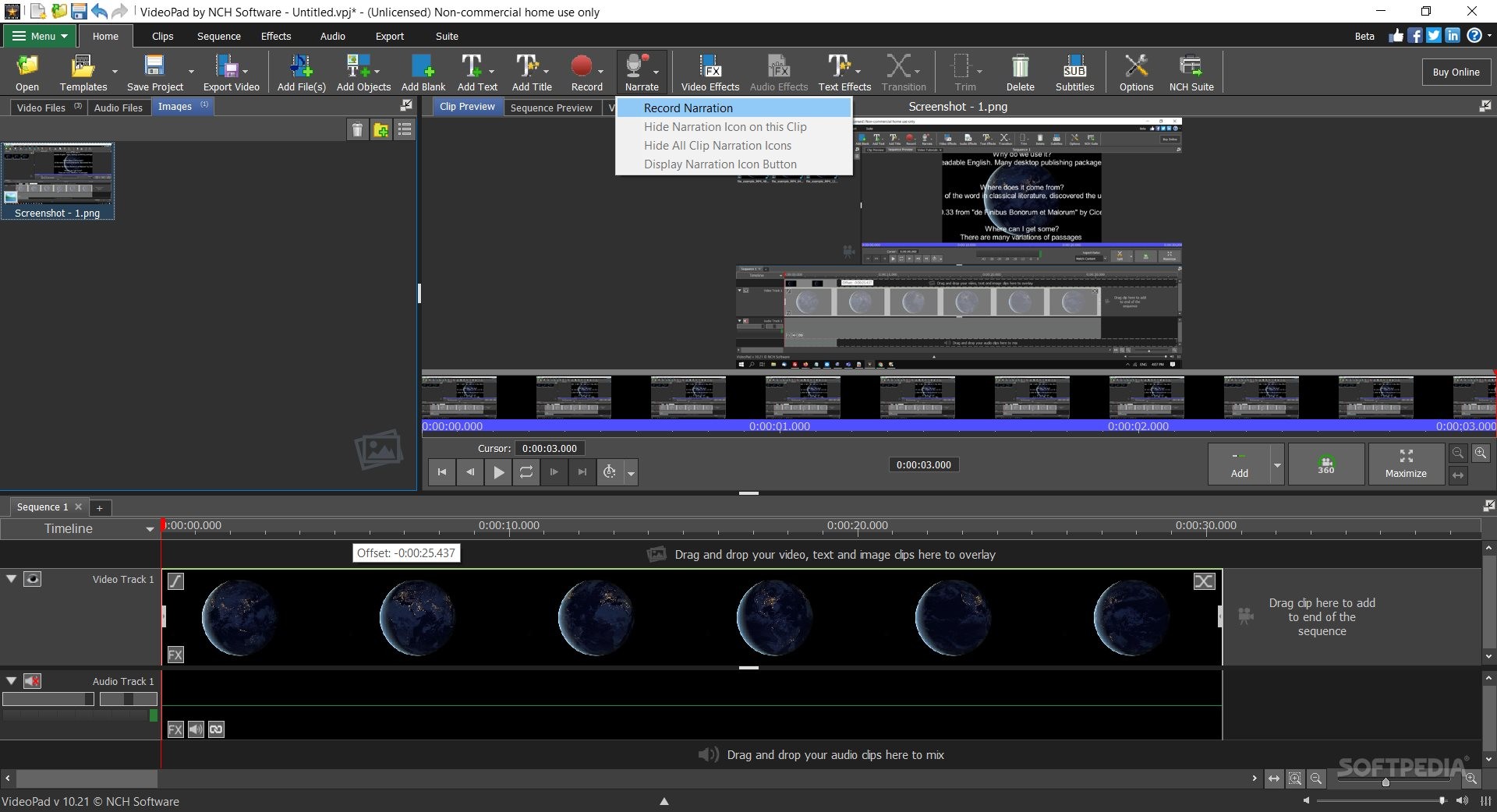
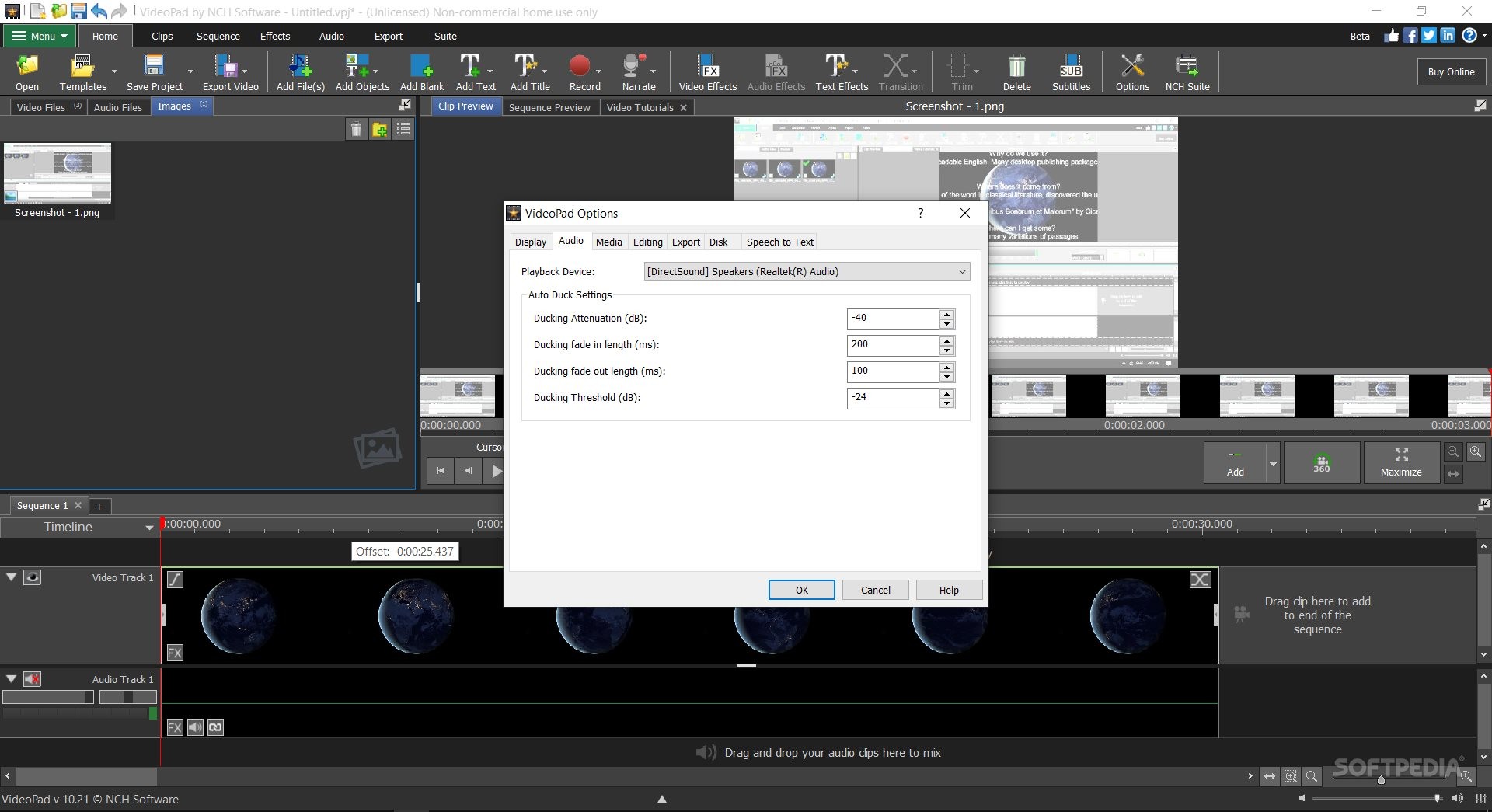
You can separately handle audio and even get started with the audio options and configuration methods using the tool's dedicated audio wizard. The app allows you to add simple audio files, CD soundtracks, stock sound, record sound or screen video, etc.
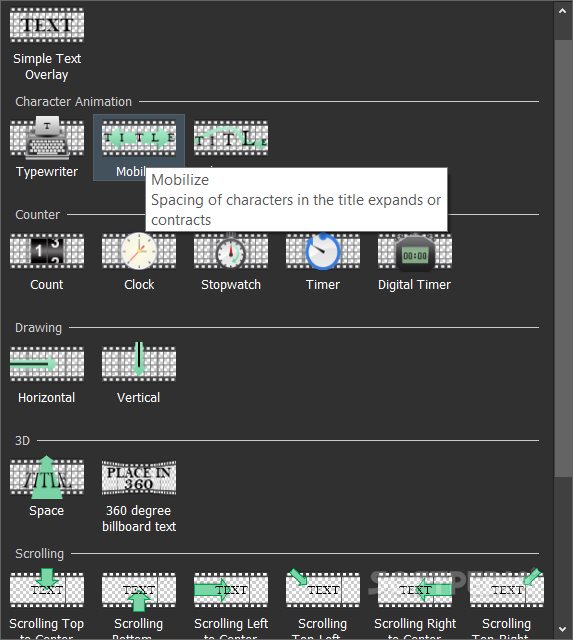
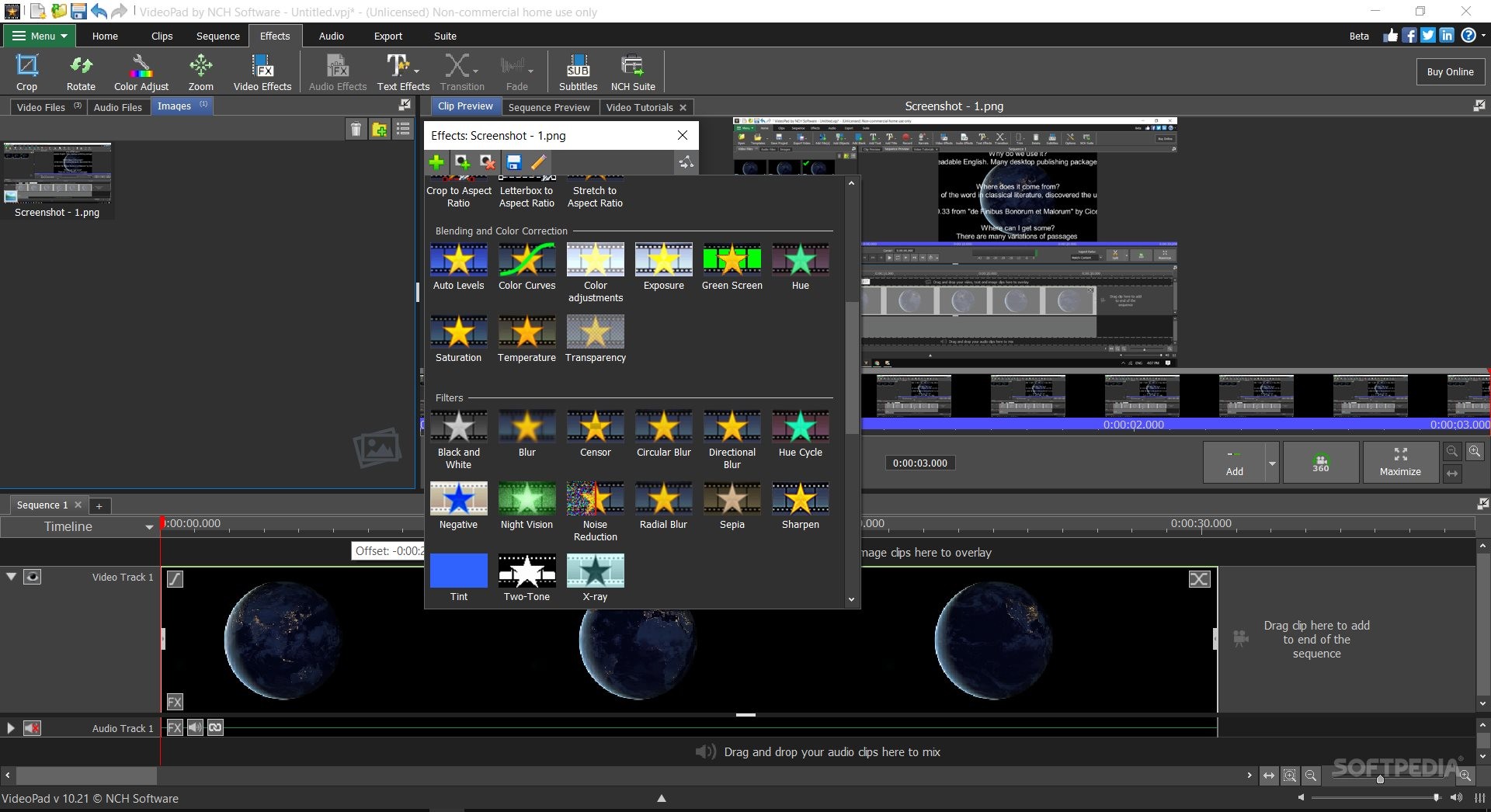
Editing your videos can easily be done by applying the tool's filters, such as video mirroring, scaling, motion blurring, flipping, shaking, color blending, etc.
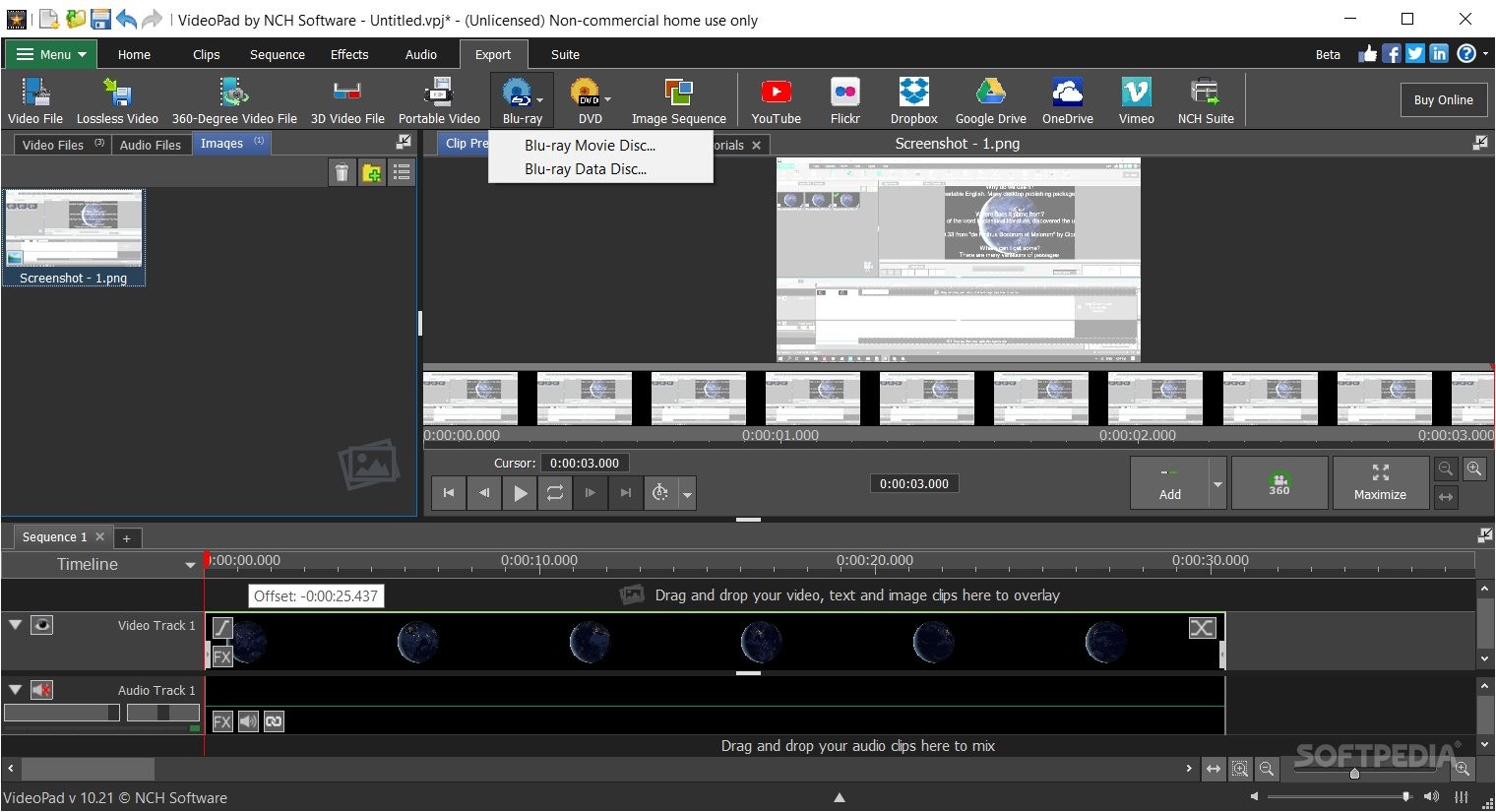
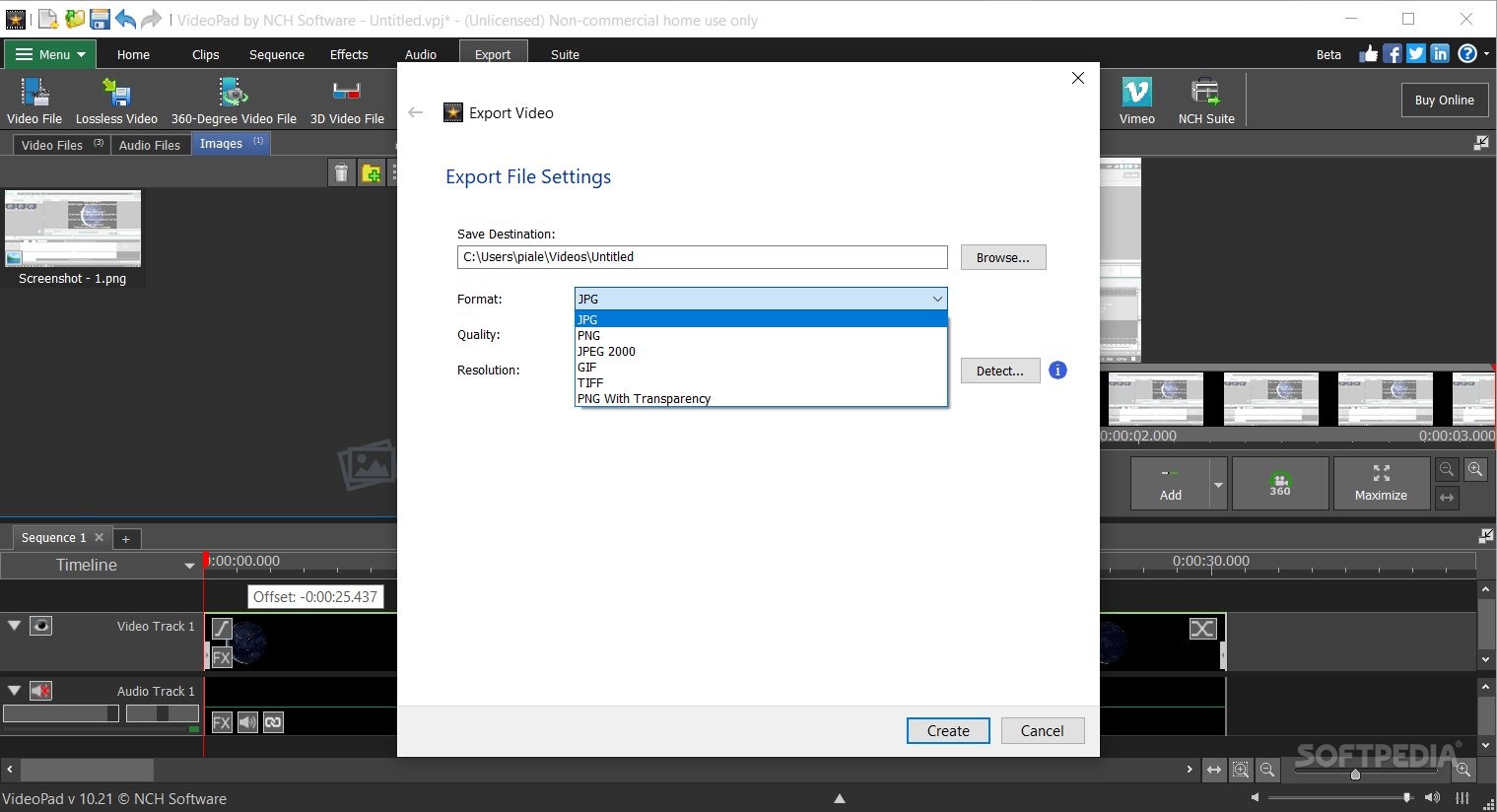
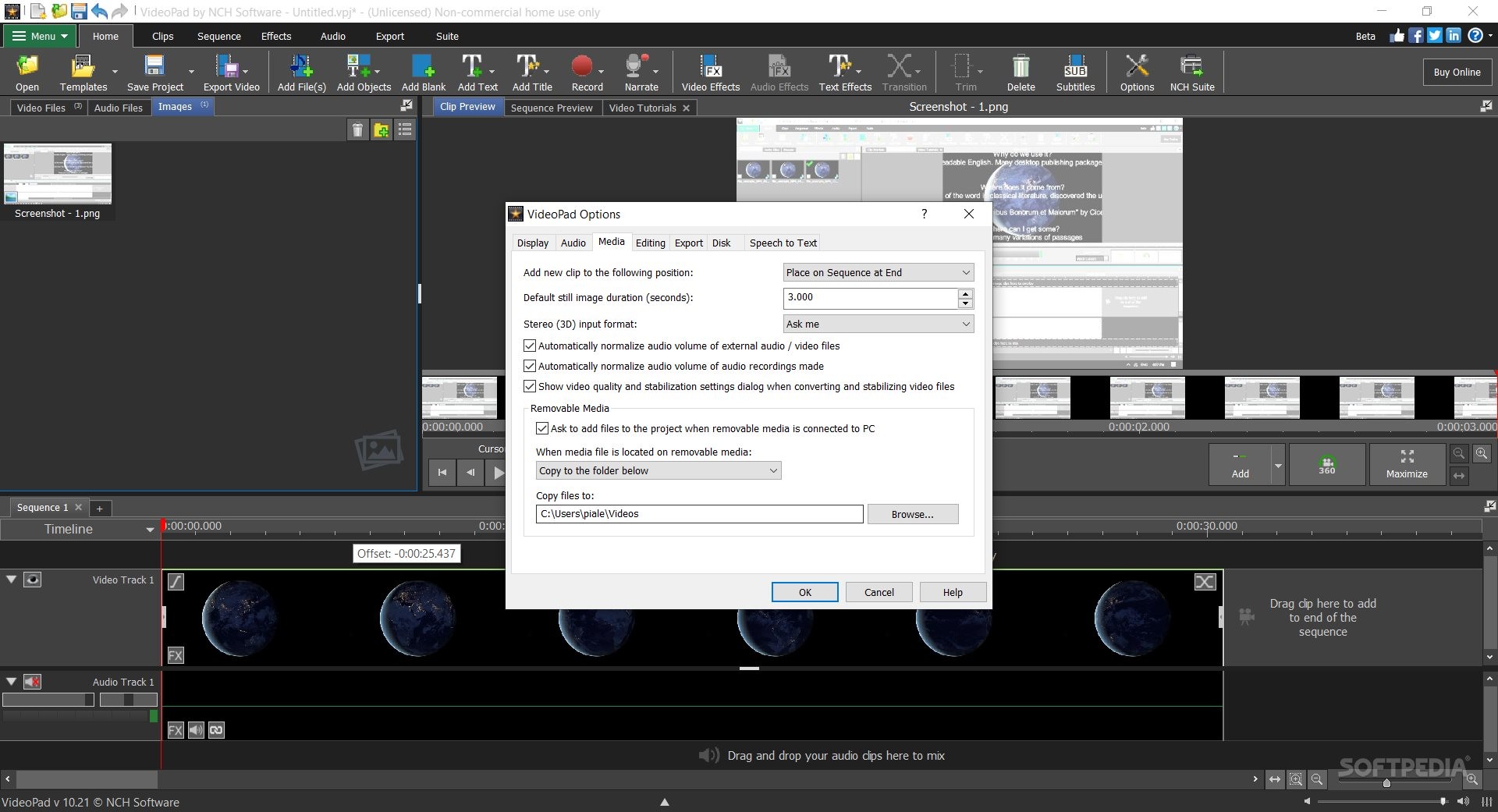
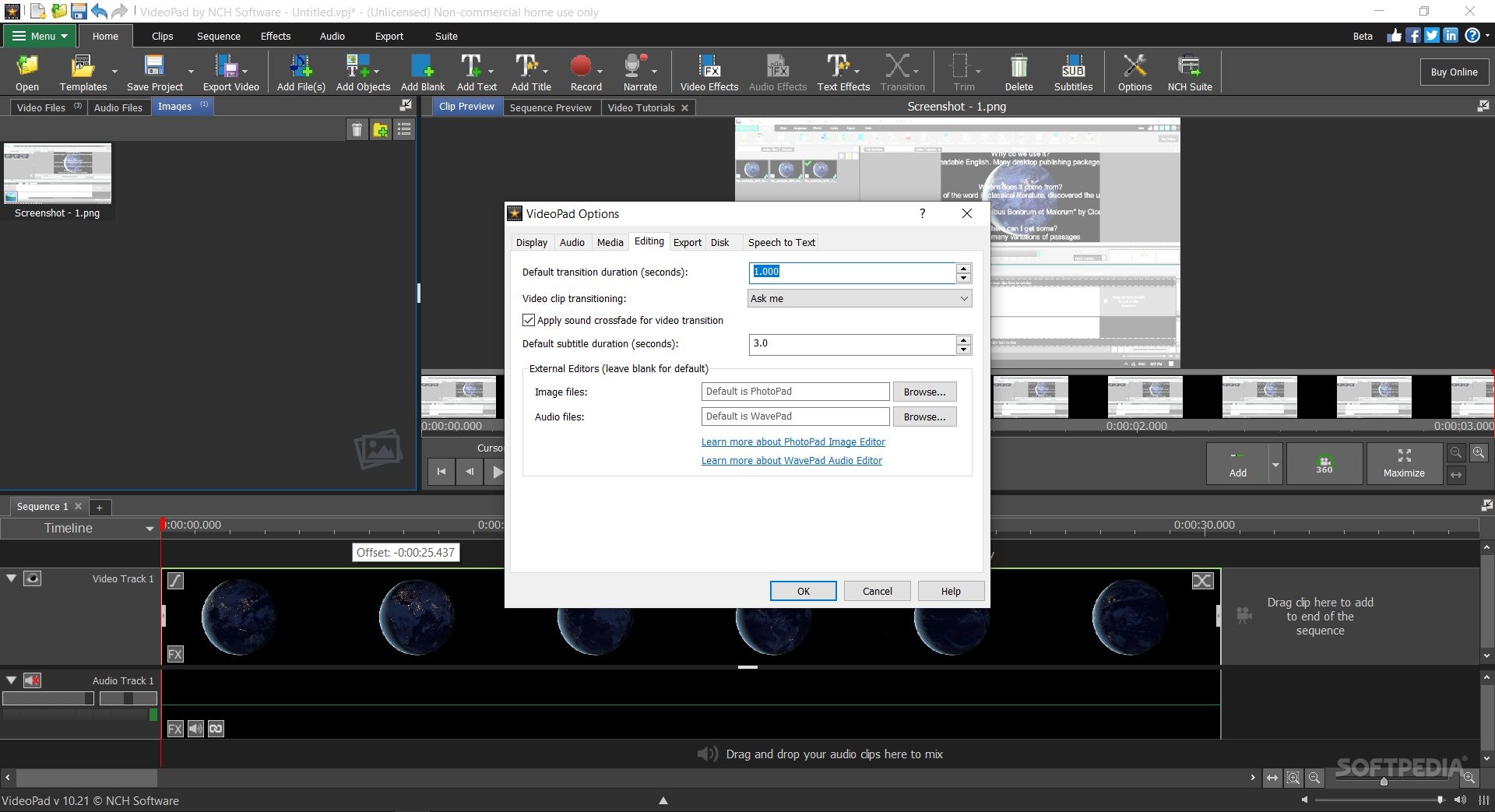
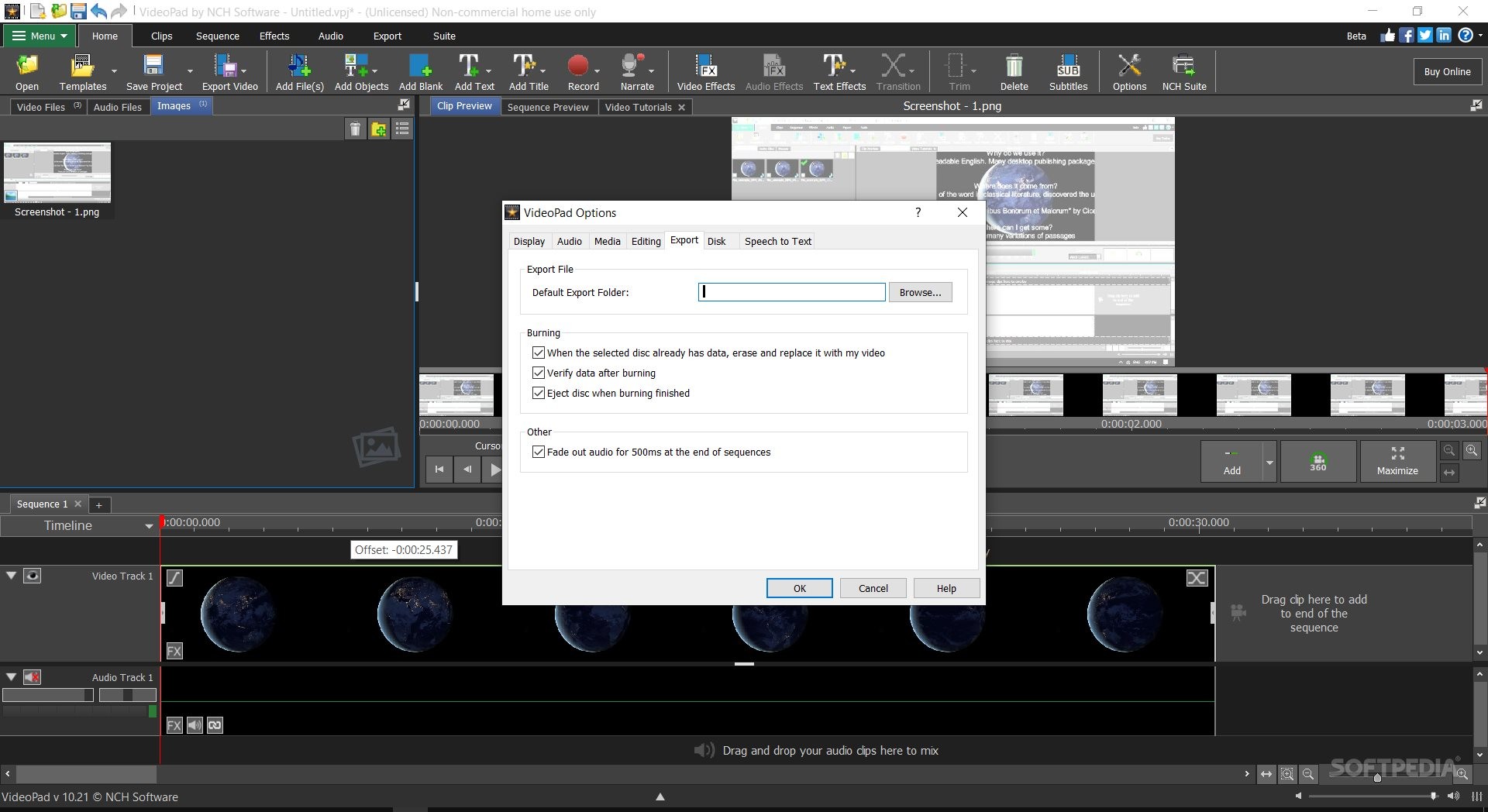
Probably the most advantageous trait of this tool is the fact that it allows you to handle a lot of file formats, for both upload and export. You have the possibility to fully customize your outputs, the videos' screen resolutions, frame rate (in constant or variable fps), or choose from different preset format exporting options.
VideoPad Video Editor 16.14 Beta
add to watchlist add to download basket send us an update REPORT- runs on:
-
Windows 11
Windows 10 32/64 bit
Windows 8 32/64 bit
Windows 7 32/64 bit - file size:
- 5.9 MB
- filename:
- vppsetup.exe
- main category:
- Multimedia
- developer:
- visit homepage
Windows Sandbox Launcher

Bitdefender Antivirus Free

IrfanView

Context Menu Manager

ShareX

Microsoft Teams

7-Zip

4k Video Downloader

calibre

Zoom Client

- 4k Video Downloader
- calibre
- Zoom Client
- Windows Sandbox Launcher
- Bitdefender Antivirus Free
- IrfanView
- Context Menu Manager
- ShareX
- Microsoft Teams
- 7-Zip