
Capture and process video content by turning to this application that is designed for quick linear operations over video content. #Video capture #Video process #Video encoder #Encoder #Capture #Encode

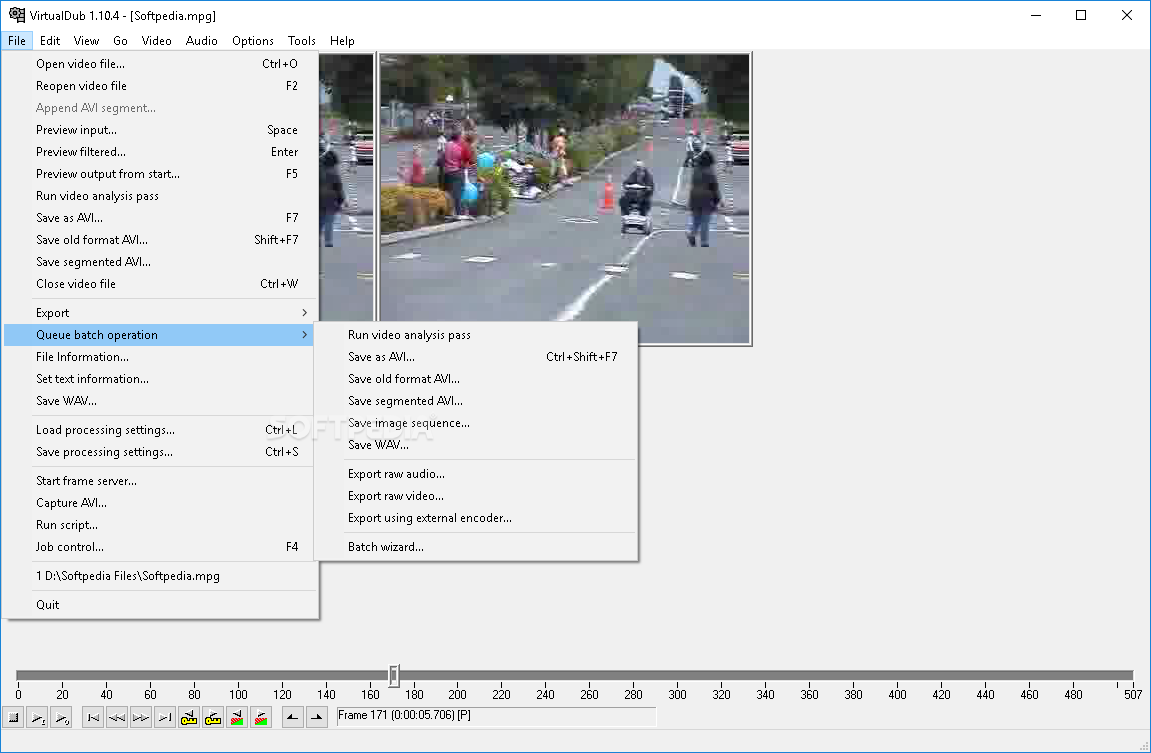
Originally developed for compressing anime videos, VirtualDub has evolved and reached the stage where it can capture and process video clips faster and with better output quality. It is not as complex or feature- rich as other more powerful tools such as Adobe Premiere, but it gets the job done when it comes to linear adjustments over video streams.
Since the application doesn't require any installation, VirtualDub is portable, so you can simply move it on an external device and use it on any computer. As far as requirements are concerned, note that the application relies on appropriate video and audio codecs in order to process the files.
Even though VirtualDub is mostly aimed at handling AVI files, it can successfully read MPEG formats and BMP images, providing you with a broad range of possibilities.
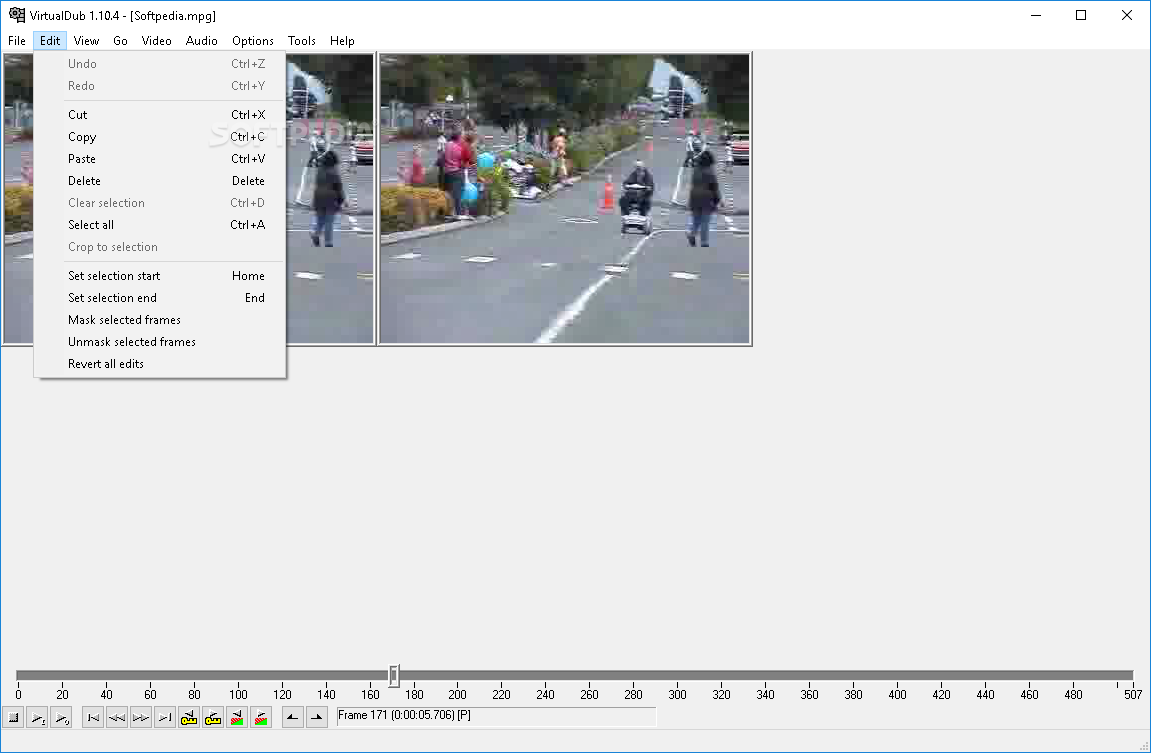
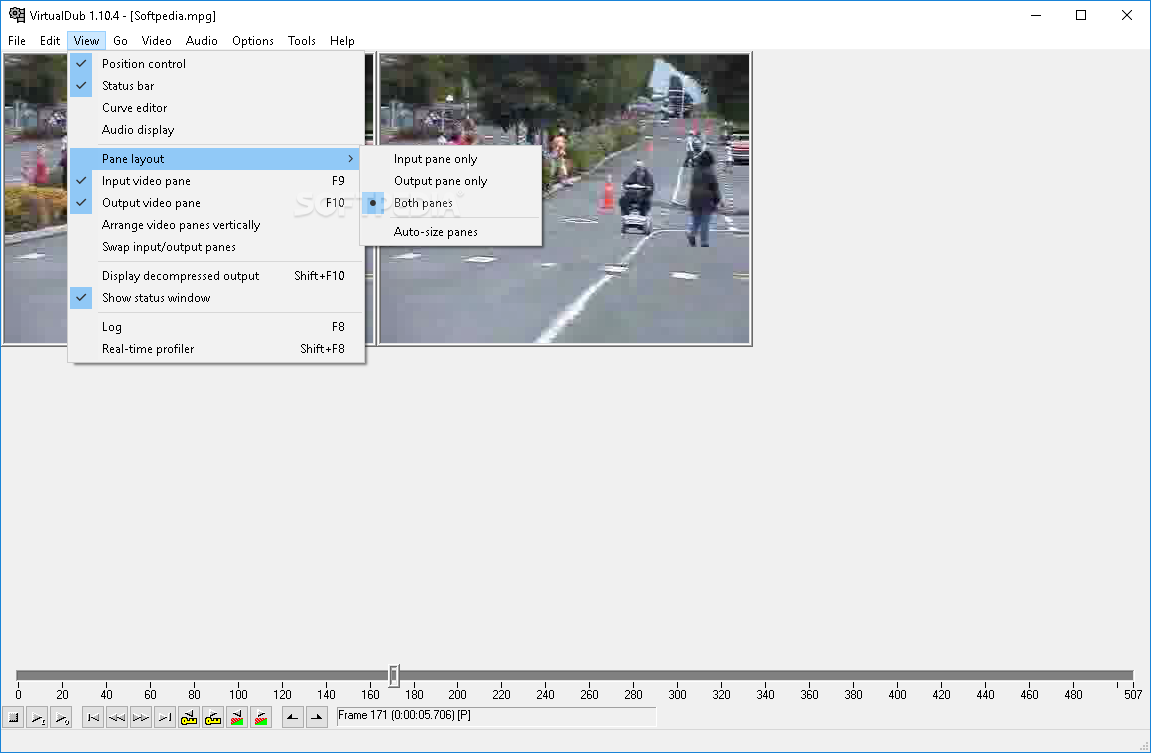
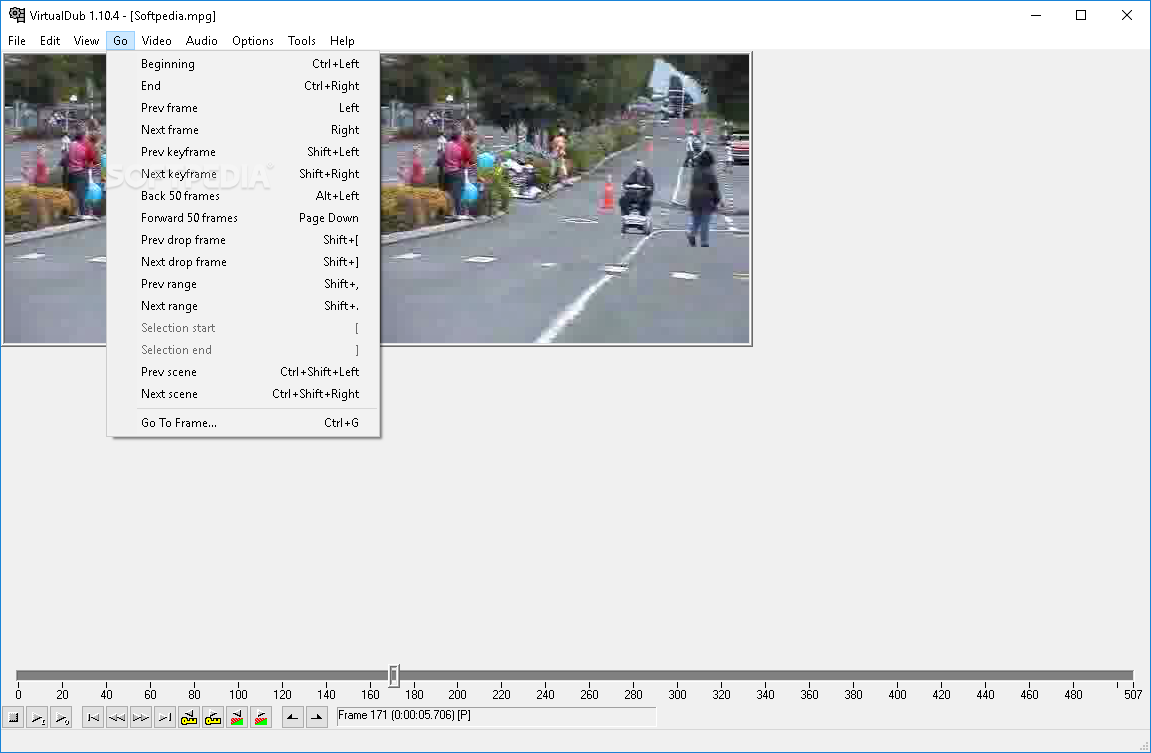
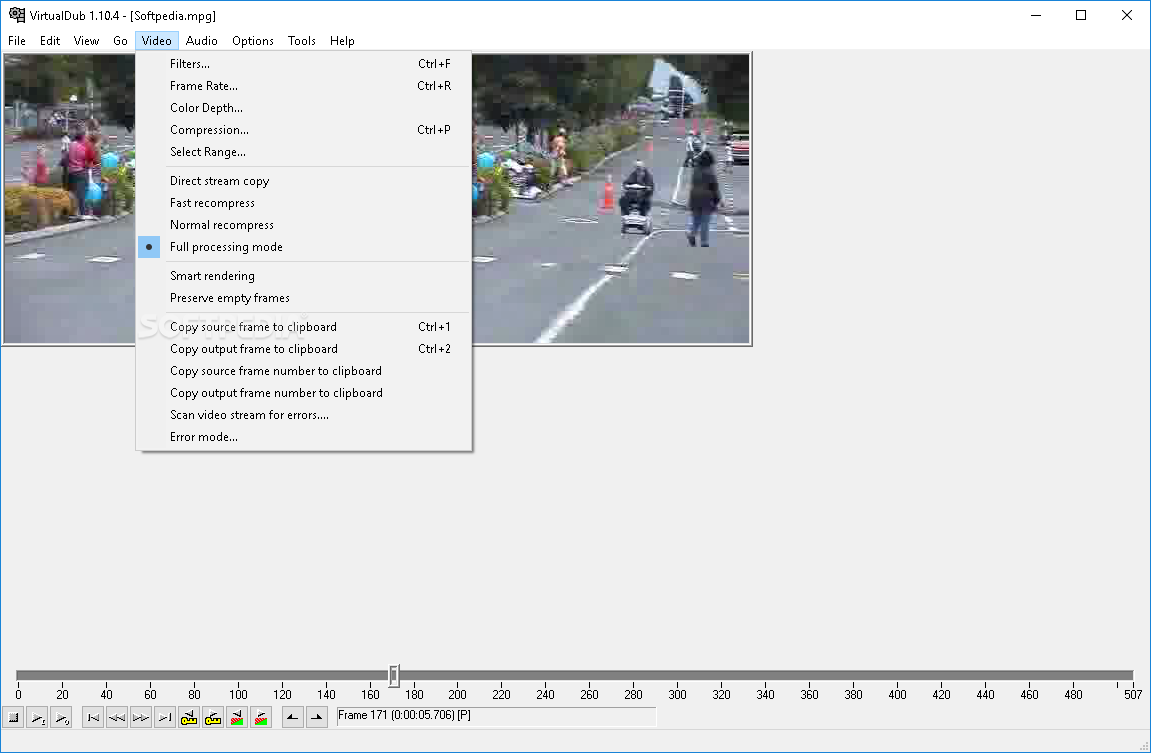
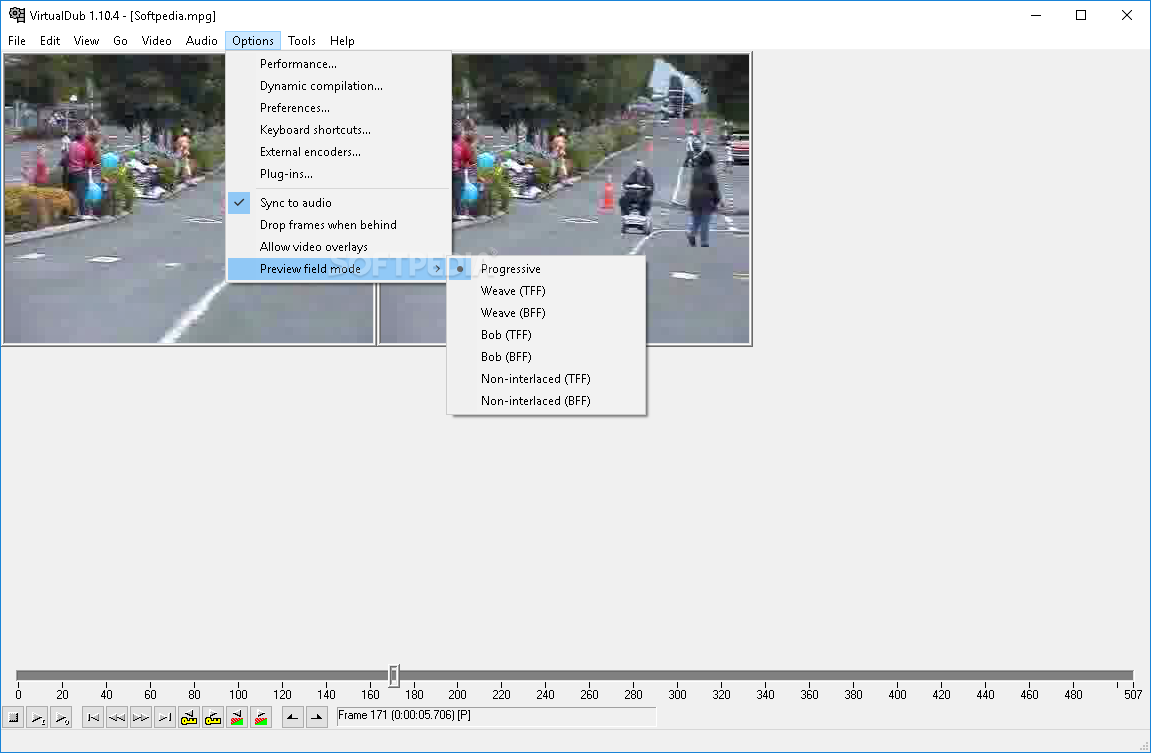
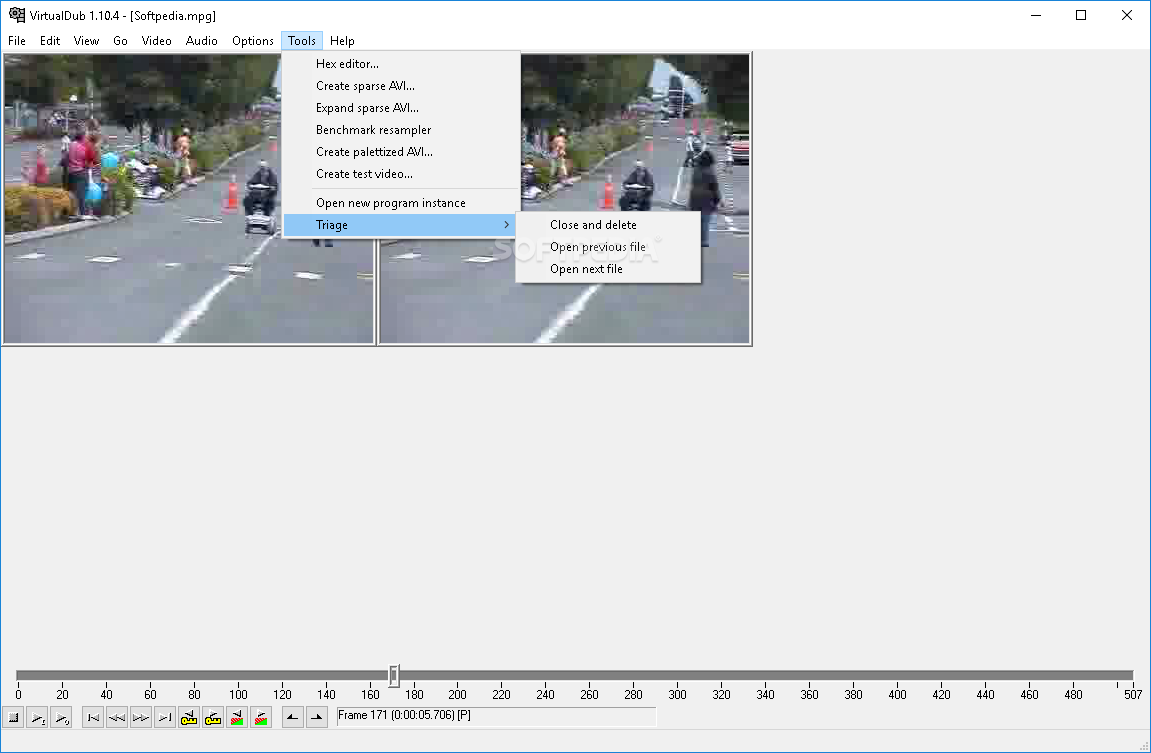
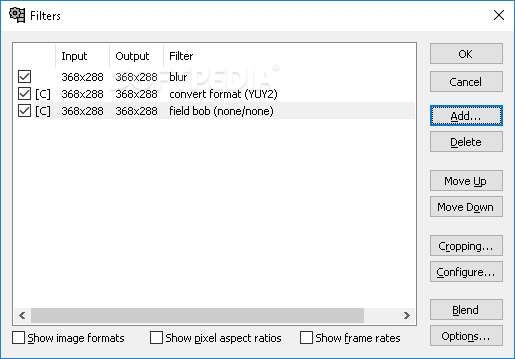
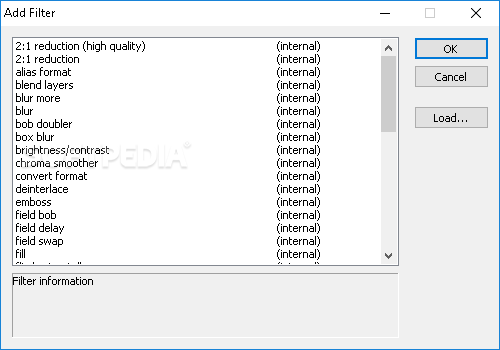
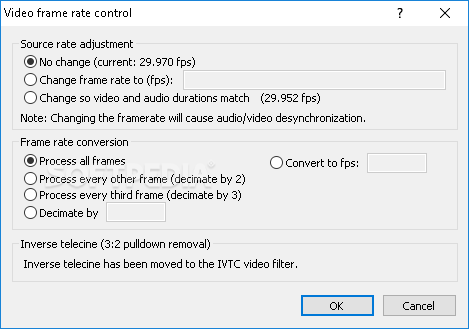
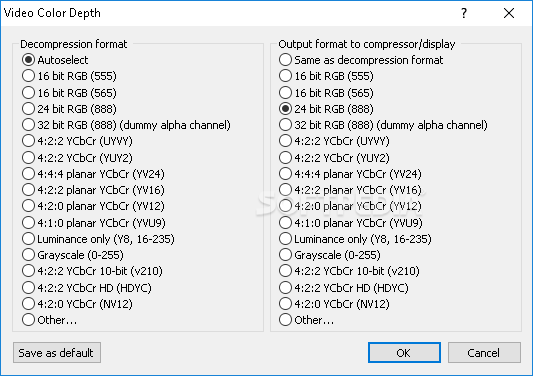
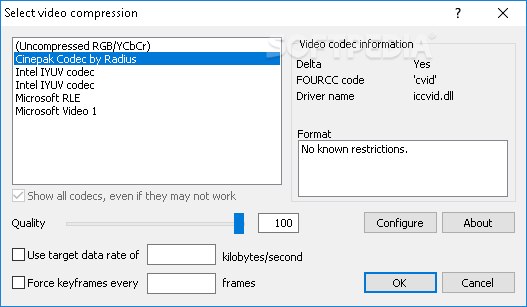
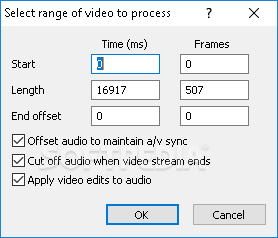
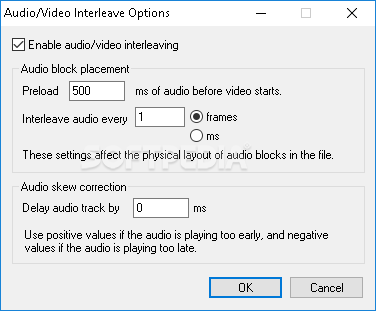
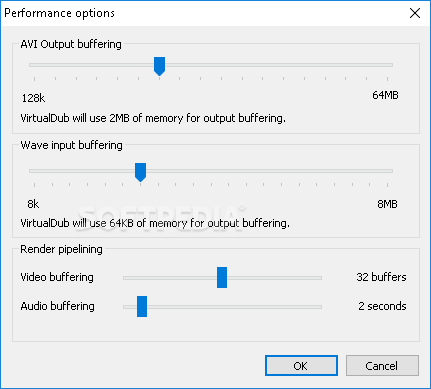
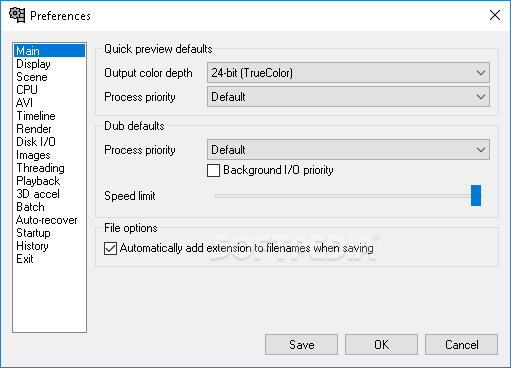
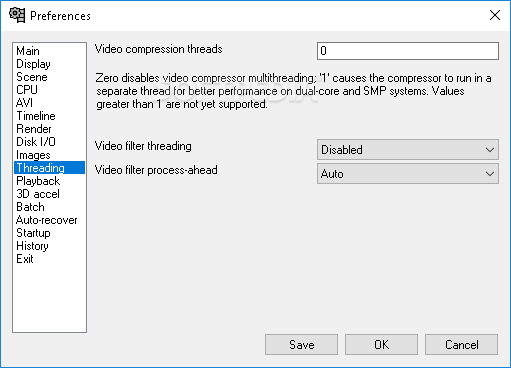
The user interface is standard, yet intuitive. Once you have opened a video file, you can cut, copy and crop sections, apply filters, change frame rates and color depth, recompress, adjust AVI output and Wave input buffering, and others. Another feature that stands out is the ability to capture video streams to AVI format, together with sound.
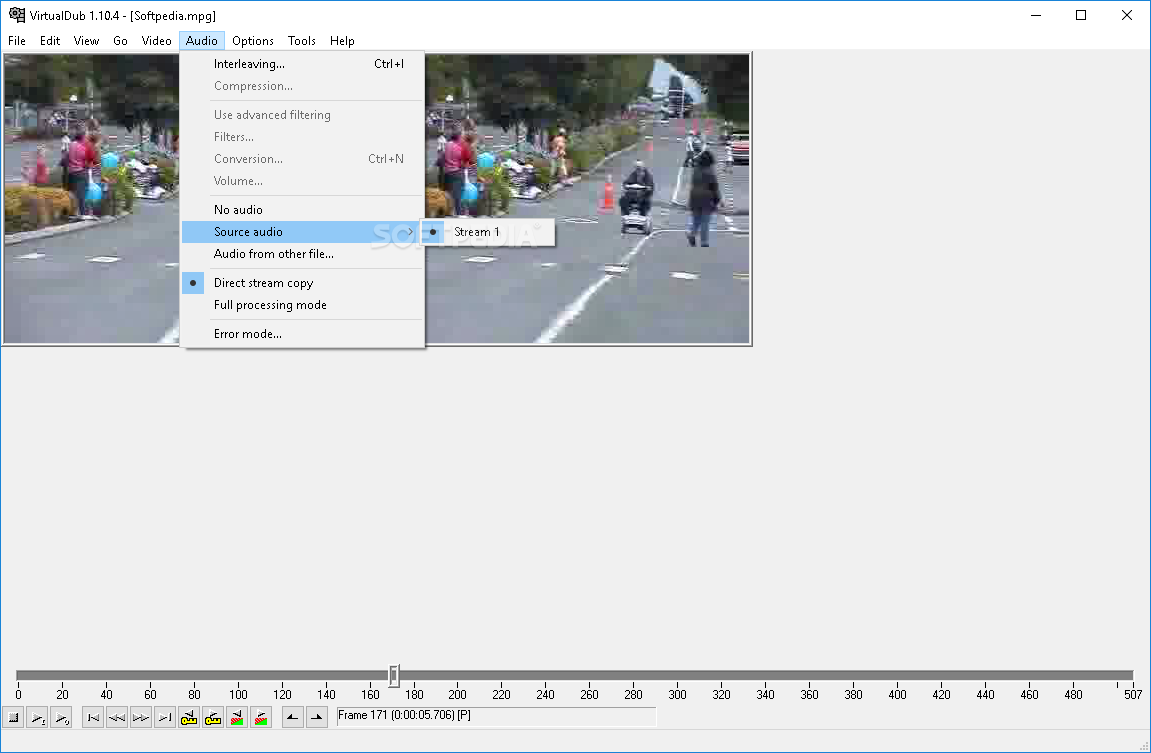
Videos can also be created by putting together a series of BMPs or targas (a raster graphics format also known as Truvision TGA), accompanied by sounds. Tracks can be easily extracted from video clips, but further modifications to the audio stream must be performed in an external program.
In conclusion, VirtualDub is worth your while. It’s fast, intuitive and faithful to its purpose - that of performing a general cleanup on video files before they are shipped to DVDs or to much more complex video processing programs.
Download Hubs
VirtualDub is part of these download collections: Edit AVI, Edit MPEG, Make AVI, Watermark Video
What's new in VirtualDub 1.10.4 Build 35491:
- Features added:
- ExtEnc: Added %(outputbasename) to insert output filename without
- extension.
- ExtEnc: Editor UI now has a drop-down for tokens.
VirtualDub 1.10.4 Build 35491
 Softpedia Editor's Pick
add to watchlist
add to download basket
send us an update
REPORT
Softpedia Editor's Pick
add to watchlist
add to download basket
send us an update
REPORT
- portable version
- VirtualDub Portable
- runs on:
- Windows All
- file size:
- 1.8 MB
- filename:
- VirtualDub-mp3 VBR.zip



- main category:
- Multimedia
- developer:
- visit homepage
Windows Sandbox Launcher

Microsoft Teams

Bitdefender Antivirus Free

calibre

Context Menu Manager

Zoom Client

7-Zip

4k Video Downloader

IrfanView

ShareX

- 4k Video Downloader
- IrfanView
- ShareX
- Windows Sandbox Launcher
- Microsoft Teams
- Bitdefender Antivirus Free
- calibre
- Context Menu Manager
- Zoom Client
- 7-Zip