WINDOWS CATEGORIES:


NEWS ARCHIVE >>
SOFTPEDIA REVIEWS >>

WEEKLY HIGHLIGHTS

DVD Cloner45
Spyware Doctor40
1Click DVD Copy40
Apollo DVD Copy40
ABC Amber BlackBer...45
Protected Music Co...40

7-DAY TOP DOWNLOAD

#
Program
Windows Live
Messenger 2009
14.0.8089.726

187,869
Avira AntiVir
Personal - Free
Antivirus 9.0.0.407

183,047
Avira Antivir Virus
Definition File
Update November 6,
2009

173,387
Nexus Radio 4.1.1
122,444
Windows Live
Messenger
8.5.1302.1018

113,099
FreeZ Online TV 1.30
93,662
Microsoft Office
2007

76,384
Y! Multi Messenger
8.x and 9.x

75,572
DVD Shrink 3.2.0.15
53,871
AVG Free Edition 9.0
Build 698a1730

52,233

WEEK'S BEST

  • Internet Explorer ...
  • Online Armor ++ 4....
  • cFosSpeed 5.01 Bui...
  • SONY Vegas Pro 9.0...
  • Firefox 3.6 Beta 1...
  • Nokia Photos 1.6.434
  • Windows Server 200...
  • Skype Portable 4.1...
  • Google Chrome Port...
  • PCMark Vantage Bas...
  • Kaspersky Anti-Vir...
  • Microsoft Virtual ...
  • Messenger Plus! Li...
  • WinX DVD Author [F...
  • SoftPerfect Networ...
  • System Mechanic Pr...
  • Ad Muncher 4.8 Bui...
  • Windows 7 Upgrade ...
  • Pidgin 2.6.3
  • OpenOffice.org 3.2...
  • VirtualDub 1.9.7 B...
  • Maxthon [Softpedia...
  • Spyware Doctor 7.0...
  • SUPERAntiSpyware 4...
  • Adobe Acrobat Prof...
  • Camfrog Video Chat...
  • Adobe Reader 9.2.0...
  • Foxit PDF Reader 3...
  • Microsoft Maliciou...
  • AVG Identity Prote...
  • Home / Windows / Multimedia / Video / Video Editors
     Report spyware

    Watermark Master 2.2.19

    Download button

    Downloads: 6,983  Add to download basket  Tell us about an update
    User Rating:
    Rated by:
    Fair (2.2/5)
    46 user(s)
    Developer:

    License / Price:

    Size / OS:

    Last Updated:

    Category:
    Videocharge software | More programs
    Trial / USD 74.95 | BUY the full version
    19.2 MB / Windows All
    August 5th, 2009, 22:53 GMT [view history]
    C: \ Multimedia \ Video \ Video Editors

     Read user reviews (0)  Add a review  Refer to a friend  Subscribe


    Watermark Master description


    A special application for conversion of video and image files with adding any kinds of watermarks to them

    Watermark Master is a multifunctional video editor primarily intended for conversion of video and image files with adding any kinds of watermarks to them. Clear interface and the presence of Wizard make the program easy-to-operate even for people who do not possess any special knowledge.

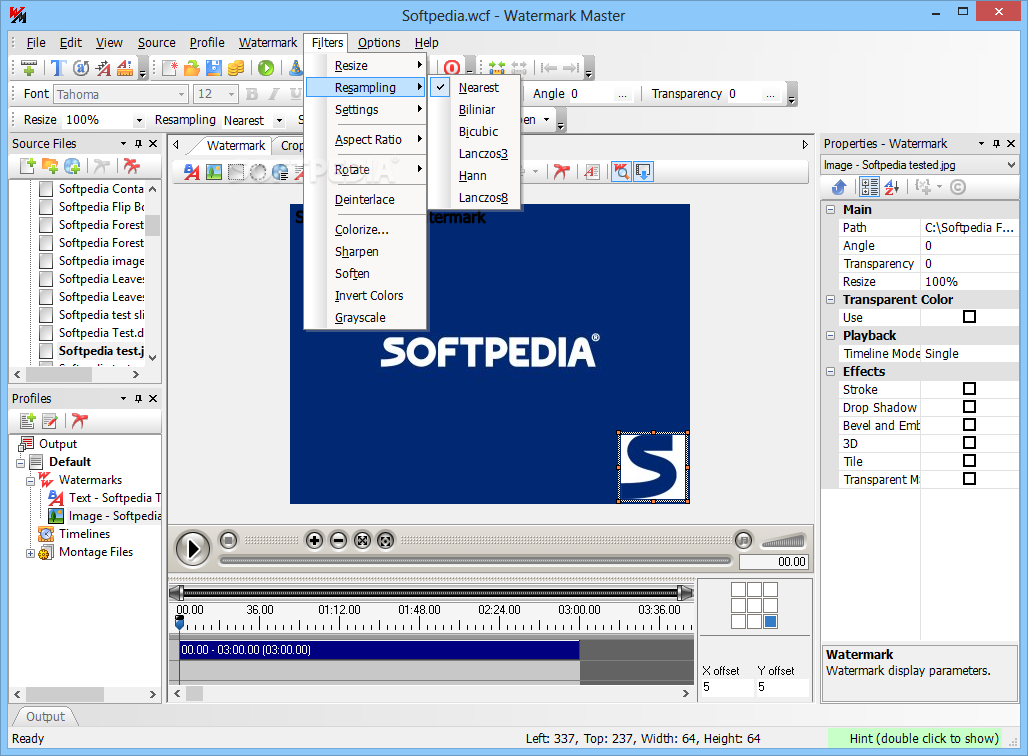
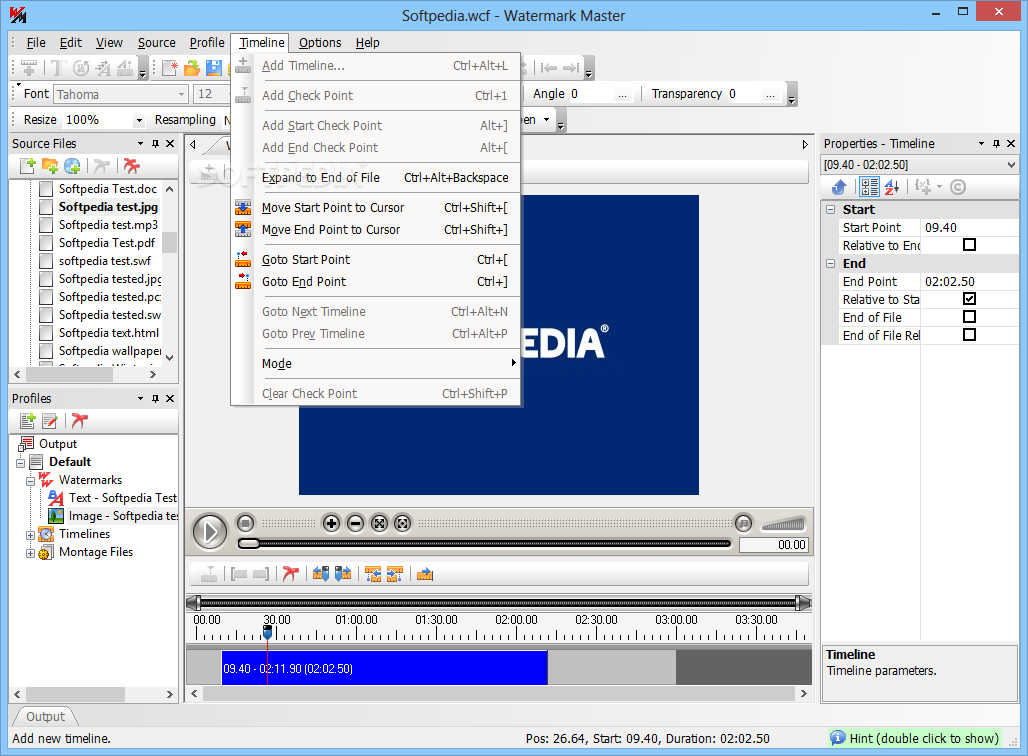
    Watermark Master possesses all necessary functions for editing of videos and images: a broad set of filters (including Deinterlace), 6 resampling algorithms, color adjustment feature, ability to flip, rotate, sharpen or soften image, ability to set timelines and many others. It also includes Grabber function (creation of thumbnails and image galleries of video files) and ability to process files as they are added to folder (so-called Watch Folder function).

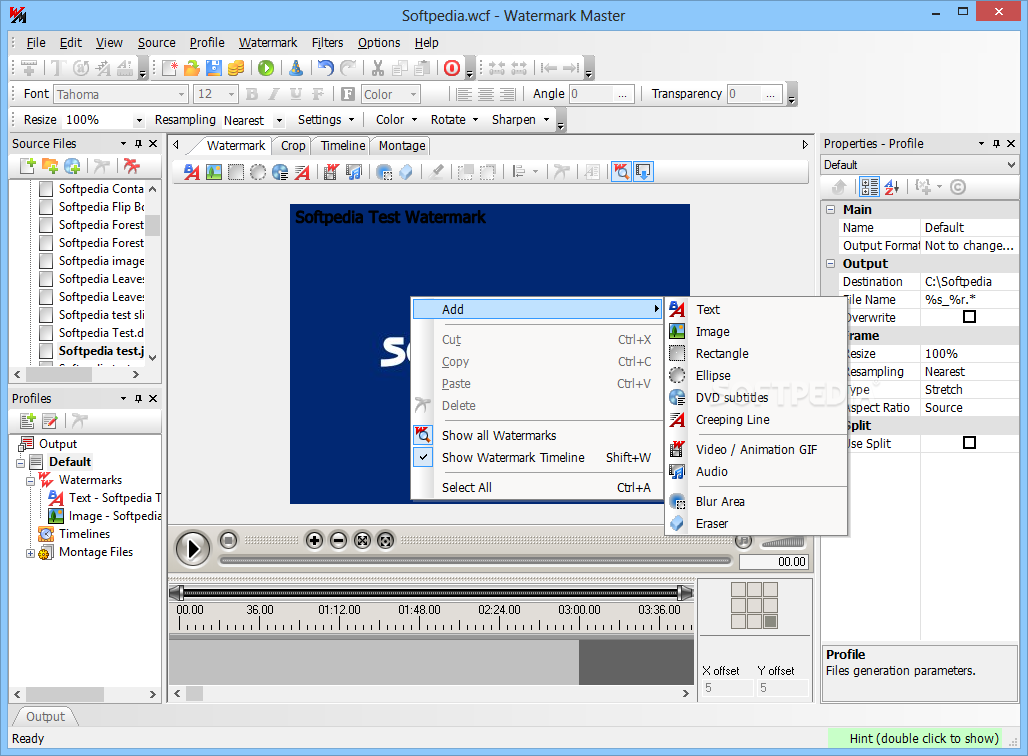
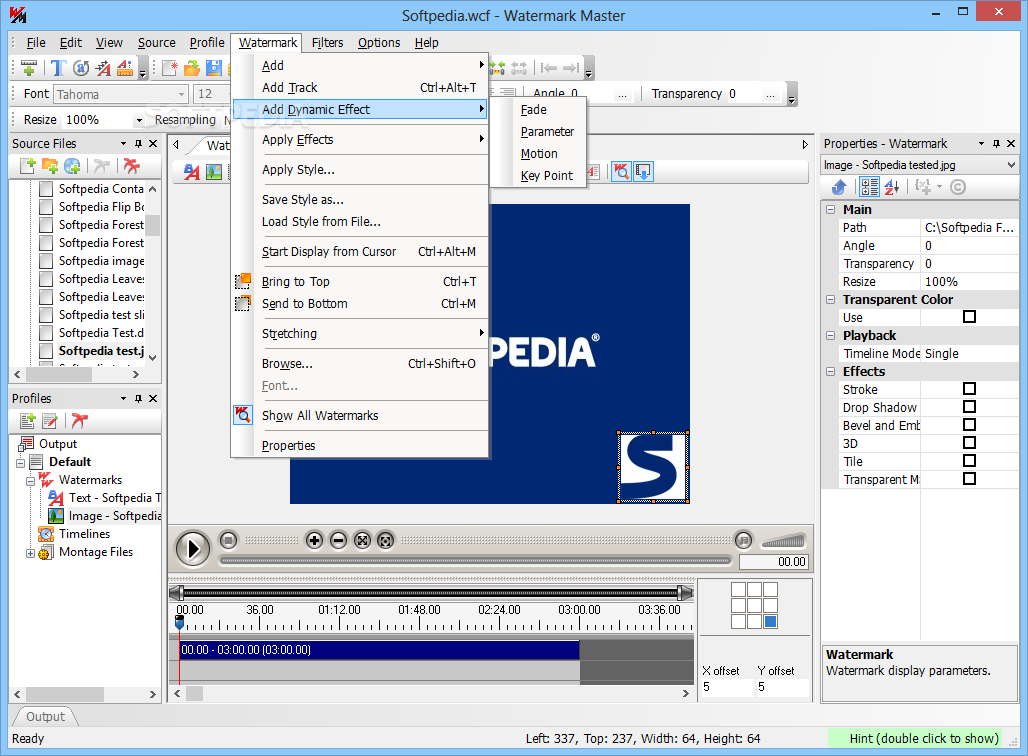
    Watermark Master enables creation of all imaginable kinds of watermarks: text, video, animated GIF, image, rectangle, blur area, creeping line and audio.Display time can be assigned for any kind of watermark. In the Preview area all watermarks can be displayed either taking or without taking their display time into account.

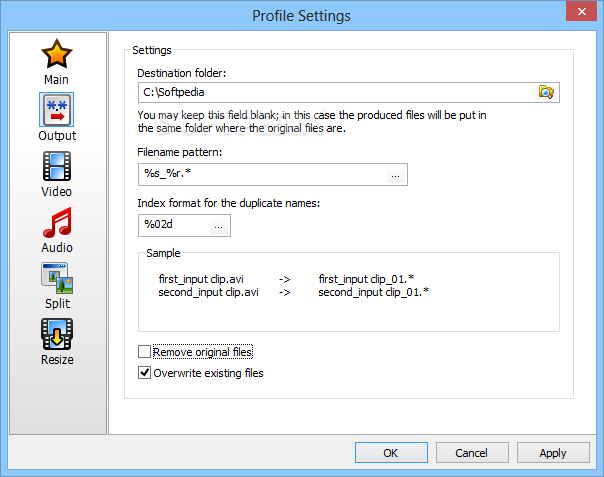
    Watermark Master is optimized for batch processing (processing a great number of files per one pass). A folder with files can be added as source file. Files in the folder can be processed by mask here; subfolders recursive processing can be activated in case of need. Flexible mechanism of construction of the output file name enables to preserve the original hierarchy of folders regardless of its complexity.

    Watermark Master is intended above all for creation of video and image galleries with adding to every frame some information about its author. Also it can be recommended to be used for batch conversion of video files from one format to another and ripping DVDs. Besides Watermark Master may be useful for creation of various montage effects.

    Creation of Watermarks.
    Watermark Master allows to create videos with adding to them watermarks of the following kinds:
    ■ Text - represents a simple text watermark. Wide range of dynamic variables is available for this kind. Font, font size, font color and some other properties can be modified. Stroke effect can be applied to increase text readability.
    ■ Image - is based on a graphic file. A number of properties can be modified for this kind of watermark: size, transparent color, rotation angle, etc.
    ■ Blur Area - is rectangle or elliptic blur area with adjustable size, blur strength and transparency. It enables to partly hide the unwanted elements of video or image; also it can be perfectly used as a background for another watermark.
    ■ Rectangle - is rectangle area filled with specified color. It can be used as a background for another watermark.
    ■ Video - is based on a video file. It is a kind of dynamic watermarks that represents a video file put over the processed one. Audio stream of the put file also can be included in case of need. Transparency, repetition and a few more properties can be modified.
    ■ Animated GIF - is based on an animated GIF file. It is another kind of dynamic watermarks that represents an animated GIF file put over the processed video file.
    ■ Creeping Line - represents a text watermark sliding along the frame in the predetermined direction during playback of the processed video file. Slide speed, delay in appearance and a few more properties can be modified.
    ■ Audio - represents an audio file replacing audio stream of the processed media file. Volume, repetition and a few more properties can be modified.
    Display time can be assigned for any kind of watermark. In the Preview area all watermarks can be displayed either taking or without taking their display time into account.

    Supported Formats.
    Watermark Master supports all basic formats of video, audio and image files. Besides the application can handle DVDs as well as VOB and IFO files. It enables to select the necessary chapters of DVD, join them when processing or process them separately, etc. Full list of supported formats is represented below:
    ■ AVI (*.avi) (DivX, XVid and etc),
    ■ Mpeg (*.mpg, *.mpeg) (VCD, SVCD),
    ■ DVD (*.vob, *.ifo),
    ■ WMV (*.wmv, *.wma, *.asf),
    ■ QuickTime (*.mov, *.move, *.qt),
    ■ Mpeg 4 (*.mp4) (decoding only),
    ■ RealMedia (*.rm),
    ■ Flash Video (*.flv) and SWF (*.swf),
    ■ DV (decoding only),
    ■ Image formats - GIF, PNG, BMP, TIFF,
    ■ Animated GIF

    Hidden Encoding.
    Watermark Master enables processing files without opening the main application and showing GUI. For that one can set parameters of processing for some folder via Windows Explorer and afterwards just add (upload) the necessary files to the folder - Watermark Master will singly process them as they are added. This functionality can be used for encoding files on server via web interface, and so it may be eminently helpful to webmasters.

    Video Editing.
    Watermark Master includes broad set of filters (including Deinterlace) for editing video and images files, 6 resampling algorithms, color adjustment feature, ability to flip, rotate, sharpen or soften image and many others.
    The application enables to define sections of a media file that should be added to the output file or, on the contrary, removed. When processing a great number of files, the sections can be defined the same for all source files or individually for each of them. The number of sections is not limited. The output file(s) can be previewed before encoding.
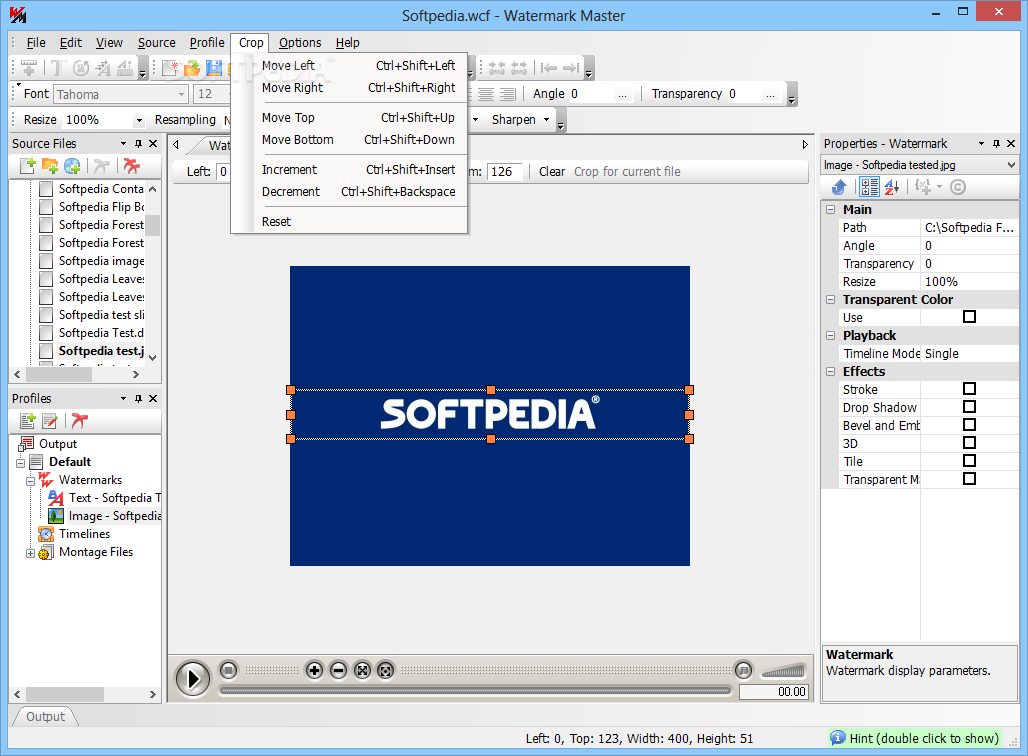
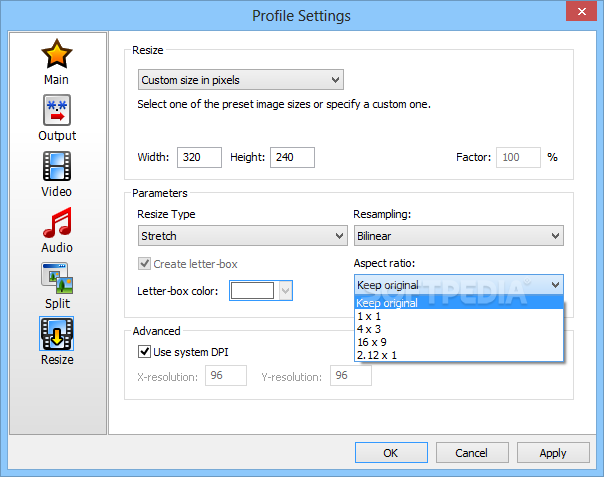
    Crop feature can be applied in order to process only the selected area of the source file frame and cut off the rest of it (can be used, for example, for trimming black stripes along the edges of videos and images). When processing a great number of files, Crop can be set in the same way for all source files or individually for each of them.

    Montage Feature
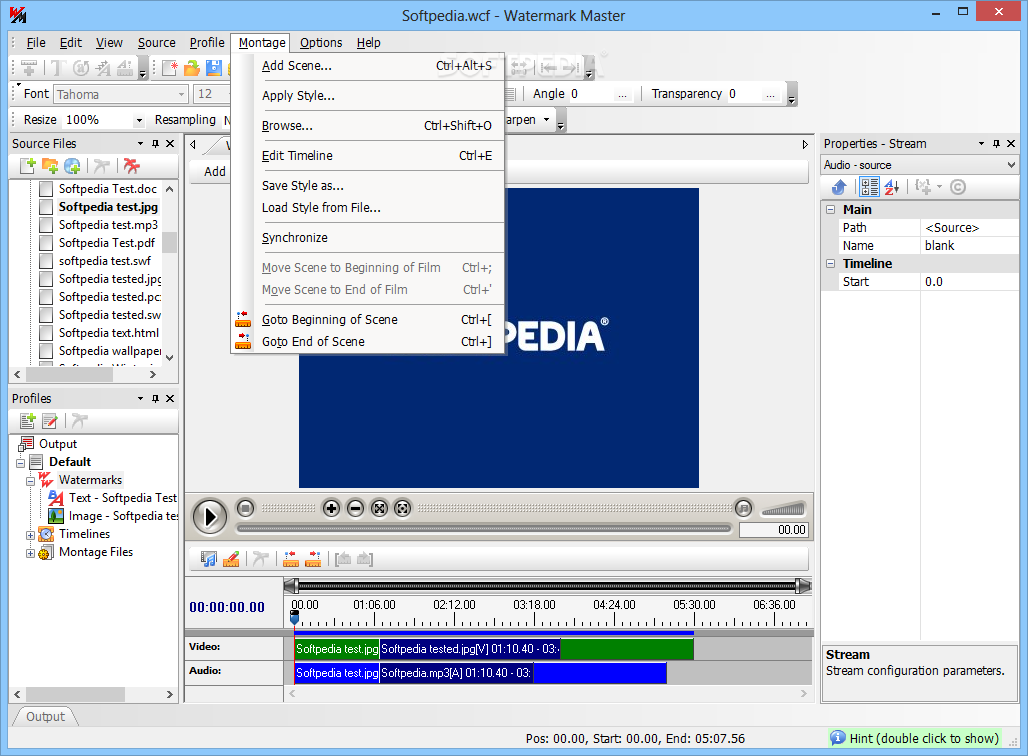
    Watermark Master includes the Montage feature that allows to add video scenes, add images as scenes, replace audio stream of the processed file with another one, etc. By means of this feature one can create video files of any complexity. Besides it enables to process more than one file at once according to the same montage scheme: say, if you have a hundred files and want to add some video scene to the beginning of each of them, you'll have to spend just a few clicks for that!

    Batch Processing
    Watermark Master is optimized for batch processing (processing a great number of files per one pass). A folder with files can be added as source file. Files in the folder can be processed by mask here; subfolders recursive processing can be activated in case of need. Flexible mechanism of construction of the output file name enables to preserve the original hierarchy of folders regardless of its complexity.

    Grabber
    Watermark Master can grab individual frames of any video file and save them in a graphic format. It enables to grab the first frame of a movie, grab frames regularly (say, every 5 seconds) or grab the first frame of each of equal movie's parts (number of parts can be set here). Besides, Watermark Master can process more than one profile at once, which enables to create both video files and thumbnails per one pass.

    User Interface
    Watermark Master possesses handy and clear interface, system of hints that makes getting used to the program easier, and Wizard that provides quick and simple access to almost all available operations.

    Field of Use
    The program is intended above all for creation of video and image galleries with adding to every frame some information about its author. Also it can be recommended to be used for batch conversion of video files from one format to another and ripping DVDs. Besides Watermark Master may be useful for creation of various montage effects.

    Here are some key features of "Watermark Master":

    · Creation of watermarks
    · Dynamic effects
    · Dynamic watermarks
    · Blurring areas of an image
    · Removing static objects from an image
    · Remote file processing
    · Conversion of videos and images
    · Creation of thumbnails
    · Video editor functions
    · Processing of DVDs
    · Player
    · Adding subtitles

    Requirements:

    · 64MB RAM (128MB recommended)
    · 30MB of free hard disk space
    · 800x600 screen resolution
    · DirectX 8.1 or higher
    · Installed codecs for media formats you are going to work with

    Limitations:

    · 20 days trial
    · The trial period is divided into two equal parts. Within the former 10 days the trial version does not differ from the registered one. Within the latter 10 days all clips and images created with trial versionwill be marked as a demo product.

    What's New in This Release: [ read full changelog ]

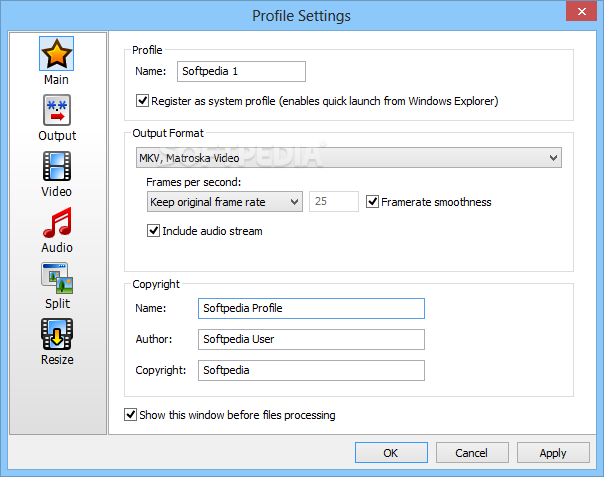
    · Added ability to process files with MKV (matroska) type!
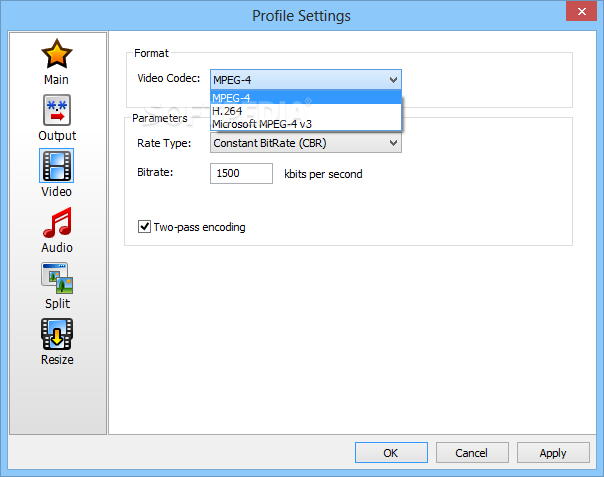
    · H264 codec/decoder support.
    · Added examples on WMSDK use for VBScript
    · Fixed bugs from previous version.

     Softpedia guarantees that Watermark Master 2.2.19 is 100% CLEAN, which means it does not contain any form of malware, including spyware, viruses, trojans and backdoors. [read more >]


    TAGS:

    add watermark | video editor | convert image | Watermark | editor | create


    HTML code for linking to this page:


    Go to top

    Windows tabGames tabDrivers tabMac tabLinux tabScripts tabMobile tabHandheld tabGadgets tabNews tab

    SUBMIT PROGRAM   |   ADVERTISE   |   GET HELP   |   SEND US FEEDBACK   |   RSS FEEDS   |   ENTER NEWS SITE   |   ENGLISH BOARD   |   ROMANIAN FORUM