
Stay up to date with the latest episodes of your favorite TV shows from the comfort of your desktop using this practical application. #Video player #Multimedia manager #Media player #Player #Playback #Podcast
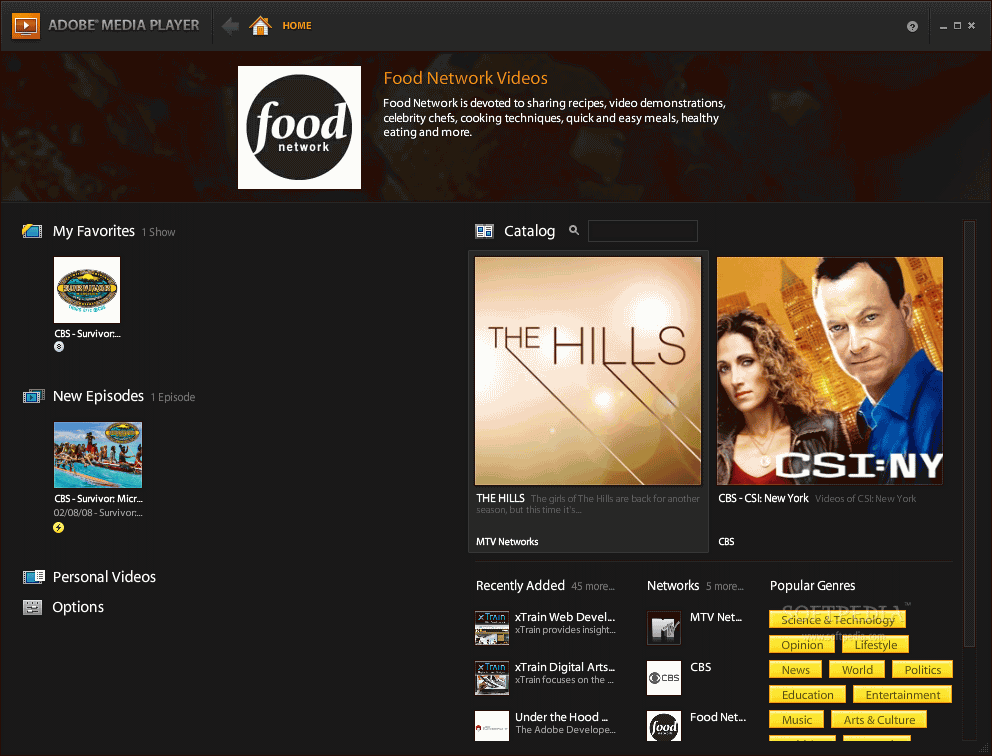
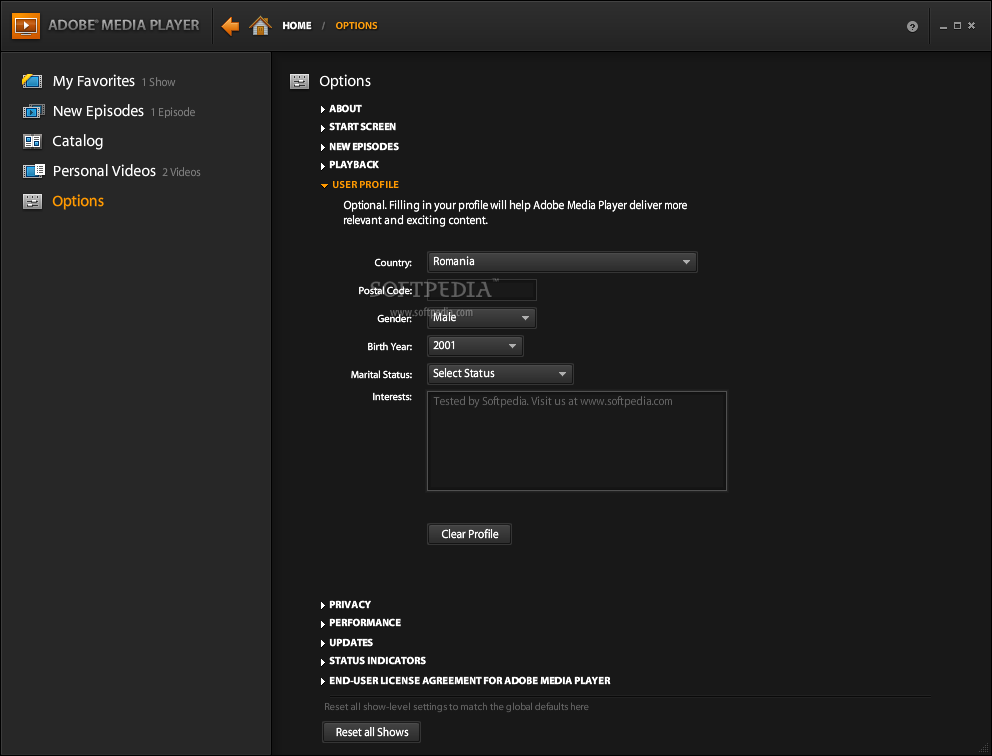
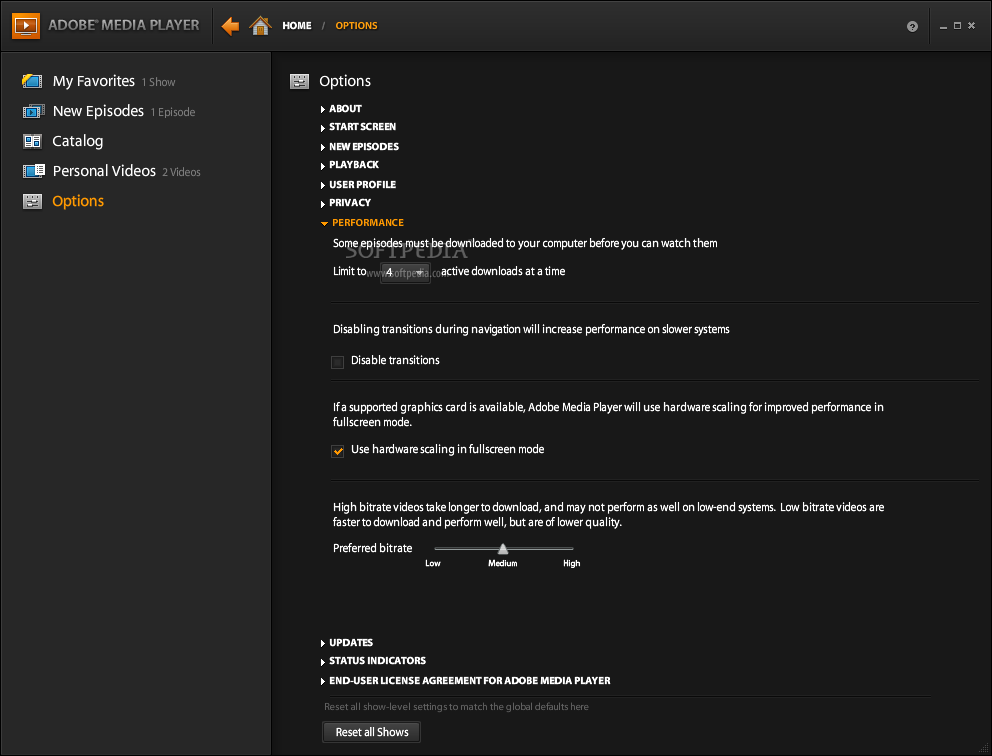
Nowadays, most television shows are also available online and it’s only a matter of taste when someone chooses to watch their movies on TV or on their computer screen. Adobe Media Player is a user-friendly application that allows users to search for their preferred episodes online and download them to the PC.
First of all, in order to access the functions of this application, an Adobe account is required, as the username and password are needed before gaining access to the app interface. Due to this tool, one can subscribe to Internet television shows or other online video content, so as to be able to watch them on demand.
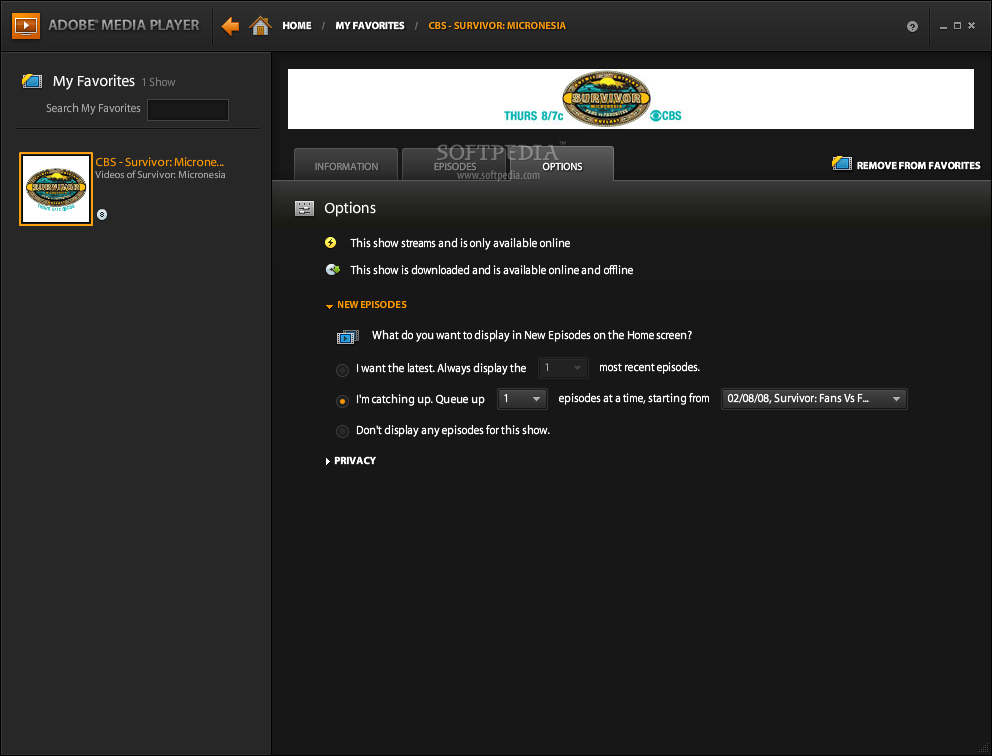
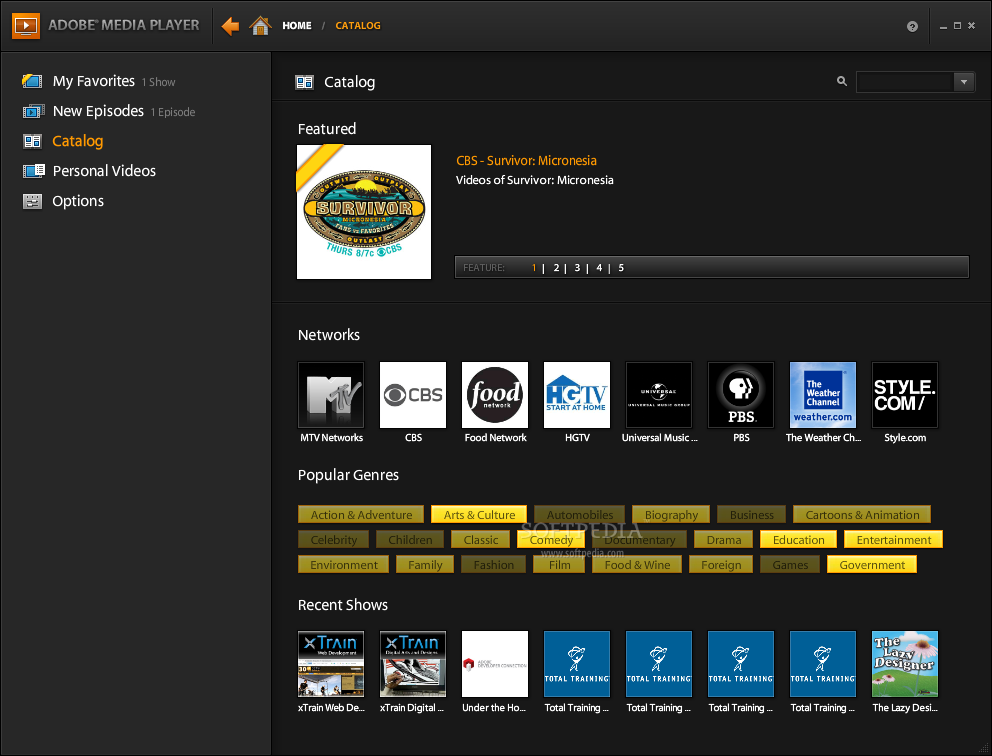
After users specify the movie genre they like best and find the suitable shows, they can also pin them as ‘favorites’ so they can be easily located when one wants to relax and watch a movie or to create a list of items that should be downloaded at a later time.
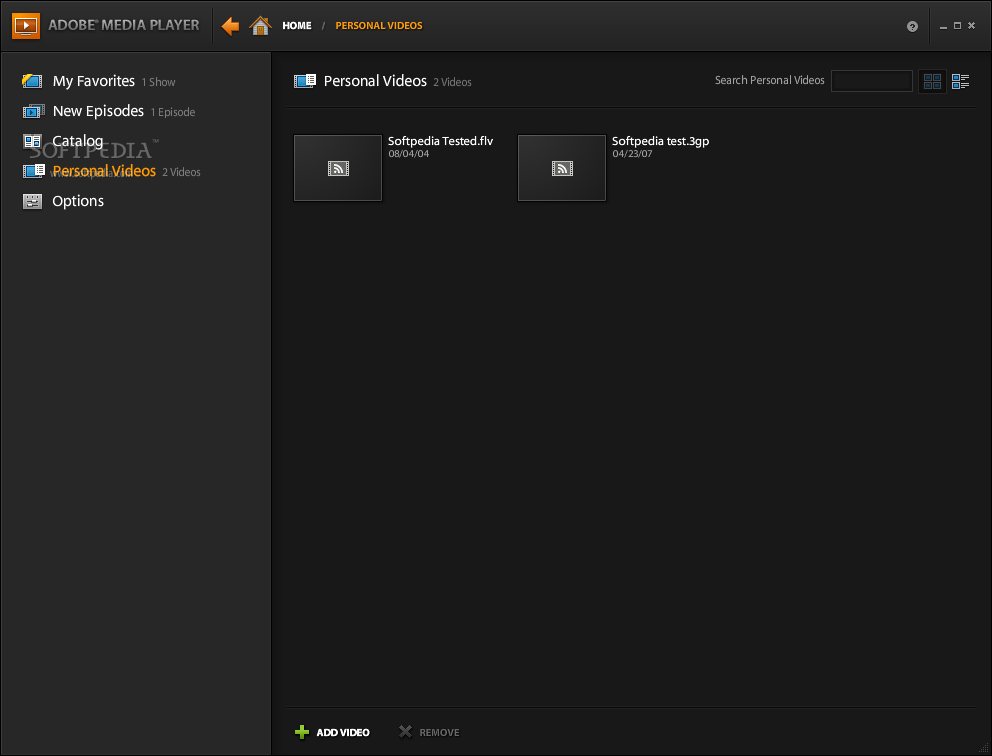
One can also use Adobe Media Player to organize their downloaded items and sort them chronologically, according to the date each episode or movie was released. It is possible to configure the application to show only the latest episodes of a certain show or to allow users to catch up and provide them with access to several of the latest episodes, with as much as clicking a button.
However, please note that this application has been discontinued and that users can no longer gain access to television shows and episodes, so those who like to rely on their PC to watch movies and TV shows are advised to search for an alternative software solution.
Download Hubs
Adobe Media Player is part of these download collections: View DVD, Play F4V, Open F4V
Adobe Media Player 1.7 Build 503734
add to watchlist add to download basket send us an update REPORT- runs on:
-
Windows Vista
Windows XP - file size:
- 2.4 MB
- filename:
- adobe_media_player.air

- main category:
- Multimedia
- developer:
- visit homepage
calibre

Microsoft Teams

4k Video Downloader

ShareX

IrfanView

Zoom Client

Windows Sandbox Launcher

Bitdefender Antivirus Free

7-Zip

Context Menu Manager

- Bitdefender Antivirus Free
- 7-Zip
- Context Menu Manager
- calibre
- Microsoft Teams
- 4k Video Downloader
- ShareX
- IrfanView
- Zoom Client
- Windows Sandbox Launcher