Softpedia
 

WINDOWS CATEGORIES:


GLOBAL PAGES >>
SOFTPEDIA REVIEWS >>
MEET THE EDITORS >>

WEEK'S BEST

  • DAEMON Tools Pro (...
  • FlashFXP [ DISCOUN...
  • PowerISO 4.9
  • WebcamMax [DISCOUN...
  • Zemana AntiLogger ...
  • System Mechanic Pr...
  • Glary Utilities Pr...
  • All My Movies [DIS...
  • Ad-Aware Internet ...
  • Atlantis Word Proc...
  • Home > Windows > Multimedia > Video > Video Players
     Report malware

    RealPlayer 15.0.2.72

    download button

    Part of the FLV Player download hub (+44 others)
    Downloads: 3,681,846  View global page  Tell us about an update
    User Rating:
    Rated by:
    Very Good (4.2/5)
    8895 user(s)
    Developer:

    License / Price:

    Size / OS:

    Last Updated:

    Category:

    Ad-supported / $0
    668 KB / Windows All
    [view history]
    C: \ Multimedia \ Video \ Video Players

     Read user reviews (25)  Send to friend   Follow (42 users)

    EDITOR'S RATING

    Softpedia Editor's Review for RealPlayer

    The all-in-one digital media player that lets you find anything and play everything

    Written by Bogdan Popa on January 4th, 2012

    RealPlayer is an all-in-one media player that's able to play virtually all multimedia files out there, while offering users a bunch of extra features.

    The installer is full of options, allowing to choose right from the beginning whether to place shortcuts on desktop, to use RealPlayer for opening multimedia files that are not yet associated with another application or to install some other applications that have nothing in common with RealPlayer.

    This is the reason why RealPlayer is marked as ad-supported, as it attempts to install two additional tools, both of which are not required for the program to work properly.

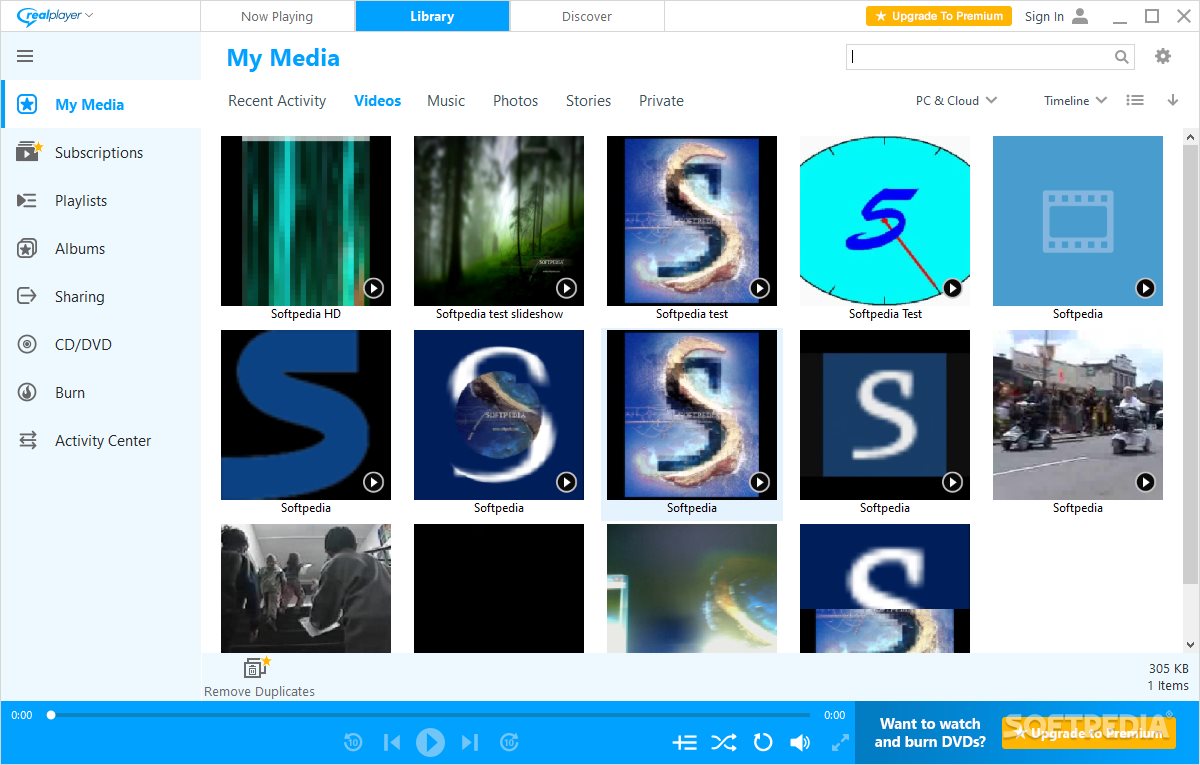
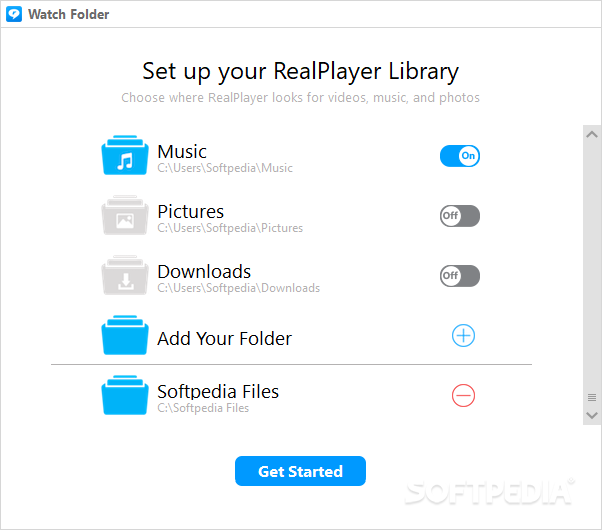
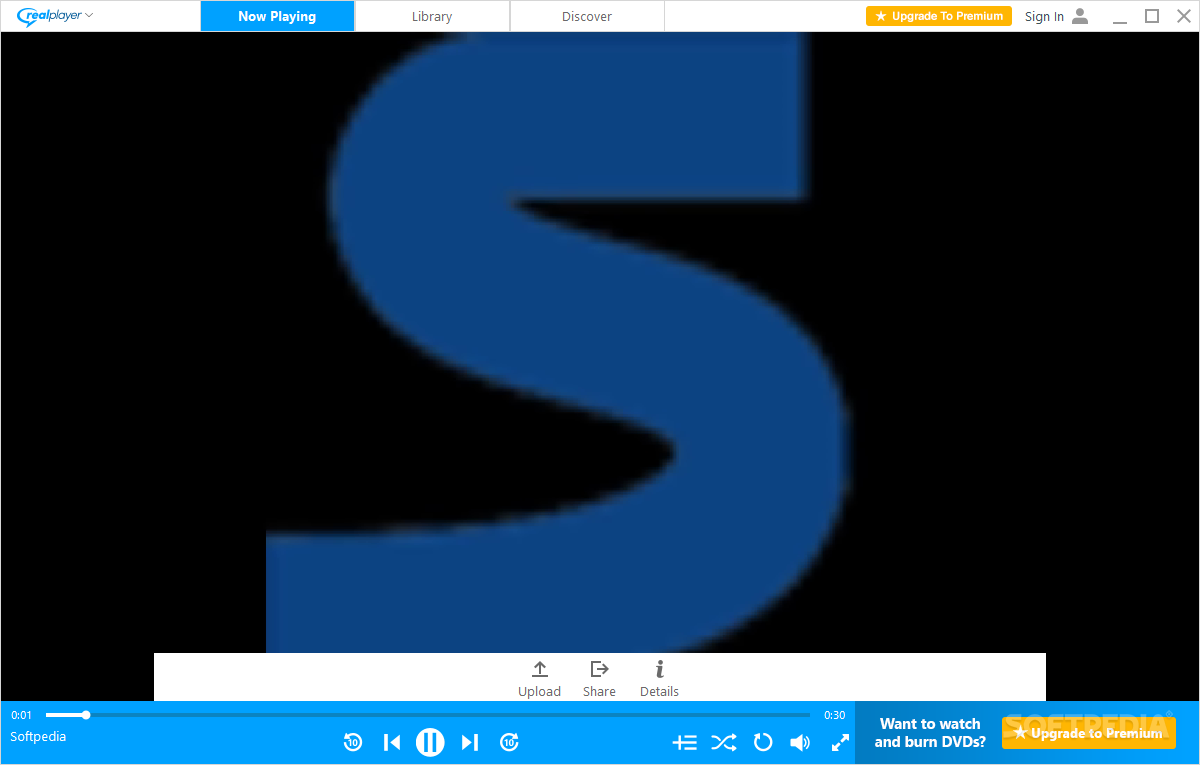
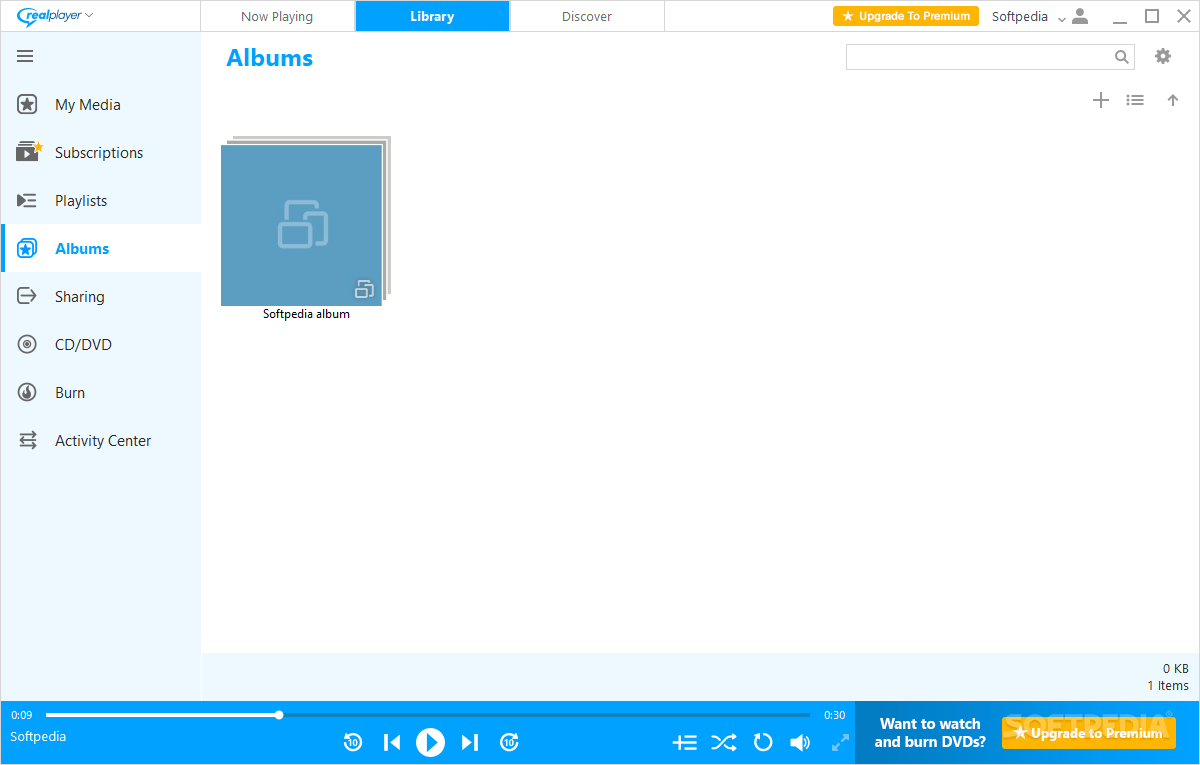
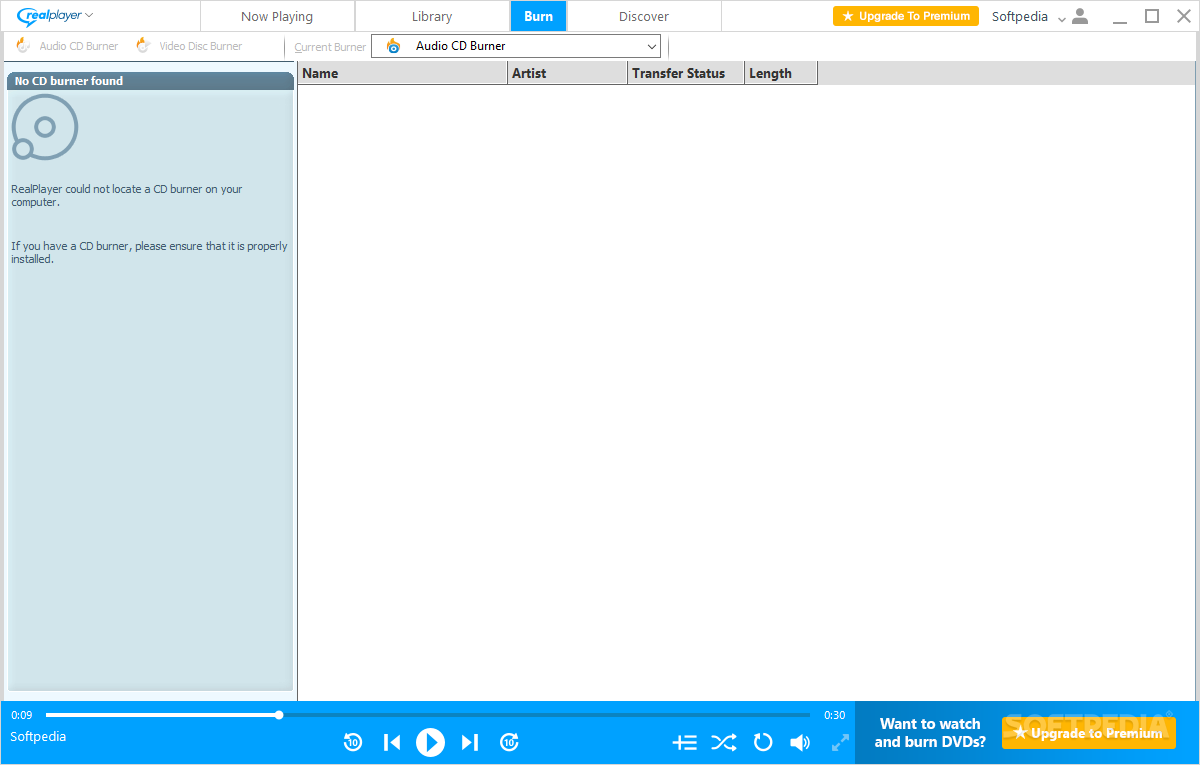
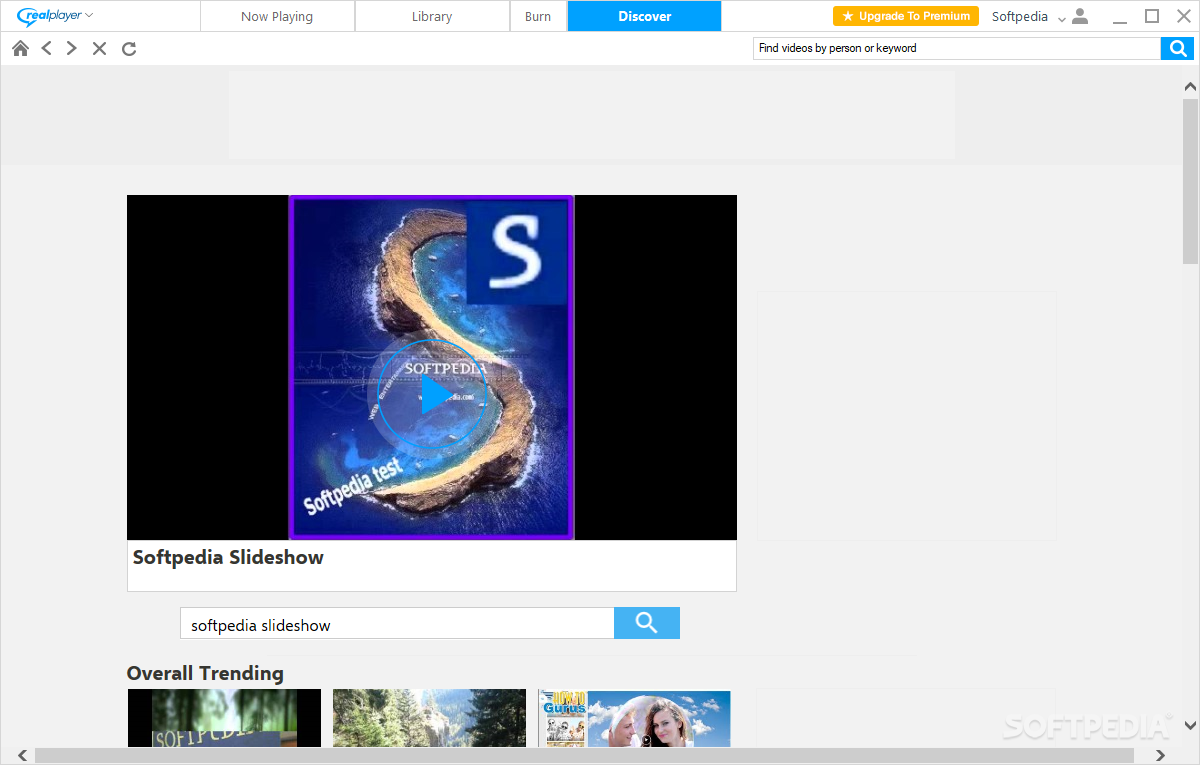
    The application may not surprise you at the first sight, as RealPlayer greets the user with its now well-known browsing window. The interface is simple, yet stylish and comprises the player itself, a Library section that allows you to organize your media content and a CD burner.

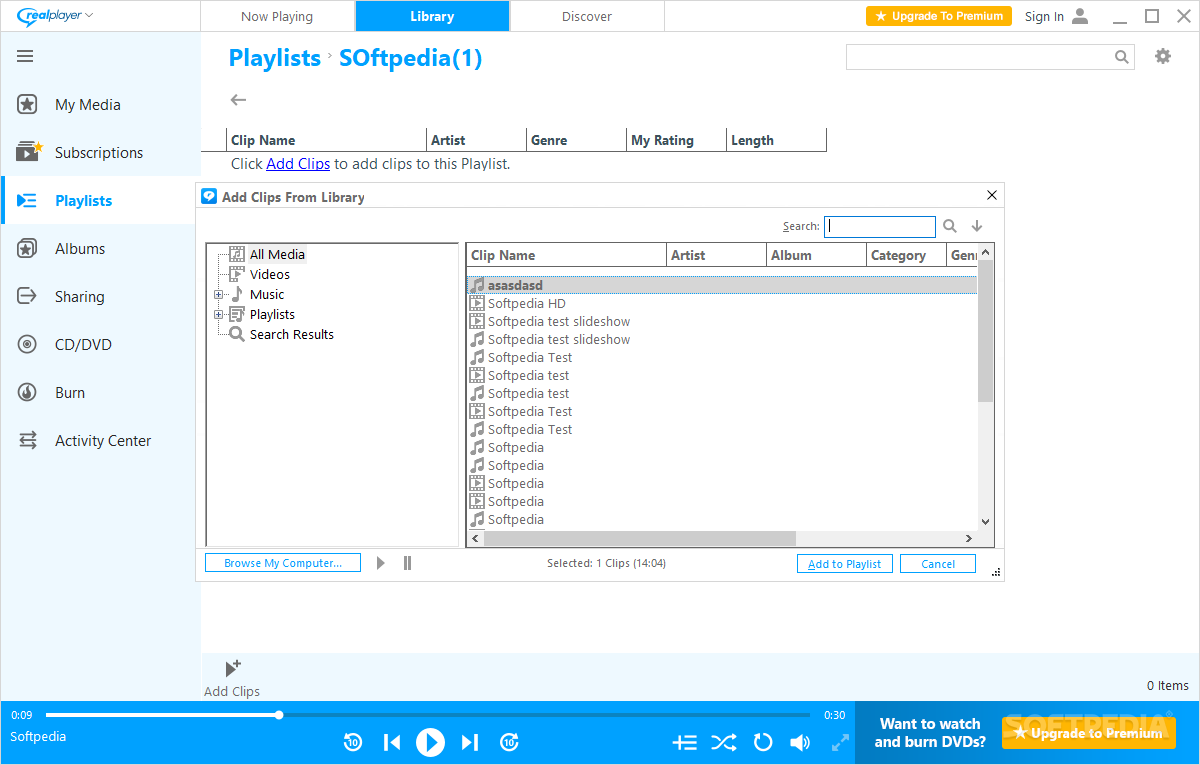
    RealPlayer has support for most audio and video formats out there, boasting the same features as many other digital media players out there, including playlists, libraries, equalizers and even burning capabilities. Of course, RealPlayer also allows you to listen to online radio stations, as the app includes over 3200 stations from all over the world.

    What we liked the most was definitely the fact that RealPlayer can handle basically all multimedia files on your computer, but on the other hand, a few interface upgrades here and there would be great.

    RealPlayer acts as a multimedia center for your computer. It is not just a player, but it can also be tagged as a media organization tool and a CD burning utility. All of these, together with its accessibility and ease of use make it worth your while.


    Read an in-depth analysis in our professional review for RealPlayer

    RealPlayer description

    Here are some key features of "RealPlayer":

    Online Radio:
    · Over 3200 stations worldwide & 60 ad-free stations for endless listening.

    Expanded Controls:
    · Optimize sound with the 10-Band Graphic Equalizer and get the sharpest picture with advanced video controls.

    Advanced CD Burning:
    · Rip, mix & burn CDs like a pro - fast! Encode MP3s at up to 320kbps.

    Play Everything:
    · RealOne Player plays all major media formats including Quicktime MPEG-4, Windows Media, DVDs, & more.

    Easy, Fun & Intuitive:
    · Browse the web, organize audio & video files, create playlists, & more!

    Requirements:

    · 1 GHz processor or greater (supports simultaneous record/playback features)
    · 512 MB of RAM, 1 GB
    · High-speed internet connection (audio/video)
    · Full Duplex sound card and speakers
    · CD and DVD writer (for CD and DVD writing features)
    · DVD player and DVD playback software (for DVD playback)
    · 4+ GB available disk space for saving media, and for creating CDs or DVDs

    Limitations:

    · Features not included in standard/free version :
    · DVD/VCD Burning
    · Toolbar Display Mode
    · 10-Band Graphic Equalizer
    · Extra CD Burning options such as Audio Filters and Multi-Session Burning
    · Manual Media Conversion
    · Print CD and DVD Jewel Case Inserts
    · Print My Library
    · Video Controls
    · Crossfade
    · Record Mic/Line In (Analog source recording)

    What's New in This Release: [ read full changelog ]

    · Improved compatibility with Firefox 10.
    · Improved security.
    · Fixed an issue where cancelling conversion could cause a crash.
    · Fixed an issue where certain SMIL presentations failed to play.
    · Improved and updated SpeedBit download acceleration.
    · Improved calibration for accelerated transfer and conversion.
    · Improved DVD burning performance, including several fixes to reduce errors and prevent crashes.
    · Improved the quality of 1080p video burned to AVCHD discs.
    · Fixed an issue where the Equalizer was unresponsive.

    Users are advised to pay attention while installing this ad-supported application:

    · Offers to download or install software or components that the program does not require to fully function
    · Offers to create desktop or start menu shortcuts for items unrelated to the program's functionality
    · Displays ad banners or other types of advertising material during its runtime


    TAGS:

    RM player | RealMedia player | stream player | player | play | stream


    HTML code for linking to this page:


    Go to top

    WindowsGamesDriversMacLinuxScriptsMobileHandheldNews

    SUBMIT PROGRAM   |   ADVERTISE   |   GET HELP   |   SEND US FEEDBACK   |   RSS FEEDS   |   UPDATE YOUR SOFTWARE   |   ROMANIAN FORUM