
Great movie player that provides you with a lot of features. #Movie player #Video player #Display subtitle #Subtitle #Movie #Player

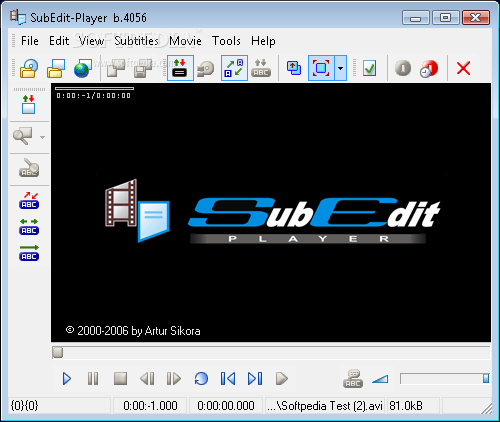
SubEdit Player is a tool designed to play audio and video files. Supported video formats include AVI, MPG, MPE, MPEG, MOV, and others, but the software can also play some audio formats (MID, MP3, RA, AC3, WAV, WMA).
This program does not need to be installed so, your Windows registry entries remain intact. Since it is a portable product, you can place it on an external device and directly run the executable file.
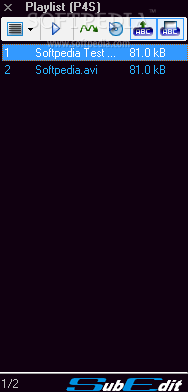
The user interface is intuitive, but it could use some work. The buttons are too small, and the playlist is not attached to the main application, so you have to handle two windows instead of one.
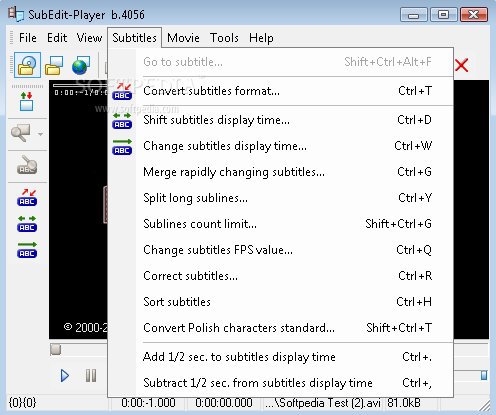
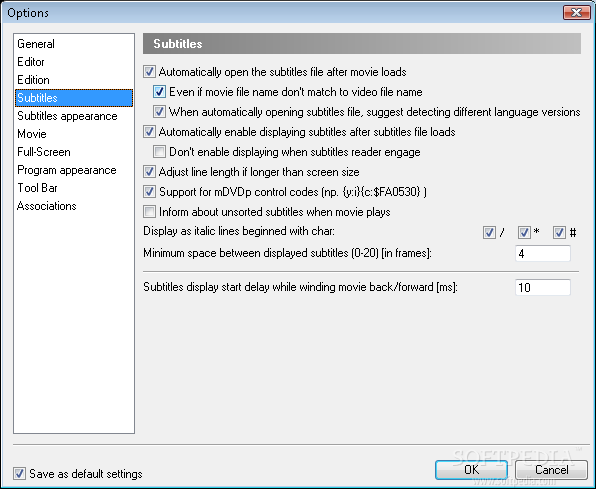
As its name suggests, SubEdit Player does not focus on configuring the settings of a movie, but rather on changing the subtitle options. You can go to a specific frame in the video, select chapters, convert subtitles format, shift subtitles display time, split or merge subtitles, open the subtitle editor, and make subtitles transparent.
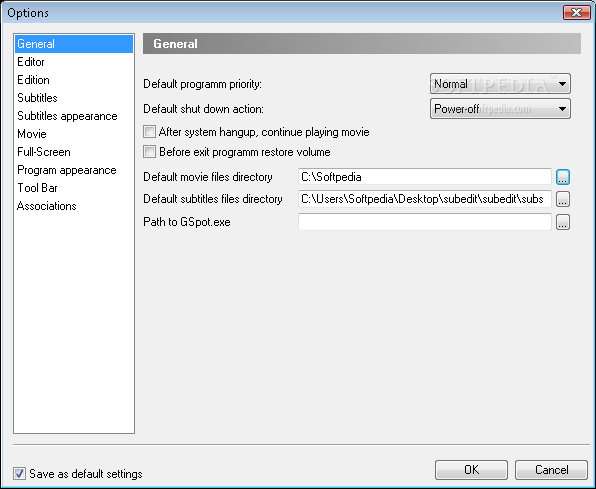
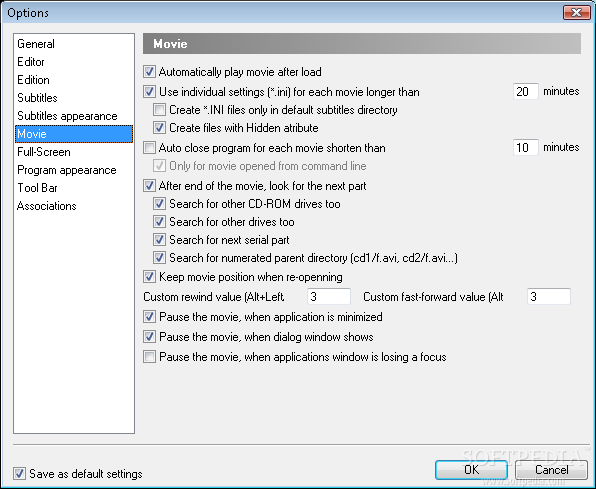
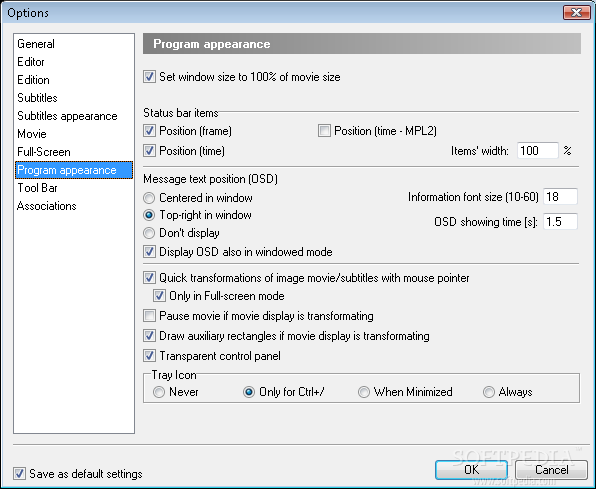
You can enable SubEdit Player to shutdown computer after it has finished playing a movie, or you can just use a shutdown timer, select one between four languages, create a subtitles backup file, use red font to highlight lines in unrecognized subtitles format, customize the toolbar, select file associations, and more.
SubEdit Player cannot be compared to more powerful media players, but it certainly stands out when it comes to subtitle settings. The program uses a low amount of CPU and system memory.
SubEdit Player Build 4072
add to watchlist add to download basket send us an update REPORT- runs on:
- Windows All
- file size:
- 1 MB
- filename:
- subedit.zip
- main category:
- Multimedia
- developer:
Windows Sandbox Launcher

calibre

IrfanView

Bitdefender Antivirus Free

7-Zip

ShareX

Zoom Client

4k Video Downloader

Microsoft Teams

Context Menu Manager

- 4k Video Downloader
- Microsoft Teams
- Context Menu Manager
- Windows Sandbox Launcher
- calibre
- IrfanView
- Bitdefender Antivirus Free
- 7-Zip
- ShareX
- Zoom Client