
Record audio and video, take screenshots, or stream live sessions with this application that feels like a one-stop-shop for successfully recording online content #Record gameplay #Record desktop #Capture screenshot #Recorder #Record #Screenshot

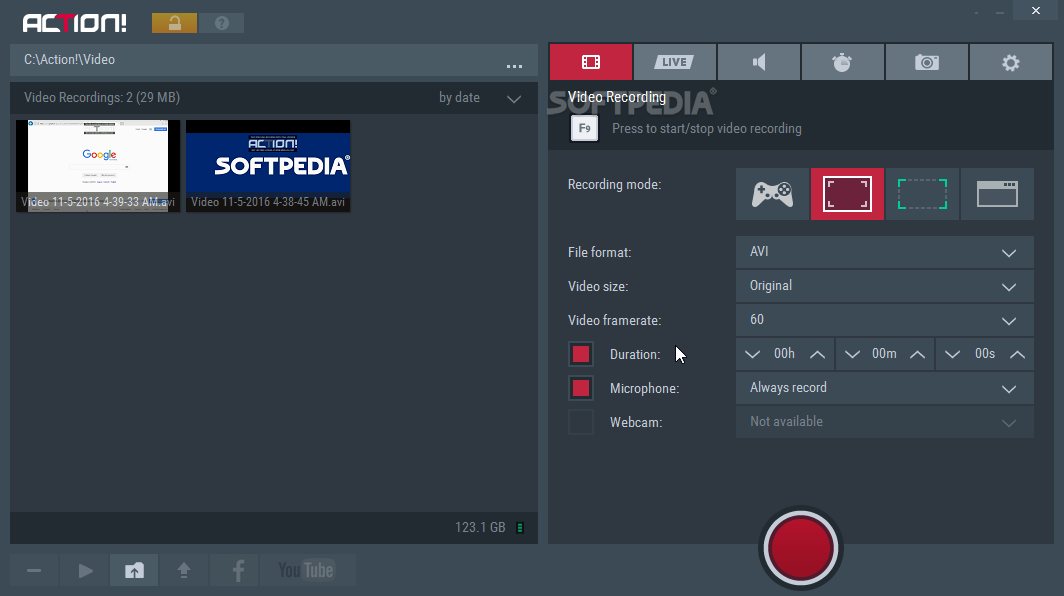
Action! is what you'll find yourself saying after using the software with the same name a couple of times. Yes, it will make you feel like an award-winning director, although it's only a desktop recording suite. With the ability to tailor itself to your needs for creating whatever type of high-quality content you're planning, this app is a good solution for any beginner looking to create successful content.
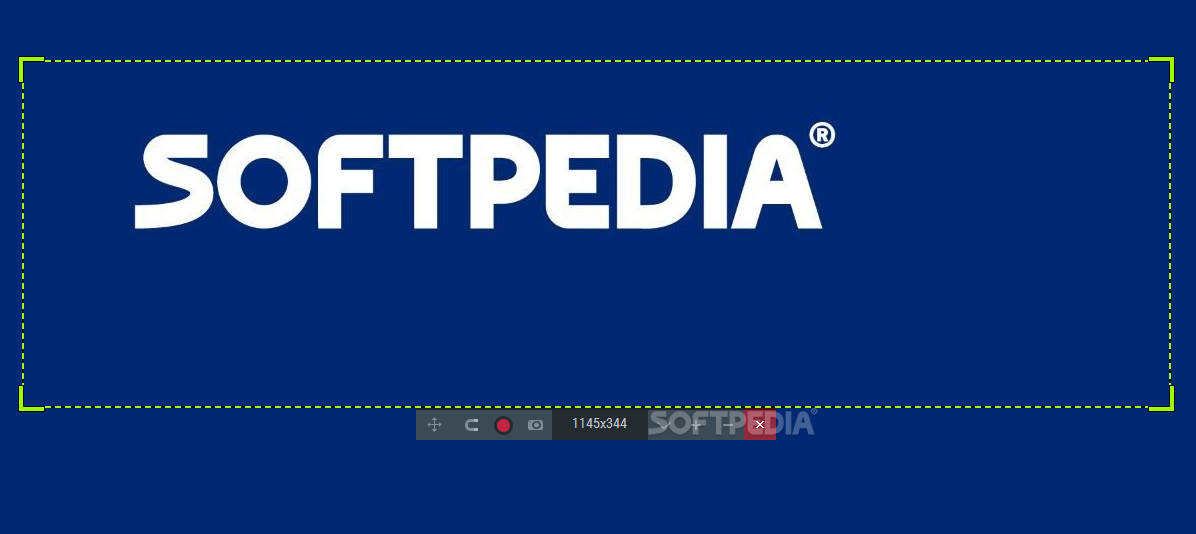
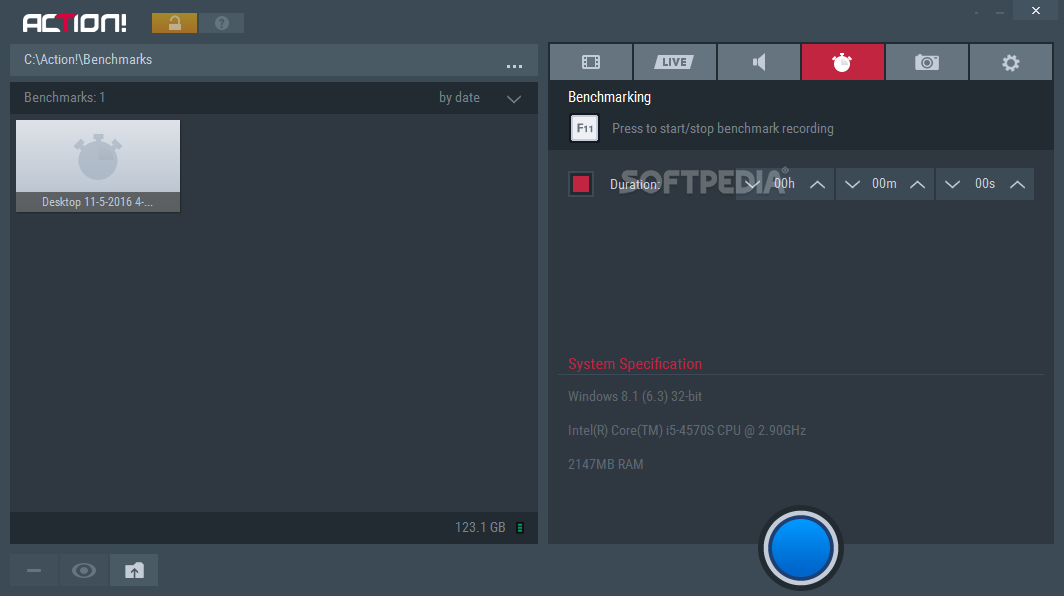
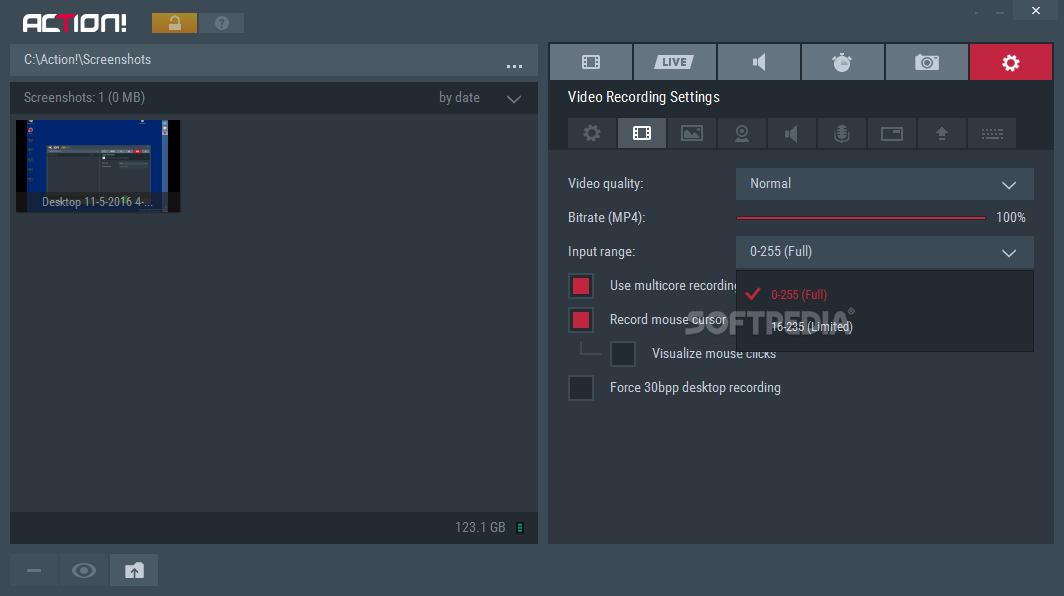
Although it might seem like there are not that many features in the app, Action! doesn't necessarily concentrate on joining tons of options and features. It seems to have selected only the most useful of them, offering the user a simple and efficient way of recording content. You'll need to decide on an output location, for starters. Afterward, make sure you select the recording mode, depending on what your project is all about. There is a game mode, screen snipping mode, full-screen, and window recording options. Choose other aspects such as the format, video size, and frame rate.
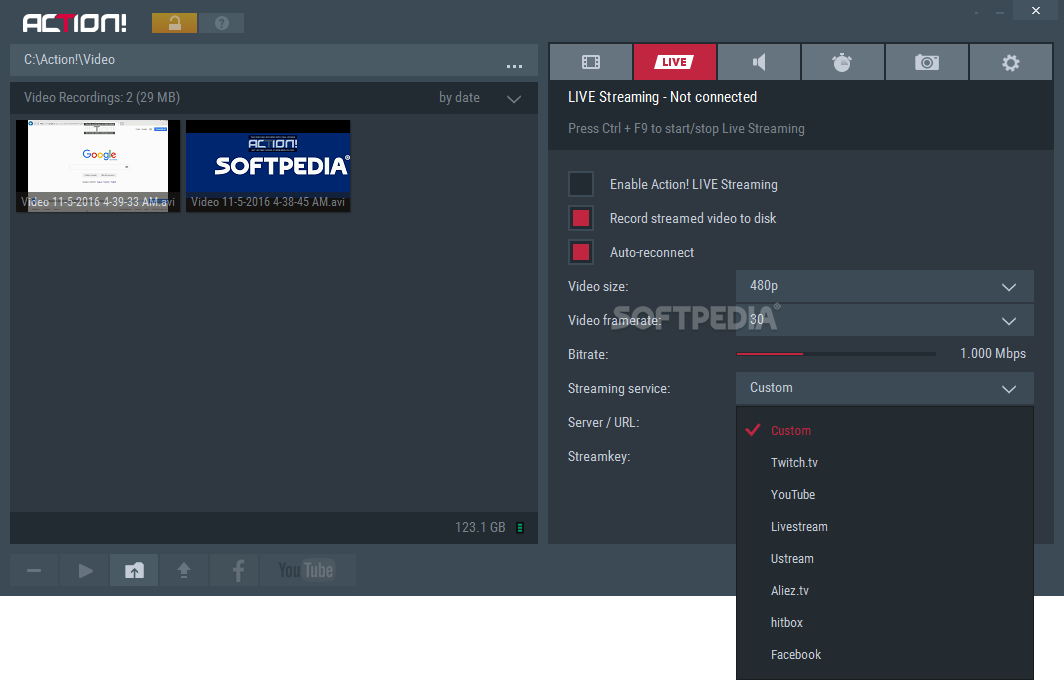
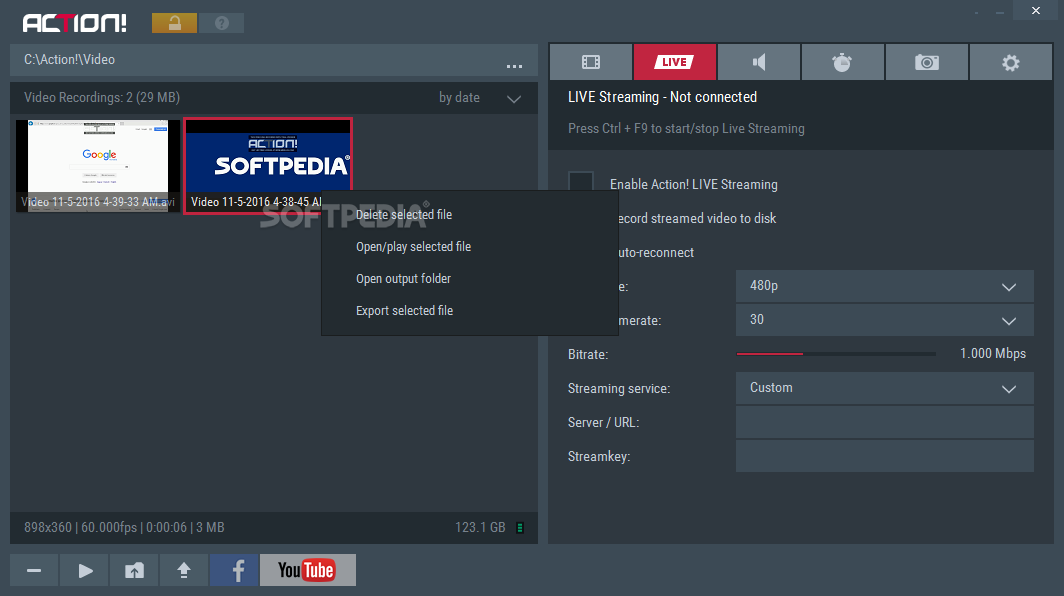
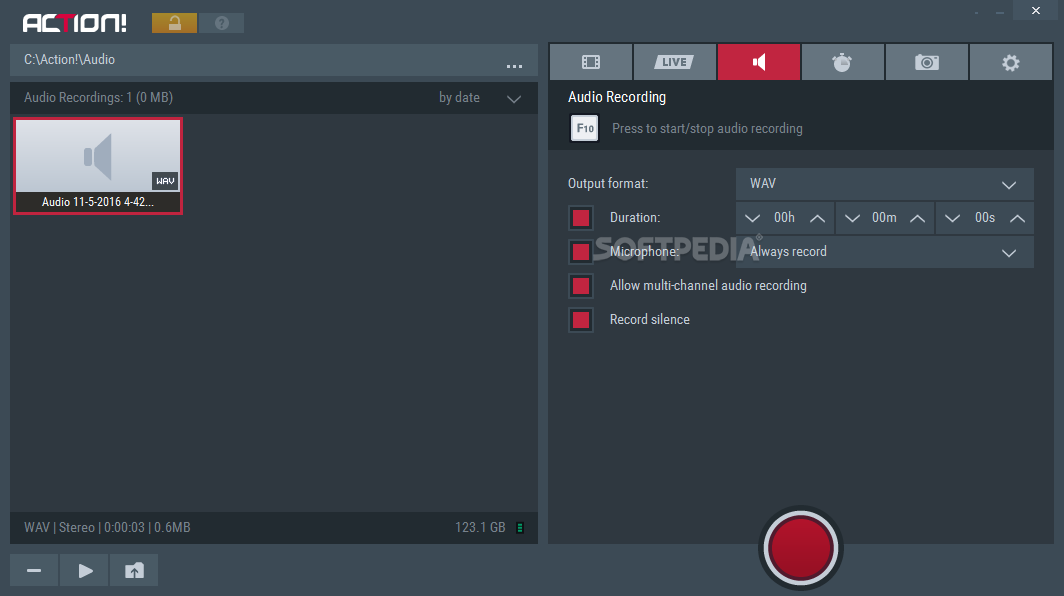
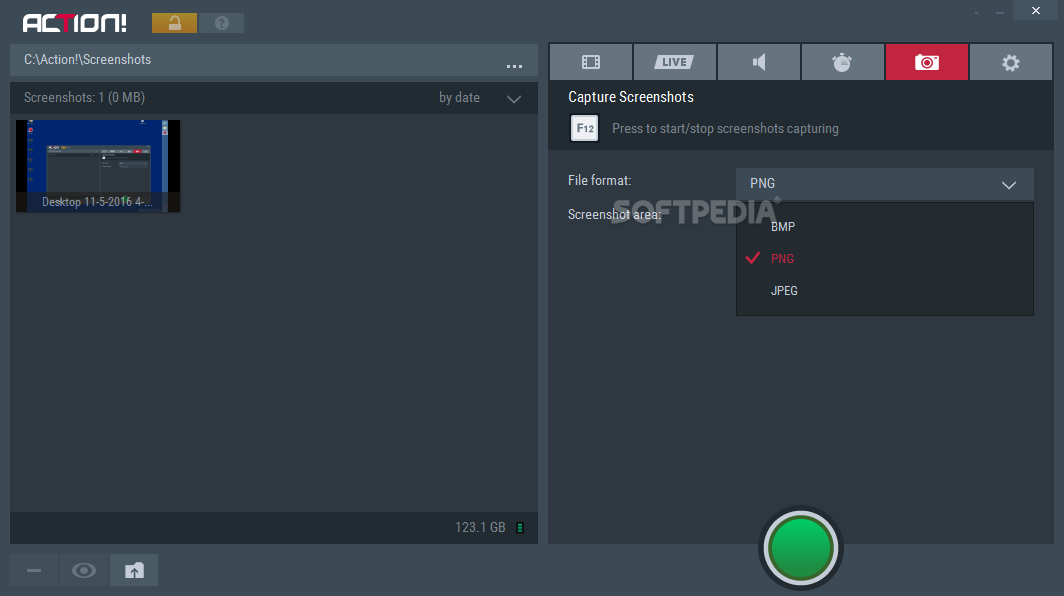
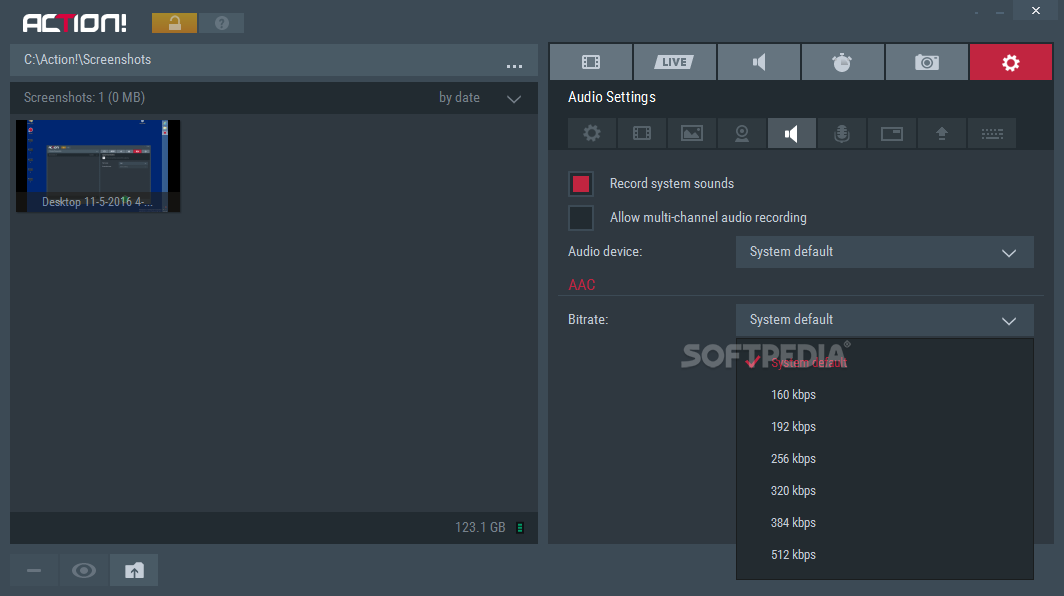
The app also allows the user to create live sessions. You can stream your desktop activities in real-time. Just make sure, like in the previous case, to adjust settings such as video size, frame rate, and streaming service to whatever you need. The same goes for audio recordings. Yes, you can record only the audio side of whatever is going on your screen. This is especially helpful for podcasts. The screenshot area is also of great use if you're not into recording and would like a more static account of your activities.
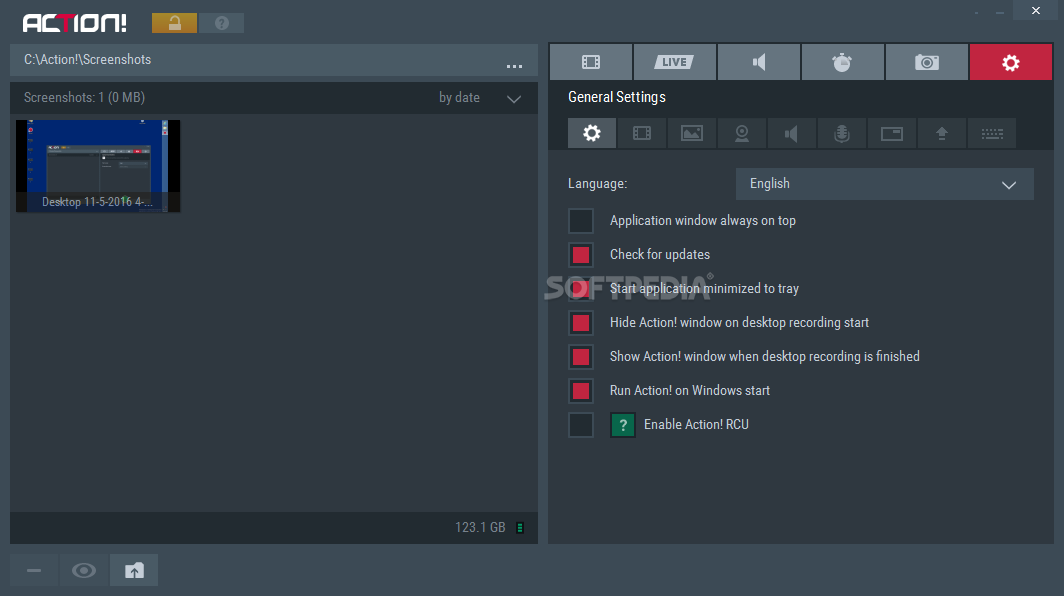
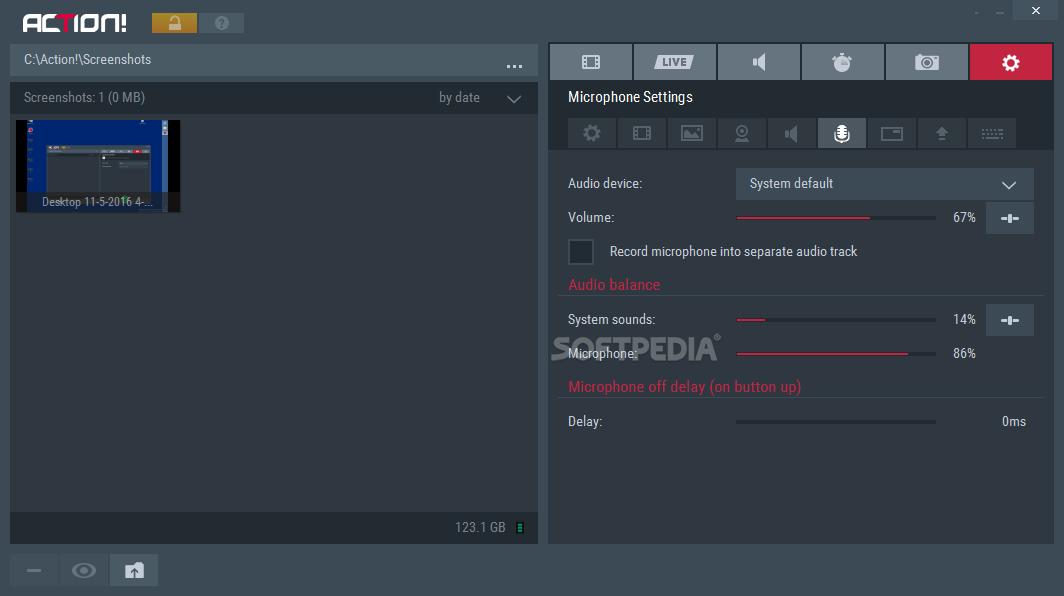
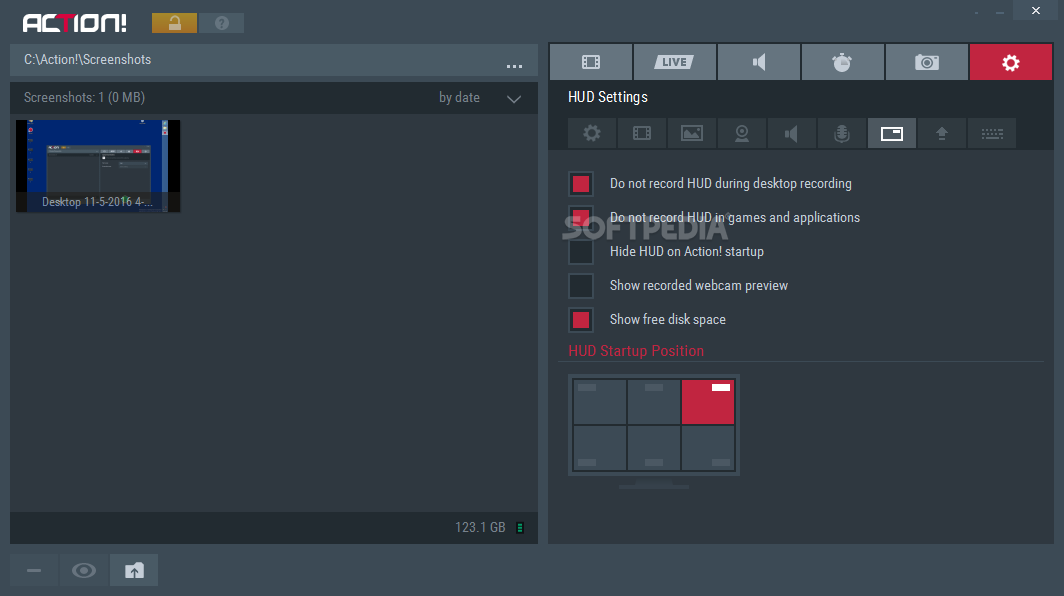
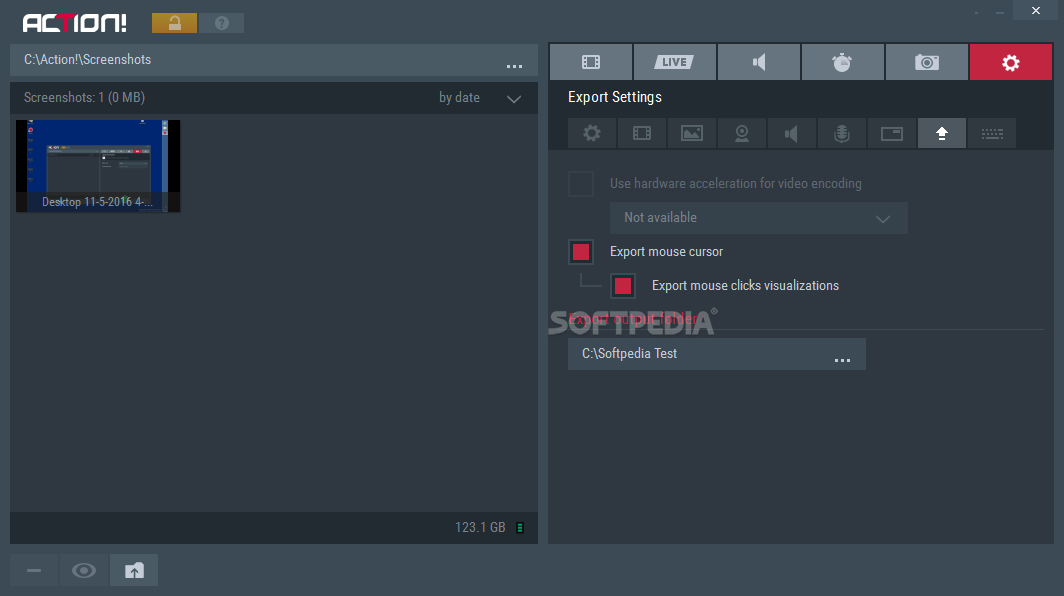
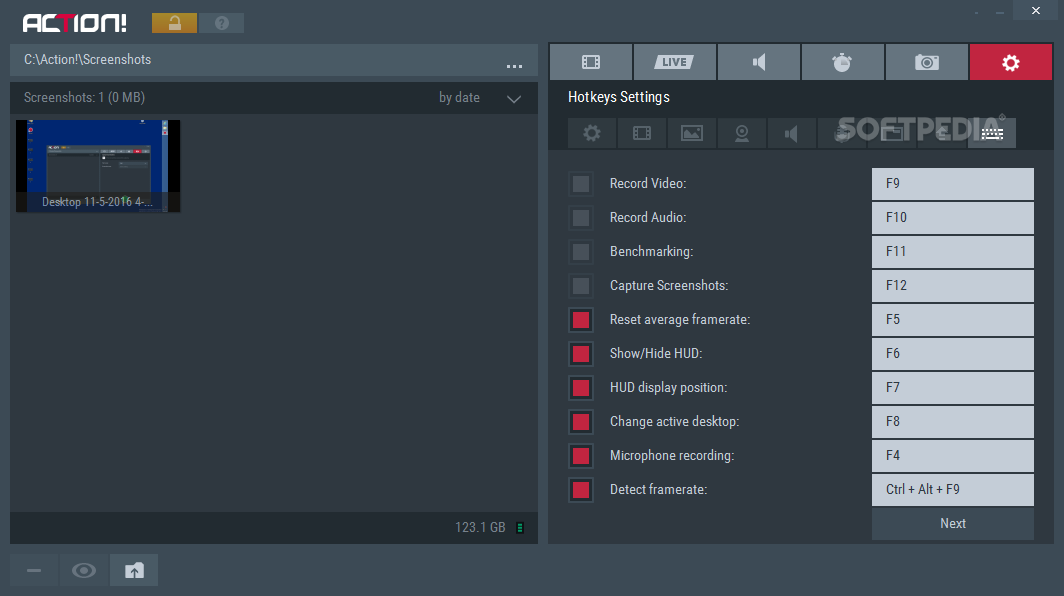
Once you are done adjusting the particularities of whatever type of recording you are about to start, do make sure you adjust general settings too. Decide on how your attached microphone will play into your project. Create a separate audio track for whatever you'll be voicing through that peripheral. How will the mouse cursor work with your recording? This is also something you can decide on in this area. Set up hotkeys for various actions, thus gaining more time to concentrate on the creation of the content. You'll definitely look like a professional director on set.
Action! is an application that will most likely prove useful to beginner and advanced content creators. It might not be that innovative per se, but it manages to polish an old recipe and make it more accessible to those who actually need such a solution to bring them into the spotlight.
What's new in Action! 4.39.1:
- Fixed Action! not connecting to games installed in specific folders
- Fixed Action! not working with DXVK in Direct3D 9 mode
- Stability fixes
Action! 4.39.1
add to watchlist add to download basket send us an update REPORT- runs on:
-
Windows 11
Windows 10 32/64 bit
Windows 8 32/64 bit
Windows 7 32/64 bit - file size:
- 107 MB
- filename:
- action_4_39_1_setup.exe
- main category:
- Multimedia
- developer:
- visit homepage
calibre

Context Menu Manager

Windows Sandbox Launcher

Microsoft Teams

Zoom Client

7-Zip

Bitdefender Antivirus Free

ShareX

4k Video Downloader

IrfanView

- ShareX
- 4k Video Downloader
- IrfanView
- calibre
- Context Menu Manager
- Windows Sandbox Launcher
- Microsoft Teams
- Zoom Client
- 7-Zip
- Bitdefender Antivirus Free