WINDOWS CATEGORIES:


NEWS ARCHIVE >>
SOFTPEDIA REVIEWS >>

WEEKLY HIGHLIGHTS

DVD Cloner45
Spyware Doctor40
1Click DVD Copy40
Apollo DVD Copy40
ABC Amber BlackBer...45
Protected Music Co...40

7-DAY TOP DOWNLOAD

#
Program
Avira AntiVir
Personal - Free
Antivirus 9.0.0.415

169,069
Windows Live
Messenger 2009
14.0.8089.726

164,651
Avira Antivir Virus
Definition File
Update November 19,
2009

143,004
Nexus Radio 4.2
121,054
FreeZ Online TV 1.31
110,198
Microsoft Office
2010 14.0.4536.1000
Beta / 2007

74,563
Y! Multi Messenger
8.x and 9.x

72,611
Windows Live
Messenger
8.5.1302.1018

58,396
RemoveWGA 1.2
47,572
AVG Free Edition 9.0
Build 707a1765

46,961

WEEK'S BEST

  • Faststone Image Vi...
  • Vuze (formerly Azu...
  • Softpedia Wallpape...
  • Softpedia Wallpape...
  • Softpedia Wallpape...
  • RSSOwl 2.0 Final
  • Internet Explorer ...
  • Online Armor ++ 4....
  • cFosSpeed 5.01 Bui...
  • SONY Vegas Pro 9.0...
  • Firefox 3.6 Beta 3...
  • Nokia Photos 1.6.434
  • Windows Server 200...
  • Skype Portable 4.1...
  • Google Chrome Port...
  • PCMark Vantage Bas...
  • Kaspersky Anti-Vir...
  • Microsoft Virtual ...
  • Messenger Plus! Li...
  • WinX DVD Author [F...
  • SoftPerfect Networ...
  • System Mechanic Pr...
  • Ad Muncher 4.8 Bui...
  • Windows 7 Upgrade ...
  • Pidgin 2.6.3
  • OpenOffice.org 3.2...
  • VirtualDub 1.9.7 B...
  • Maxthon [Softpedia...
  • Spyware Doctor 7.0...
  • SUPERAntiSpyware 4...
  • Home / Windows / Multimedia / Video / Video Recording
     Report spyware

    Camtasia Studio 6.0.3 Build 928

    Softpedia Pick Award
    Download button

    Downloads: 191,278  Add to download basket  Tell us about an update
    User Rating:
    Rated by:
    Very Good (4.1/5)
    341 user(s)
    Developer:

    License / Price:

    Size / OS:

    Last Updated:

    Category:
    TechSmith | More programs
    Trial / USD 299.00 | BUY the full version
    40.8 MB / Windows 2K / XP / Vista
    August 25th, 2009, 13:32 GMT [view history]
    C: \ Multimedia \ Video \ Video Recording

     Read user reviews (0)  Add a review  Refer to a friend  Subscribe


    Camtasia Studio description


    A program that creates videos of on-screen activity from any application

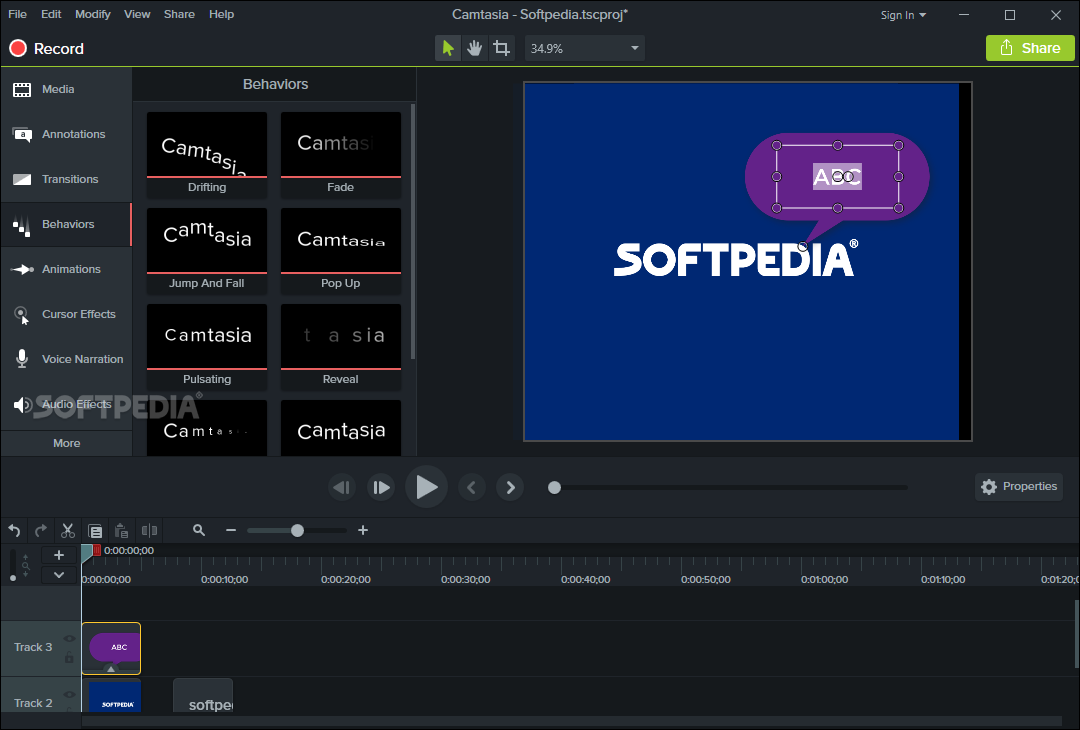
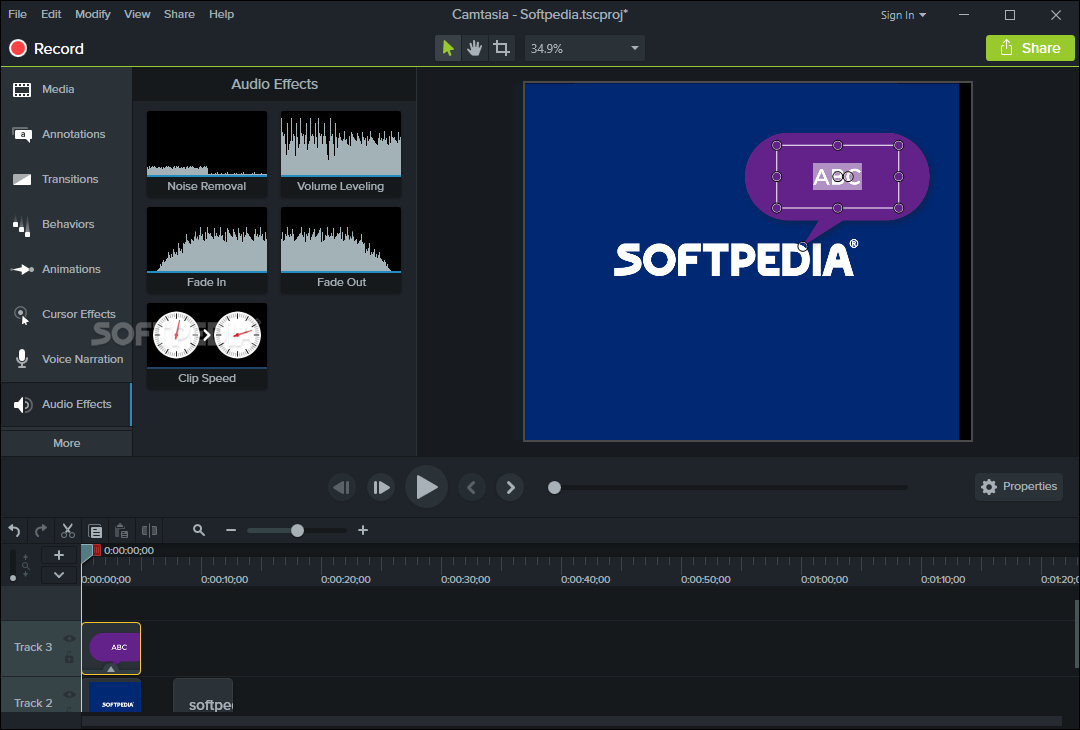
    Camtasia Studio is the complete professional solution for recording, editing and sharing high-quality screen video on the Web, CD-ROM and portable media players, including iPod.

    Easily record your screen, PowerPoint, multiple audio tracks, and webcam video to create compelling training videos, screencasts, and presentations without ever leaving your desk. With the power of interactive Camtasia Studio videos, you can deliver high-quality content anytime, to even your most remote audience.

    Here are some key features of "Camtasia Studio":

    Record

    Precision Recording
     Record all or any portion of the screen. 
    Record webcam video. 
    Record voice narration and system audio. 
    Record all elements of a PowerPoint presentation, including slide timing, animations and voice narration. 
    Record mouse clicks and keystrokes. 
    Record layered windows and application interaction. 
    Capture single frames for still image AVI slideshow. 
    Step through the recording process with the aid of a Recording Wizard. 
    Use TechSmith TSCC Codec to get high-performance video compression for fast and smooth recording.

    Add Emphasis
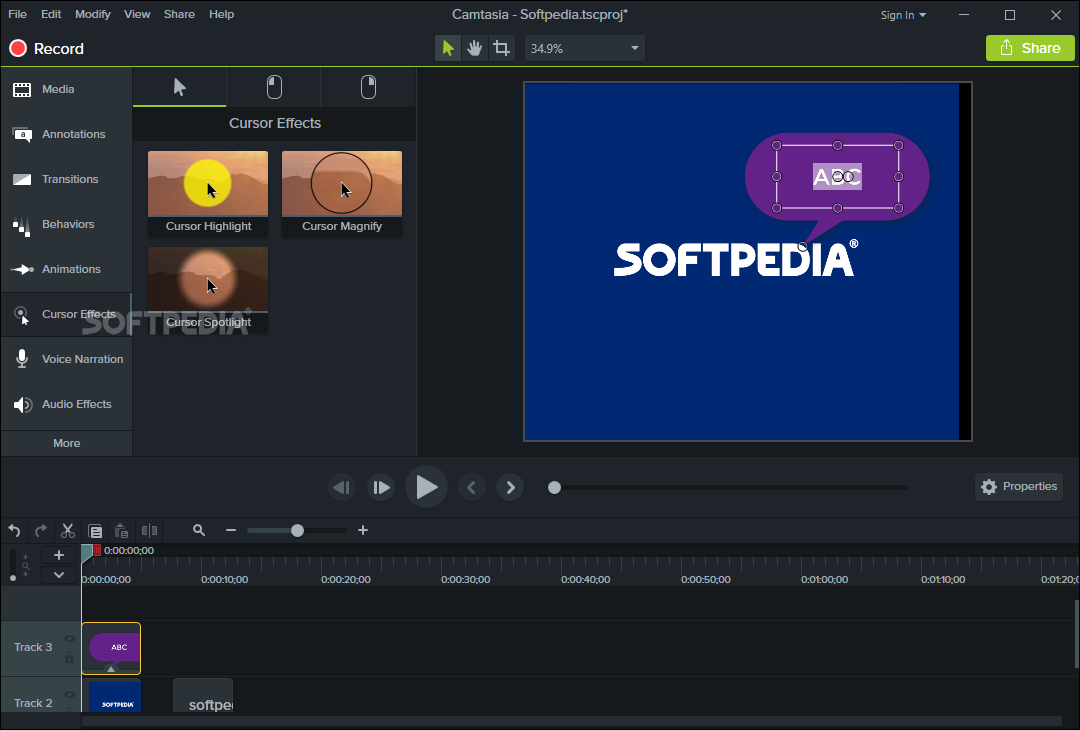
    Highlight and alter cursor with onscreen visual effects. 
    Add multiple-choice quizzes. 
    Draw on the screen with pens, highlights using ScreenPad. 
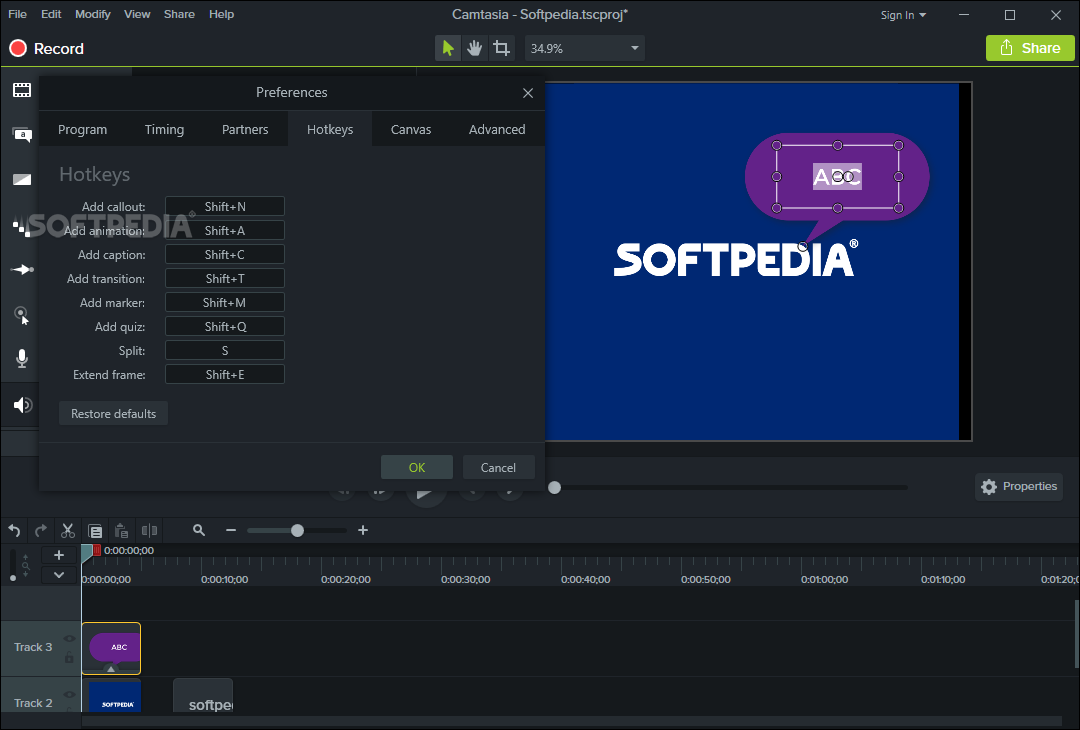
    Cycle through ScreenPad tools and layouts with Hotkeys. 
    Use Hotkeys to zoom in and out. 
    Zoom in on a smaller portion of the window and have the video window follow the cursor.

    Pre-Production
    Preview audio levels prior to recording narration. 
    Record audio input from microphone. 
    Use time-lapse recording. 
    Add time stamps and text captions to videos. 
    Record annotation drawings with ScreenDraw. 
    Add text notes while recording. 
    Add and change text in ScreenPad shapes. 
    Add a watermark

    Edit and Enhance

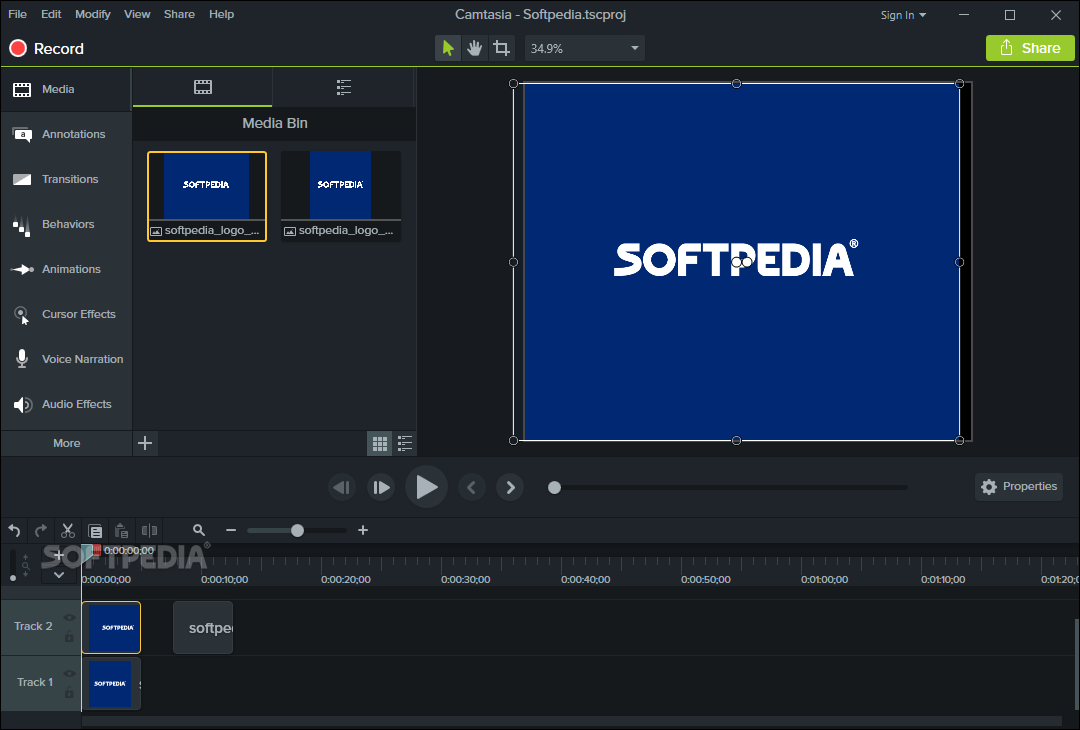
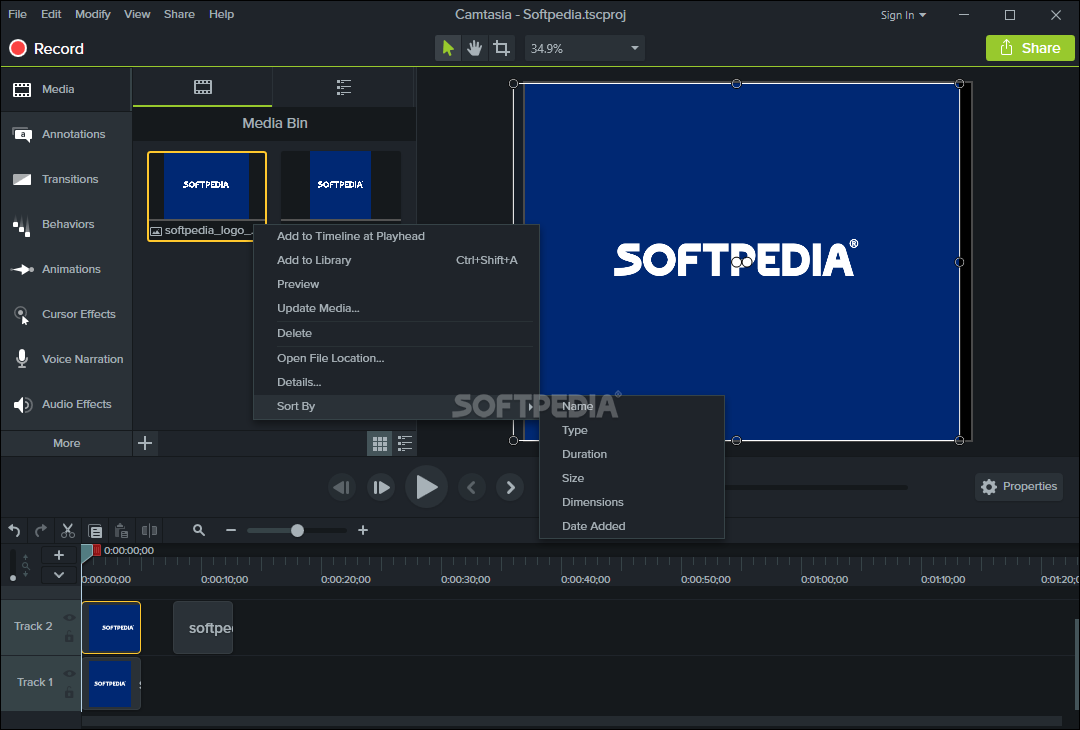
    Add, Cut, Splice and Join Clips
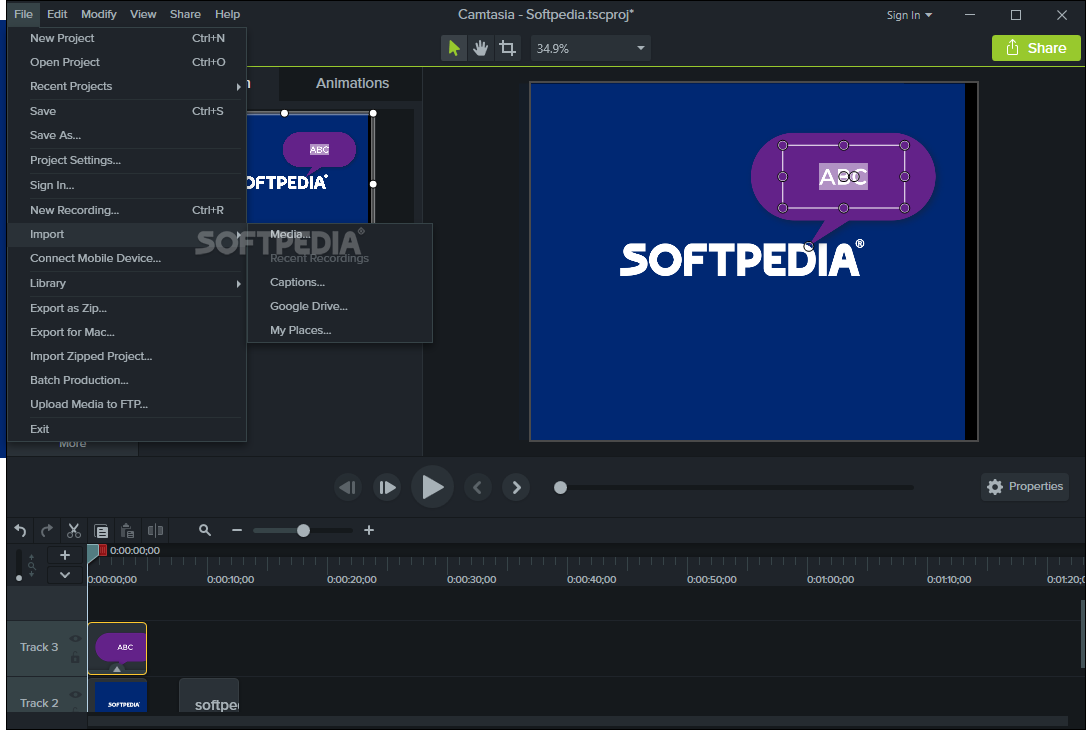
    Add video from digital video files, for personal video introductions, in WMV, MPEG and AVI formats. 
    Add audio clips (WAV, MP3). 
    Add still images (BMP, JPG, GIF). 
    Select and cut portions of a video clip or multiple video clips. 
    Select a single frame of a video to separate one video file into two. 
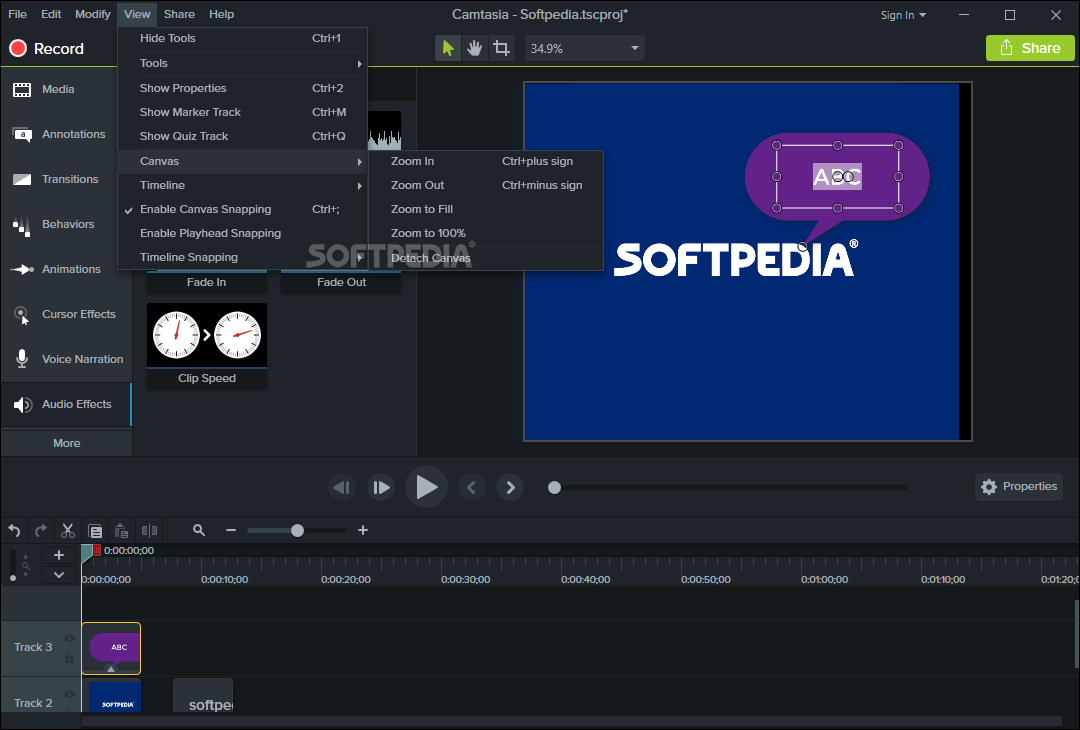
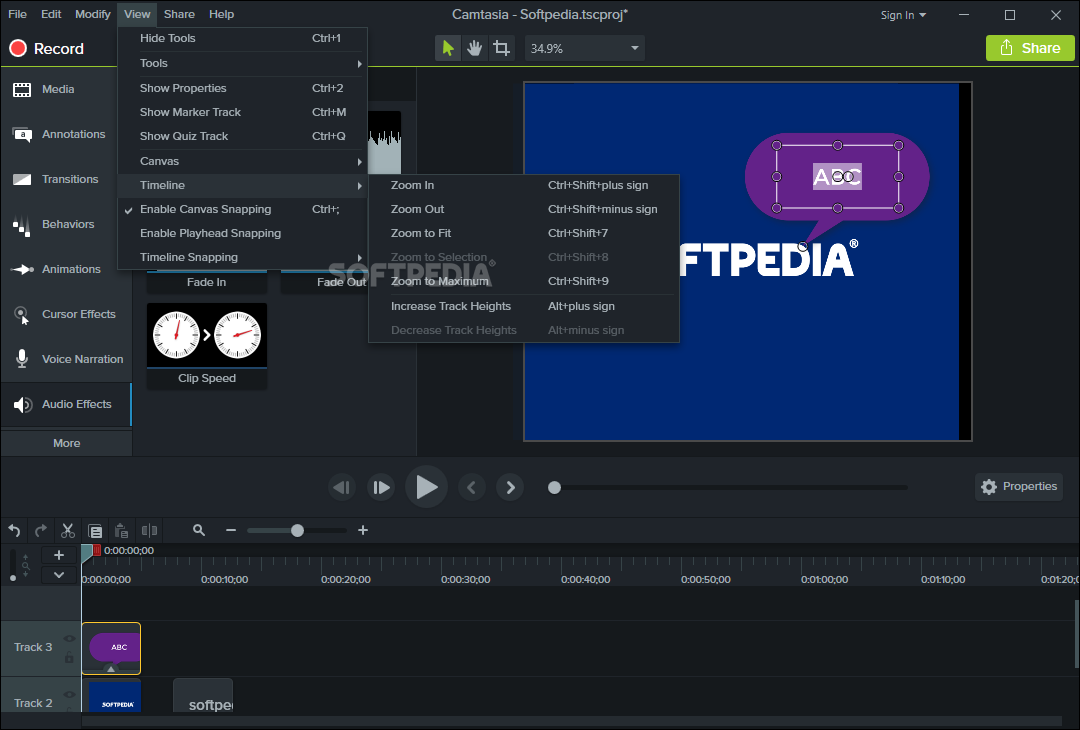
    Zoom in and out on the timeline to edit with frame-by-frame precision. 
    Select a single frame to export as a BMP file. 
    Extend the duration of the exported bitmap file or video file to accommodate more lengthy explanation. 
    Edit, review, cut and join AVI clips. 
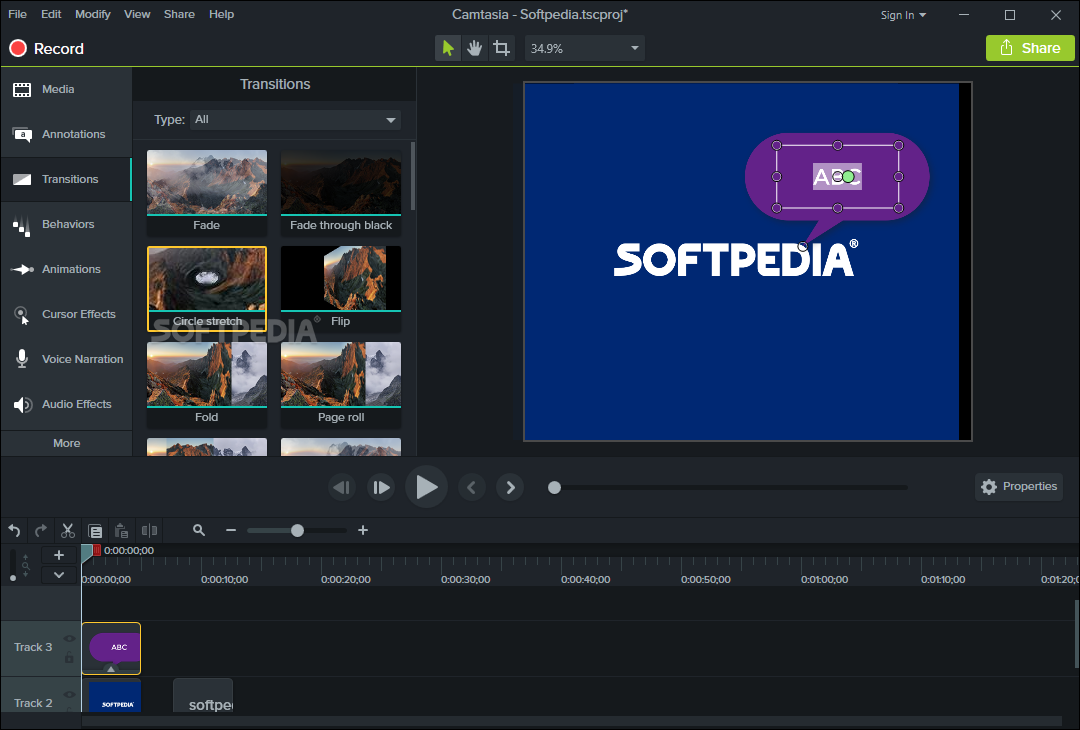
    Preview your edits and transitions in real-time. 
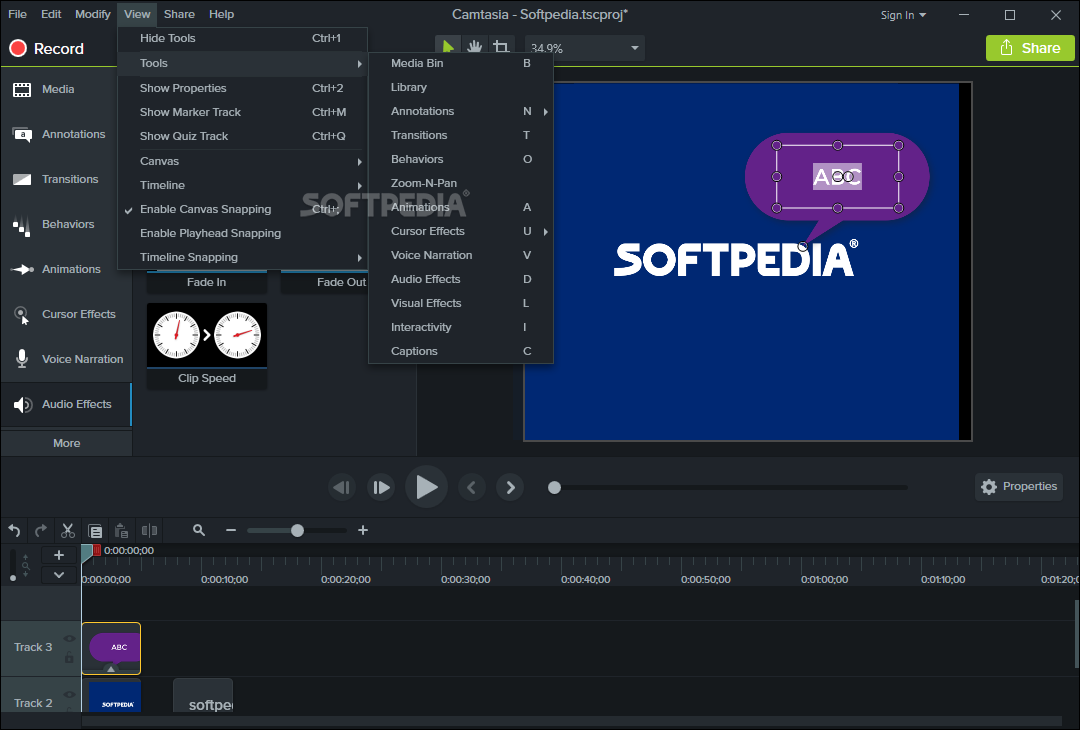
    Resize and detach the video preview window. 
    Chose from 18 new video transitions between clips.

    Add, Edit Audio
    Narrate an entire timeline. 
    Use microphone to record new narration while viewing video clips. 
    Record audio from applications (sound card driver dependent). 
    Add a second audio track, including background music or second language tracks for international audiences. 
    Record and/or edit audio for a single image (BMP, JPG, GIF). 
    Narrate a series of still images to create a slideshow playable in standard media players. 
    Trim and attach WAV audio files from video clips.

    Add Emphasis
    Add Flash Hot Spots to simulate applications and add onscreen navigation. 
    Provide users with clickable areas to either continue video, jump to another frame or go to a URL. 
    Zoom-n-Pan in over time or cut immediately to a focused area of the screen to make full-screen recording playable on the smallest PC and handheld screens. 
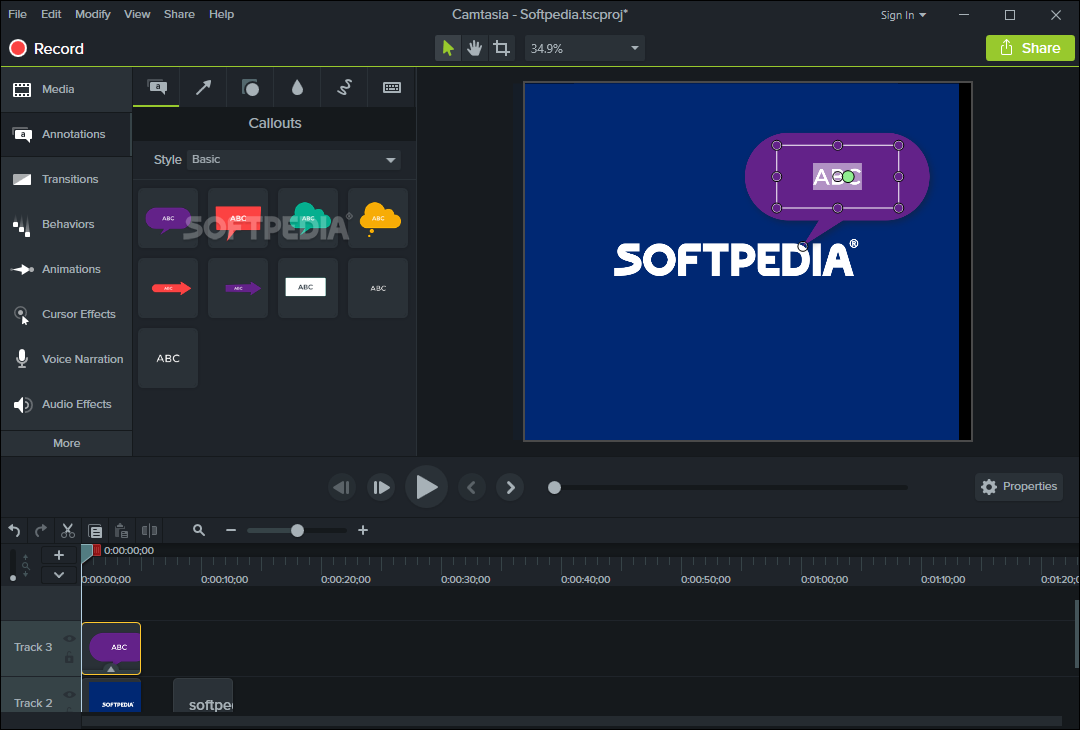
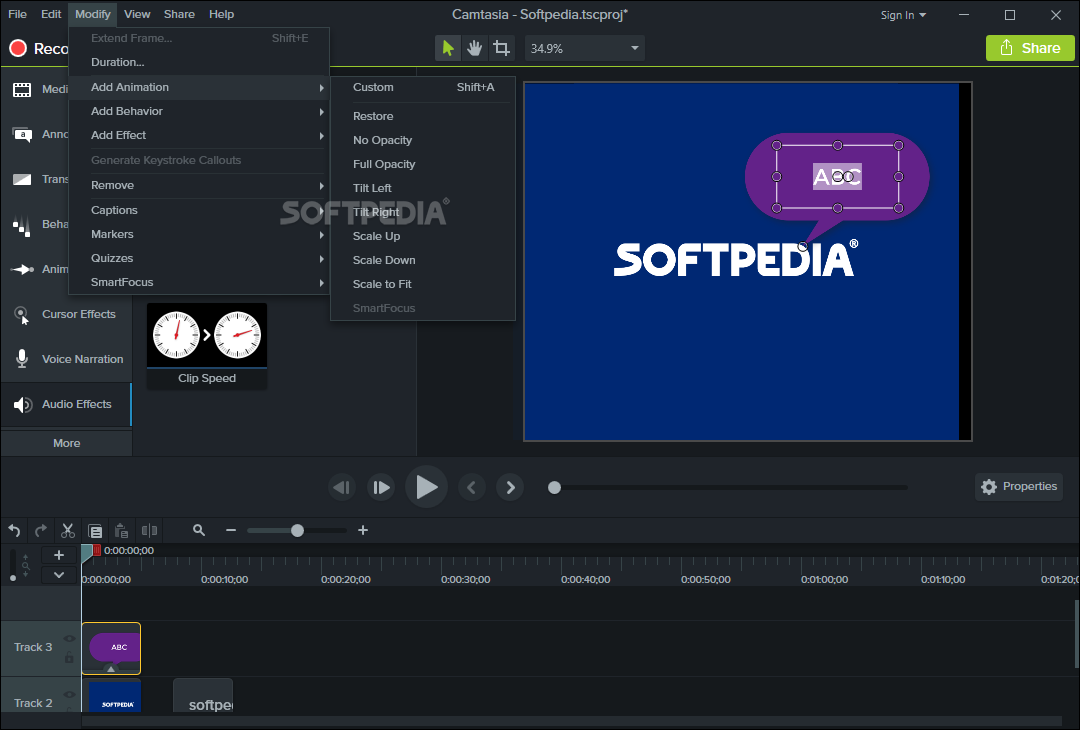
    Add callouts, annotations and text notes to AVI videos after recording. 
    Customize the callout text, font face and size. 
    Customize the callout color, shape and location. 
    Customize the callout duration and speed of the fade in and out. 
    Use timeline bar to choose where and when annotations appear in videos.

    Publish

    Versatile Publishing Options
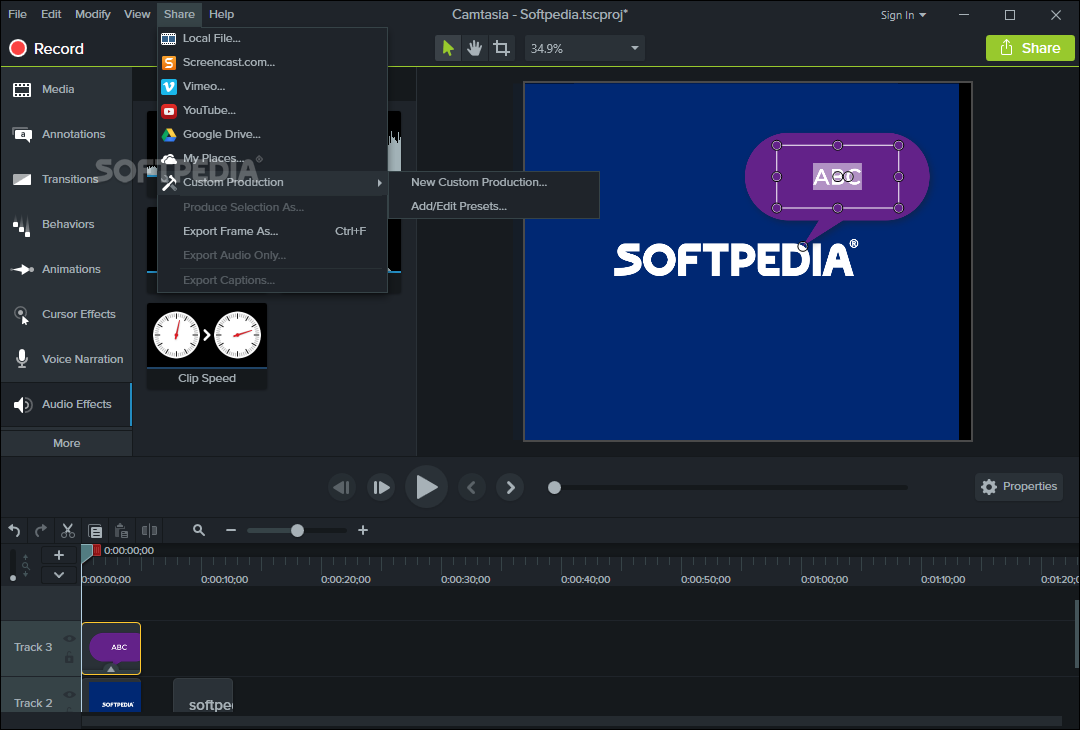
    Publish in industry standard formats - Macromedia Flash, AVI, Microsoft Windows Media, RealNetworks RealMedia and QuickTime. 
    Production Wizard with Help Me Choose feature. 
    Output as animated GIF. 
    Export as EXE file with Pack and Show. 
    Publish multiple videos at the same time with batch production. 
    Save a user-defined publishing profile. 
    Select from a list of codecs to match your content. 
    Select color depth and frame rate. 
    Select audio quality. 
    Resize video dimensions with smooth scaling

    Web & CD Menus
    Launch MenuMaker and Theater from within Producer. 
    Create a Table of Contents for navigation within a video for the Web. 
    Create a Theater Web pane for navigation between multiple videos. 
    Create a CD-ROM menu (MenuMaker) of your videos and other files, including: Video files, PowerPoint files, Word documents, PDF files, EXE files, Web pages, Submenus 
    Customize your CD interface with over 350 custom background graphics from 30 categories. 
    Customize the menu's text, alignment and font. 
    Create headings for media groupings with static text. 
    Use the Wizard to organize and deliver videos. 
    Exercise font and color control. 
    Save production info in project files. 
    Create customized Web menus (Theater) for Flash movies. 
    Select a single Flash file or complete directories. 
    Order a group of Flash movies for sequential playback. 
    Output as HTML. 
    Use XML output for custom configuration. 
    Apply an auto-sequencing option. 
    Make use of the scrolling menu. 
    Sort and rename movies. 
    Send/post a link to a single video within the Web menu.

    Plays Well with Others
    SCORM 1.2 compliance. 
    Macromedia Flash MX 2004 Professional users can produce their screen recordings as true streaming Flash files (.FLV). 
    Introduce these files into MX 2004 Pro via TechSmith's Components for Flash MX to enhance them with additional interactivity. 
    Enables Flash MX users to customize presentation of Flash screen movies. 
    Drag the Movie Loader component onto the Flash MX stage to easily reference the Flash movie. 
    Create a menu for multiple Flash movies. 
    Customize preloading animation. 
    Use the Flash playback controls. 
    Add a seekbar (aka "scrubber") to your movies for easy navigation. 
    Customize the color and placement of playback controls.
    Customize presentation of movie duration and elapsed time. ■ Files can be combined as part of a larger Flash MX 2004, Macromedia Breeze and/or Flash Communication Server presentation.
    Videos can also be edited and enhanced in Apple Final Cut Pro and Adobe Premiere Pro and After Effects.


    Requirements:

    Authoring Requirements: 
    Microsoft DirectX 9 or later
    1.0 GHz processor minimum, Recommended: 2.5 GHz (for PowerPoint and camera recordings)
    500 MB of RAM minimum, Recommended: 1.0 GB
    60 MB of hard disk space for program installation
    Camtasia Studio Add-in for PowerPoint requires PowerPoint 2000, 2002, 2003, 2007 or later
    Production to Apple iPod format requires QuickTime 7.1 or later 
    Optional: Windows-compatible sound card, microphone, and speakers (recommended)
    Optional: USB Web camera
    Camtasia Studio is not designed for use with digital video (DV) cameras.

    Playback Requirements: 
    300 MHz processor
    64 MB of RAM

    Limitations:

    · 30 days trial (Fully functional version with all features)

    What's New in This Release: [ read full changelog ]

    General:
    · Updated the End User License Agreement
    Camtasia Studio:
    · Added an additional component to allow productions from Camtasia for Mac to work on the Camtasia Studio Timeline.
    · Fixed an issue that would cause some .MP4 files to not work properly on the Timeline on the Windows 7 operating system.
    · Fixed an issue with .MP4 produced files so that they work better with QuickTime and also with Camtasia for Mac.
    · Fixed an issue that would cause audio and video to become out of sync when placed on the PiP track.
    · Fixed an issue with audio enhancements being ignored in projects that were created in previous versions of Camtasia Studio.
    · Fixed an issue that could cause some MP4 produced files with title clips or images in them to look bad when played back in QuickTime.
    Camtasia Recorder:
    · Fixed an issue that could cause Recorder to crash on start-up.

       Softpedia guarantees that Camtasia Studio 6.0.3 Build 928 is 100% CLEAN, which means it does not contain any form of malware, including spyware, viruses, trojans and backdoors. [read more >]


    TAGS:

    desktop capture | voice recorder | menu creator | publish | recorder | capture


    HTML code for linking to this page:


    Go to top

    Windows tabGames tabDrivers tabMac tabLinux tabScripts tabMobile tabHandheld tabGadgets tabNews tab

    SUBMIT PROGRAM   |   ADVERTISE   |   GET HELP   |   SEND US FEEDBACK   |   RSS FEEDS   |   ENTER NEWS SITE   |   ENGLISH BOARD   |   ROMANIAN FORUM