
Watch and record your favorite TV shows on your PC and control your computer's TV card with the help of this useful piece of software. #Record TV Program #Tunner Program #TV Program #Recorder #Tunner #Television

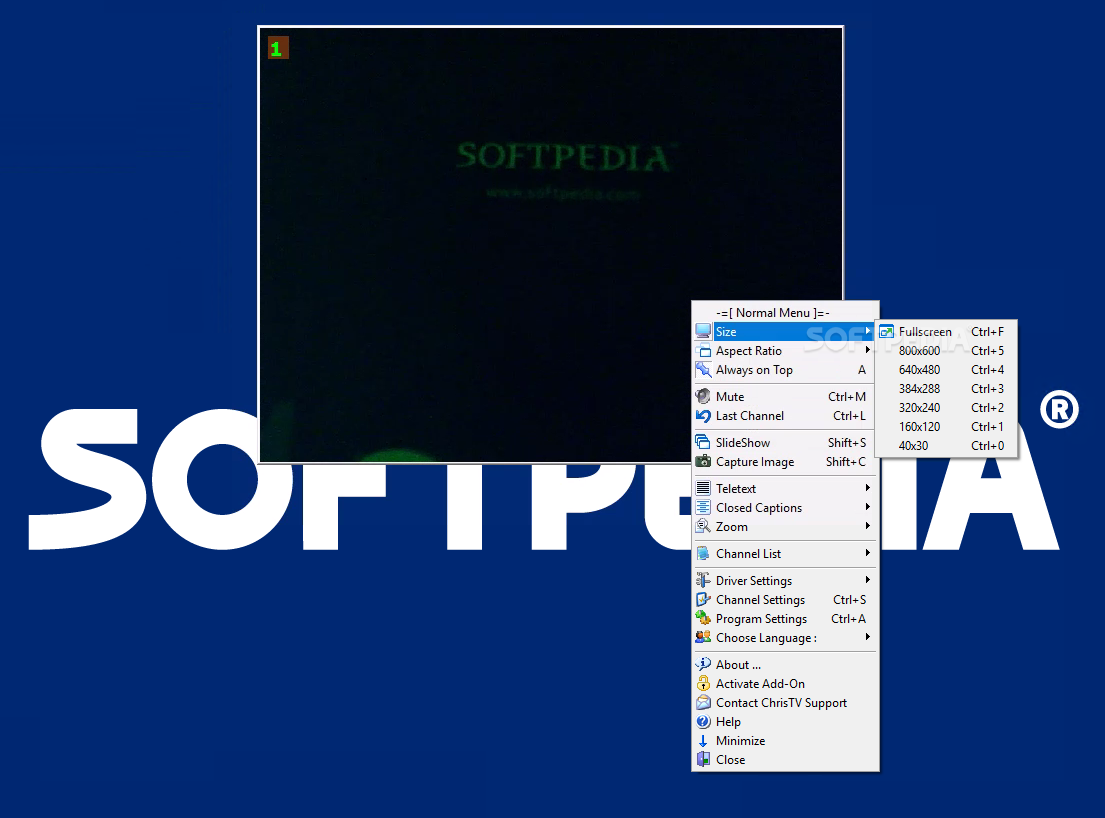
ChrisTV Lite is the stripped down version of the CrisTV Suite. This entry-level product allows you to seamlessly watch online television via analog cards that feature WDM driver support. Recording TV channels is not available in the Lite version, but upgrading to Standard or Pro makes that possible.
The installation process ends with a Configuration Wizard that allows you to choose the type of Video Capturing Device that you plan on using with ChrisTV Lite. This is with reference to the TV card you own (the selection includes cards with WDM driver, Combo Card, Graphic Card with Video Input or Other Devices, such as Webcams or DVcams).
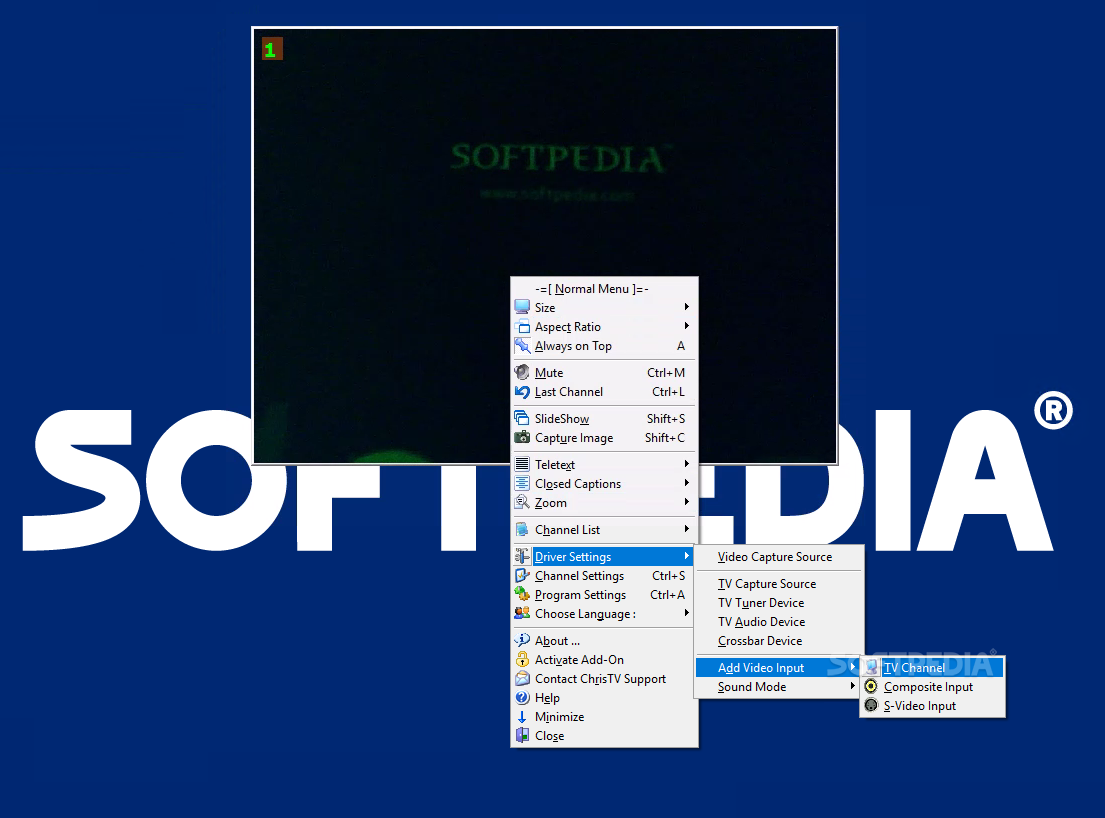
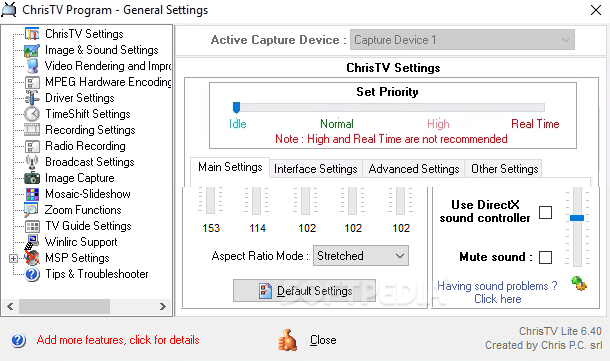
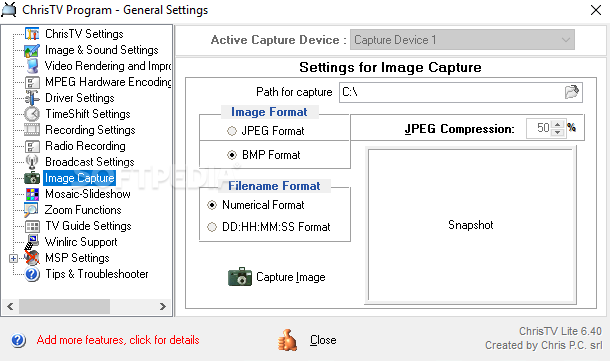
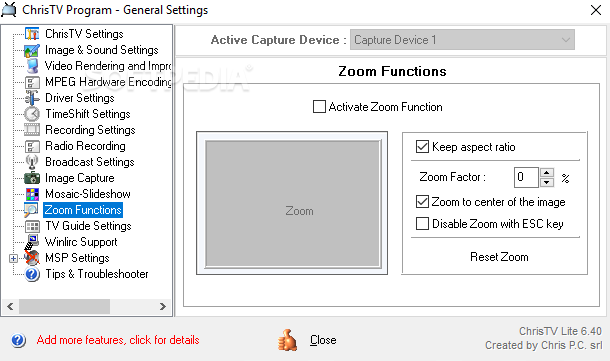
ChrisTV Lite starts off by performing a simple auto scan that results in displaying a list of all the detected channels. The application also provides you with possibilities to process images and as such, offers you access to zoom, capturing and aspect ratio configuration.
You can freeze live streaming if you want to take a break or take a snapshot. Fast forwarding is also possible, letting you skip those long and annoying commercials. Moreover, because ChrisTV Lite is based on buffering encoded images taken from live streaming, you can move back and forth when viewing a live TV show.
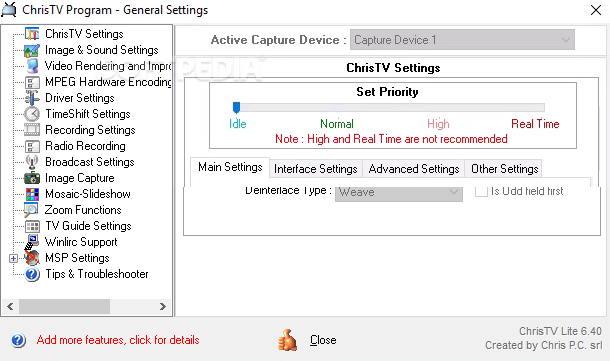
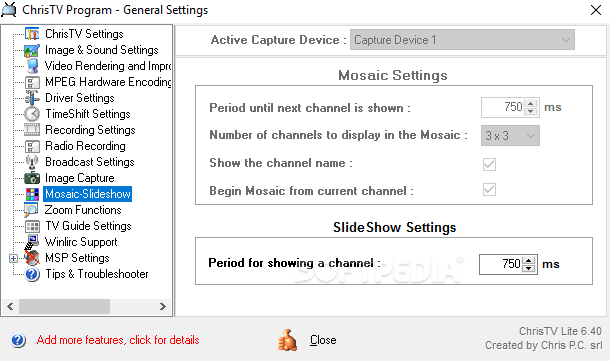
You can even create slideshows after taking snapshots, and the TV teletext feature is also available. If you are viewing a video which is very dynamic (e.g. sports) or has a lot of details (e.g. falling snow), there is a filter you can use to preserve the image quality, called DScaler Deinterlace Filter.
In conclusion, if you’re looking to watch TV shows, concerts, TV series, ChrisTV Lite is the perfect choice. If you want to record all of those, an upgrade is necessary.
Download Hubs
ChrisTV Lite is part of these download collections: Video Capture, TV Recorder, Video Grabber
What's new in ChrisTV Lite 6.85:
- Improved support for Windows 11.
- Small fixes and improvements.
ChrisTV Lite 6.85
 Softpedia Editor's Pick
add to watchlist
add to download basket
send us an update
REPORT
Softpedia Editor's Pick
add to watchlist
add to download basket
send us an update
REPORT
- PRICE: Free
- runs on:
-
Windows 11
Windows 10 32/64 bit
Windows 8 32/64 bit
Windows 7 32/64 bit
Windows Vista 32/64 bit
Windows XP 32/64 bit - file size:
- 2.3 MB
- main category:
- Multimedia
- developer:
- visit homepage
IrfanView

Bitdefender Antivirus Free

Zoom Client

Context Menu Manager

4k Video Downloader

Windows Sandbox Launcher

calibre

7-Zip

ShareX

Microsoft Teams

- 7-Zip
- ShareX
- Microsoft Teams
- IrfanView
- Bitdefender Antivirus Free
- Zoom Client
- Context Menu Manager
- 4k Video Downloader
- Windows Sandbox Launcher
- calibre