
Screencast and editing tool that is smart and easy-to-use in order to grab that exact segment of the screen you want and need for further tasks. #Screen capture #Screen cast #Video recorder #Recorder #Cast #Capture

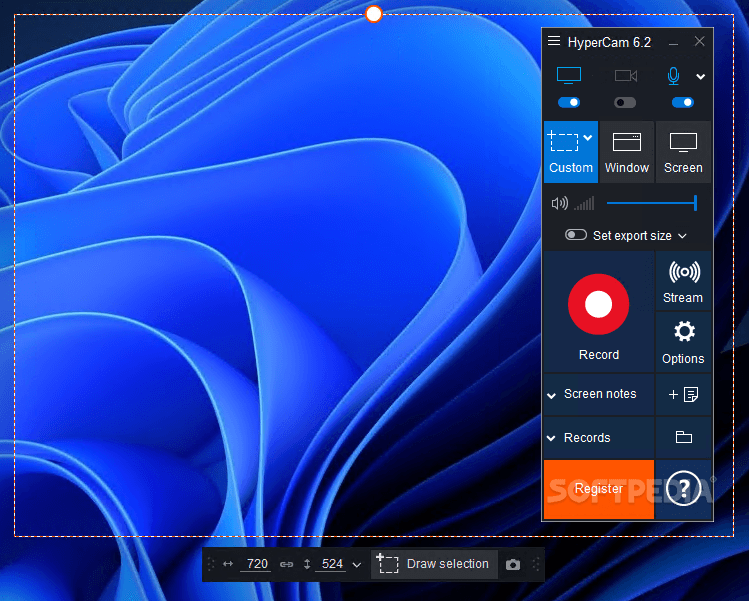
What do a video tutorial, a gameplay walkthrough and a presentation clip have in common? Simple: an effective screen recording and casting software tool such as HyperCam.
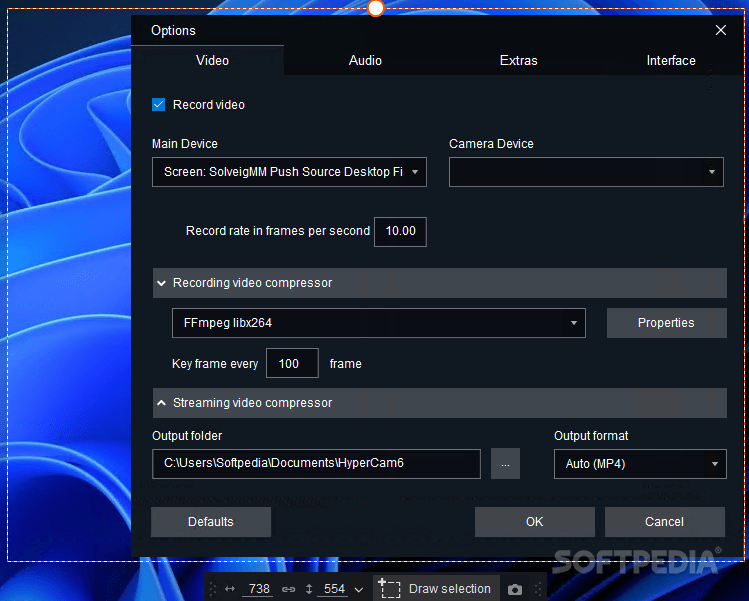
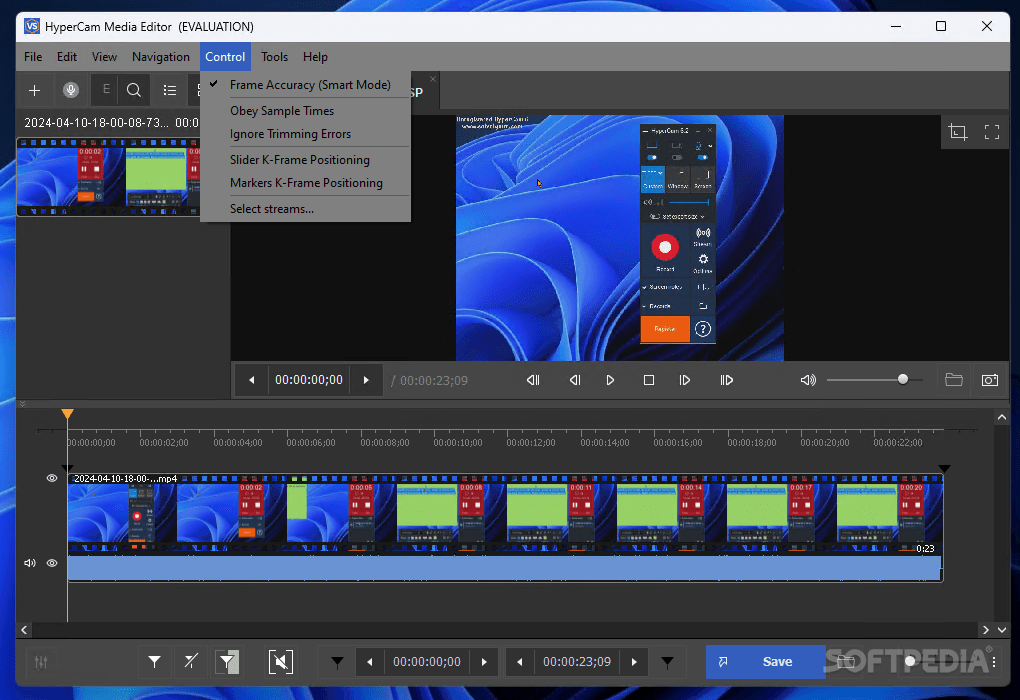
Designed to help you record the screen activity and all actions, HyperCam features webcam and microphone support and comes with live streaming capabilities to various platforms, such as Twitch, YouTube and Facebook Live. Moreover, the integrated media editor makes it possible for you to generate high-quality and eye-catching footage.
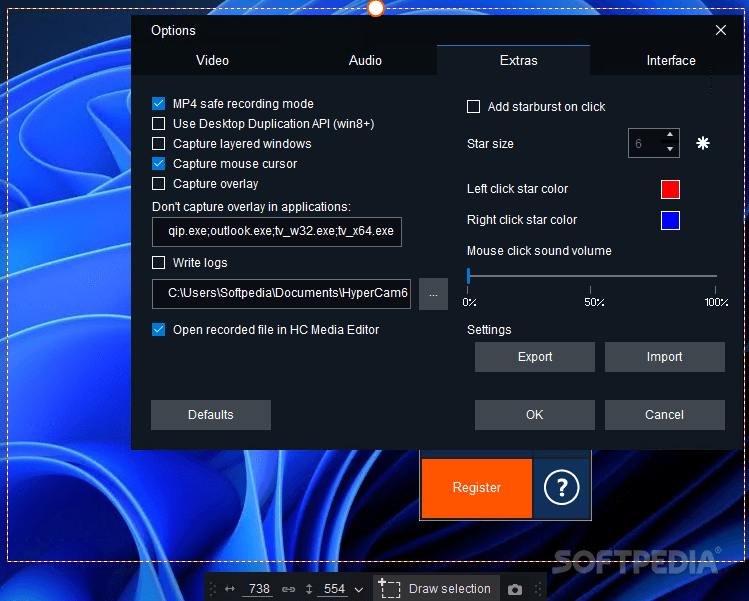
With HyperCam, you can record any custom-sized screen area, a specific window or the whole screen. To this extent, the application resembles its competitors, allowing you to capture cursor movements, overlays, layered windows and anything that ends up in the target area.
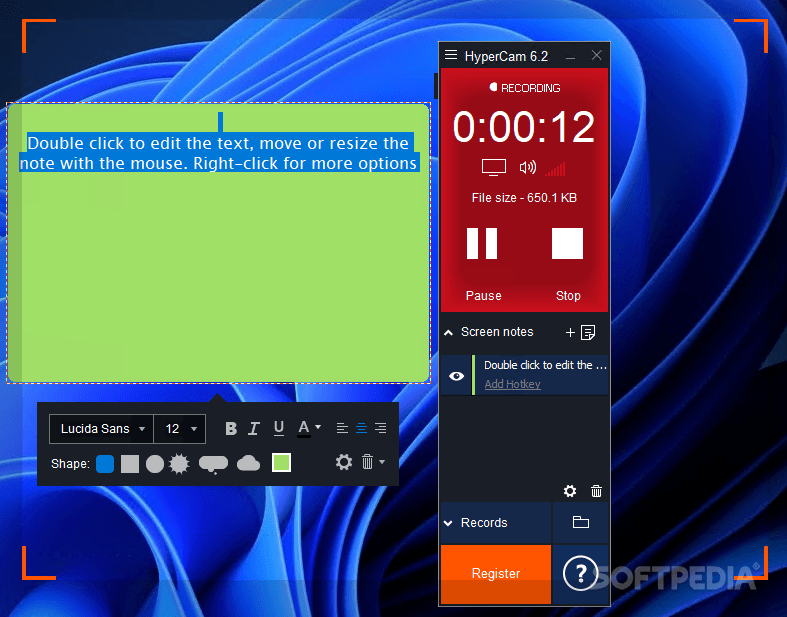
Some recordings might need additional explanations to describe the video actions. HyperCam solves this issue by allowing you to add screen notes. In other words, you can annotate recorded clips with custom text.
Since voice-over is the trend to go along with nowadays, HyperCam also allows audio capturing. This is particularly useful for explaining instructions in tutorials step-by-step, but it can also come in handy for other types of content.
On the downside, attaching an existing audio file to the footage is not possible. Should you consider it necessary to set up a more direct connection to the target audience, webcam integration is available.
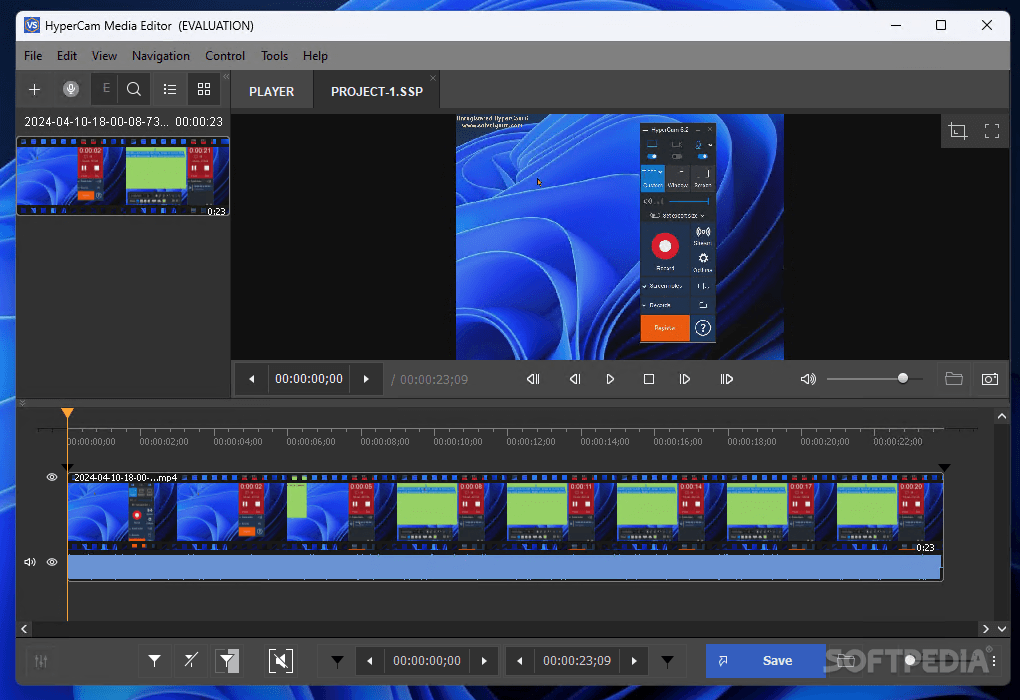
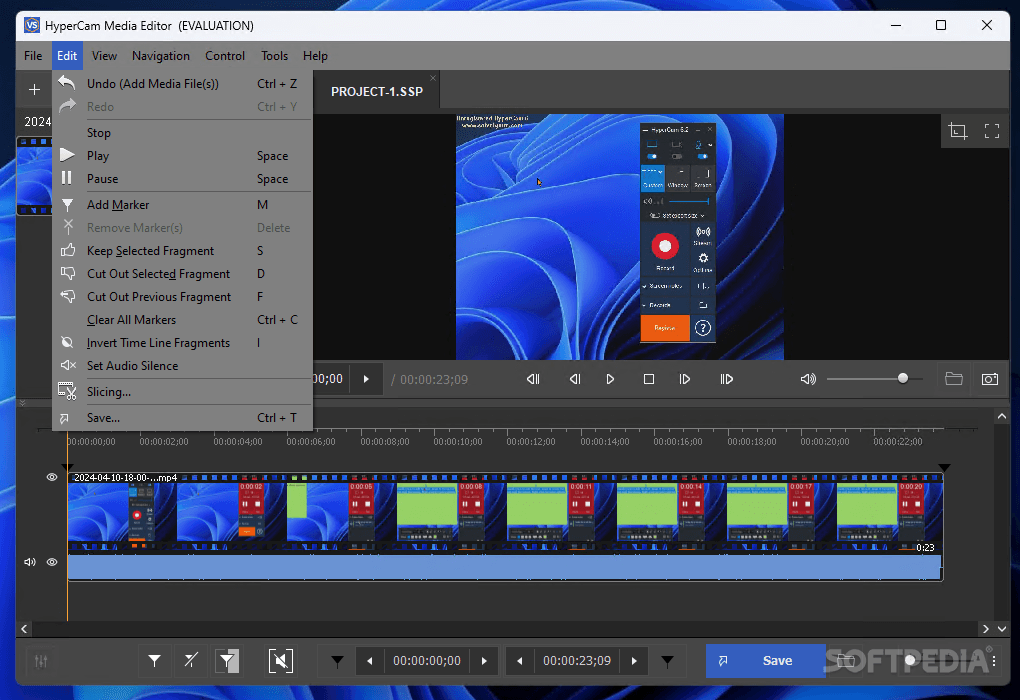
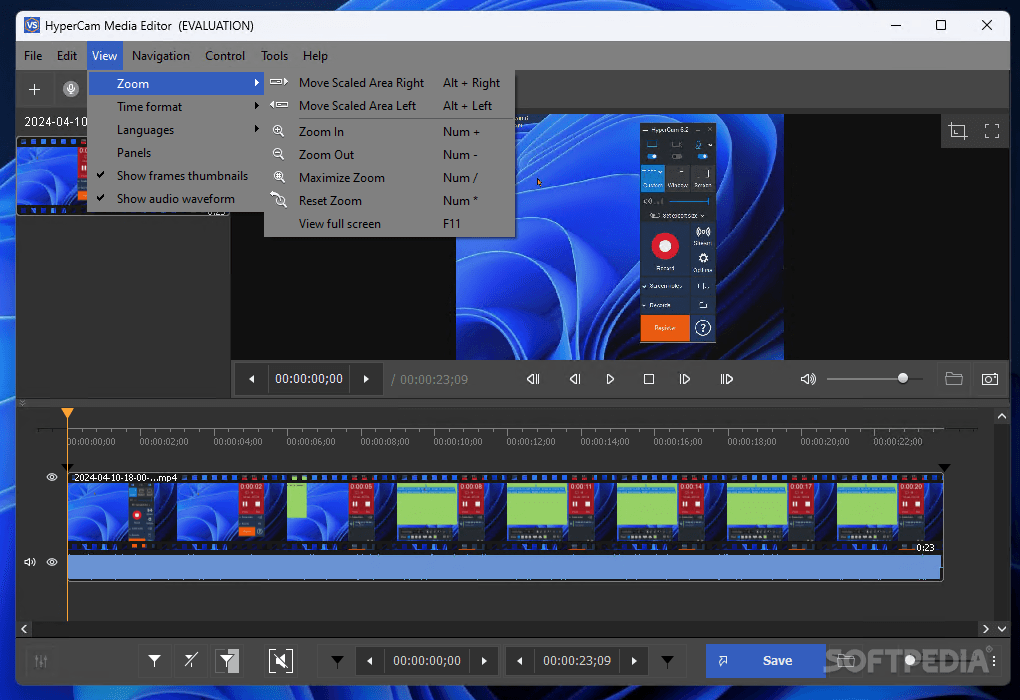
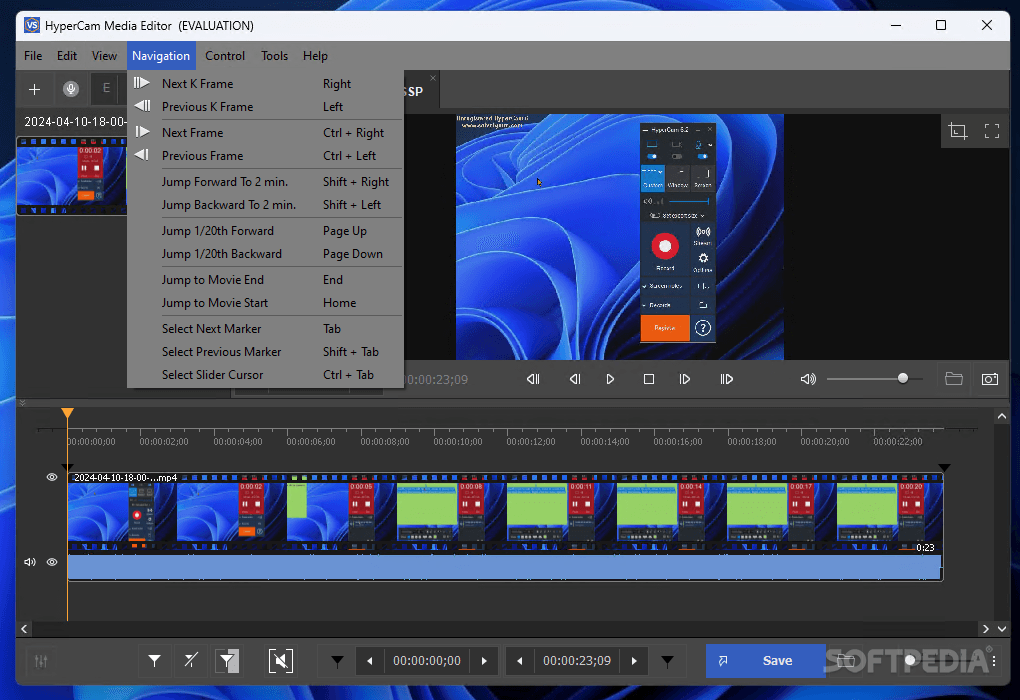
Screen recording and casting with HyperCam is intuitive enough to turn this application into a noticeable competitor for software tools of this kind. The application is also brought to the spotlight thanks to the built-in editor, which allows you to perform basic operations to captured media before releasing it into the world.
What's new in HyperCam 6.2.2404.10:
- Fixes:
- Unable to record audio only
- Unable to resume the recording after pause
HyperCam 6.2.2404.10
add to watchlist add to download basket send us an update REPORT- portable version
- HyperCam Portable
- runs on:
-
Windows 11
Windows 10 32/64 bit
Windows 8 32/64 bit
Windows 7 32/64 bit
Windows Vista 32/64 bit - file size:
- 56.2 MB




- main category:
- Multimedia
- developer:
- visit homepage
7-Zip

Microsoft Teams

Context Menu Manager

calibre

Windows Sandbox Launcher

IrfanView

Zoom Client

4k Video Downloader

Bitdefender Antivirus Free

ShareX

- 4k Video Downloader
- Bitdefender Antivirus Free
- ShareX
- 7-Zip
- Microsoft Teams
- Context Menu Manager
- calibre
- Windows Sandbox Launcher
- IrfanView
- Zoom Client