
Control and optimize the usage of your network by adjusting it with the help of this app while also keeping an eye on parameters indicating load levels. #Speed booster #Traffic optimizer #Internet boost #Acceleration #Traffic #Accelerate

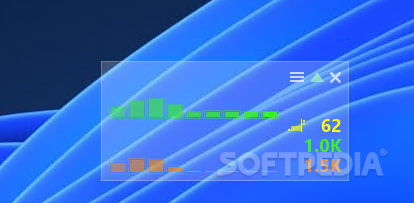
With cFosSpeed gaining more control over how your network performs is the goal. It makes the internet look like a more tamable beast rather than something that is out of your reach as an end user. It's not one of those simple tools that promise you hard-to-confirm network speeds. In fact, this app doesn't promise an increase in speed per se, but more stability and control over your network and how it acts in certain scenarios.
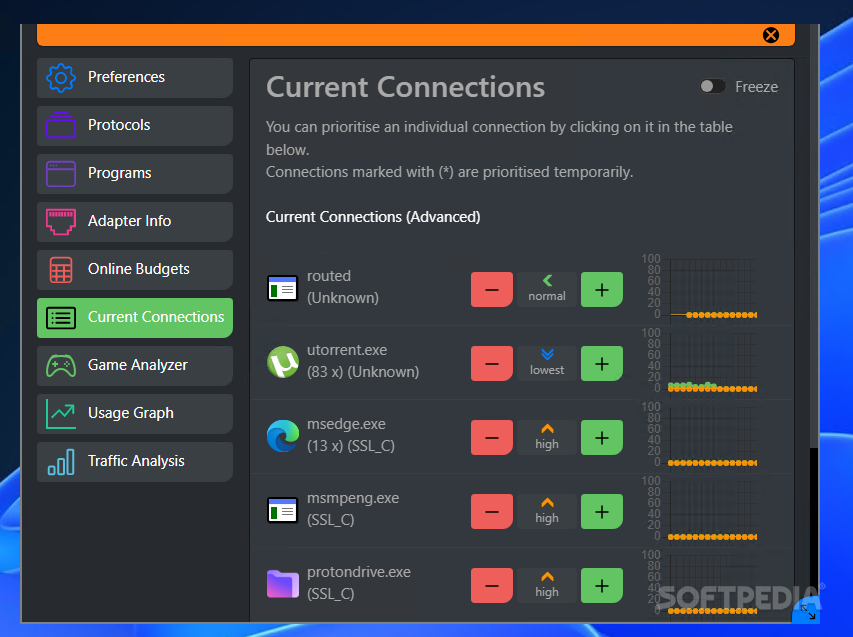
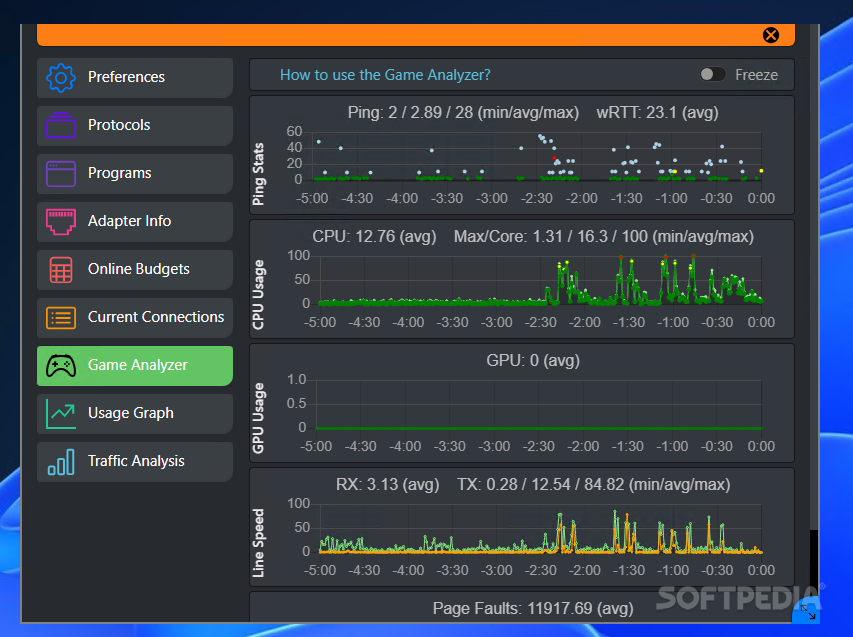
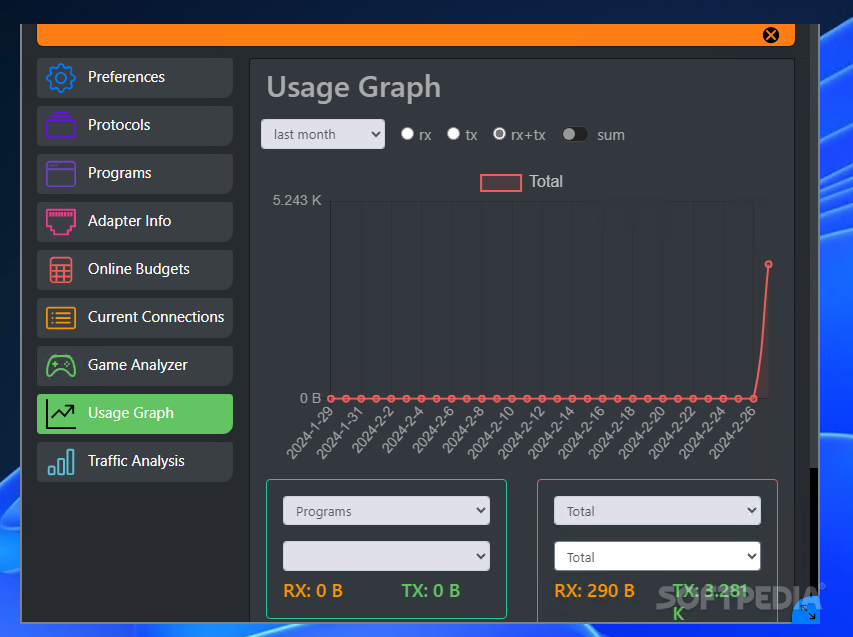
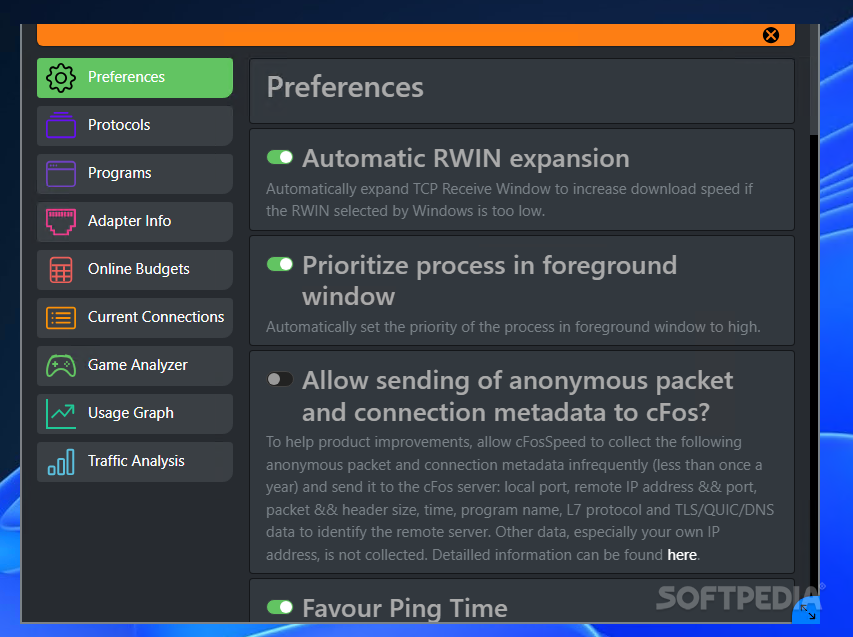
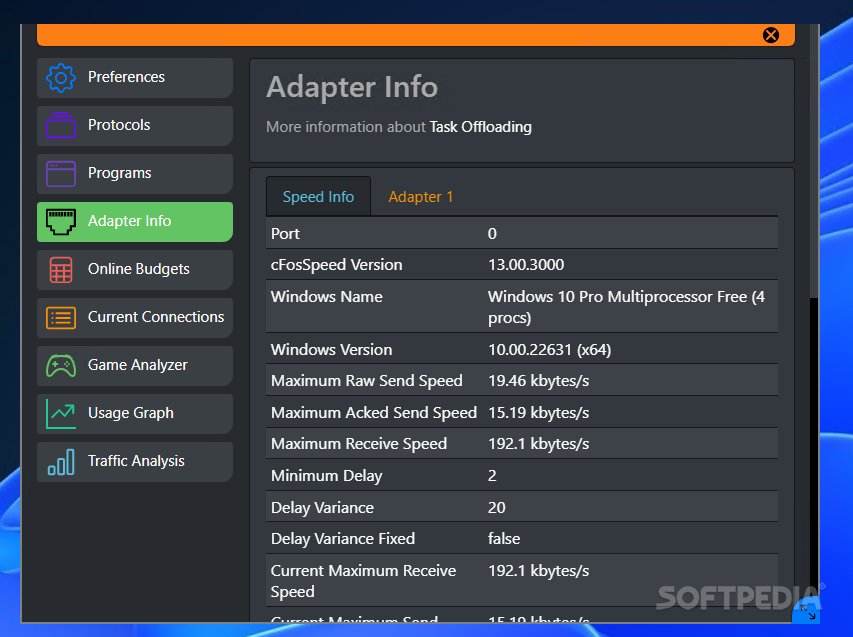
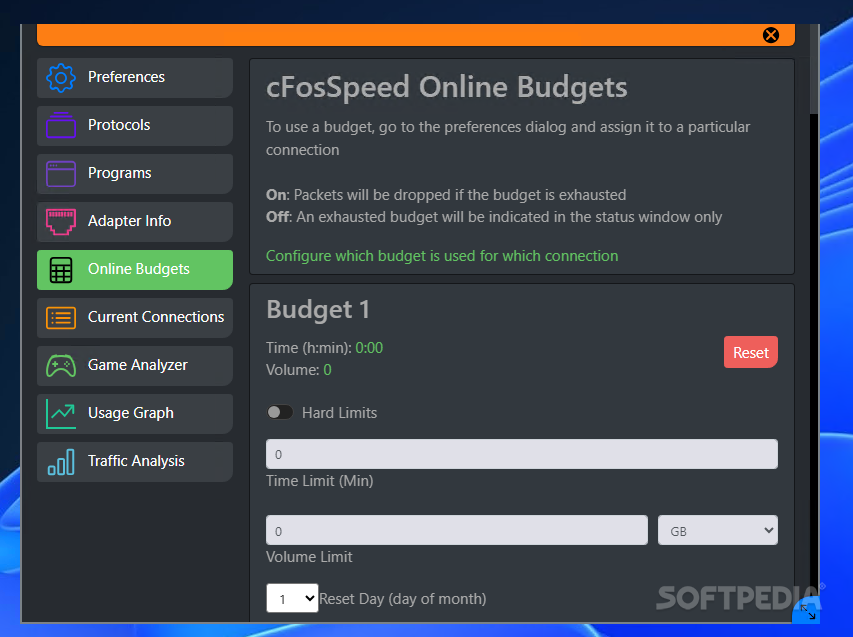
The app itself looks like a wizard setup process, meaning you'll most likely have to go through each of the steps to configure your network behavior. Start with the Preferences tab and continue with Protocols, Programs, Current Connections, and Ping Statistics. Lastly, check on the Usage Graph to understand when your network is needed the most and how much pressure is put on it in those moments. Each new network you connect to will require a new setup procedure. Thus, no two networks will share the same settings.
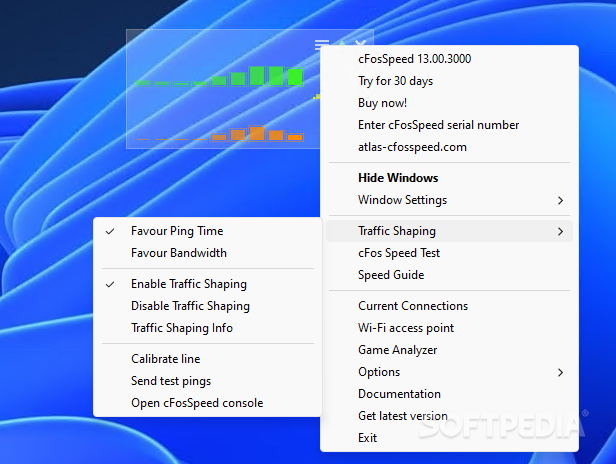
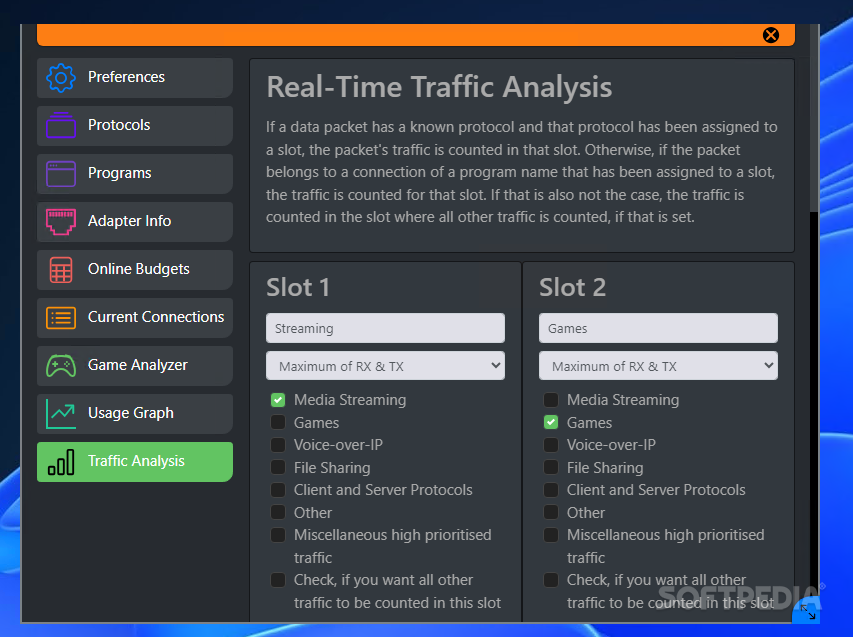
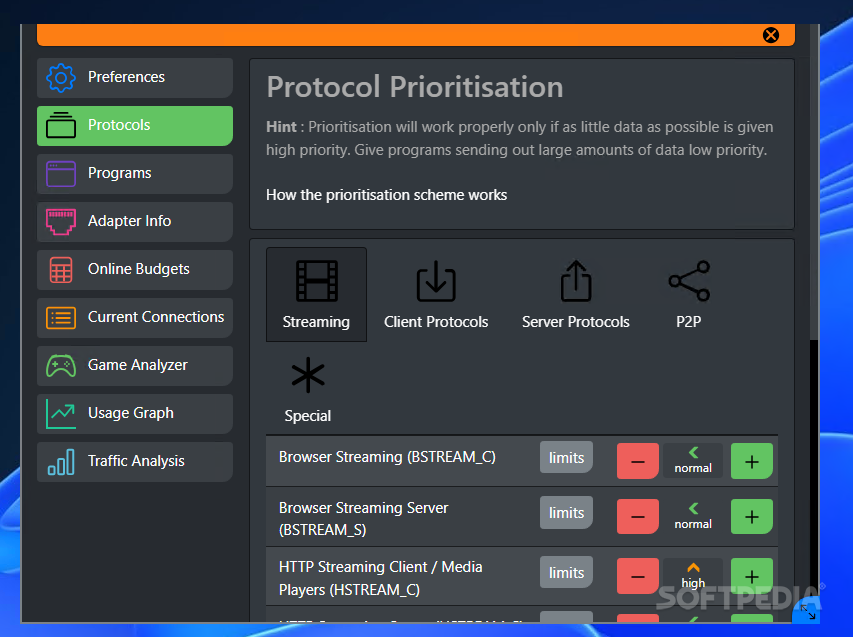
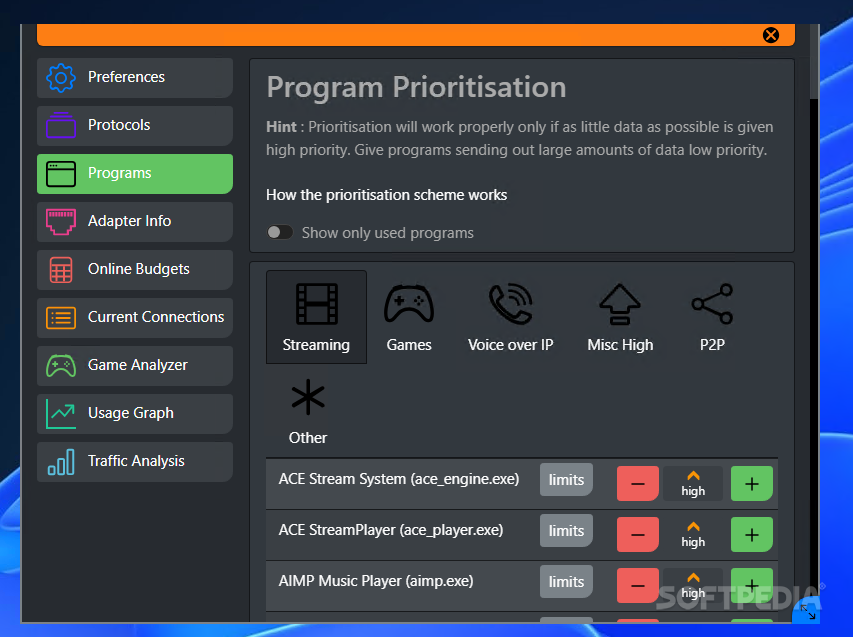
The most problematic of the issues nowadays is that almost all programs use the internet, ergo your network for something. In such situations, the user is ultimately forced to close or reset the connection. cFosSpeed offers another solution, prioritizing your connected apps in order for your network to be more stable. The main idea is to set lower priorities for apps dealing with a lot of data for no reason and allow a higher ranking for those you use or need to have running with the best connection possible.
cFosSpeed is an application dedicated to those individuals looking to have the best possible options on the table when it comes to controlling your network in order to gain more stability and some speed when you need it the most, avoiding any possible jams or general issues when it comes to your connections.
Download Hubs
cFosSpeed is part of these download collections: Bandwidth Managers, Monitor Network Traffic
cFosSpeed 13.00 Build 3000
add to watchlist add to download basket send us an update REPORT- runs on:
-
Windows 11
Windows 10 32/64 bit - file size:
- 5.2 MB
- filename:
- cfosspeed-v1300.exe
- main category:
- Network Tools
- developer:
- visit homepage
Microsoft Teams

Windows Sandbox Launcher

7-Zip

Zoom Client

calibre

4k Video Downloader

IrfanView

Bitdefender Antivirus Free

Context Menu Manager

ShareX

- Bitdefender Antivirus Free
- Context Menu Manager
- ShareX
- Microsoft Teams
- Windows Sandbox Launcher
- 7-Zip
- Zoom Client
- calibre
- 4k Video Downloader
- IrfanView