
A network scanning tool that allows to detect MAC addresses of network PCs and store them into XML as well as CSV files on-the-fly. #MAC scanner #MAC address #Enumerate network #MAC #Address #Scanner
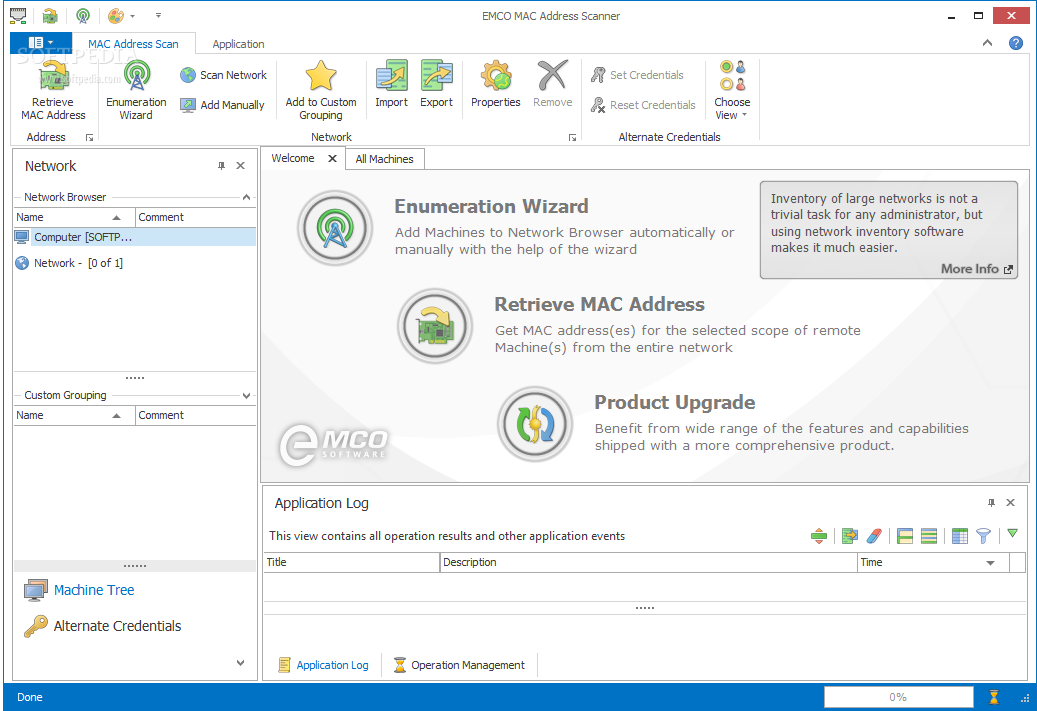
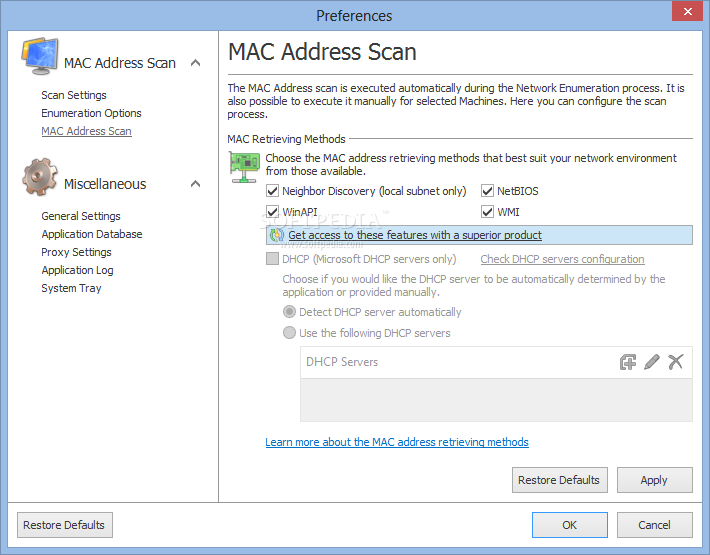
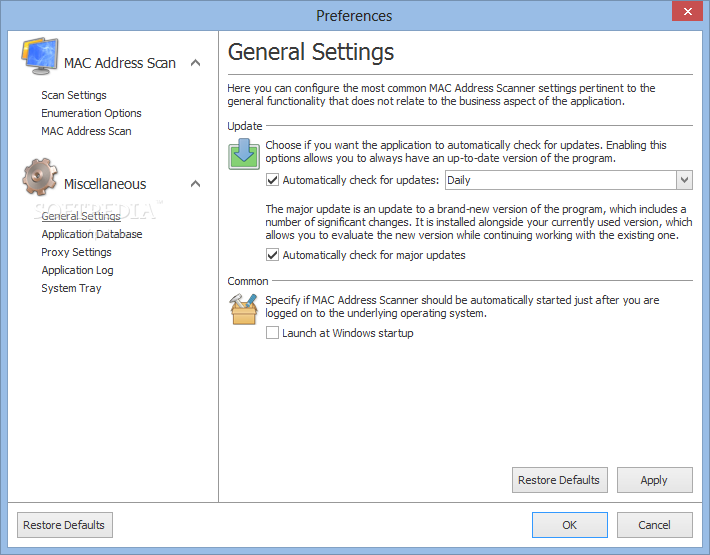
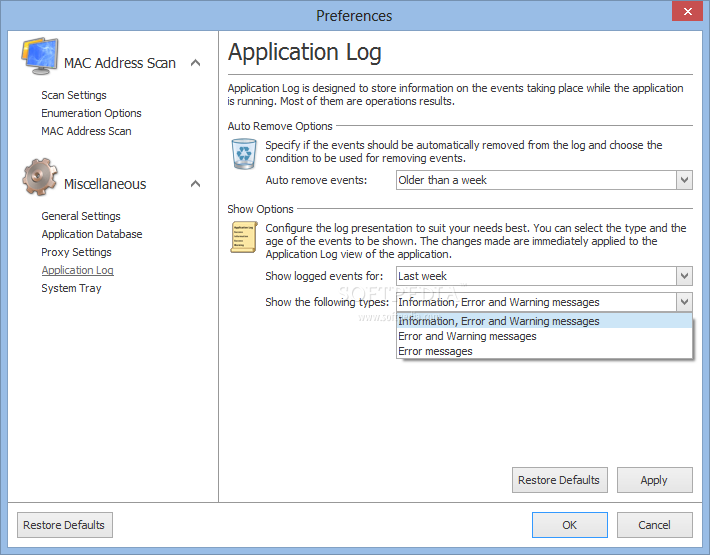
EMCO MAC Address Scanner helps you quickly and easily retrieve the MAC address of any computer in your local area network (LAN) regardless of its domain, workgroup and even various subnets. EMCO MAC Address Scanner also provides different retrieval mechanisms for each and every configuration your network presents.
MAC (media access control) addresses are unique identifiers assigned to network interfaces for communications on the physical network segment. They are utilized as network addresses for most IEEE 802 network technologies such as Ethernet.
Moreover, they are most often assigned by the manufacturer of a NIC (network interface controller) by being stored in the hardware of the card, within the read-only recollection or some other firmware mechanism.
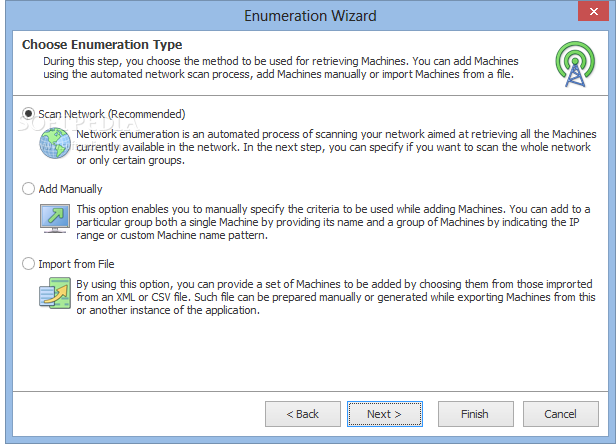
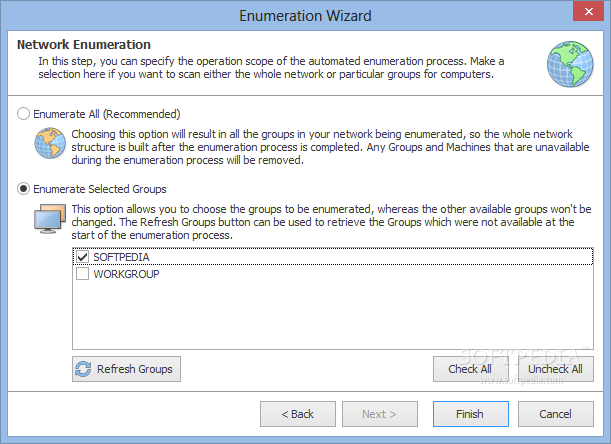
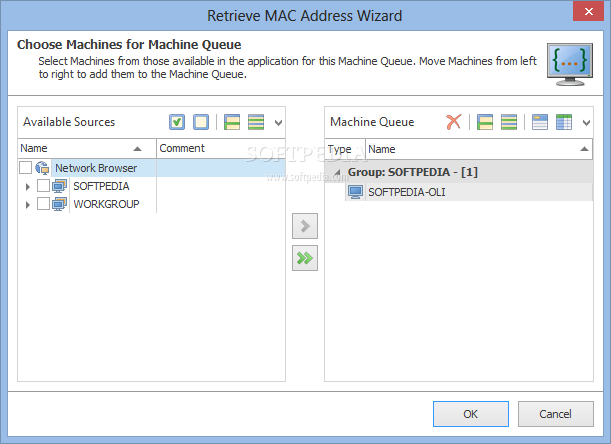
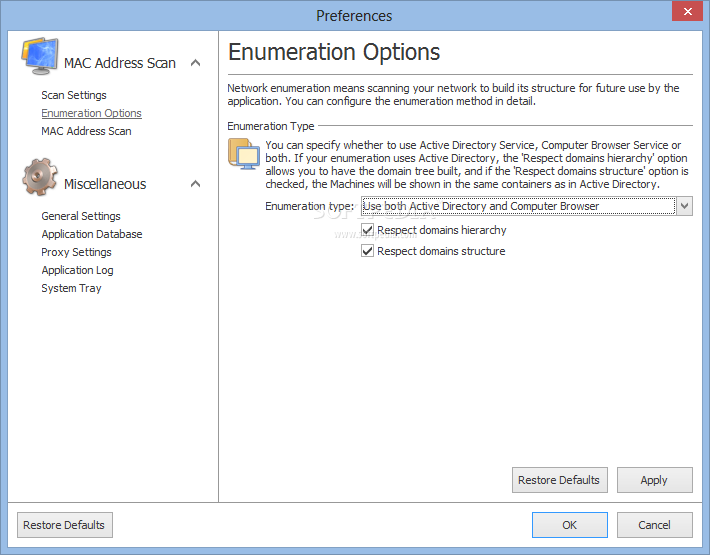
EMCO MAC Address Scanner uses two separate processes in order to provide the MAC addresses of the LAN PCs to you. The first step of the program is called the network enumeration and what this particular operation does is creating a list of all the available as well as identifiable network interface in the entire network.
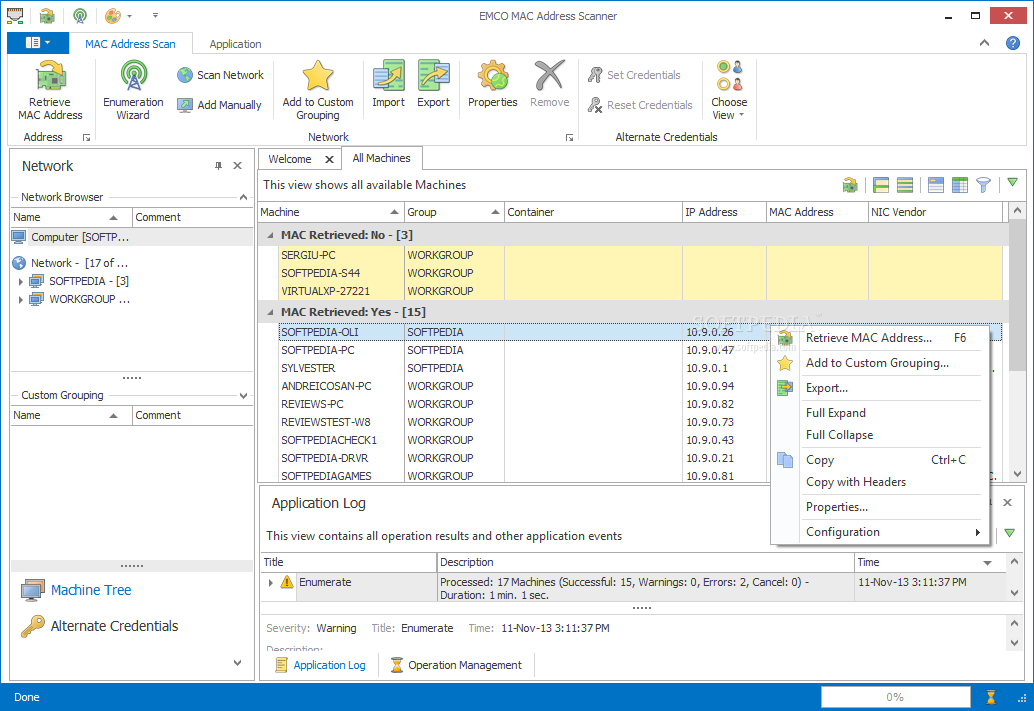
While clearly designed for network administrators, EMCO MAC Address Scanner can also aid regular network users creating a list of all the alive connections within the specified domain or workgroup alongside the name of the computer, its IP address, NIC vendor and, most importantly, the MAC address.
EMCO MAC Address Scanner proves to be a great product capable of retrieving the things it is meant to while also delivering the results in timely fashion. Of course, it is far from the complete set of tools to work with when it comes to networking and surely feels like a module of a bigger program; however, it does a pretty solid job on it own.
What's new in EMCO MAC Address Scanner 1.3.2.475:
- The application supports Microsoft Windows 10 and .NET Framework 4.6
EMCO MAC Address Scanner 1.3.2.475
add to watchlist add to download basket send us an update REPORT- runs on:
-
Windows 10
Windows 2008
Windows 2003
Windows 8 32/64 bit
Windows 7 32/64 bit
Windows Vista 32/64 bit
Windows XP 32/64 bit
Windows 2K - file size:
- 48.9 MB
- filename:
- MACAddressScannerSetup.exe


- main category:
- Network Tools
- developer:
- visit homepage
IrfanView

Bitdefender Antivirus Free

4k Video Downloader

Microsoft Teams

Zoom Client

Context Menu Manager

calibre

Windows Sandbox Launcher

ShareX

7-Zip

- Windows Sandbox Launcher
- ShareX
- 7-Zip
- IrfanView
- Bitdefender Antivirus Free
- 4k Video Downloader
- Microsoft Teams
- Zoom Client
- Context Menu Manager
- calibre