
Keep a close eye on the network you are administrating with the help of this feature-packed and easy to use multi-threaded IP, NetBIOS and SNMP scanning tool. #IP Address Scanner #Network Ping #Scan Network #Scanner #Scan #IP Address


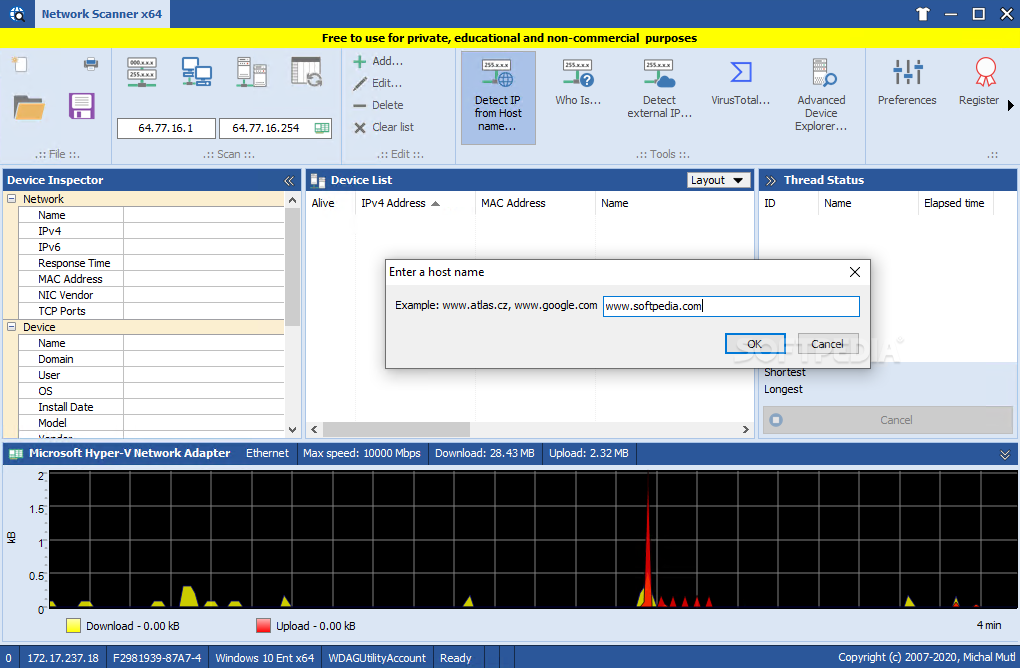
MiTeC Network Scanner is an advanced Windows multi-threaded IP, NetBIOS and SNMP scanner that comprises a well-organized interface and powerful tools aimed at network administrators.
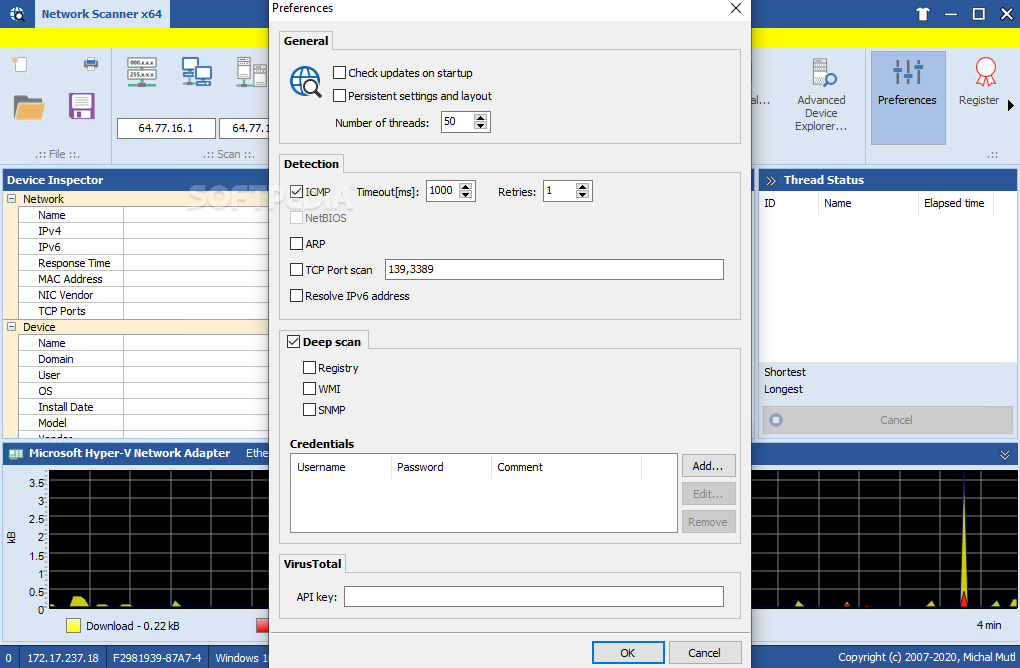
Scanning an IP range is as easy as pie because you only need to input the starting and the ending addresses, but MiTeC Network Scanner also provides three different options: you can automatically scan the network, the Active Directory or use a detected range according to a user-defined adapter.
The scanning process per se doesn’t take much time, with the app showing each IP address alongside other useful details such as MAC address, name, domain and user, operating system, CPU and description.
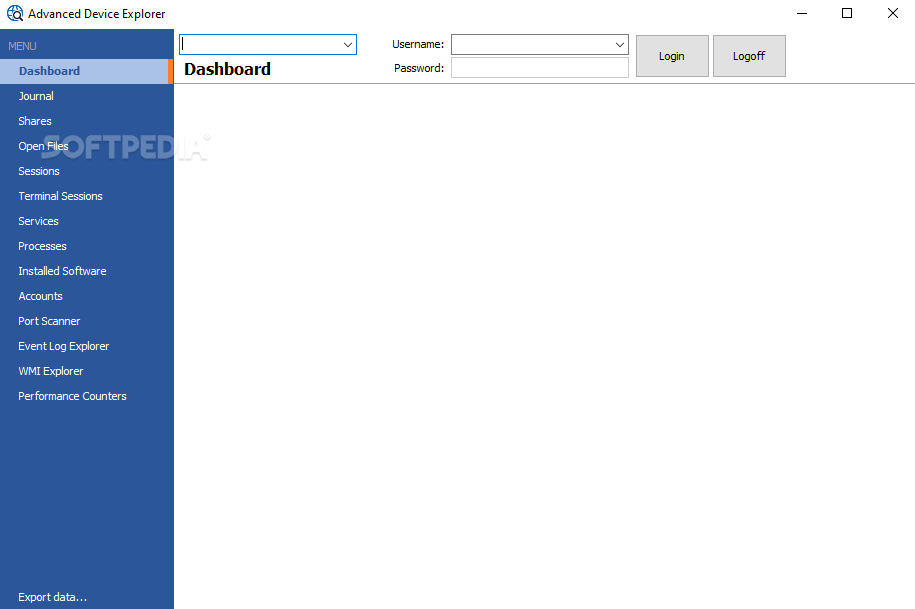
The main window of the app comprises a tabbed panel that lets you see the available shares and open files, sessions, services, processes and software for each found computer.
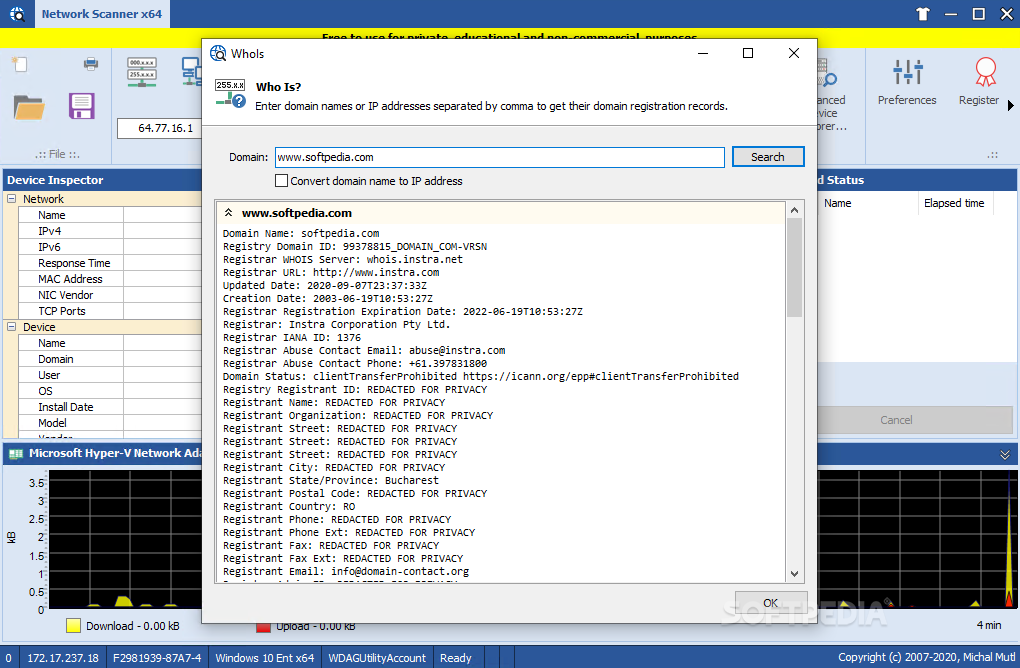
You can quickly ping an IP and see the remote date and time, but also detect an IP from host name or perform a whois.
MiTeC Network Scanner is generally a resource-friendly software solution that works flawlessly on all Windows versions out there, without even asking for administrator privileges on Windows 7 machines.
All things considered, MiTeC Network Scanner is an excellent piece of software aimed at system administrators, providing not only very effective tools, but also a well thought out interface to interact with all users.
There’s no help manual included in the app, which is the most important drawback since users, be they complete rookies or more experienced, always need more documentation on the available features.
Download Hubs
MiTeC Network Scanner is part of these download collections: Network Scanner
What's new in MiTeC Network Scanner 5.7.1.0:
- Bug fixes (port scanning)
- Small UI enhancements
MiTeC Network Scanner 5.7.1.0
add to watchlist add to download basket send us an update REPORT- PRICE: Free
- runs on:
-
Windows 11
Windows Server 2022
Windows Server 2019
Windows Server 2016
Windows 10 32/64 bit
Windows 2008 R2
Windows 2008 32/64 bit
Windows 2003
Windows 8 32/64 bit
Windows 7 32/64 bit
Windows Vista 32/64 bit
Windows XP 32/64 bit - file size:
- 8.2 MB
- filename:
- NetScanner.zip
- main category:
- Network Tools
- developer:
- visit homepage
IrfanView

Microsoft Teams

Context Menu Manager

Windows Sandbox Launcher

4k Video Downloader

Zoom Client

Bitdefender Antivirus Free

7-Zip

ShareX

calibre

- 7-Zip
- ShareX
- calibre
- IrfanView
- Microsoft Teams
- Context Menu Manager
- Windows Sandbox Launcher
- 4k Video Downloader
- Zoom Client
- Bitdefender Antivirus Free