
Scan and identify network devices as well as perform various speed tests over the Internet with selectable server list and Whois capabilities. #Port Scanner #Network Scanner #Scan Network #Port #Scanner #Whois

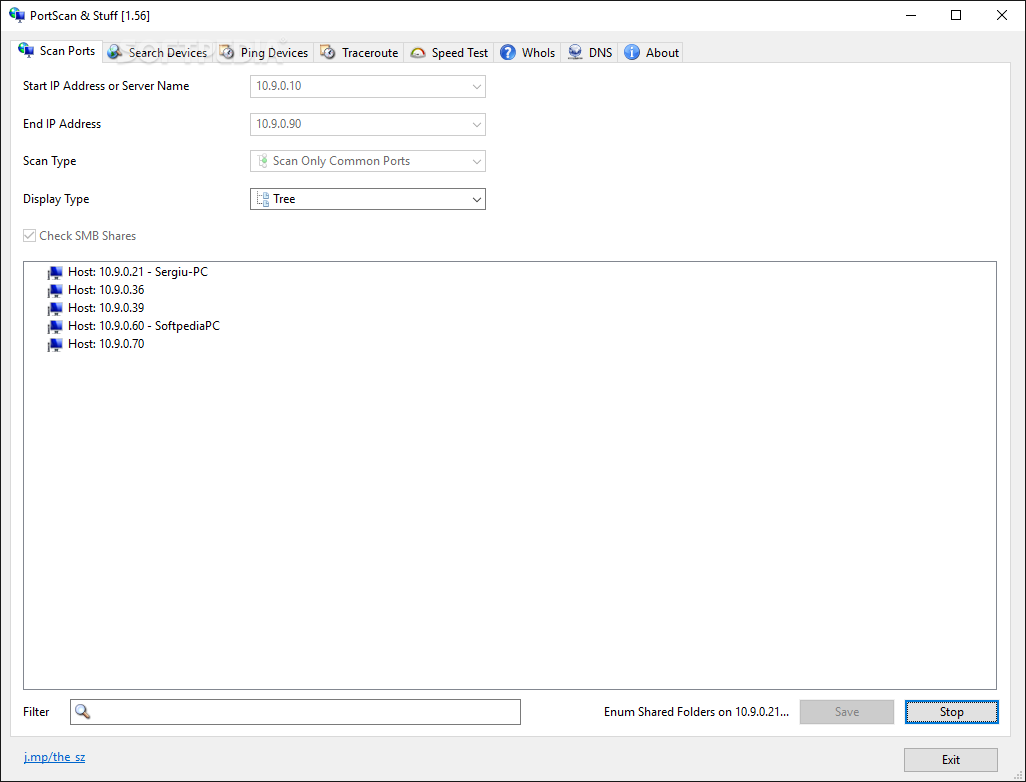
PortScan & Stuff is an intuitive and lightweight utility designed to gather information about your network. To put it simply, thanks to this tool, you can perform a network scan and find out more about the devices connected to your network with just one click.
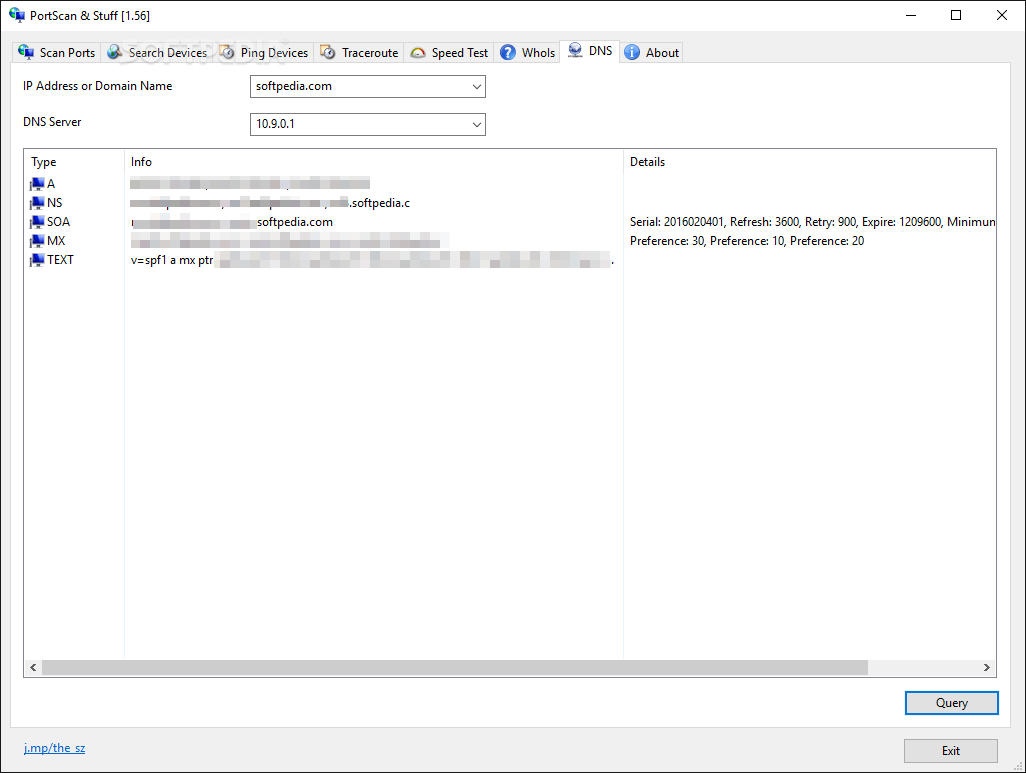
The application comes with a user-friendly interface that is split in several tabs, each representative for the function they offer. You can perform a quick scan of the ports to learn more about those that are opened. Since the app returns results with detailed information – MAC and IP addresses or the host name – it would be easier to manage the security of your PC.
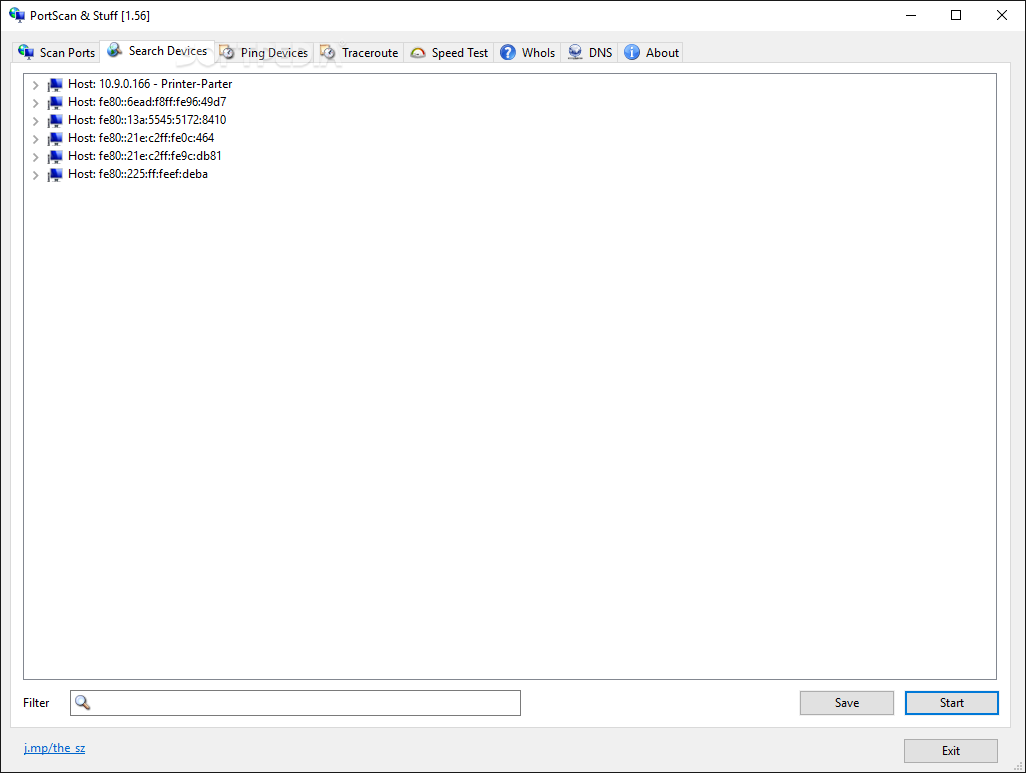
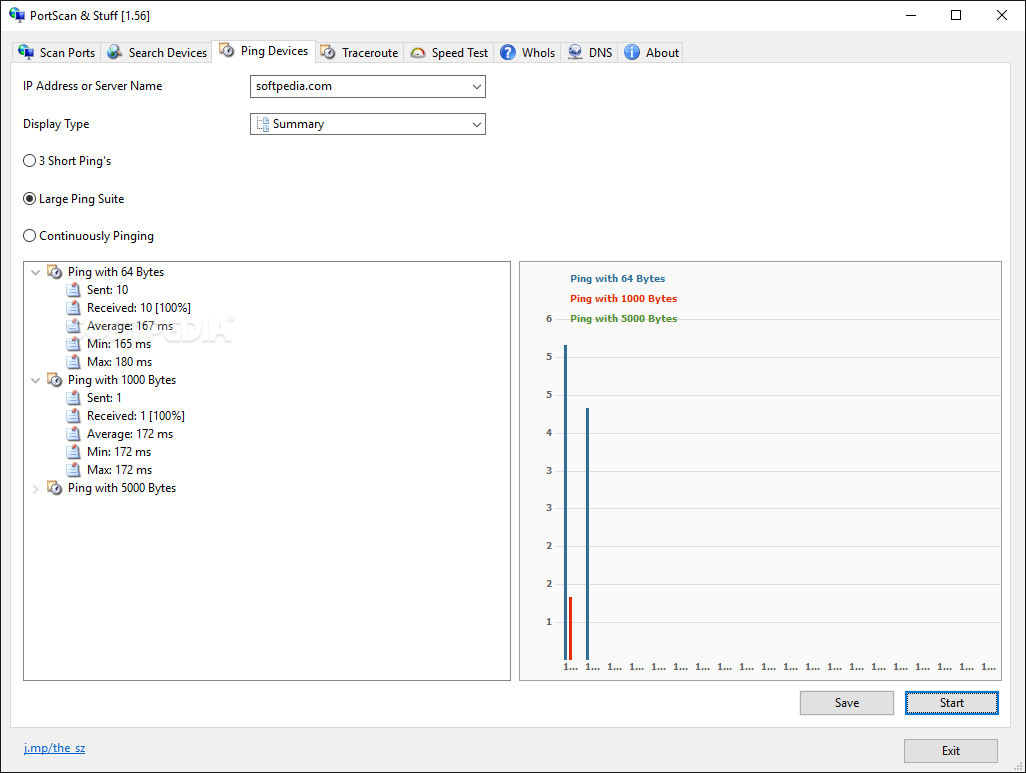
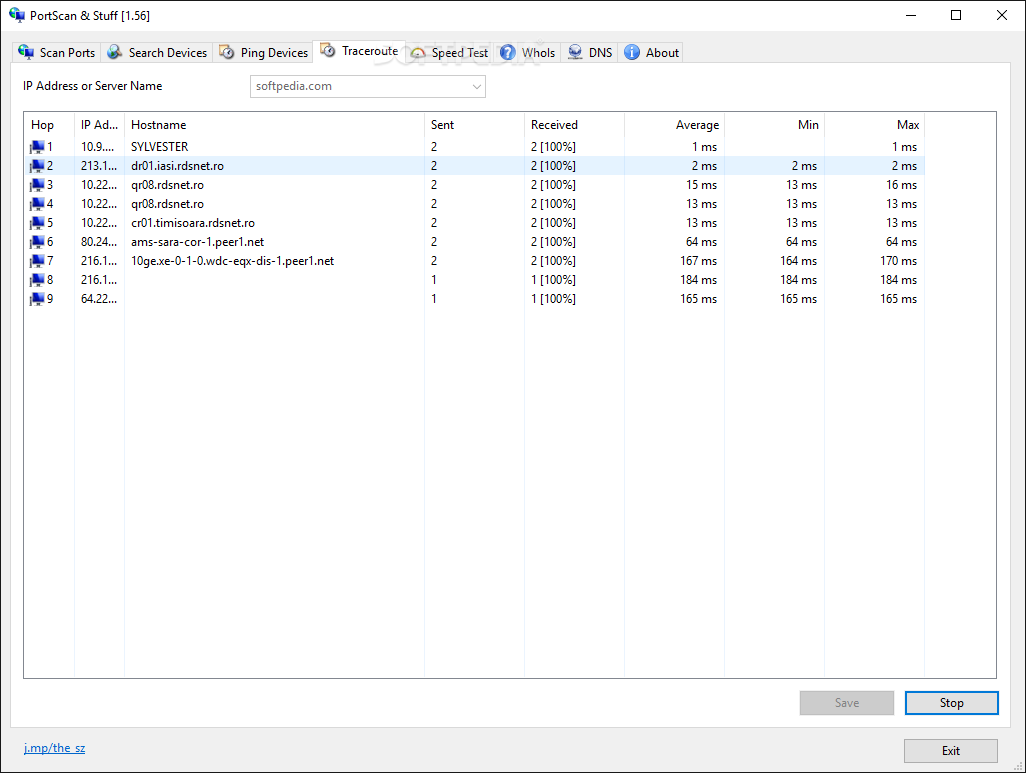
A second noteworthy feature of the program is Search Devices, as it informs you about all the UpnP enabled devices, services, routers, printers and other devices connected to your network. You can ping devices and make sure that the connection is optimal. You can also learn more about the network's pathways and routing loops via the Traceroute tab.
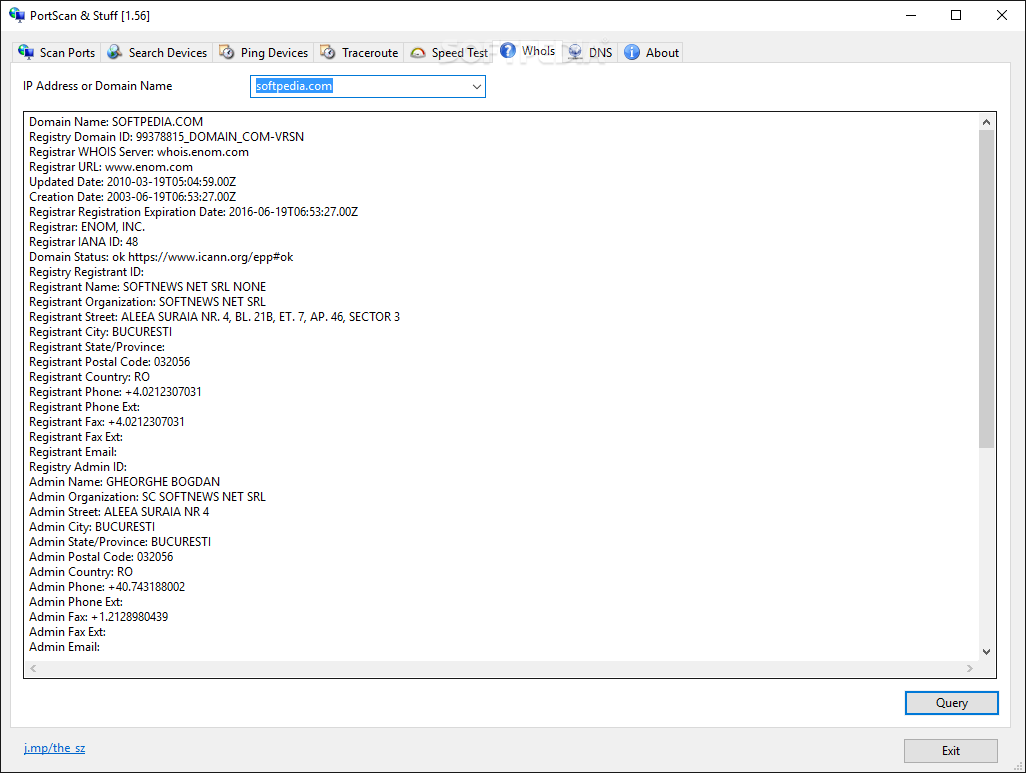
The program also features a Whois tab where you can quickly check any available information about an IP address or domain name. The function can be particularly useful if you own a website as it can reduce spam.
Generally speaking, making your company's information private discourages marketers who tend to acquire this data for mainly spam emails. In addition to spam reduction, blocking unsolicited emails can also mean increased security, as it deters cyber criminals from retrieving sensitive information.
PortScan & Stuff also includes a basic Speed Test function where you can find out more about your current Internet connection downloading and uploading speed. Performing this test can come in handy for determining whether you are getting what you are paying for or determining whether it is time to change the contract or ISP. You can perform the tests directly in the app or by accessing the provided quick links to the authorities in this nice.
Download Hubs
PortScan & Stuff is part of these download collections: Network Scanner
What's new in PortScan & Stuff 1.97:
- Crash prevented
PortScan & Stuff 1.97
add to watchlist add to download basket send us an update REPORT- runs on:
-
Windows 11
Windows 10 32/64 bit
Windows 8 32/64 bit
Windows 7 32/64 bit - file size:
- 418 KB
- filename:
- PortScan.zip

- main category:
- Network Tools
- developer:
- visit homepage
Windows Sandbox Launcher

Microsoft Teams

IrfanView

7-Zip

Bitdefender Antivirus Free

ShareX

4k Video Downloader

calibre

Context Menu Manager

Zoom Client

- calibre
- Context Menu Manager
- Zoom Client
- Windows Sandbox Launcher
- Microsoft Teams
- IrfanView
- 7-Zip
- Bitdefender Antivirus Free
- ShareX
- 4k Video Downloader