
An open-source network packet analyzer whose extensive featureset grants users the necessary tools to effectively monitor anything about their connection. #Network diagnostic #Protocol analyzer #Network monitor #Protocol #Analyzer #Diagnostics

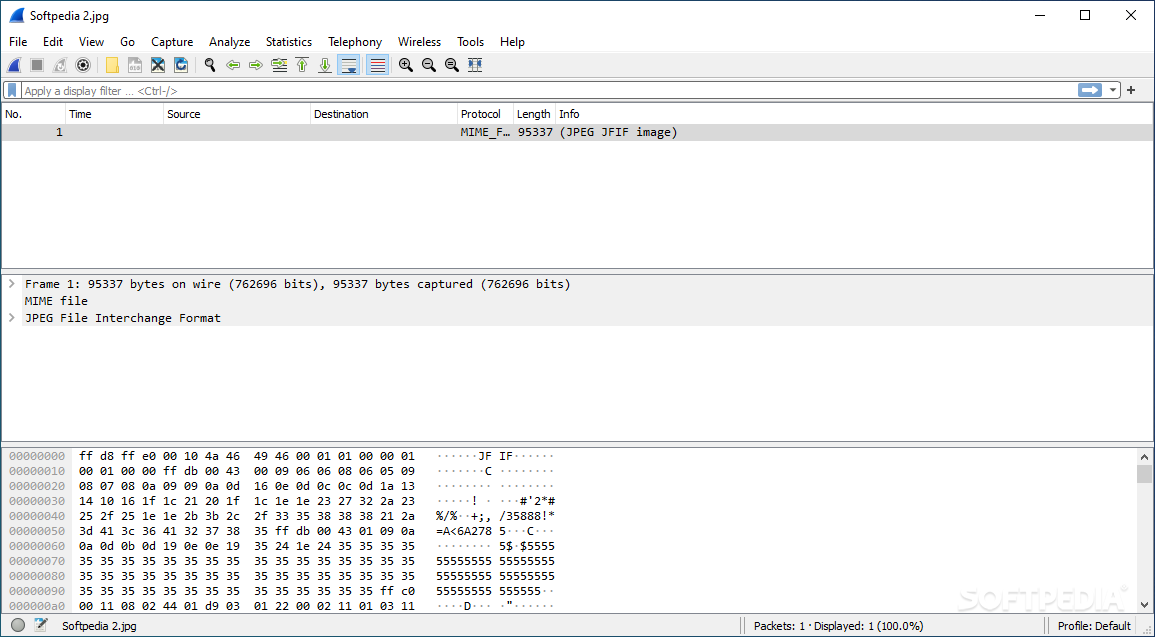
If you’re in doubt about your network security having been compromised, it’s a good idea to start collecting any information you can. Though the fear of having your suspicions validated is awful to have, being unaware of everything is worse. The same applies to general network problems as well: knowing it's your end that's not working properly can help you diagnose any potential problems.
Wireshark is a network packet capturer that can do a lot of things. Think of it as a solution that monitors the comings and goings for your connection: any request that is sent or received will be displayed on the program’s interface. This is an app whose value is most tangible to more experienced users, but the free and open-source nature of the software nevertheless makes it accessible to everyone.
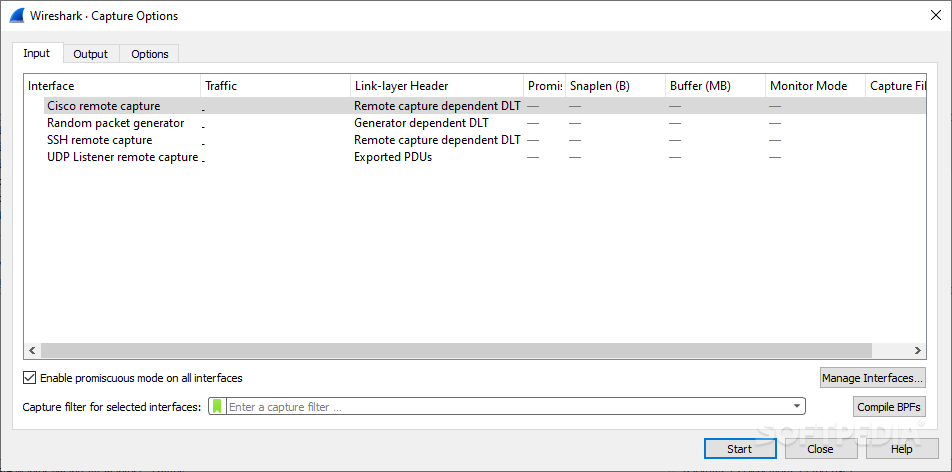
Upon first boot, the program will ask you to specify the adapter you wish to monitor. If you’ve got multiple adapters, but are unsure which one is the main one, the program displays a small graph that shows the recent activity for each adapter.
Once the proper adapter is selected, the app will display all the relevant packets for that connection. Depending on your installed apps, it’s normal to have activity even when you’re not actively using anything.
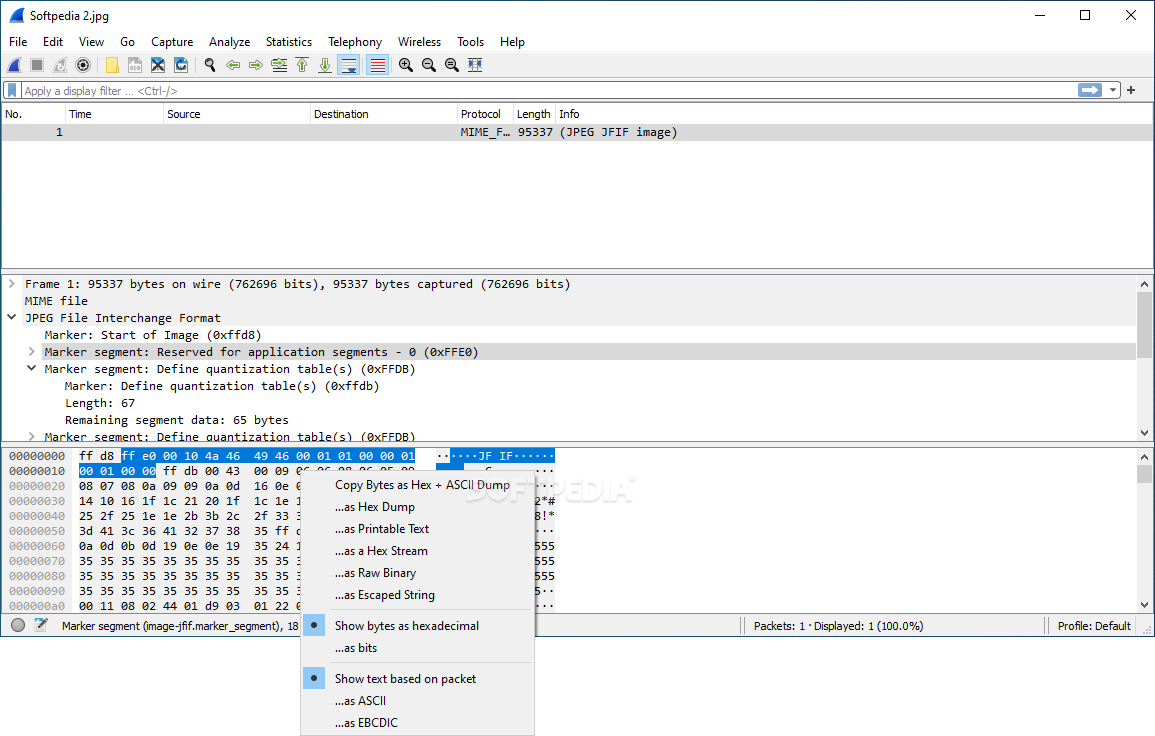
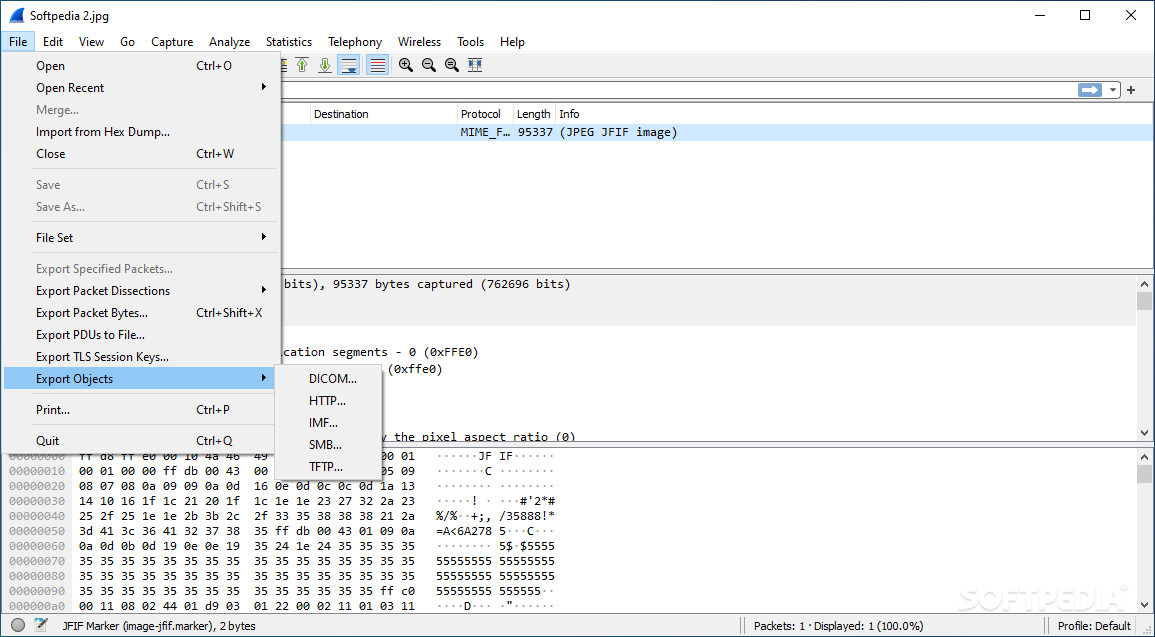
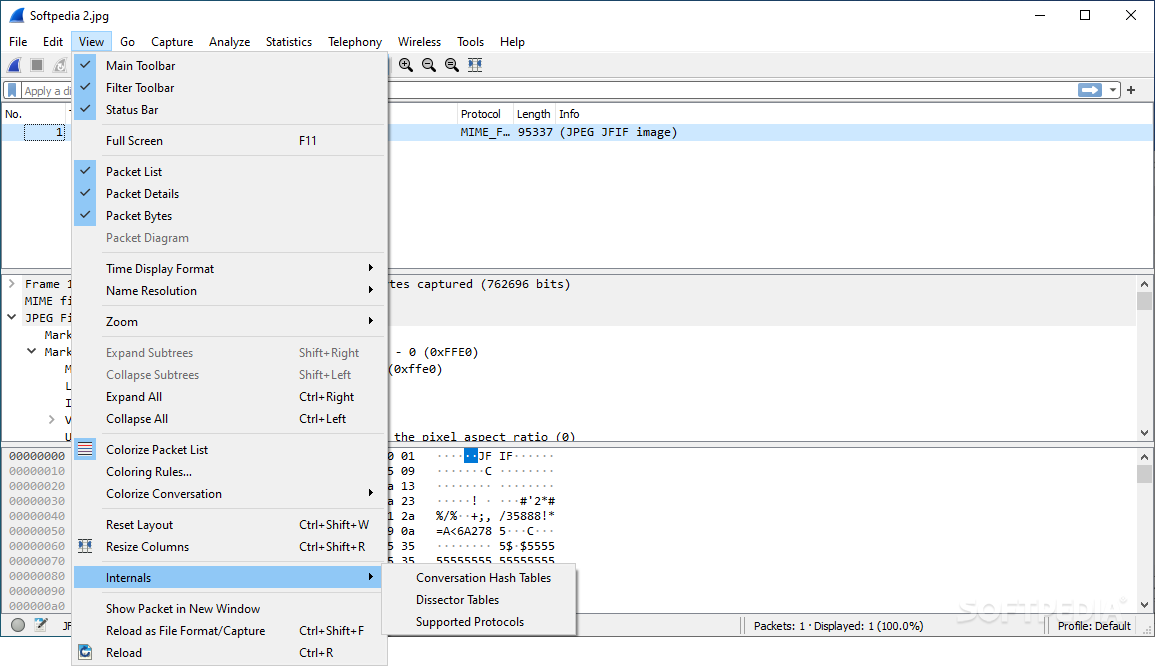
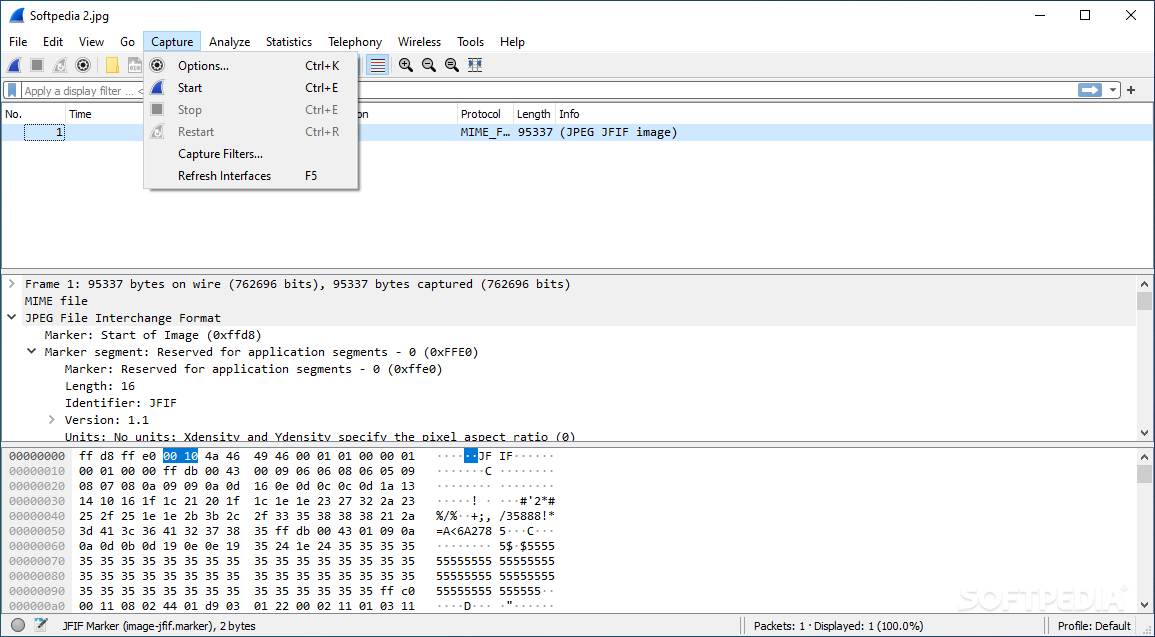
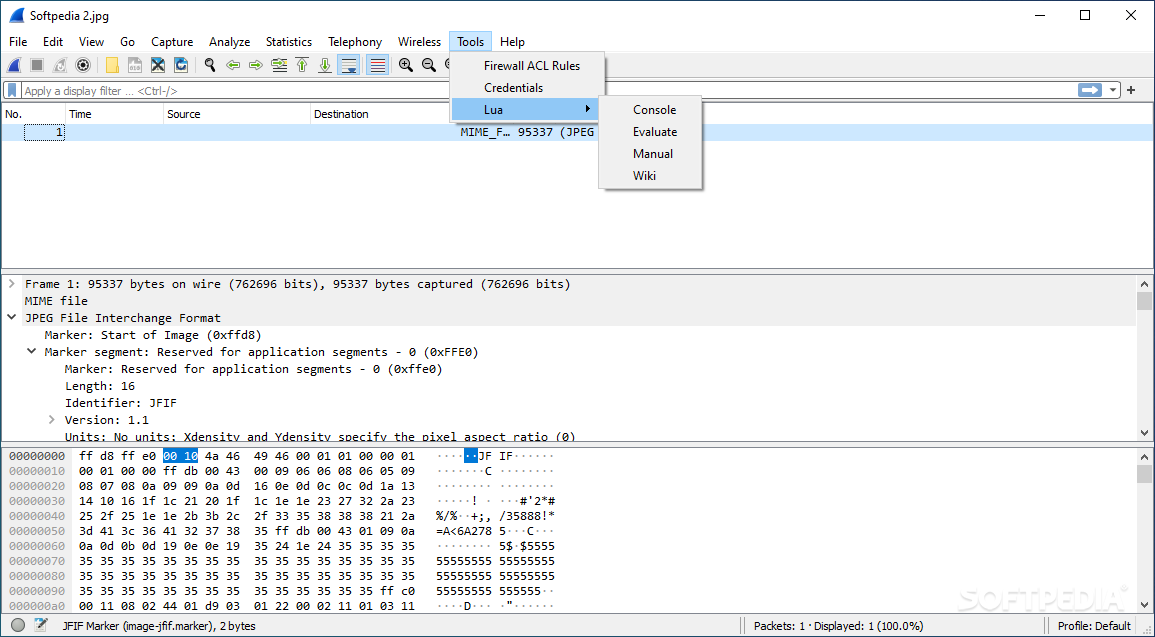
Click on a packet to see information about it. Packet bytes can be toggled depending on your needs, but in short, you can expect to find details about the protocol that was used for the connection, as well as its destination.
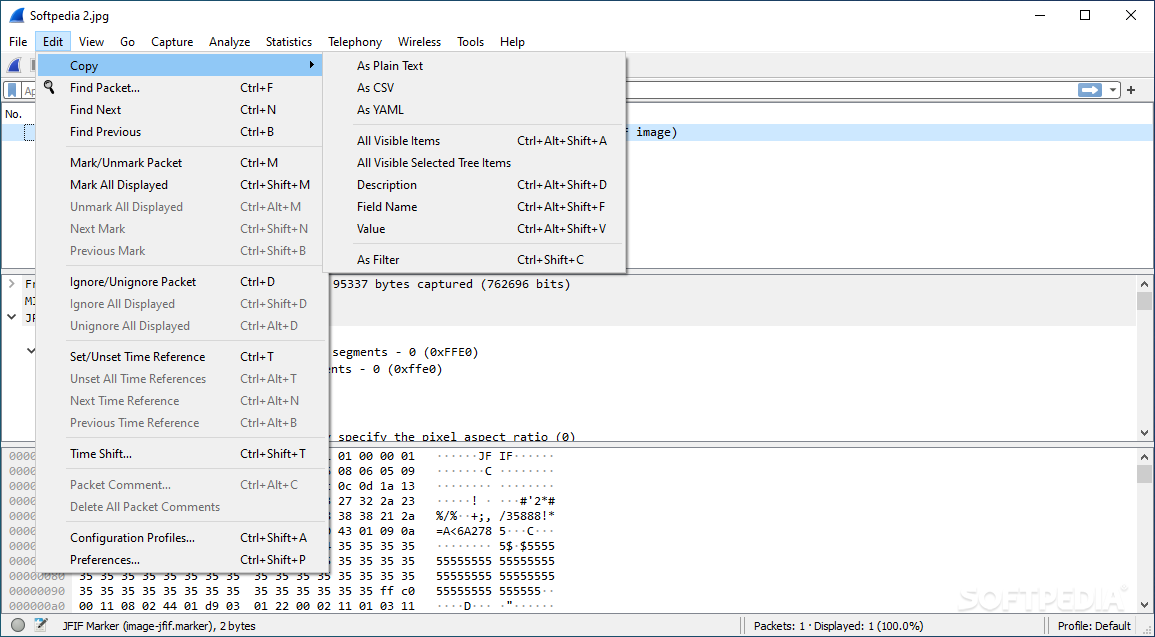
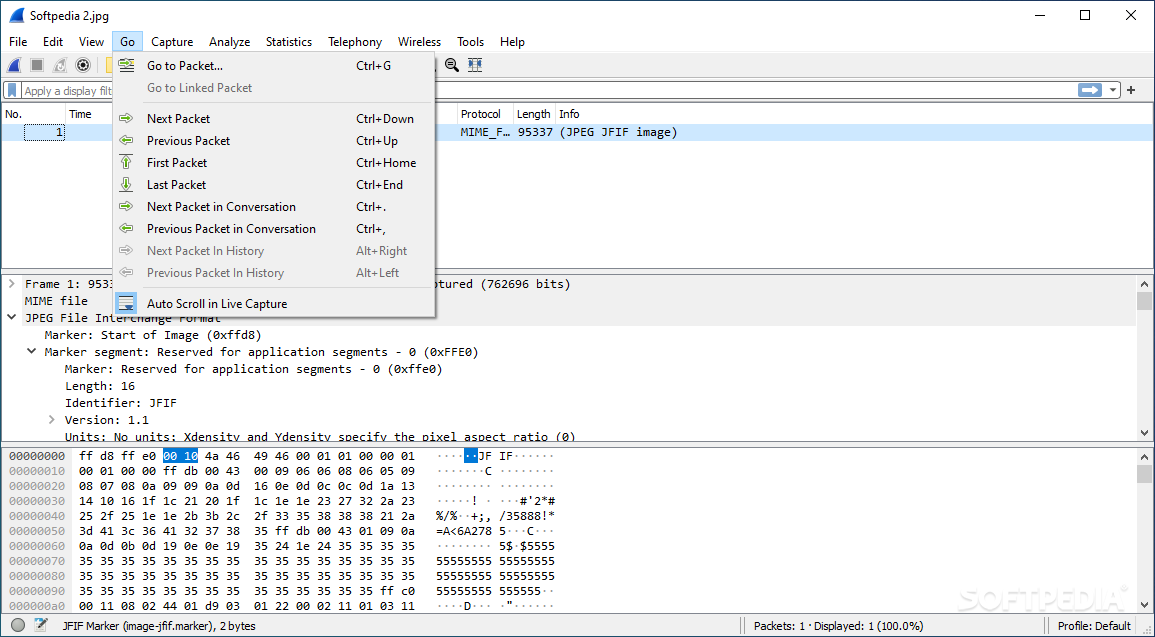
As stated in the beginning, the program lends itself well to those who possess networking knowledge. The many available tools enable users to more easily monitor and analyze specific packets for various reasons.
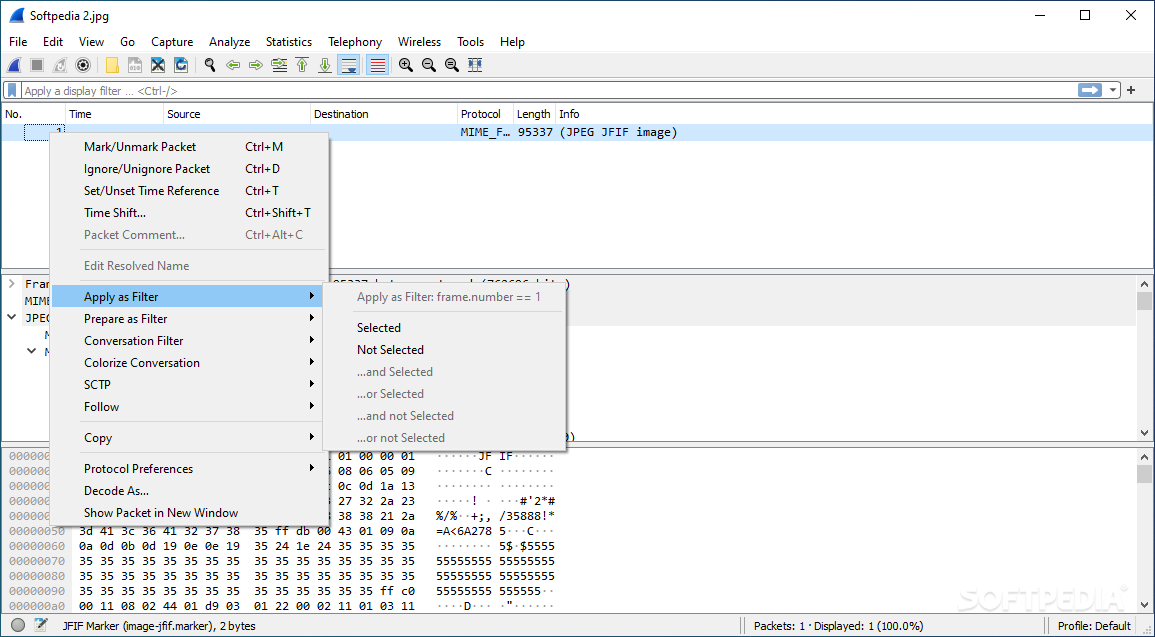
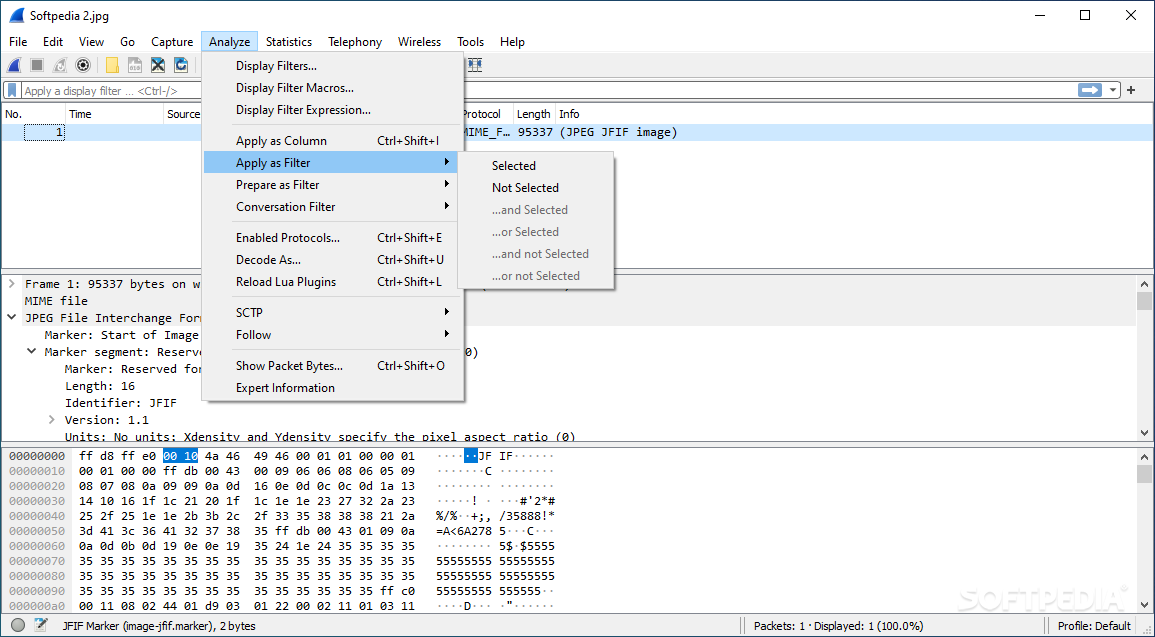
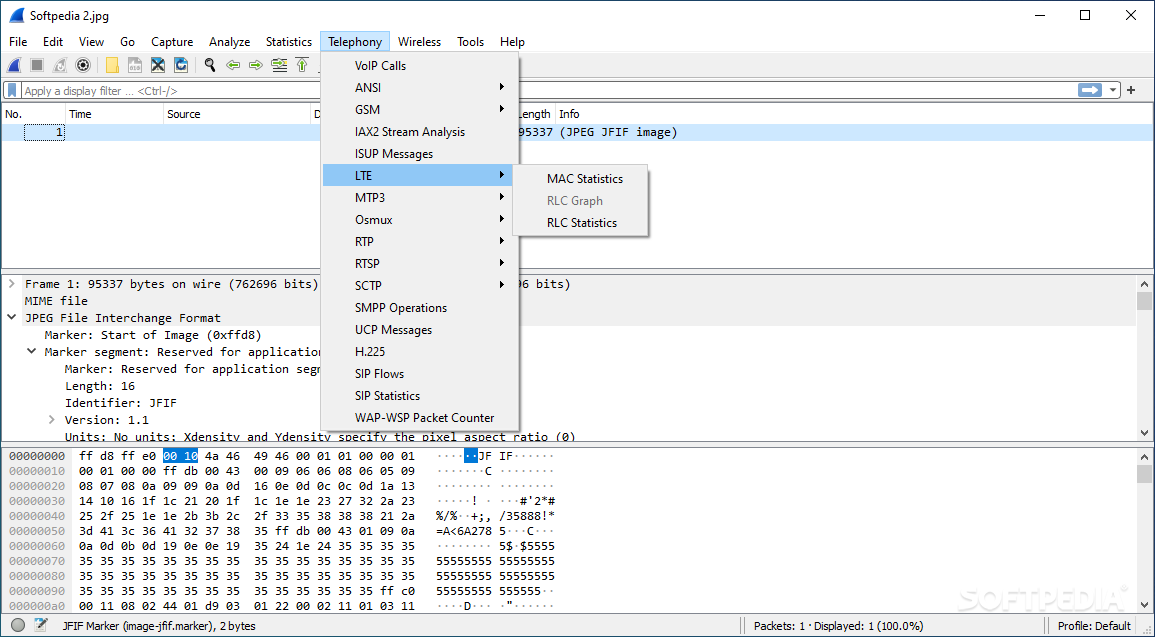
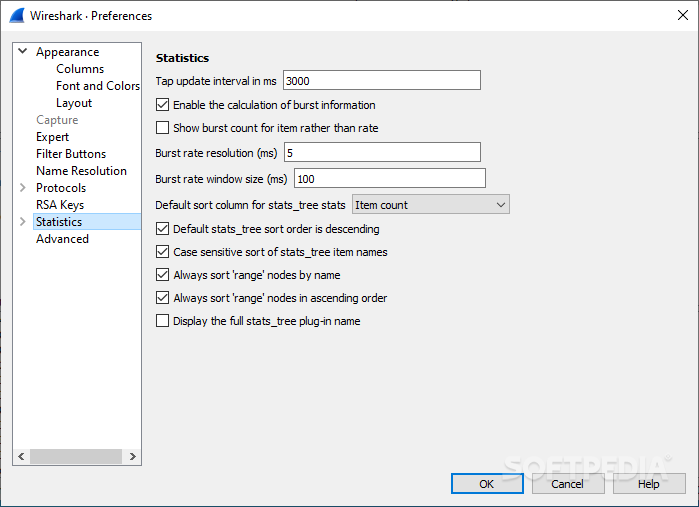
You can apply filters for more precision, mark, follow, and analyze packet associations, and for those passionate about data collection, the Statistics menu should have plenty of graphs to keep you busy and gather all the information you need.
Wireshark is a solution that is very in-depth with its capturing and analysis functionalities, effectively providing users with a reliable piece of software that can help one monitor and troubleshoot any irregularities with their connection.
Download Hubs
Wireshark is part of these download collections: Network Sniffers
What's new in Wireshark 4.2.4:
- Bug Fixes:
- If you are upgrading Wireshark 4.2.0 or 4.2.1 on Windows you will need to download and install Wireshark 4.2.4 or later by hand.
Wireshark 4.2.4
 Softpedia Editor's Pick
add to watchlist
add to download basket
send us an update
REPORT
Softpedia Editor's Pick
add to watchlist
add to download basket
send us an update
REPORT
- PRICE: Free
- portable version
- Portable Wireshark
- runs on:
-
Windows 11
Windows Server 2022
Windows Server 2019
Windows Server 2016
Windows 10 32/64 bit
Windows Server 2012 R2
Windows Server 2012
Windows 8 32/64 bit - file size:
- 82.3 MB
- filename:
- Wireshark-4.2.4-x64.exe
- main category:
- Network Tools
- developer:
- visit homepage
Zoom Client

Bitdefender Antivirus Free

IrfanView

calibre

Context Menu Manager

4k Video Downloader

ShareX

Microsoft Teams

Windows Sandbox Launcher

7-Zip

- Microsoft Teams
- Windows Sandbox Launcher
- 7-Zip
- Zoom Client
- Bitdefender Antivirus Free
- IrfanView
- calibre
- Context Menu Manager
- 4k Video Downloader
- ShareX