
A network traffic probe that will show you the network usage #Network monitor #Network statistics #Local traffic analyzer #Monitor #Analyzer #Logger
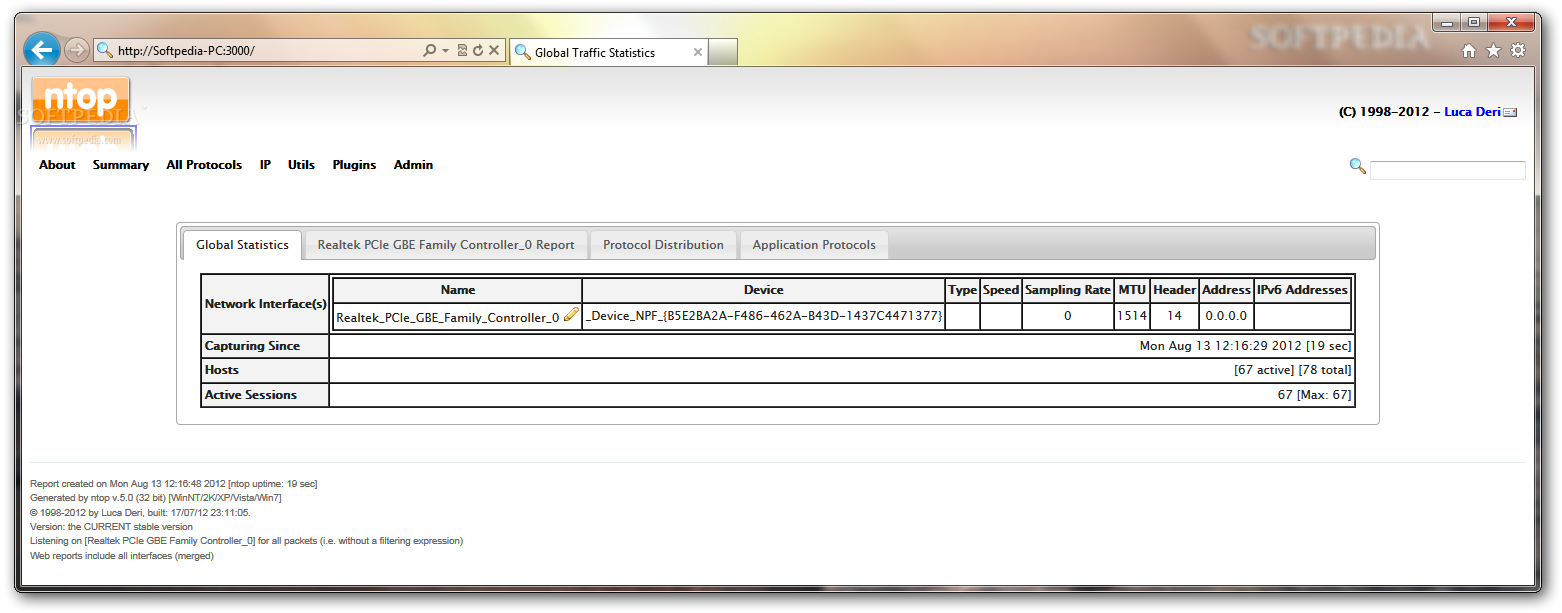
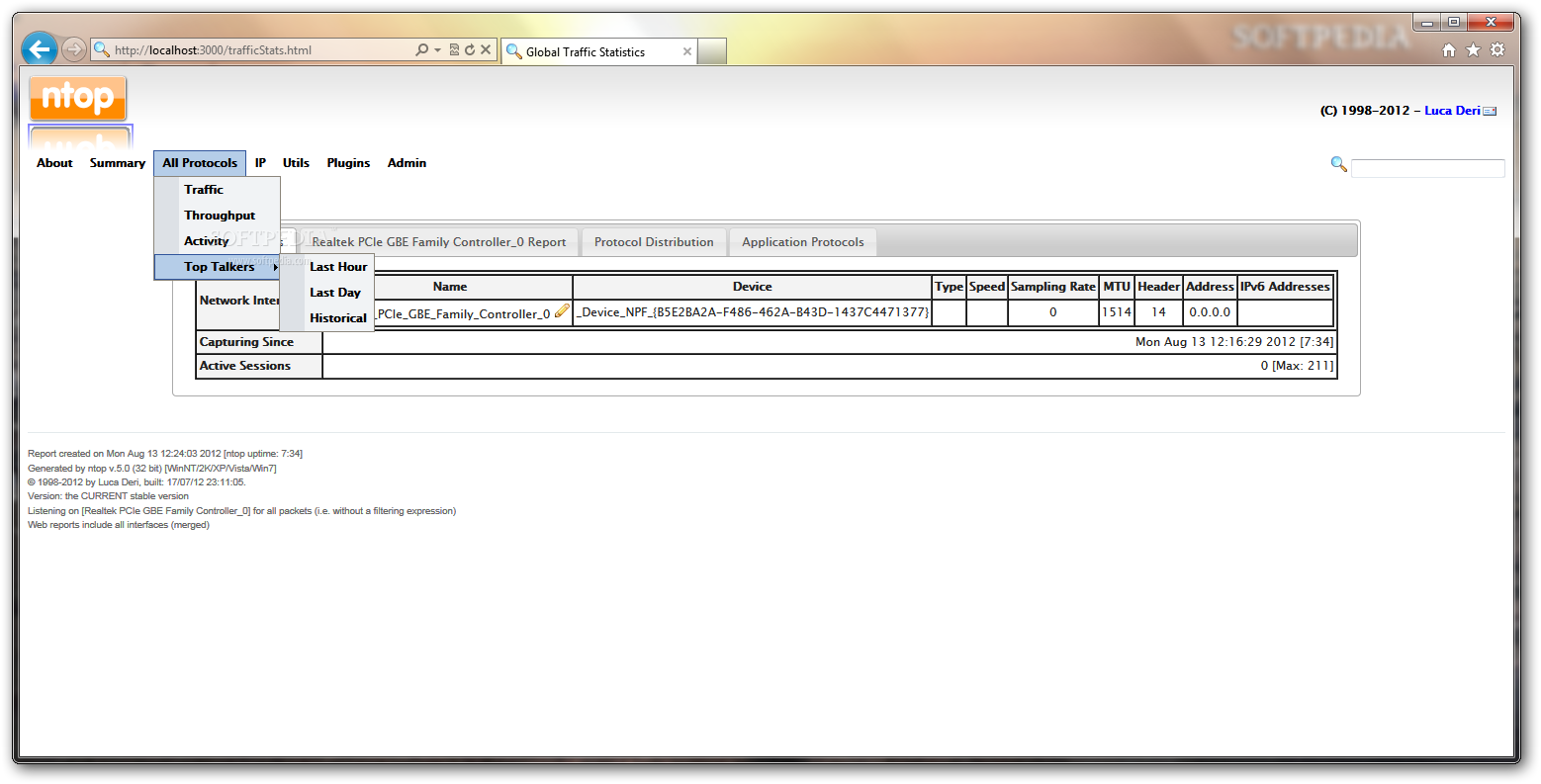
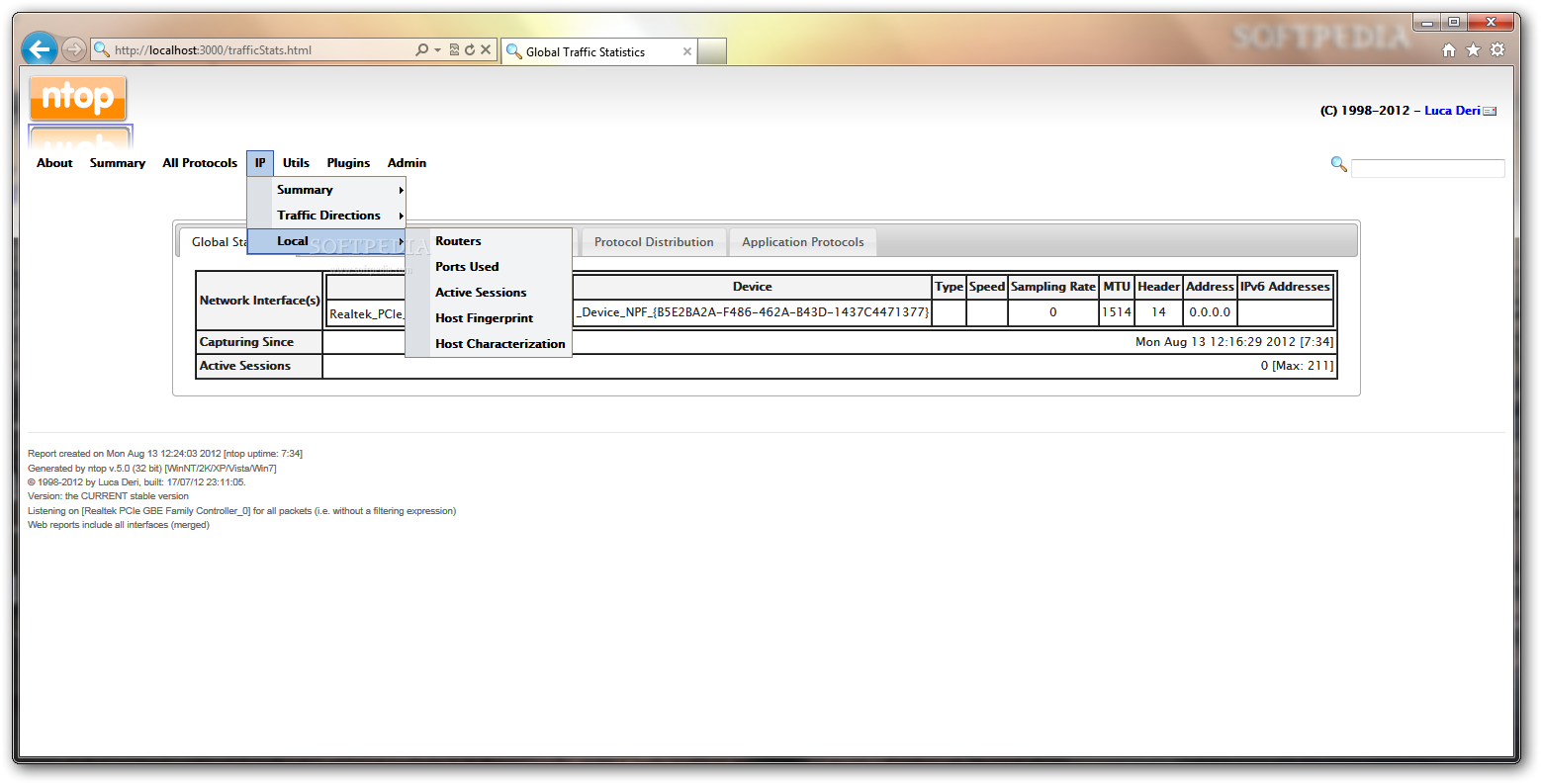
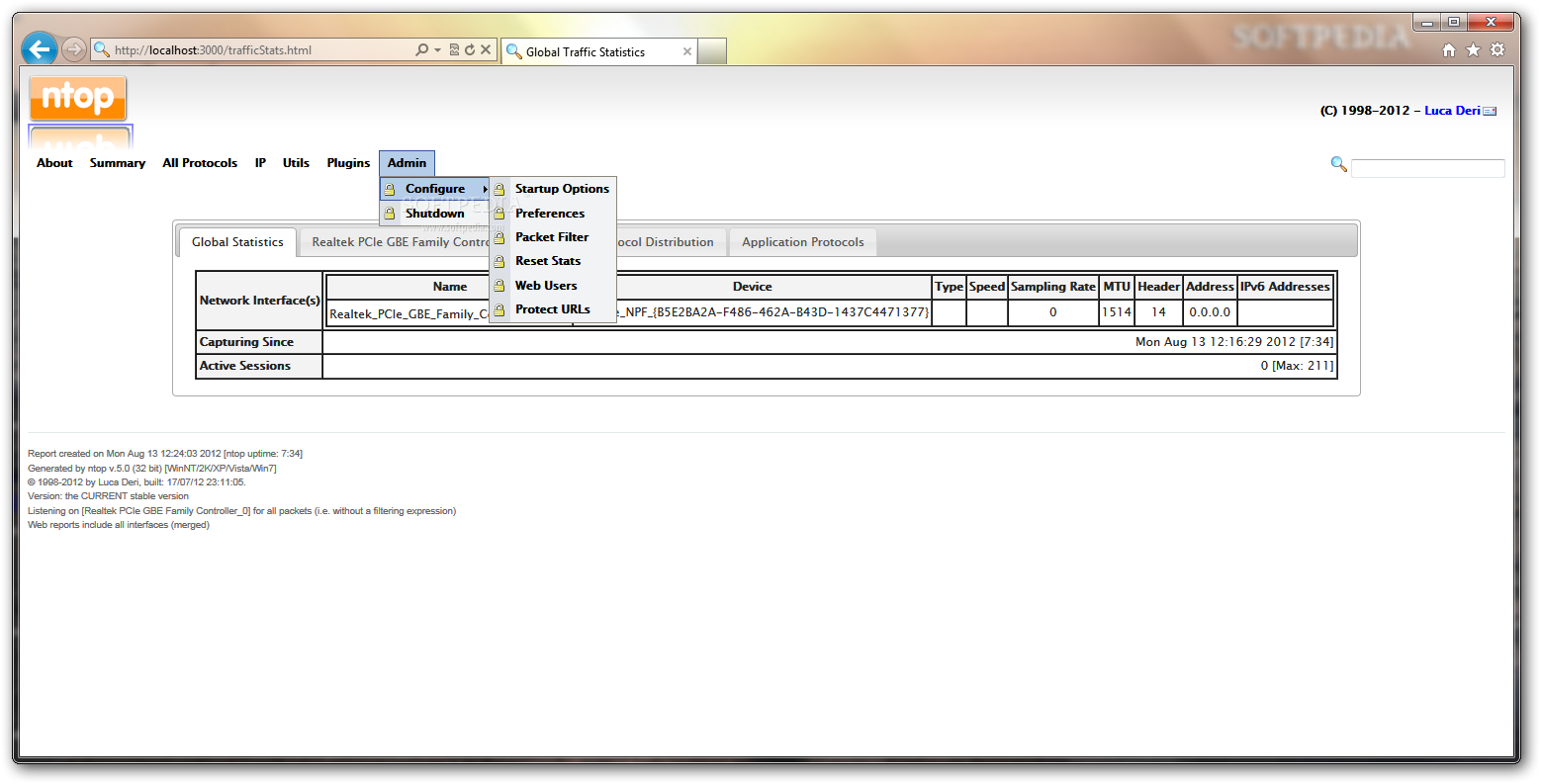
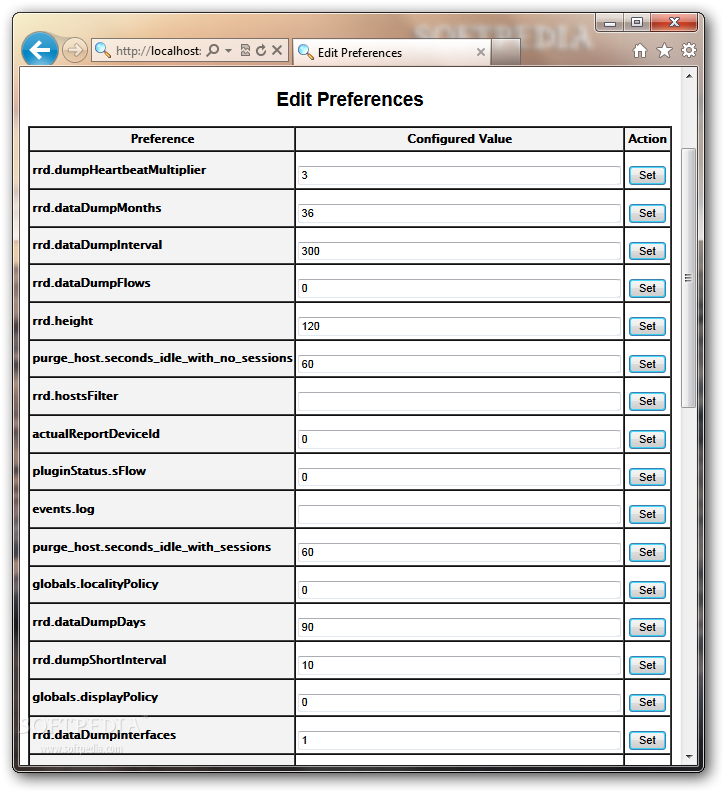
nTop is a powerful application that allows you to monitor the network connections and provides you with important traffic statistics. The program features a web interface that can be accessed with any internet browser.
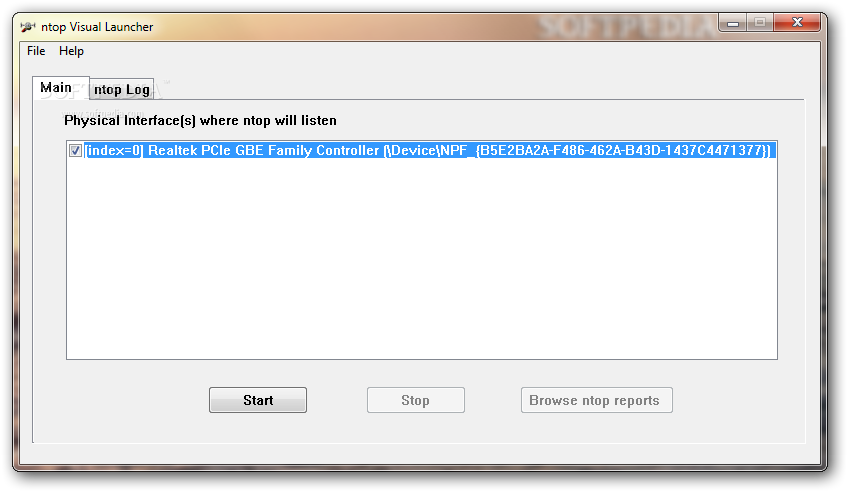
Before using the application you need to select the network interface that you want to monitor. After the service has been started you can browse the generated reports on the web browser.
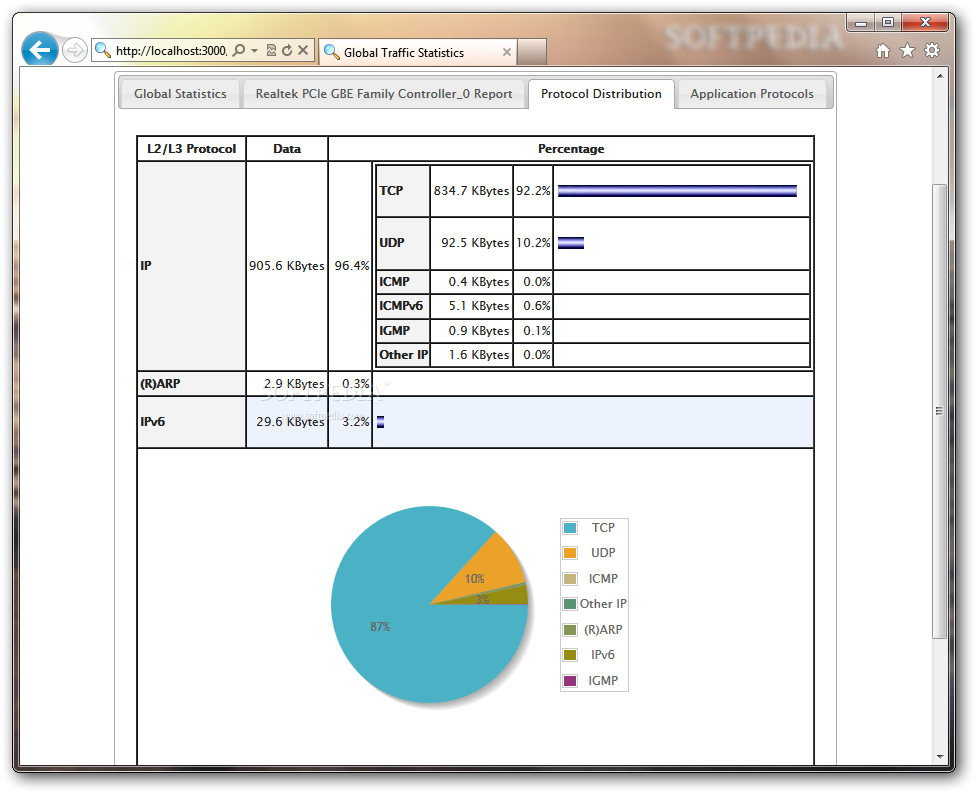
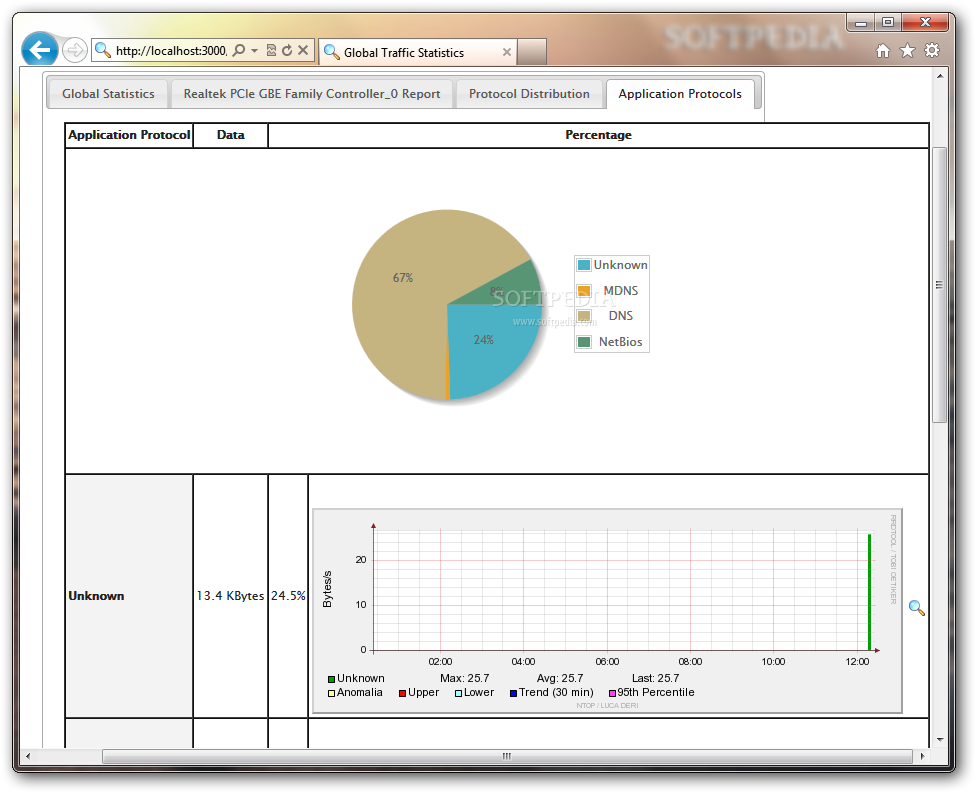
The application provides you with general information about the active sessions and the distribution of data packets among the protocols. Thus you can know the most used communication protocol and the data that has been transferred.
The network load statistics can display the maximum or the average transfer rate for the last ten minutes or even an entire month. You can also view a graphical representation of the traffic in order to identify the busiest time interval. Network administrators can use this information in order to optimize network connections.
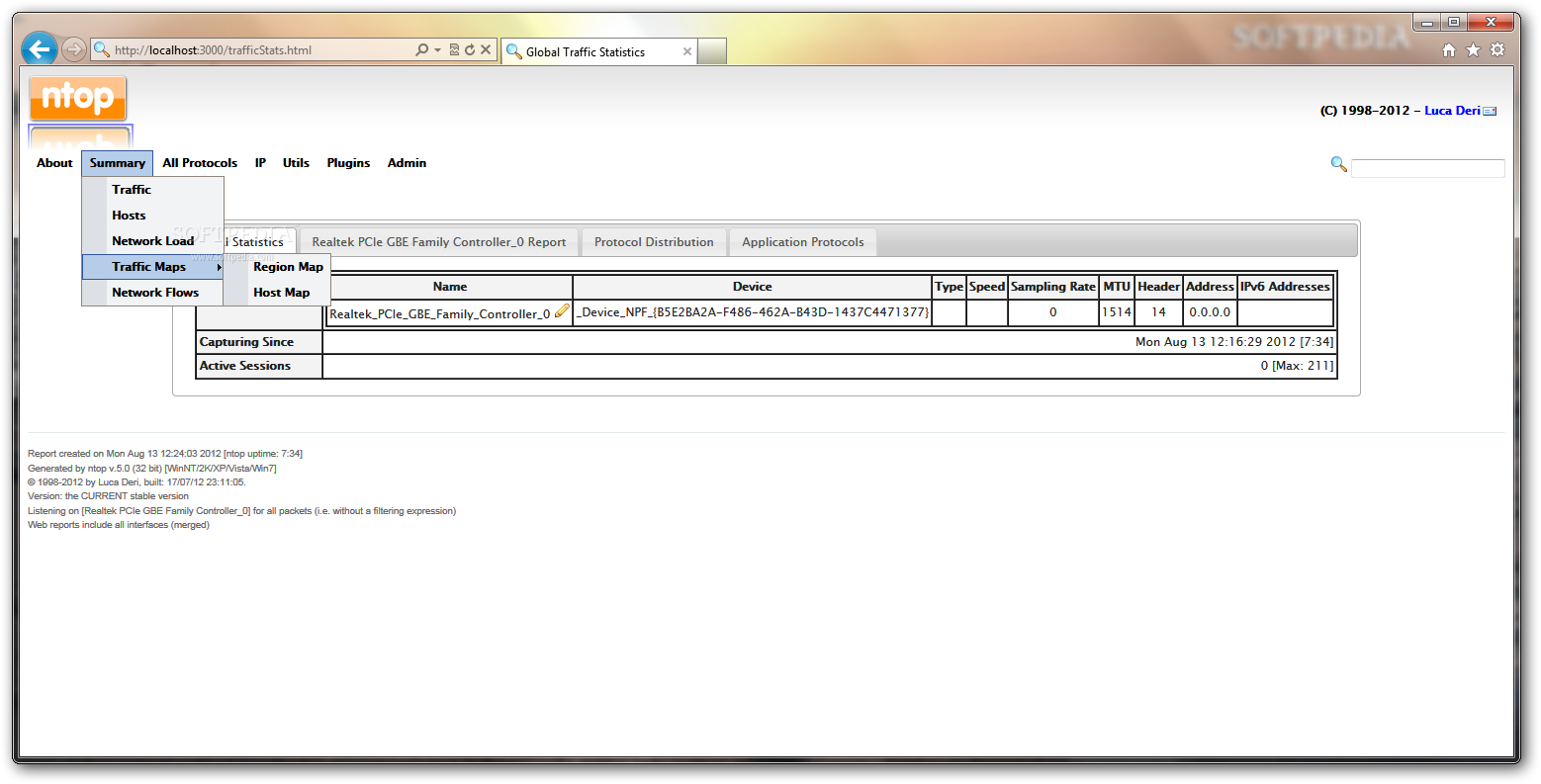
You identify the regions where certain hosts are located by using the Traffic maps report. The information is based on the IP address and can pinpoint the country and the city of a certain host. Other details include the number of sent packets or the ratio between the sent and received data.
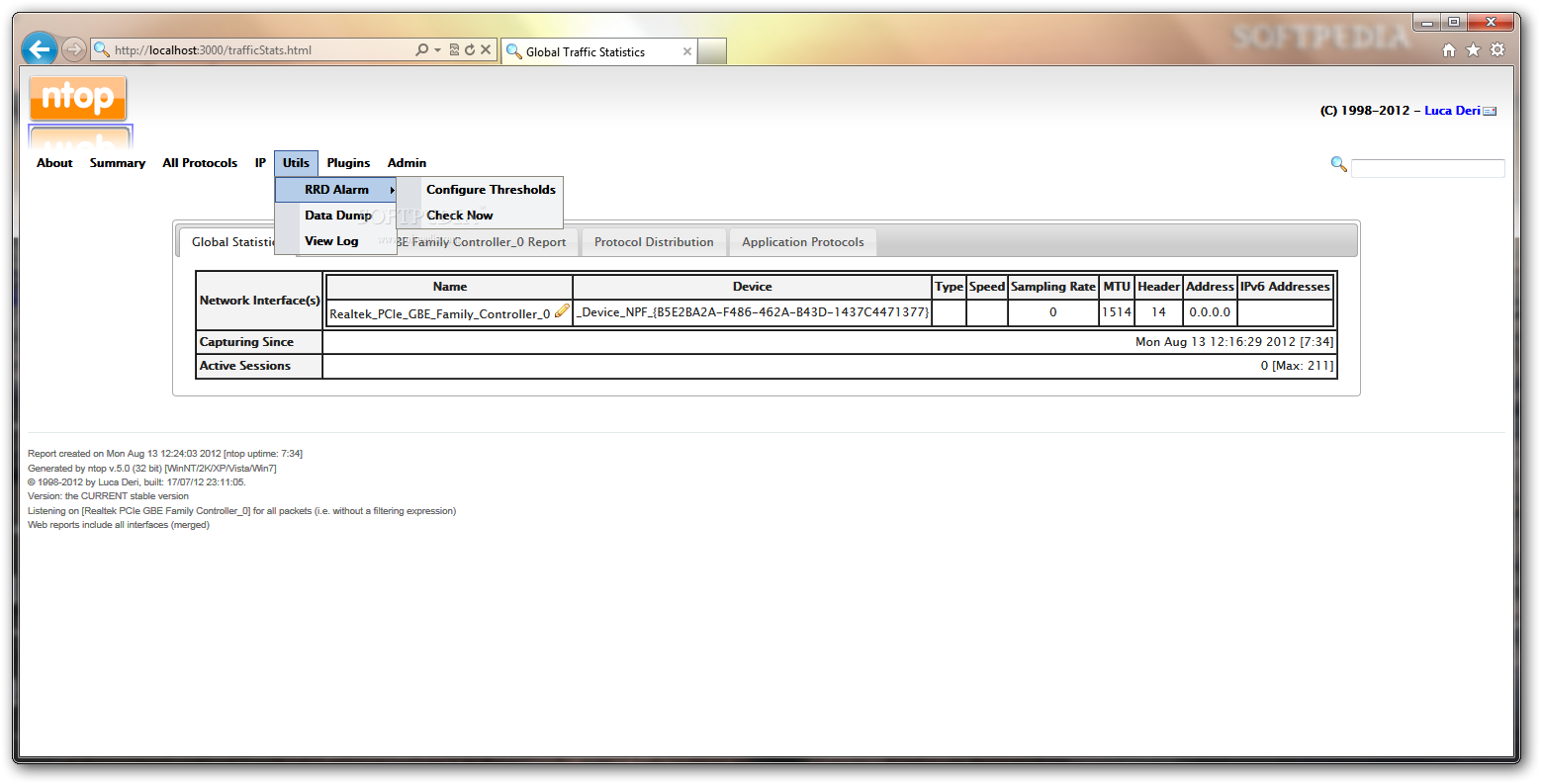
The gathered information can be viewed in the browser widow but you can also dump it to external files in PHP or plain text format in order to analyze it with other applications. Most of the reports provided by nTop can be sorted in order to easily find the top network users or the hosts using a certain protocol.
nTop provides a lot of information that can be useful for advanced users such as network administrators or developers. If you are just looking for a tool that displays the network usage for a home computer, this program is far too complex.
nTop 5.0.2
add to watchlist add to download basket send us an update REPORT- runs on:
- Windows All
- file size:
- 26 MB
- filename:
- ntop-5.0.2-demo.exe



- main category:
- Network Tools
- developer:
- visit homepage
Windows Sandbox Launcher

calibre

Zoom Client

7-Zip

Microsoft Teams

IrfanView

Context Menu Manager

4k Video Downloader

ShareX

Bitdefender Antivirus Free

- 4k Video Downloader
- ShareX
- Bitdefender Antivirus Free
- Windows Sandbox Launcher
- calibre
- Zoom Client
- 7-Zip
- Microsoft Teams
- IrfanView
- Context Menu Manager