WINDOWS CATEGORIES:


NEWS ARCHIVE >>
SOFTPEDIA REVIEWS >>

WEEKLY HIGHLIGHTS

DVD Cloner45
Spyware Doctor40
1Click DVD Copy40
Apollo DVD Copy40
ABC Amber BlackBer...45
Protected Music Co...40

7-DAY TOP DOWNLOAD

#
Program
Avira AntiVir
Personal - Free
Antivirus 9.0.0.415

154,543
Windows Live
Messenger 2009
14.0.8089.726

129,339
Nexus Radio 4.2.2
115,575
Avira Antivir Virus
Definition File
Update November 30,
2009

113,249
FreeZ Online TV 1.30
85,014
Y! Multi Messenger
8.x and 9.x

70,259
Microsoft Office
2010 14.0.4536.1000
Beta / 2007

66,632
DVD Shrink 3.2.0.15
47,470
Windows Live
Messenger
8.5.1302.1018

46,629
AVG Free Edition 9.0
Build 707a1765

42,592

WEEK'S BEST

  • VirtualBox 3.1.0 r...
  • SiSoftware Sandra ...
  • Kaspersky Virus Re...
  • Faststone Image Vi...
  • Vuze (formerly Azu...
  • Softpedia Wallpape...
  • Softpedia Wallpape...
  • Softpedia Wallpape...
  • RSSOwl 2.0.1
  • Internet Explorer ...
  • Online Armor ++ 4....
  • cFosSpeed 5.01 Bui...
  • SONY Vegas Pro 9.0...
  • Firefox 3.6 Beta 4...
  • Nokia Photos 1.6.434
  • Windows Server 200...
  • Skype Portable 4.1...
  • Google Chrome Port...
  • PCMark Vantage Bas...
  • Kaspersky Anti-Vir...
  • Microsoft Virtual ...
  • Messenger Plus! Li...
  • WinX DVD Author [F...
  • SoftPerfect Networ...
  • System Mechanic Pr...
  • Ad Muncher 4.81 Bu...
  • Windows 7 Upgrade ...
  • Pidgin 2.6.4
  • OpenOffice.org Dev...
  • VirtualDub 1.9.7 B...
  • Home > Windows > Network Tools > Network Tools Suites
     Report spyware

    Acronis Snap Deploy 3.0.3292

    Download button

    Downloads: 7,605  Add to download basket  Tell us about an update
    User Rating:
    Rated by:
    Good (3.3/5)
    34 user(s)
    Developer:

    License / Price:

    Size / OS:

    Last Updated:

    Category:
    Acronis | More programs
    Trial / USD 19.99 | BUY the full version
    118 MB / Windows NT / 2K / XP / 2003 / Vista
    March 27th, 2009, 11:38 GMT [view history]
    C: \ Network Tools \ Network Tools Suites

     Read user reviews (0)  Add a review  Refer to a friend  Subscribe


    Acronis Snap Deploy description


    Complete system deployment solution using disk imaging technology

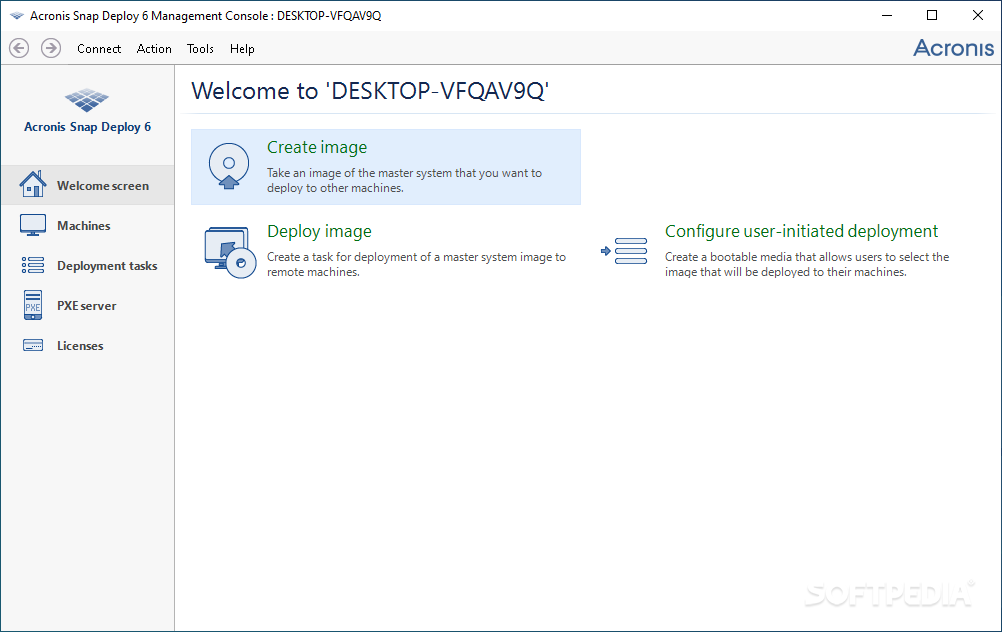
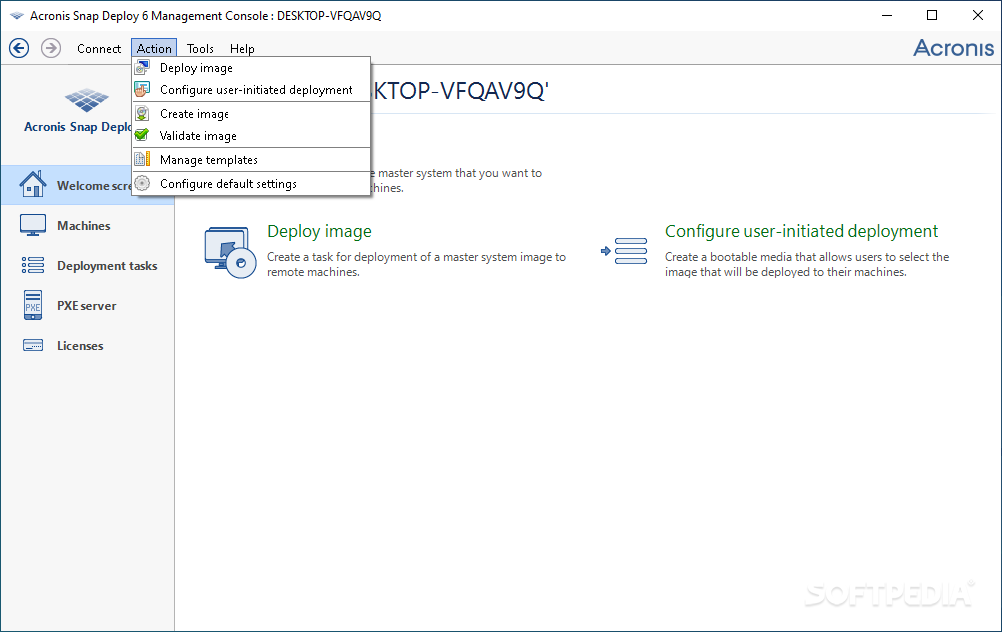
    Acronis Snap Deploy is a comprehensive deployment solution that will enable organizations to deploy new machines easily and quickly.

    Using Acronis' own award-winning disk imaging technology, the product creates an exact disk image of the standard configuration, including the operating system and all applications.

    It then deploys that image to multiple systems simultaneously, making it ideal for rapid bare-metal installations of PCs and servers.

    Acronis Snap Deploy also provides configuration management tools to configure system settings, manage files, and execute applications on systems throughout the network.

    Here are some key features of "Acronis Snap Deploy":

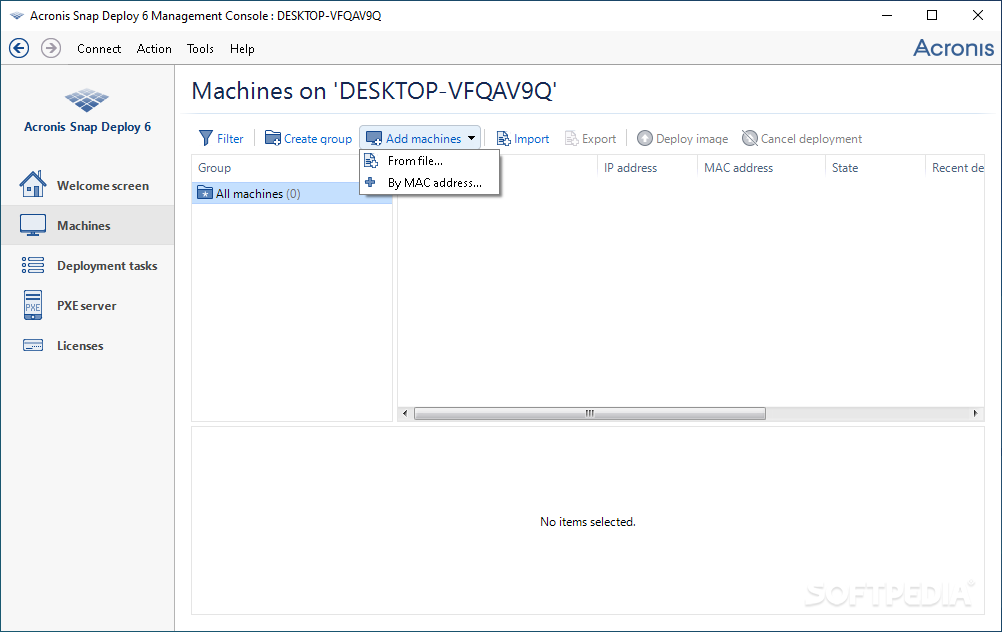
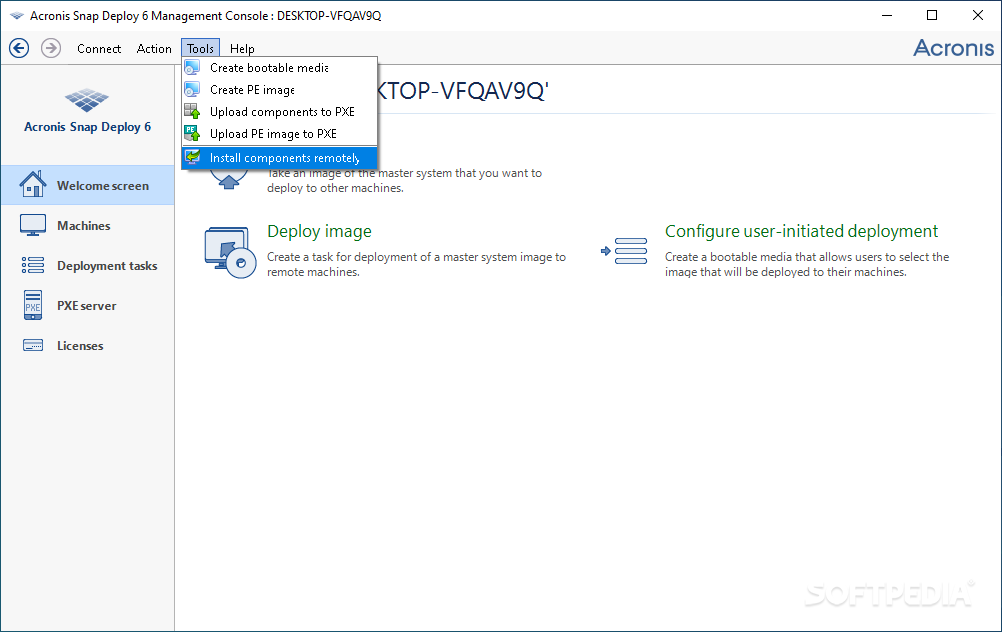
    · Management console - manage deployments from one central location;
    · Disk imaging deployment - apply images to bare PCs that include the operating system and all applications;
    · Standard PC configurations - use a standard configuration for a new PC or server and save time on future deployments;
    · Configuration management tools - manage files, execute applications, and configure system settings;
    · Multicasting minimize deployment time by sending image simultaneously to multiple machines;
    · Logs view troubleshoot deployment issues;
    · Integration with Acronis True Image use images created by Acronis True Image for deployment.
    · Multicast protocol � Deployment of new machines using the multicast protocol reduces implementation time and costs.
    · Fully automated deployment � New deployment options include Wake-on-LAN, deployment scheduling and a centralized management console to manage deployment tasks increase control.
    · Standalone image deployment � Allows administrators to deploy systems even if network is not accessible.
    · Customizable deployment options � Maximize the performance of new machines by allowing partitions to be resized.
    · Fully compatible � Acronis Snap Deploy 3 for PCs is capable to deploy images created with Acronis Snap Deploy 2.0 and Acronis True Image.
    · Deploy to different hardware � Ensure that your new systems will boot by allowing you to add drivers and create templates for specific hardware.


    Requirements:

    · Pentium processor or higher
    · 64 MB RAM
    · VGA monitor
    · Keyboard
    · Mouse (recommended)
    · DHCP server
    · FDD, CD-R/RW drive or another drive (USB hard drive, zip drive, flash drive, etc.)


    Requirements:

    · Acronis Snap Deploy for PCs components installation:
    * DHCP server
    * FDD, CD-R/RW drive or another drive (USB hard drive, zip drive, flash drive, etc.)

    · For target computers:
    * FDD, CD-ROM drive, any other drive (USB hard drive, zip drive, flash drive, etc.)
    * PXE support in BIOS (if you want to boot Acronis Snap Deploy components from Acronis PXE Server)

    · Supported operating systems
    · Acronis OS deploy server
    * Windows NT 4.0 Server / 2000 Server / 2000 Advanced Server / 2003 Server /2008 Server
    * Windows NT/2000/XP/Vista

    · Acronis Snap Deploy management console
    * Windows NT 4.0 Server / 2000 Server / 2000 Advanced Server / 2003 Server / 2008 Server
    * Windows NT/2000/XP/Vista
    * Windows 98/Me

    · Operating systems for deployment
    * Vista/ Windows XP/ 2000/ NT/98/Me


    Limitations:

    · You will be able to deploy 5 workstations and use the product for a period of 15 days


    NOTE: You must register an account to receive the trial key

    What's New in This Release: [ read full changelog ]

    · Deploy to different hardware with Acronis Universal Deploy*— Ensure that your new systems will boot by allowing you to add drivers and create templates for specific hardware
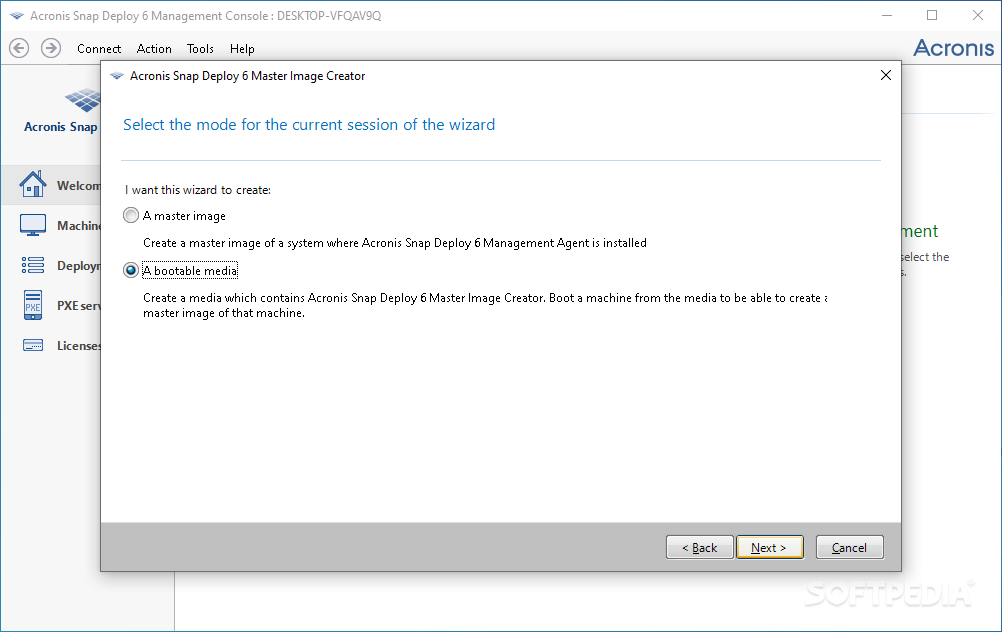
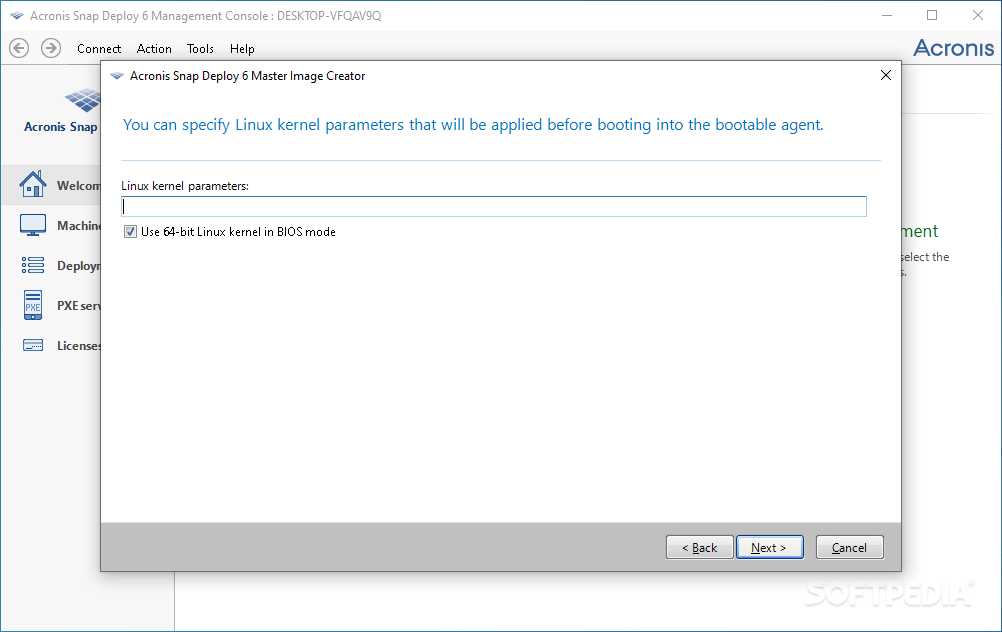
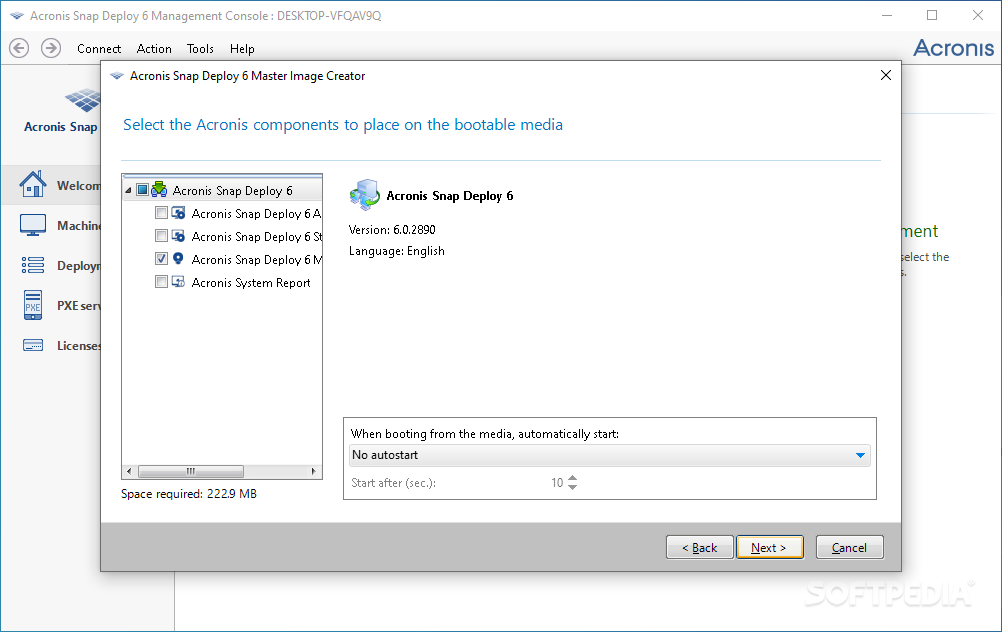
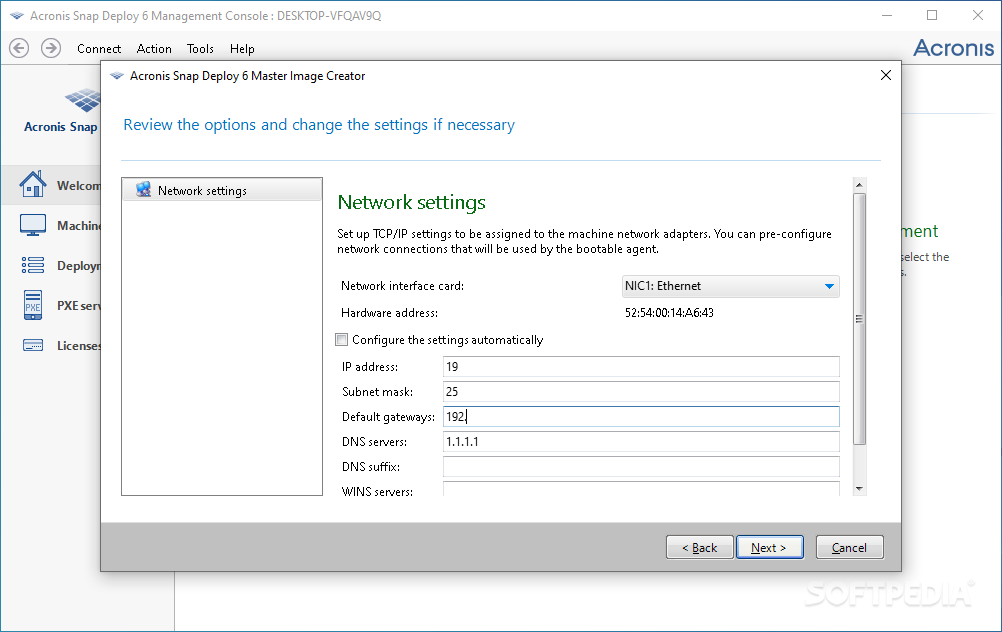
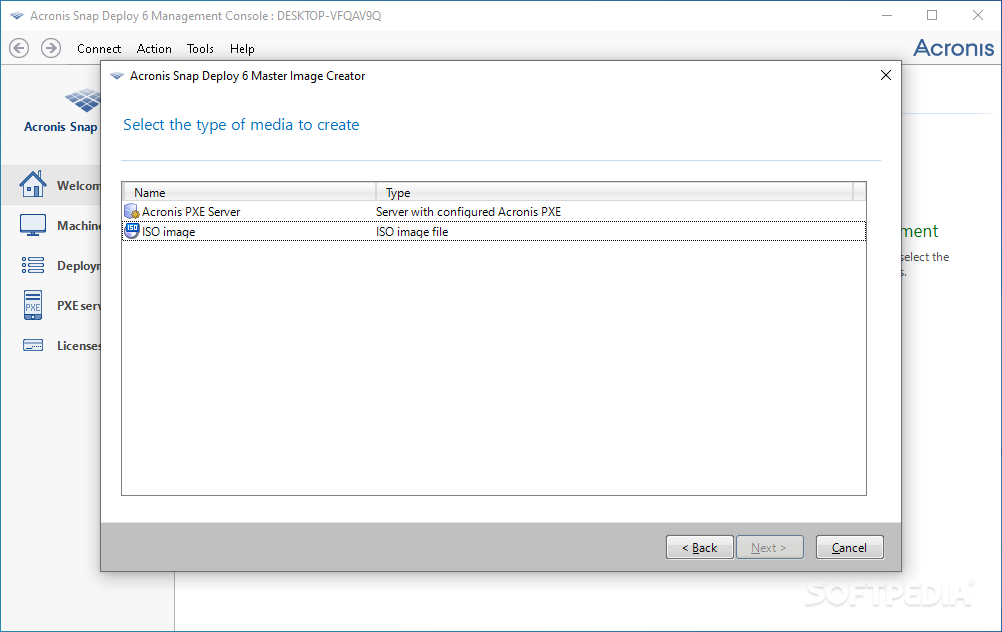
    · New media builder — Facilitate deployment by providing more options for creating bootable media. Create ISOs, Microsoft Remote Installation Service (RIS) packages, and place multiple configurations on one CD
    · 64-bit Windows support — Deploy both new and older systems using one solution
    · Customizable deployment options — Maximize the performance of new machines by allowing partitions to be resized. Ensure that machines are properly deployed by providing options to reboot or shutdown after the master image is applied
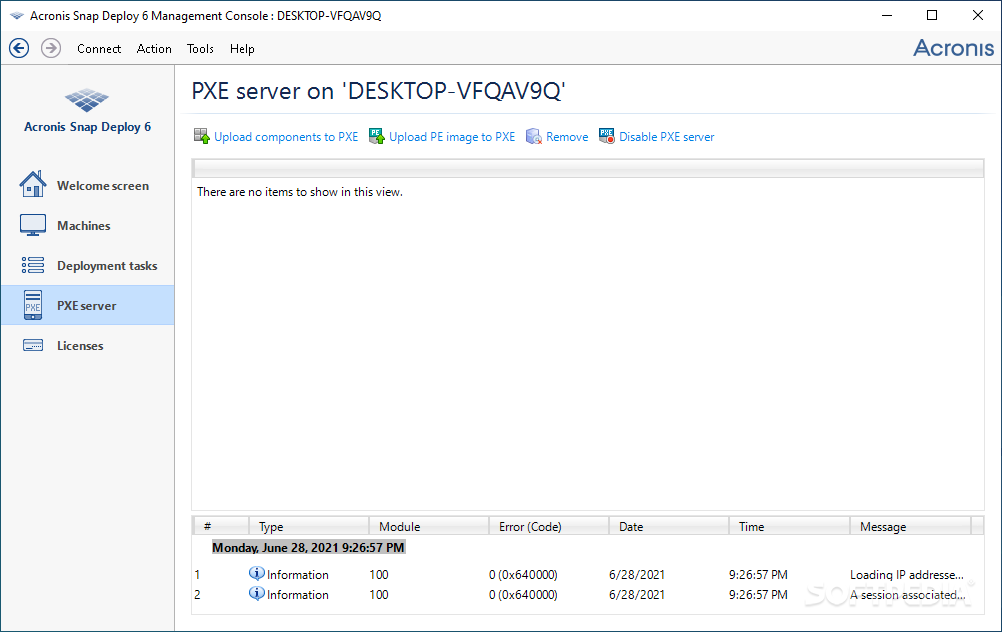
    · Enhanced PXE server — More easily create a PXE by specifying default configurations and timeout parameters for reboot.

     Softpedia guarantees that Acronis Snap Deploy 3.0.3292 is 100% CLEAN, which means it does not contain any form of malware, including spyware, viruses, trojans and backdoors. [read more >]


    TAGS:

    Multicast protocol | Standalone image deployment | Configuration management | Deploy | Install | Protocol


    HTML code for linking to this page:


    Go to top

    Windows tabGames tabDrivers tabMac tabLinux tabScripts tabMobile tabHandheld tabGadgets tabNews tab

    SUBMIT PROGRAM   |   ADVERTISE   |   GET HELP   |   SEND US FEEDBACK   |   RSS FEEDS   |   ENTER NEWS SITE   |   ENGLISH BOARD   |   ROMANIAN FORUM