
SSH client with SecureFTP (SFTP) support. #SSH client #Secure FTP #FTP client #SSH #Client #Secure

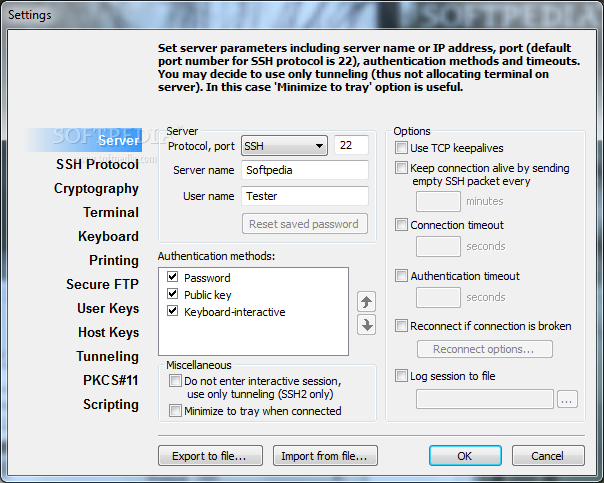
Private Shell is an easy-to-configure SSH client for Windows. Autoconfiguration wizard helps you to setup basic and advanced SSH sessions. Even if you are not familiar with SSH, you can easily establish connections that use public key authentication and provide ssh tunneling for third-party applications (such as Oracle, MySQL, CVS, VNC, e-mal clients and other software).
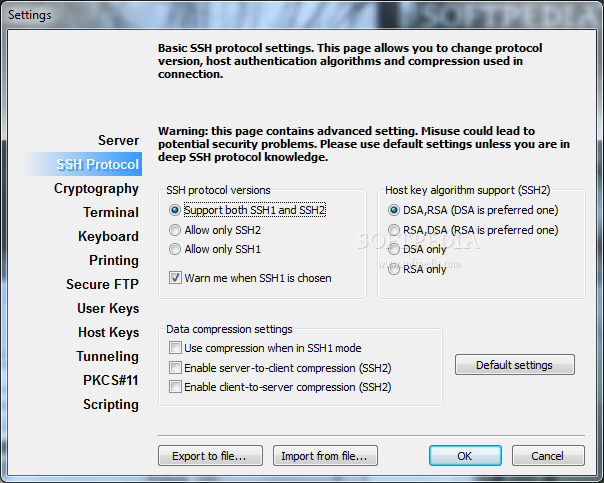
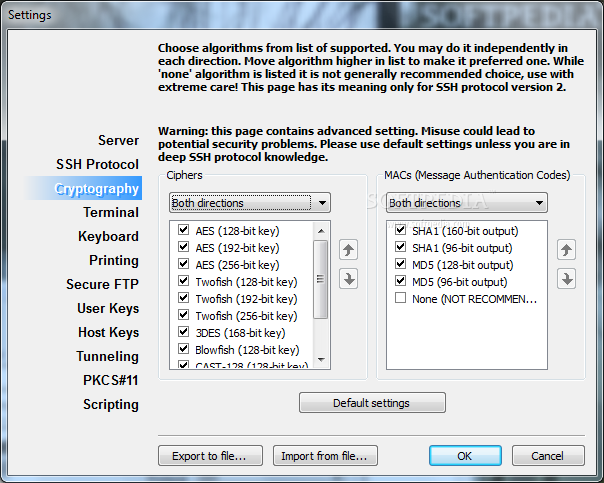
Private Shell's default configuration allows you to connect to any SSH1 or SSH2 server in the most secure way by choosing the strongest encryption algorithms supported by a remote computer. Private Shell provides SSH tunneling and X11 forwarding support.
Use built-in Secure FTP client (SFTP client) to transfer files between computers securely. Private Shell takes care to establish public key authentication, providing DSA or RSA key generation and key upload features. You can use the included key agent utility to cache decrypted private keys. Tokens are supported.
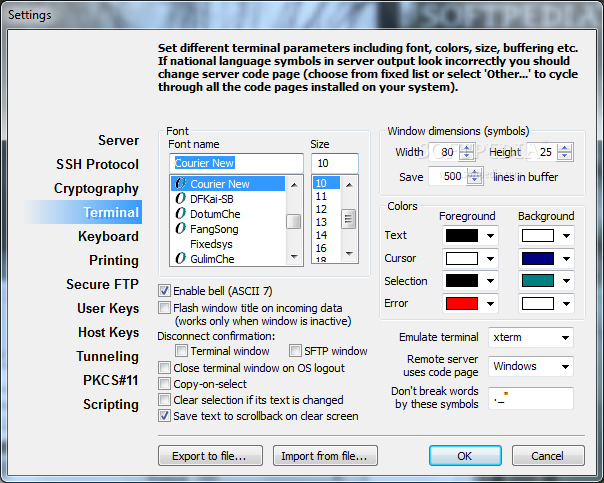
Use the power and flexibility of graphical user interface and speed of command line interface. Included ssh.exe and scp.exe provide command line interface for SSH client and SCP (Secure CoPy). Change look and feel of terminal window. Do not entangle connections by setting different terminal color schemes for profiles.
Use Private Shell's "remote codepage" feature to display non-English characters sent by servers. Install Private Shell to a flash drive or even to a diskette to access remote computers from anywhere.
Private Shell is supported. Detailed documentation, How-Tos and our support team are ready to answer your questions, guide you through the setup process and suggest solutions for particular tasks.
System requirements
- SSH connection
Limitations in the unregistered version
- 30-day trial
- Nag screen
What's new in Private Shell 3.3.0.3281:
- IPv6 support
Private Shell 3.3.0.3281
add to watchlist add to download basket send us an update REPORT- runs on:
-
Windows 2008
Windows 8 32/64 bit
Windows 7 32/64 bit
Windows Vista 32/64 bit
Windows XP
Windows 2K - file size:
- 2.9 MB
- filename:
- pshell.exe


- main category:
- Network Tools
- developer:
- visit homepage
calibre

Microsoft Teams

Bitdefender Antivirus Free

7-Zip

Context Menu Manager

ShareX

Zoom Client

4k Video Downloader

IrfanView

Windows Sandbox Launcher

- 4k Video Downloader
- IrfanView
- Windows Sandbox Launcher
- calibre
- Microsoft Teams
- Bitdefender Antivirus Free
- 7-Zip
- Context Menu Manager
- ShareX
- Zoom Client