WINDOWS CATEGORIES:


NEWS ARCHIVE >>
SOFTPEDIA REVIEWS >>

WEEKLY HIGHLIGHTS

DVD Cloner45
Spyware Doctor40
1Click DVD Copy40
Apollo DVD Copy40
ABC Amber BlackBer...45
Protected Music Co...40

7-DAY TOP DOWNLOAD

#
Program
Avira AntiVir
Personal - Free
Antivirus 9.0.0.415

171,959
Windows Live
Messenger 2009
14.0.8089.726

161,417
Avira Antivir Virus
Definition File
Update November 19,
2009

143,181
FreeZ Online TV 1.31
126,591
Nexus Radio 4.2
115,026
Microsoft Office
2010 14.0.4536.1000
Beta / 2007

72,900
Y! Multi Messenger
8.x and 9.x

71,583
Windows Live
Messenger
8.5.1302.1018

57,192
RemoveWGA 1.2
47,036
AVG Free Edition 9.0
Build 707a1765

46,047

WEEK'S BEST

  • Faststone Image Vi...
  • Vuze (formerly Azu...
  • Softpedia Wallpape...
  • Softpedia Wallpape...
  • Softpedia Wallpape...
  • RSSOwl 2.0 Final
  • Internet Explorer ...
  • Online Armor ++ 4....
  • cFosSpeed 5.01 Bui...
  • SONY Vegas Pro 9.0...
  • Firefox 3.6 Beta 3...
  • Nokia Photos 1.6.434
  • Windows Server 200...
  • Skype Portable 4.1...
  • Google Chrome Port...
  • PCMark Vantage Bas...
  • Kaspersky Anti-Vir...
  • Microsoft Virtual ...
  • Messenger Plus! Li...
  • WinX DVD Author [F...
  • SoftPerfect Networ...
  • System Mechanic Pr...
  • Ad Muncher 4.8 Bui...
  • Windows 7 Upgrade ...
  • Pidgin 2.6.3
  • OpenOffice.org 3.2...
  • VirtualDub 1.9.7 B...
  • Maxthon [Softpedia...
  • Spyware Doctor 7.0...
  • SUPERAntiSpyware 4...
  • Home / Windows / Office tools / Clipboard
     Report spyware

    101 Clips 9.02

    Download button

    Downloads: 11,929  Add to download basket  Tell us about an update
    User Rating:
    Rated by:
    Very Good (4.2/5)
    135 user(s)
    Developer:

    License / Price:

    Size / OS:

    Last Updated:

    Category:
    101 Software | More programs
    Freeware / FREE
    3.9 MB / Windows All
    August 16th, 2008, 13:46 GMT [view history]
    C: \ Office tools \ Clipboard

     Read user reviews (2)  Add a review  Refer to a friend  Subscribe


    101 Clips description


    A multi-clip copier application for Windows

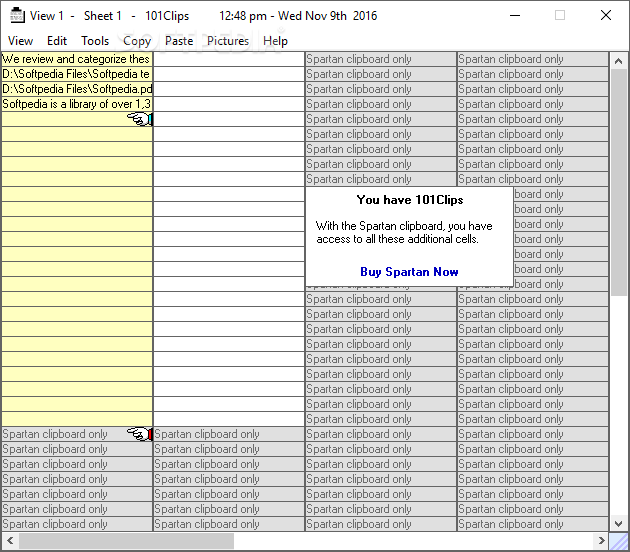
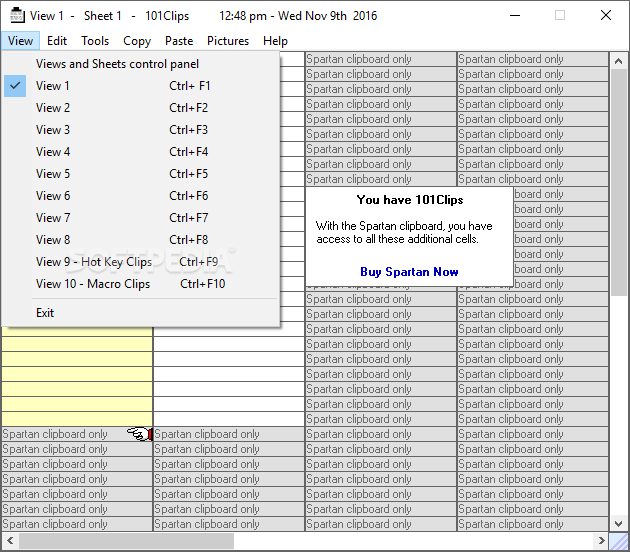
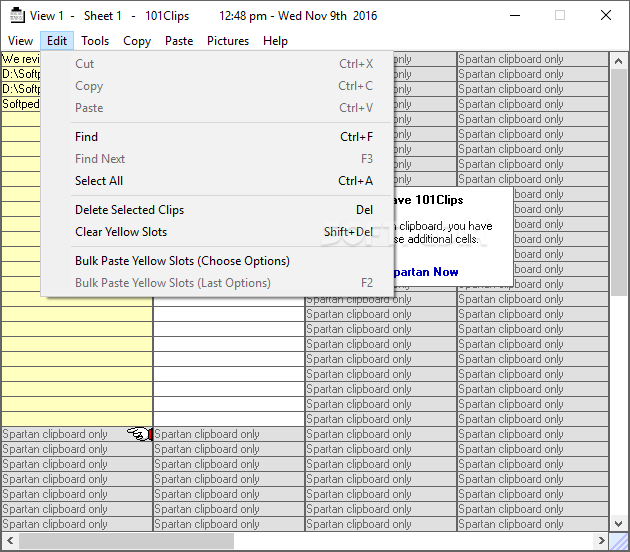
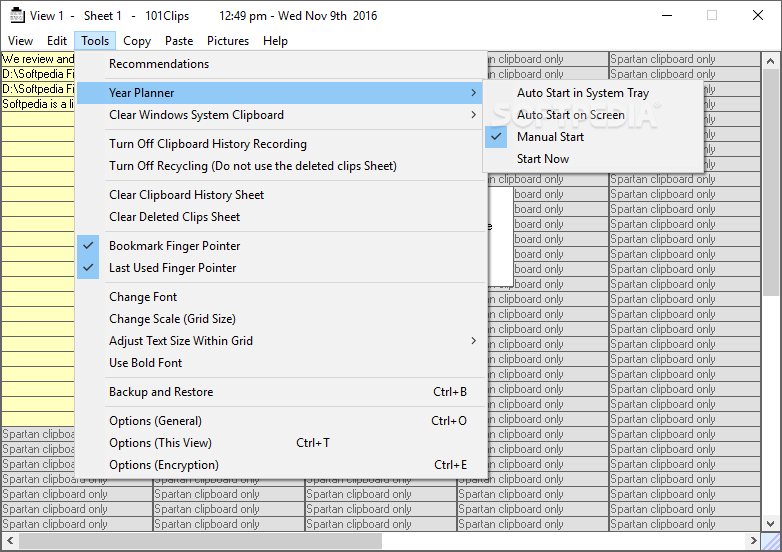
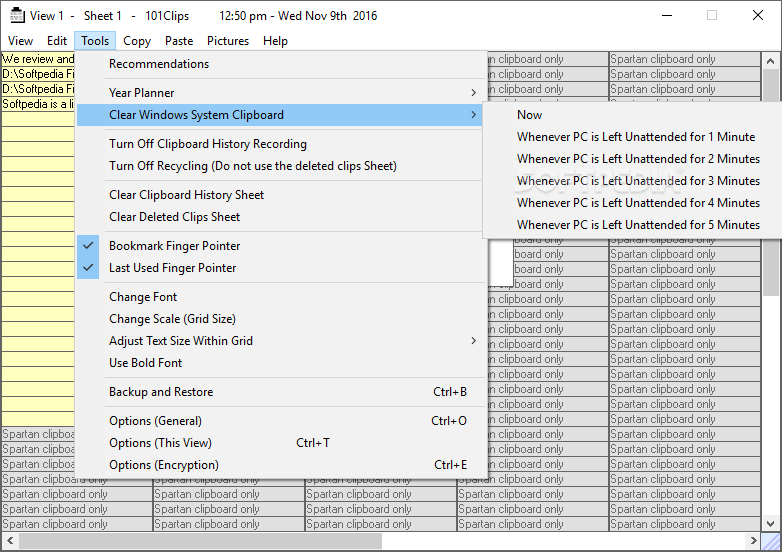
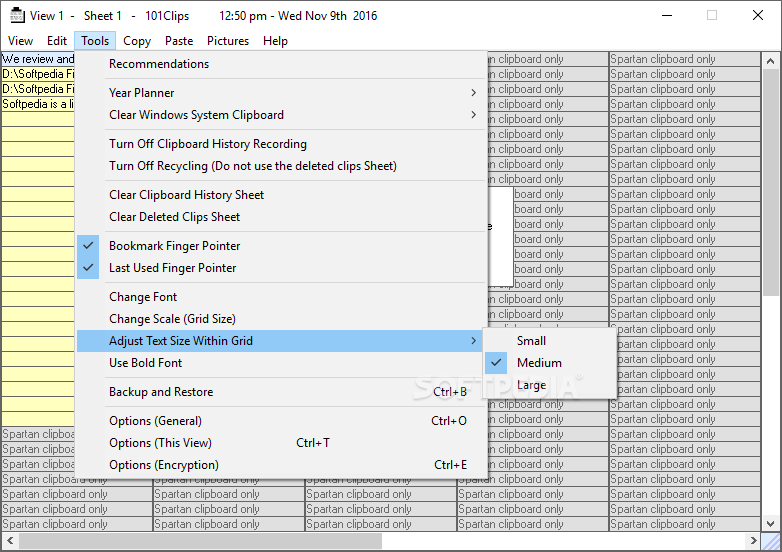
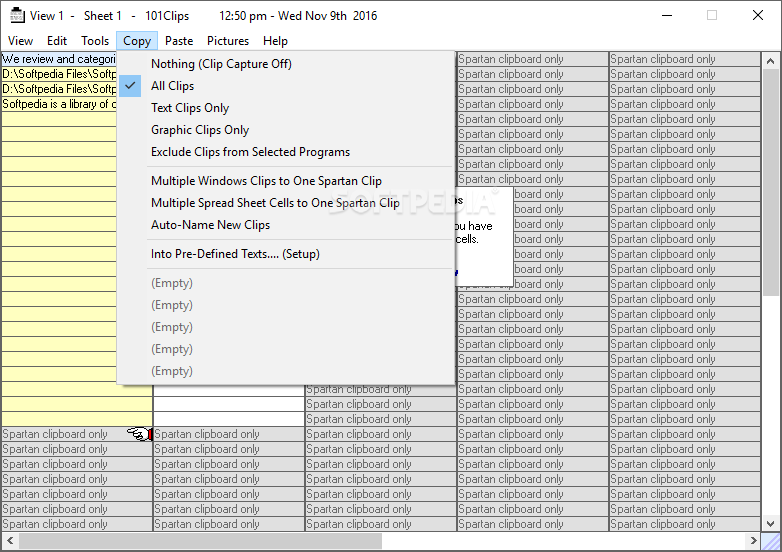
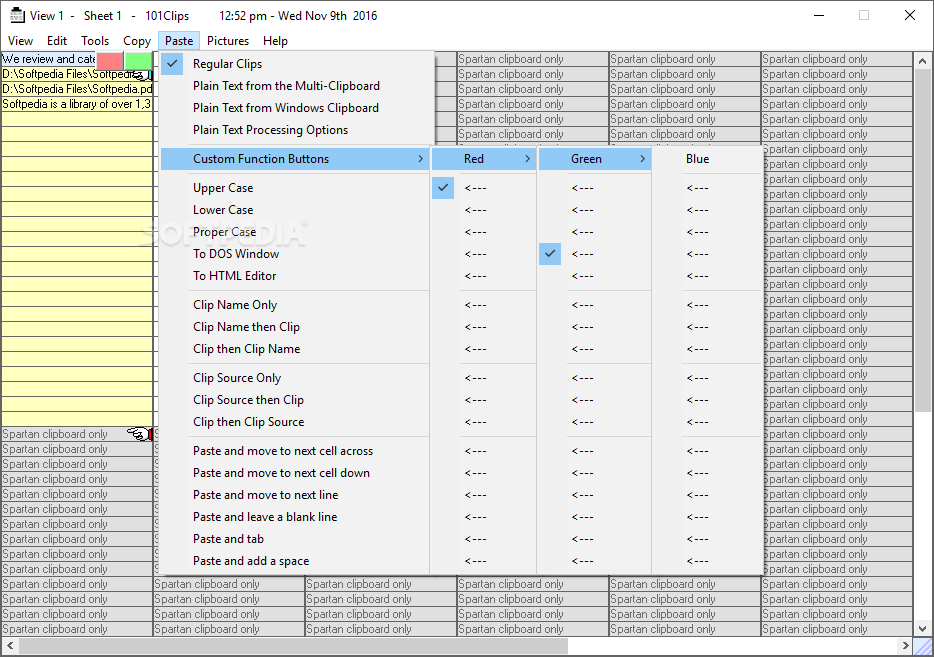
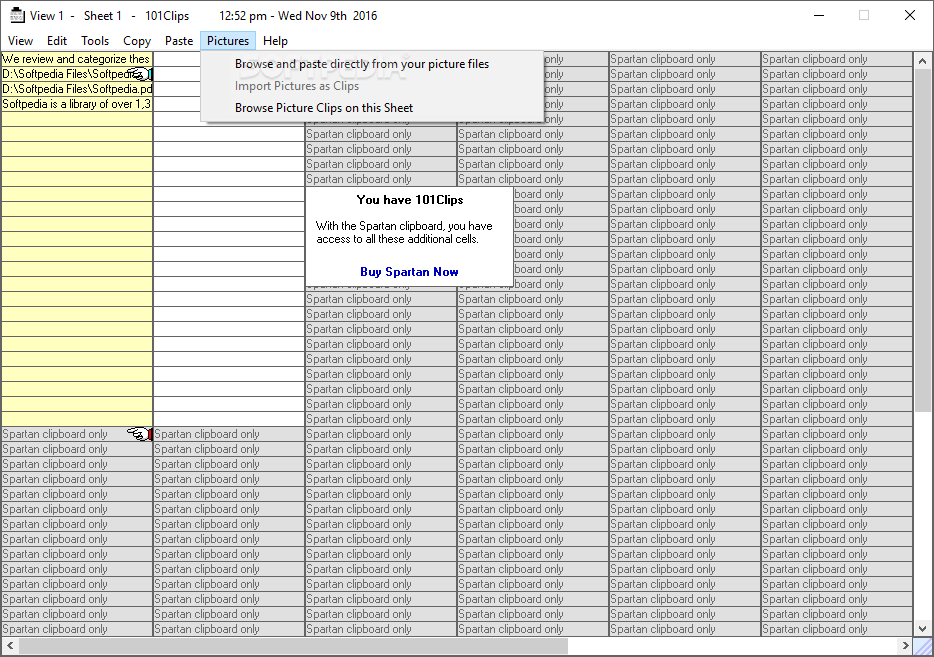
    101 is the simplest of all multi-clipboard programs. Just have it running minimized and it will capture everything you cut or copy from other programs.

    101 Clips keeps the last 30 clips. When you need to paste one back, all you have to do is restore it and click on the clip you want.

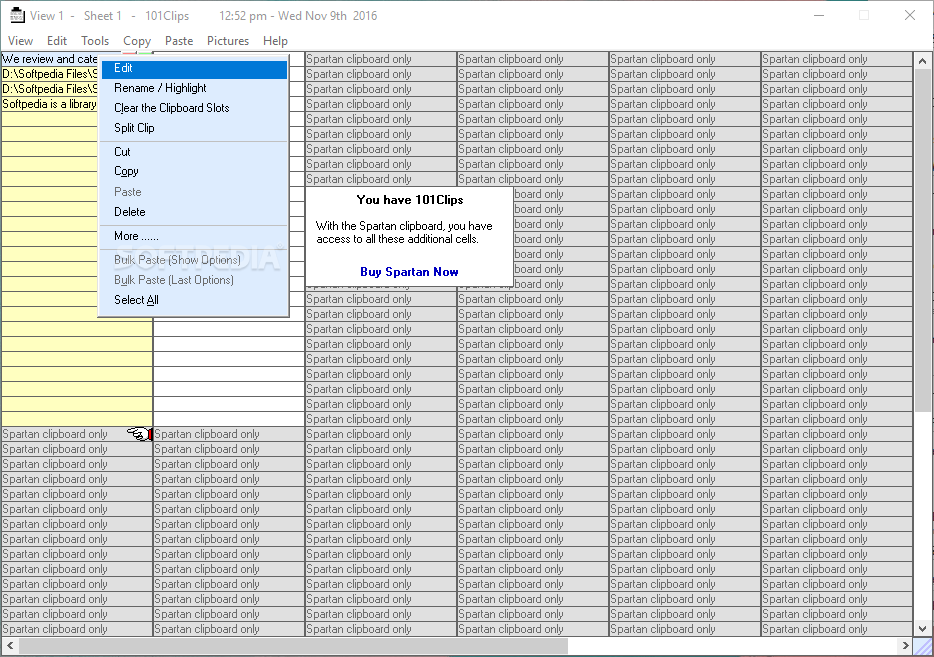
    If you ever wished that you could copy more than a single clip from one document before pasting to another, 101 Clips is for you. With 101 you can copy up to 30 times and unlike other multi clipboards, 101 shows you a preview of each clip before you paste it.

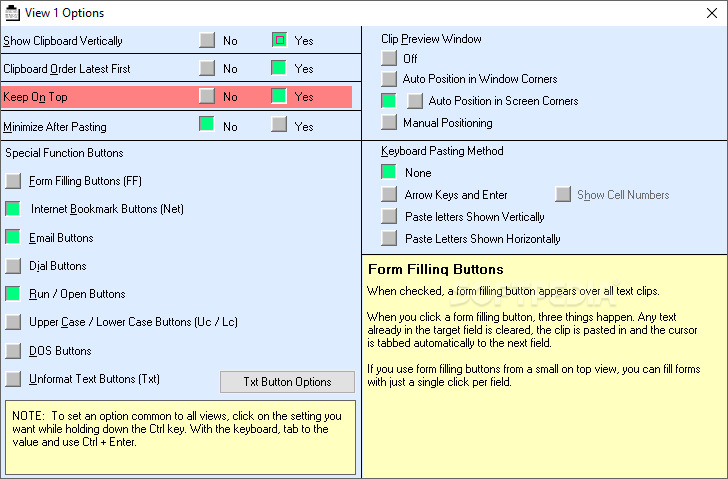
    101 Clips can also be set to remain on top of your working program. 101 handles all forms of clips including multi graphic Word clips. It even pastes graphics directly into the body of Outlook Express emails. You don't have to save them as JPEGs and attach them.

    If you prefer to work entirely from the keyboard, you can choose a function key to restore and then paste any clip by typing the letter shown next to it. When you move the mouse over the clips, you can see them in the viewer. If the clip is text, you see several lines and if it is a graphic, you see a thumbnail.

    Here are some key features of "101 Clips":

    Clips
    101 is the simplest of all multi-clipboard programs. Just have it running minimized and it captures everything you cut or copy from other programs. It keeps the last 25. When you want to paste one back, all you have to do is restore it and click on the clip you want. If you prefer to work entirely from the keyboard, you can choose a function key to restore and then paste any clip by typing the letter shown next to it. When you move the mouse over the clips, you can see them in the viewer. If the clip is text, you see several lines and if it is a graphic, you see a thumbnail.

    Screen Shots
    · To capture the entire screen press Prt Scr.
    · To capture the active window press Alt+PrtScr
    · To capture an individual graphic from Internet Explorer or AOL, point to the graphic, right click and select "Copy" from the drop down list.

    Outlook Compatible
    One of the features is that you can paste any screen or graphic directly into the body of an Outlook Express email. With most other programs, you have to save graphics as JPEGs and then attach them.

    What's New in This Release: [ read full changelog ]

    · Now includes text and graphic clip editors

       Softpedia guarantees that 101 Clips 9.02 is 100% FREE, which means it does not contain any form of malware, including spyware, viruses, trojans and backdoors. [read more >]


    TAGS:

    multi clipboard | screen capture | clipboard tool | clipboard | screenshot | capturer


    HTML code for linking to this page:


    Go to top

    Windows tabGames tabDrivers tabMac tabLinux tabScripts tabMobile tabHandheld tabGadgets tabNews tab

    SUBMIT PROGRAM   |   ADVERTISE   |   GET HELP   |   SEND US FEEDBACK   |   RSS FEEDS   |   ENTER NEWS SITE   |   ENGLISH BOARD   |   ROMANIAN FORUM