
A great tool that will improve the helpfulness of your clipboard with the ability to select multiple stored sources in order of their importance. #Clipboard monitor #Paste text #Clipboard manager #Clipboard #Paste #Monitor

ArsClip is a cool clipboard-related application that simply helps the user gain access to all the saved content in the clipboard depending on the order you have copied them there. This means the program itself does not create or overwrite the clipboard, it simply aids it to become even more functional.
Adding this extra function means that you will be able to avoid having to go back and forth for certain excerpts and information when working on any number of projects.
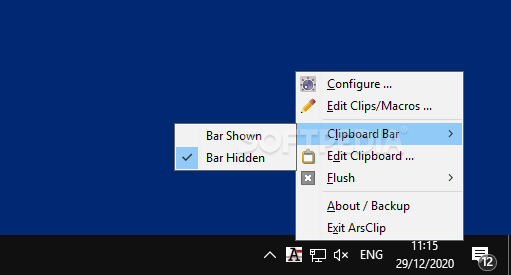
The program itself is simply a menu to be accessed from the system tray. The user will be able to configure the application, edit the clipboard material, change the clipboard bar if needed, or have it hidden and also use the flush function which clears your keyboard of any intrusions.
The program keeps things to a bare minimum, and this means that the exit option is also accessed from the system tray.
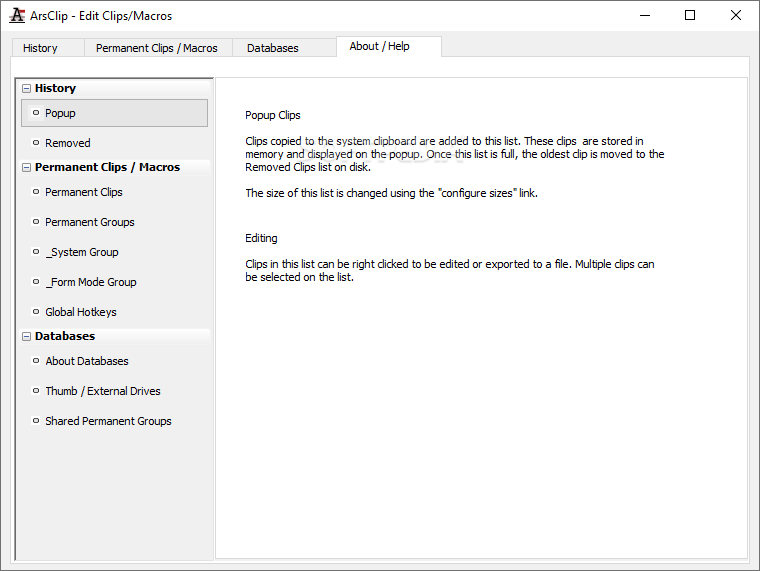
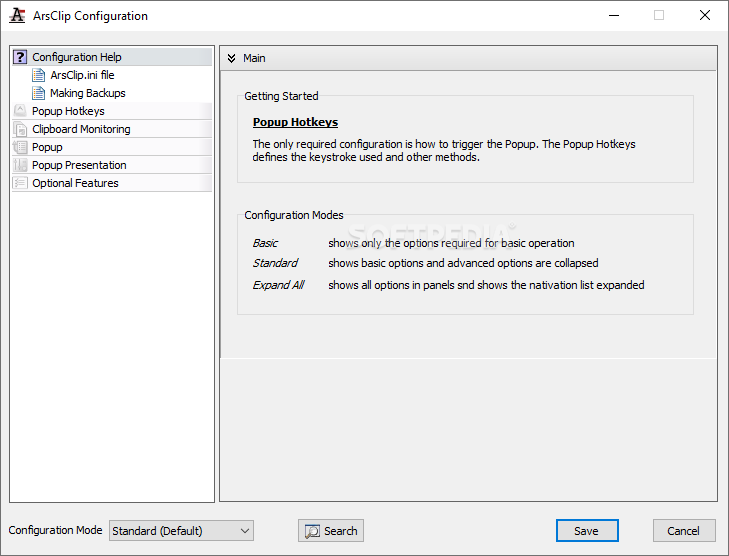
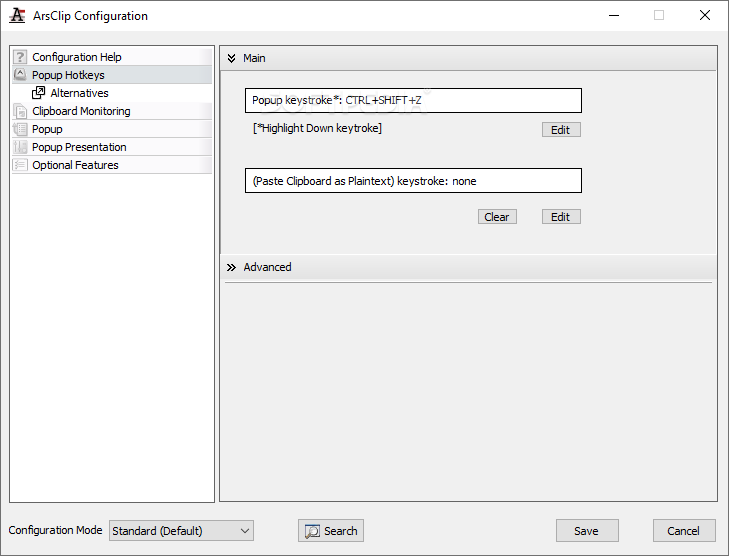
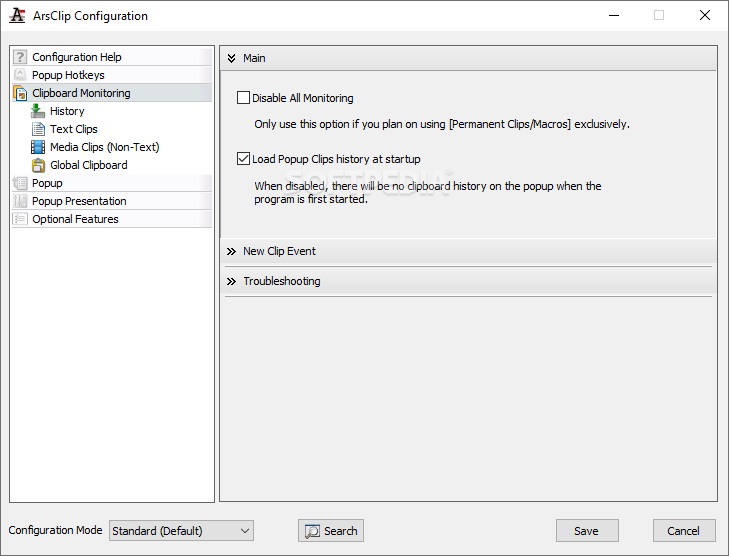
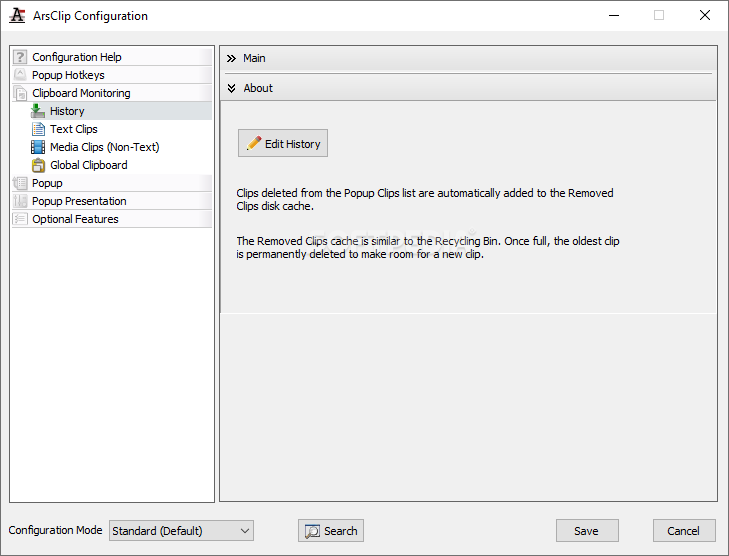
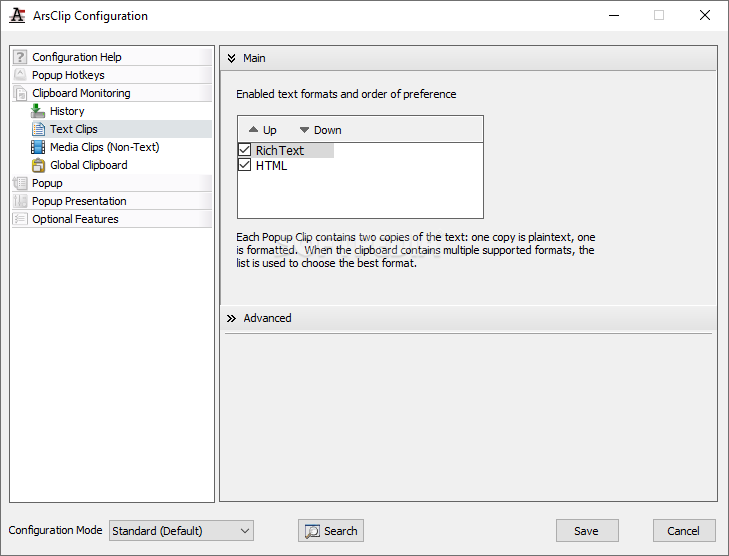
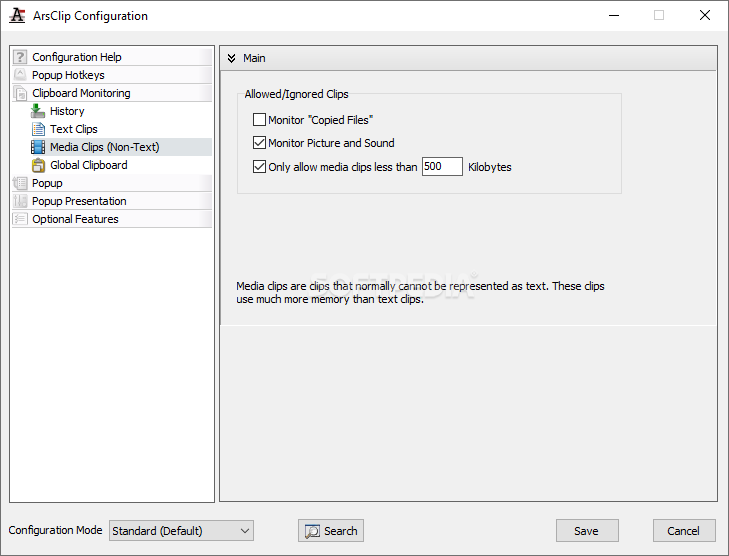
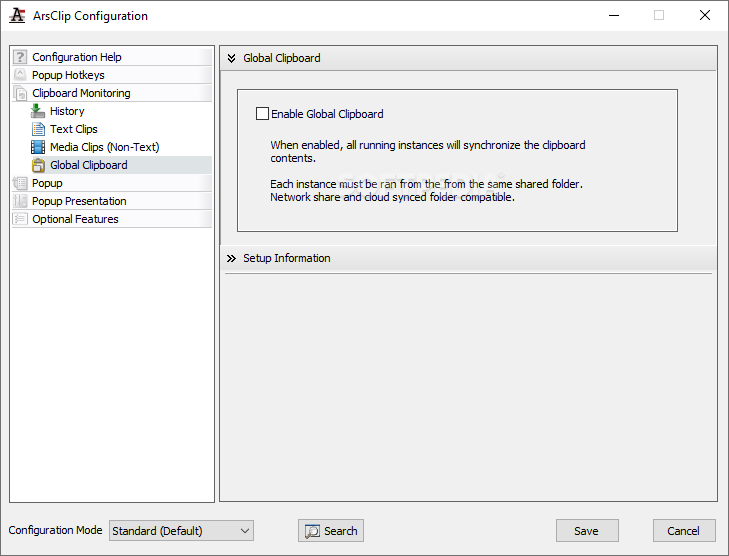
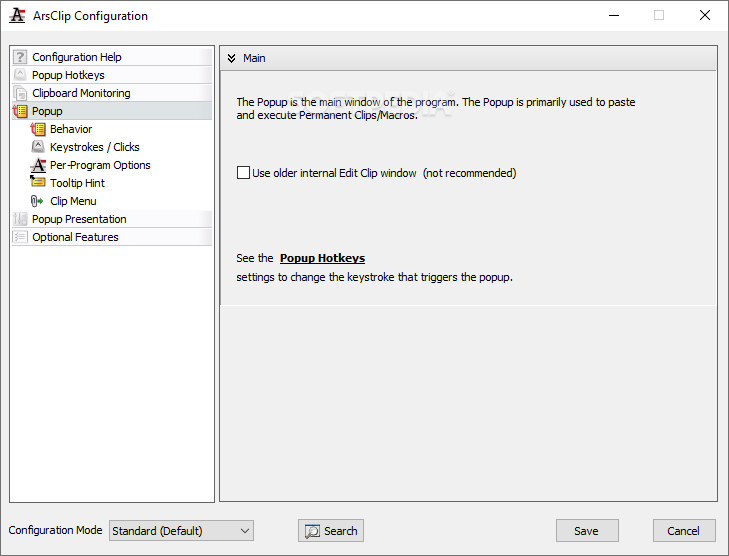
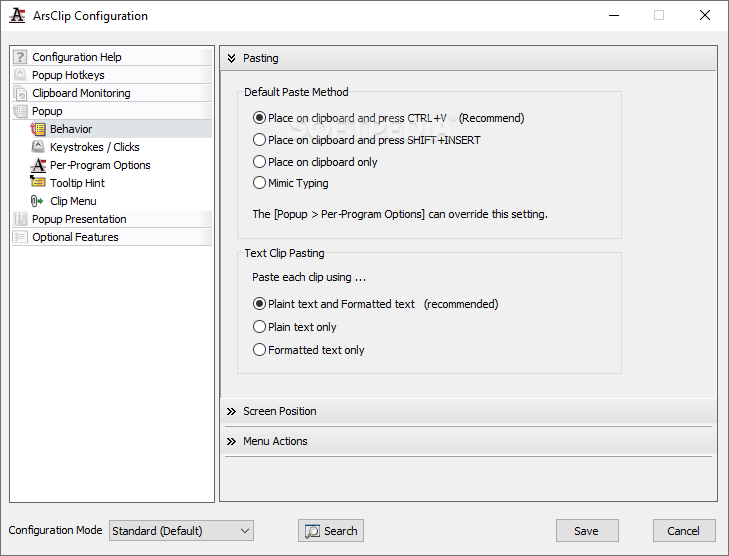
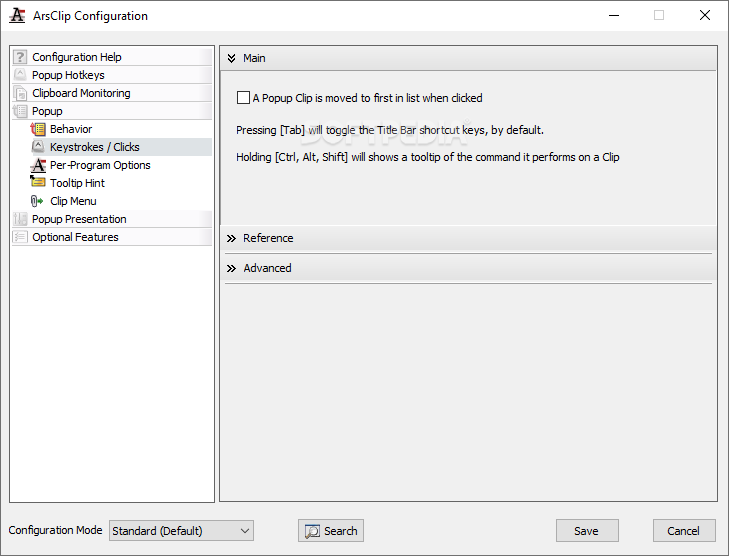
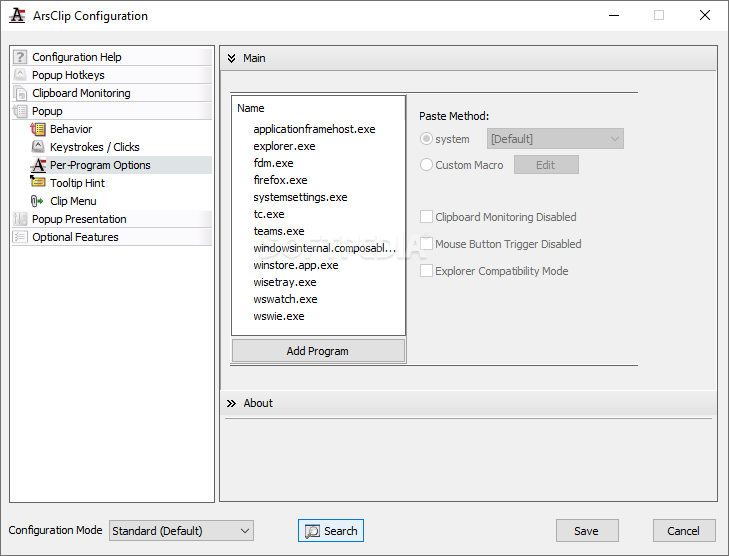
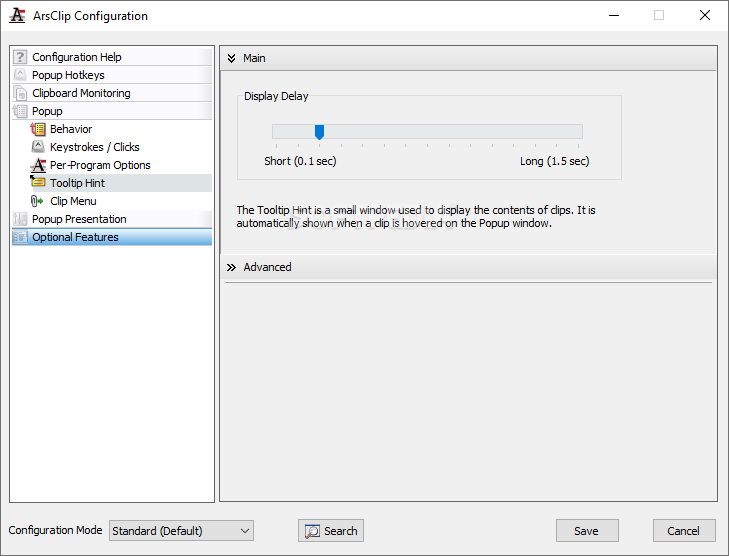
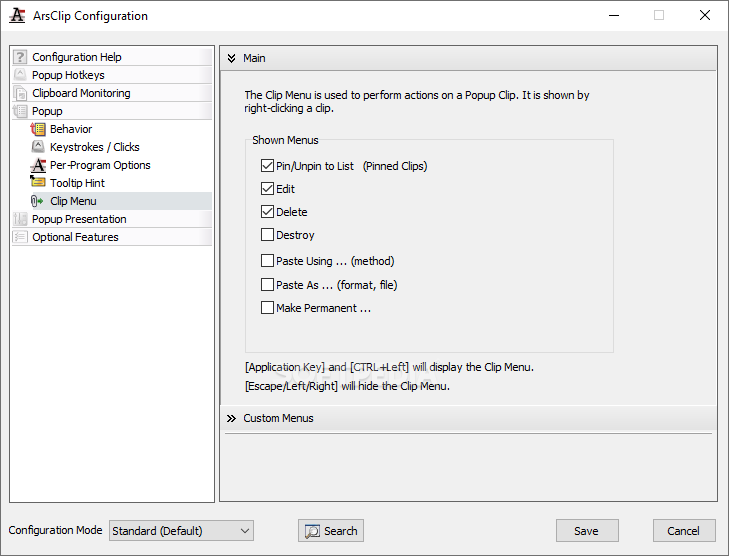
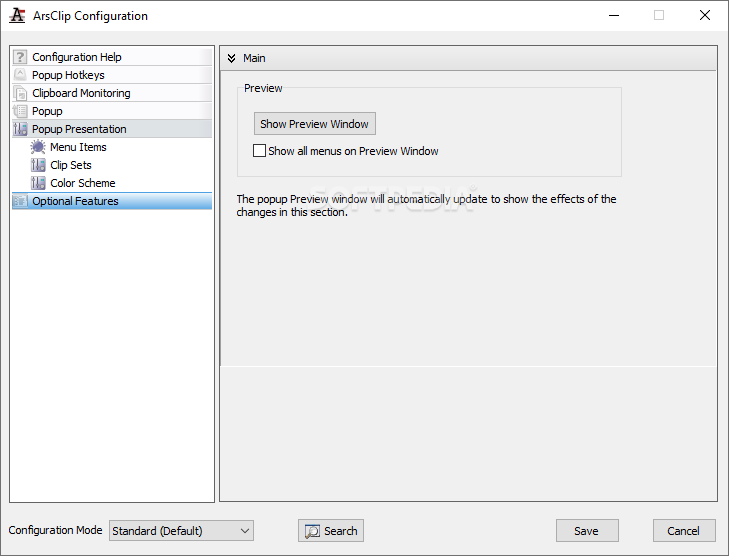
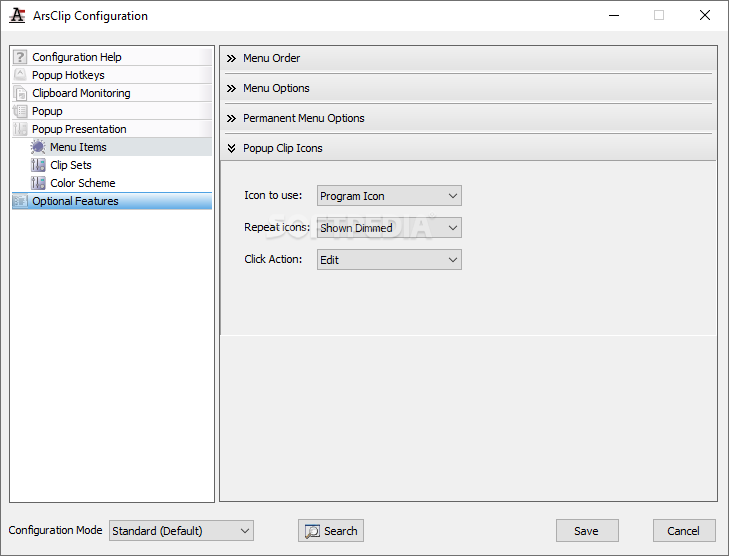
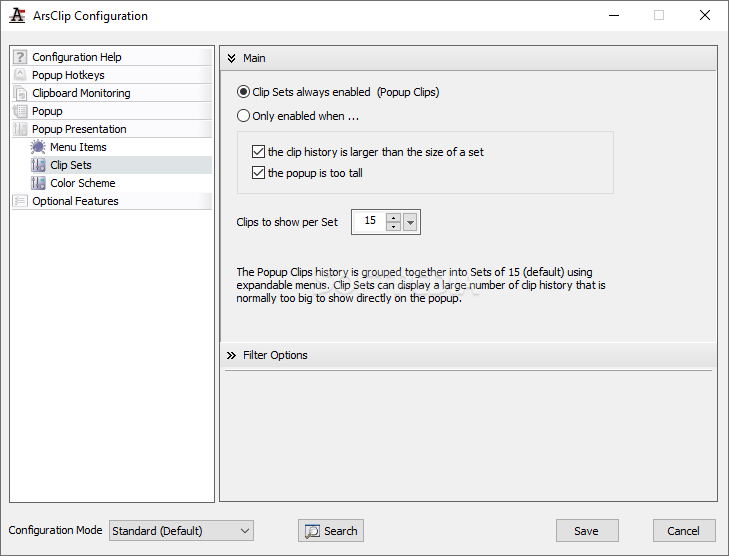
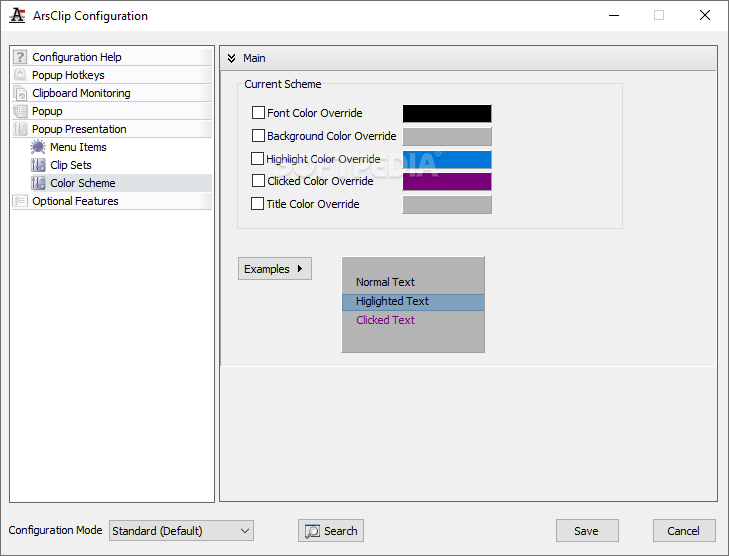
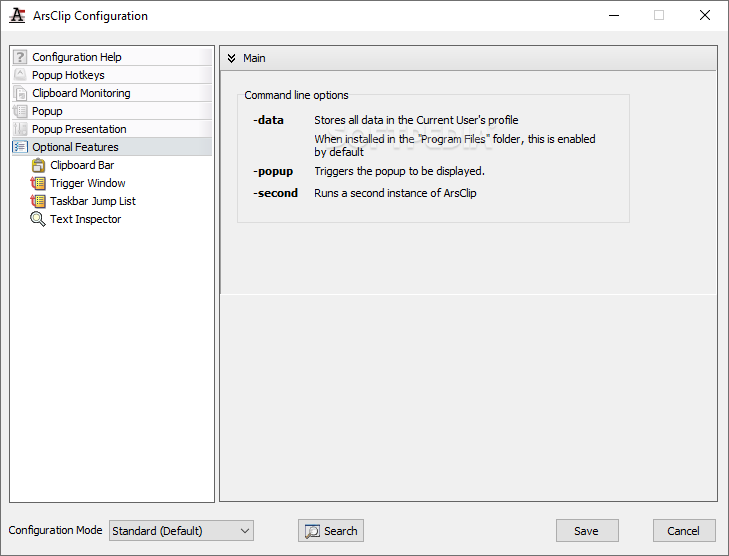
The options menu can easily be accessed from the previously mentioned system tray. Some changes can be executed mainly history-related content, database and clip behavior, macro instructions if used, and also external drive usage with the app itself. Global hotkeys allow for an easier way to maneuver the whole situation.
In my particular usage scenario, I was pleased to see how helpful the program was when I had to work on multiple projects and consult various sources I often had to go back and forth between my projects and the source of my info.
With this program, everything became more structured and ultimately ended up being straightforward and easily accessible. My workflow was improved.
ArsClip is the application you can rely on if you often find yourself working with a lot of sources and on different projects. It can easily be integrated and adjusted to fit your needs.
Download Hubs
ArsClip is part of these download collections: Clipboard Managers
What's new in ArsClip 5.40 Build 8837-2258:
- Window: Popup:
- Fix: issue with slack space being too large
- Misc:
ArsClip 5.40 Build 8837-2258
add to watchlist add to download basket send us an update REPORT- portable version
- Portable ArsClip
- runs on:
-
Windows 11
Windows 10 32/64 bit
Windows 8 32/64 bit
Windows 7 32/64 bit
Windows Vista 32/64 bit
Windows XP 32/64 bit - file size:
- 4.8 MB
- filename:
- acv540.zip
- main category:
- Office tools
- developer:
- visit homepage
7-Zip

ShareX

Bitdefender Antivirus Free

Zoom Client

Microsoft Teams

4k Video Downloader

Windows Sandbox Launcher

calibre

Context Menu Manager

IrfanView

- calibre
- Context Menu Manager
- IrfanView
- 7-Zip
- ShareX
- Bitdefender Antivirus Free
- Zoom Client
- Microsoft Teams
- 4k Video Downloader
- Windows Sandbox Launcher