
Paste multiple items or only the part of an item, search within the clipboard lists, configure key shortcuts and manage all your texts and files. #Multiple clipboard #Multiple paste #Text clipboard #Clipboard #Snippet #Paste

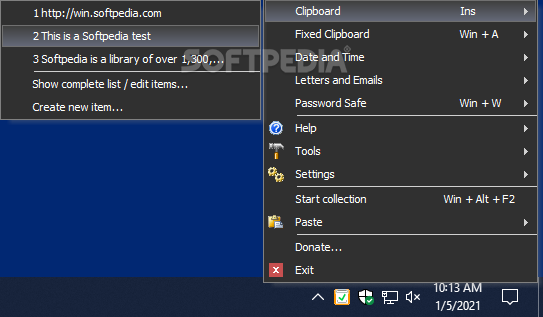
Clipboard Master is a professional application that is able to store the texts, pictures and files copied to the Clipboard in a list. This way, you can save the essential parts of your projects in the easiest way possible.
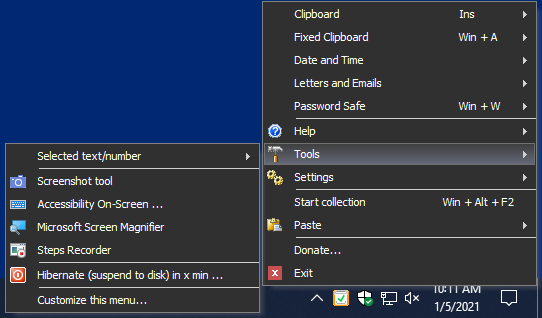
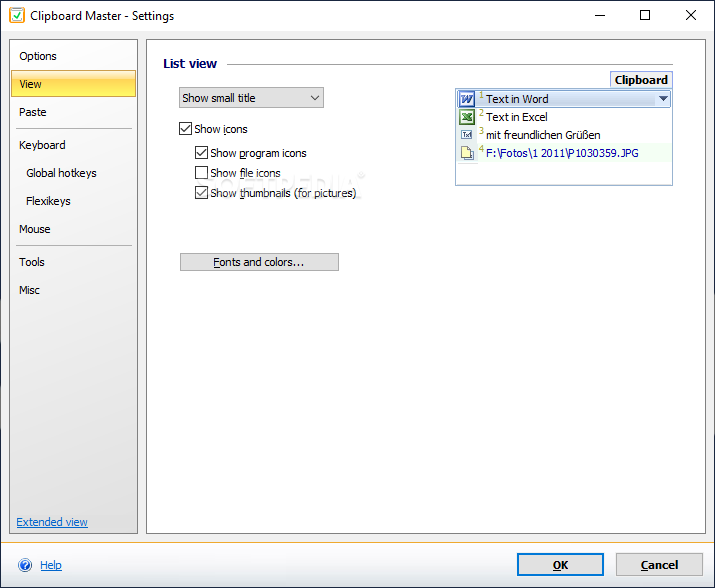
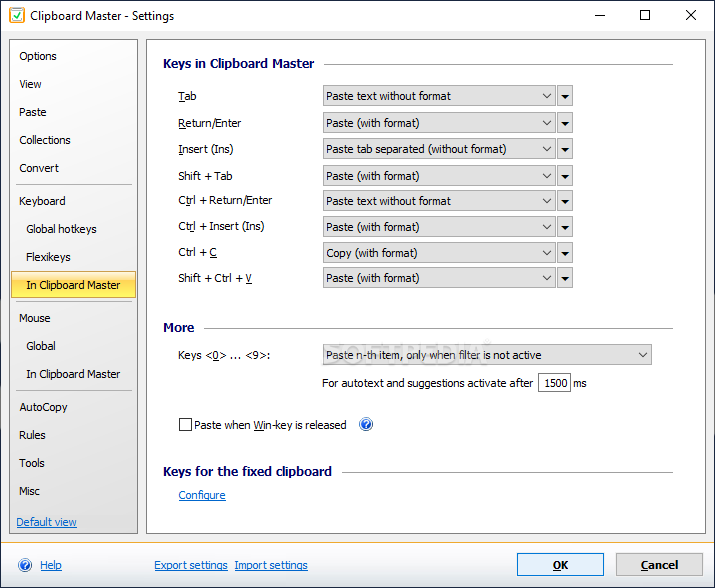
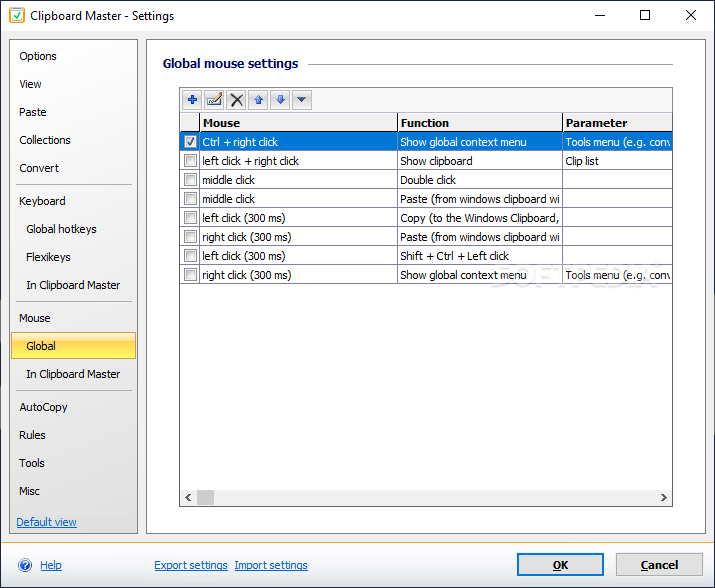
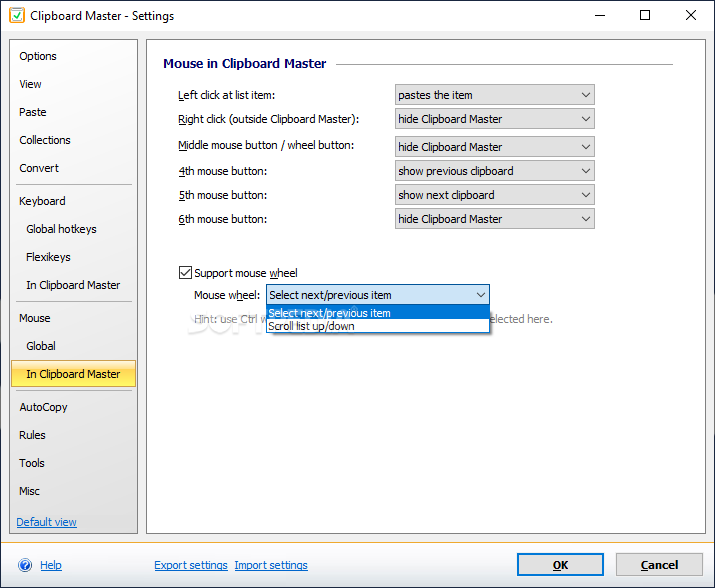
It sports a clean and modern interface that allows users to perform multiple actions on the go. You can access its features from the system tray icon. Once you run the application, you are allowed to configure the keyboard shortcuts and mouse buttons.
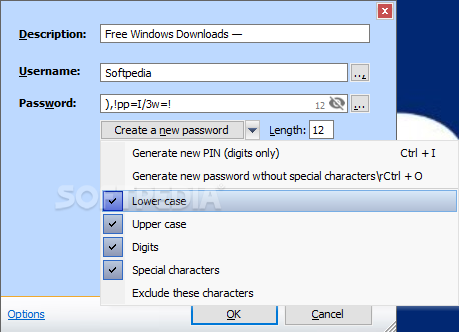
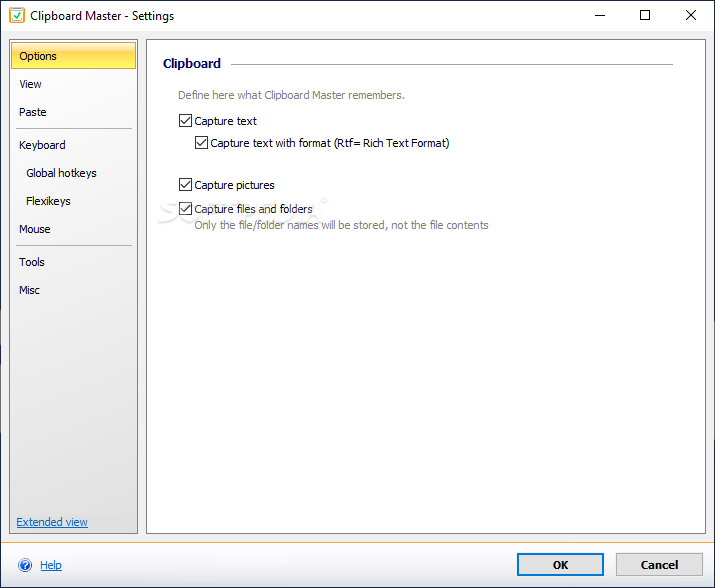
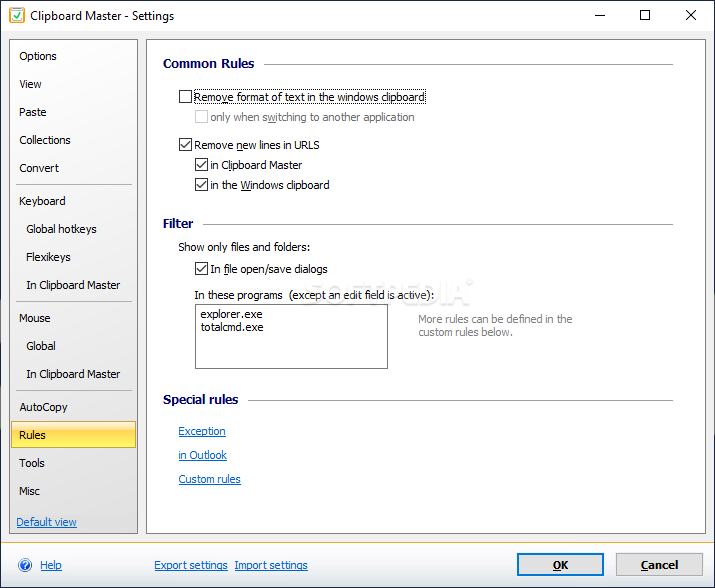
It is possible to select the item to be captured by the application, namely text, pictures or files and folders. Moreover, the program provides a dedicated window for storing the user names and passwords that can be easily pasted when surfing the Internet.
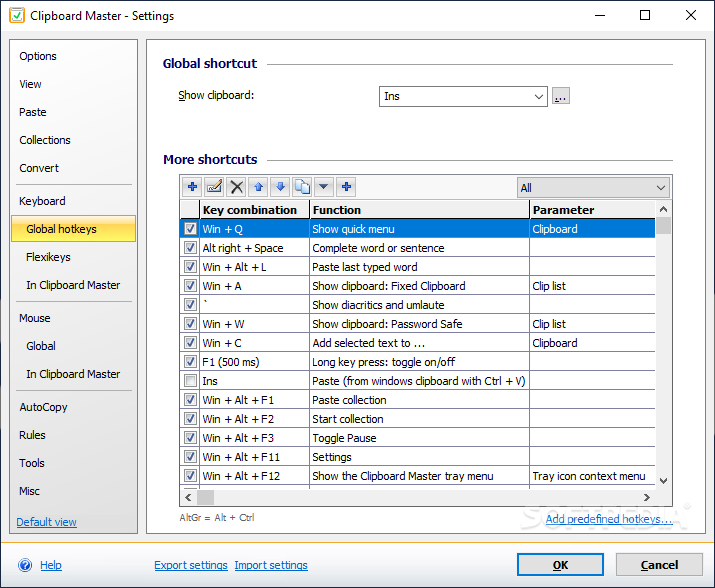
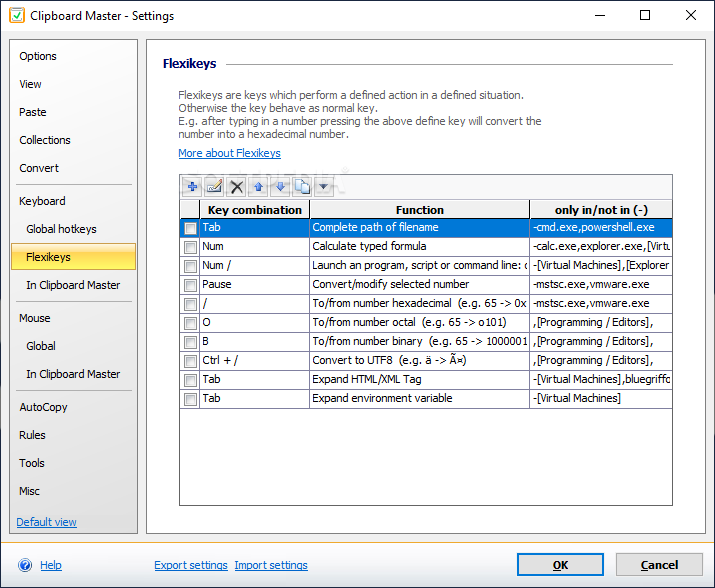
It is important to mention that for each action you have keyboard shortcuts that can be reassigned.
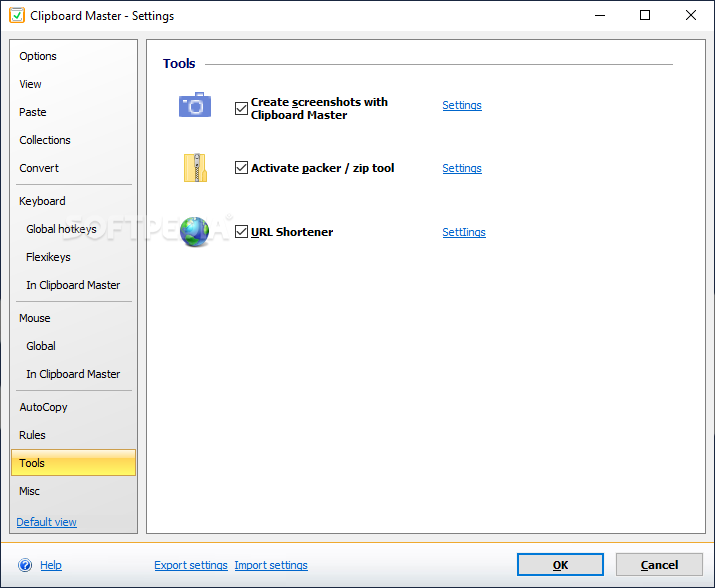
You can also create screenshots which can be printed or saved to an output location. The screenshots can be saved to the following file formats: PNG, BMP, GIF, JPG and TIFF.
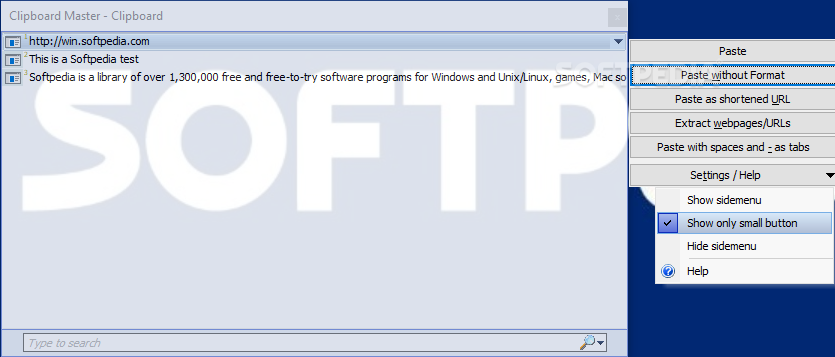
The application manages to store all the texts, files and pictures that were copied to the Clipboard; you can paste them in any Windows application.
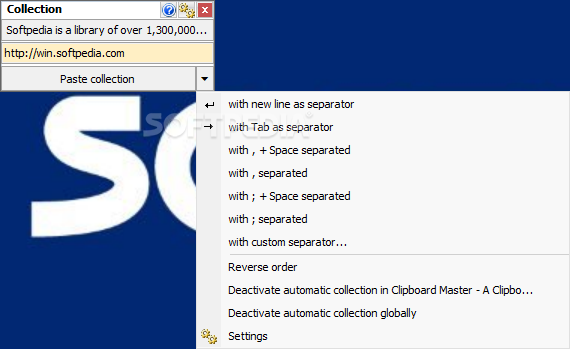
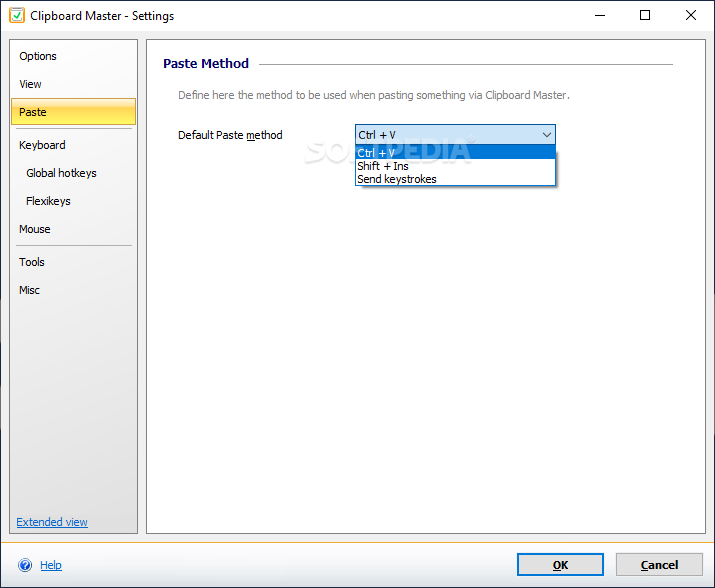
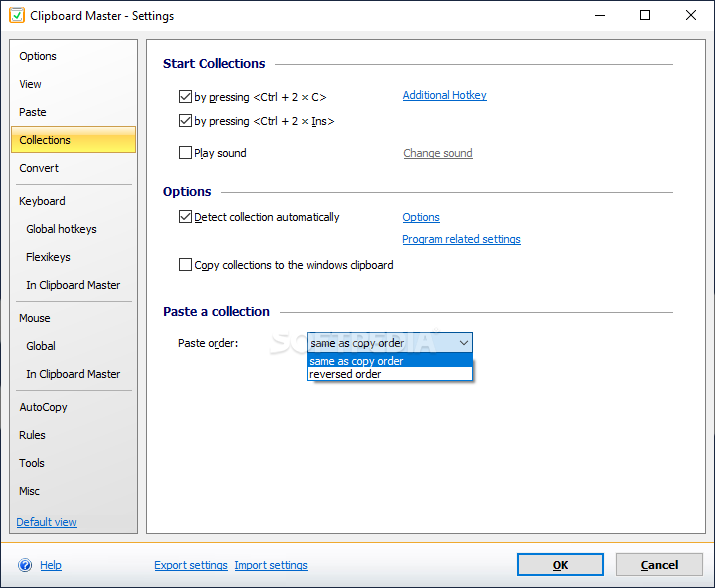
You are allowed to copy multiple items to the Clipboard and paste them with one key combination.
Thanks to its built-in search function, you can quickly find the items that have been saved; keyboard shortcuts are available for filtering the elements. Thus, you can make the program display only text elements, files and folders, URLs or pictures.
To sum things up, Clipboard Master proves to be a handy application when it comes to storing the texts, pictures and files copied to the Clipboard in a list. Thanks to its many useful features and straightforward layout, it appeals to beginners and experts alike.
What's new in Clipboard Master 5.7.1 Build 58672:
- New Features:
- Font size for dialog can now be changed (Settings ⇒ Miscellaneous ⇒ Font size for dialogs)
- Windows scripting host (WSH) was used for some functions. This has beem reprogrammed, so the WSH is no longer required for these function
- Behobene Probleme und Fehler:
Clipboard Master 5.7.1 Build 58672
add to watchlist add to download basket send us an update REPORT- runs on:
-
Windows 11
Windows 10 32/64 bit
Windows 8 32/64 bit
Windows 7 32/64 bit
Windows Vista 32/64 bit
Windows XP 32/64 bit - file size:
- 14.5 MB
- filename:
- ClipboardMasterInst.exe


- main category:
- Office tools
- developer:
- visit homepage
ShareX

calibre

IrfanView

Windows Sandbox Launcher

Zoom Client

Context Menu Manager

4k Video Downloader

7-Zip

Bitdefender Antivirus Free

Microsoft Teams

- 7-Zip
- Bitdefender Antivirus Free
- Microsoft Teams
- ShareX
- calibre
- IrfanView
- Windows Sandbox Launcher
- Zoom Client
- Context Menu Manager
- 4k Video Downloader