
Desktop calendar with fully customizable features as notes, tasks, alarms, and contacts. Provides seamless integration and interactivity with the desktop background. #Desktop calendar #Active calendar #Calendar organizer #Calendar #Organizer #Organize

Note: This program is not supported anymore, but it can still be downloaded and used with the limitations mentioned on this page.
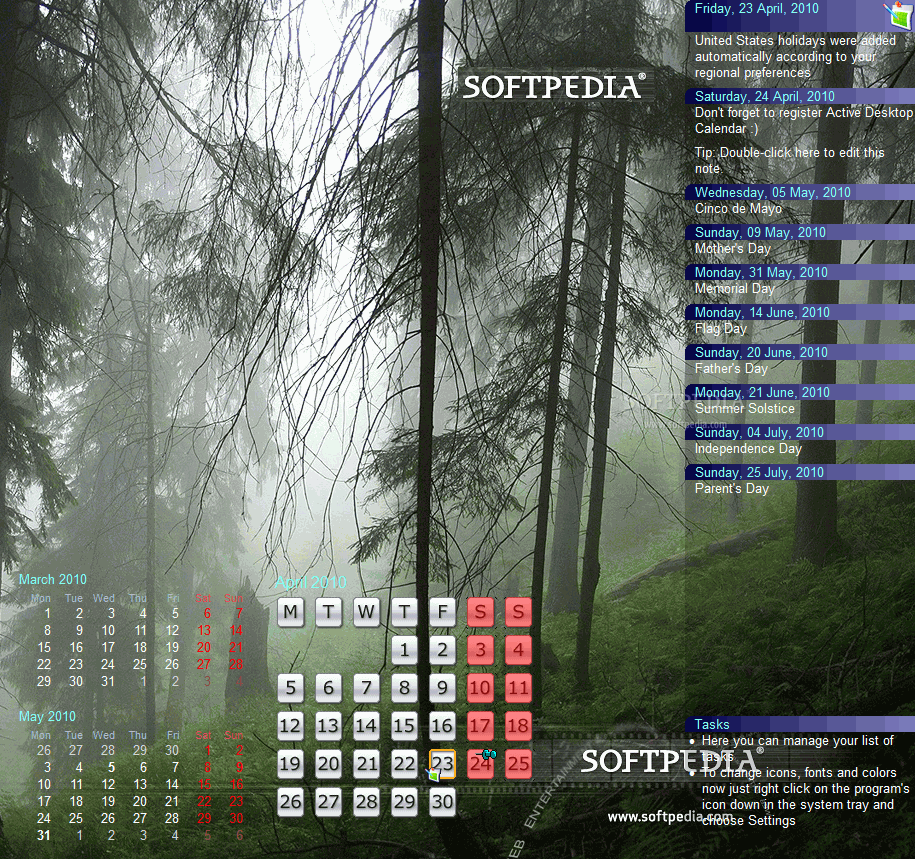
Active Desktop Calendar is a personal information manager that bundles a highly customizable calendar with notes, tasks and contacts organizer.
Once the installation process finishes, you can use the quick start window to select one of the available layouts, in order to customize the calendar's appearance on the desktop.
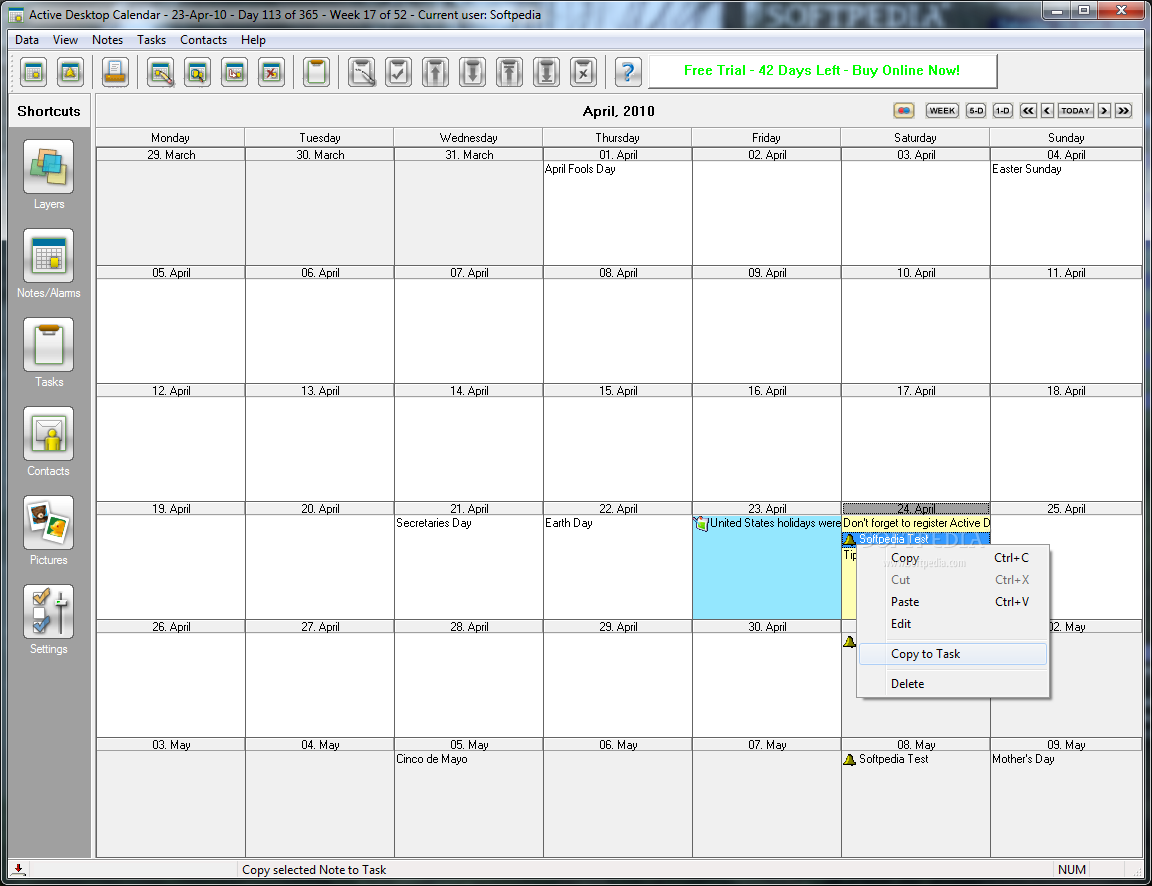
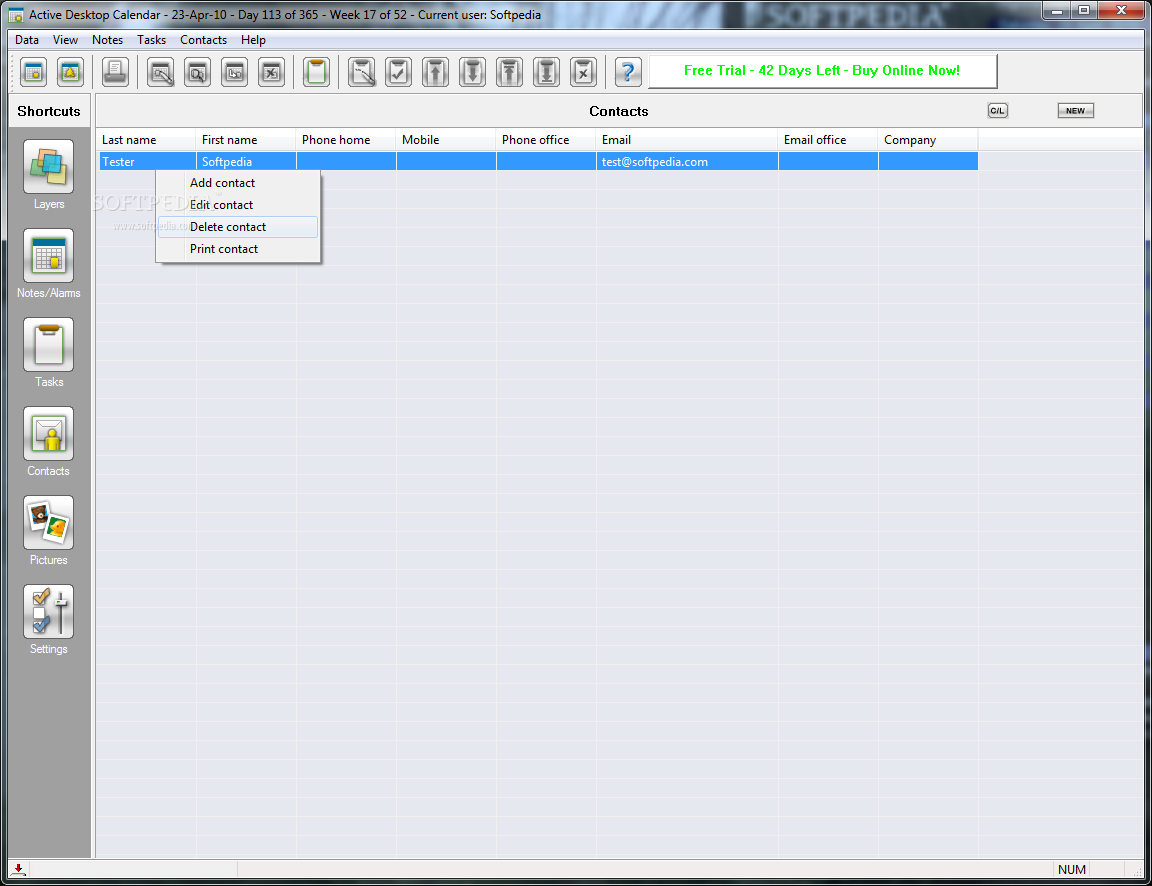
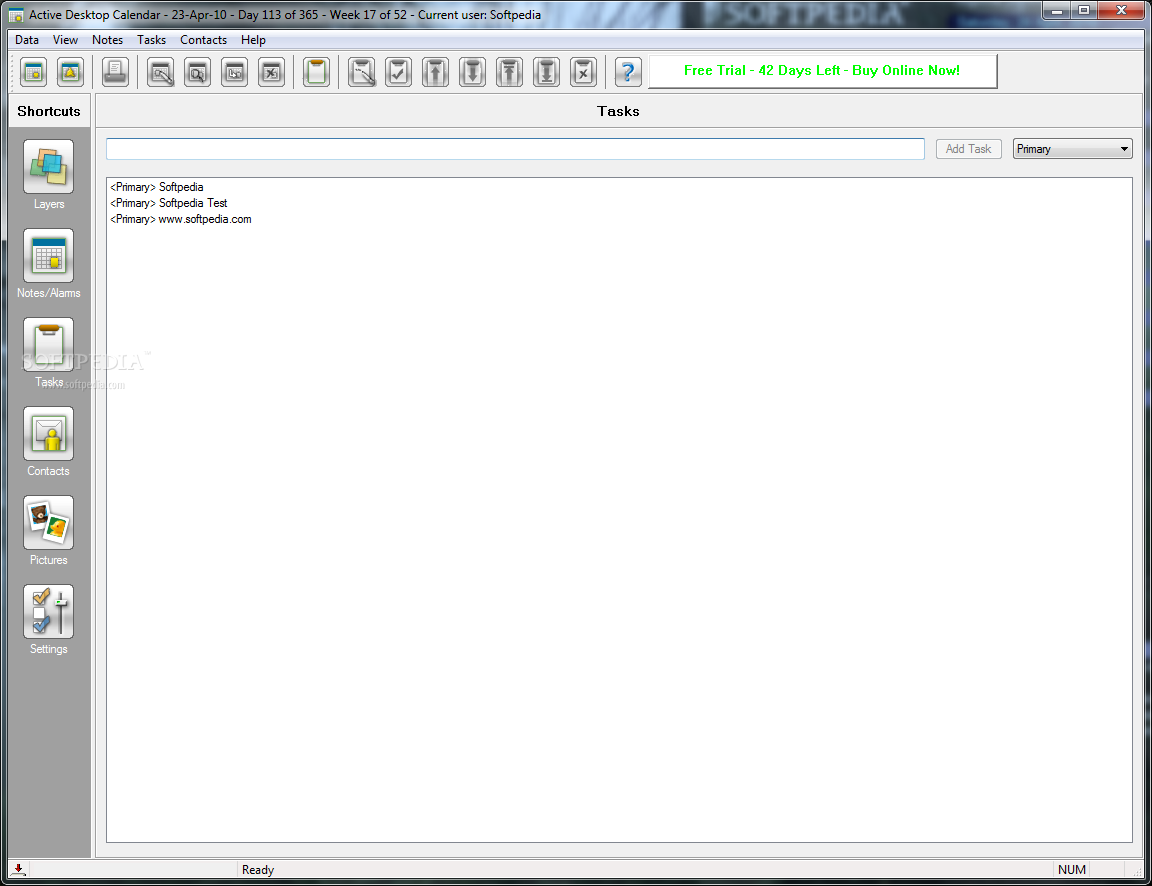
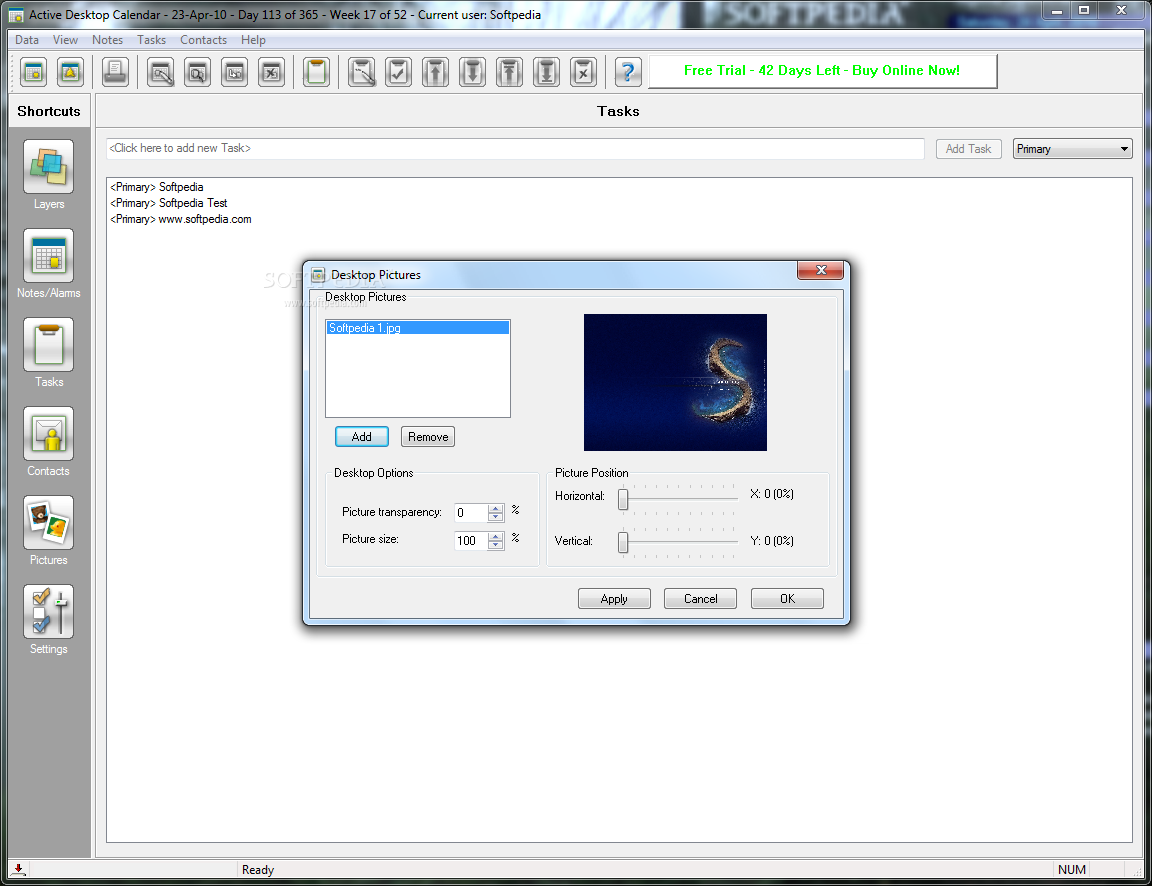
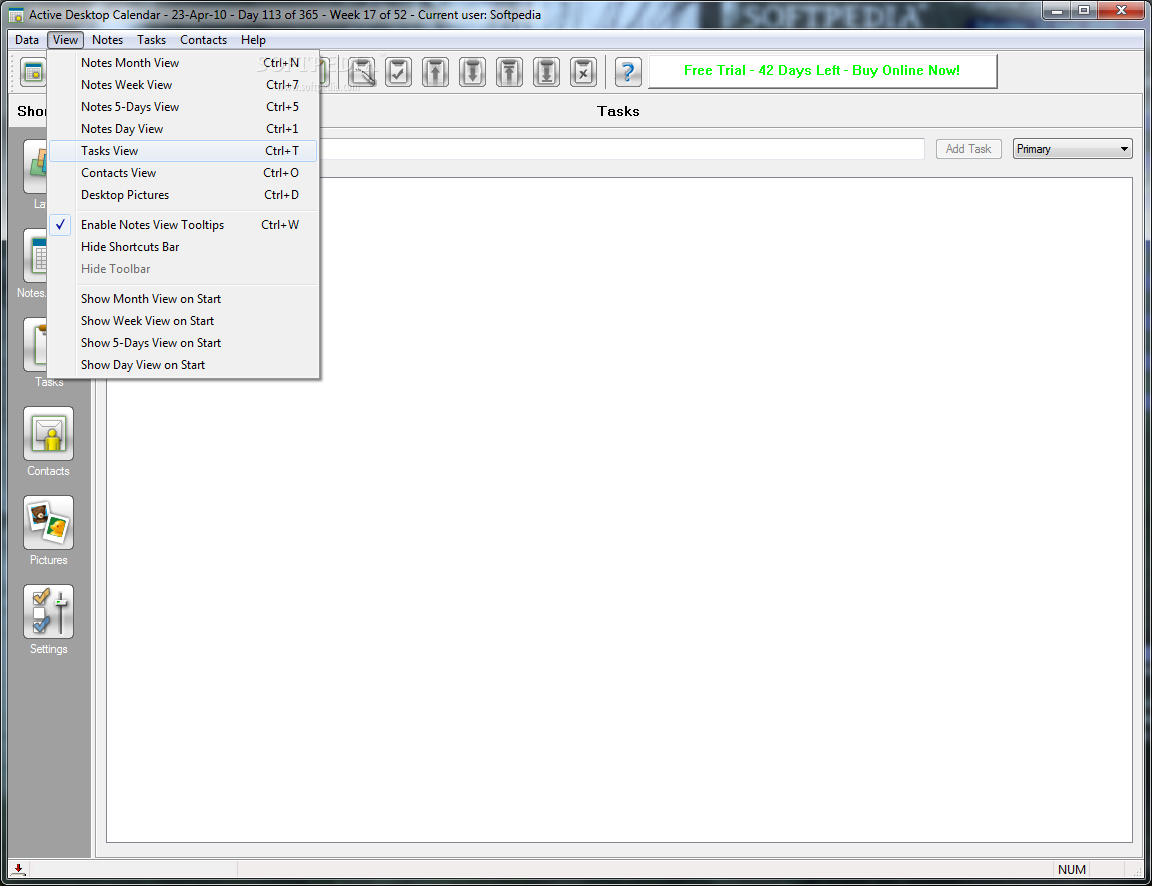
If you double-click an element of the calendar, a window pops up in which you can configure Active Desktop Calendar. Here you can view the menu bar, toolbar, as well as shortcuts to Data Layers, Notes, and Alarms, Tasks, Contacts, Desktop Pictures, Settings, Notes Title Bar, and Note Fields.
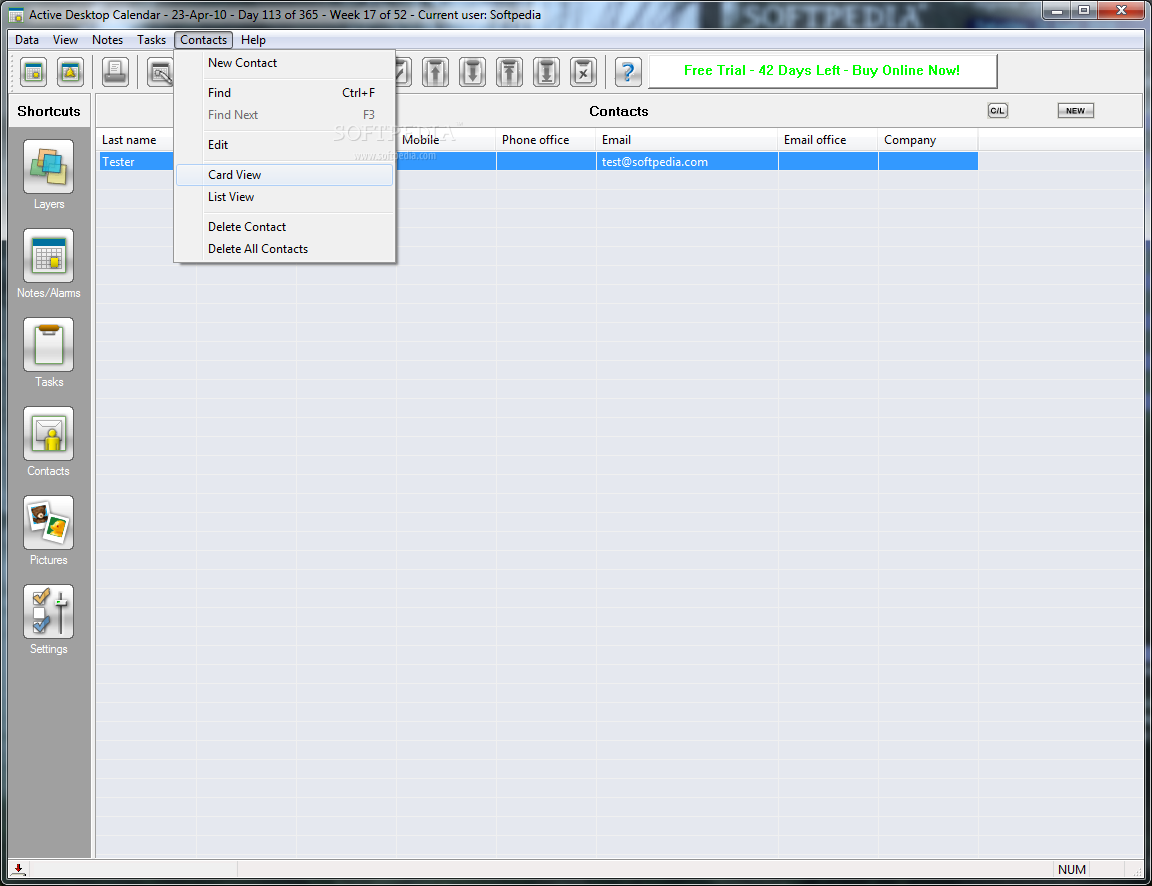
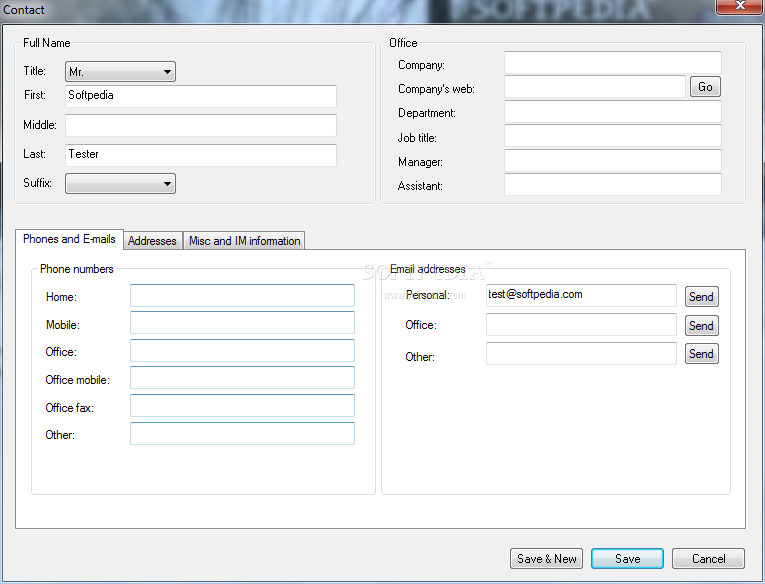
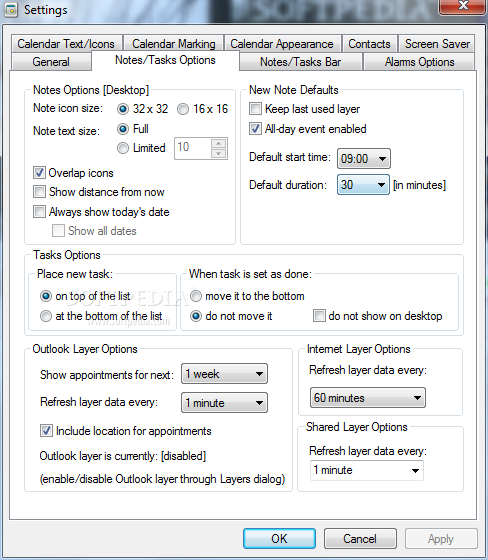
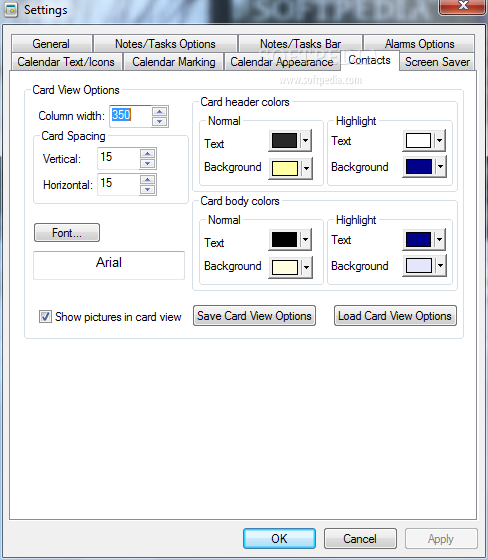
Needless to say, you can customize options for these fields. You can import data from a file, add Internet or Outlook layers, manage contacts, input desktop pictures (optionally change desktop options and picture position), and more.
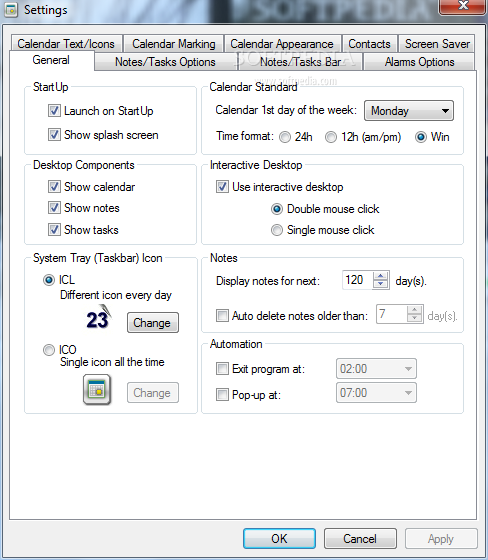
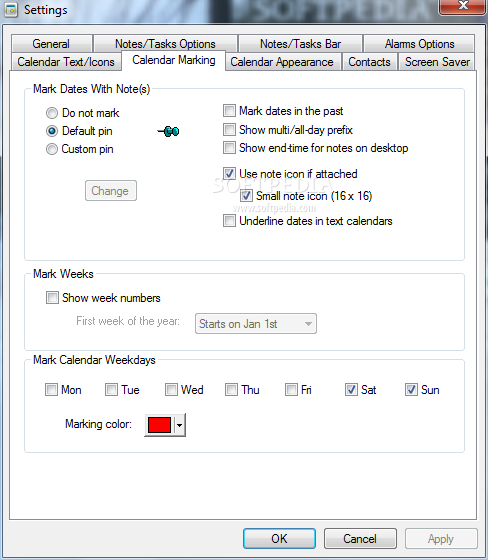
Active Desktop Calendar features a lot of settings you can adjust - disable auto-launch on startup, use interactive desktop, change text font and size, select default alarm sound, mark dates with pins, set calendar type (e.g. one month), change calendar position, enable dual monitor configuration, install screen saver, and so on.
The program uses a minimum amount of CPU and system memory, and we have not encountered any problems during our tests. One fun fact about the program is that it displays important American events by default.
The online help file could have been better organized for first-time users but, all in all, Active Desktop Calendar is a great application. We definitely suggest you try it.
Download Hubs
Active Desktop Calendar is part of these download collections: Event Planner, Desktop Calendars
What's new in Active Desktop Calendar 7.96 Build 111123:
- Note description tooltip on the desktop
- If you let the mouse pointer hover over a desktop note for which you entered both subject and description, then you will get the description show up as a tooltip. Of course, this works only if desktop interactivity is enabled.
Active Desktop Calendar 7.96 Build 111123
add to watchlist add to download basket send us an update REPORT- runs on:
-
Windows 10 32/64 bit
Windows 8 32/64 bit
Windows 7 32/64 bit
Windows Vista 32/64 bit
Windows XP
Windows 2K - file size:
- 5.4 MB
- filename:
- adc64bit.exe
- main category:
- Office tools
- developer:
Zoom Client

7-Zip

Context Menu Manager

ShareX

4k Video Downloader

Bitdefender Antivirus Free

IrfanView

calibre

Microsoft Teams

Windows Sandbox Launcher

- calibre
- Microsoft Teams
- Windows Sandbox Launcher
- Zoom Client
- 7-Zip
- Context Menu Manager
- ShareX
- 4k Video Downloader
- Bitdefender Antivirus Free
- IrfanView