
A versatile and intuitive application that enables you to set reminders and schedule system shutdown, a program launch or a phone call start. #Event Planner #Schedule Event #Task Reminder #Scheduler #Planner #Schedule
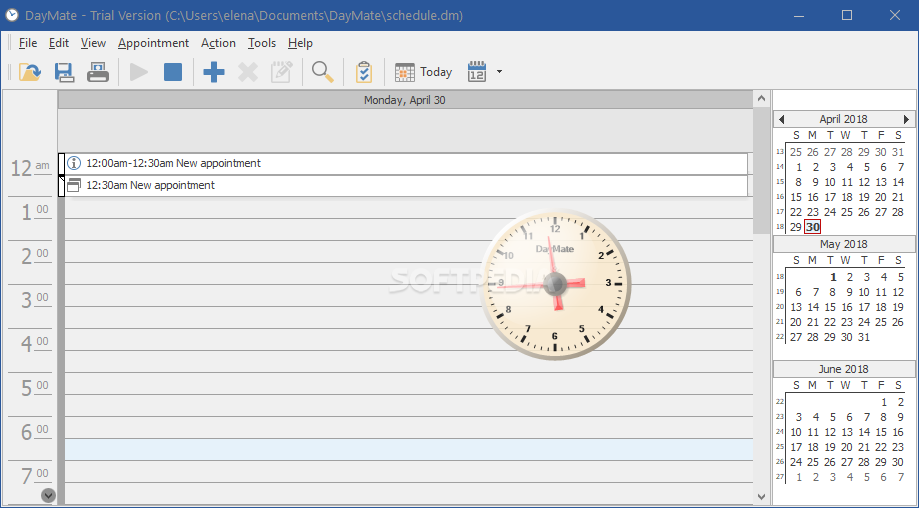
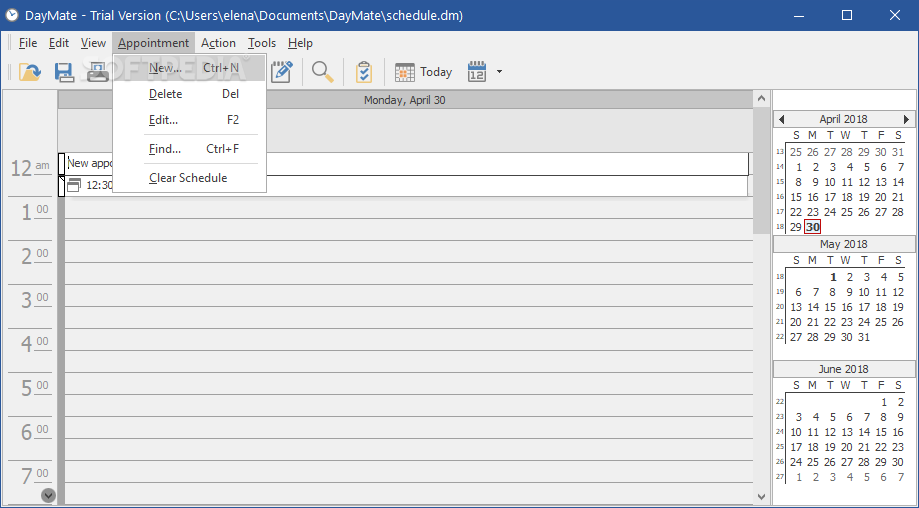
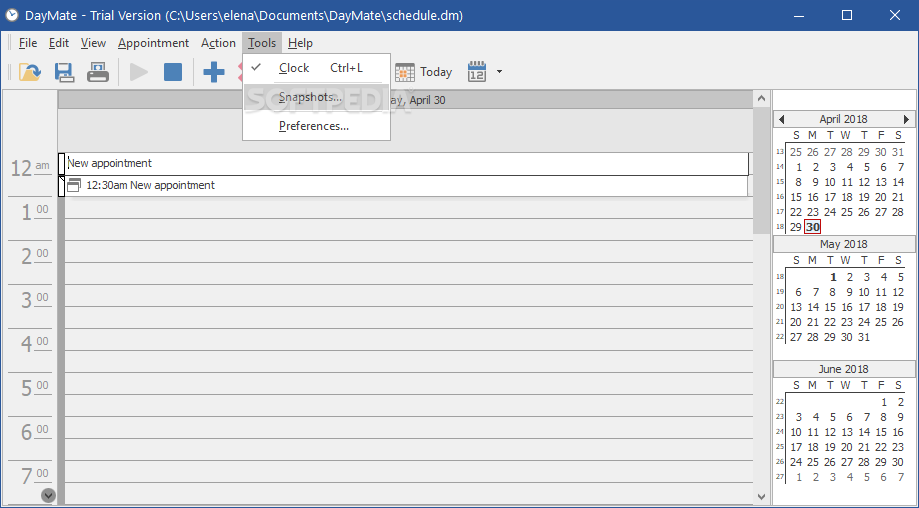
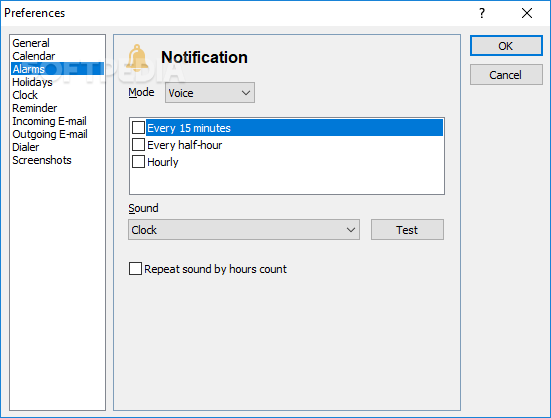
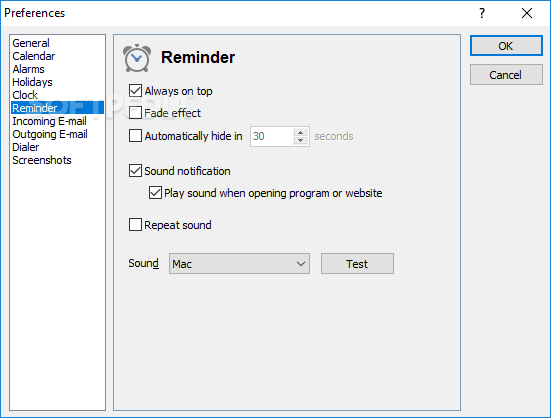
DayMate is a simple, easy to use scheduler that enables you to plan your daily activities, but also set system actions. Thus, you can schedule a system shutdown, a program’s launch or a Skype call. The software prioritizes and adds audio reminders to any activity that you have planned for the future.
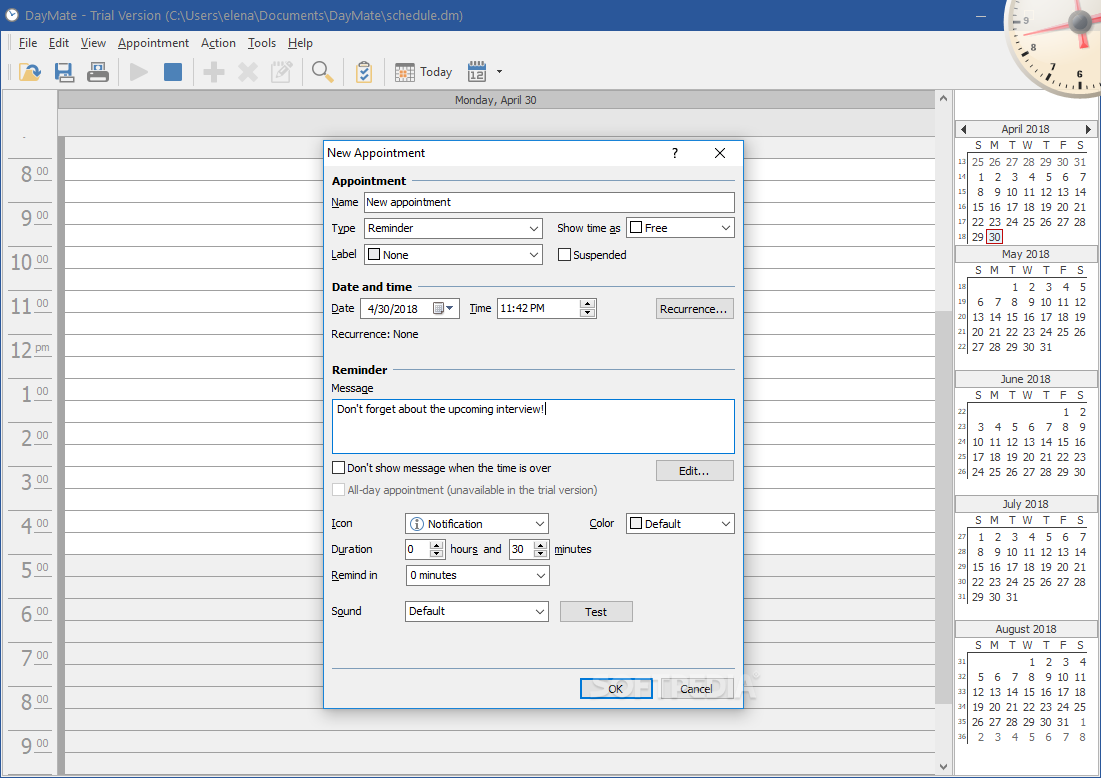
The scheduler configuration window offers several options for customization, such as type of activity, priority, time, date and mention of possible event recurrence. You may add a message to be displayed when the event is due. Depending on the type of event, the software enables you to set which program to launch, whether it should shut down or reboot the computer.
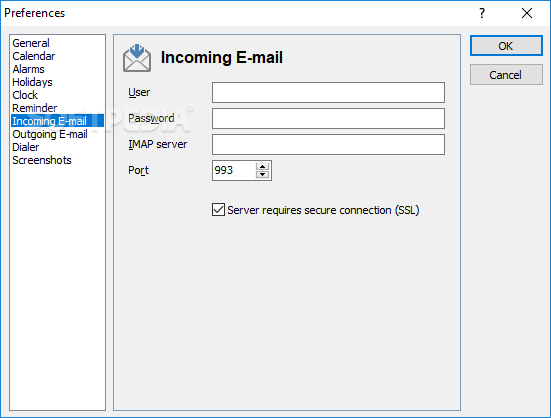
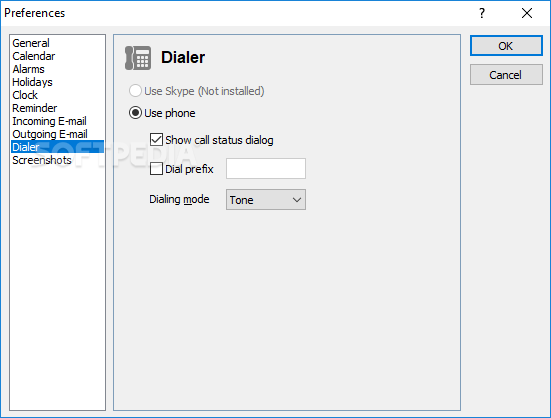
Alternatively, you may specify the email address you wish to check, URL you want to visit or the Skype account or phone number you wish to call. All reminders can be assigned with a priority label, from Important, Business or Needs Preparation, to Birthday, Vacation or Personal.
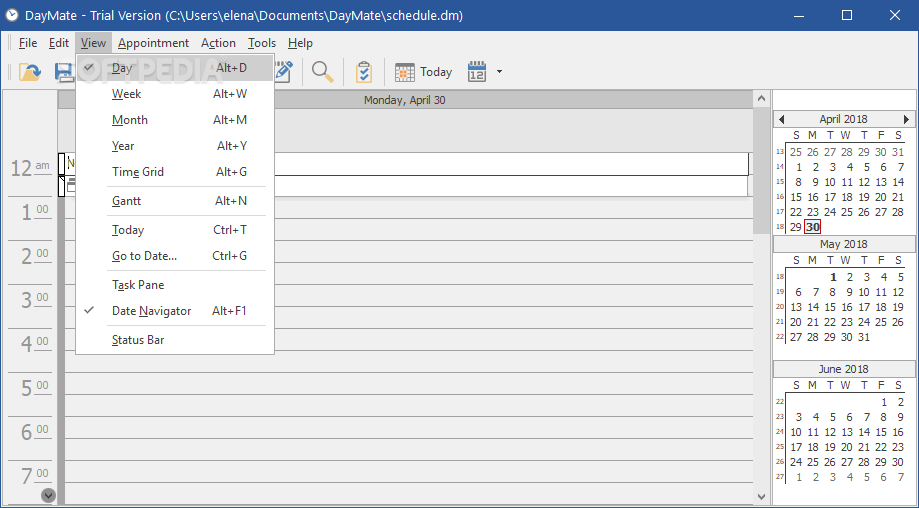
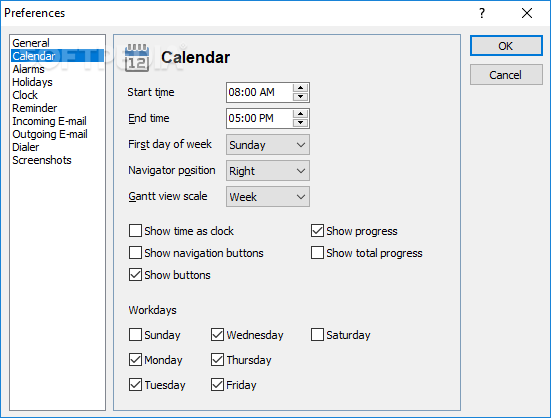
You can easily find an appointment, thanks to DayMate’s integrated searching engine, list all the events that are planned, as well as view a week, month, year or Gantt diagram with all the engagements you have planned. After setting reminders, you can enable or disable the alarm for all of them, with one click.
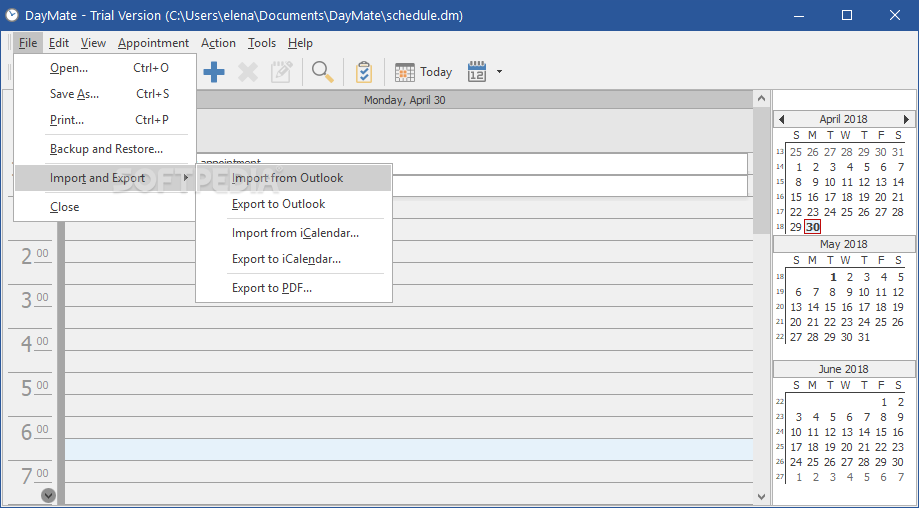
Importing or exporting schedules to Outlook is also facilitated by DayMate, especially when the planned event is sending an email or checking the mailbox. Alternatively, you may import data from iCalendar and export charts or tasks to PDF.
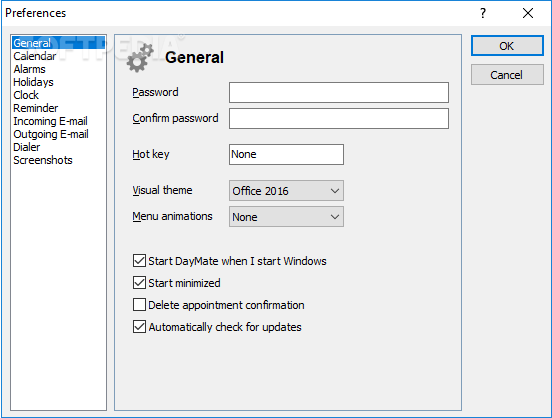
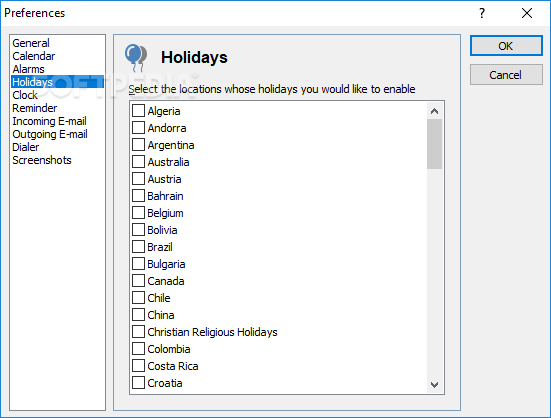
DayMate is a versatile event planner, capable of setting reminders, synchronize time with a secure online source, display tasks marked on a calendar, as well as schedule computer shutdown or a program launch. The software offers Skype support and creating schedule backups in Outlook, iCalendar or PDF. If you wish to protect your data and schedule, DayMate can only open with the right password.
DayMate 7.58
add to watchlist add to download basket send us an update REPORT- runs on:
-
Windows 11
Windows Server 2022
Windows Server 2019
Windows Server 2016
Windows 10 32/64 bit
Windows Server 2012 R2
Windows Server 2012
Windows 2008 R2
Windows 2008 32/64 bit
Windows 2003
Windows 8 32/64 bit
Windows 7 32/64 bit
Windows Vista 32/64 bit
Windows XP 32/64 bit
Windows 2K - file size:
- 8.1 MB
- filename:
- daymate.exe


- main category:
- Office tools
- developer:
- visit homepage
7-Zip

Bitdefender Antivirus Free

IrfanView

ShareX

4k Video Downloader

Context Menu Manager

Microsoft Teams

Zoom Client

calibre

Windows Sandbox Launcher

- Zoom Client
- calibre
- Windows Sandbox Launcher
- 7-Zip
- Bitdefender Antivirus Free
- IrfanView
- ShareX
- 4k Video Downloader
- Context Menu Manager
- Microsoft Teams