
Manage multimedia files on your computer by tracking them and create customized inventory reports with this handy software solution. #Multimedia organizer #Multimedia manager #Software inventory #Multimedia #Organizer #Loan
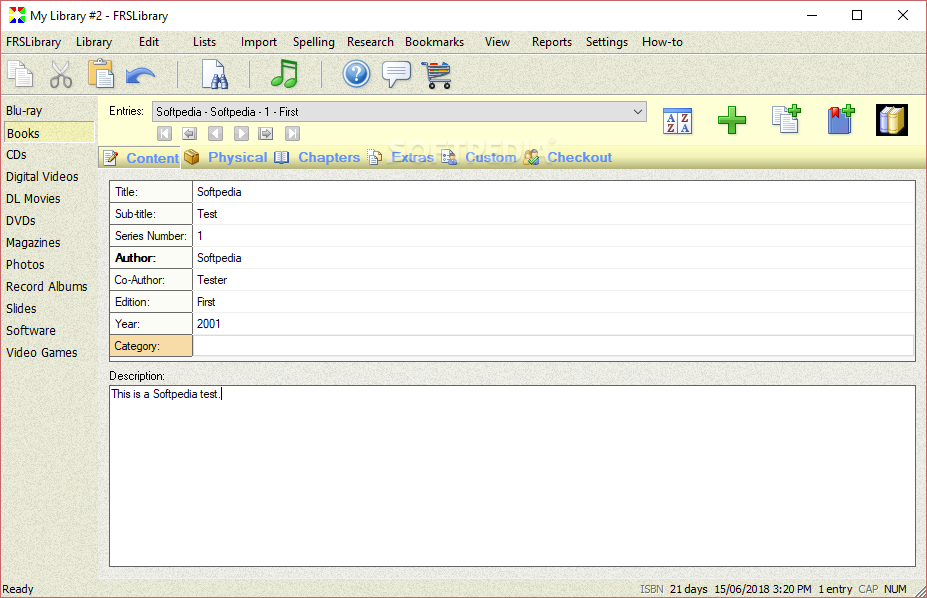
If you're the type of person who prefers stocking up on various physical content rather than using their digital counterpart, you probably have an overflowing collection of things laying around your house which could use some organizing.
Fortunately, nowadays there's a fine selection of software solutions you can choose from in order to help you in the above situation. FRSLibrary is one of them.
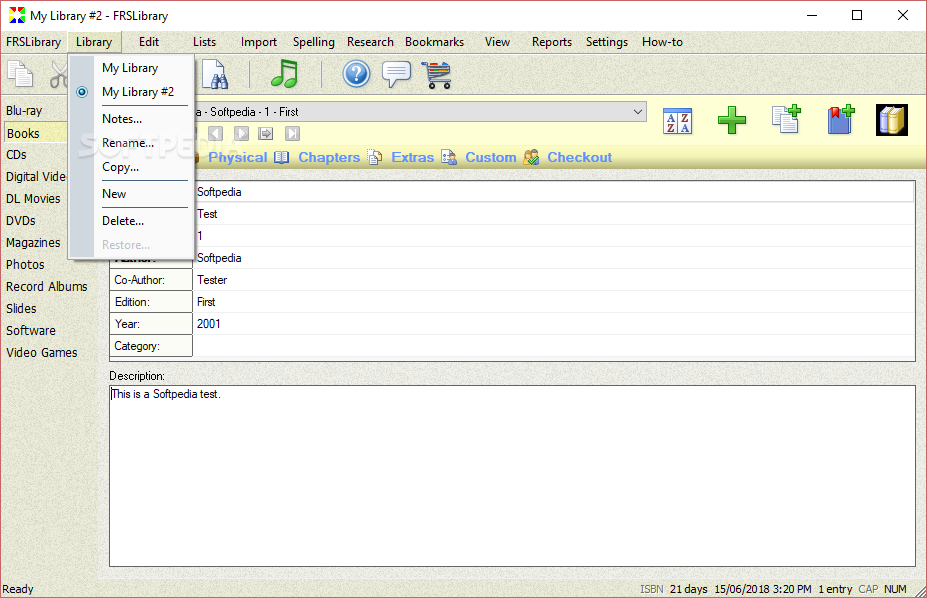
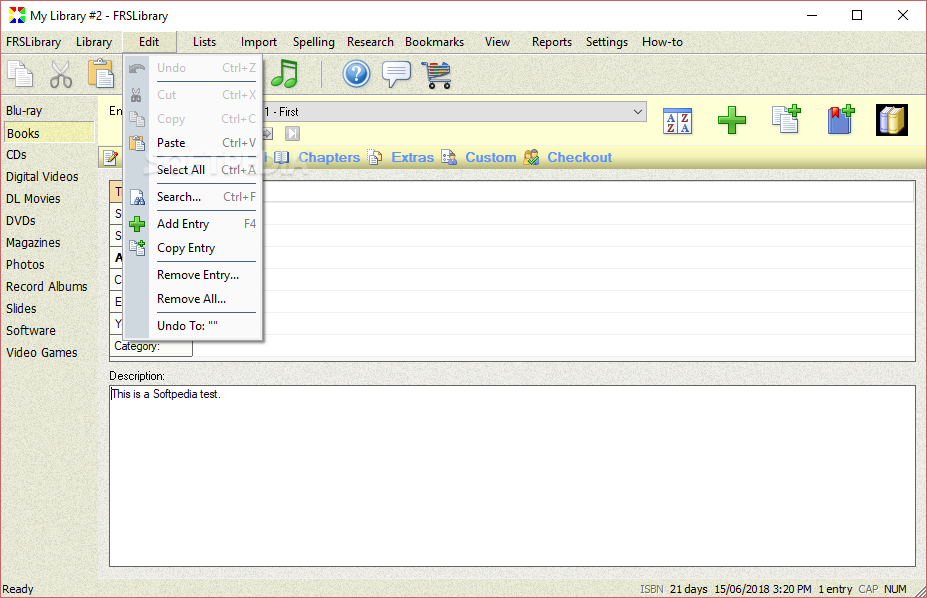
As hinted above, this application can be used to organize physical consumer media types on your computer in an effective manner without significant efforts. Well, it's somehow stressful that you need to insert each item manually in the library for it to be stored, but after you're done, it'll be a lot easier for you to keep track of things.
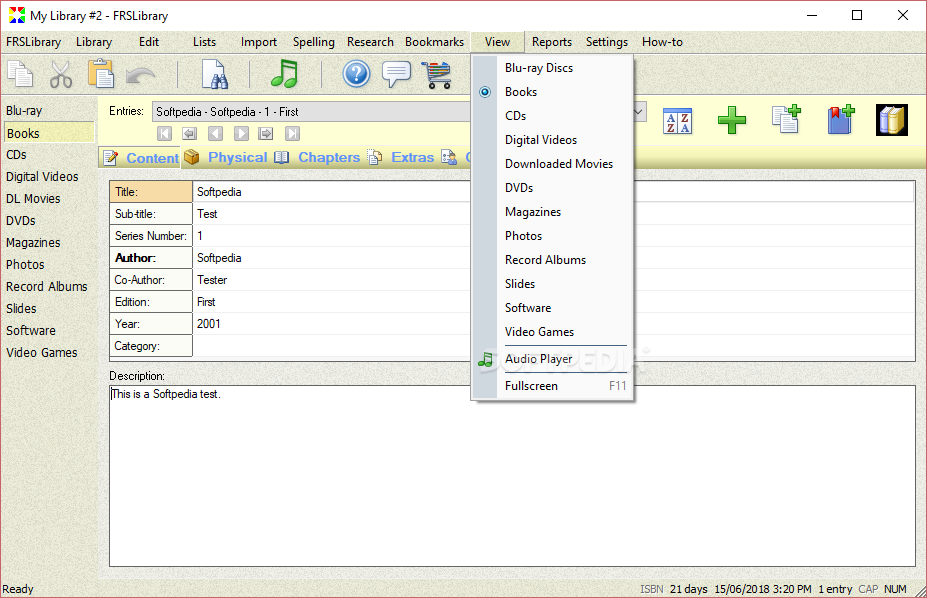
Among the media types you can save in the library you can find Blu-ray discs, books, CDs, digital videos, downloaded movies, DVDs, magazines, photographs, record albums, slides, software apps and video games.
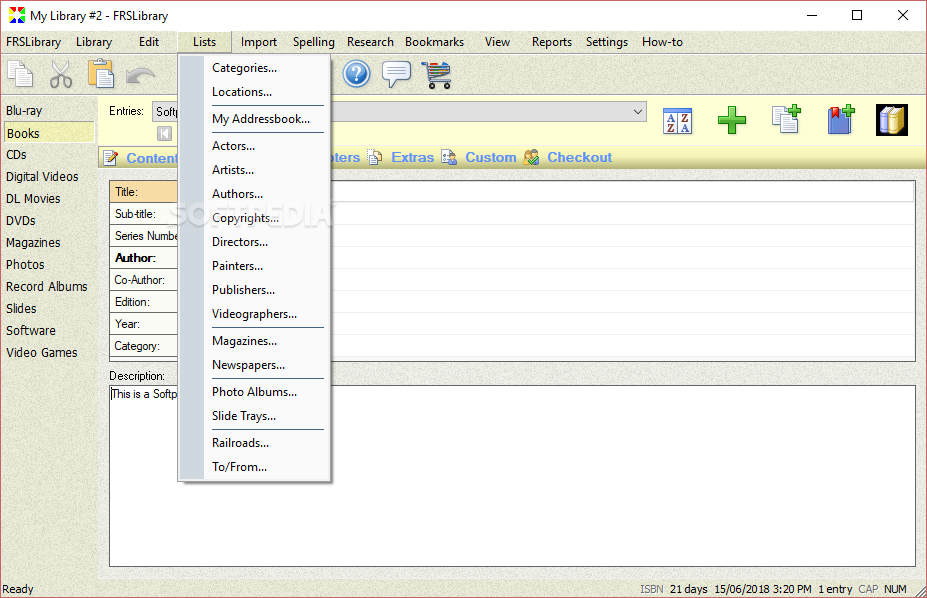
In order to provide you with a better organizing experience, this application also lets you to edit categories and tags for your objects, so that they can be identified in a quicker, more efficient manner. Some of the categories you can find there are Actors, Artists, Authors, Copyrights, Directors, Painters, Magazines, Newspapers, Photo Albums and Railroads.
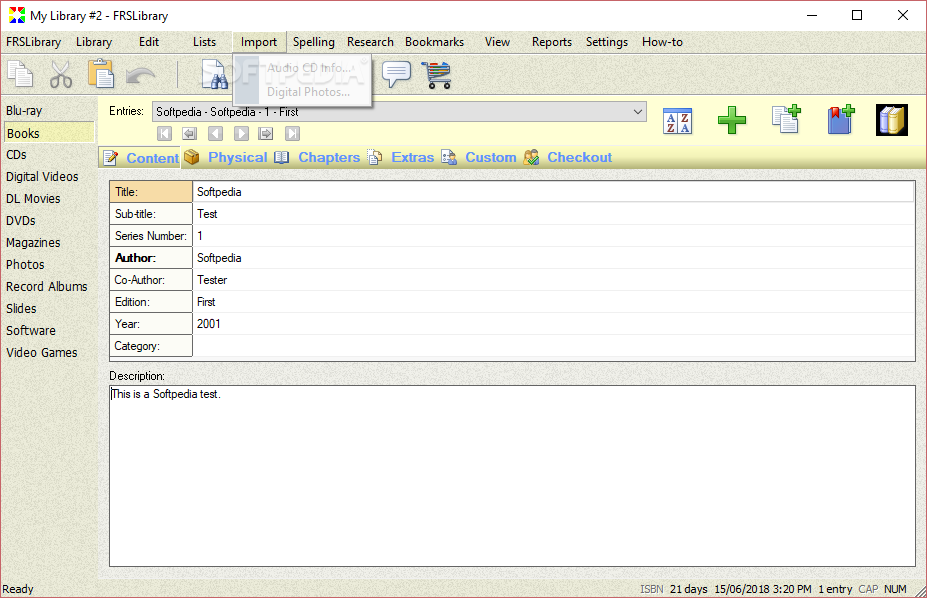
You can import the contents of an audio CD by simply inserting it in the computer, navigating to the "Import" menu and choosing the designated option. Digital photos can be imported in a similar manner, from the same menu.
All things considered, if you need to organize objects in your physical collection, you might consider turning to specialized software solutions such as FRSLibrary that can help you do so in a more effective manner than using the traditional pen and paper.
What's new in FRSLibrary 5.1.7:
- Fixed:
- The windows displayed when clicking on the “Settings | Font Settings...” or the “Settings | Print Settings...” menu commands were changed, to fix the options' icons disappearing when clicked
FRSLibrary 5.1.7
add to watchlist add to download basket send us an update REPORT- runs on:
-
Windows 10 32/64 bit
Windows 8 32/64 bit
Windows 7 32/64 bit - file size:
- 5.2 MB
- filename:
- FRSLibraryInstall64.exe

- main category:
- Office tools
- developer:
- visit homepage
calibre

IrfanView

Context Menu Manager

Microsoft Teams

4k Video Downloader

Zoom Client

ShareX

Bitdefender Antivirus Free

Windows Sandbox Launcher

7-Zip

- Bitdefender Antivirus Free
- Windows Sandbox Launcher
- 7-Zip
- calibre
- IrfanView
- Context Menu Manager
- Microsoft Teams
- 4k Video Downloader
- Zoom Client
- ShareX