
Keep track of your work schedule, the time you spend on the computer and the applications you frequently use with the help of this clear-cut application. #Time tracker #Time management #Project time monitor #Timer #Tracker #Project time

Sometimes, you may feel that although you spend a lot of time on a project or in front of the computer, at the end of the day, you seem to accomplish very little. Before you can boost your productivity, first you need to know what you are doing with your time exactly.
ManicTime is a tool designed to help you keep track of how you are using your computer, online and offline.
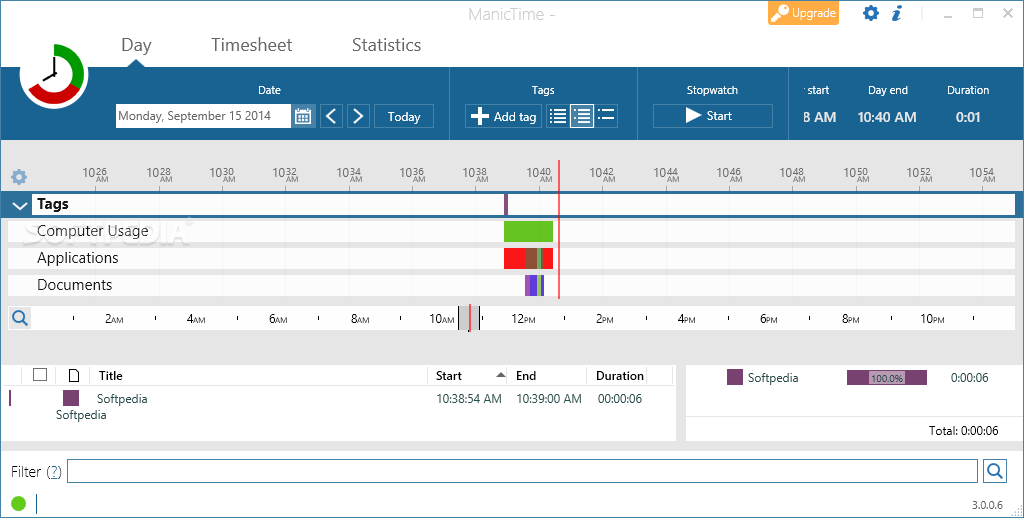
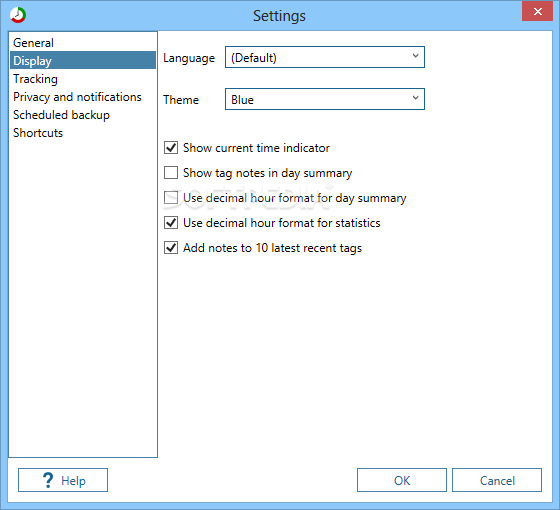
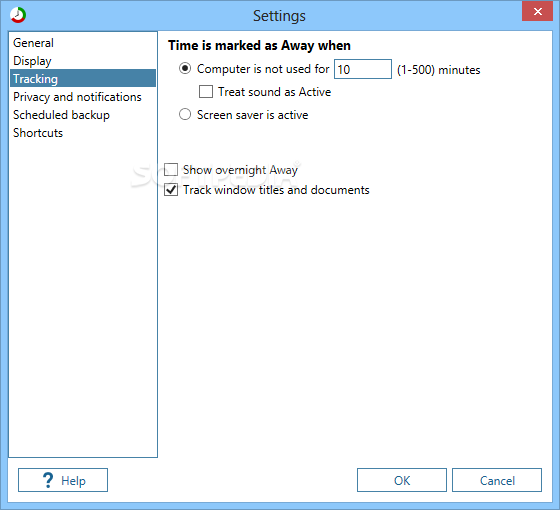
The app comes with a user-friendly interface, and you don’t really need to do anything too complicated to get started, as the app packs automatic tracking of your activity. Simply put, the app records all your actions continuously without any manual input. Since you don’t have to start and stop timers, you can focus more on your tasks.
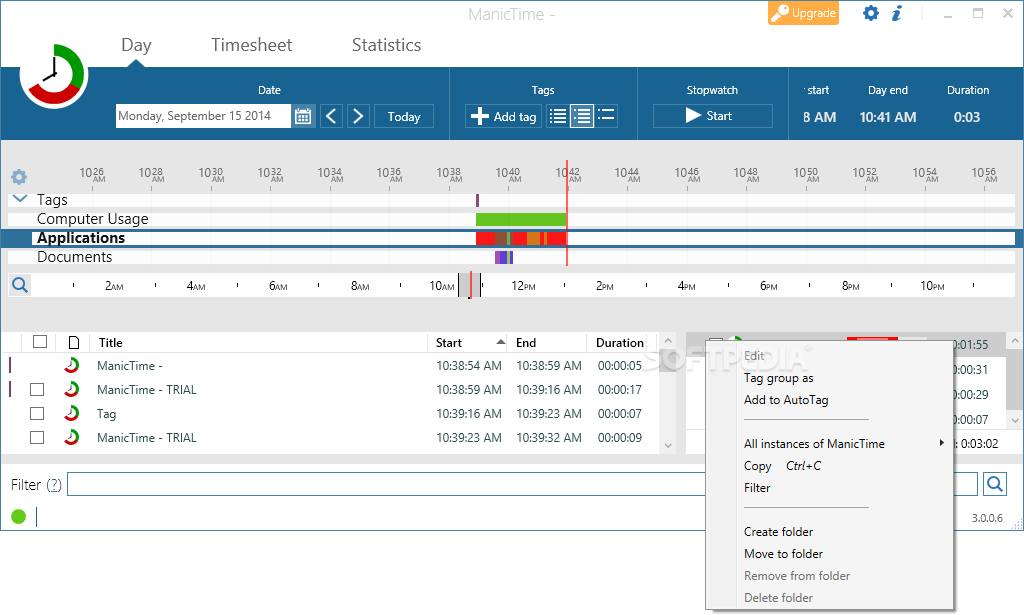
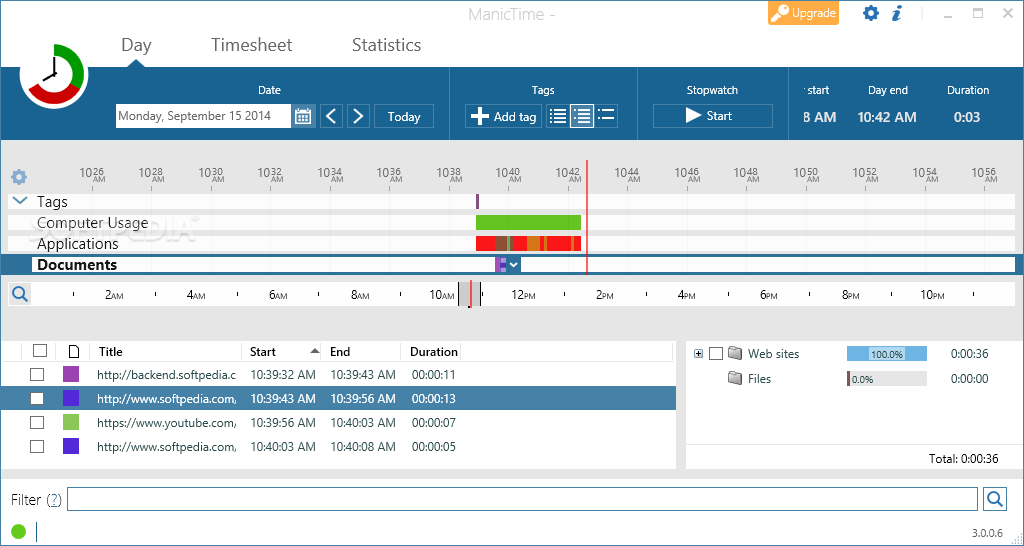
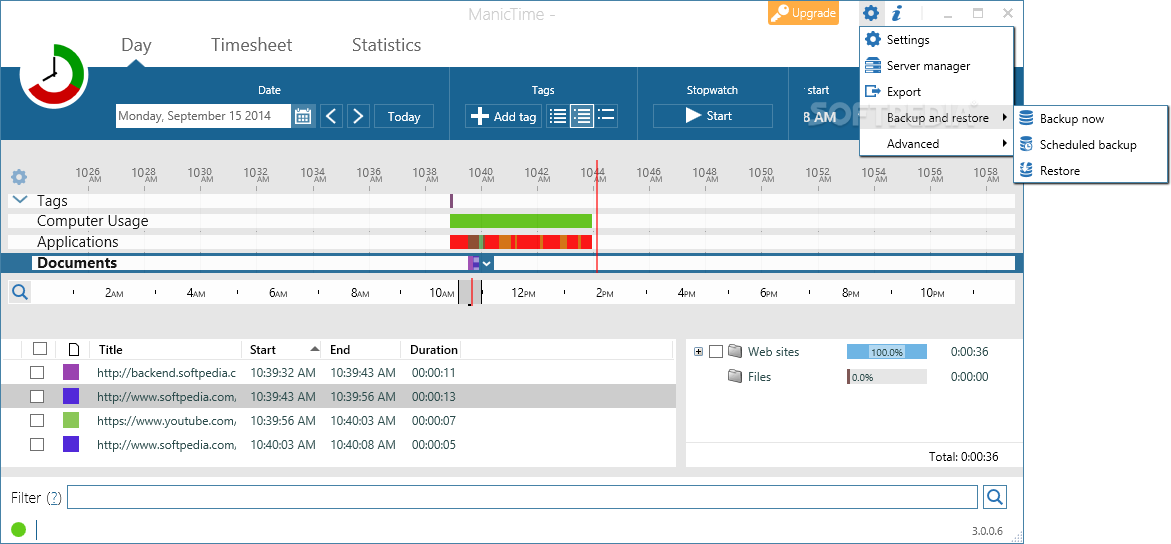
The program records various aspects of PC usage, including the apps running, websites visited or documents opened. The recording includes a start and end time frame for each individual action, so you can determine the precise time you are spending on your tasks.
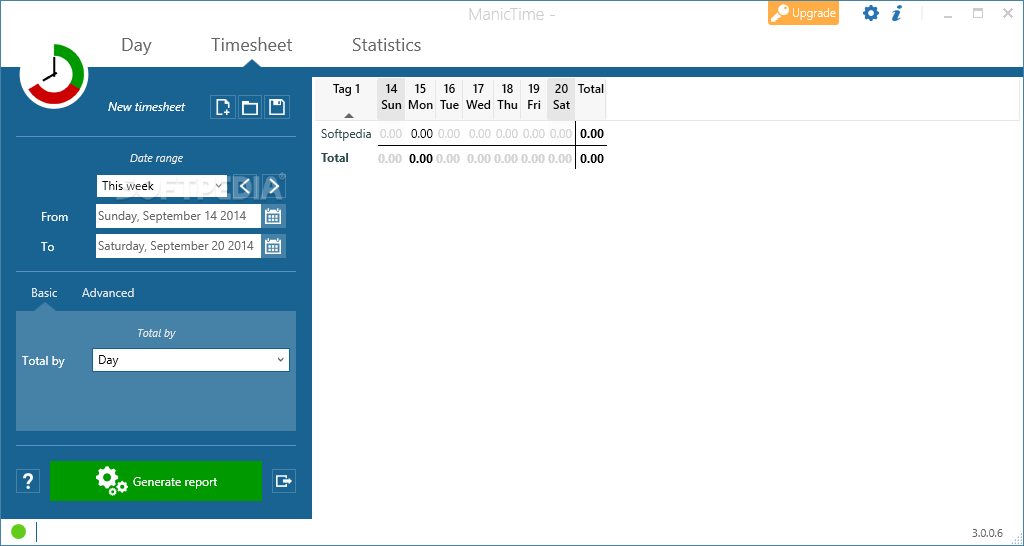
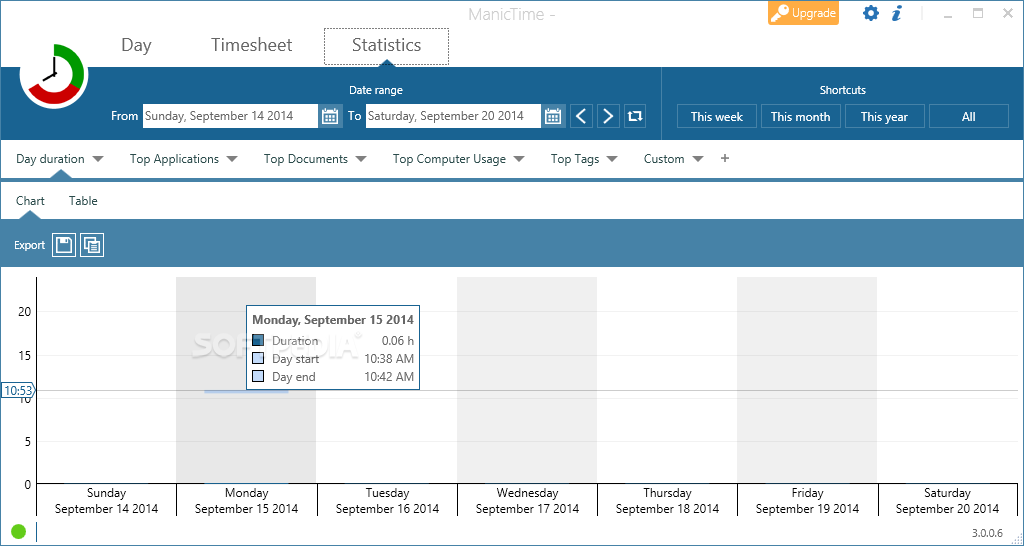
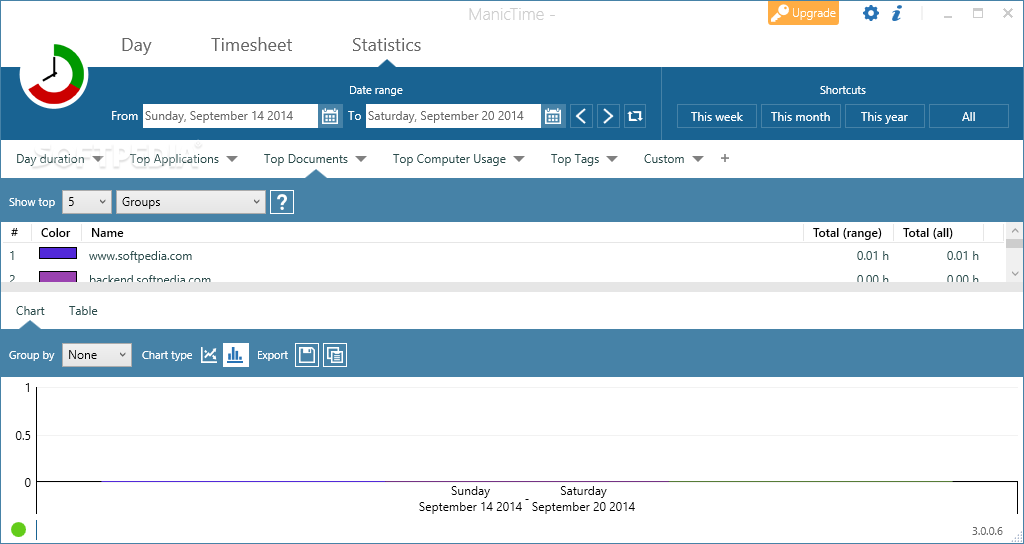
Depending on your needs, you can generate very detailed reports of your activity as well as graphs. Needless to say that, if you’re being paid per hour, you can easily export the reports to Excel or other programs and generate accurate invoices.
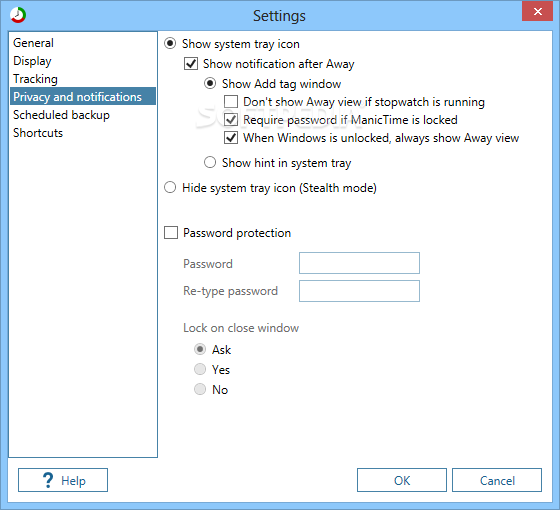
Considering the sheer amount of data collected, you may have legitimate concerns regarding what happens to your information. The app does provide privacy, and it is collected on your local system for you to view and explore.
ManicTime is a great tool for anyone who needs a minute insight on how they are spending their time on the computer. Using the data, you can start taking actions, such as avoiding certain websites or apps, so that you dedicate your time and effort to the tasks that really matter.
What's new in ManicTime 2024.1.0.7:
- Bug fixes
ManicTime 2024.1.0.7
add to watchlist add to download basket send us an update REPORT- portable version
- Portable ManicTime
- runs on:
-
Windows 11
Windows 10 32/64 bit
Windows 8 32/64 bit
Windows 7 32/64 bit - file size:
- 72 MB
- filename:
- manictime-setup-2024.1.0.7-win-x86.exe
- main category:
- Office tools
- developer:
- visit homepage
Microsoft Teams

4k Video Downloader

ShareX

Context Menu Manager

Bitdefender Antivirus Free

Windows Sandbox Launcher

calibre

7-Zip

Zoom Client

IrfanView

- 7-Zip
- Zoom Client
- IrfanView
- Microsoft Teams
- 4k Video Downloader
- ShareX
- Context Menu Manager
- Bitdefender Antivirus Free
- Windows Sandbox Launcher
- calibre