
Organize your personal information in a tree-like structure, create bookmarks and easily find important items, with this powerful application. #Organize Information #Data Organizer #Personal Organizer #Organizer #Tree #Bookmark

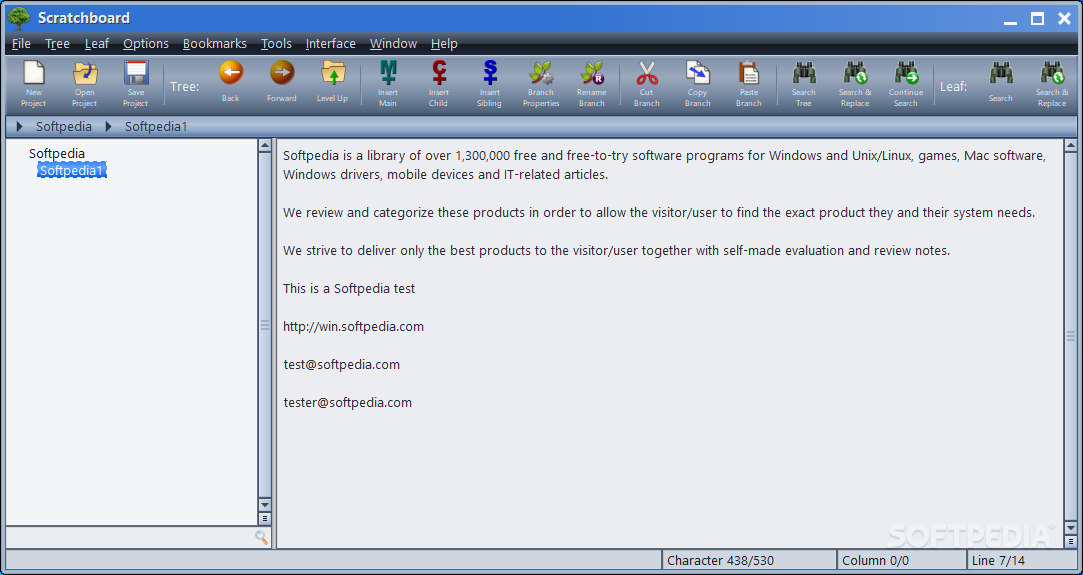
It can be difficult to always keep track of accounts, passwords, contacts, links and various other types of important information.
Scratchboard is a comprehensive tool that allows you to store all kinds of data in an encrypted project file. Your information is organized in a simple tree-like structure, enabling you to quickly locate and extract the data you are looking for.
To begin with, you can create a new database and secure it with a custom password, ensuring that your private information cannot be viewed by others. The application can automatically create backups of your current project and record a history of all modifications made.
It is possible to import or export data to and from XML files. You can choose to save the currently selected branch or the entire tree.
After creating your database, you can begin adding your personal information. The application organizes data in a tree-like structure, with any number of branches.
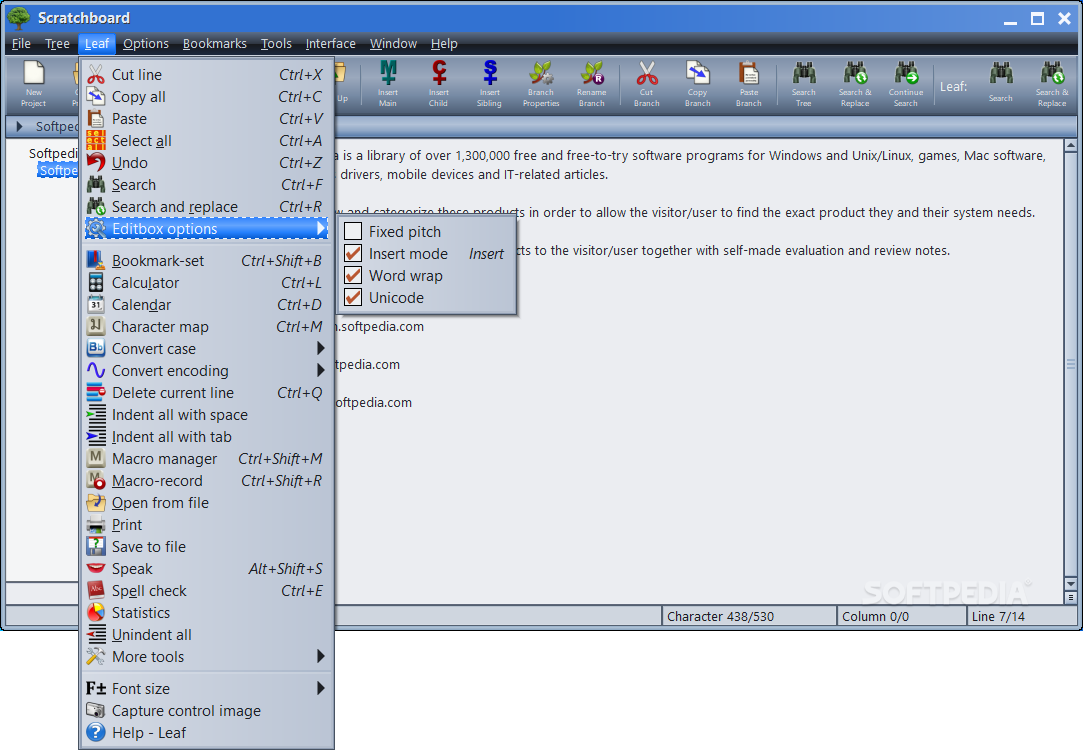
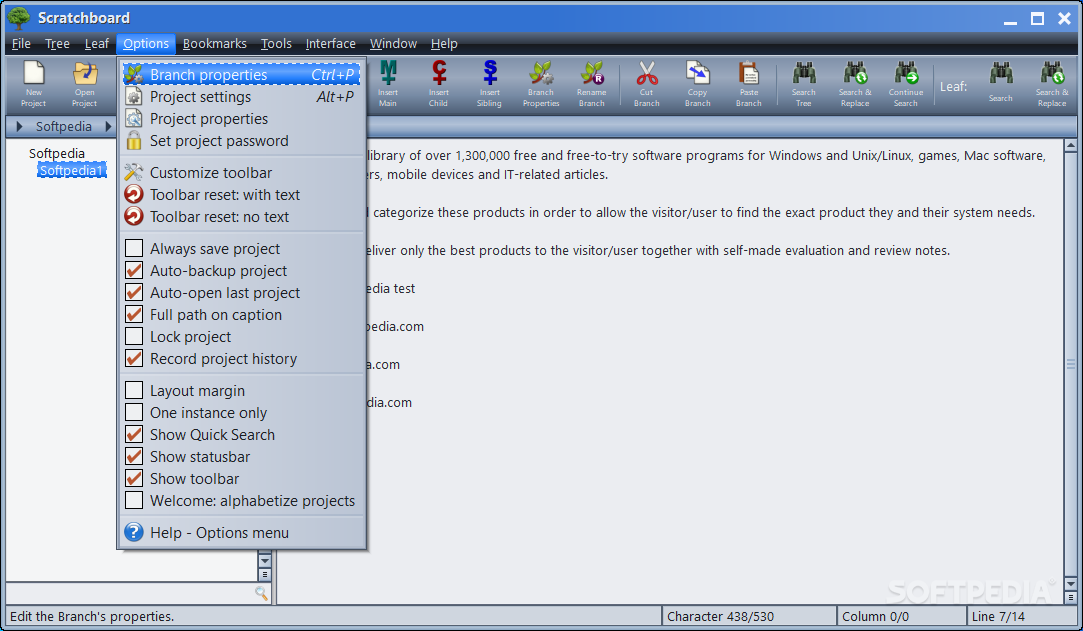
Scratchboard includes a powerful text editor, enabling you to insert and customize content in various ways. It offers a built-in calendar, character map, calculator, spell checker and encoding converter.
However, it is only possible to add text-based content. You cannot insert images or attach files to specific entries.
The application does offer a comprehensive search function and allows you to bookmark certain items. It is possible to easily open any hyperlinks present in the currently selected entry.
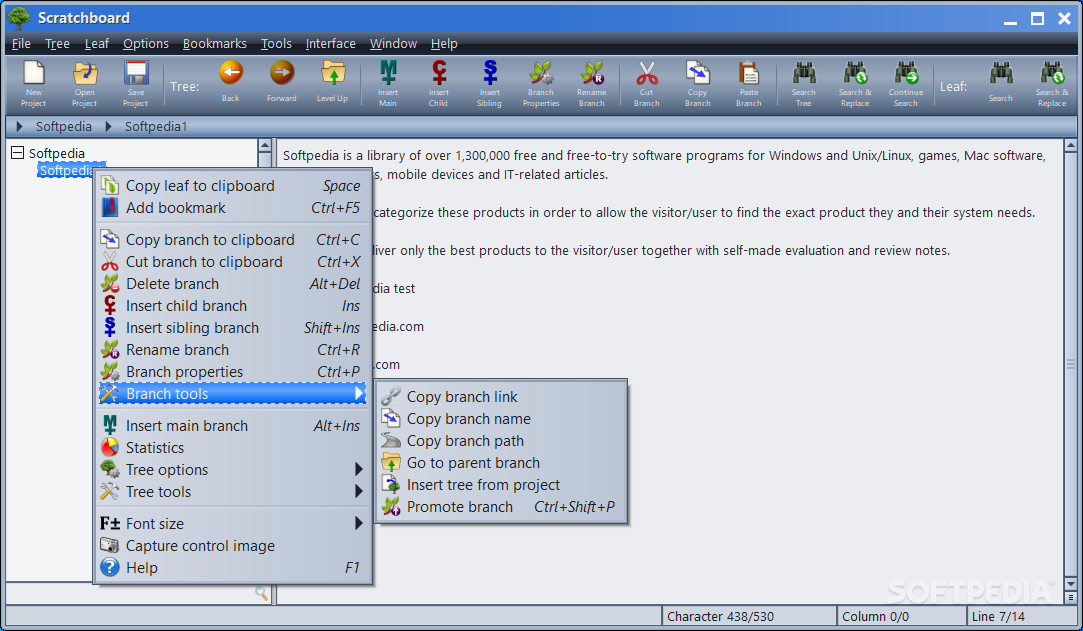
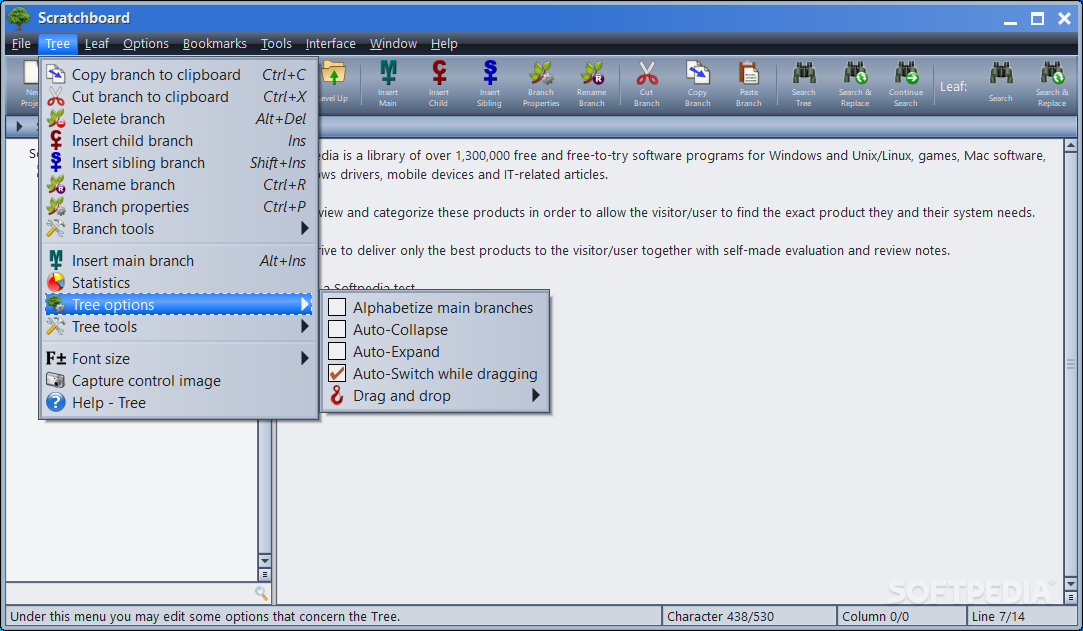
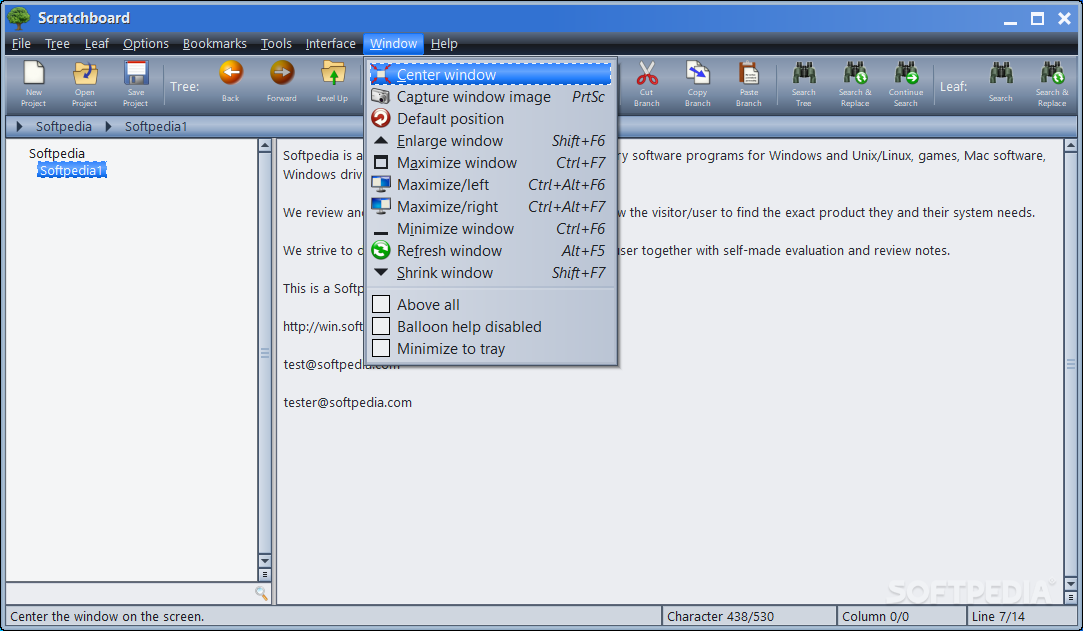
From a visual standpoint, Scratchboard is rather disappointing. It features an outdated interface and, due to its unintuitive layout, some users may have problems accessing certain functions.
You do not have the option of color coding various branches or entries, which would have made locating content much easier.
This is a convenient tool that could prove to be useful if you are looking for a way to organize important information in a tree-like structure. However, it lacks many potentially helpful functions and features a slightly outdated interface.
What's new in Scratchboard 35.0:
- Previously the project password was stored inside the project insecurely. Now it is stored securely in a way that makes it unrecoverable while still allowing the password to be verified. However, please note that password protected projects saved by 35.0 cannot be opened by older versions. Also, Gammadyne can no longer recover the password for a fee.
- Previously, when encryption was enabled, the project was insecurely encrypted with a fixed key. Now the encryption key is derived from the password, greatly improving security. However, please note that encrypted projects saved by 35.0 cannot be opened by versions prior to 35.0
- Added the ability to undo "Search and Replace Tree" when Replace All is checked and Prompt On Replace is unchecked.
- The Leaf's Bookmark tool now remembers the position of the bookmark per-Leaf, rather than having one bookmark for all Leaves.
Scratchboard 35.0
add to watchlist add to download basket send us an update REPORT- runs on:
-
Windows 11
Windows 10 32/64 bit
Windows 8 32/64 bit
Windows 7 32/64 bit
Windows Vista 32/64 bit
Windows XP 32/64 bit - file size:
- 12 MB


- main category:
- Office tools
- developer:
- visit homepage
ShareX

4k Video Downloader

Windows Sandbox Launcher

Context Menu Manager

Bitdefender Antivirus Free

7-Zip

Microsoft Teams

Zoom Client

calibre

IrfanView

- Zoom Client
- calibre
- IrfanView
- ShareX
- 4k Video Downloader
- Windows Sandbox Launcher
- Context Menu Manager
- Bitdefender Antivirus Free
- 7-Zip
- Microsoft Teams