Search Perform an advanced search query SOFTPEDIA
 
SOFTPEDIA
Updated one minute ago
HomeSubmit a program for being reviewedAdvertise on our websiteGet help on surfing our websitesSend us your feedbackGet information about our XML/RSS backend and how to use itBrowse the news archiveVisit our discussion forumVizitati forumul in limba romana


Program Finder NormalFreeware onlyShareware only

IBM Lotus Symphony Beta 4 Report spyware 

Click to download IBM Lotus Symphony
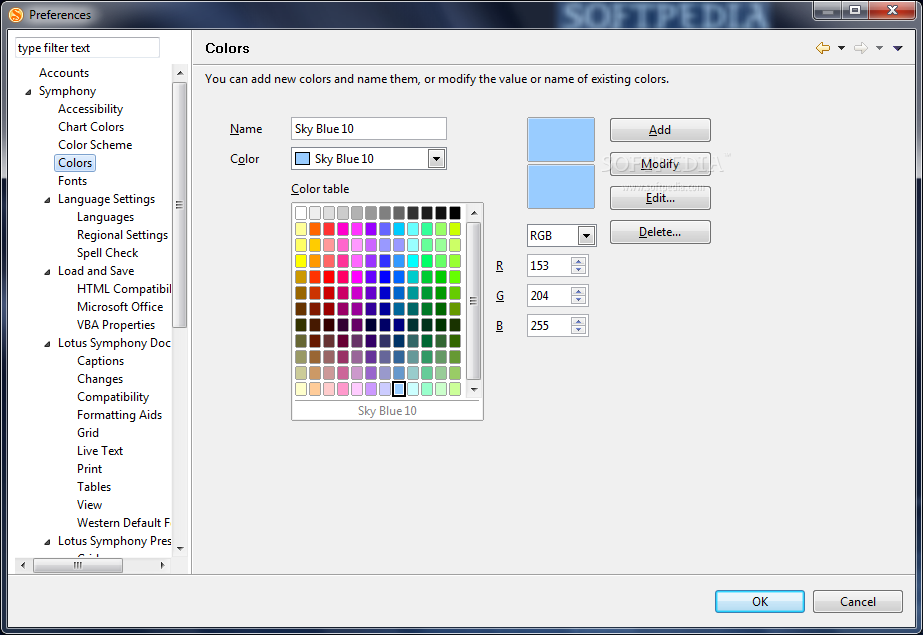
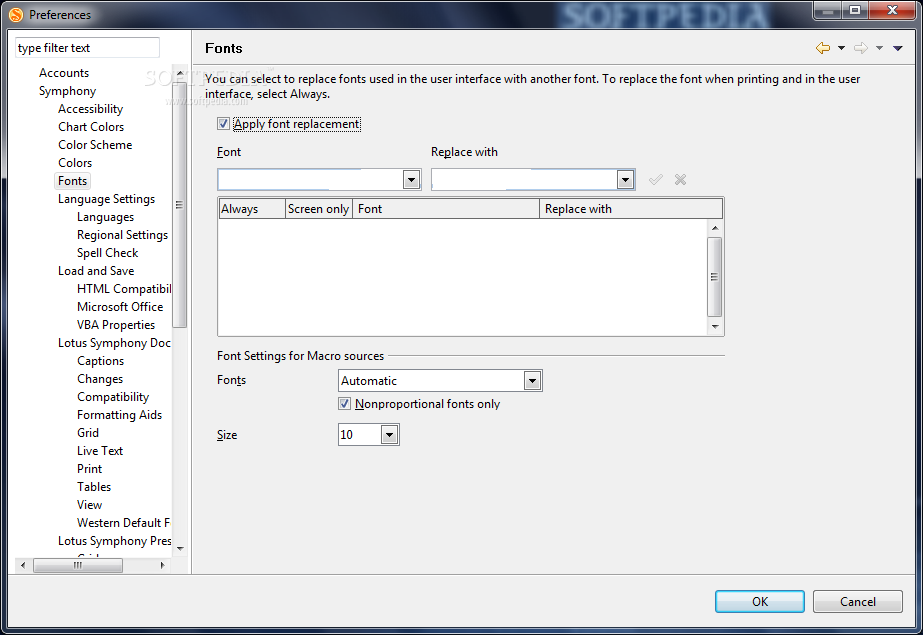
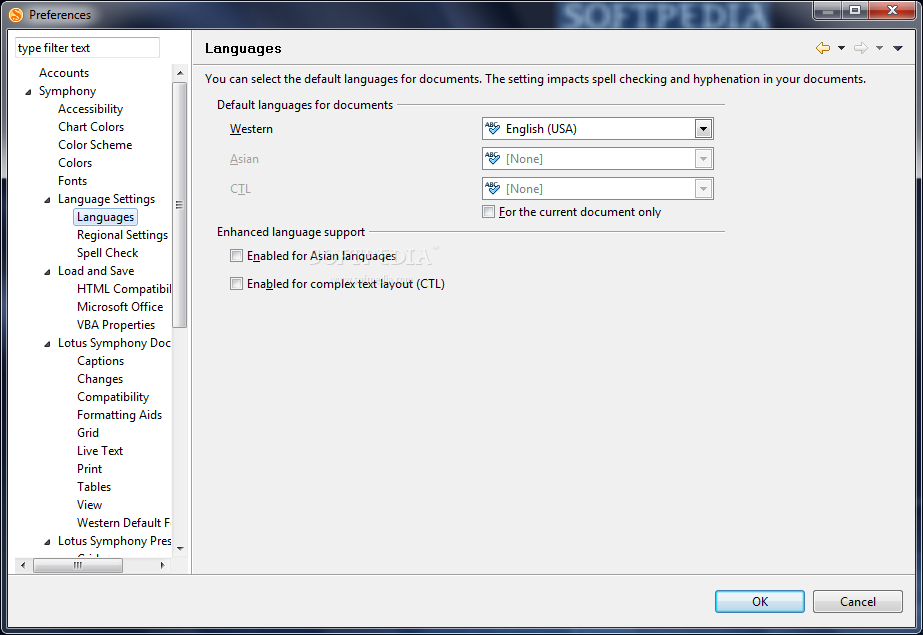
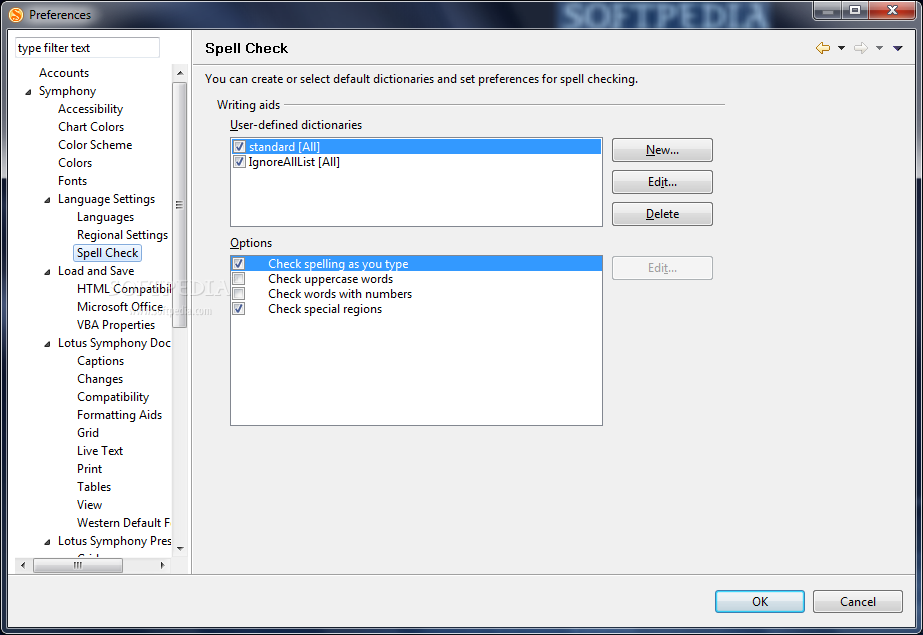
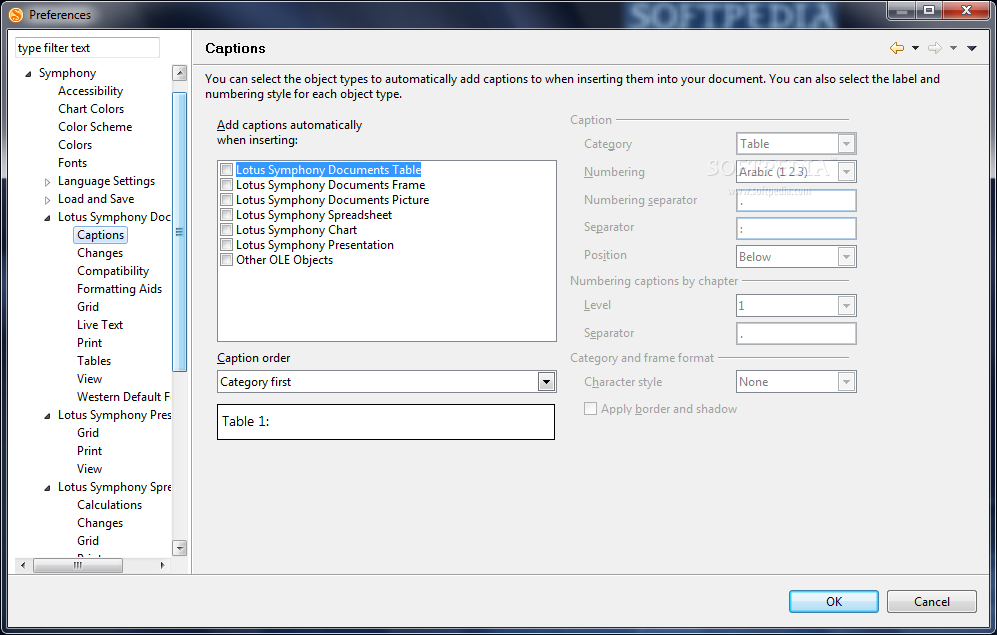
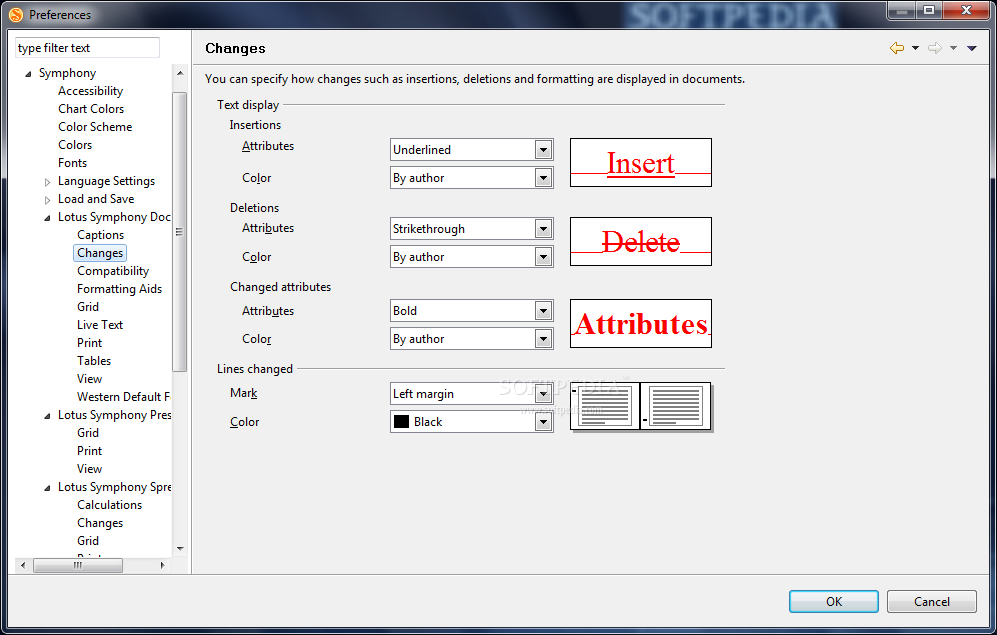
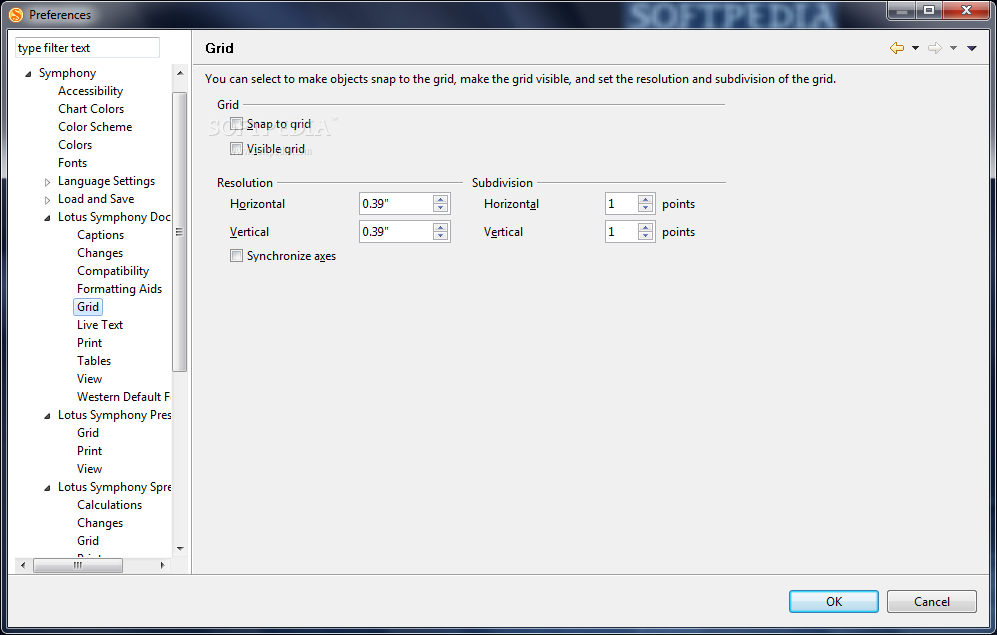
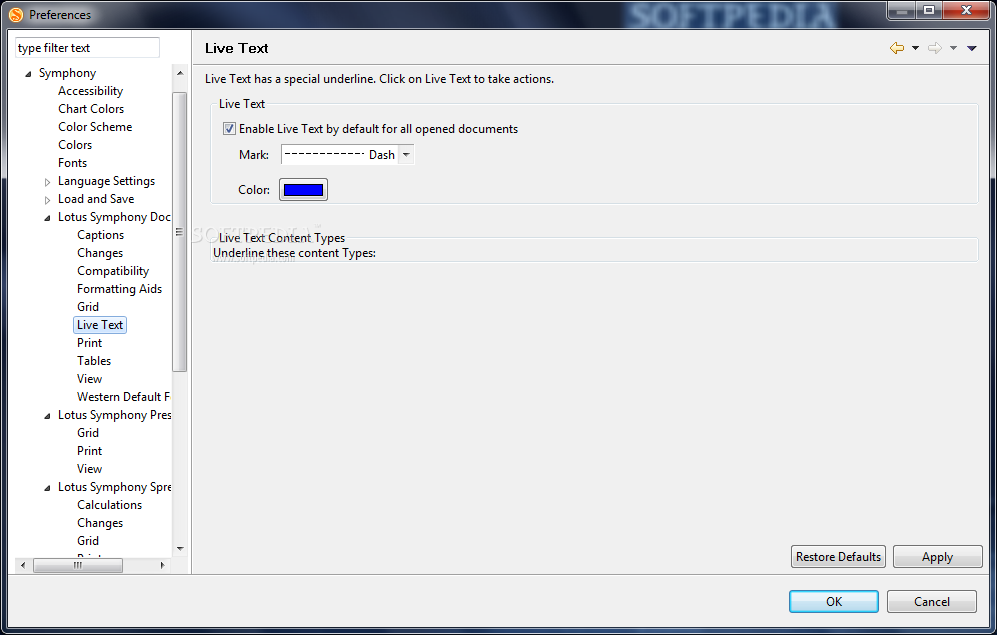
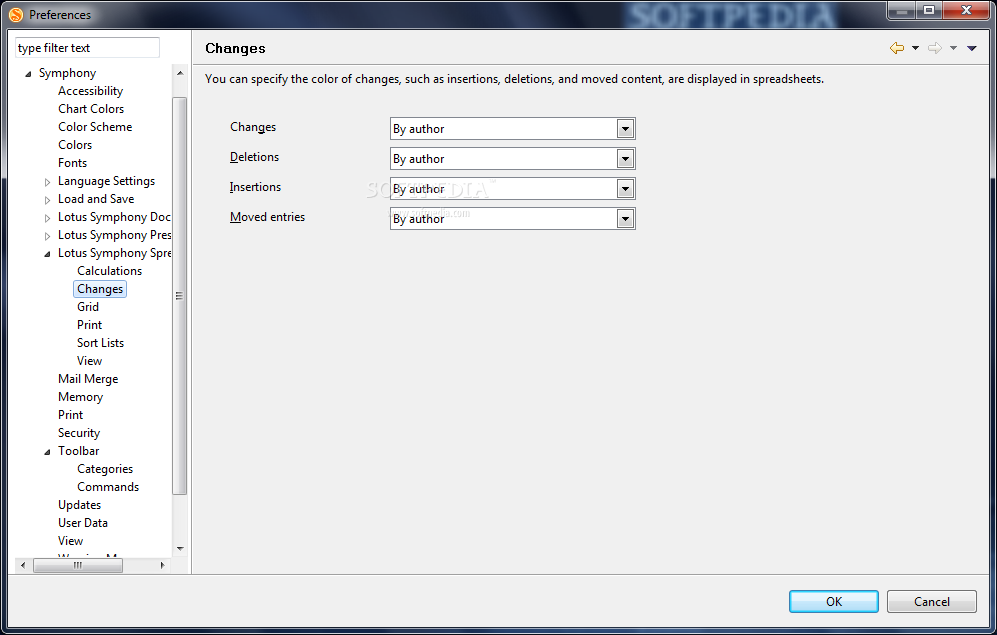
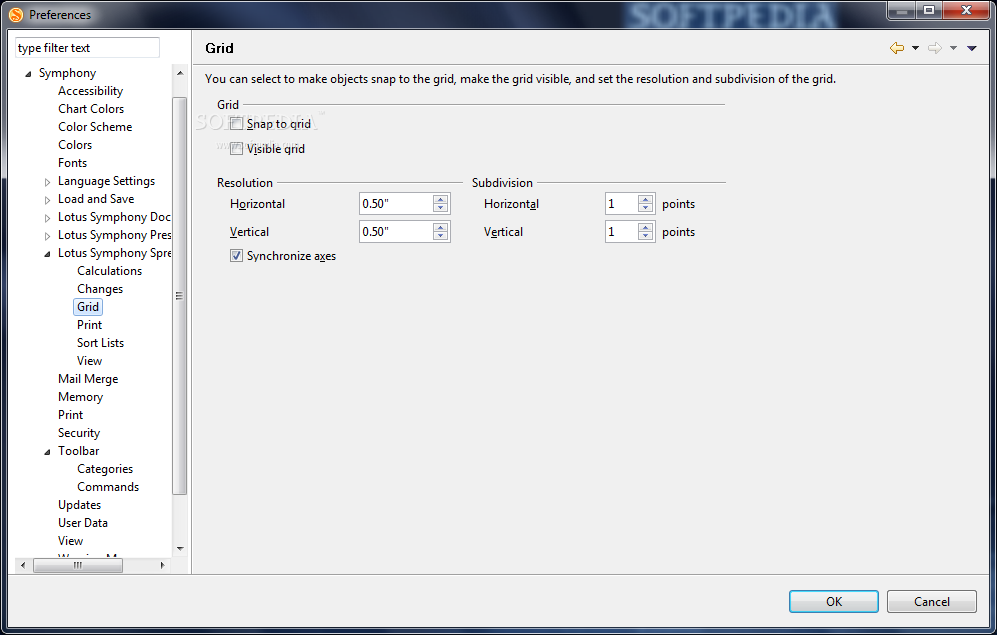
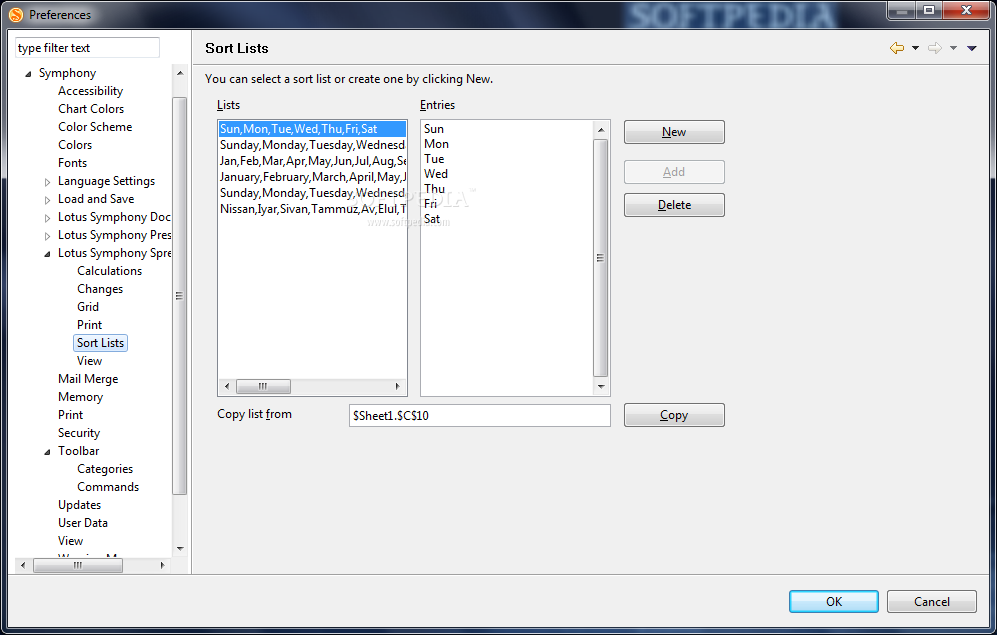
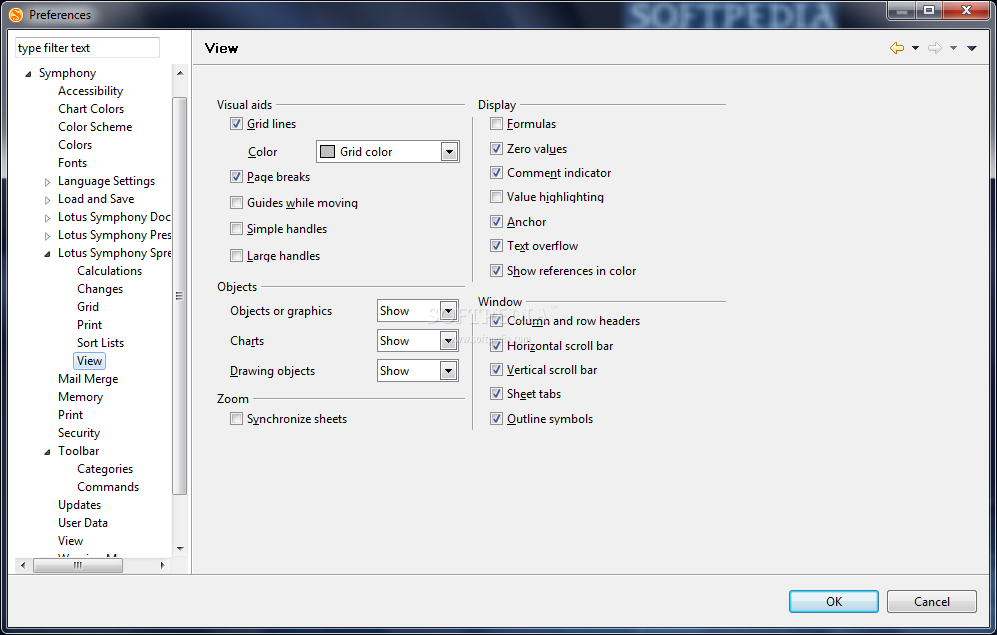
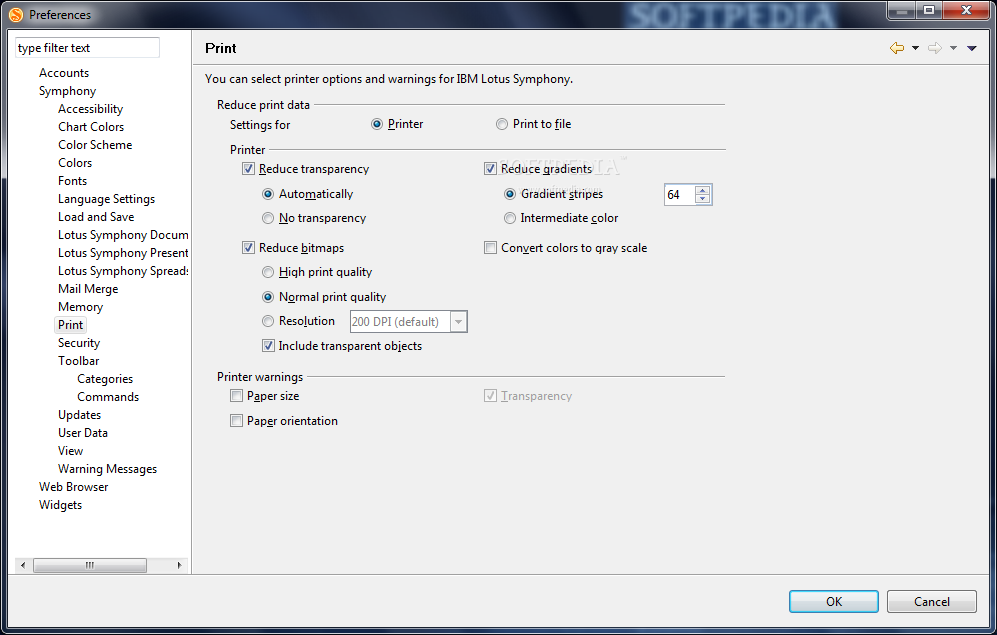
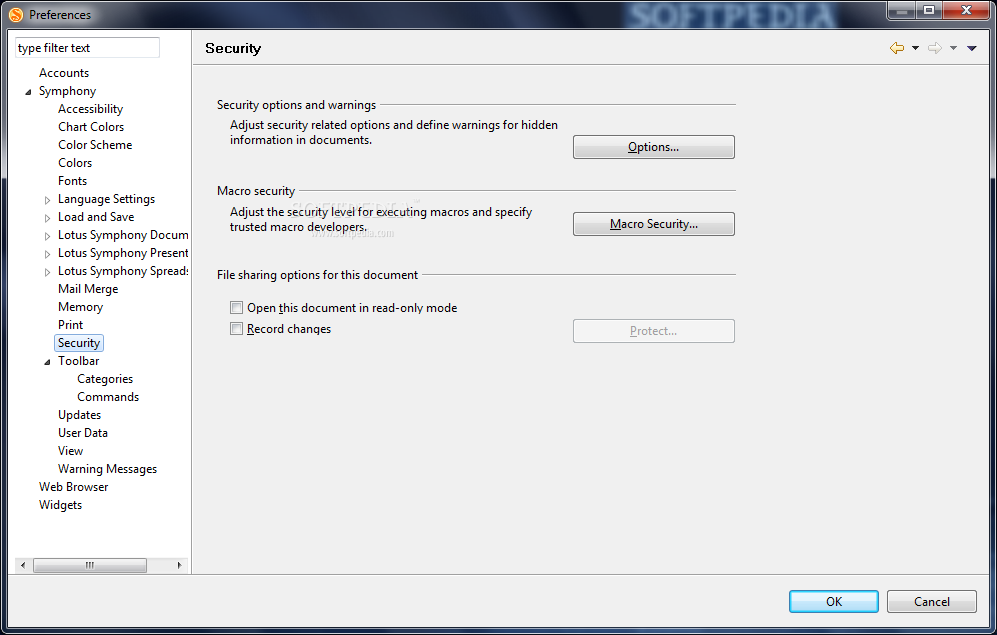
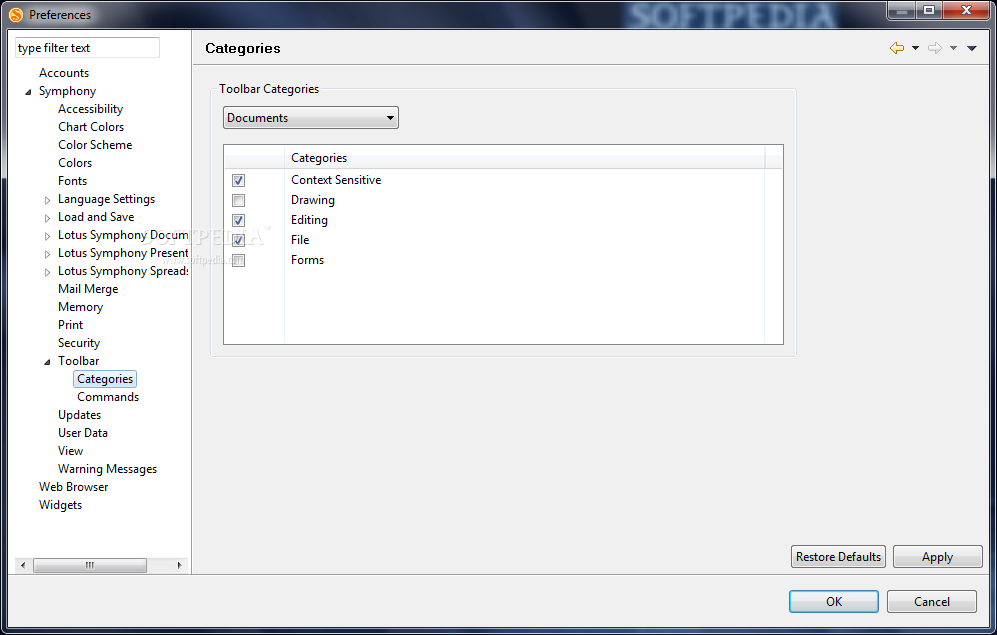
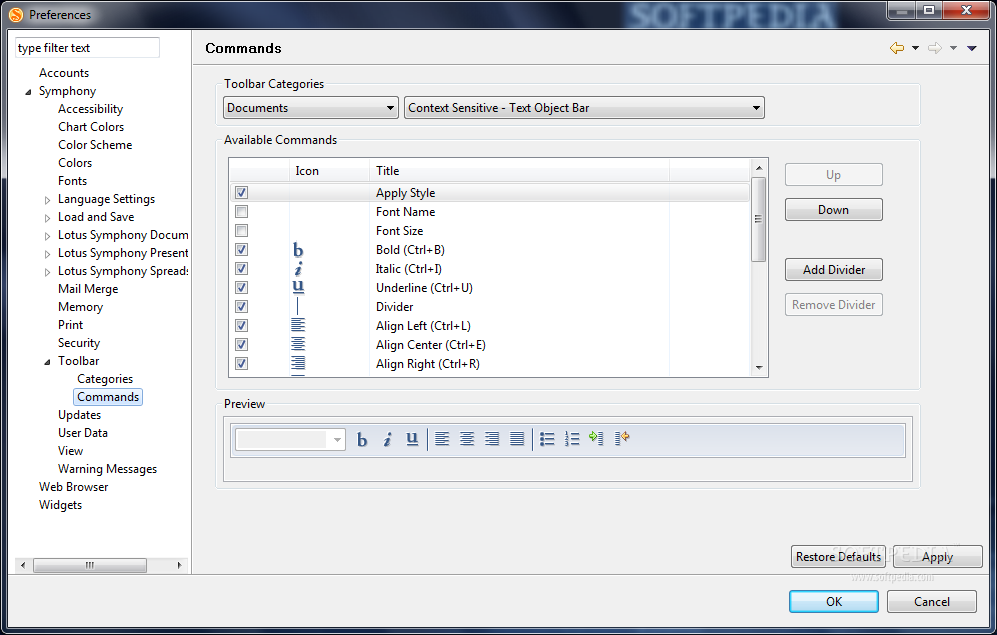
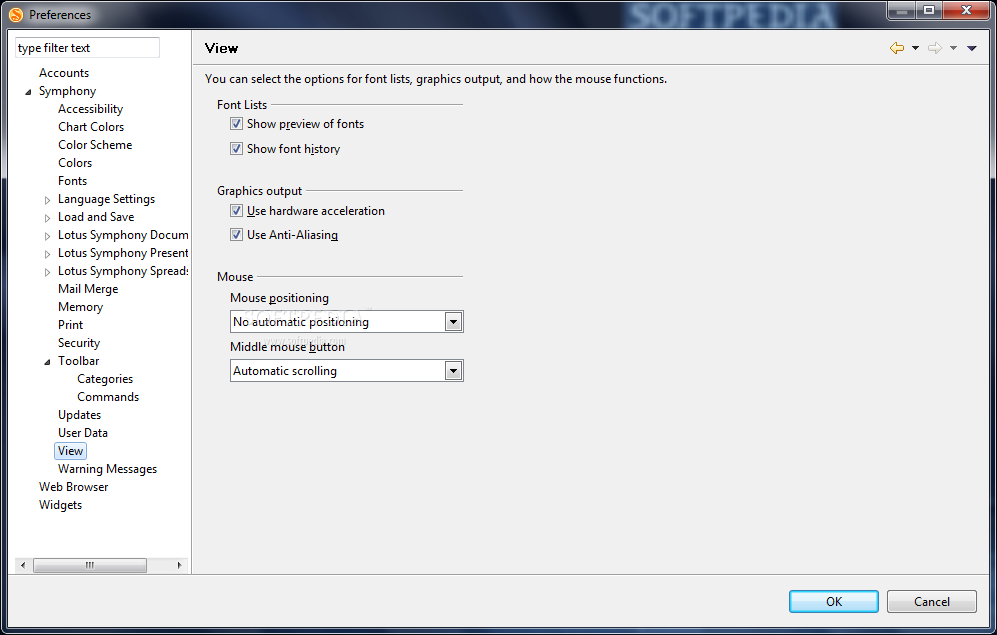
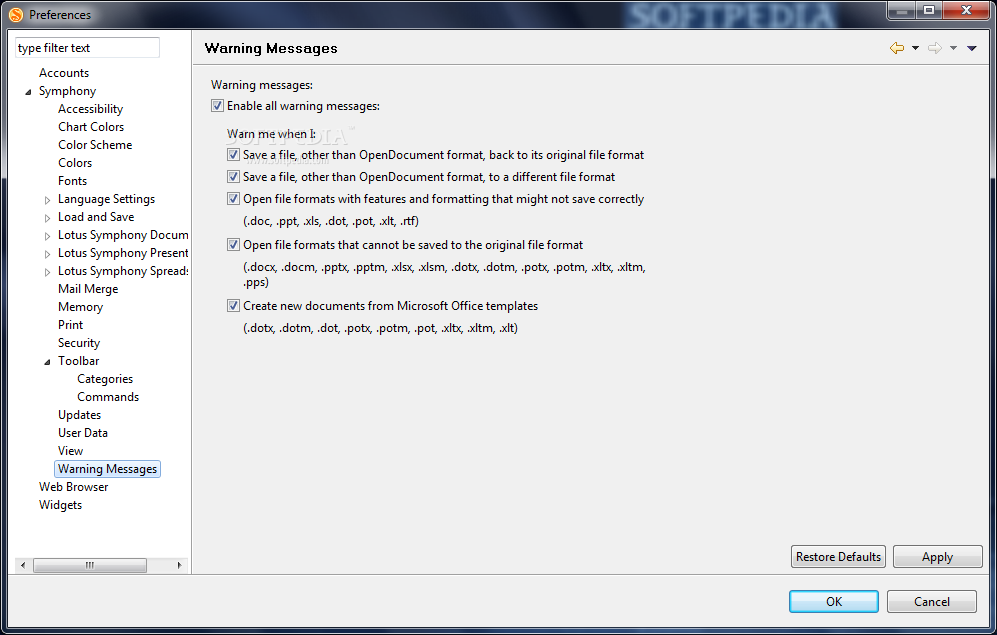
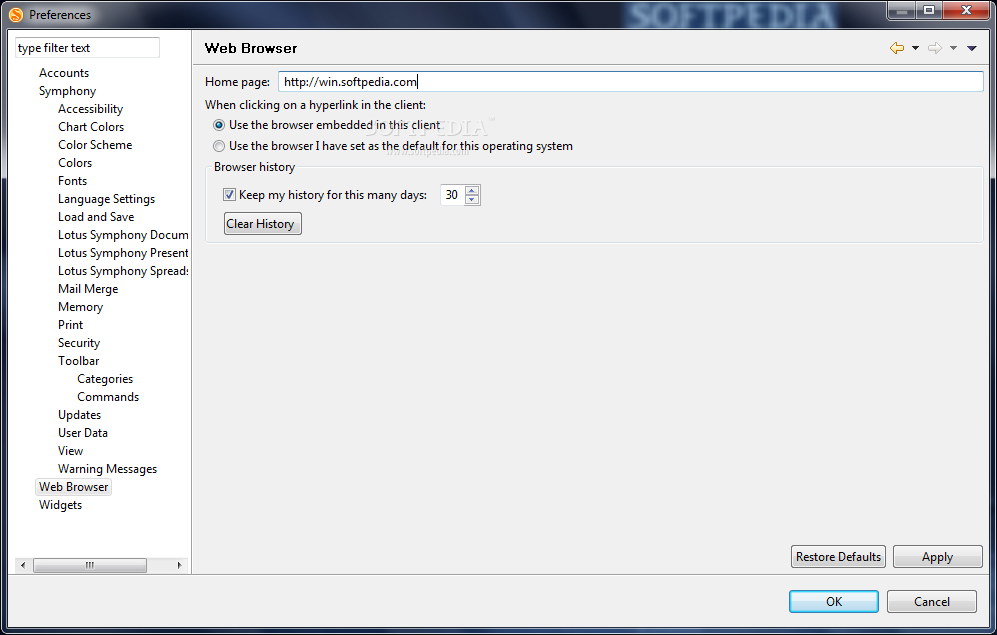
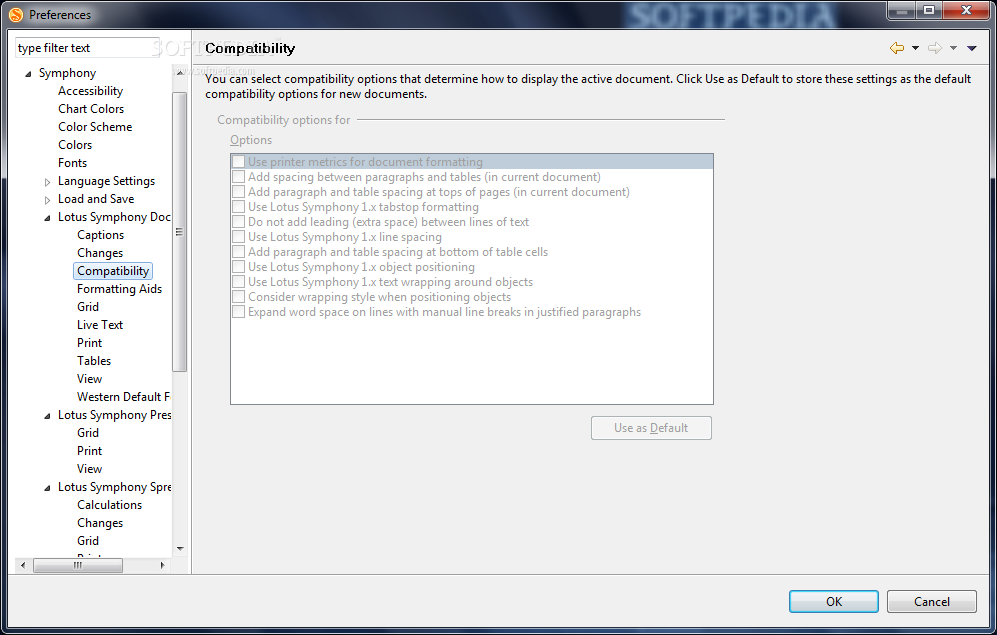
View more IBM Lotus Symphony screenshots (12)
 Downloads: 36,507
Rating: Very Good (4.1/5) | Rated by: 107 user(s)
Add to download basket     Send us update information
 Developer: IBM Corporation | More programs by this producer
 License: Freeware  
 Size / OS: 187 MB, Windows XP/Vista
 Last Updated: February 5th, 2008, 23:58 GMT
 Category: C: \ Office tools \ Office suites
 Read user reviews (0) Add a review Refer to friend Subscribe
    Download IBM Lotus Symphony

IBM Lotus Symphony description
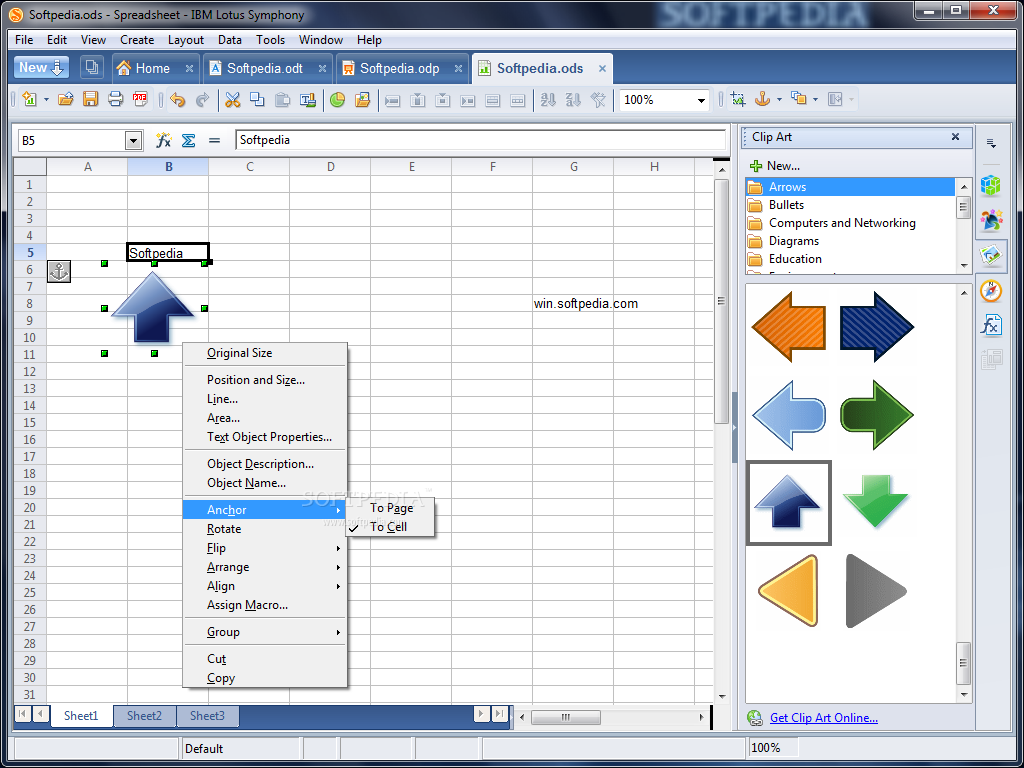
Create simple or highly structured documents including graphics, tables, charts, and spreadsheets

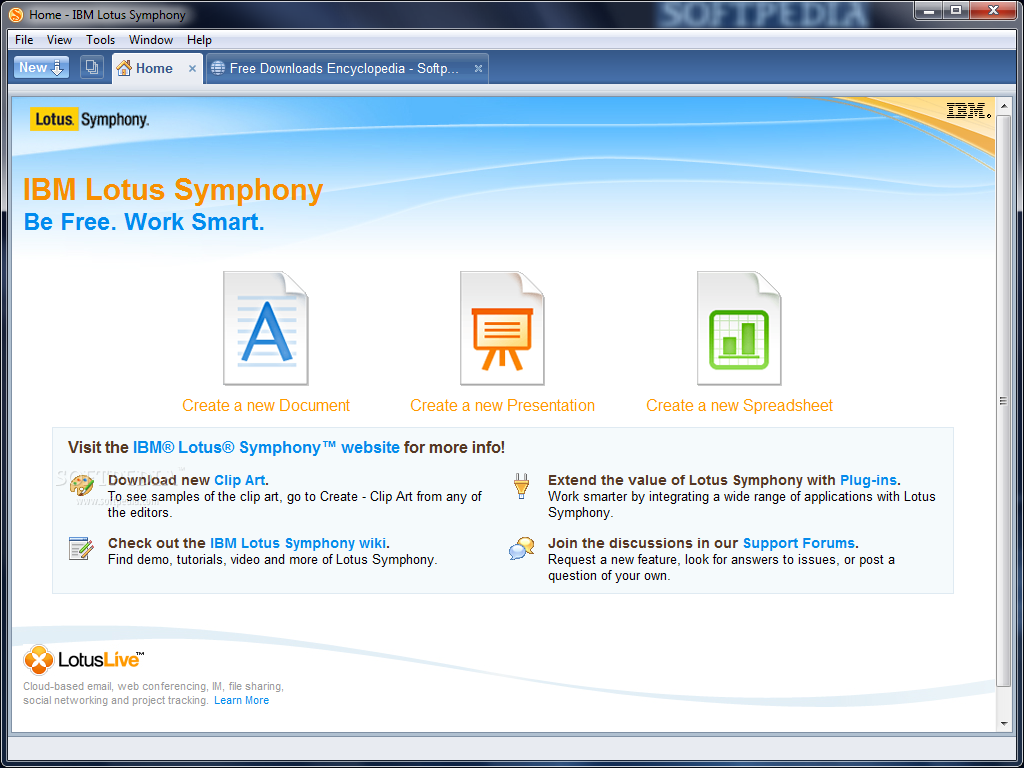
IBM Lotus Symphony was designed to be a productivity tools suite that provides powerful methods for integrating work across platforms. Using these tools, you can easily combine work in one of the editors with the results of work in another.

The productivity tools include the following editors that help you get your work done quickly and easily:

· IBM Lotus Documents

· IBM Lotus Spreadsheets

· IBM Lotus Presentations


Lotus Documents

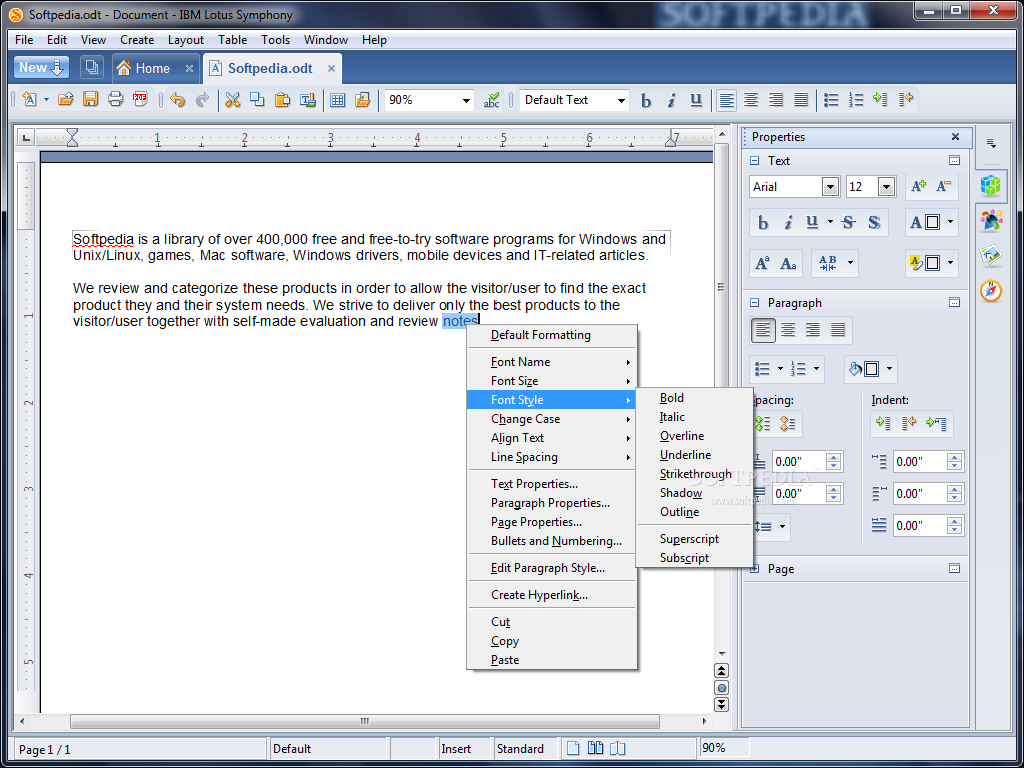
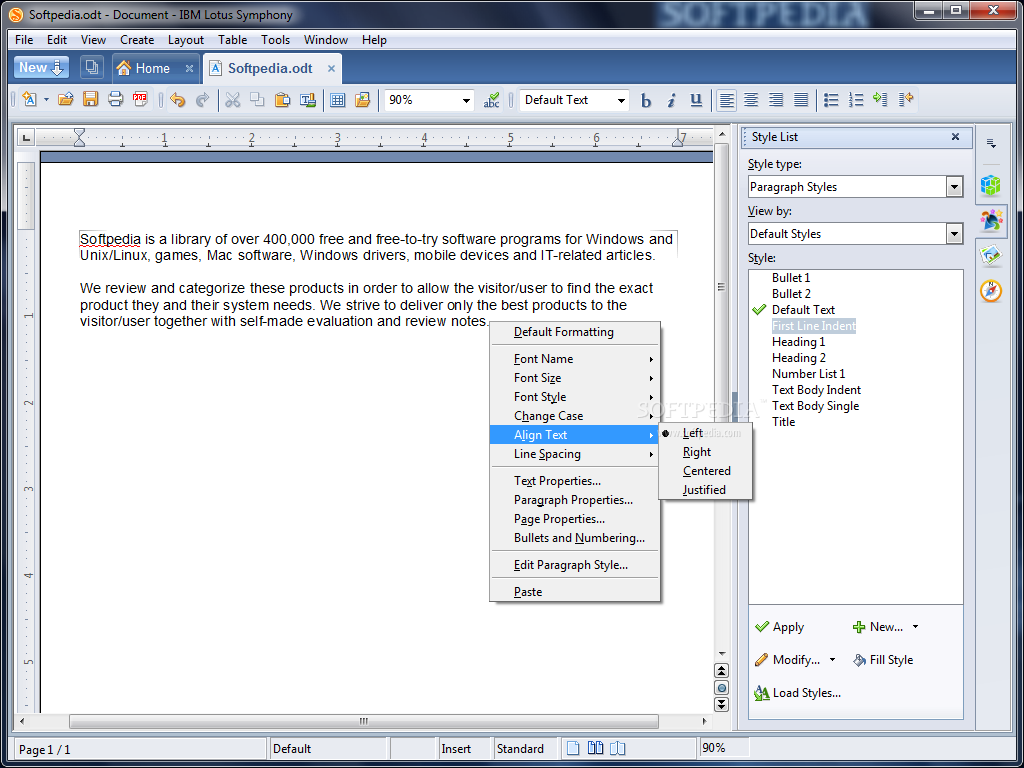
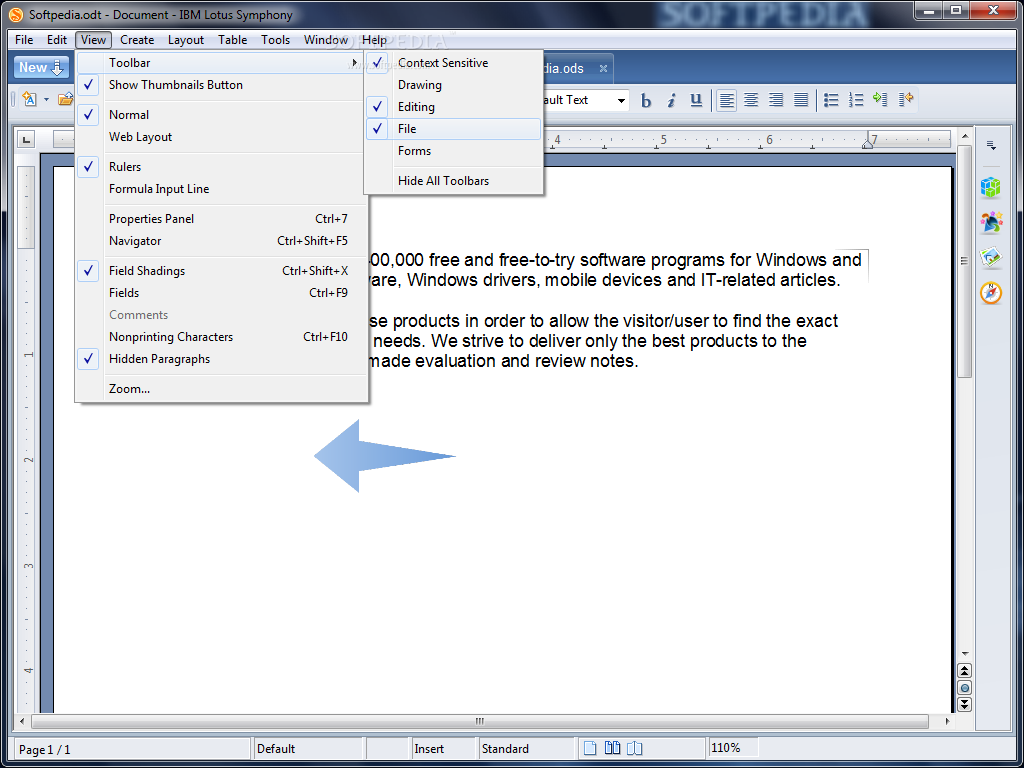
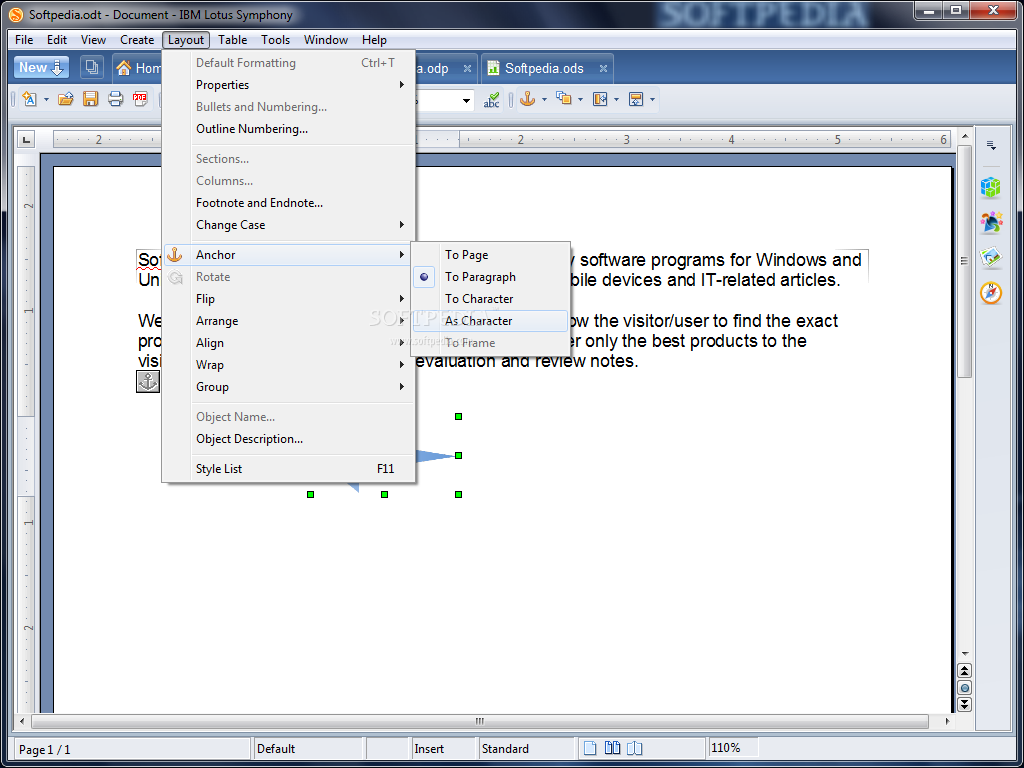
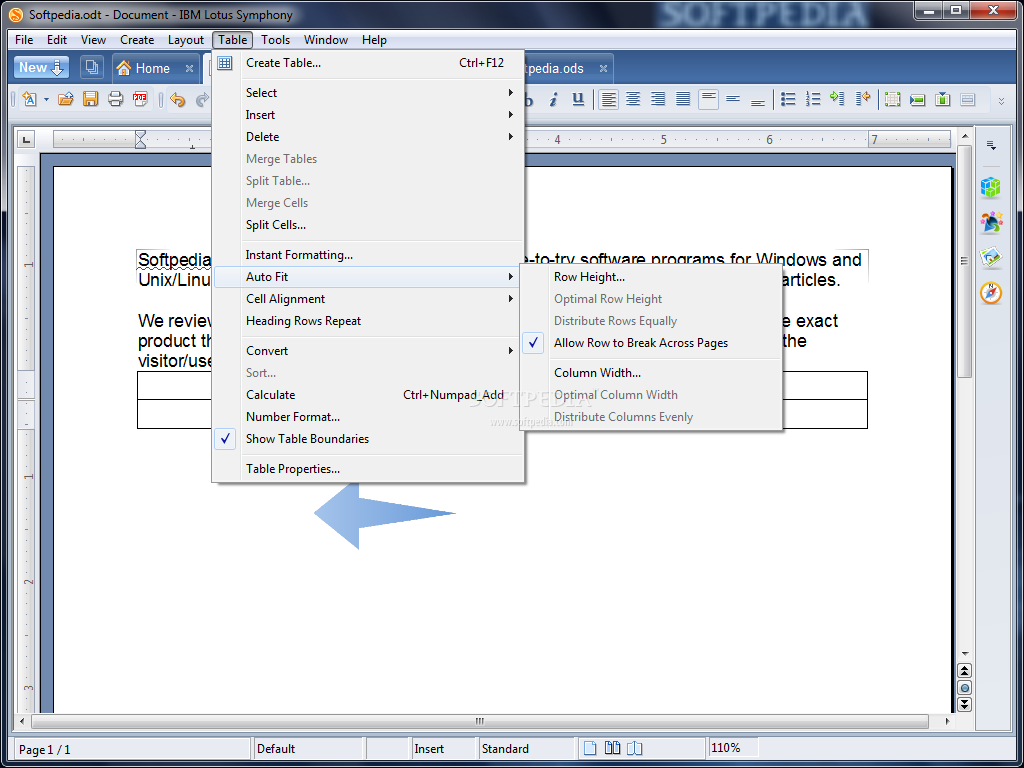
With IBM Lotus Documents, you can create simple or highly structured documents include graphics, tables, charts, and spreadsheets. A number of features give you a fine degree of control over the formatting of text, pages, sections of documents and entire documents. You can save the documents in a variety of formats.

Design
You can use Lotus Documents to create both basic documents such as memos, letters, and resumes, as well as complex documents complete with bibliographies, reference tables, and indexes.

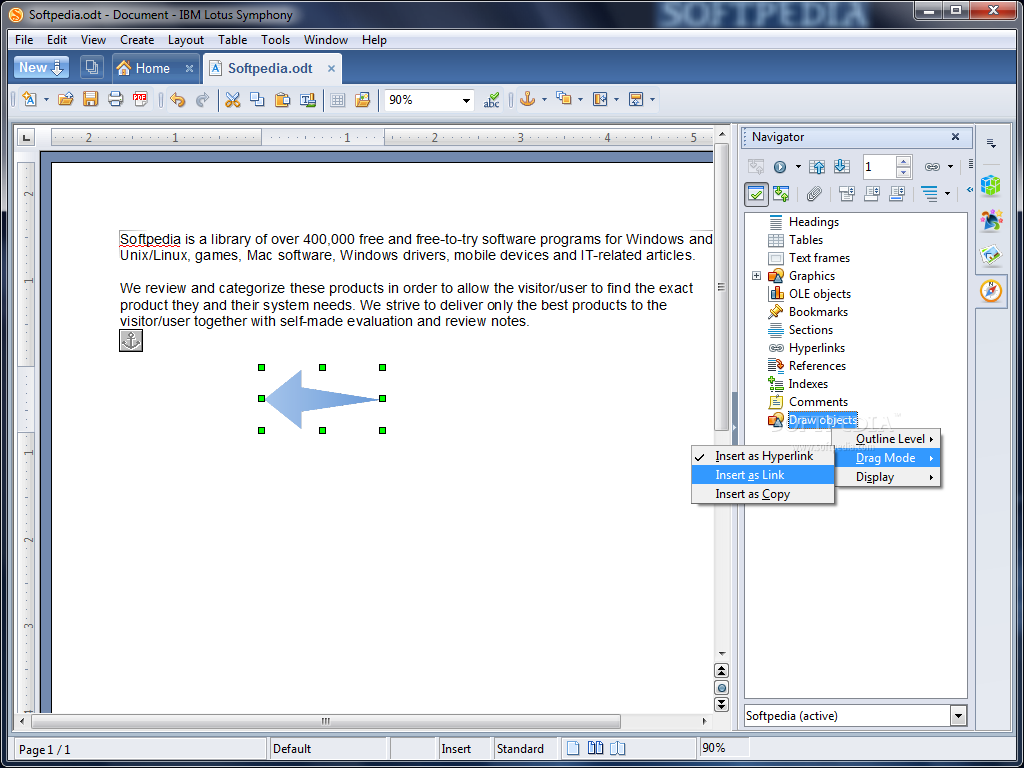
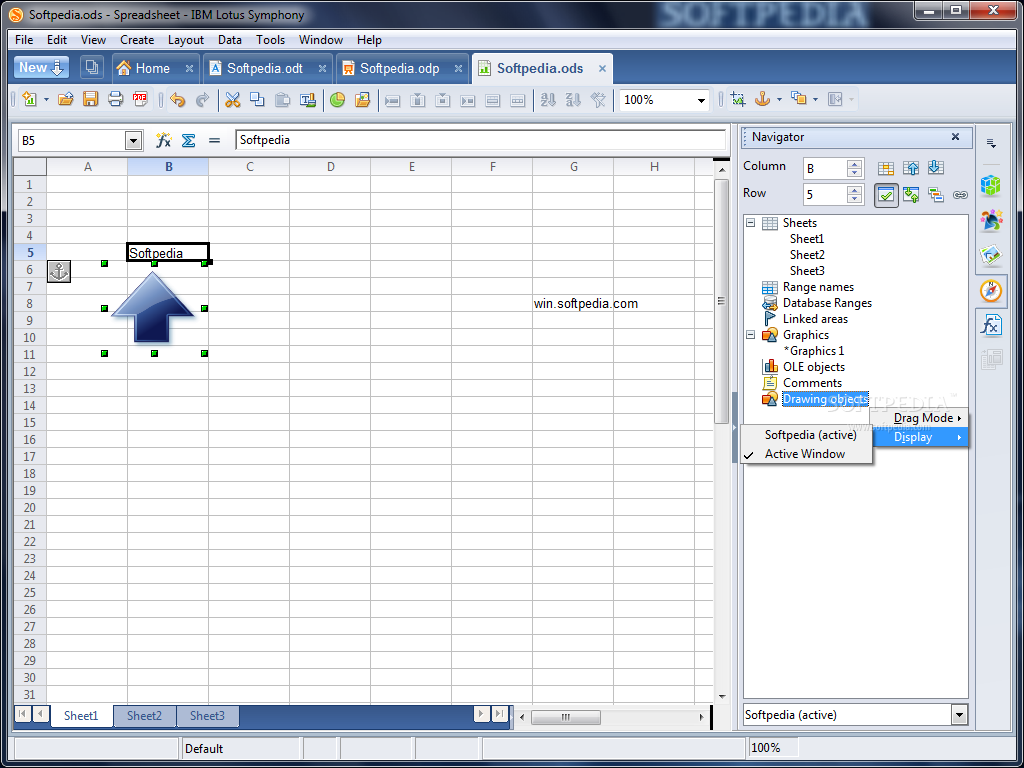
In addition to such useful tools as a spelling checker and Instant Corrections, Lotus Documents offers a wide variety of features for designing documents. Use the Stylist to create and modify styles for paragraphs, individual characters, frames, and pages. In addition, the Navigator helps you navigate large documents, display documents in an outline view, and keep track of the objects that you have inserted into your document.

Calculate
Lotus Documents has an integrated calculation function that helps you execute sophisticated calculations or logical links. You can easily create a table in a word processing document in order to perform calculations.

Create drawings and include graphics
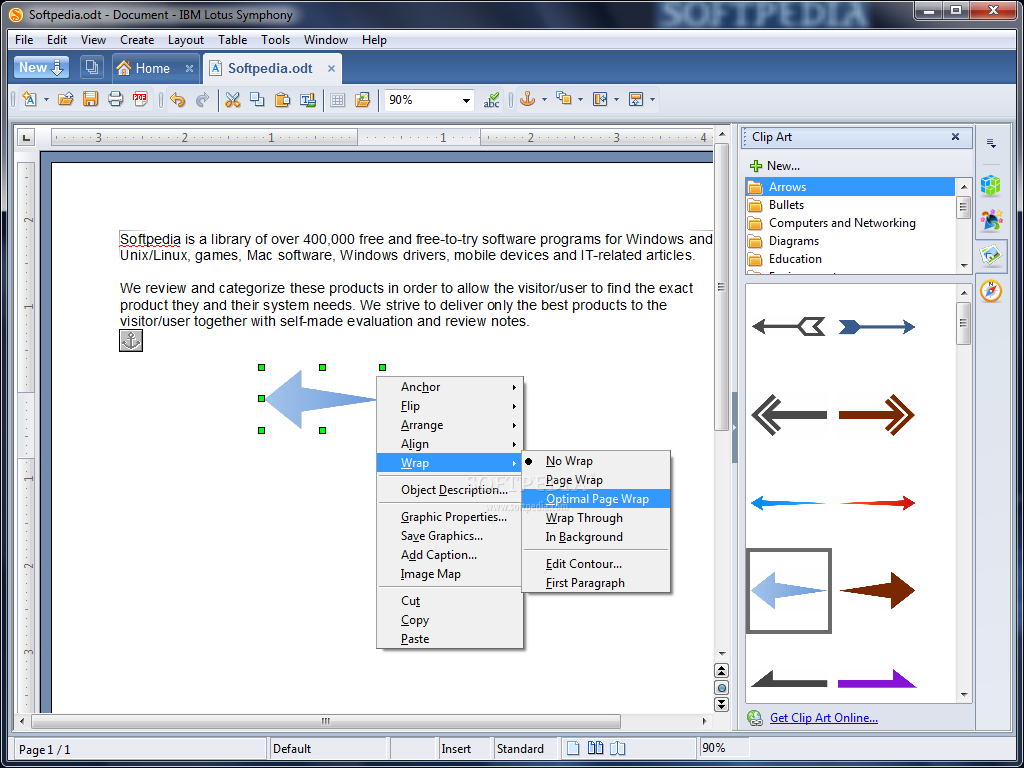
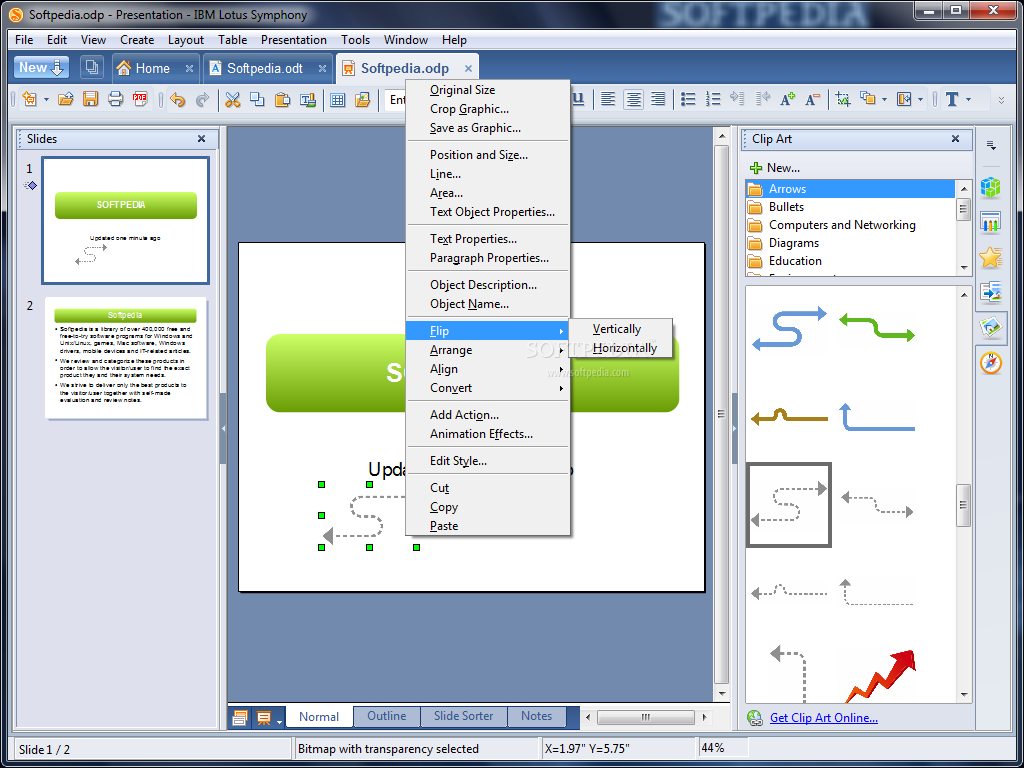
Lotus Documents drawing tool lets you create drawings, graphics, legends, and other types of drawings directly
in your documents. You can insert graphics in JPG or GIF format into a document and edit them directly with the image editor. In addition, the Gallery provides a collection of graphics organized by theme

IBM Lotus Presentations

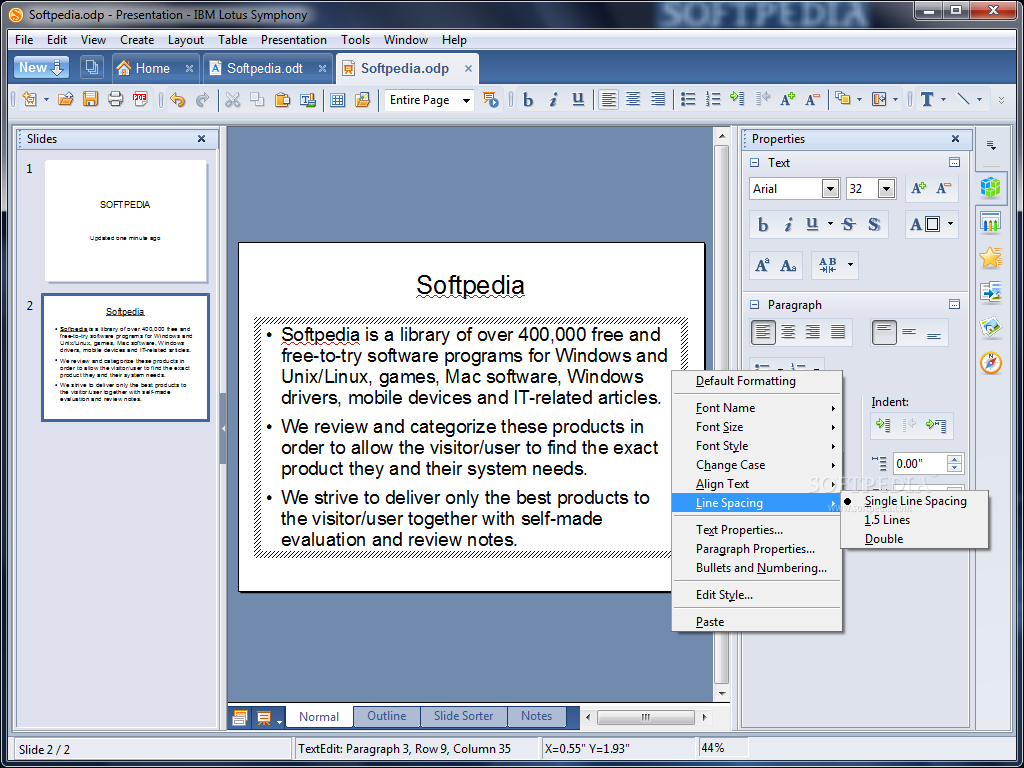
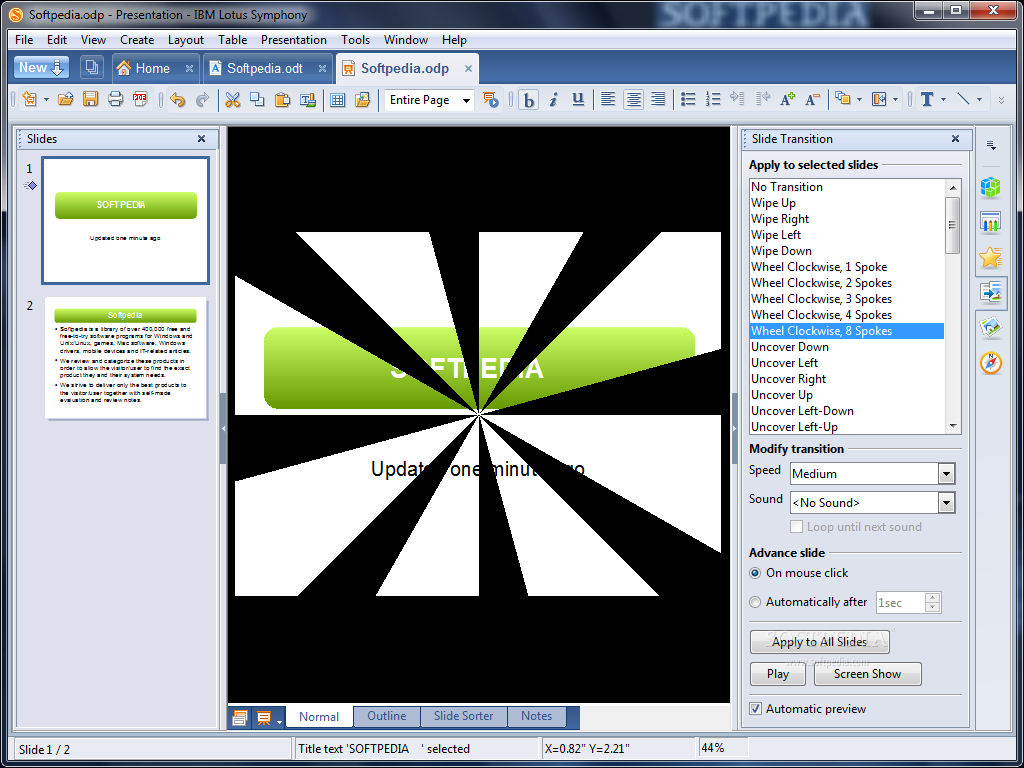
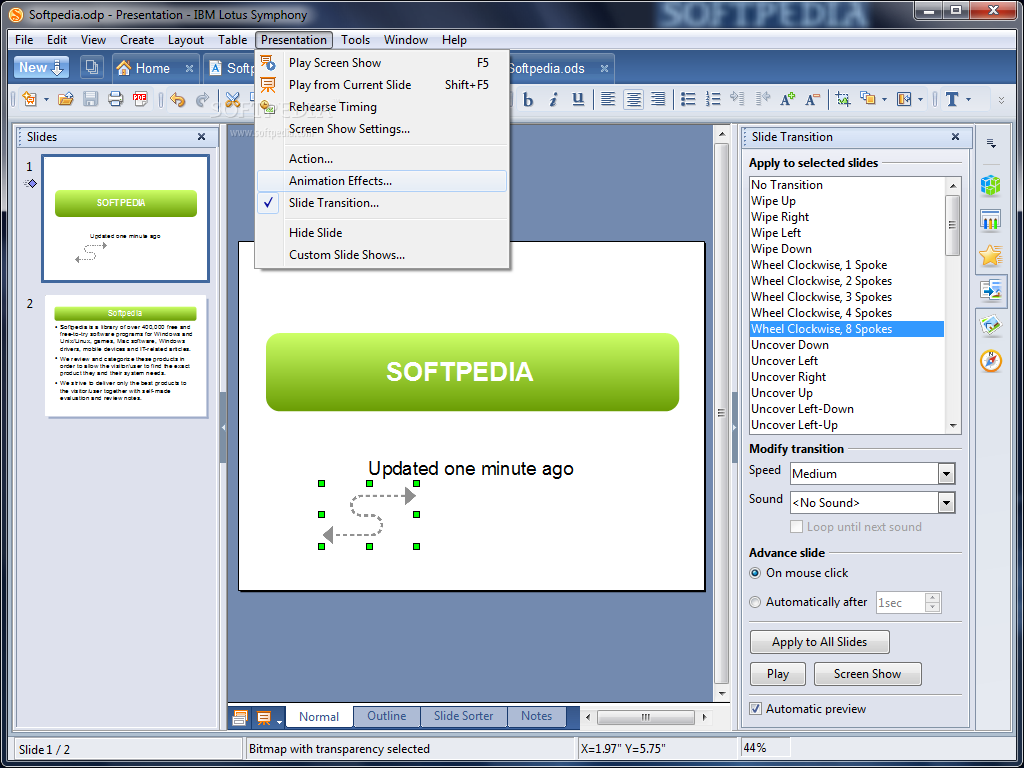
IBM Lotus Presentations lets you create professional page shows that can include charts, drawing objects, text, multimedia and a variety of other items. If you want, you can even import and modify Microsoft® PowerPoint presentations.

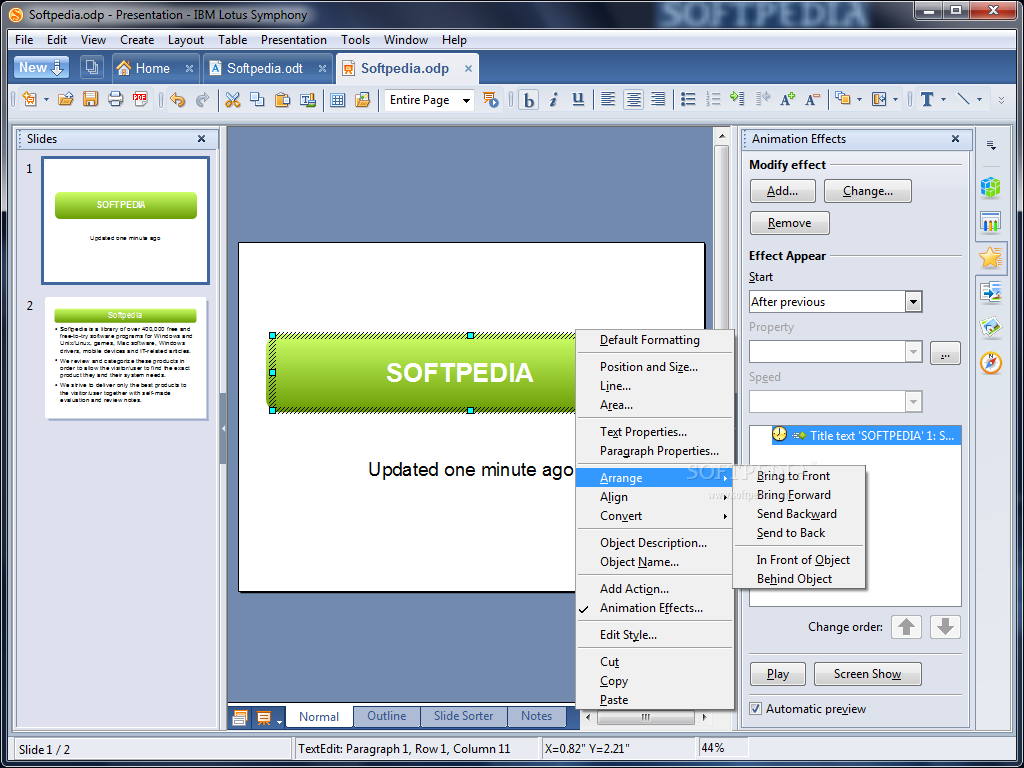
For on-screen page shows, animation, Page Transitions and multimedia are a few of the techniques you can use to make your presentation more exciting.

Creating Pages
Lotus Presentations provides you with templates to create professional-looking pages.

You can also assign a number of dynamic effects to your pages, including animation and transition effects.

Creating Presentations
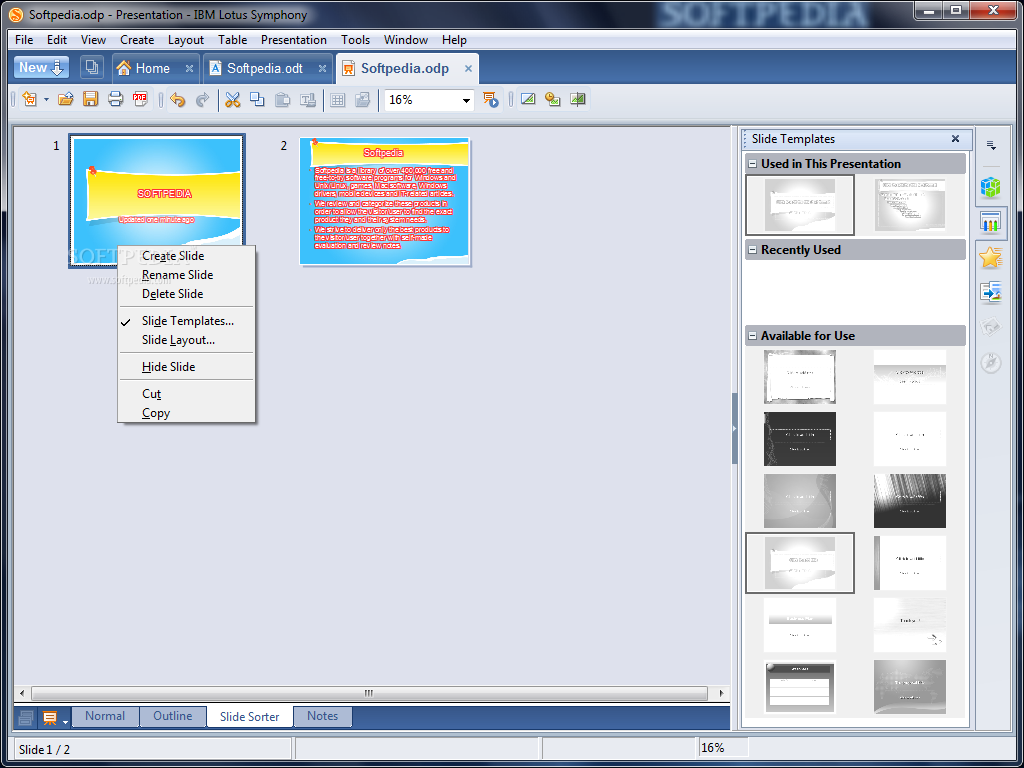
Several views are available when you design a screen show. For example, the Page sorter view displays an overview of your pages in thumbnail form, while the Handout view contains both the page and the text you want to distribute to the audience.

Lotus Presentations also lets you rehearse the timing of your screen show.

Creating Presentations
Several views are available when you design a screen show. For example, the Page sorter view displays an overview of your pages in thumbnail form, while the Handout view contains both the page and the text you want to distribute to the audience.

Lotus Presentations also lets you rehearse the timing of your screen show.

Publishing Presentations
You can publish your pages on-screen, as handouts, or as HTML documents.

Lotus Presentations gives you the choice of running a screen show automatically or manually.

Several views are available when you design a screen show. For example, the Page sorter view displays an overview of your pages in thumbnail form, while the Handout view contains both the page and the text you want to distribute to the audience.

Lotus Presentations also lets you rehearse the timing of your screen show.

IBM Lotus Spreadsheets

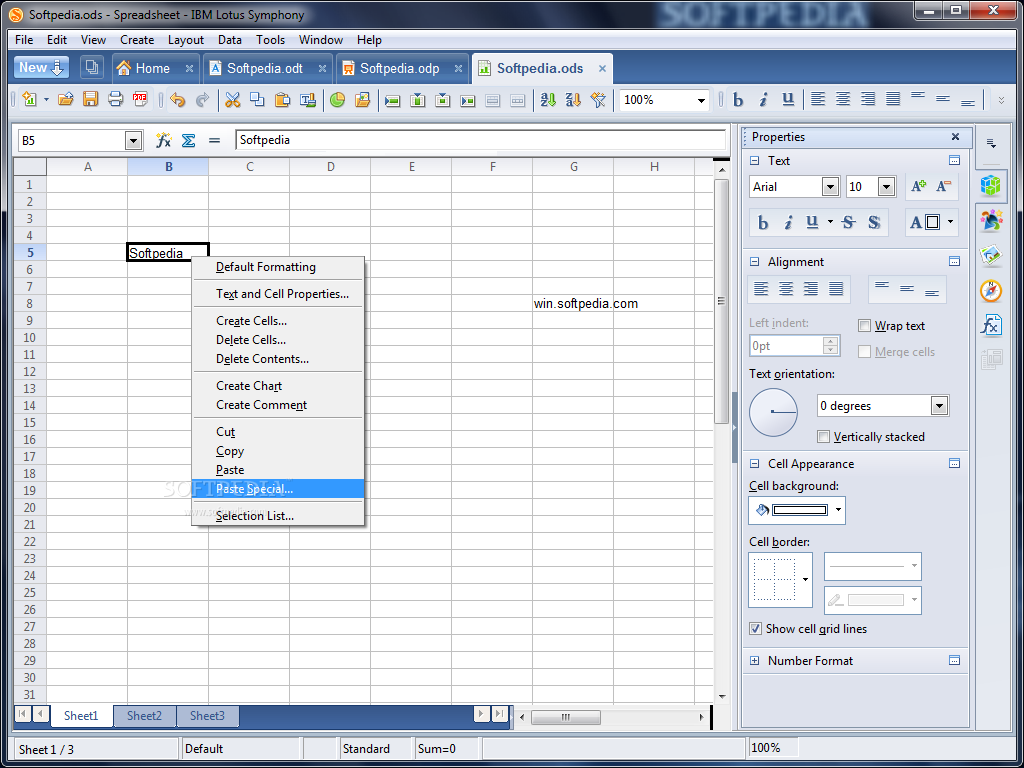
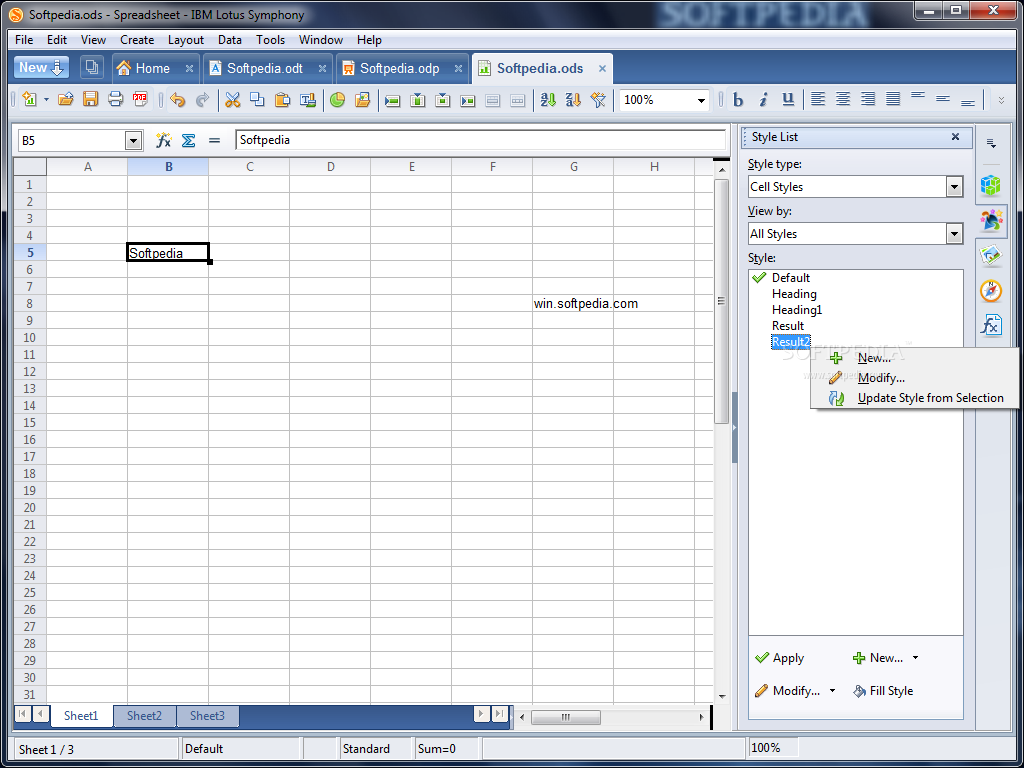
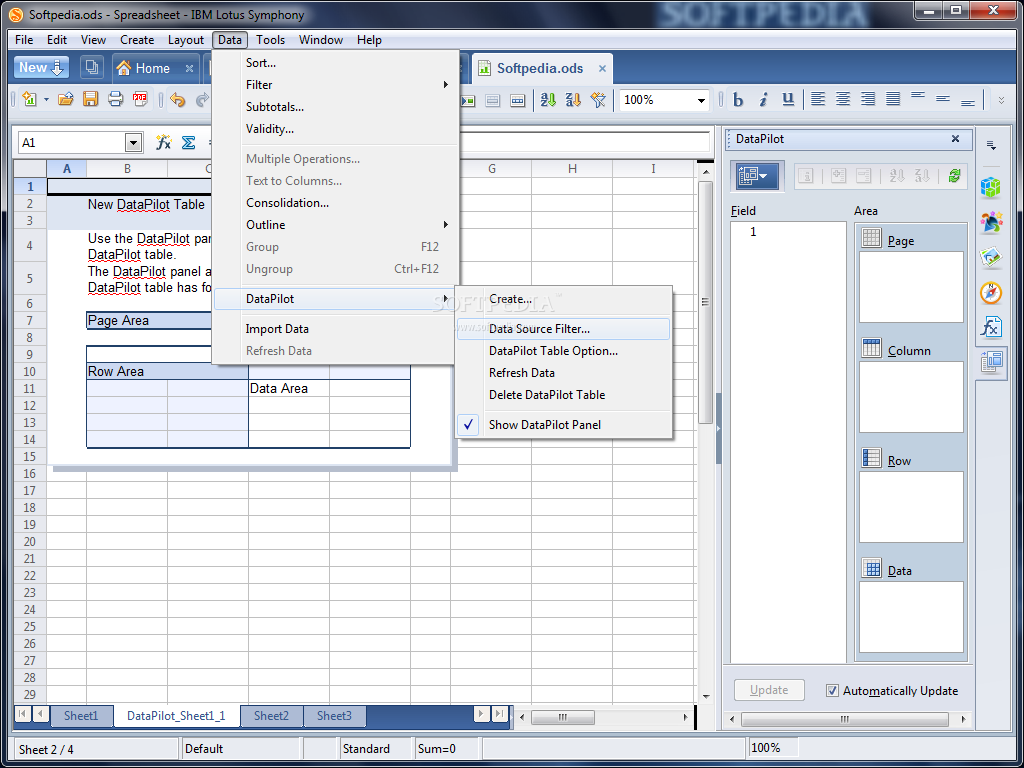
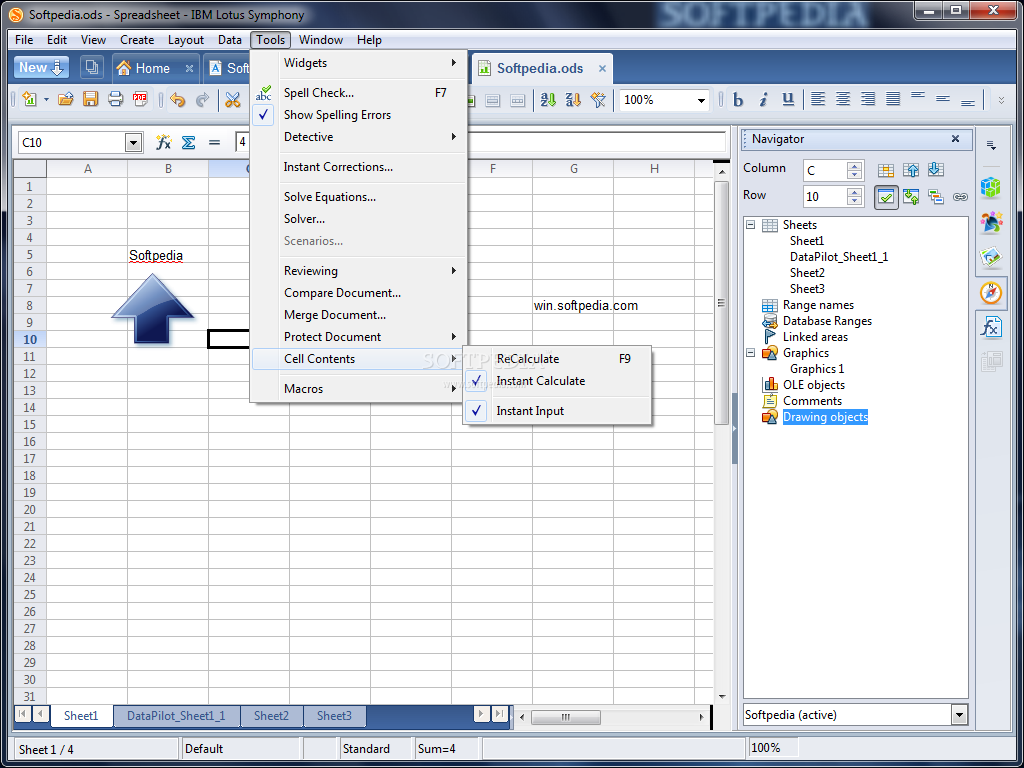
IBM Lotus Spreadsheets is a spreadsheet application that you can use to calculate, analyze, and manage your data. You can also import and modify Microsoft Excel spreadsheets.

Calculations
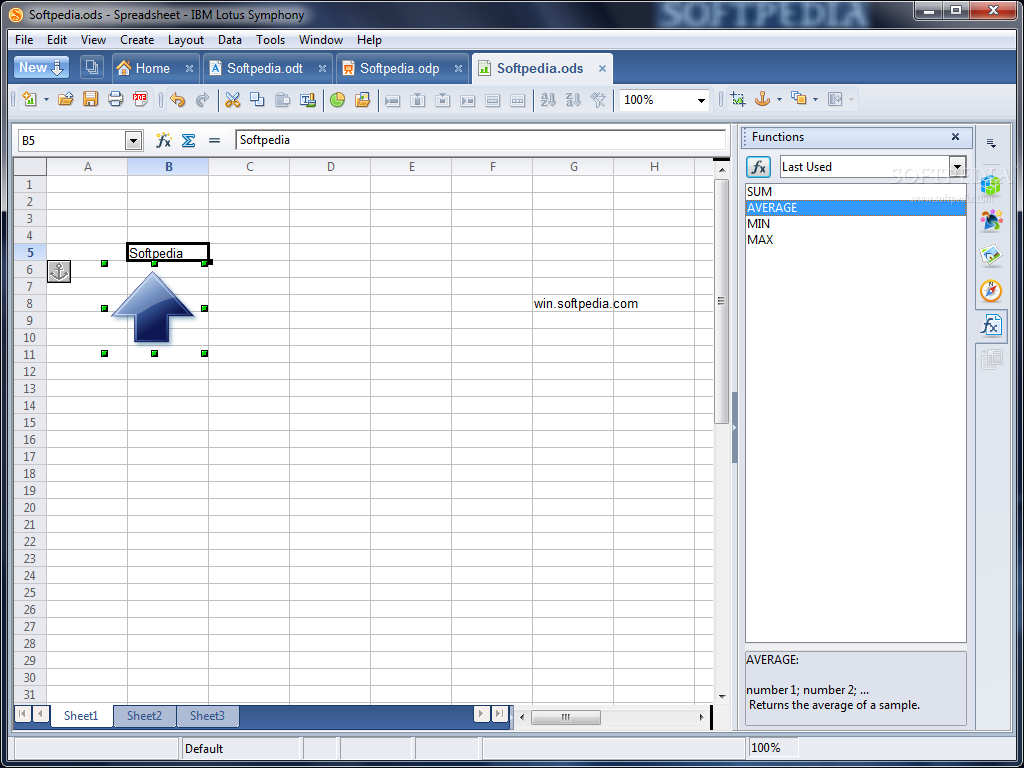
Lotus Spreadsheets provides you with functions, including statistical and banking functions, which you can use to create formulas to perform complex calculations on your data.

What-if calculations
An interesting feature is to be able to immediately view the results of changes made to one factor of calculations that are composed of several factors. For instance, you can see how changing the time period in a loan calculation affects the interest rates or repayment amounts. Furthermore, you can manage larger tables by using different predefined scenarios.

Arranging data
With a few mouse-clicks, you can reorganize your spreadsheet to show or hide certain data ranges, or to format ranges according to special conditions, or to quickly calculate subtotals and totals.

Dynamics charts
Lotus Spreadsheets lets you present spreadsheet data in dynamic charts that update automatically when the data changes.

Opening and saving Microsoft files
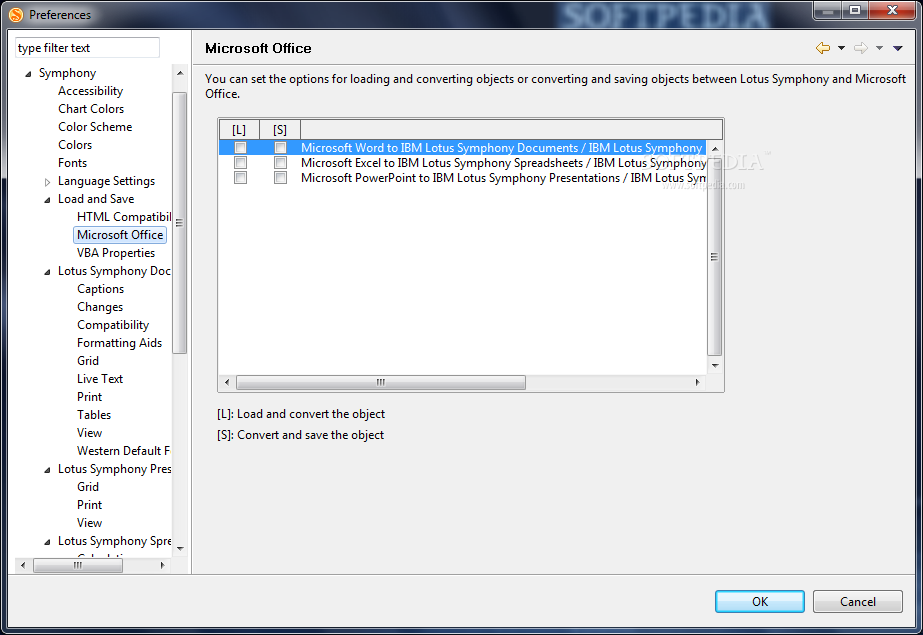
Use the productivity tools filters to convert Excel files, or to open and save in a variety of other formats.

Requirements:

· At least 750MB of free disk space on Linux and at least 540MB of free disk space on Windows
· At least 512MB RAM memory


What's New in This Release:

· In Beta 3, We added graphic, shape and page properties which will be extensively used in presentation editor.
· We added shortcut key "F5" for starting screen show, which conforms to the habit of most users. Moreover, "Shift+F5" is added to enable user to start screen show from the current page.
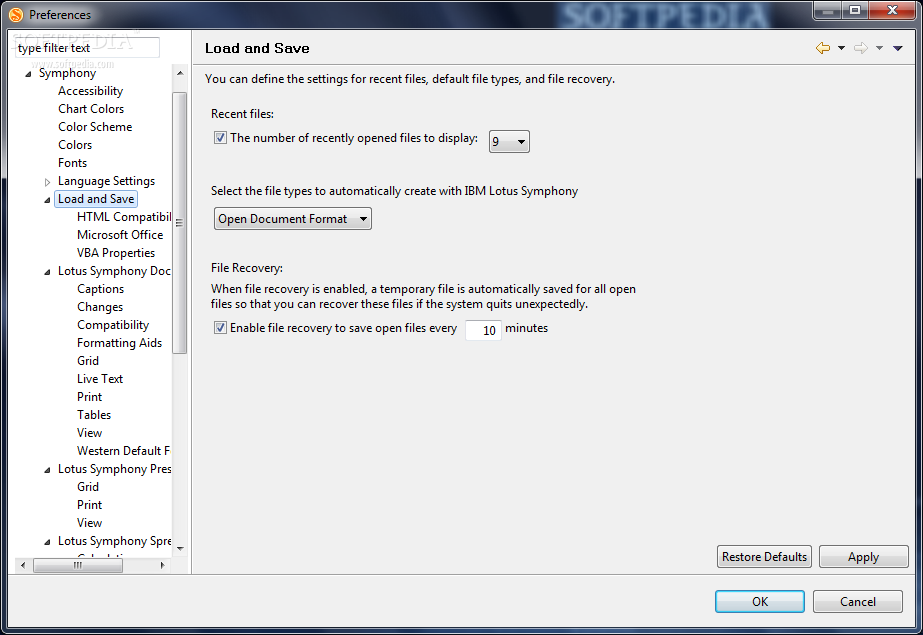
· Auto-save feature is now available in Beta 3. The interval of auto-saving can be set in "File->Preferences->File Supervision". Now we needn't to worry about that our work isn't saved when accident happens to our computer. What's more, even if exception occurs, Symphony still can recover the document to the status that was auto-saved last time.
· Symphony now can export a presentation as HTML or JPEG format. This feature is convenient to share presentation to those who have no presentation editor.
· In Beta 3, user can import an external file into his spreadsheet through "Manipulate->Import External Data->From File". The supported external file formats are formatted text file ( *.csv and *.txt ), ODF spreadsheet file ( *.ods ) and Microsoft Excel file ( *.xls ).
· Performance is always one of the issues that users care most. We made performance improvement for action of splitting a big paragraph in Lotus Document. The performance of this scenario improves up to 30% in some test cases.
· We made improvement to the installation process.
· Build to build upgrade is supported in Beta 3. That means if you want install Beta 3, you don't need to uninstall the old one manually.
· Accessibility support of the windows installer. Install panels high contrast display, keyboard navigation and accessibility software such as JAWS are supported.
· Help is enhanced in Beta 3 too. Now we can search topics which are not listed in the table of content.
· Last but not least, we have added some enhancement to the Symphony website. You can now add comments to a Team Blog or a Buzz entry. You can also invite a friend to use Symphony by sending an email from the Symphony website.... [ read full changelog ]


Softpedia guarantees that IBM Lotus Symphony Beta 4 is 100% CLEAN, which means it does not contain any form of malware, including but not limited to: spyware, viruses, trojans and backdoors.

This software product was tested thoroughly and was found absolutely clean, therefore it can be installed with no concern by any computer user.

However, it should be noted that this product will be retested periodically and the award may be withdrawn, so you should check back on this page from time to time. (click here for more information)


Related downloads IT News Popular downloads New additions   Latest reviews  
ReportLab PDF Library 1.20
ReportLab PDF Library - Library for creating professional, dynamic PDF.
Office Password Recovery 2.0.6
Office Password Recovery - recover all types of lost or forgotten passwords for Microsoft Word documents, Excel spreadsheets...
Fast Document Viewer 1.78
Fast Document Viewer allows to read/open the MS Excel, MS Word, Lotus 1-2-3 or QuattroPro files on any computer
ThinkFree Office, Portable Edition 3.0
ThinkFree Office, Portable Edition allows you to take care of your documents on the go.
WordPerfect Document Converter Enterprise Edition4.0
Converts documents from WordPerfect to Word and Word to WordPerfect
The Sleuthhound 4.6.3
International document search system for text and documents
Paperstore 2.70
Paperstore - versatile document manager with scanner support and multimedia options
Apex SQL Doc 2005.06
Apex SQL Doc is a powerful tool to document your sql server database into HTML
SQL7Print 7.14.73
Document schema of your Microsoft SQL Server 7 database
Zd3 2.0
Document Imaging Management System

go to top Use the following code to link to this page:


Welcome!
Hello, Guest

Login if you have a Softpedia.com account.

Otherwise, register for one.

Main categories:
  • Antivirus
  • Compression tools
  • CD/DVD Tools
  • Office tools
  • Programming
  • Authoring tools
  • File managers
  • Desktop Enhancements
  • Internet
  • Network Tools
  • IPOD TOOLS
  • Mobile Phone Tools
  • Multimedia
  • Tweak
  • System
  • Security
  • Others
  • Science / CAD
  • UNIX
  • Windows Widgets
  • PORTABLE SOFTWARE

  • Week's best:
  • Adobe Flash Player 1...
  • Intel Chipset Softwa...
  • Uxtheme Multi-patche...
  • SRS Audio Sandbox 1....
  • SP3 UxTheme Patcher ...
  • PECompact 2.82
  • Sony Vegas Movie Stu...
  • 3DMark Vantage 1.0
  • Total Commander 7.03
  • VistaMizer 2.5.1.0
  • AVG Free Edition 8.0...
  • Windows XP Service P...
  • Ashampoo Burning Stu...
  • XviD Media Codec 1.1...
  • Blu-ray Disc Ripper ...
  • Blu-ray Region Code ...
  • Adobe Photoshop Ligh...
  • PowerDVD 8.0.1531
  • EF Commander 6.54
  • Microsoft Windows In...
  • Nero 8 Lite 8.3.2.1
  • WebSite-Watcher 4.41...
  • EVEREST Ultimate Edi...
  • Nokia PC Suite 6.86....
  • VMware Workstation 6...
  • AnyDVD HD 6.4.2.2
  • Messenger Plus! Live...
  • The Bat! Voyager 4.0...
  • Windows Vista Servic...
  • Nero 8 8.3.2.1
  • © 2001 - 2008 Softpedia. All rights reserved.
    Softpedia™ and Softpedia™ logo are registered trademarks of SoftNews NET SRL.
    Copyright Information | Privacy Policy | Terms of Use | Contact Softpedia | Update your software | Archive