
One of the best office suites out there, which packs a large number of features to help you express your ideas, create presentations and spreadsheets, manage e-mail accounts and databases, and develop other apps. #Document Editor #PowerPoint Presentation #SharePoint Workspace #Office #Word #Excel

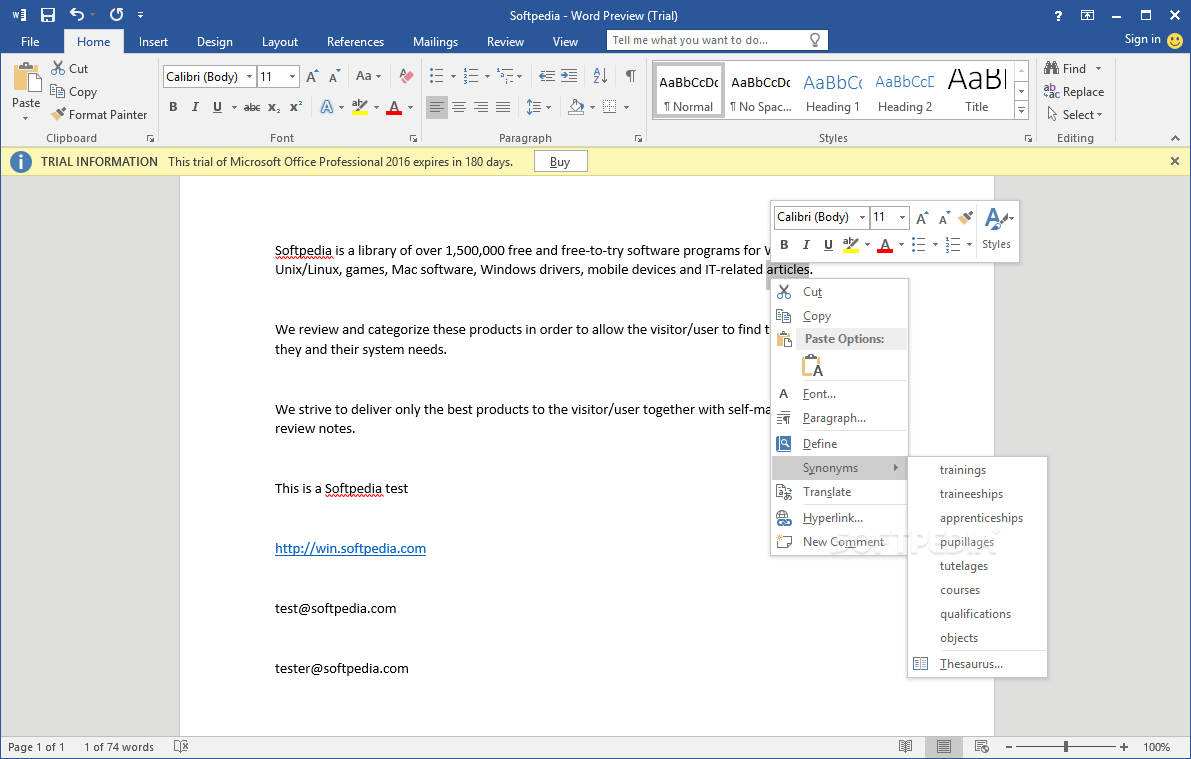
Microsoft 365 has long held its place as the golden standard and has become synonymous with seamless document creation, collaboration, and professional versatility.
Despite the numerous competitors, it still remains a powerhouse and that is due to 2 main reasons, namely document compatibility and the plethora of professional features.
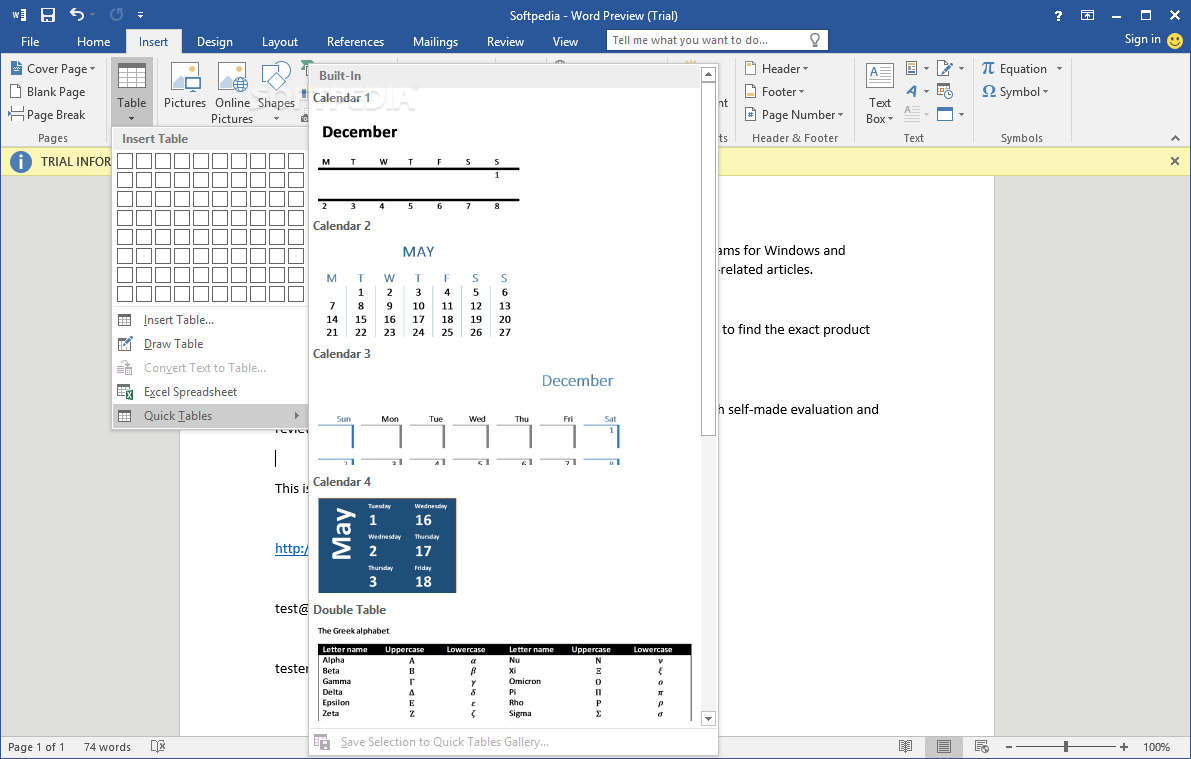
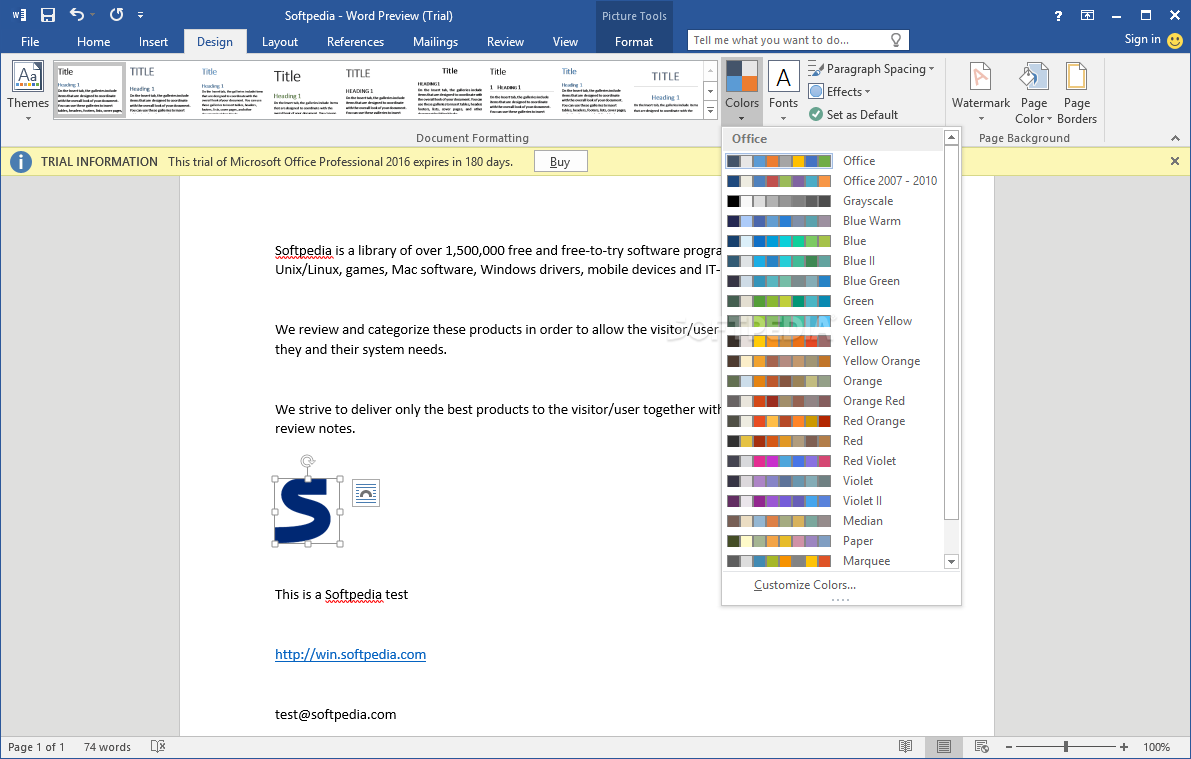
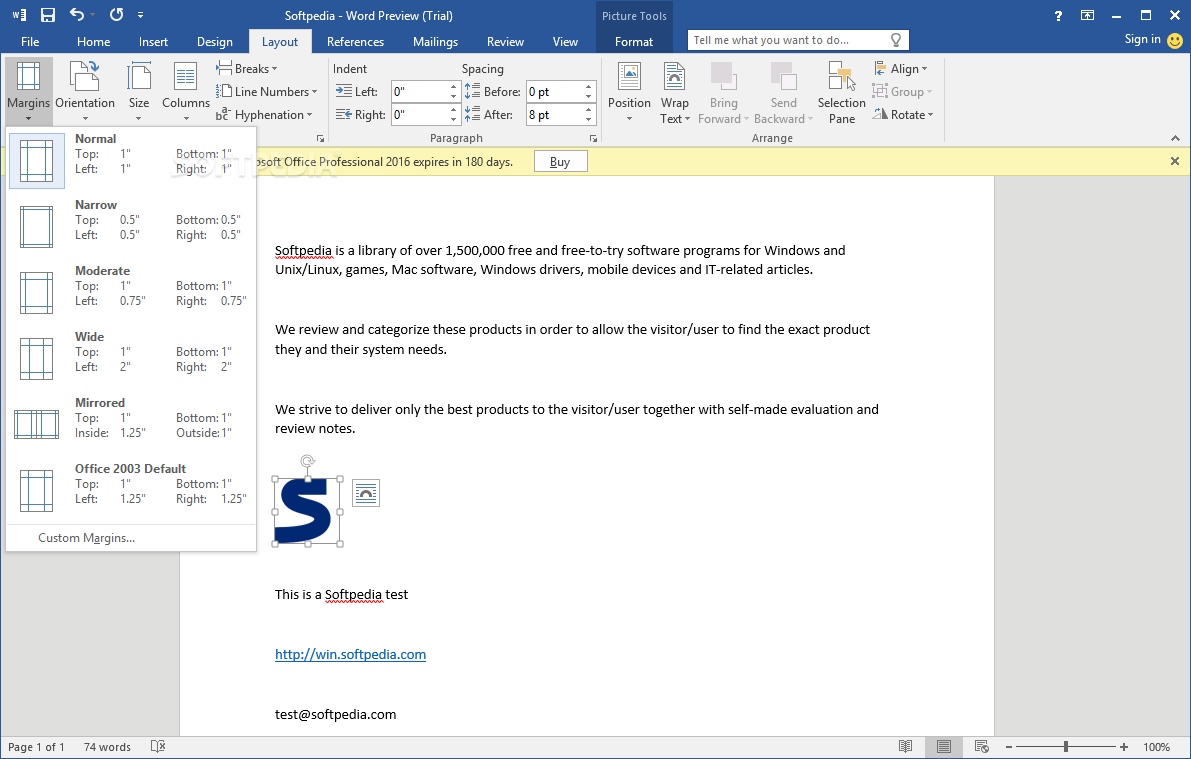
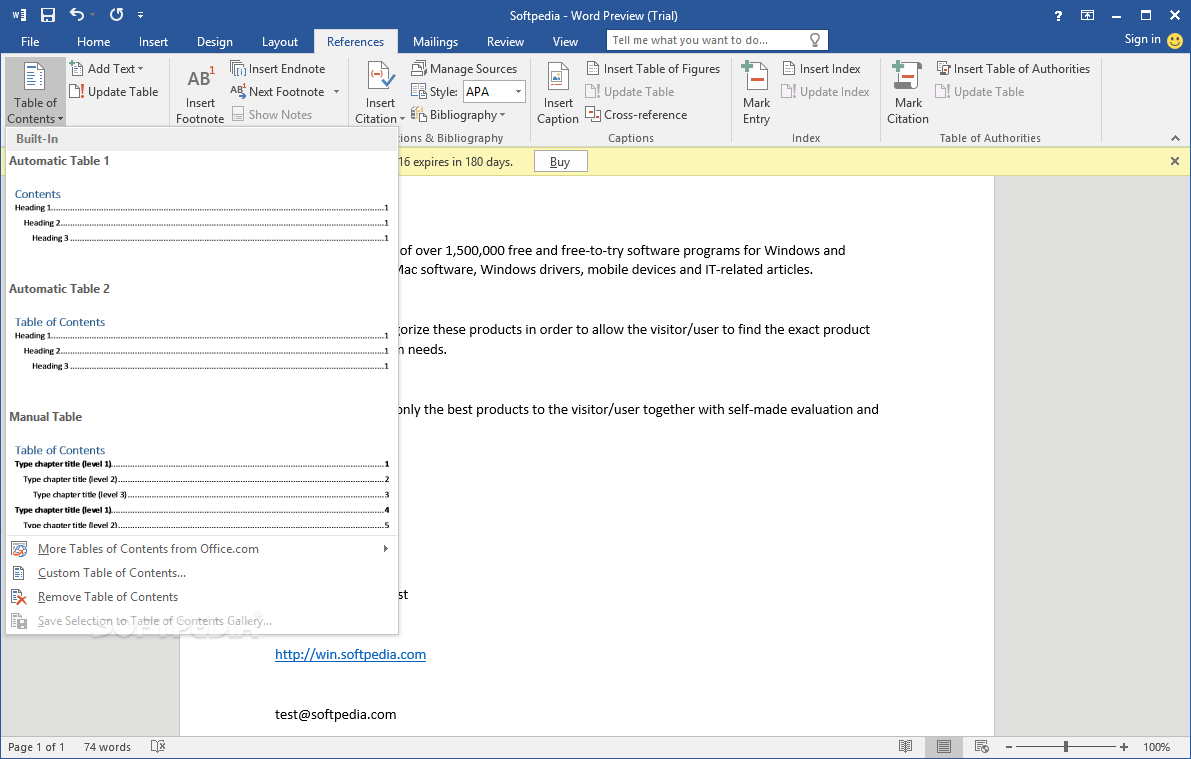
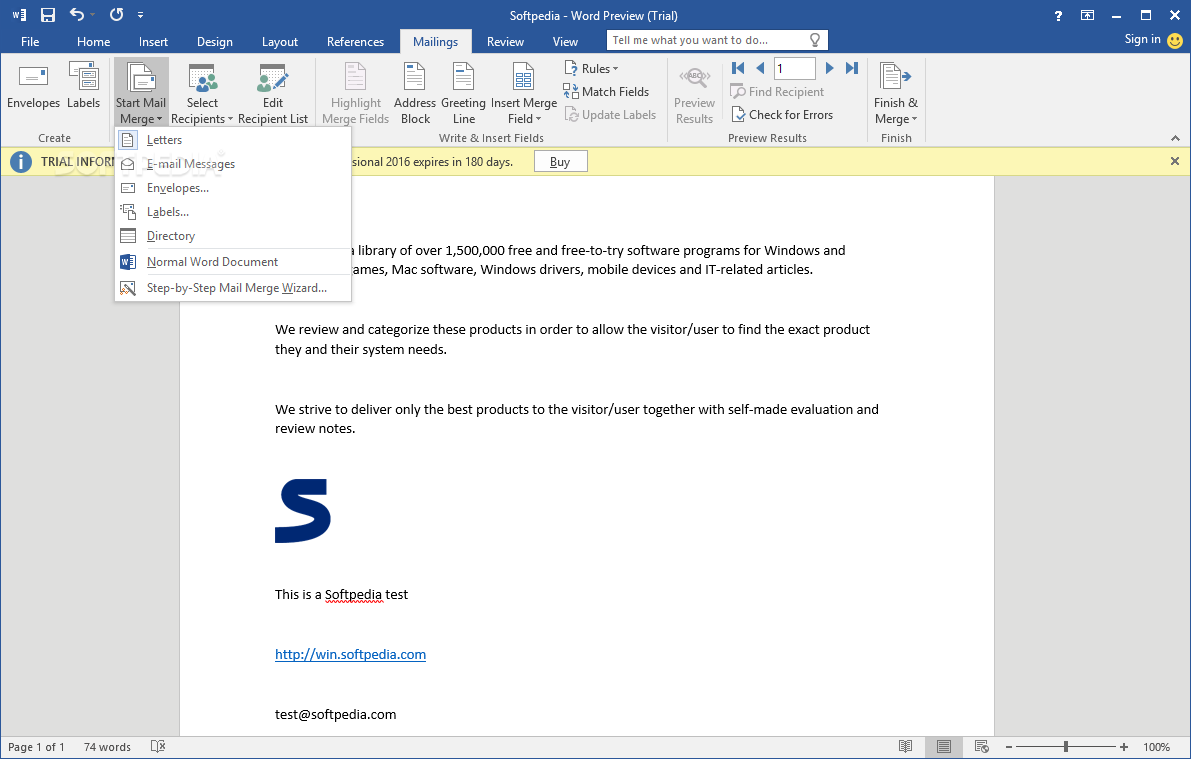
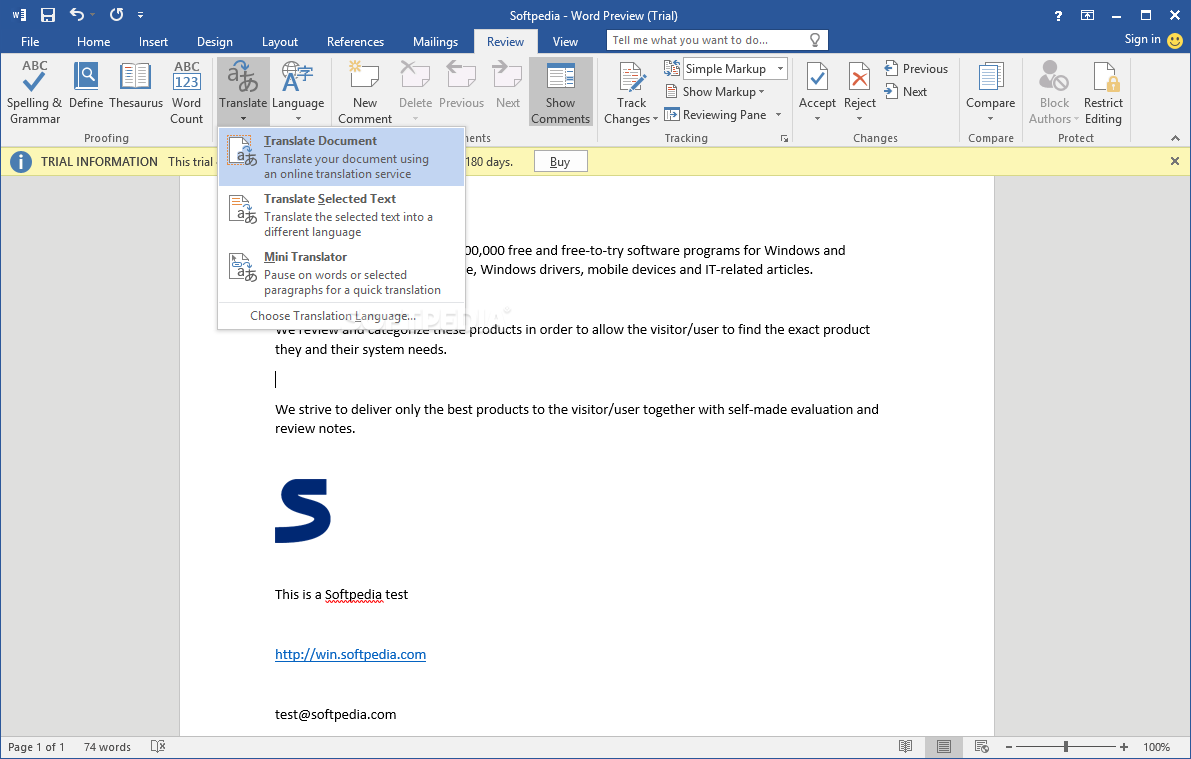
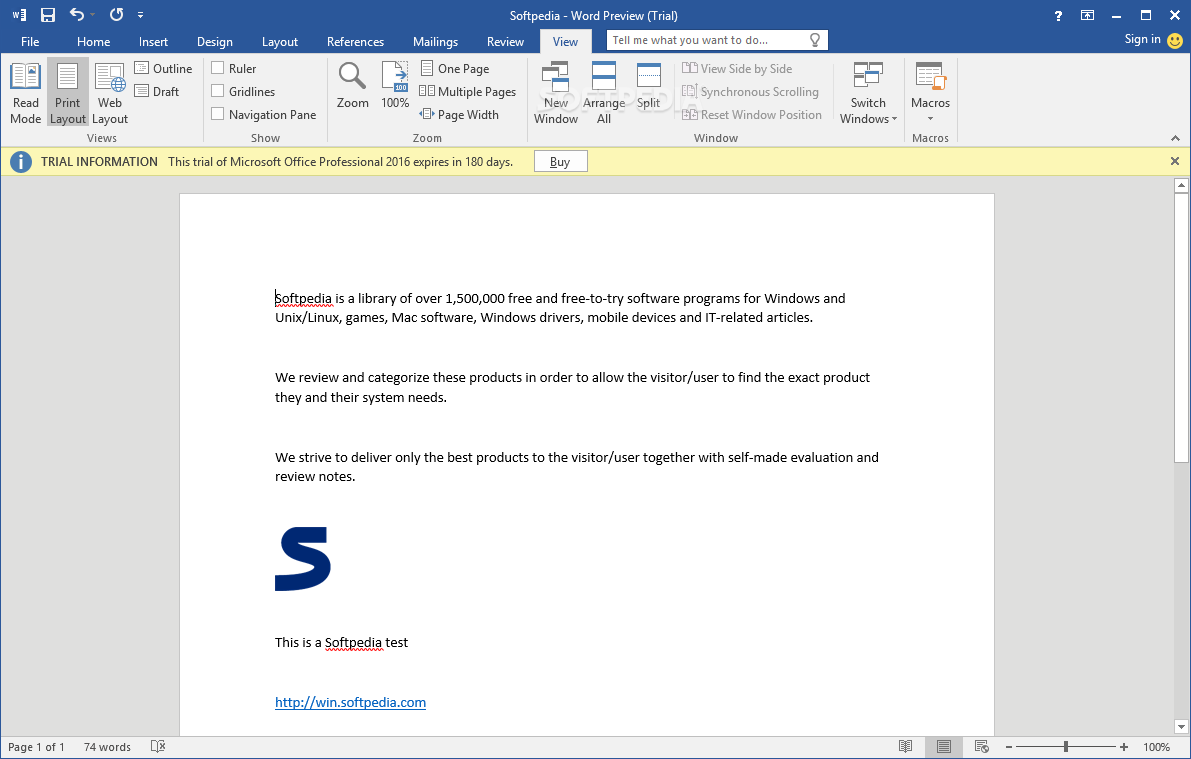
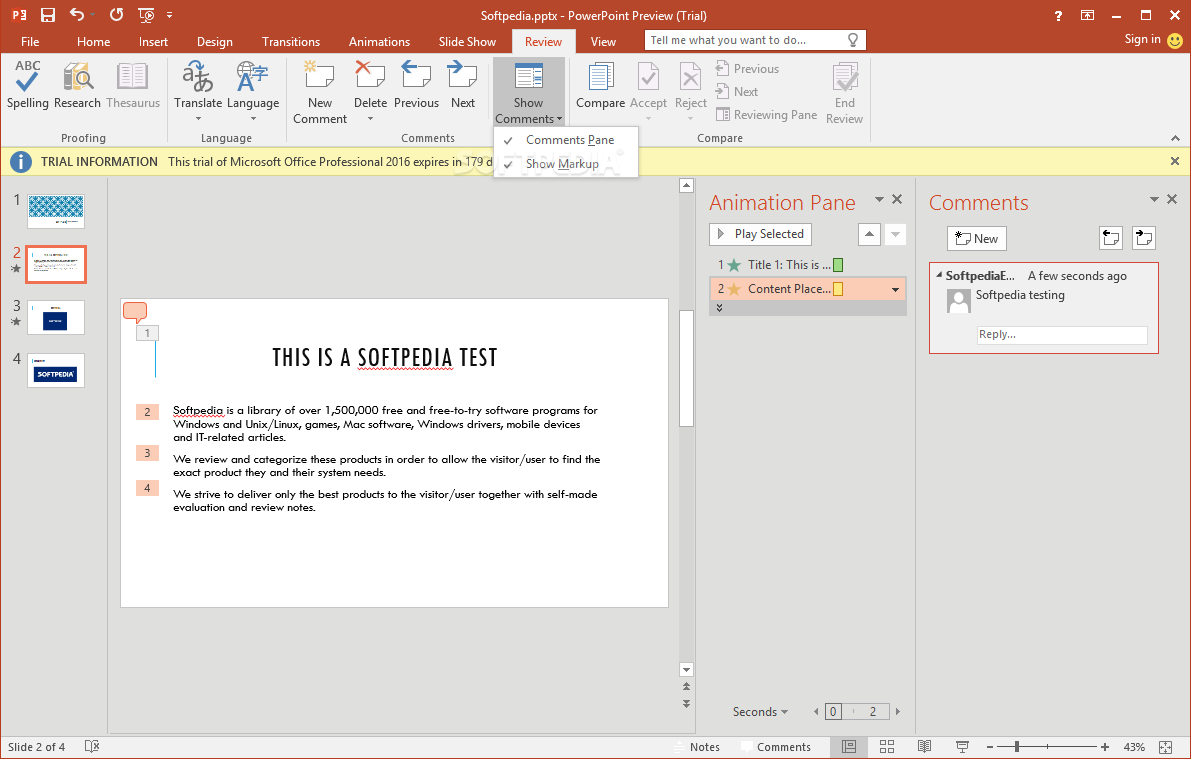
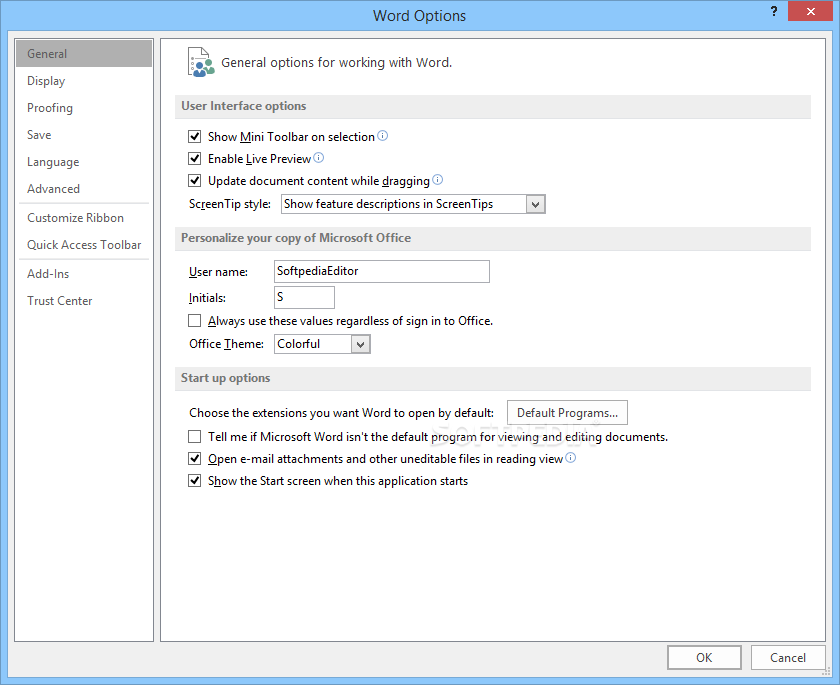
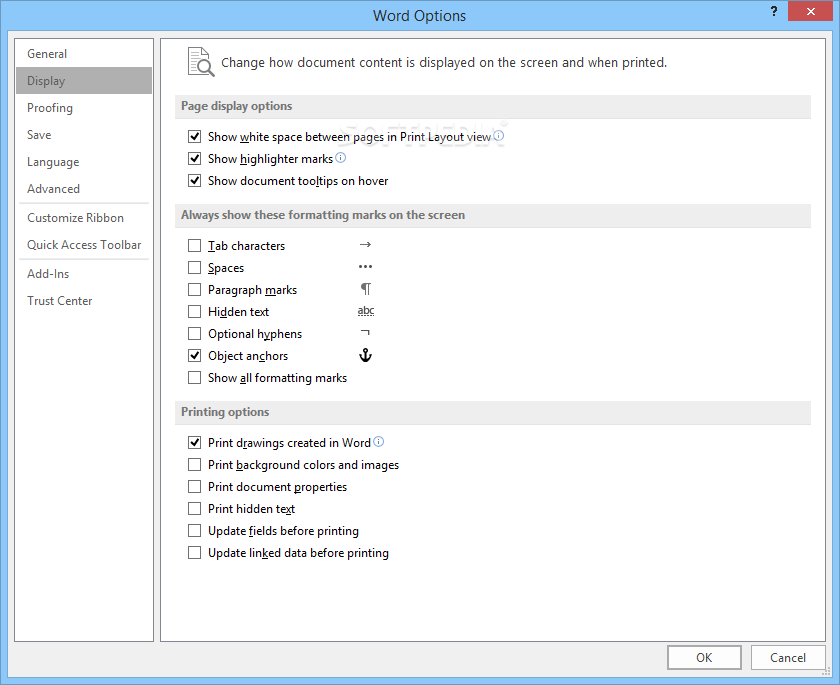
Microsoft Office, as it is still widely known, comes with sleek, crisp and user-friendly interface, making it accessible to both beginners and experienced users. This is not an application, but robust suite of tools, each tailored to meet specific professional needs.
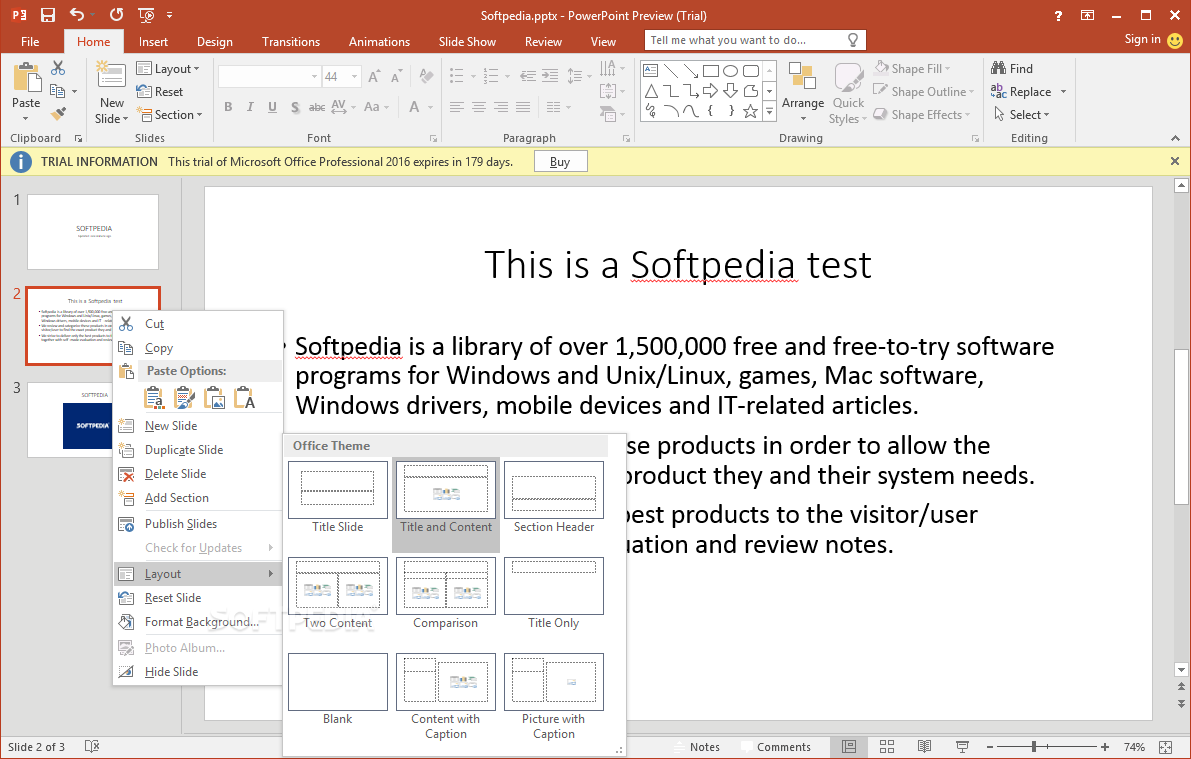
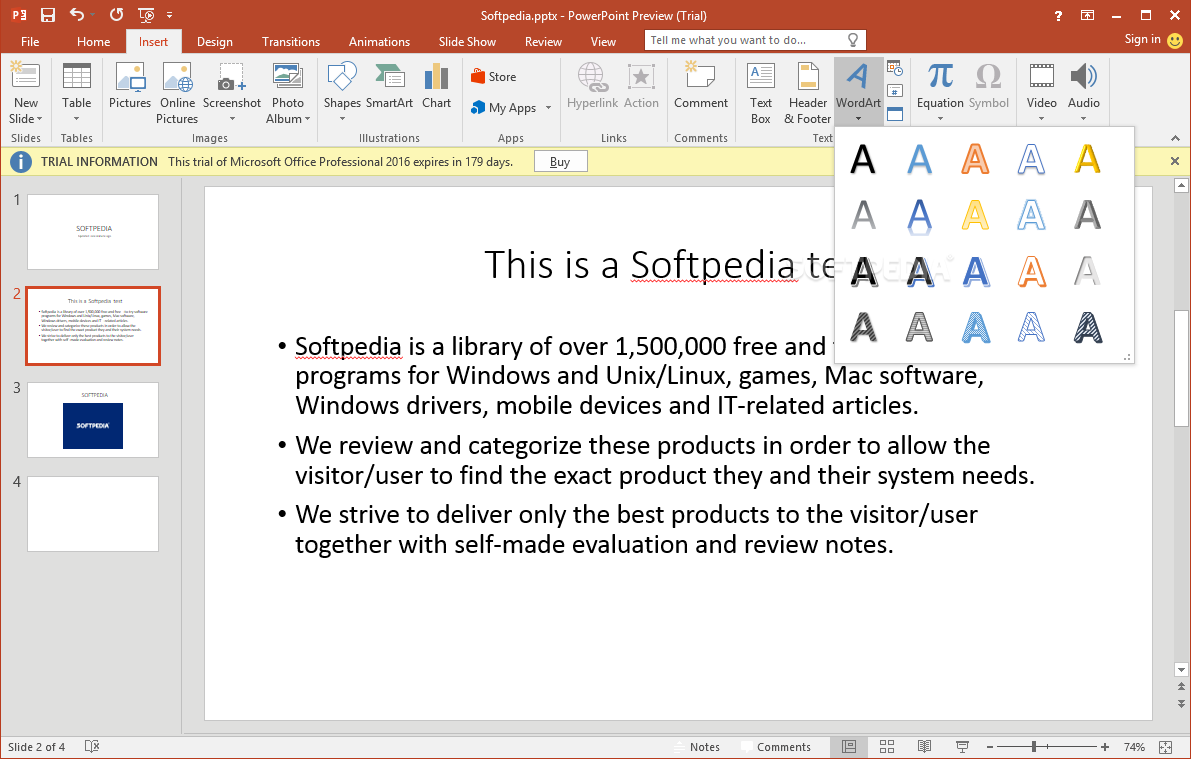
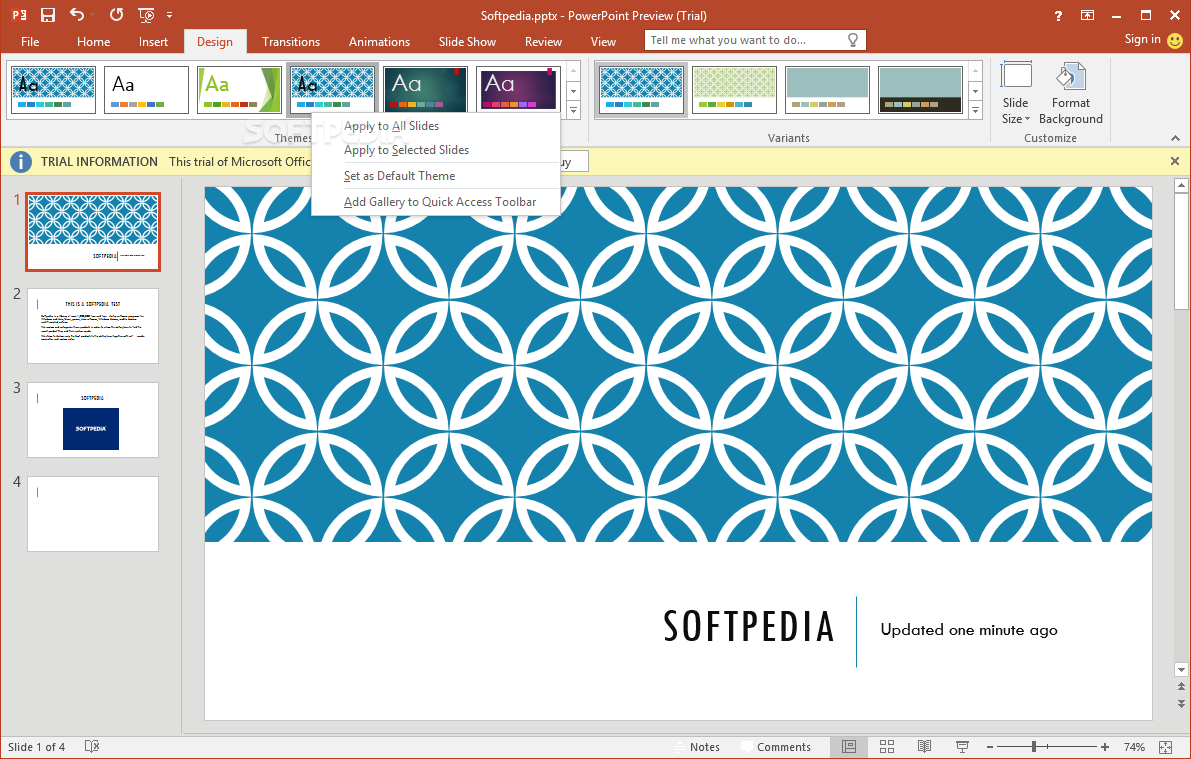
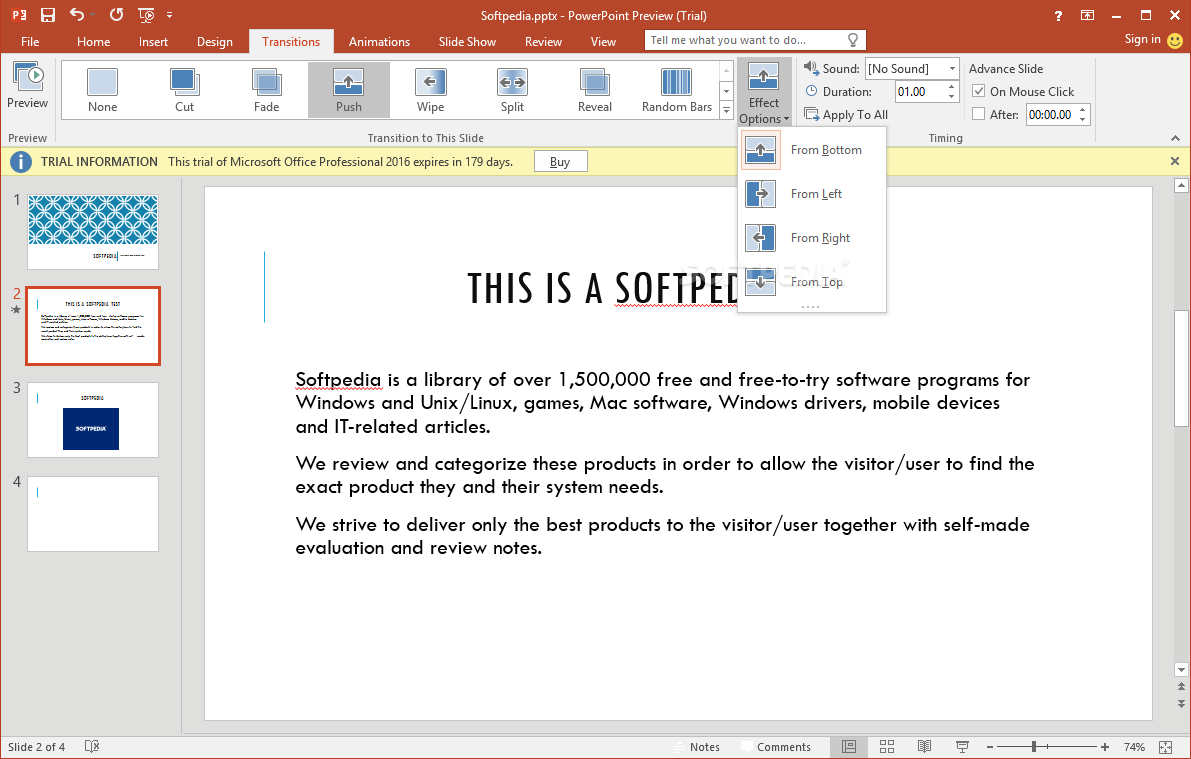
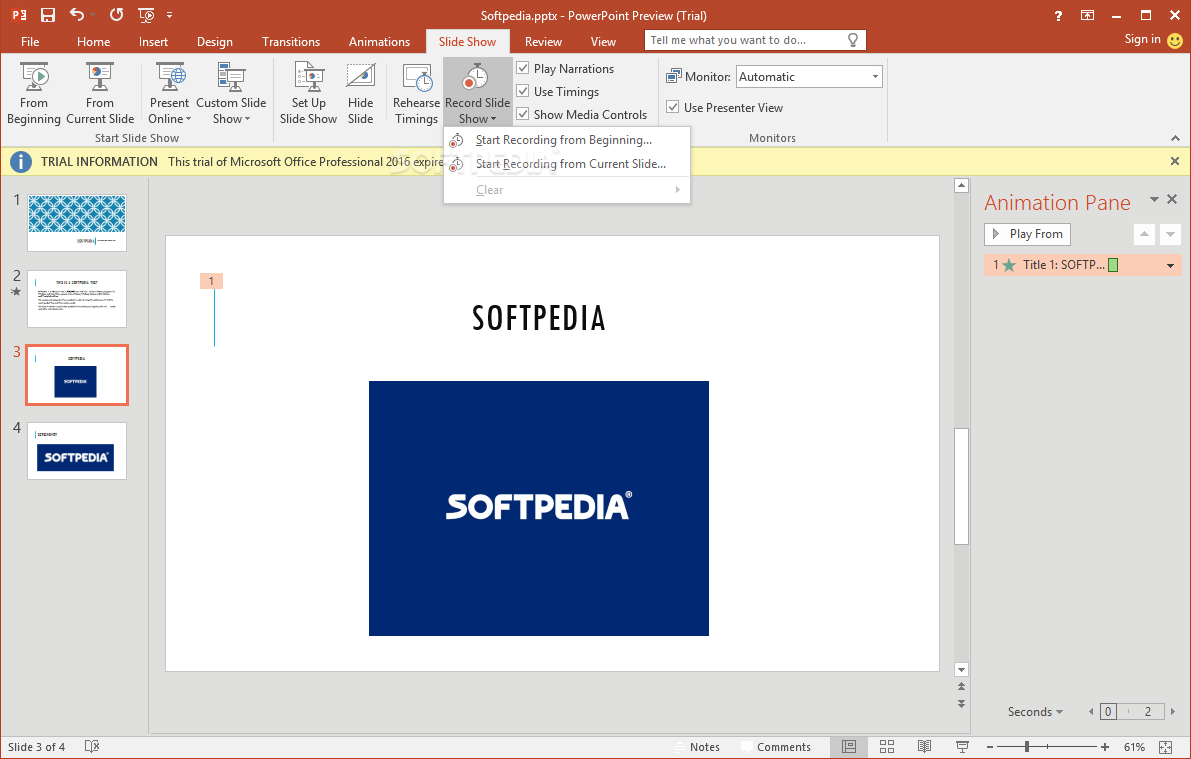
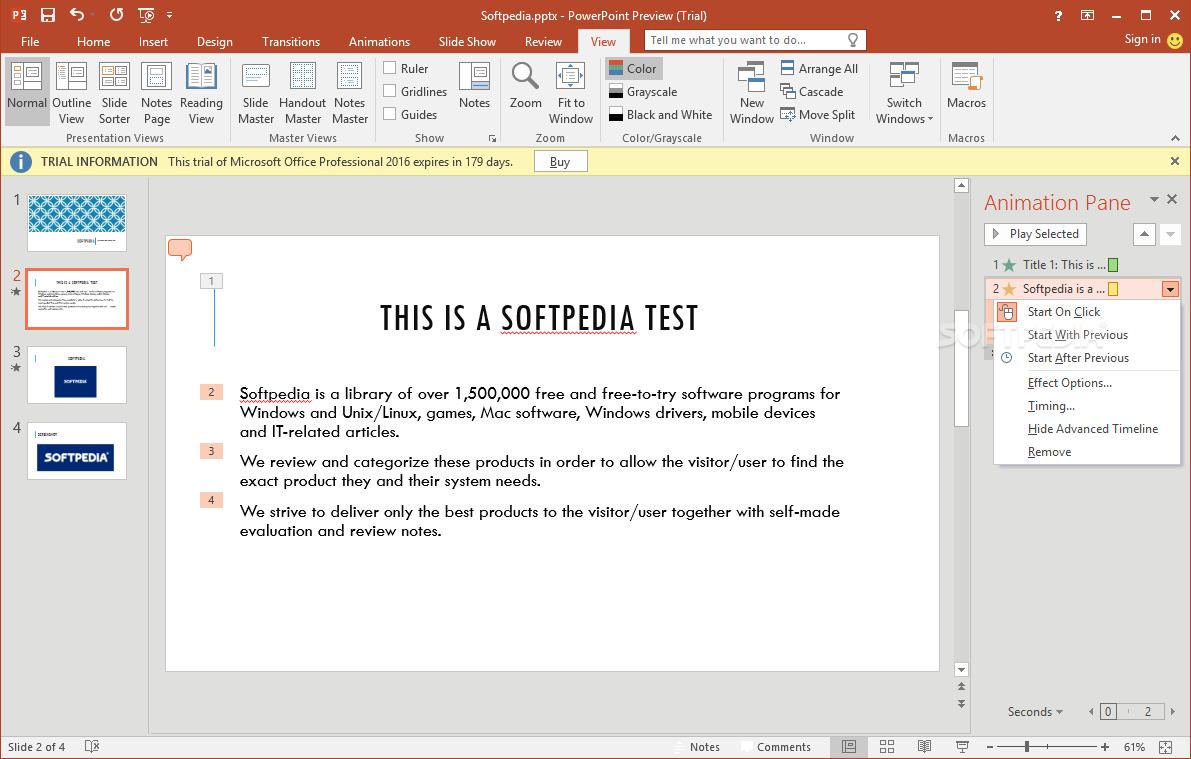
With Microsoft Word, you can craft documents with precision and share them with others, whereas PowerPoint takes center stage in elevating presentations with its design elements and multimedia integration.
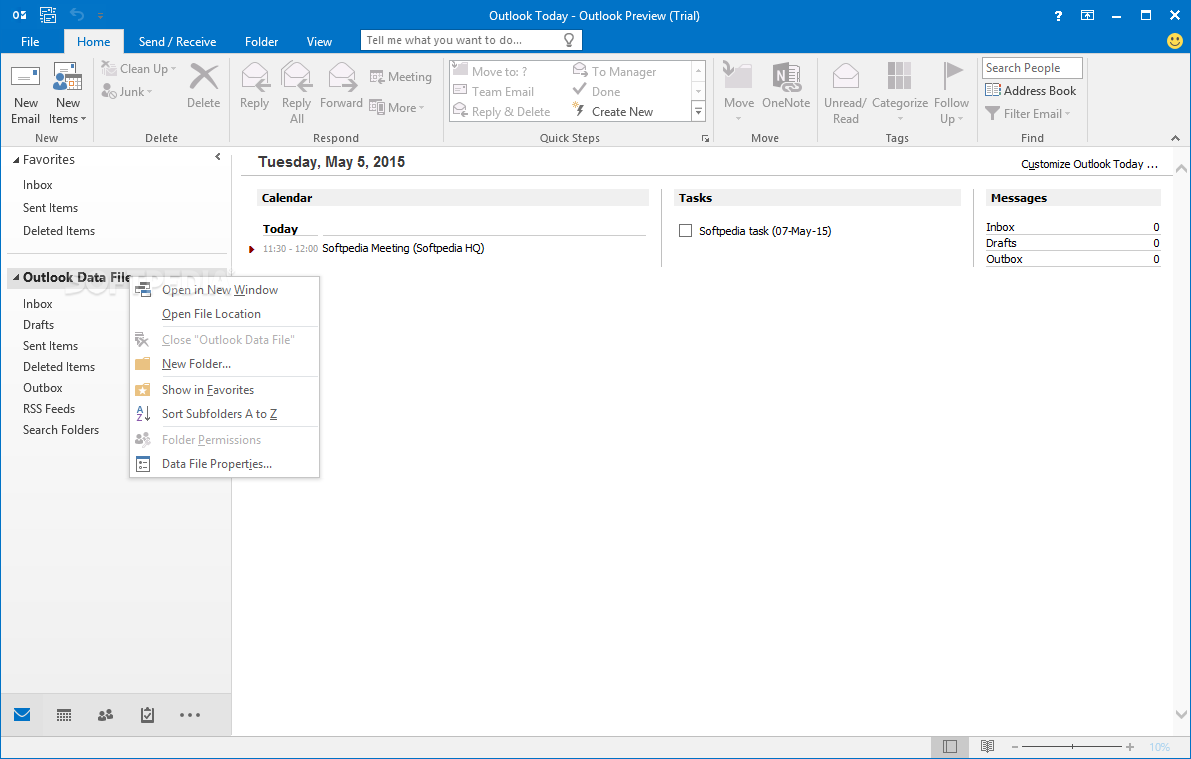
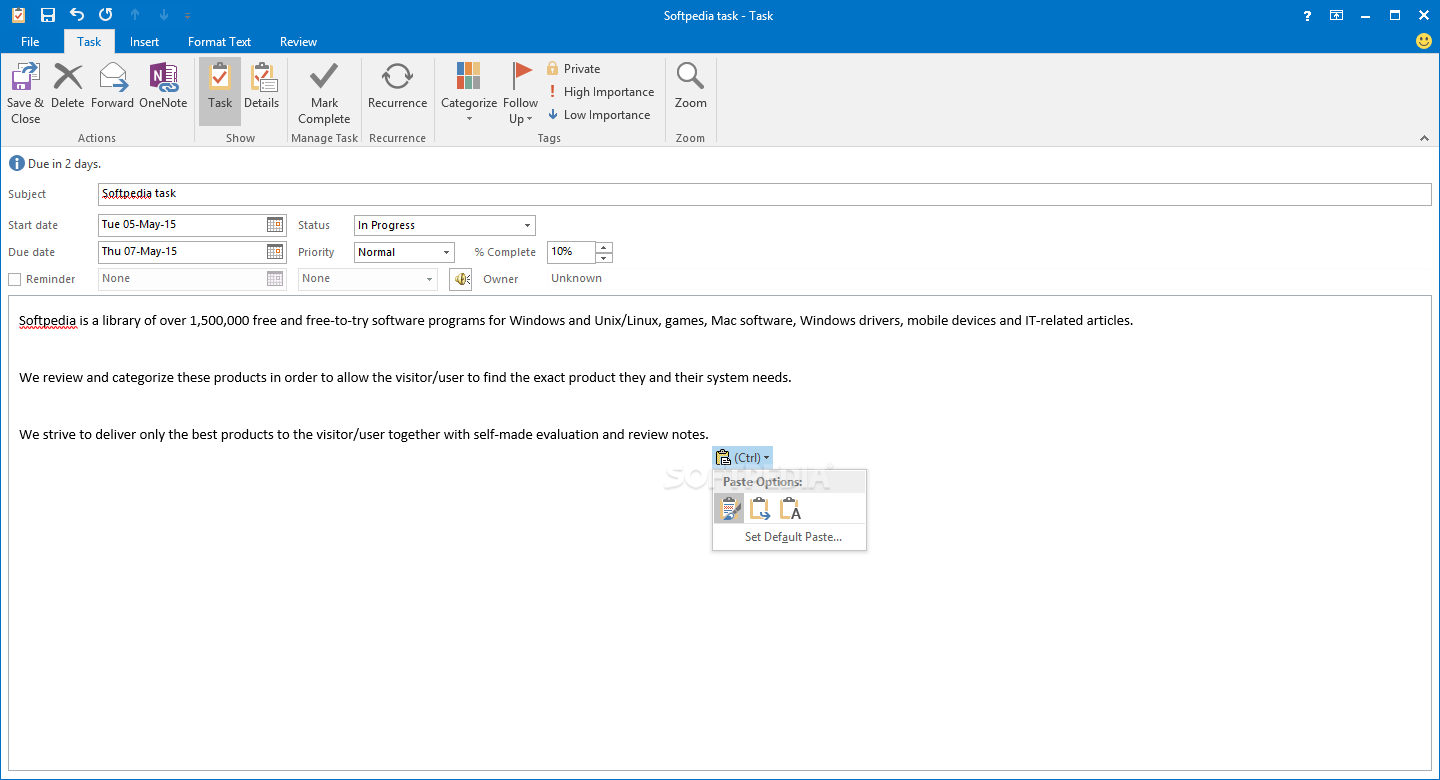
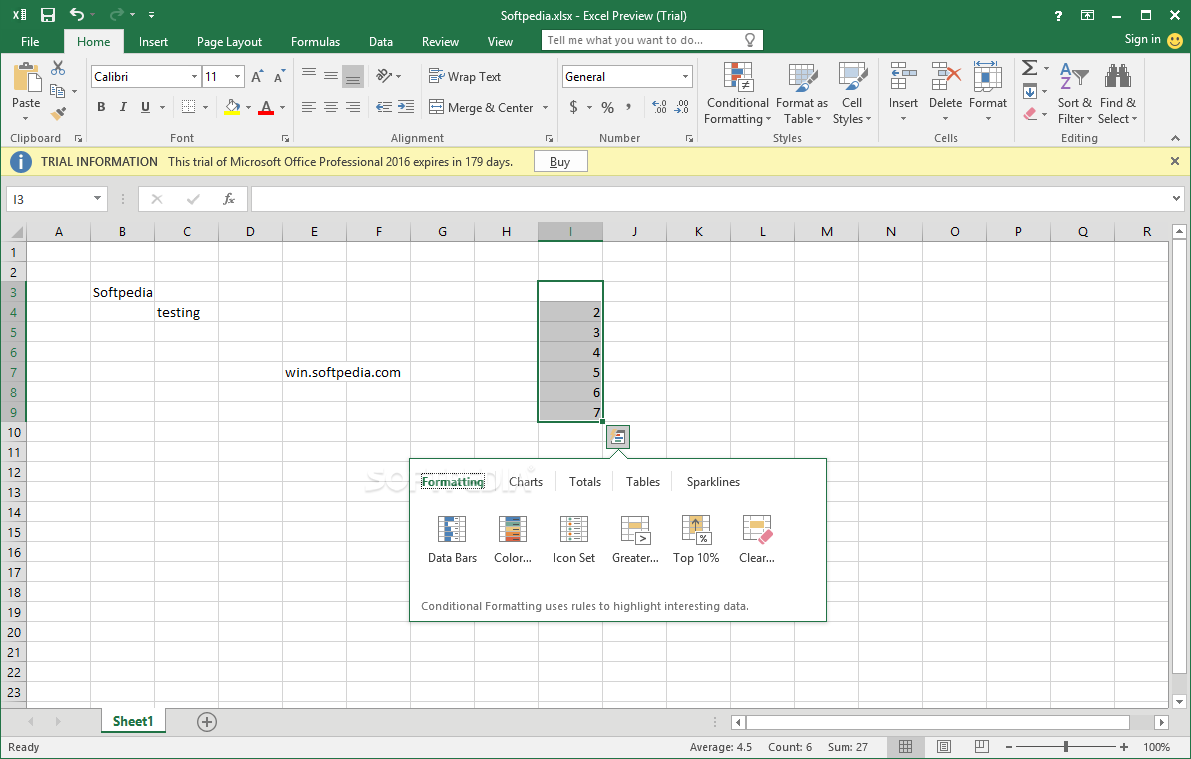
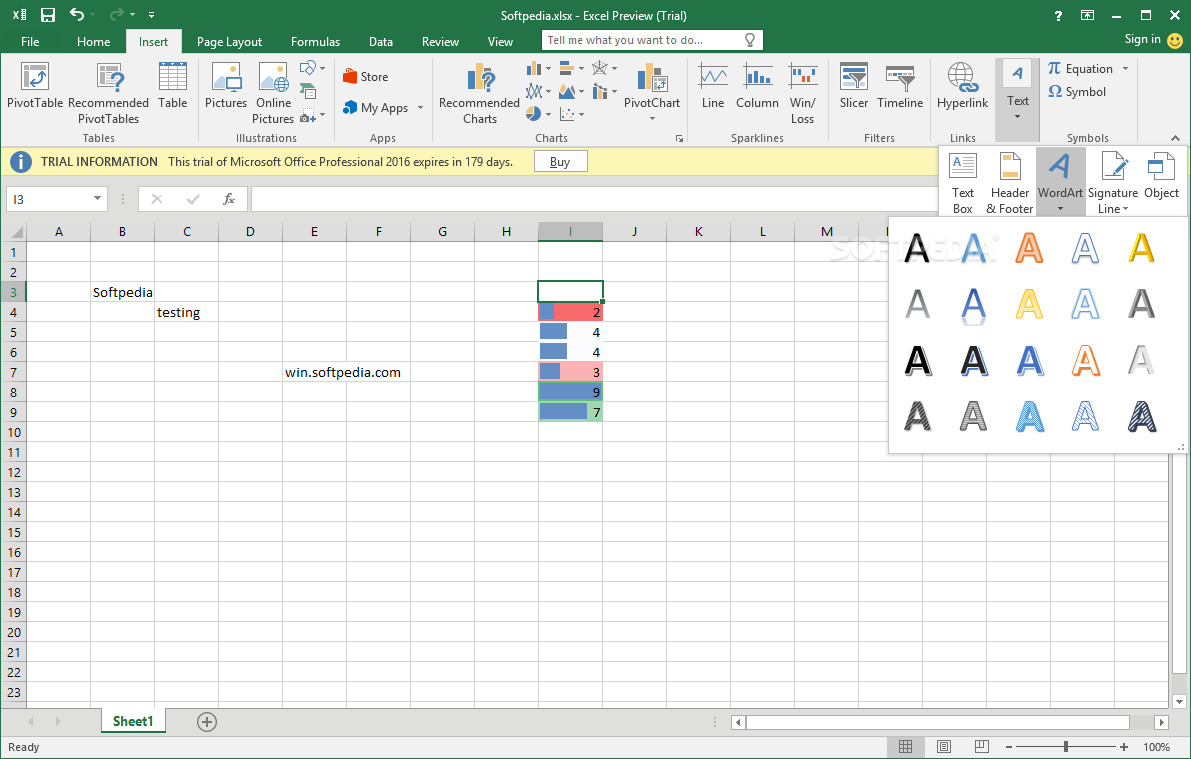
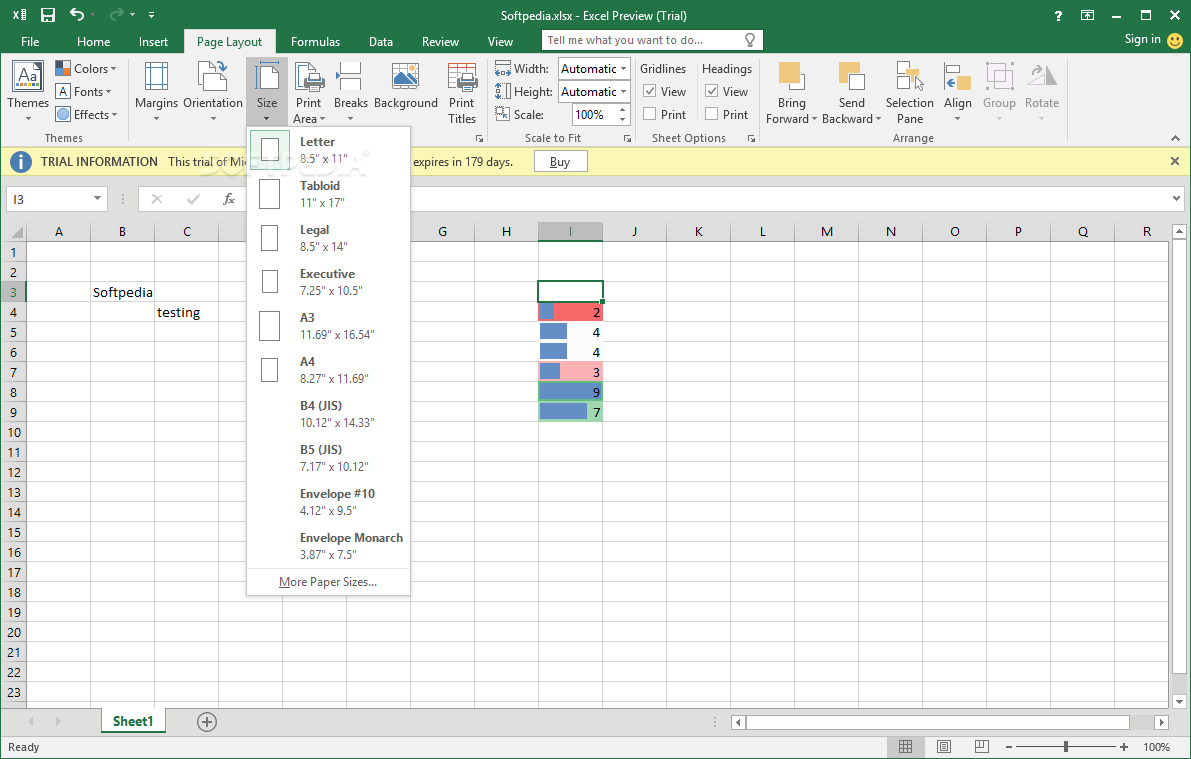
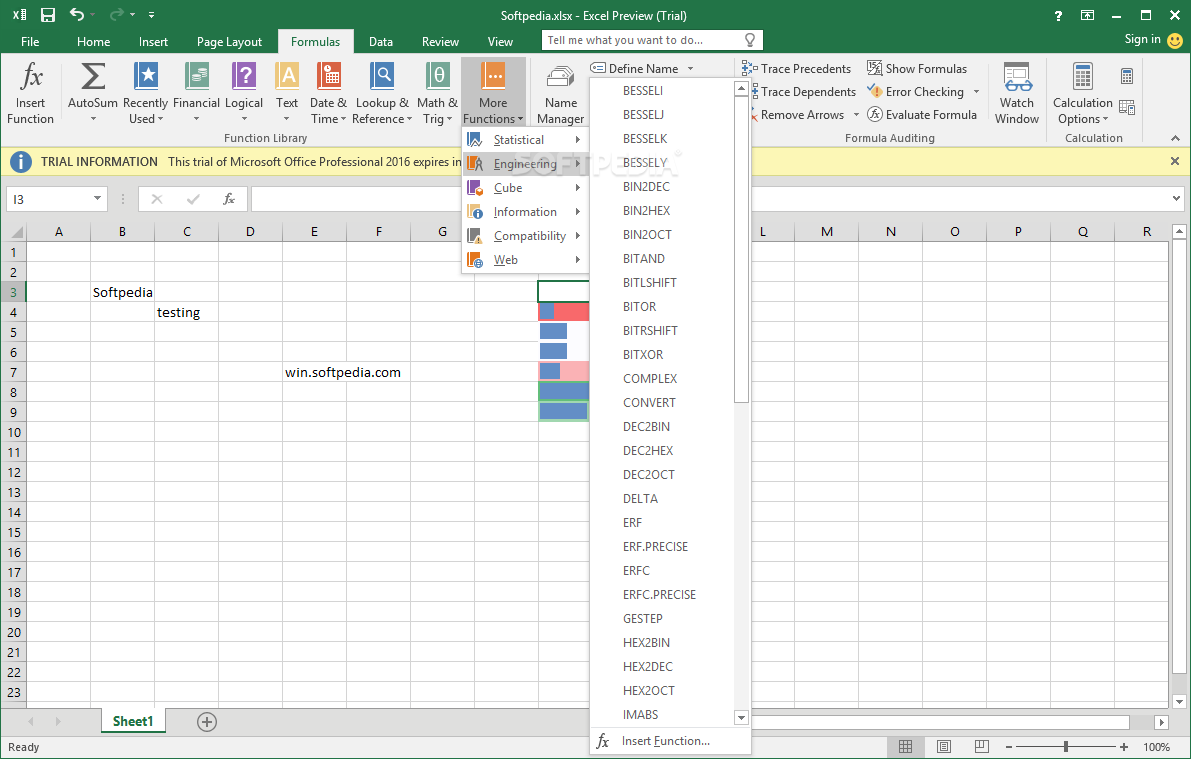
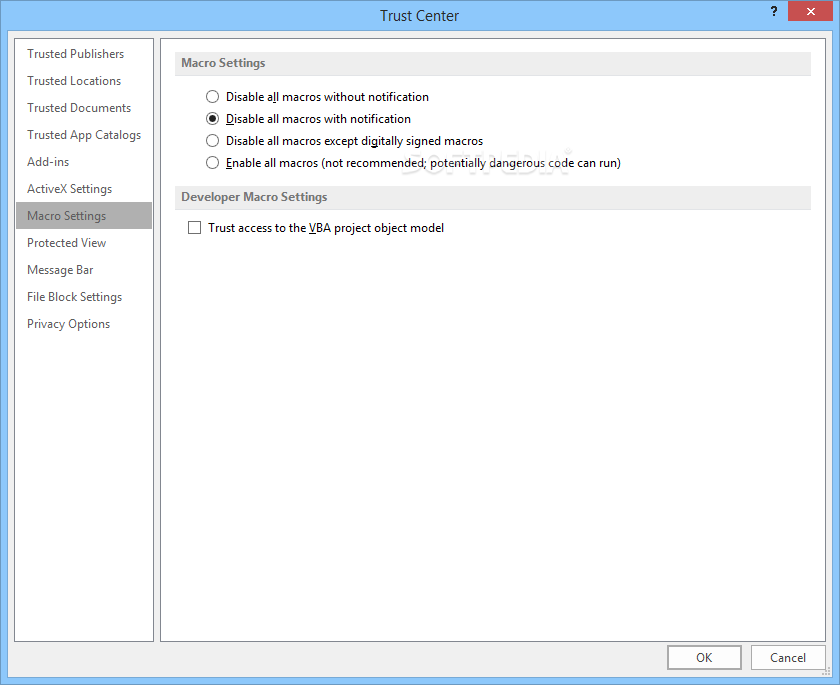
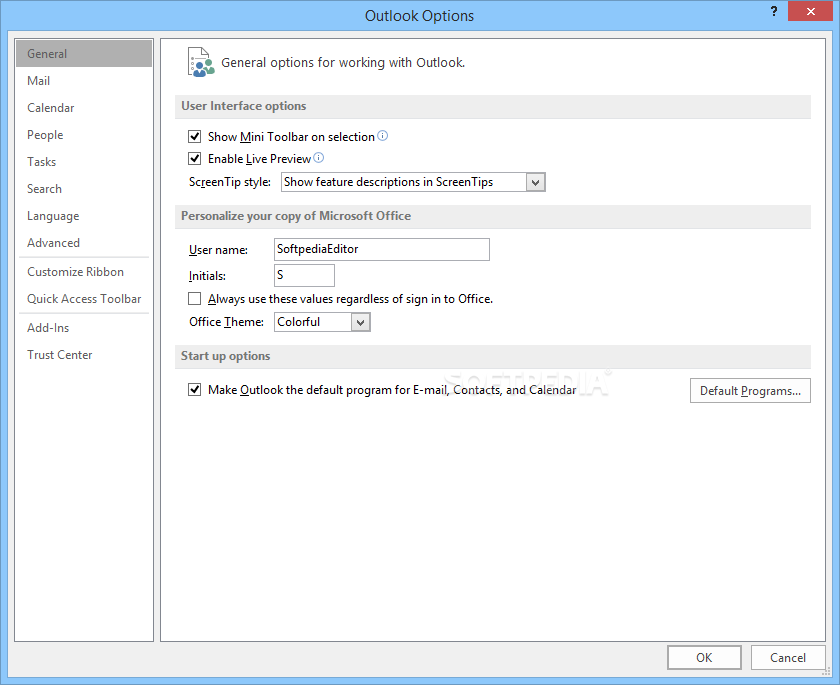
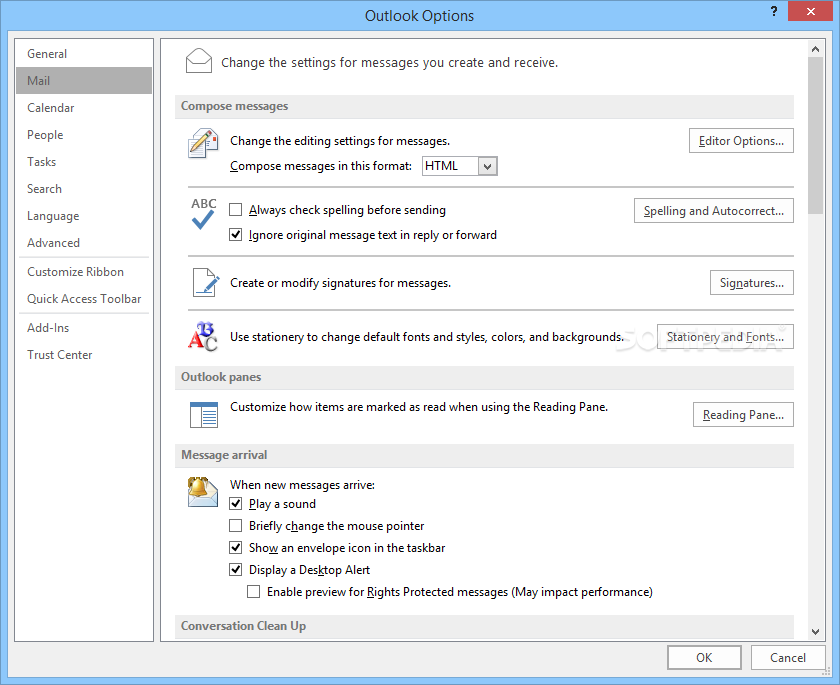
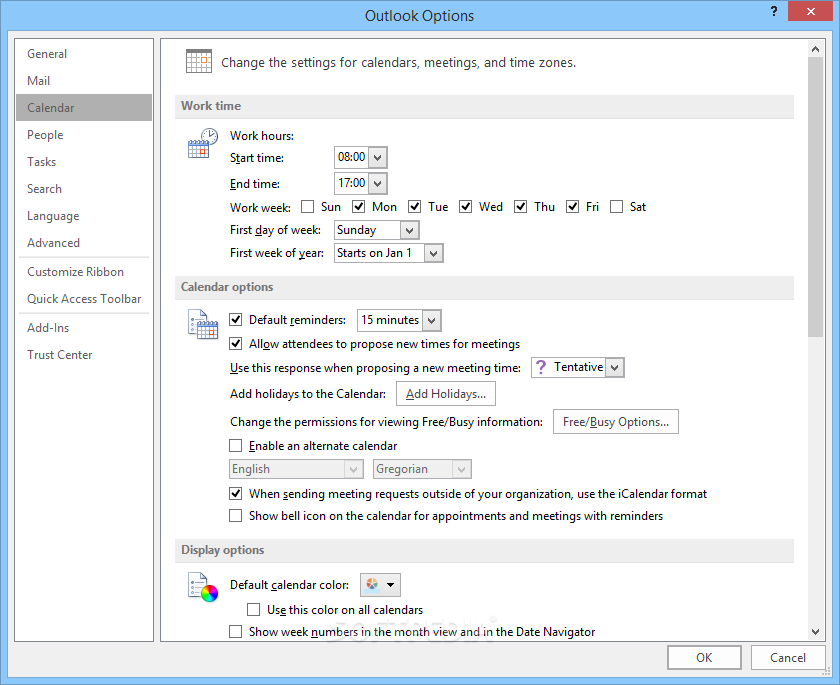
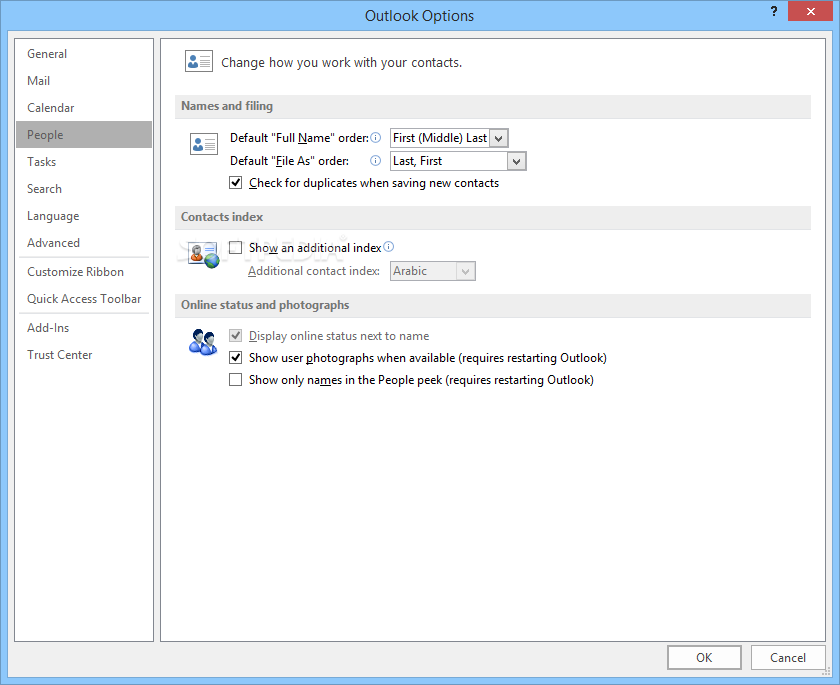
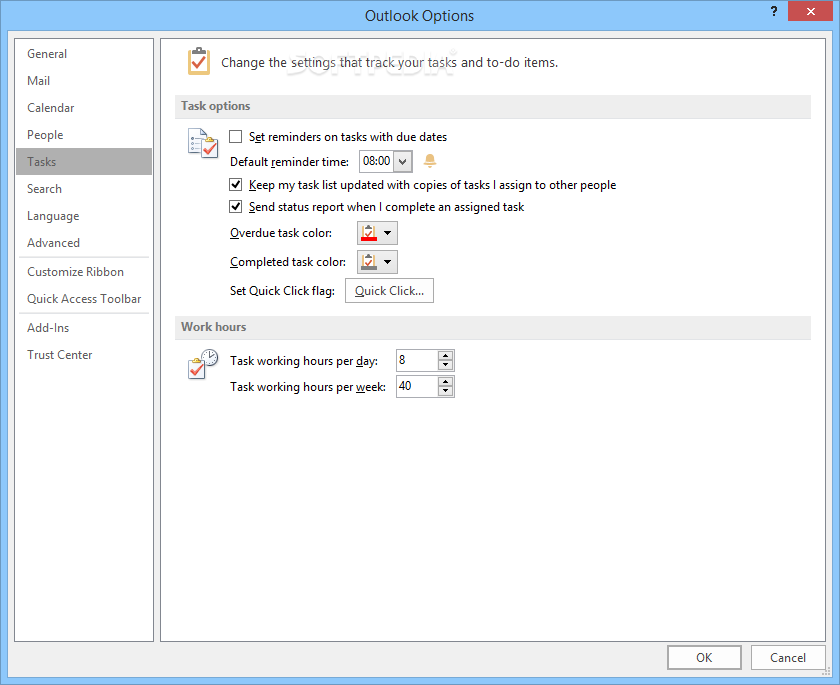
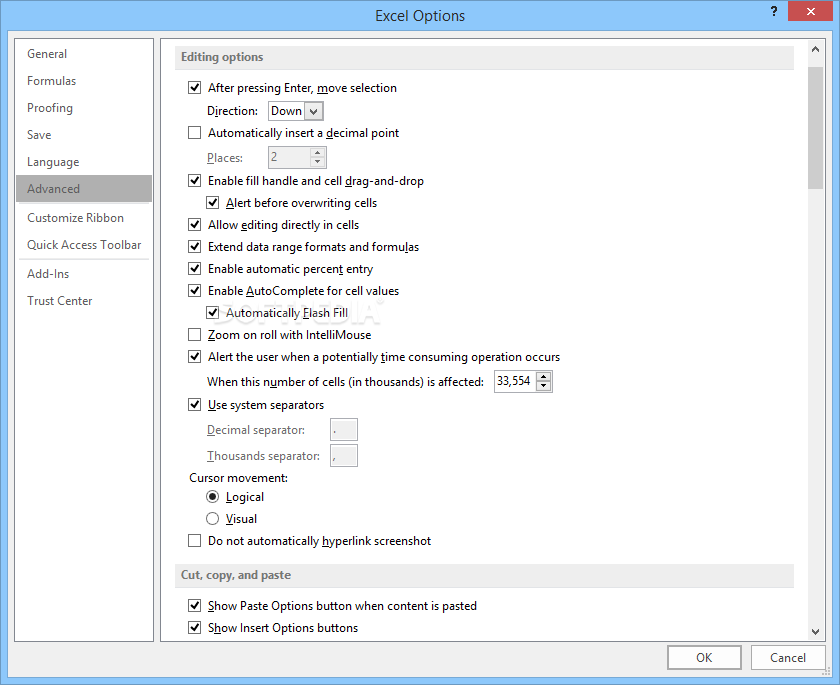
For numerical exploration and analysis, Microsoft Excel empowers you to glean meaningful insights from data. Outlook streamlines communication and information management, serving as a centralized hub for emails, calendars, contacts, and to-do lists.
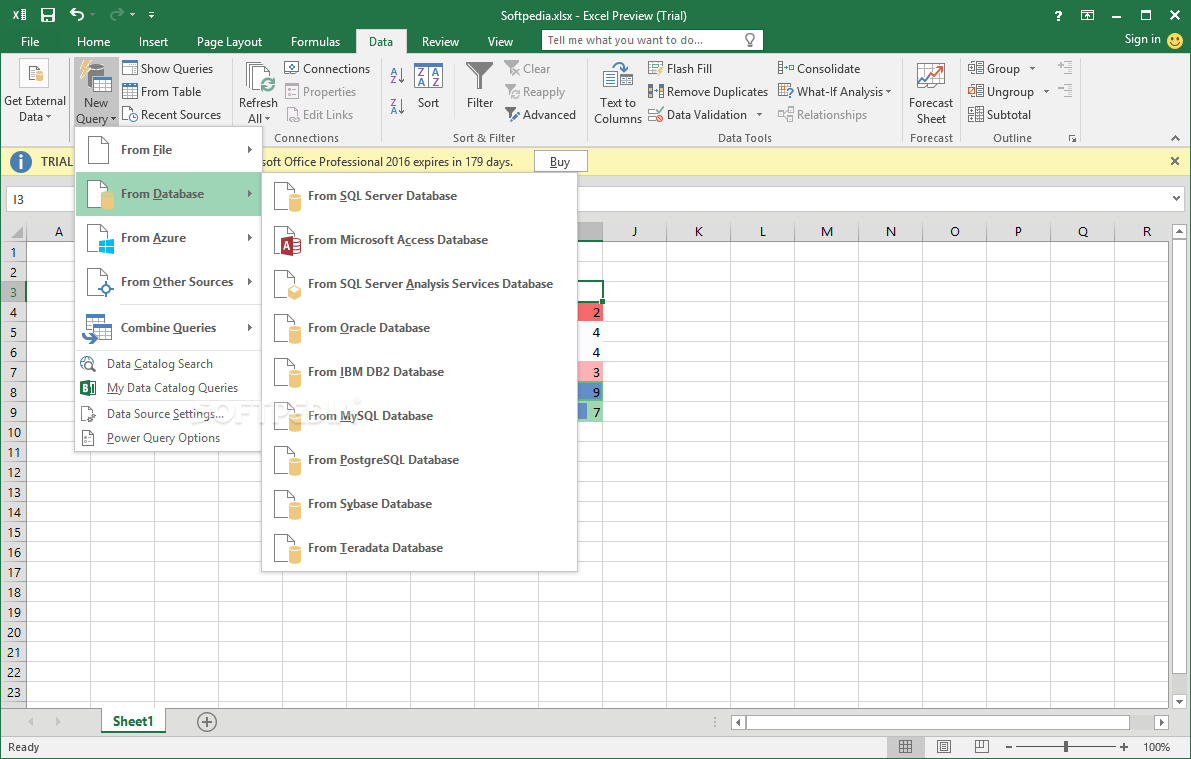
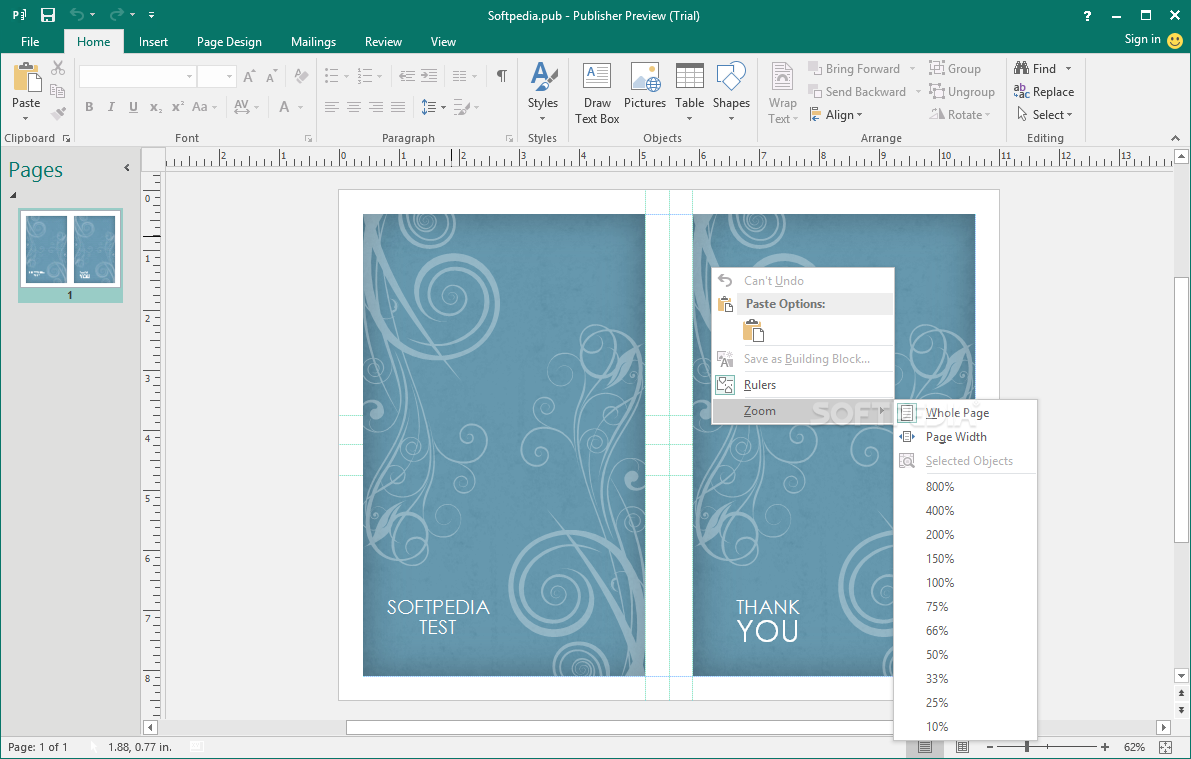
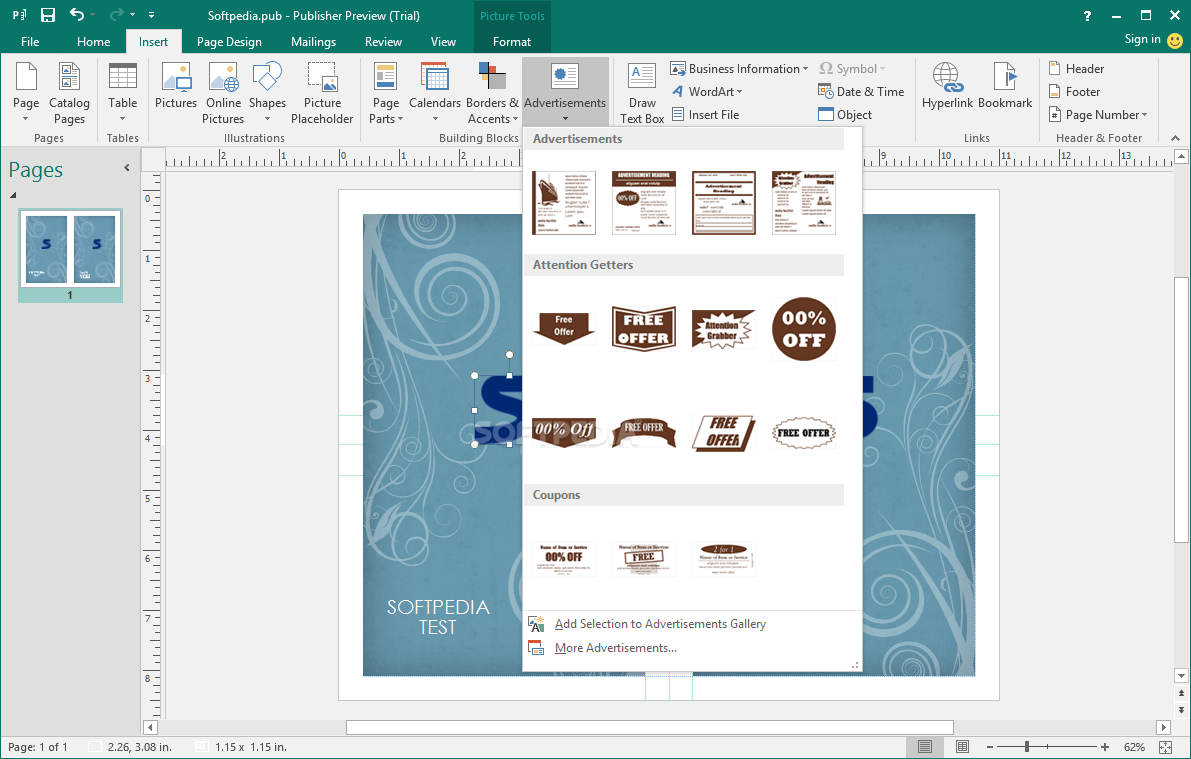
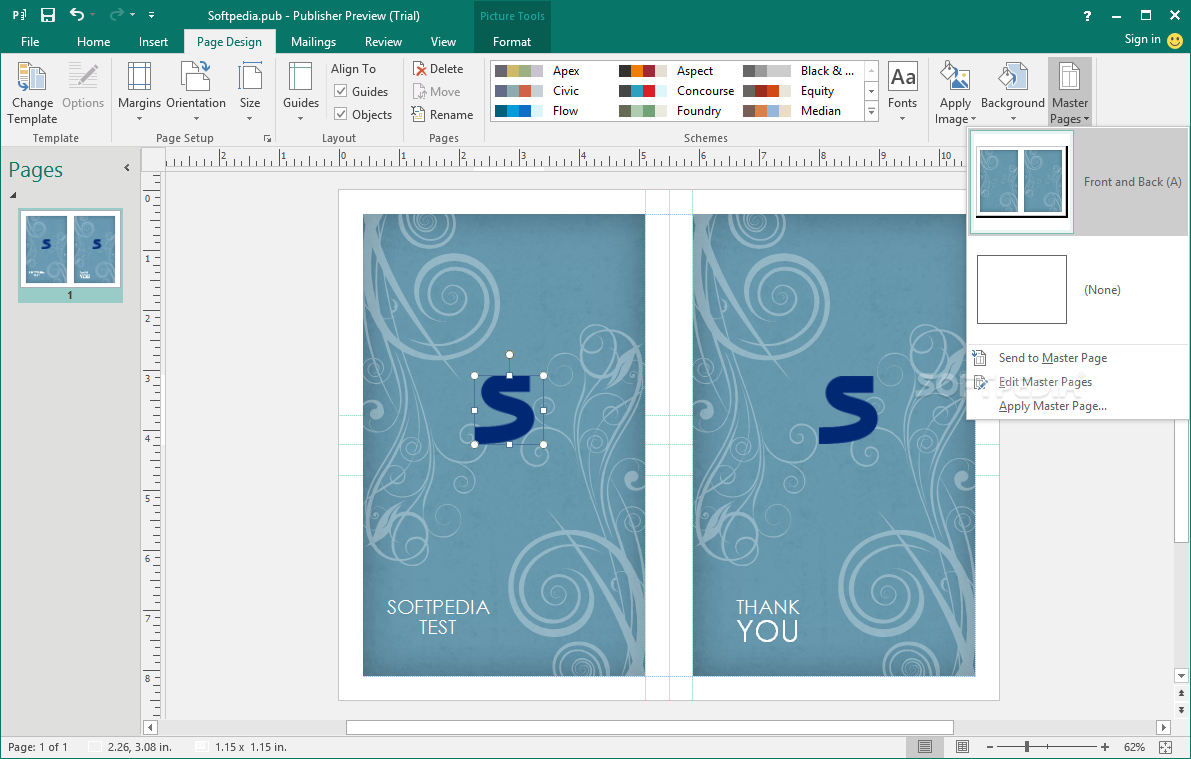
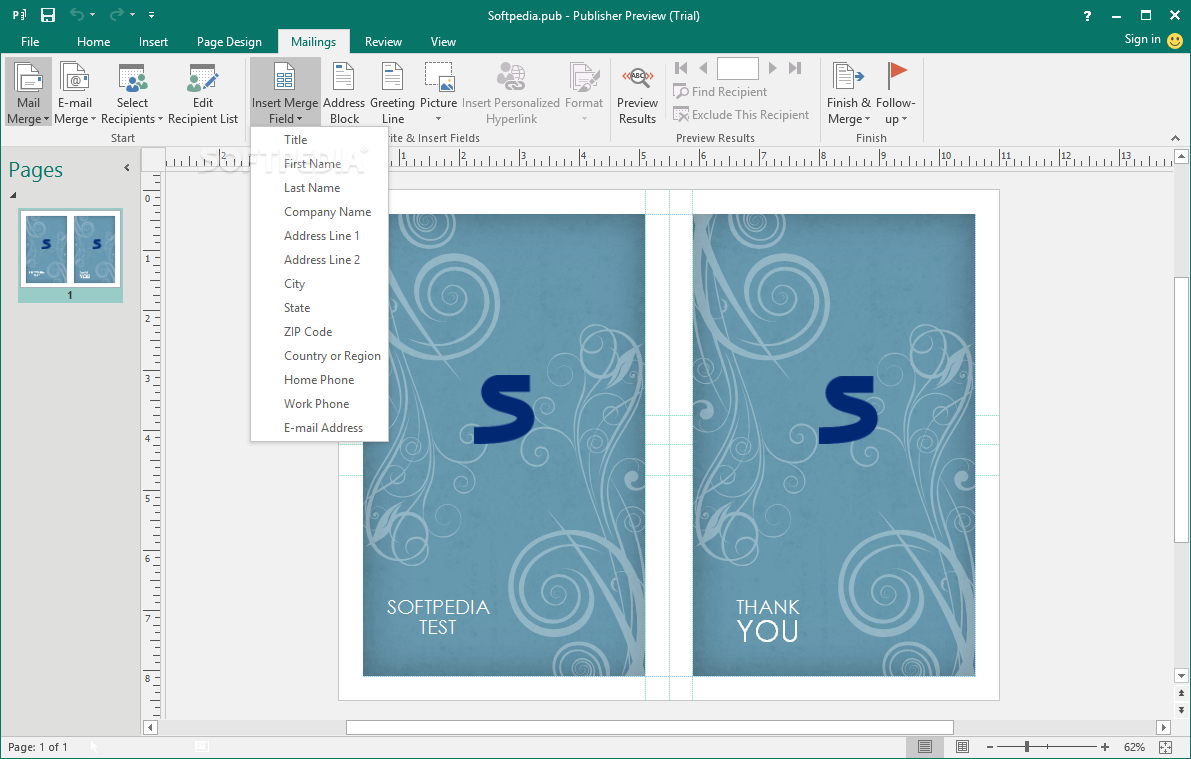
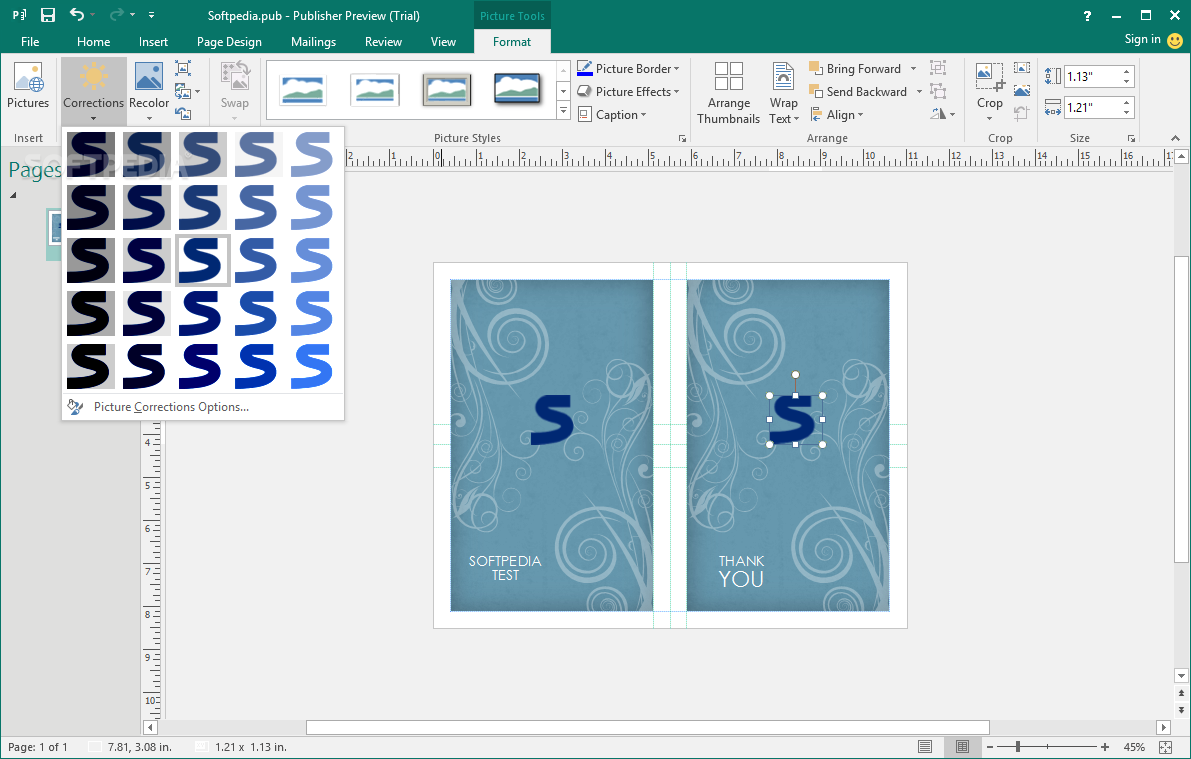
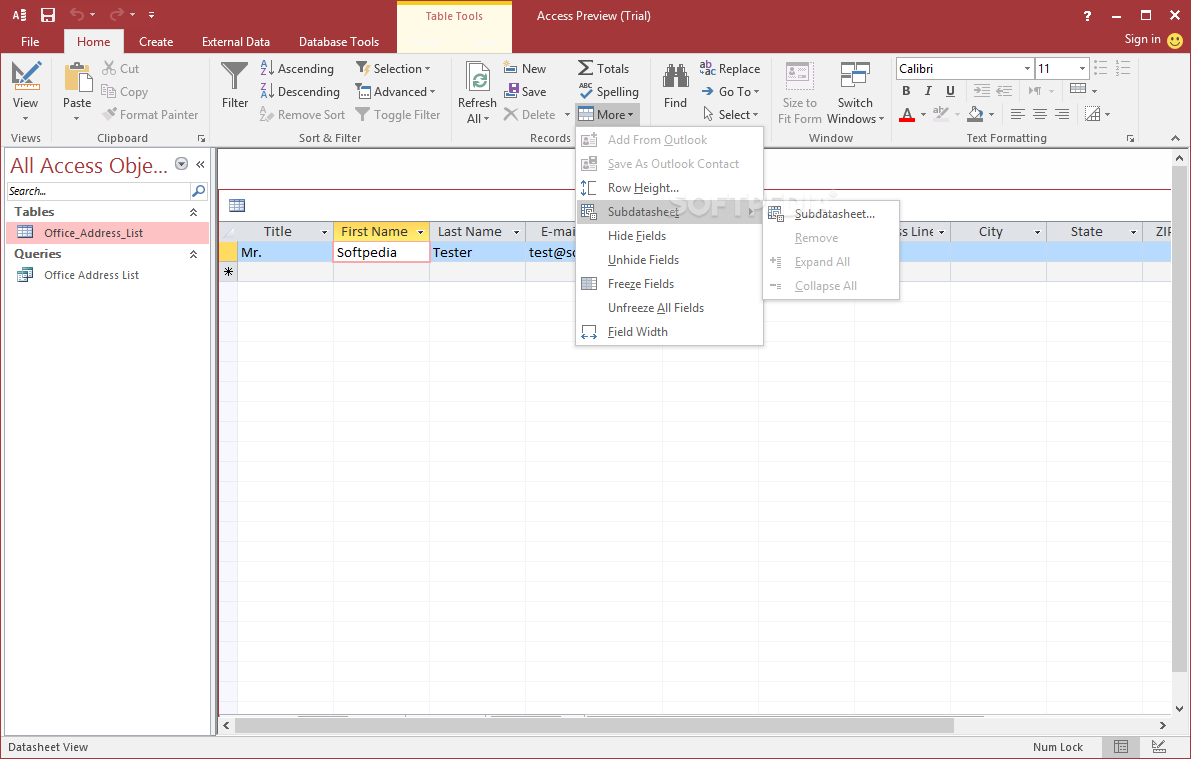
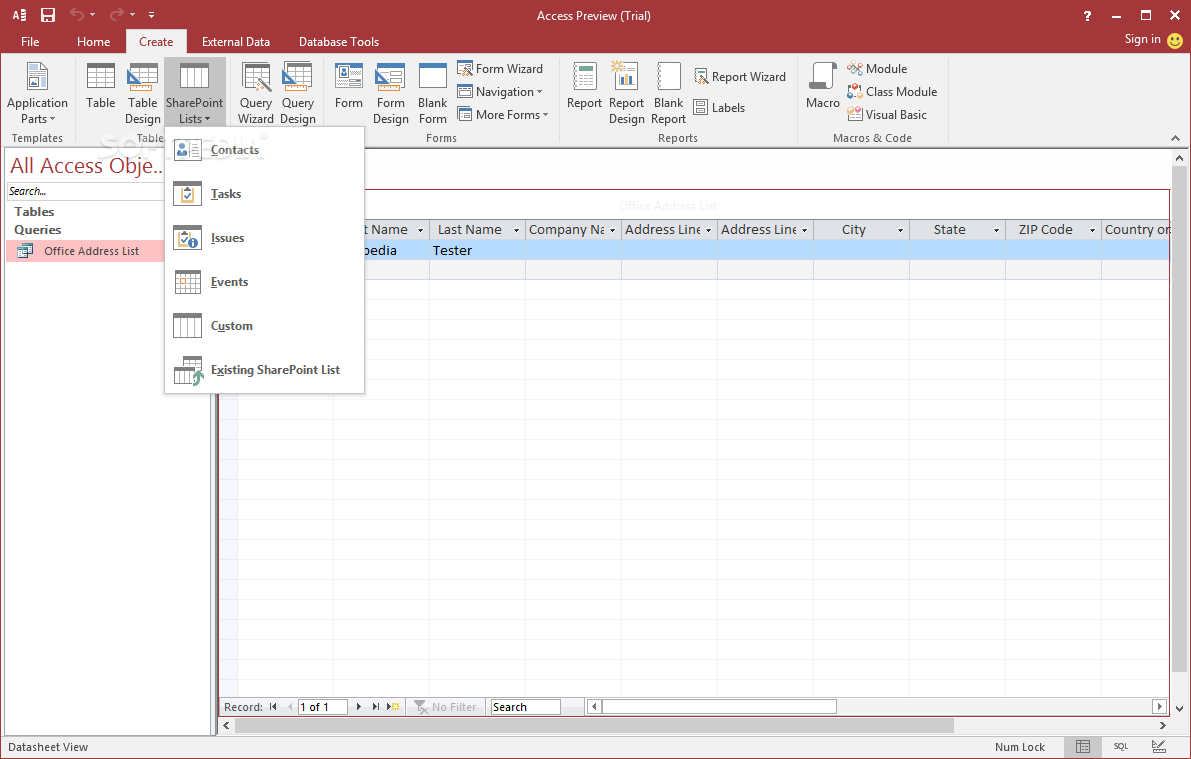
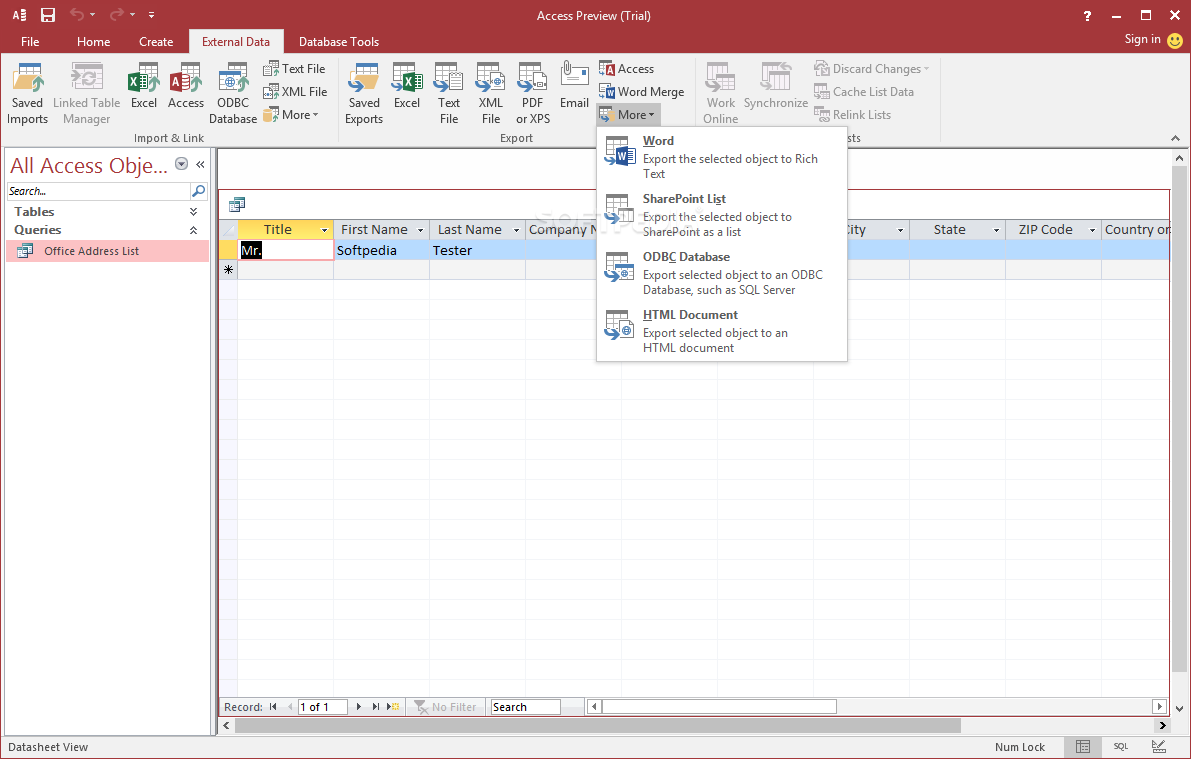
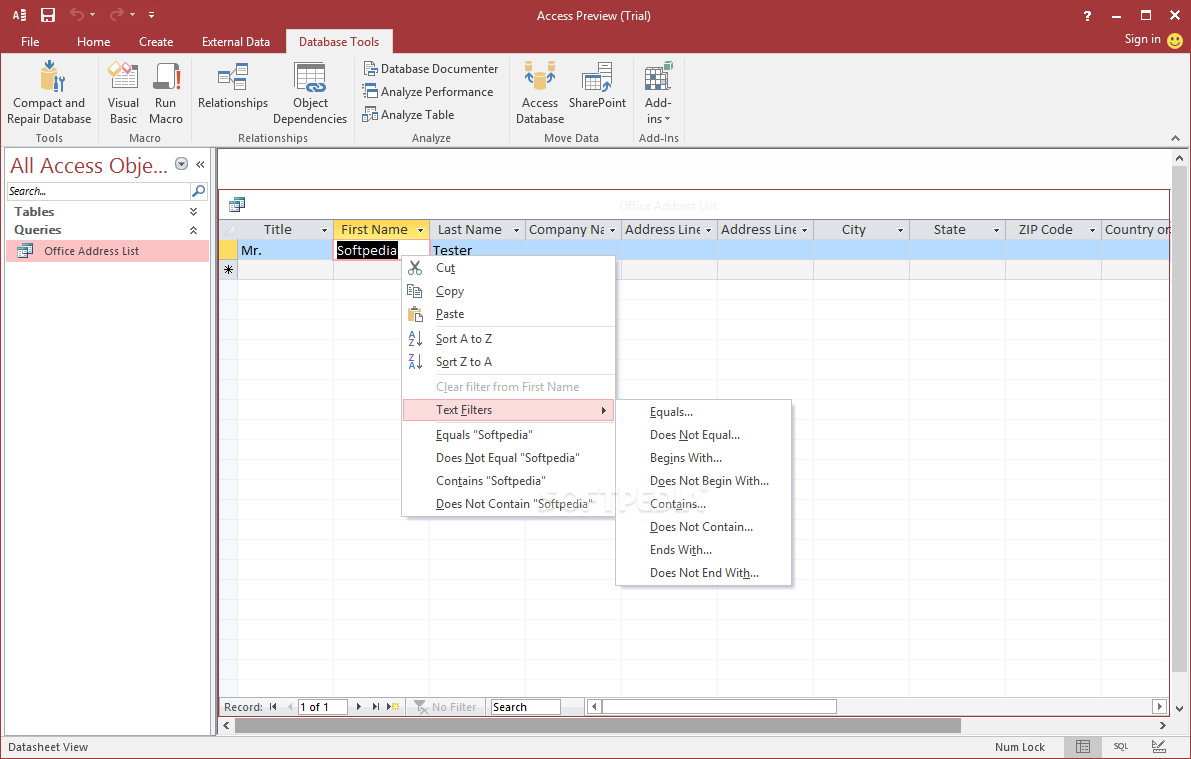
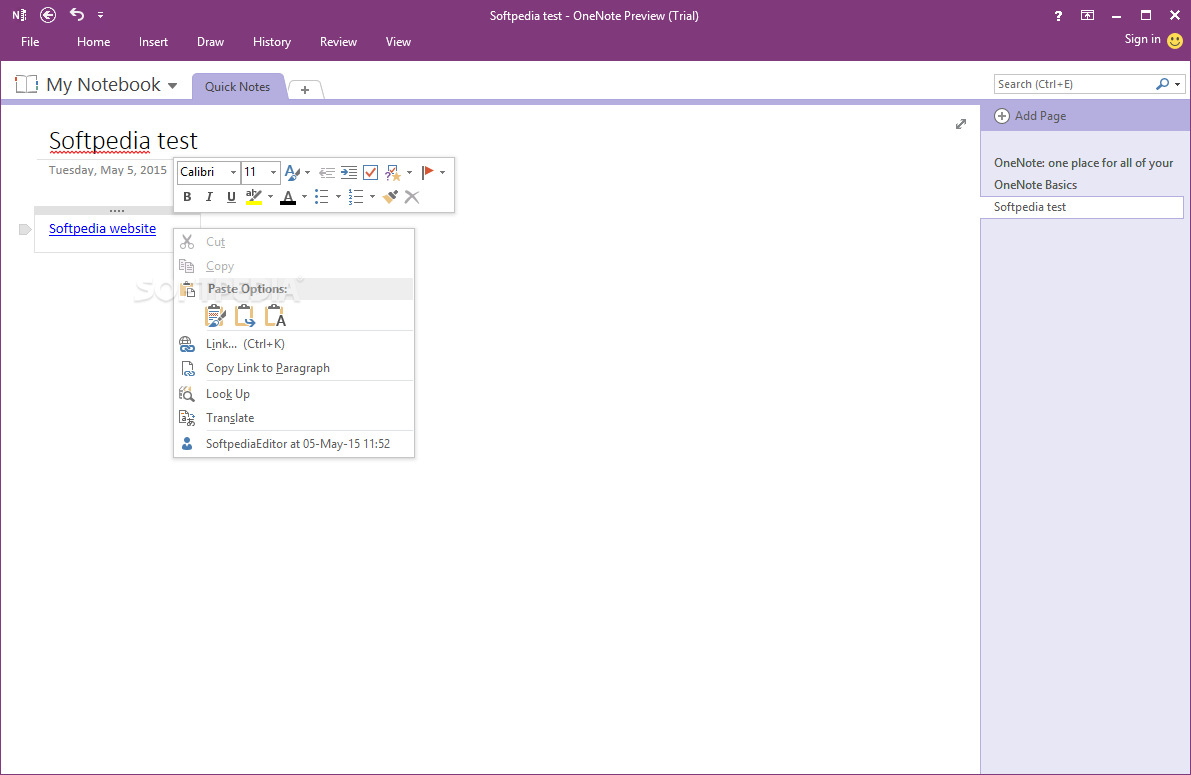
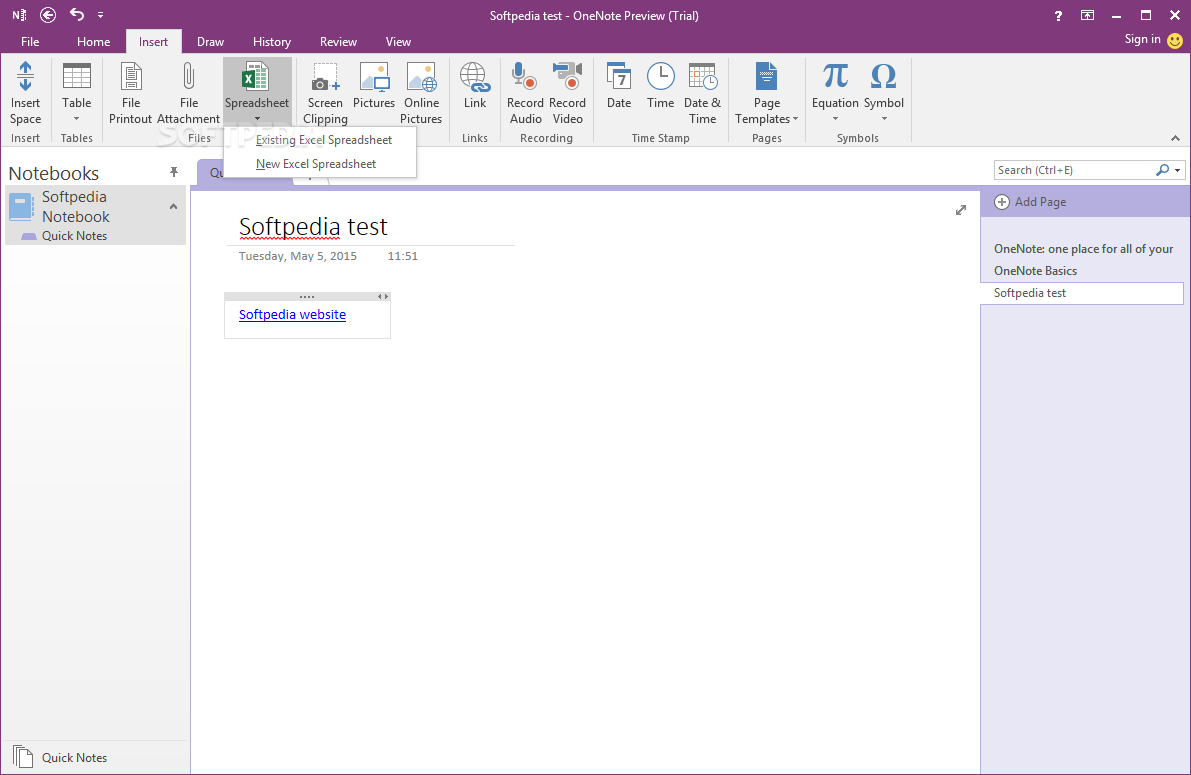
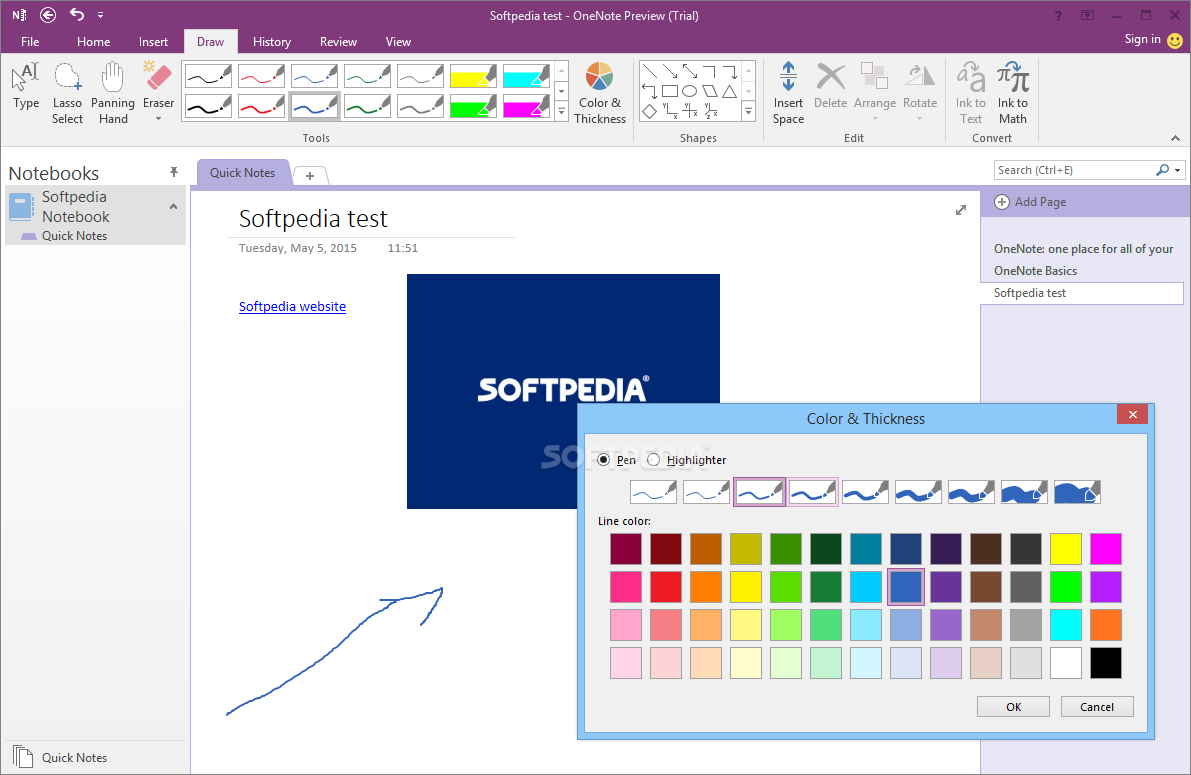
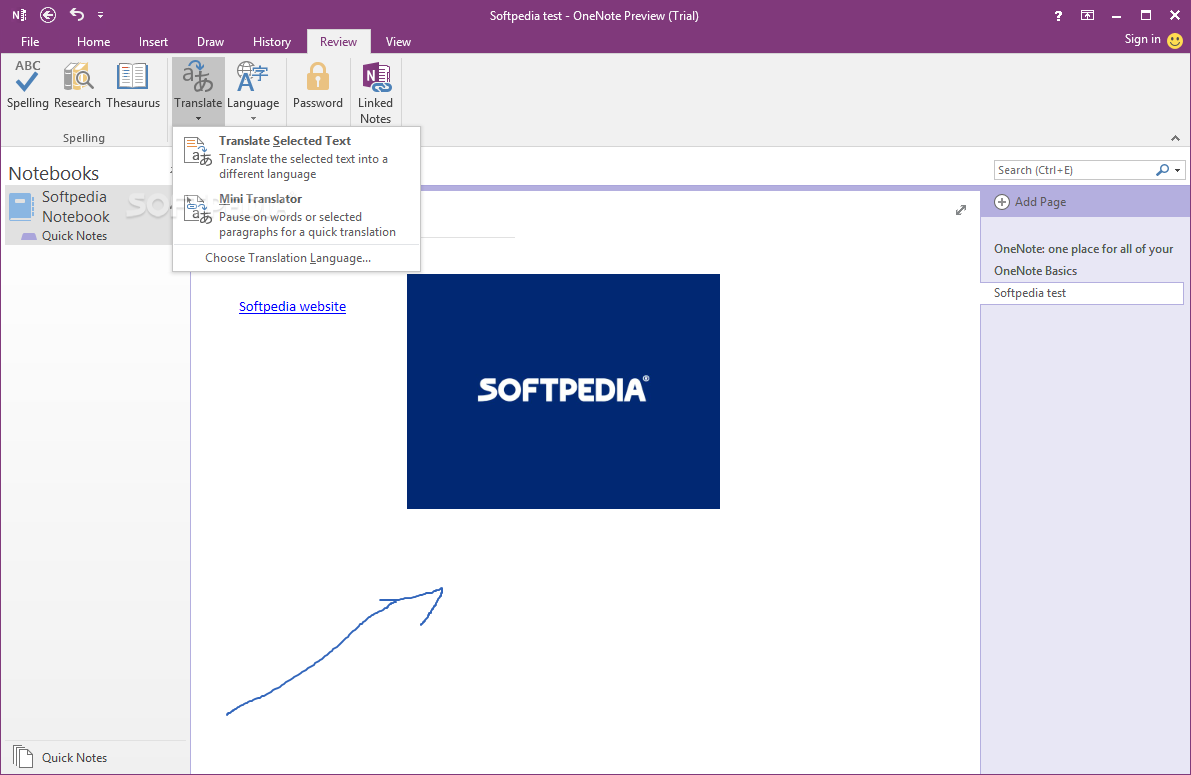
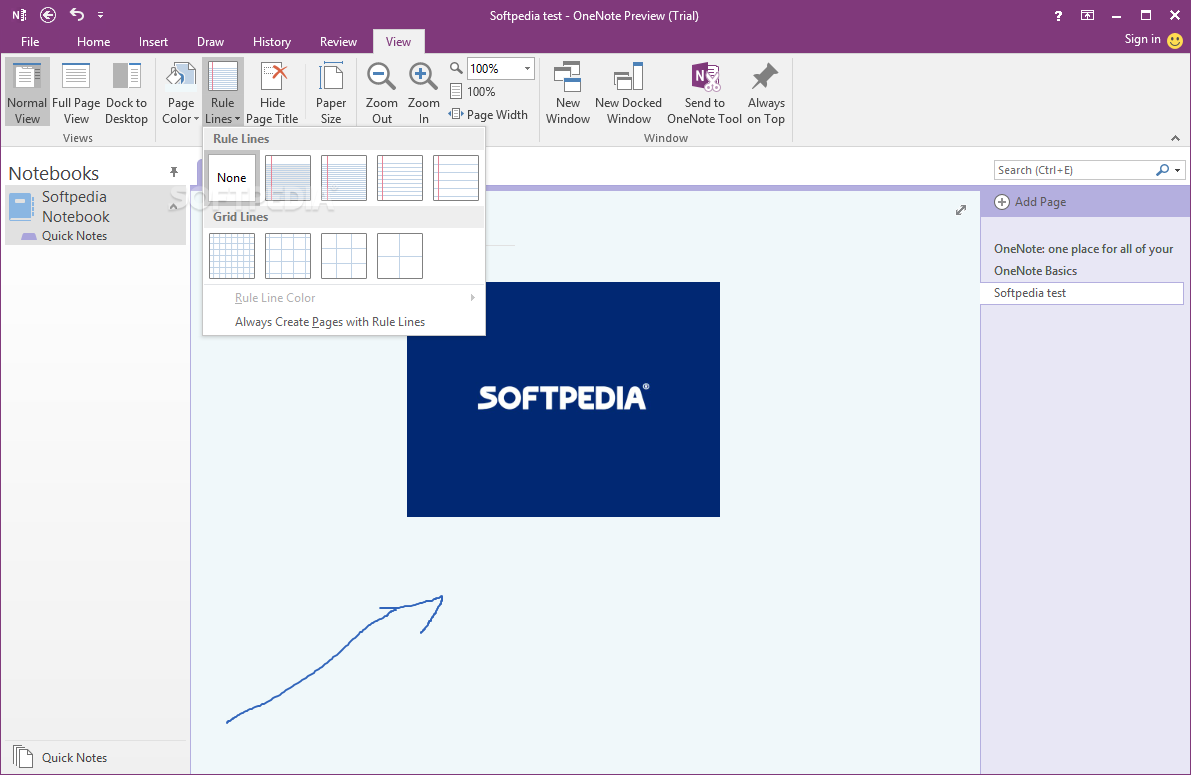
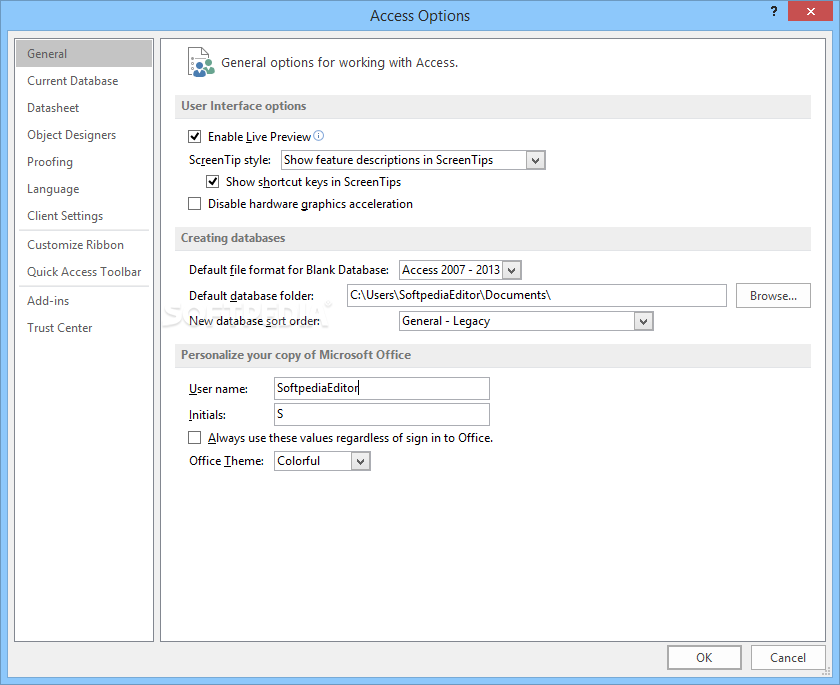
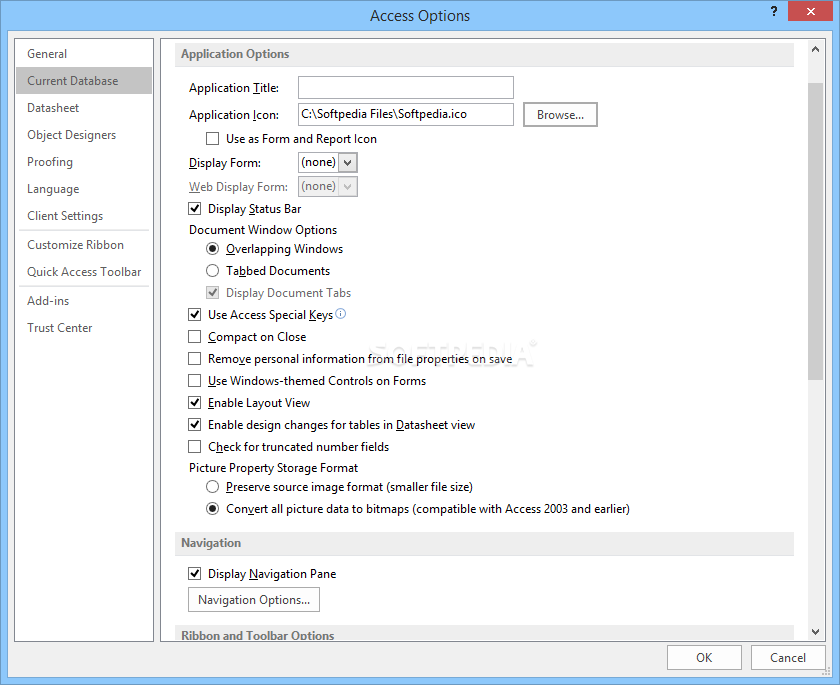
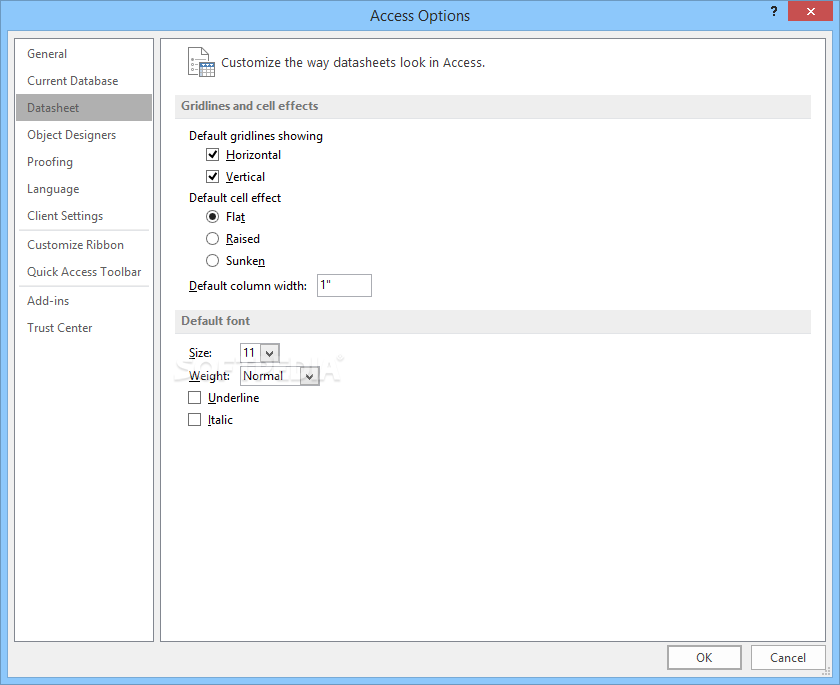
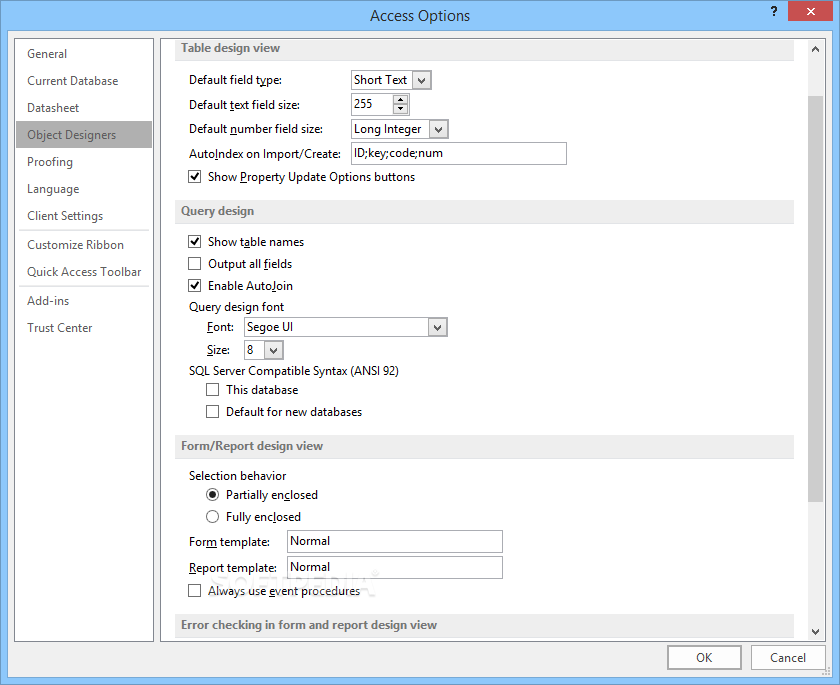
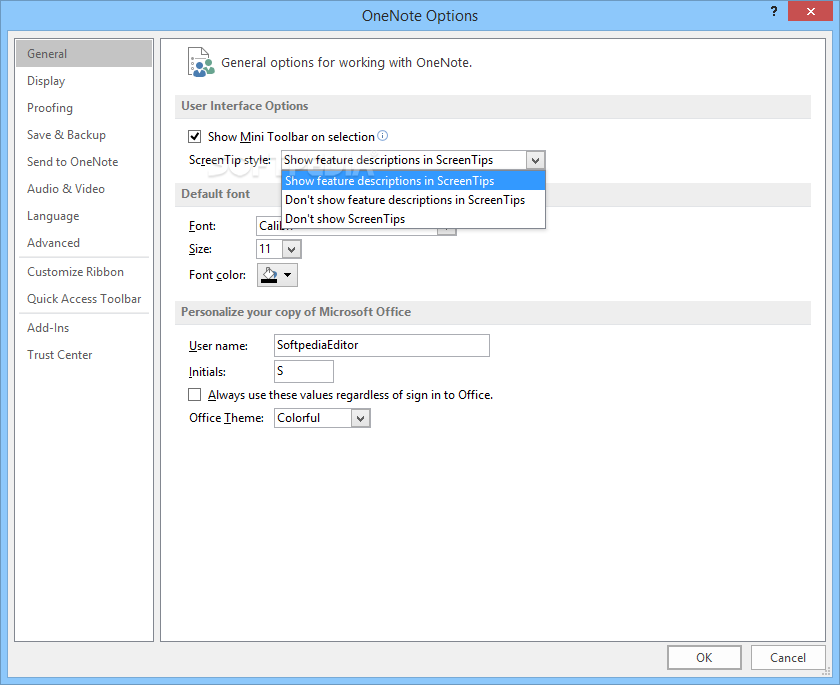
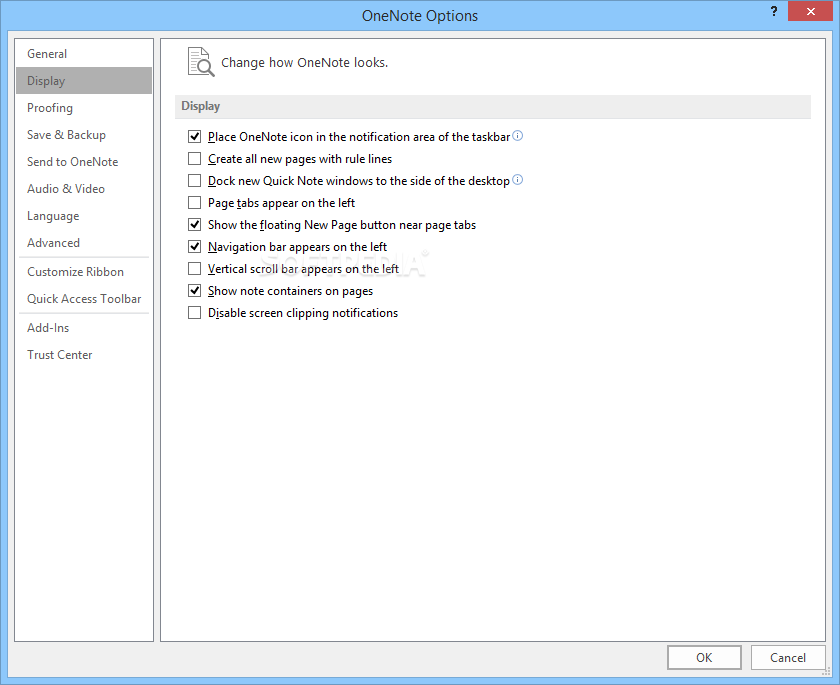
For Windows PC users, the toolkit is extended with Publisher for intricate layout designs and Access for robust database management. Complementing these tools is access to additional OneNote features, fostering seamless note-taking and collaborative workspaces.
While it does look and feel like a professional suite, the more you use it, the more likely you are to stumble across various limitations and annoyances. For starters, the subscription costs are quite high compared to its competitors and, this is perhaps why, the toolkit is mostly used in corporate settings.
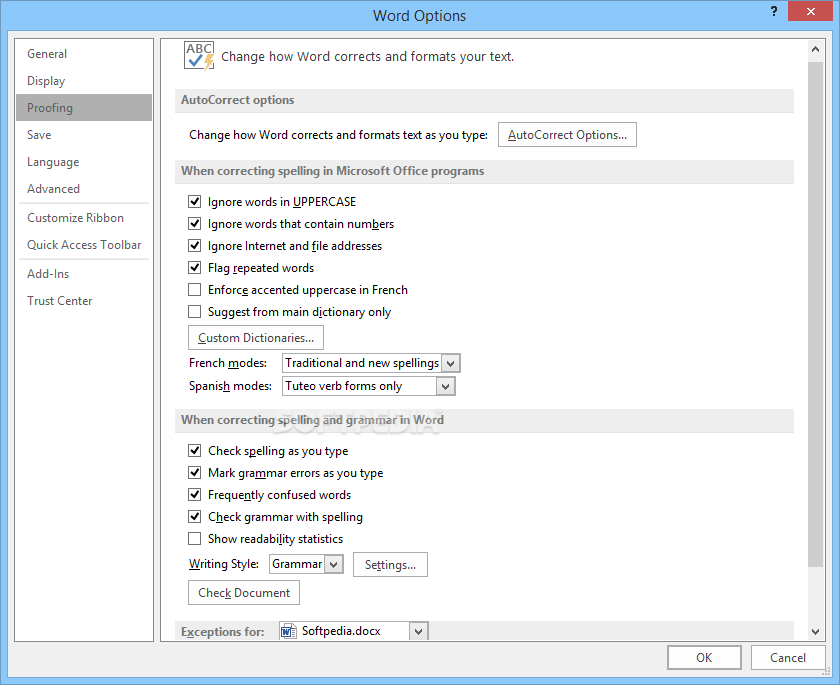
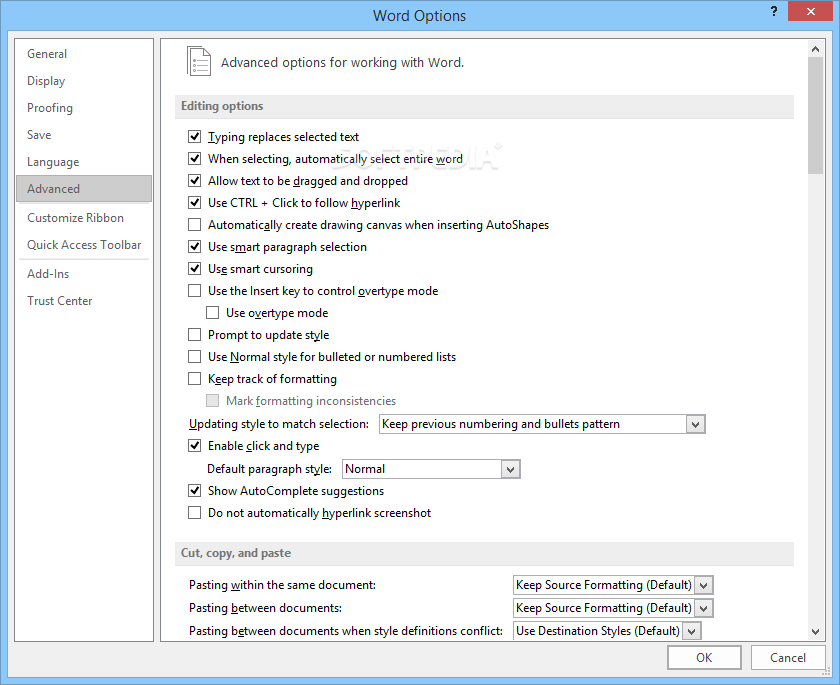
Although it is easy to use, accessing some features and advanced options is counterintuitive. Let’s take Word for instance, where automatic formatting of ordinals or the insertion of horizontal lines with a series of hyphens, are often a source of frustration.
When using Word's powerful Styles feature for text formatting, you might experience occasional unpredictability, as existing formatting, such as Italics, may be inadvertently removed during the application of a style.
Microsoft 365 is described as the behemoth of office suites, running almost everywhere, with full-featured editions for various platforms. While it is true that its full array of features along with the costs may not be the best choice for the average user, it might be an indispensable tool in the corporate setting.
Download Hubs
Microsoft 365 is part of these download collections: Open VCF, View ODS, Open Docx, PPT Maker
Microsoft 365 2403 Build 17425.20176
 Softpedia Editor's Pick
add to watchlist
add to download basket
send us an update
REPORT
Softpedia Editor's Pick
add to watchlist
add to download basket
send us an update
REPORT
- runs on:
-
Windows 11
Windows 10 32/64 bit
Windows Server 2012
Windows 2008 R2
Windows 8 32/64 bit
Windows 7 32/64 bit - file size:
- 4.5 GB
- filename:
- proplussp2013-kb2817430-fullfile-x86-en-us.exe

- main category:
- Office tools
- developer:
- visit homepage
7-Zip

Microsoft Teams

Windows Sandbox Launcher

Bitdefender Antivirus Free

4k Video Downloader

calibre

Context Menu Manager

IrfanView

ShareX

Zoom Client

- IrfanView
- ShareX
- Zoom Client
- 7-Zip
- Microsoft Teams
- Windows Sandbox Launcher
- Bitdefender Antivirus Free
- 4k Video Downloader
- calibre
- Context Menu Manager