
A comprehensive, system-wide translation tool that grants users the ability to translate text to and from any language through multiple engines, and much more #Google Translate #Text Translation #Translate Text #Translator #Translate #Translation

The ever-globalized web of today, despite its issues, has facilitated contact with all manner of cultures and languages that would have been difficult to reach otherwise. The prevalence of English in this day and age means that knowing it is indeed an asset, but knowing any language is valuable in itself after all.
The use of a system-wide translator should be evident by now. It can be a huge help for many: whether you’re looking to learn or familiarize yourself with a new language or are just looking to get around the web more easily, GT4T should be useful all the same.
While browser translators can work very reliably, it can be a little awkward to use them if you’re working with some other program, such as a text editor. An app like GT4T provides on-demand translation wherever you need it: a text file, a browser page, a PDF document, and so on.
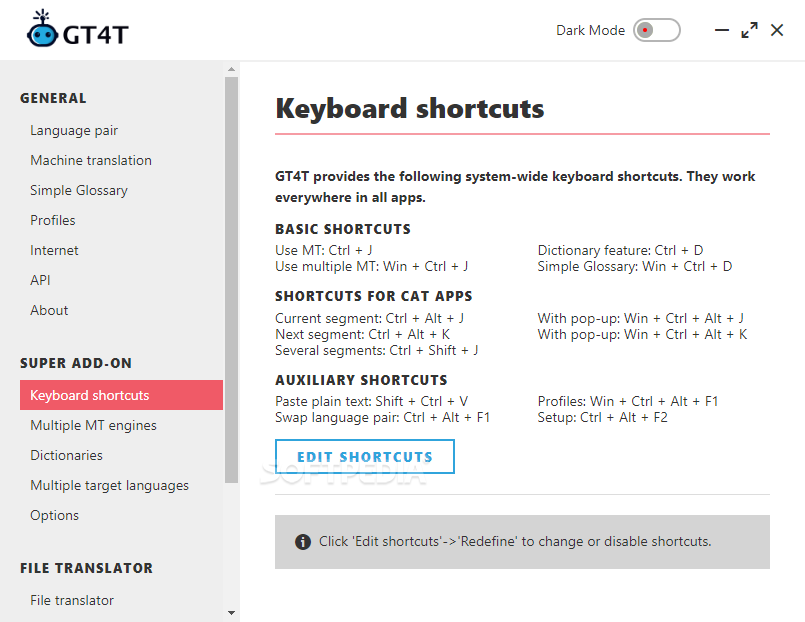
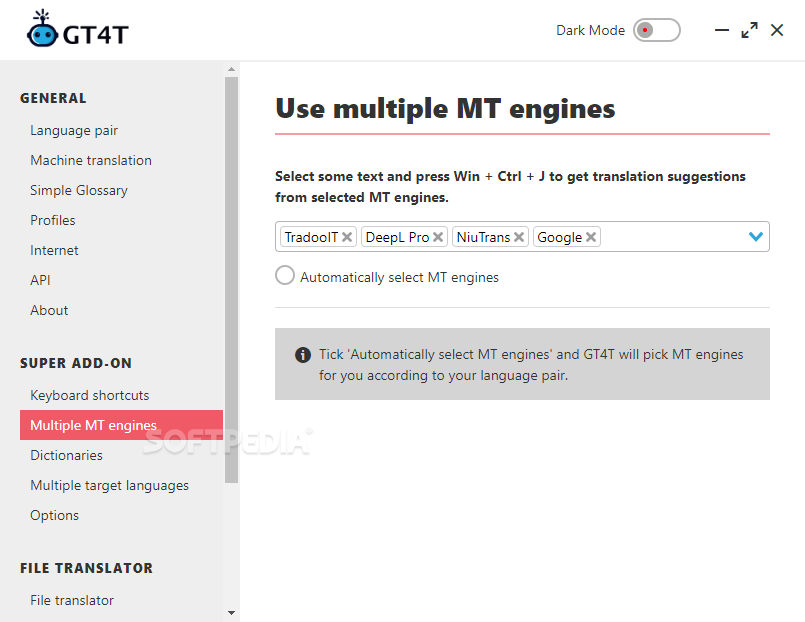
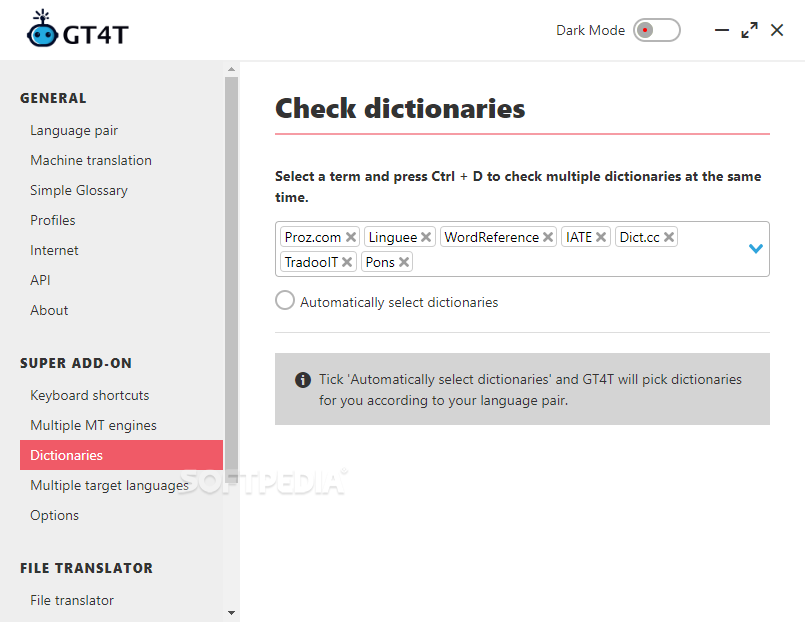
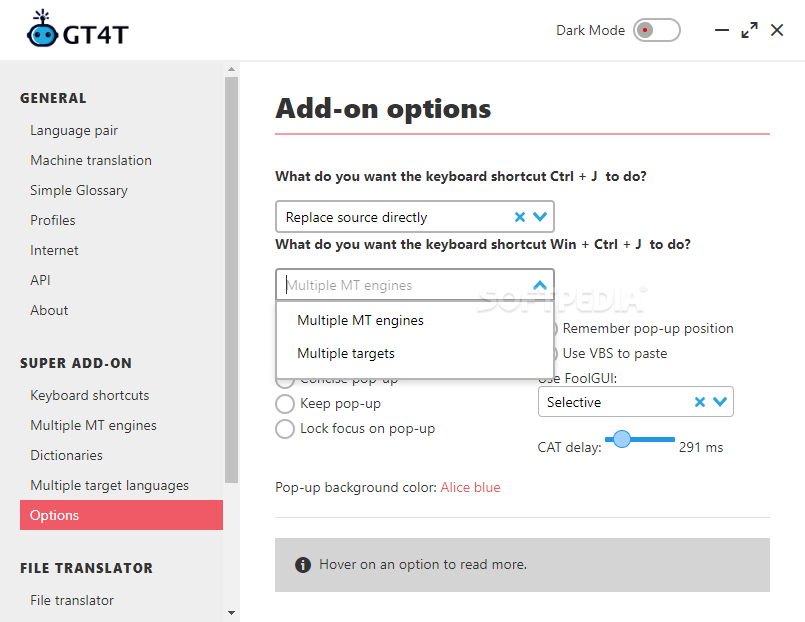
Use the Ctrl+J hotkey upon highlighting your text to bring up the translator. Holding down the Win key will use multiple engines for your translation, which is great if you’re looking for a second or third opinion. Highlighting a word, then pressing Ctrl+D will provide access to the dictionary feature.
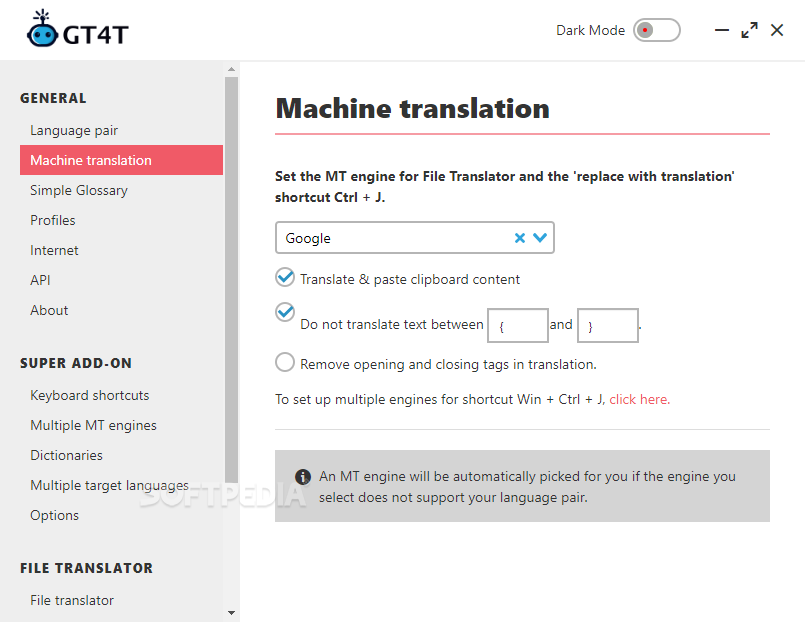
A clear advantage of the program lies in its ability to use multiple engines for translation. Some do better than others when it comes to some languages, so it’s always good to have more options to rely on.
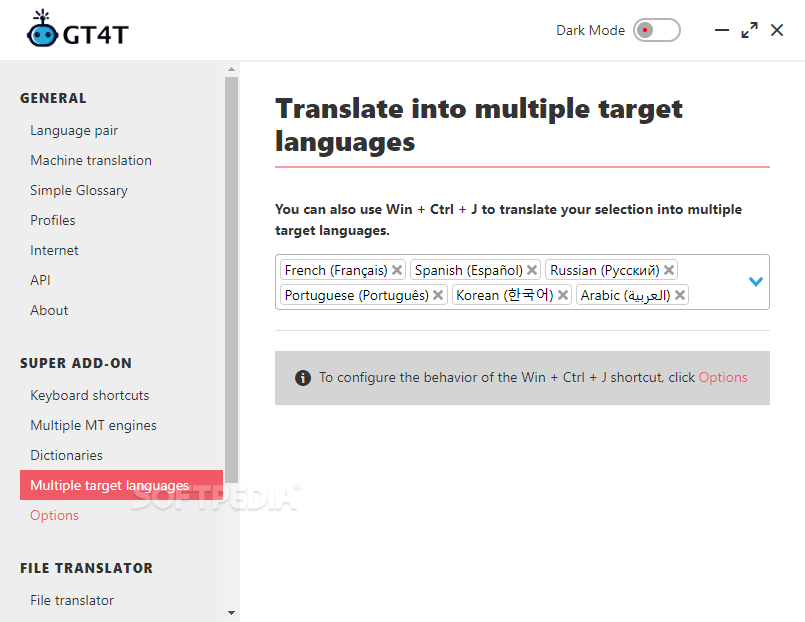
Helpful is also the software’s capability to readily translate your text prior to writing a message. Set your preferred language to translate into, press Ctrl+J, and the tool will automatically provide a translation for you to use.
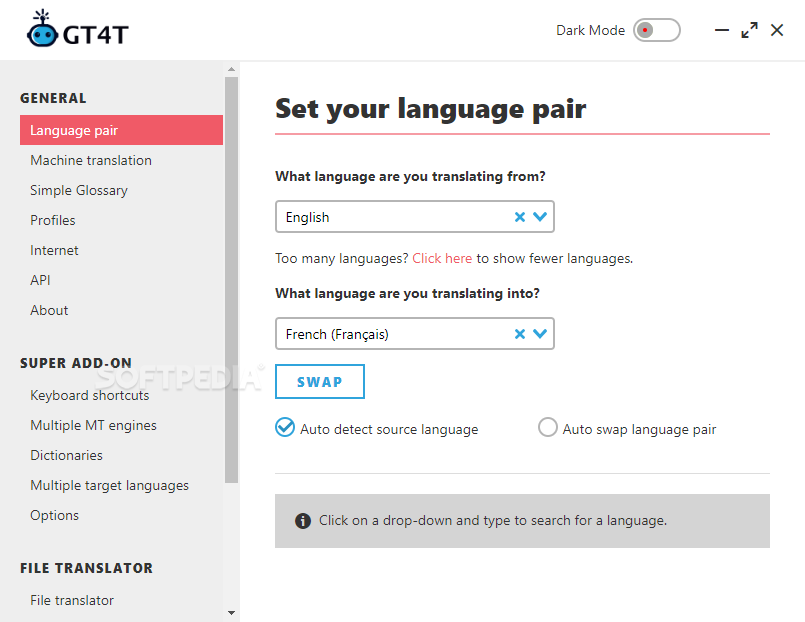
Note that a translation can be affected by its style, which can be modified from the main interface. You can leave it on Not Specified, but it’s also possible to change it to formal, informal, or to make it fit for a specific field, such as Education, Finance, and the like.
GT4T is a very advanced yet user-friendly piece of software that facilitates translating and working with foreign languages in the globalized internet of today. There's a lot more to it if you're willing to delve deeper, making this a solution viable for both the experienced and unexperienced alike.
GT4T 8.44.24 Build 0426
add to watchlist add to download basket send us an update REPORT- buy now $30.70Pro 1 Pack - monthly subscription
- buy now $155.00Pro 1 Pack - 6 months subscription
- buy now $278.00Pro 1 Pack - yearly subscription
- runs on:
-
Windows 11
Windows 10 32/64 bit
Windows 8 32/64 bit
Windows 7 32/64 bit - file size:
- 114 MB
- filename:
- GT4T_setup.exe



- main category:
- Office tools
- developer:
- visit homepage
Microsoft Teams

7-Zip

4k Video Downloader

ShareX

Context Menu Manager

calibre

Zoom Client

Windows Sandbox Launcher

IrfanView

Bitdefender Antivirus Free

- Windows Sandbox Launcher
- IrfanView
- Bitdefender Antivirus Free
- Microsoft Teams
- 7-Zip
- 4k Video Downloader
- ShareX
- Context Menu Manager
- calibre
- Zoom Client