Softpedia
 

WINDOWS CATEGORIES:


GLOBAL PAGES >>
SOFTPEDIA REVIEWS >>
MEET THE EDITORS >>
WEEK'S BEST
  • Sticky Password FR...
  • Parallels Workstat...
  • ESET NOD32 Antivir...
  • BitDefender Total ...
  • WinPatrol 24.6.201...
  • PerfectDisk Free D...
  • Adobe Photoshop CS...
  • PerfectDisk Profes...
  • Windows 8 Consumer...
  • Atlantis Word Proc...
  • Home > Windows > Office tools > Other Office Tools
     Report malware

    UltraCompare Professional 8.30.0.1003

    download button

    Part of the Compare Texts download hub
    Downloads: 9,708  Tell us about an update
    User Rating:
    Rated by:
    Good (3.3/5)
    35 user(s)
    Developer:

    License / Price:

    Size / OS:

    Last Updated:

    Category:

    Trial / USD 49.95 buy button
    13.8 MB / Windows All
    [view history]
    C: \ Office tools \ Other Office Tools

     Read user reviews (0)  Send to friend   Follow (1 user)

    UltraCompare Professional description

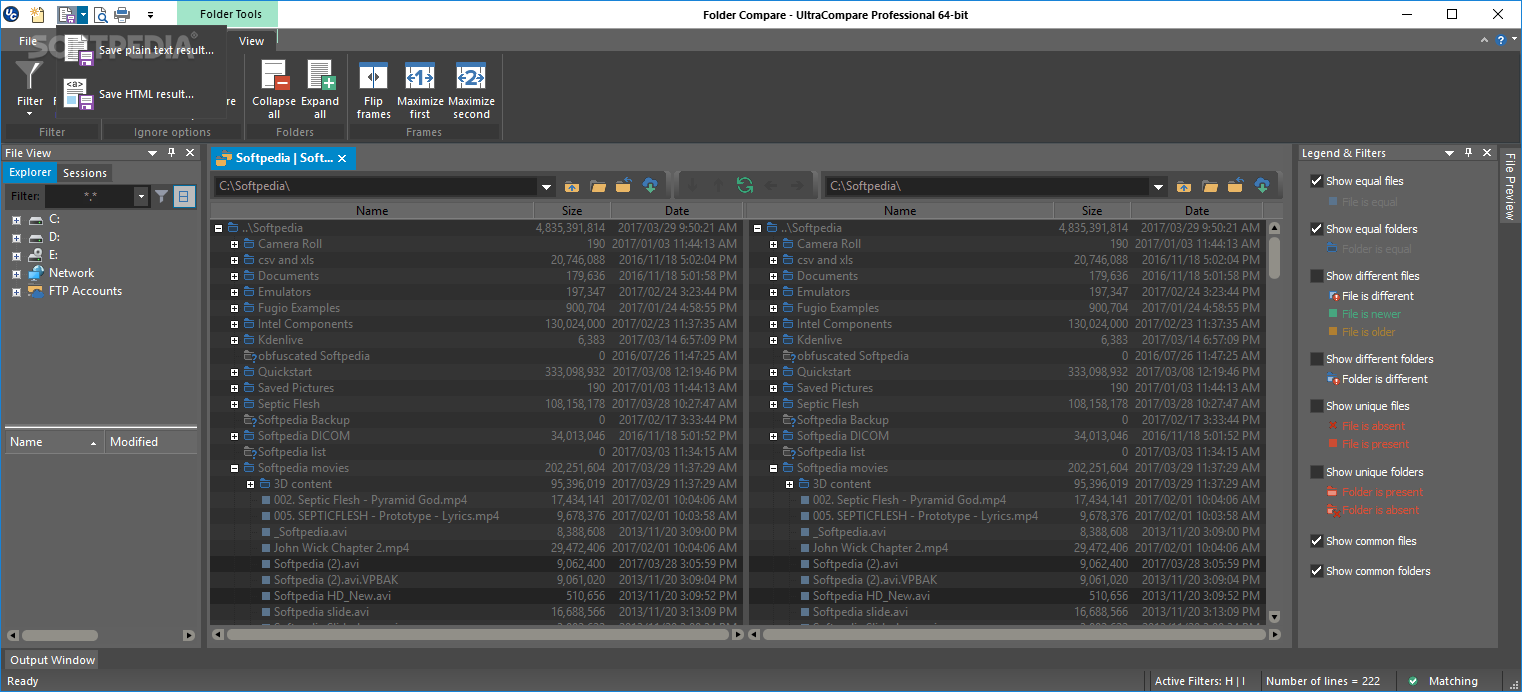
    Text Compare, Binary Compare, Folder Compare & Merge Utility

    Powerful Compare/Merge for Text/Binary Files & Folders. Drag/drop of folders/files to be compared or direct entry. UltraCompare Professional is a tool that allows you to compare and merge text files. Includes indexed HTML Help. Runs as standalone product or from within UltraEdit.

    Here are some key features of "UltraCompare Professional":

    Text Compare Features:
    · Powerful 3-way text compare
    · Shell Integration (right click menu in Windows Explorer)
    · Ability to edit line and merge within UltraCompare
    · Copy/paste multiple selected contiguous lines to clipboard
    · Copy frame to clipboard
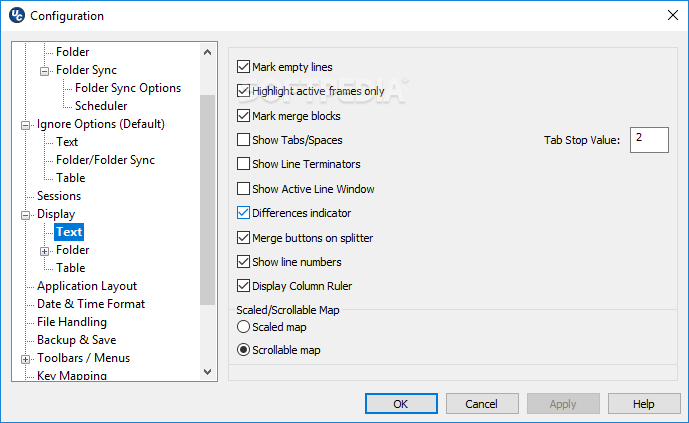
    · Ability to see whitespace differences (tabs and spaces)
    · Set Tab value to a specific number of spaces (like UltraEdit-32/UEStudio)
    · Bookmark support
    · Ability to delete lines from file
    · Line-by-line comparison of individual files
    · Status bar shows number of lines/blocks with differences

    Difference Summary includes:
    · data in source but not in destination file (or vice versa)
    · character differences between files on the same line
    · Command Line Support

    Ignore options:
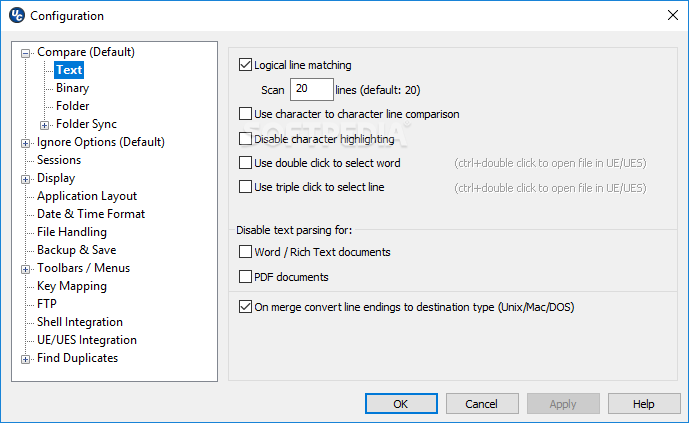
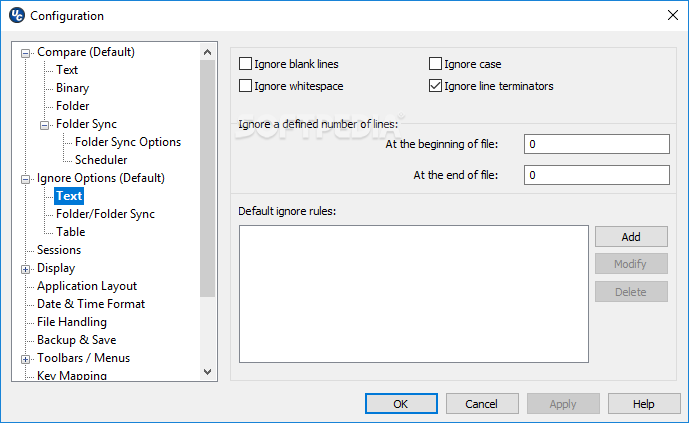
    · Ignore case
    · Ignore spaces
    · Ignore blank lines
    · Line terminator differences
    · Lines which begin with...
    · Lines which contain..
    · Lines which end with...
    · A defined number of lines at the beginning of file
    · A defined number of lines at the end of file
    · EBCDIC compare supported
    · Double-byte compare supported

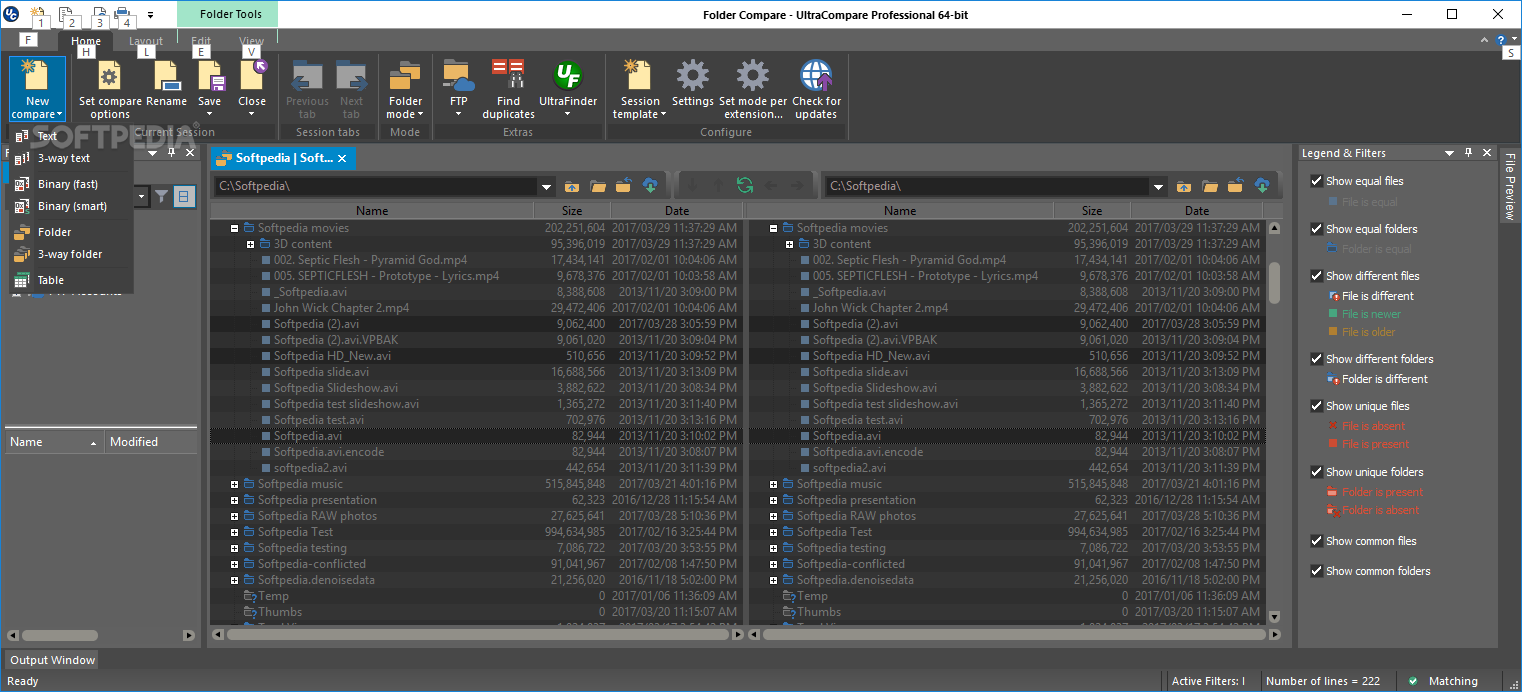
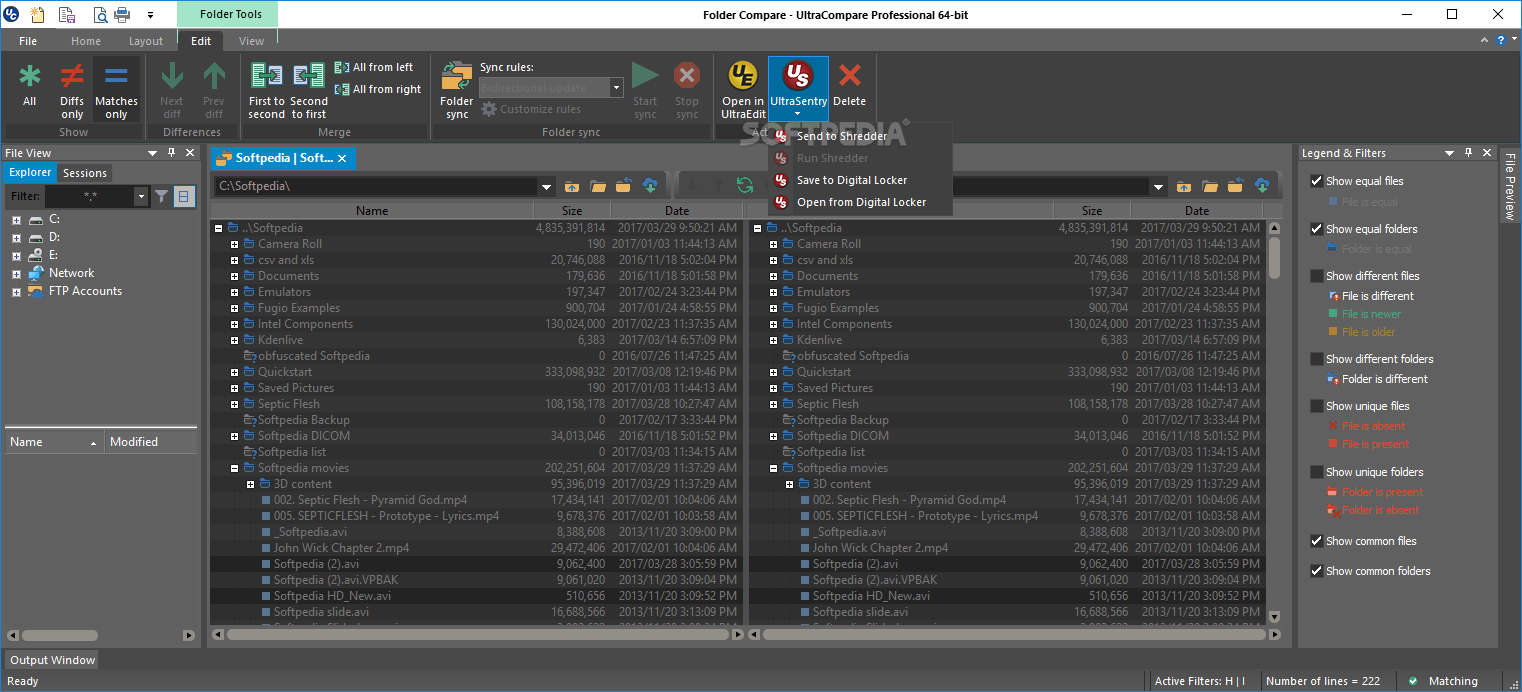
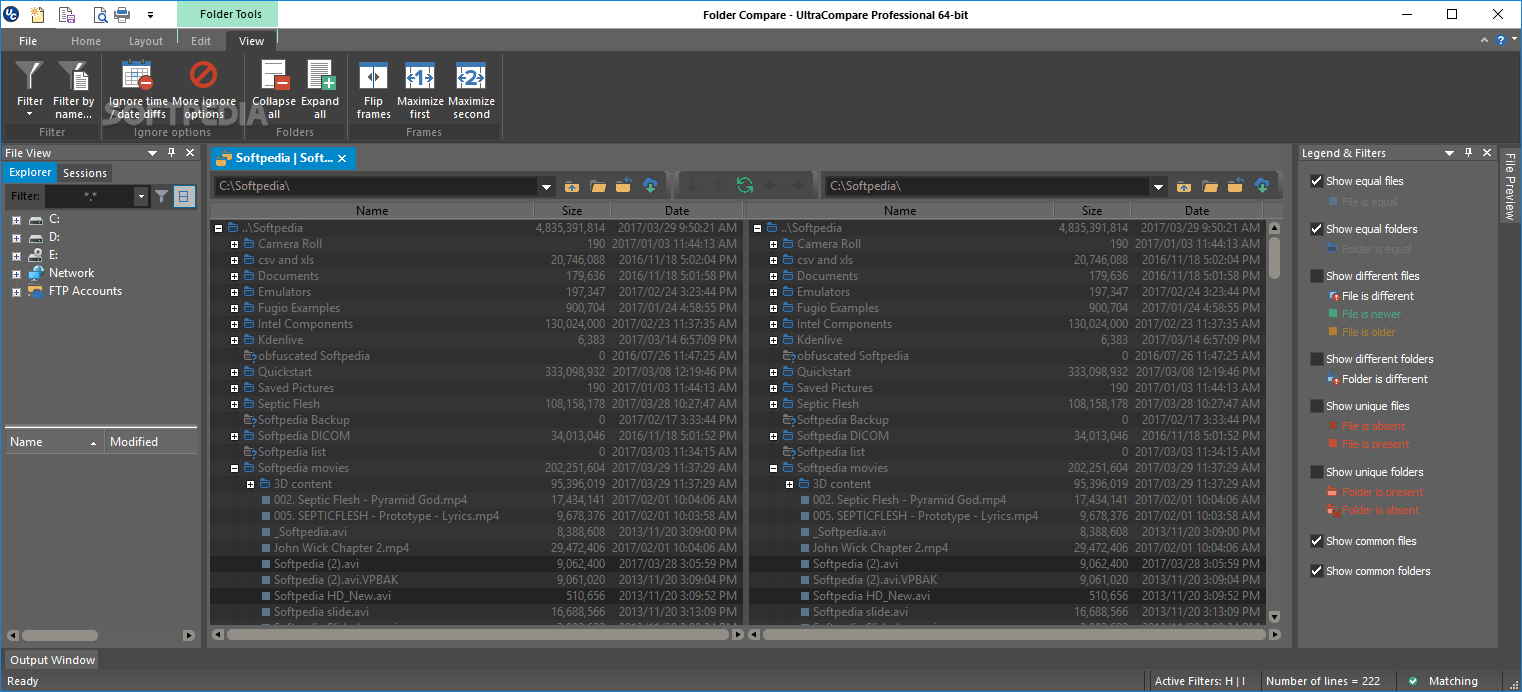
    Folder Compare Features:
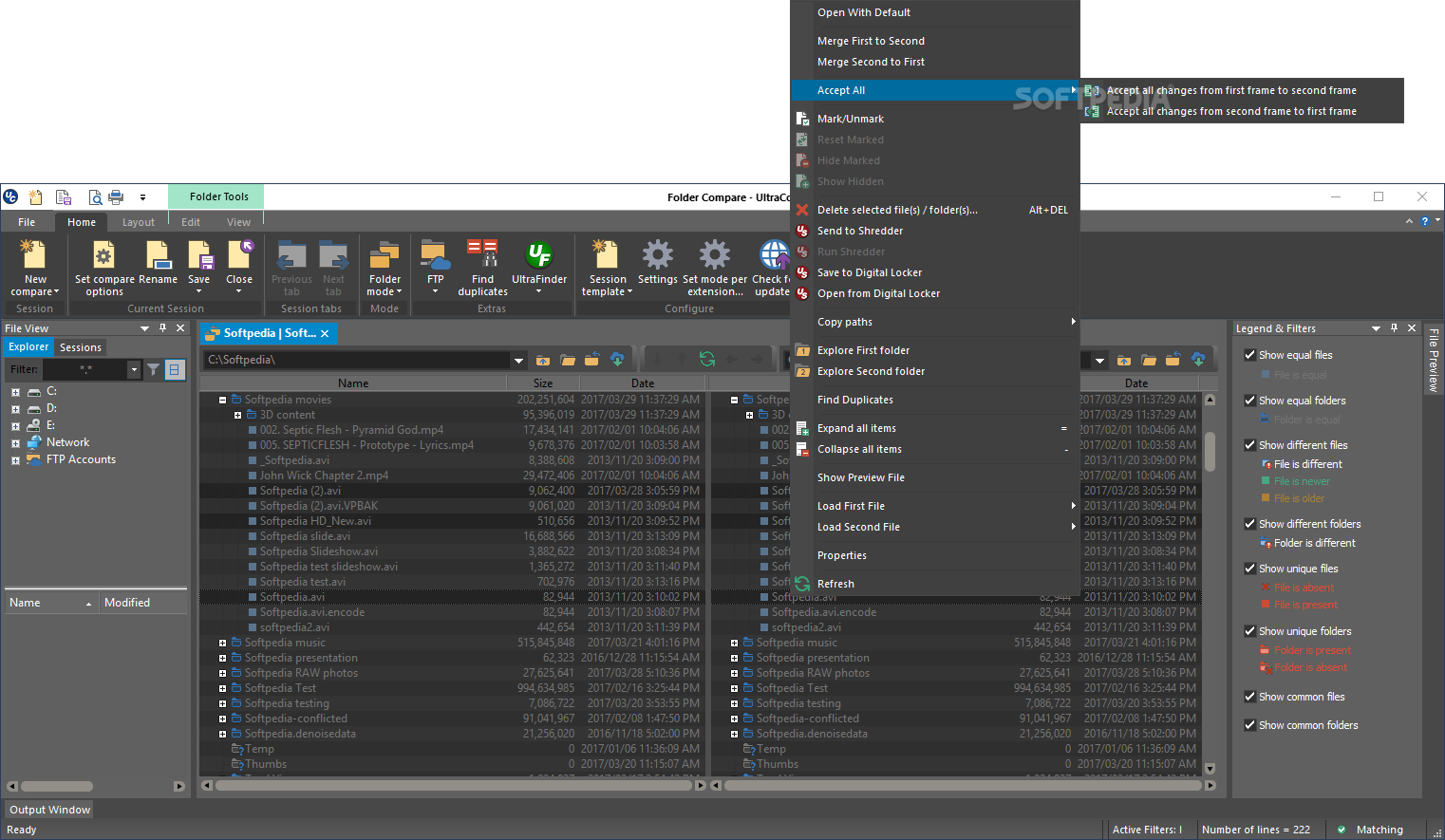
    · 3 Way Folder Compare
    · ZIP Archive Compare
    · ZIP file password support
    · Support for RAR compressed files
    · Side-by-side Compare Presentation
    · Shell Integration
    · Split screen to preview text in one pane while moving from file to file
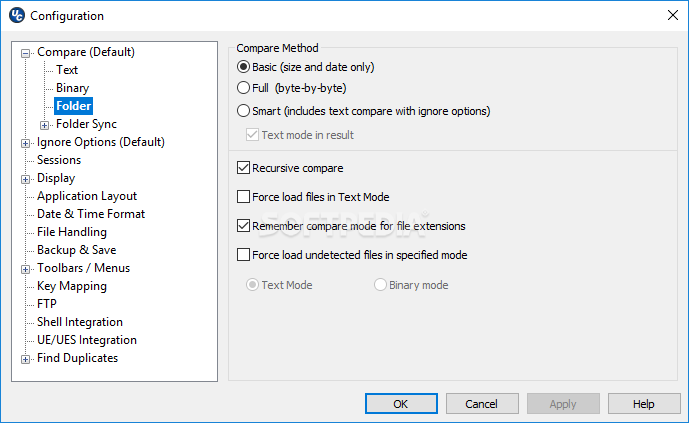
    · Option to compare files just on the basis of time/date/size
    · Ability to set a NOT operator for filter, ie, NOT *.bak, etc.
    · Provide live update on progress (useful when working with large nestedtrees)
    · Favorite files and folders now allows quick access to commonly used items
    · Explore source or destination folder by right click in folder mode
    · Compare individual directories
    · Recursive compare of directories (includes subdirectories)

    Difference Summary includes:
    · Same named files with different sizes
    · Same named files with different creation dates/times
    · File type: Binary or ASCII
    · Compare two folder structures and indicate which files have different permissions
    · Ability to select files with different names and compare them
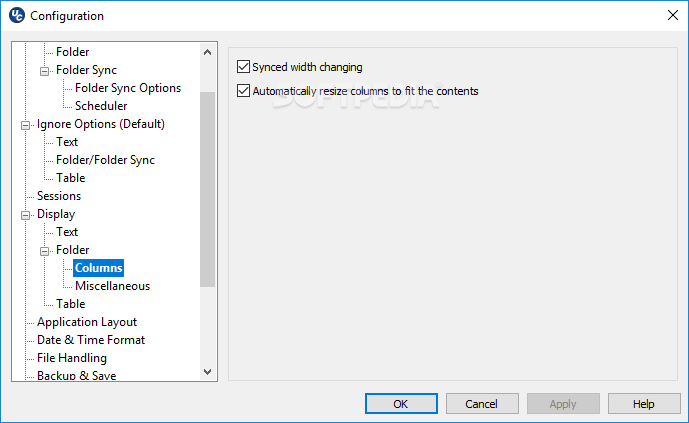
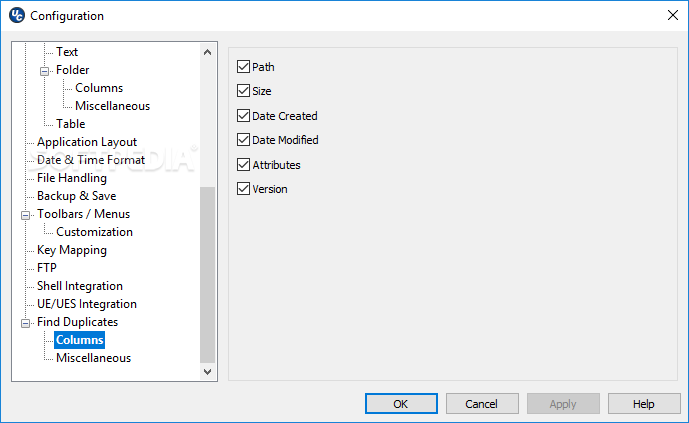
    · Ability to right-click on column headings and select fields

    Word Compare Features:
    · Compare Microsoft Word documents
    · Compare RTF Files

    Fast Binary Compare Features:
    · Binary comparison allowing for shifted data
    · Command Line invocation
    · Option to display decimal offset rather than Hexadecimal

    Merge Features:
    · Undo merge feature
    · Merge compared lines/blocks between files for 2 and 3 way compare
    · Merge compared files between directories for 2 and 3 way folder compare
    · Selected line merge capability
    · Accept all (or Merge All) button for text mode, and folder mode
    · Word-level (or selection-level) replacement and insertion
    · Mark merged lines for review
    · Enhanced merging - allows changes to be added to changes in other file
    · Merge contents of compared directories
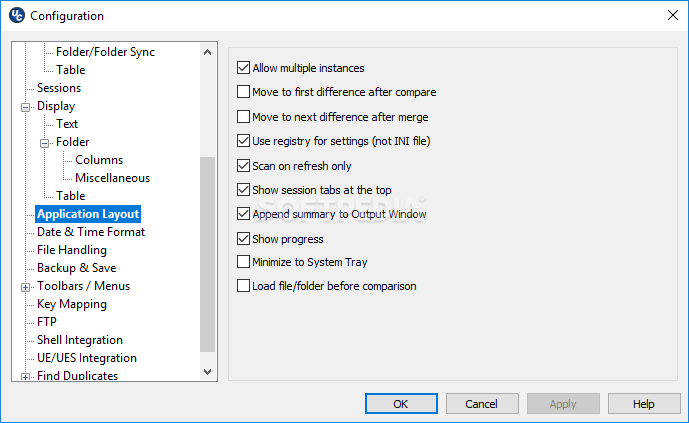
    · Option to automatically move to the first difference when loading
    · Option to automatically move to next difference after merge

    Print/Output Features:
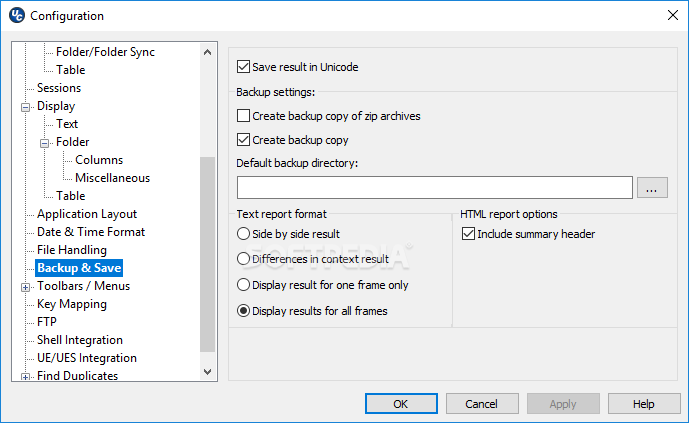
    · Ability to use UC in batch files to produce reports, side-by-side difference output
    · Print right/left file from File menu
    · Print difference summary showing matching lines or differences only
    · Print and save differences in context
    · Print and save differences of one file
    · Print and save files side by side
    · Print and save differences from binary compare

    File Management Features:
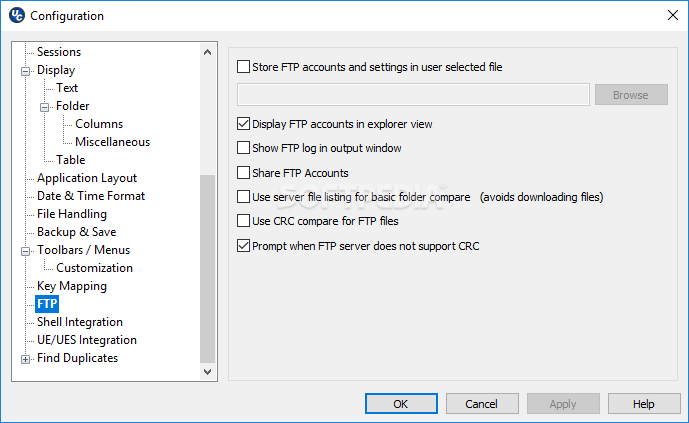
    · FTP support
    · Open Left/Right File independently
    · Drag and drop from Explorer
    · Close All in the file menu and as a button
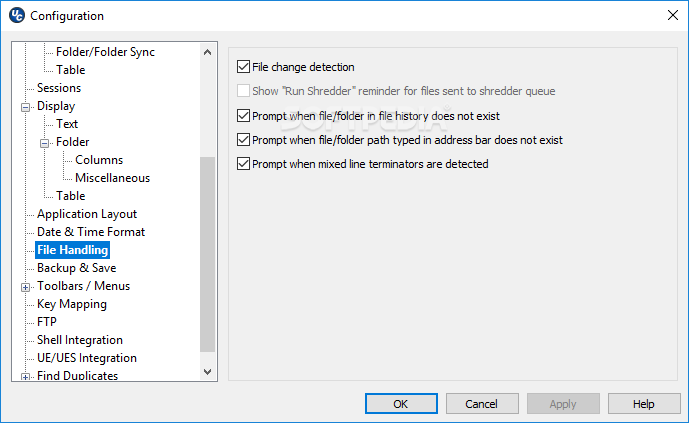
    · Automatic file change detection

    Display Features:
    · Integrated IE Browser Support - Display your HTML files as they would appear in the browser
    · Show File in Browser
    · Text Relational Lines Mode
    · Full width display of active line of each file at bottom of application
    · Ability to word wrap files
    · Graphical scrolling display to easily locate changes
    · Synchronized horizontal scroll
    · Flip frames to switch source/destination files/directories
    · Toolbar customization

    Miscellaneous Features:
    · User Profiles for allowing different settings for different modes
    · Set UltraCompare to single instance
    · Check for updates
    · Set Filter to specify file types to be displayed during Folder compare
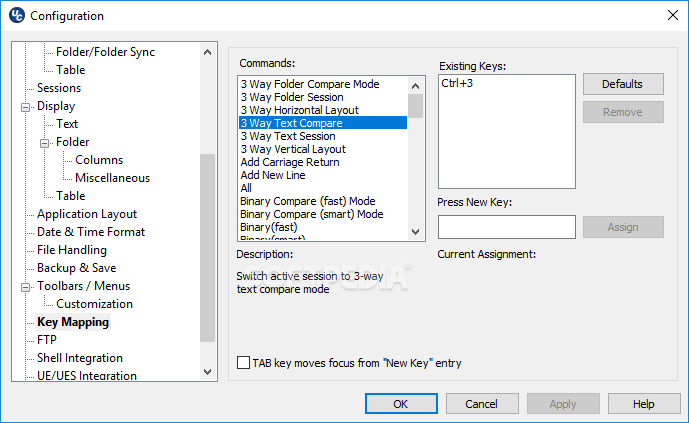
    · Configurable Key mapping
    · Set font for compare panes
    · Customize/Manage toolbar/menu
    · Command line option for quick difference check

    UltraCompare Lite Features:
    · Text Compare
    · Support for line-by-line comparison of individual files
    · Status Bar shows number of lines/blocks different

    Difference Summary includes:
    · data in source but not in destination file or vice versa
    · data difference between files on the same line
    · Fast Binary Compare
    · Runs only from within UltraEdit
    · Online HTML Help

    Limitations:

    · 30 days trial
    · Nag Screen

    What's New in This Release: [ read full changelog ]

    Session improvements:
    · Prompt to apply global configuration changes to existing sessions
    · "New session" toolbar icon
    · "New session" control in workspace when all sessions have been closed
    · Dialog cleanup in Session Properties window
    · Other minor improvements

    · PDF compare now prompts when file contains no text
    · Better detection of externally deleted files while in folder mode
    · Addressed incorrect difference indication with "ignore whitespace"
    · Addressed issue when merging from 3rd to 2nd file in 3-way text compare
    · Other minor maintenance items

     Softpedia guarantees that UltraCompare Professional 8.30.0.1003 is 100% CLEAN, which means it does not contain any form of malware, including spyware, viruses, trojans and backdoors. [read more >]


    TAGS:

    Text Compare | file manager | Folder Compare | UltraCompare | Compare | merger


    HTML code for linking to this page:


    Go to top

    WindowsGamesDriversMacLinuxScriptsMobileHandheldNews

    SUBMIT PROGRAM   |   ADVERTISE   |   GET HELP   |   SEND US FEEDBACK   |   RSS FEEDS   |   UPDATE YOUR SOFTWARE   |   ROMANIAN FORUM