
Advanced, cross-platform XPS editing and document manipulation, featuring support for text and object editing, along with variable data handling. #XPS editor #XPS viewer #Edit XPS #Editor #Viewer #XPS

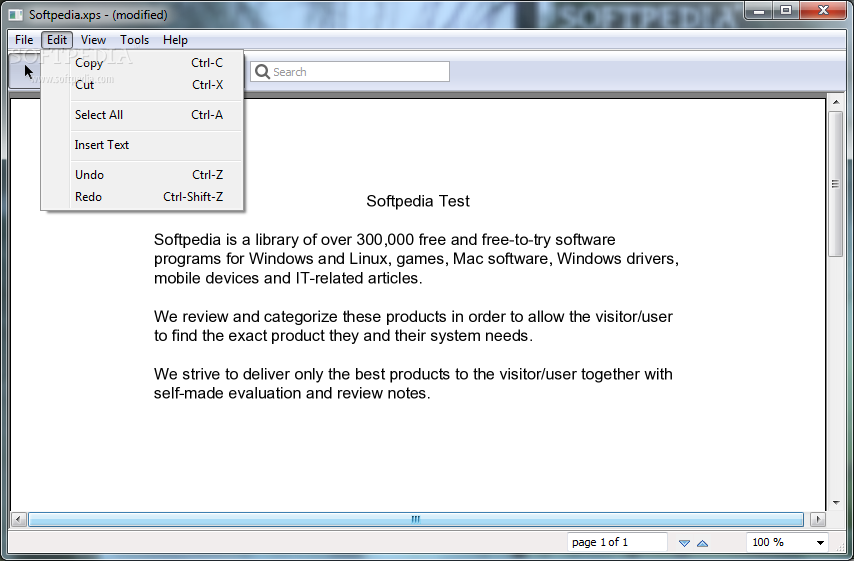
NiXPS Edit is an easy-to-use software program that allows users to edit text in XPS files. It comprises a few intuitive options that can be configured by all types of users, including the ones with limited or no prior experience in word processing applications.
Installing the utility takes little time and minimal effort. Its user-friendly interface is familiar to the one of a common word processor, consisting of a normal window with a neatly organized structure.
XPS files can be opened by using the file browser only, since the drag-and-drop function is not supported. There are six tools available: for selecting objects, moving them around, zooming in and out, panning, as well as for text selection and editing.
The modified document can be overwritten to file or saved to a new one, exported to PDF, SVG or TIFF, or printed. Plus, you can use a search function, cut, copy and insert text, as well as undo and redo your actions.
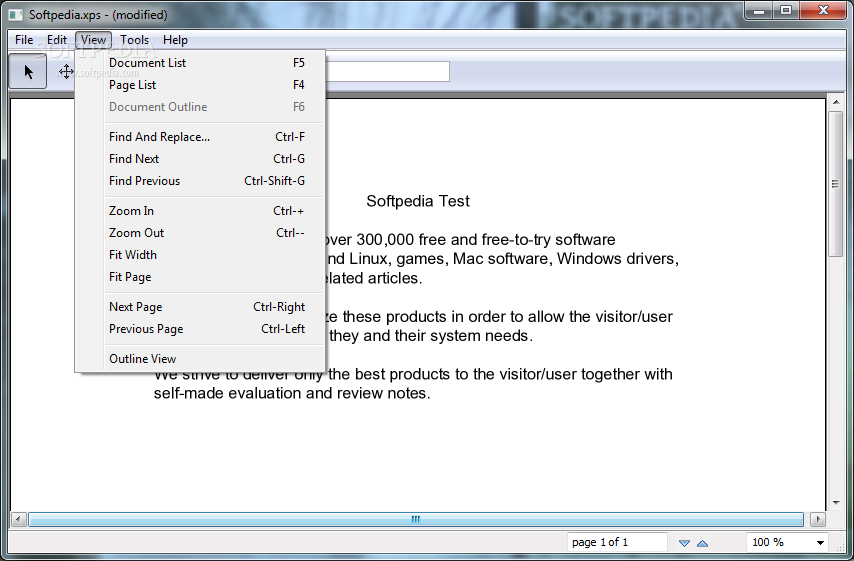
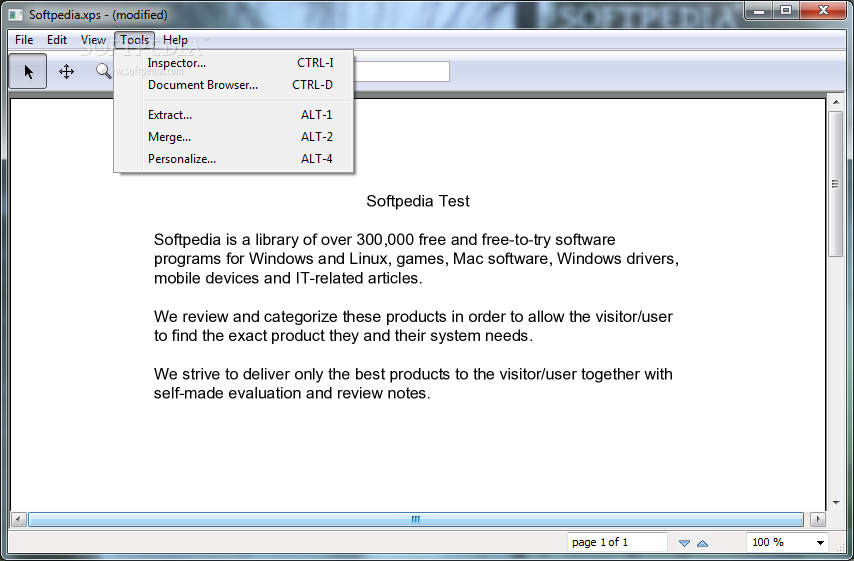
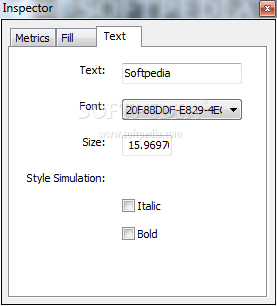
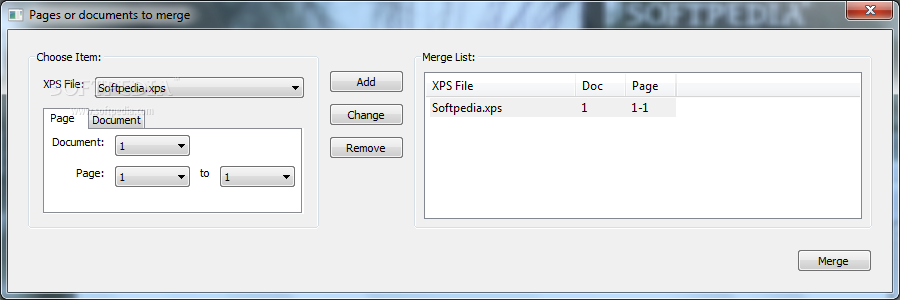
NiXPS Edit includes multiple viewing modes, such as document list, page list, and document outline. You can fit the width or page, and enable outline viewing mode. Other tools let you examine document information when it comes to metrics, filling and text (e.g. font, size, style simulation), view details on fonts, images and the package tree, extract or merge pages, as well as personalize them using CSS.
The program leaves minimum footprint on system performance, since it uses low CPU and RAM. It has a good response time and works smoothly, without causing the OS to freeze, crash or display error messages. Hotkeys are supported, along with user documentation.
In conclusion, NiXPS Edit sports rich features for viewing and editing XPS documents, and it should meet the requirements of most users.
Download Hubs
NiXPS Edit is part of these download collections: Edit XPS, Convert XPS
NiXPS Edit 2.6.1
add to watchlist add to download basket send us an update REPORT- runs on:
- Windows All
- file size:
- 3 MB
- filename:
- NiXPS Edit v2.6.1.exe

- main category:
- Office tools
- developer:
- visit homepage
ShareX

Bitdefender Antivirus Free

IrfanView

7-Zip

4k Video Downloader

Windows Sandbox Launcher

calibre

Zoom Client

Microsoft Teams

Context Menu Manager

- Zoom Client
- Microsoft Teams
- Context Menu Manager
- ShareX
- Bitdefender Antivirus Free
- IrfanView
- 7-Zip
- 4k Video Downloader
- Windows Sandbox Launcher
- calibre