
Allows to you quickly convert a PDF document to the Word, Excel, Image and Post Script format, as well as an image editor and converter. #PDF to Word #Image Converter #Word to PDF #PDF2Word #Convert #Converter
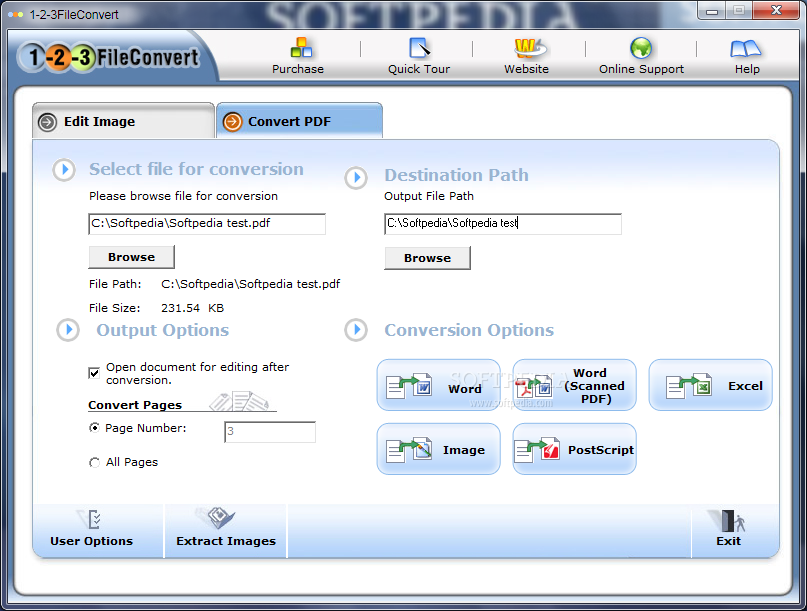
There are multiple different types of image and file formats, and not all are compatible with every service or place that might require the information contained within. Being able to convert images or a particular file is sometimes essential to use it in the way that the image or file was created for. 1-2-3FileConvert is both an image and a PDF converter rolled into a single application, designed to solve some of the needs users might have.
Since the application can perform dual functions, each one needs to be robust enough to stand on its own as an individual service, otherwise users are left with two incomplete tools, rather than a single, comprehensive one. Fortunately, the image converter is both easy to use, and provides additional options aside from the converting aspect.
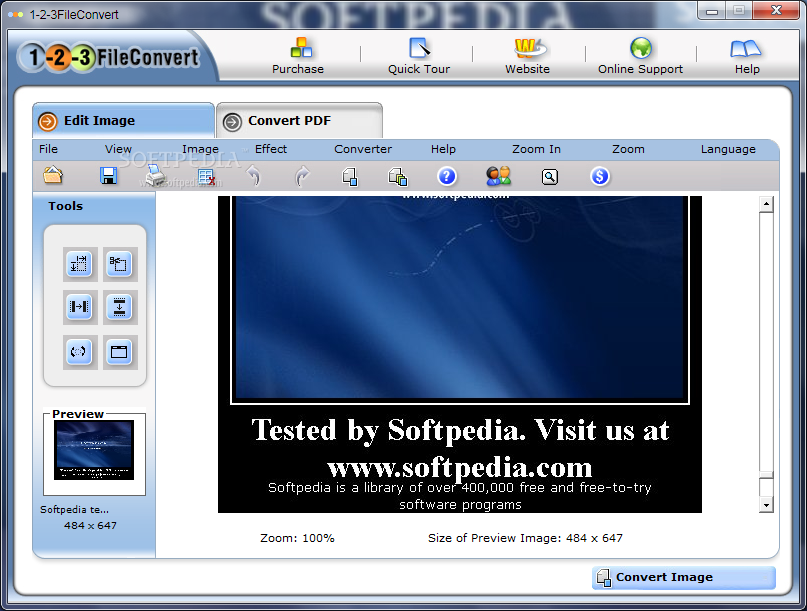
Not only does 1-2-3FileConvert include the basic, but essential image converting tools, such as the ability to crop, resize, rotate and flip the image, which are a must for any image converter, but he application also includes the ability to add several effects and filters to drastically alter the appearance of an image. The result is a fairly decent image editor, that might lack drawing tools, yet manages to provide a comparable image editing and converting service.
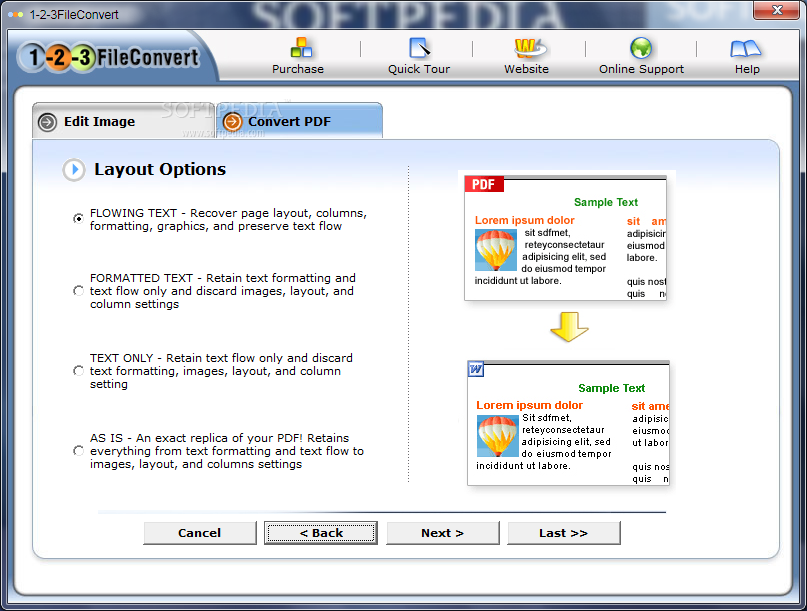
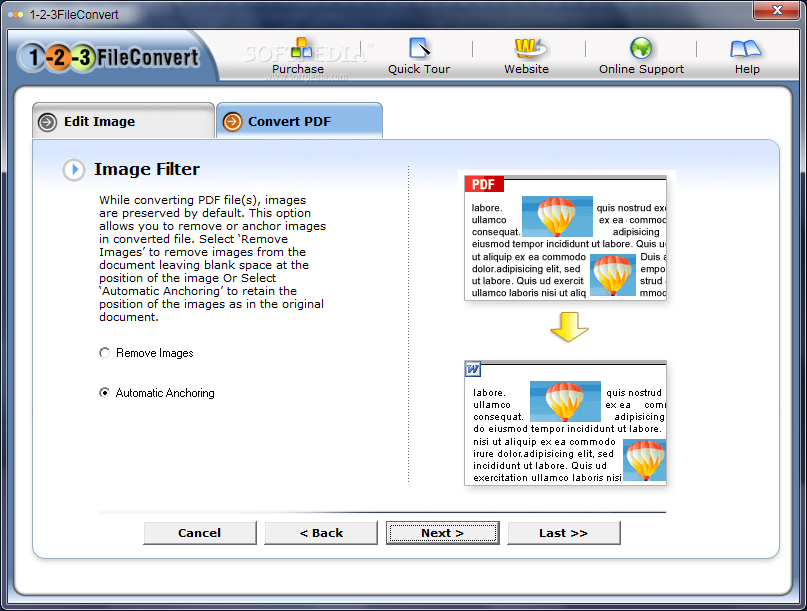
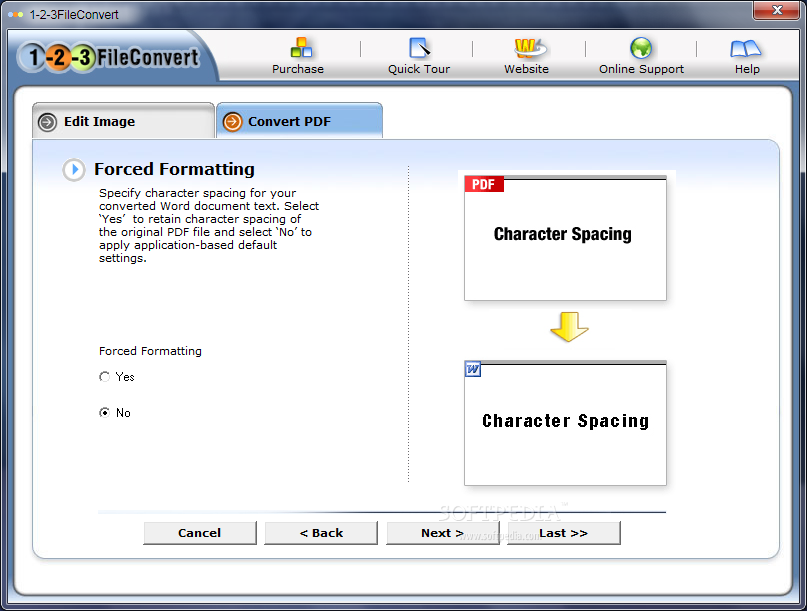
1-2-3FileConvert can convert a PDF document into five different formats, with various degrees of layout preservation attached to each one. Unfortunately, it doesn't include a preview option. 1-2-3FileConvert tries to make up for this with the option to immediately open the converted document for editing and viewing.
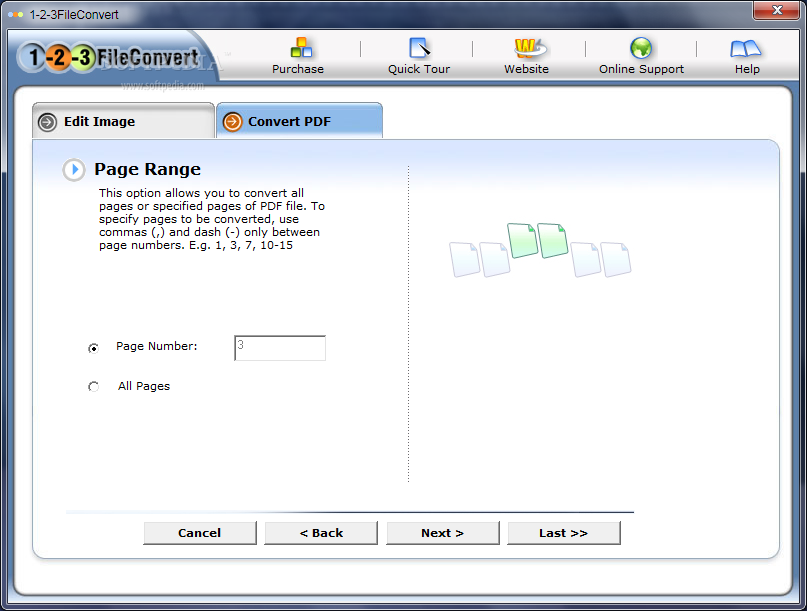
The program can extract all the images from a particular PDF, an addition that provides an array of uses, as well as saves time. If users want to convert a PDF simply to access several images contained within, the extraction option makes this application far more efficient. Aside from that, 1-2-3FileConvert contains some standard features, like choosing the directory path location for the converted file, and selecting which specific pages to convert, if not all.
The biggest danger with 1-2-3FileConvert was the risk of having two poorly executed conversion tools, with a question of why a single, useful one wasn't developed. The program manages to avoid this risk and instead presents users with two very useful tools. While there is perhaps room for improvement in both, neither one is lacking. All in all, 1-2-3FileConvert will satisfy users in the converting needs for both images and PDFs.
1-2-3FileConvert 5.1
add to watchlist add to download basket send us an update REPORT- runs on:
- Windows All
- file size:
- 30.1 MB
- filename:
- 123fileconvert.exe
- main category:
- Office tools
- developer:
- visit homepage
Zoom Client

ShareX

Context Menu Manager

Microsoft Teams

7-Zip

4k Video Downloader

IrfanView

Bitdefender Antivirus Free

Windows Sandbox Launcher

calibre

- Bitdefender Antivirus Free
- Windows Sandbox Launcher
- calibre
- Zoom Client
- ShareX
- Context Menu Manager
- Microsoft Teams
- 7-Zip
- 4k Video Downloader
- IrfanView