
View, edit or create PDF files with this rich-featured application, which also offers support for drawing tools, signatures, full screen mode and more. #PDF reader #PDF viewer #Convert to PDF #PDF #Reader #Viewer

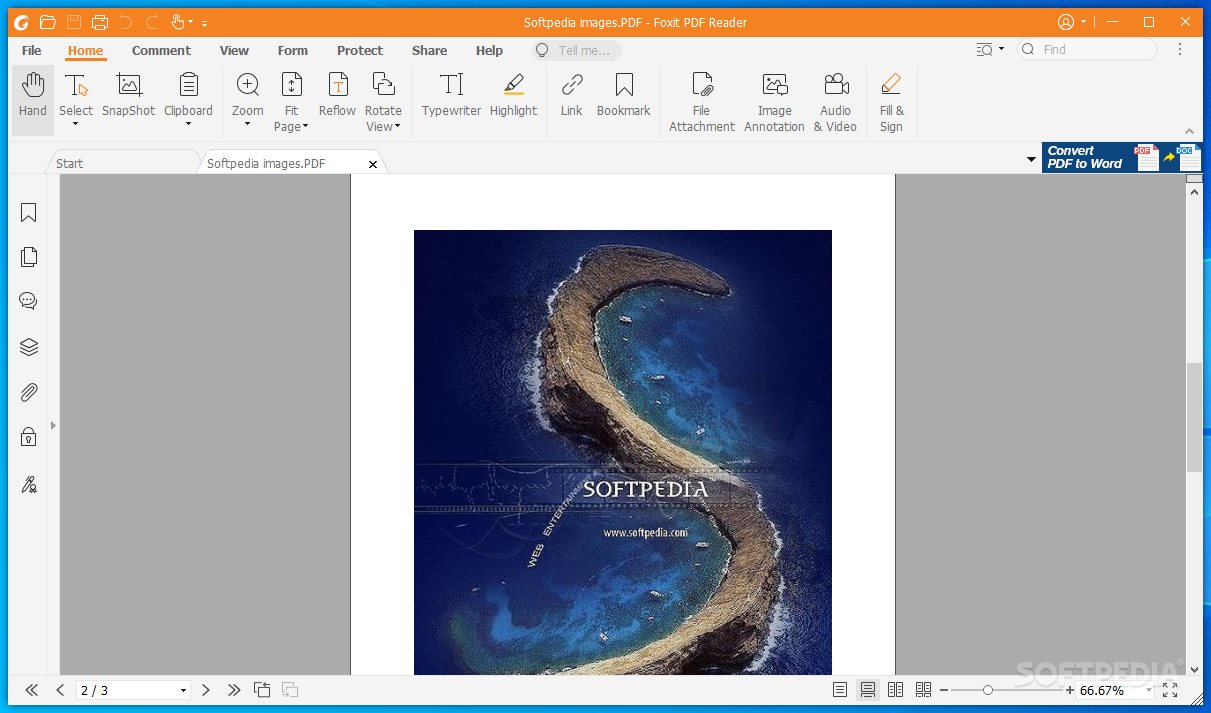
The PDF format has a few important advantages, such as the graphic integrity, the support for all the major platforms, the security-related features and the high compression rates. These and other reasons justify its popularity, especially in the corporate environment.
While there are cost-free PDF viewers and even Windows comes with support for opening such documents, there are third-party applications out there that offer so much more than a simple PDF viewer. Foxit PDF Reader is one of them.
Designed to offer an all-in-one package for accessing PDF files, Foxit PDF Reader serves its purpose pretty well. Its toolbox is pretty generous, containing options for opening and reading the content of PDF documents in a comfortable manner. A few interesting tools are right there, at your disposal.
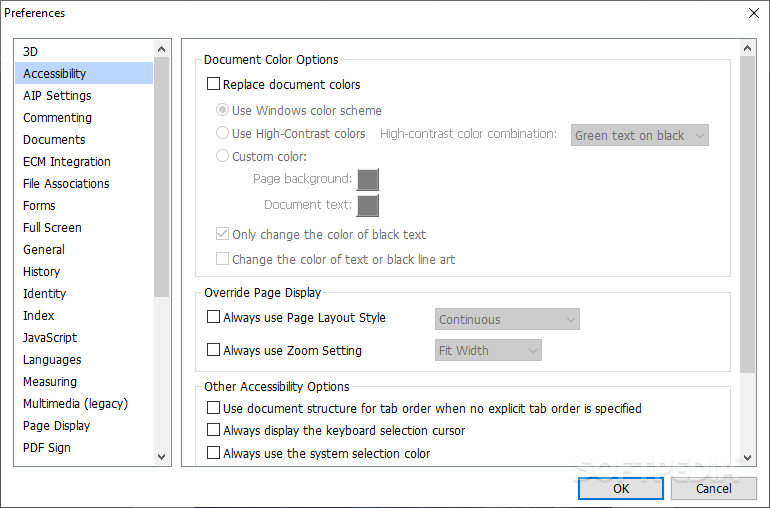
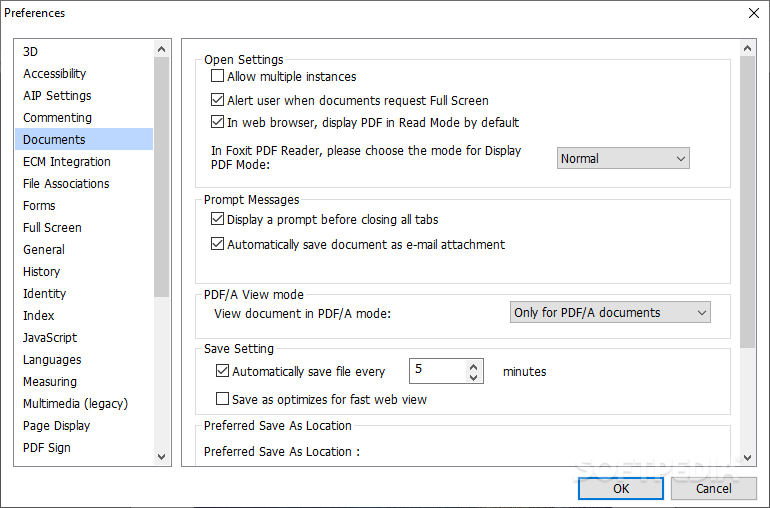
The setup does not take very long, but you are prompted to configure a few settings. For instance, it is possible to disable the shell extensions that integrate PDF reading functionality in Windows Explorer. You can opt for adding plugins to view PDF files in browsers and install Foxit’s spell checker.
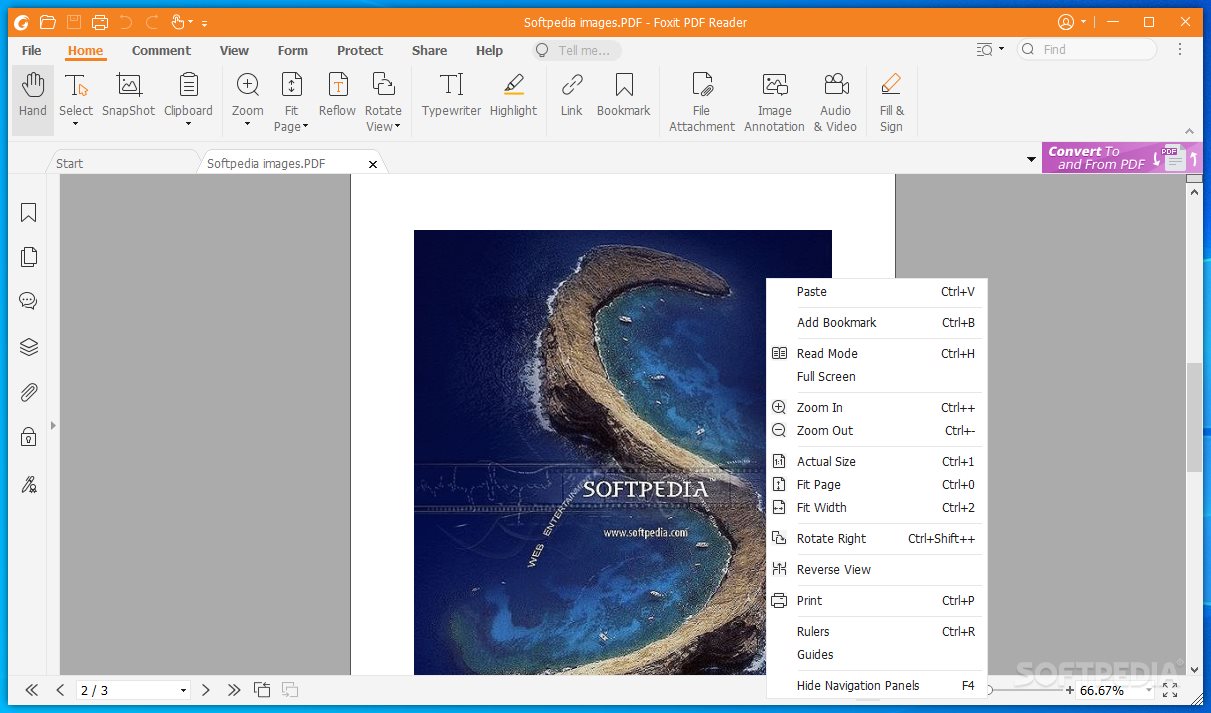
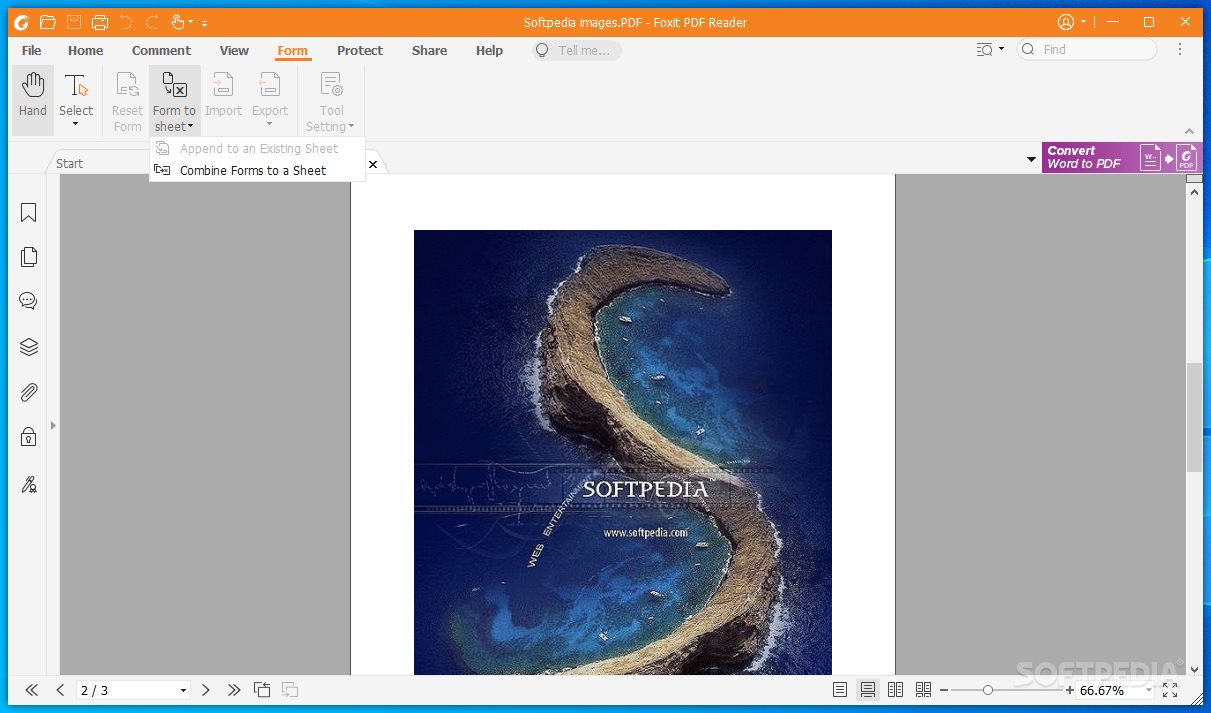
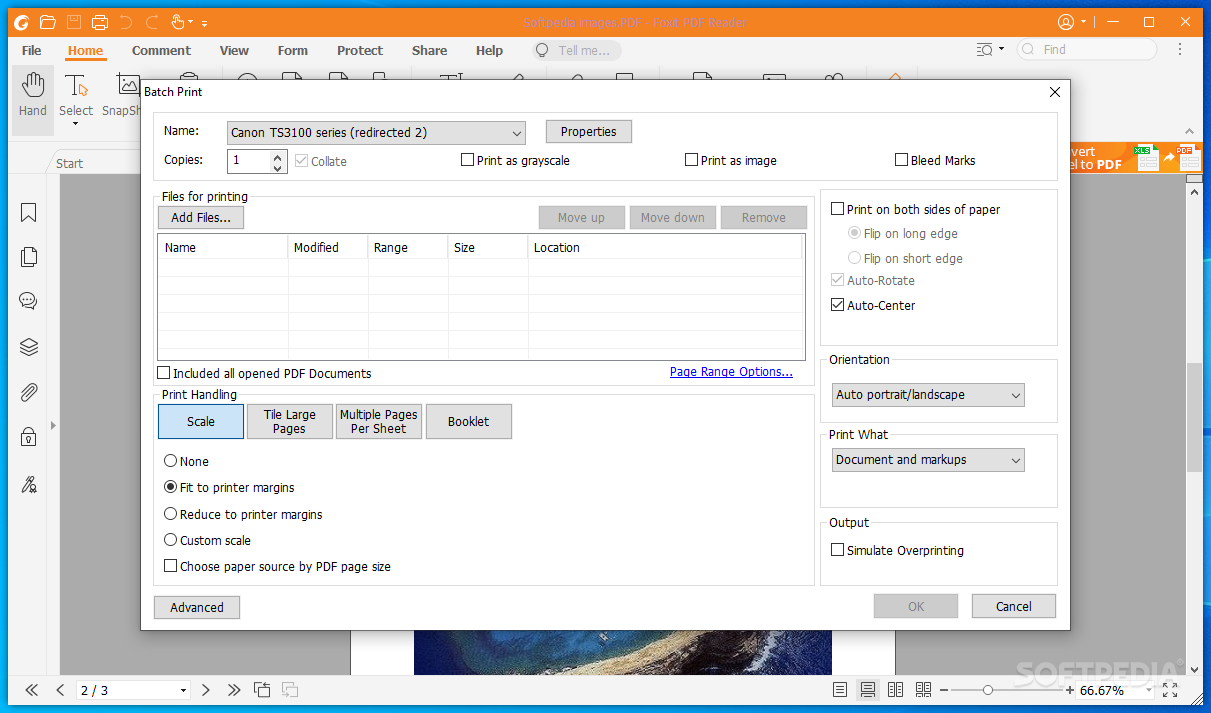
Though packed with numerous buttons and menus, the GUI does not seem crowded, leaving plenty of room for viewing any PDF file, rotating or zooming it, as well as easily sharing it with others.
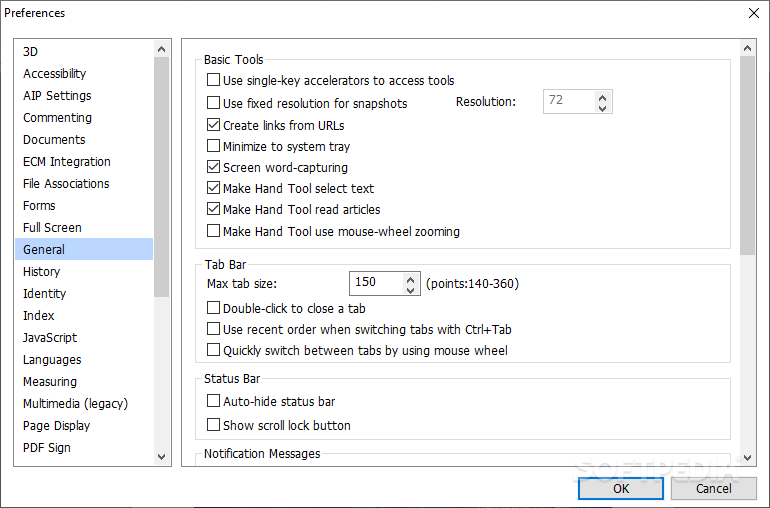
Unlike other PDF viewers, Foxit PDF Reader allows you to open multiple PDF files, each in separate tabs. For each file, you can preview its layers, comments, open file or media attachments and validate the signatures, if any available. Bookmarks are available to pinpoint important sections, while the highlighter allows you to visually mark content of interest.
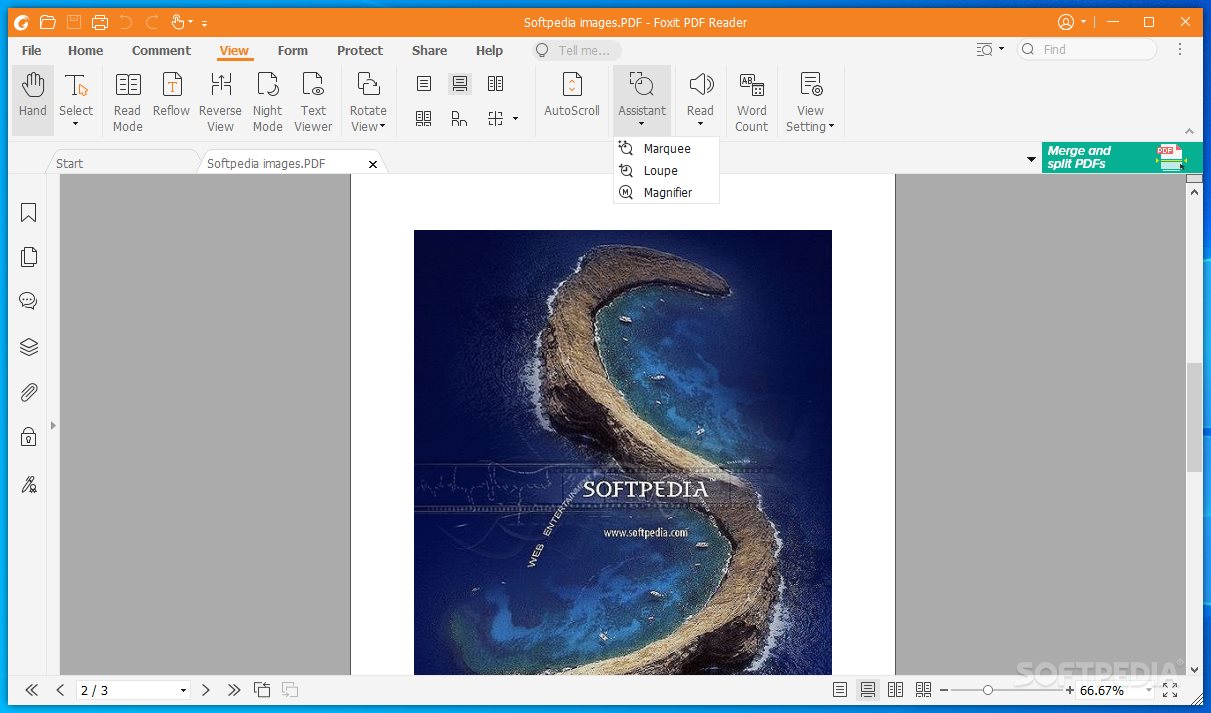
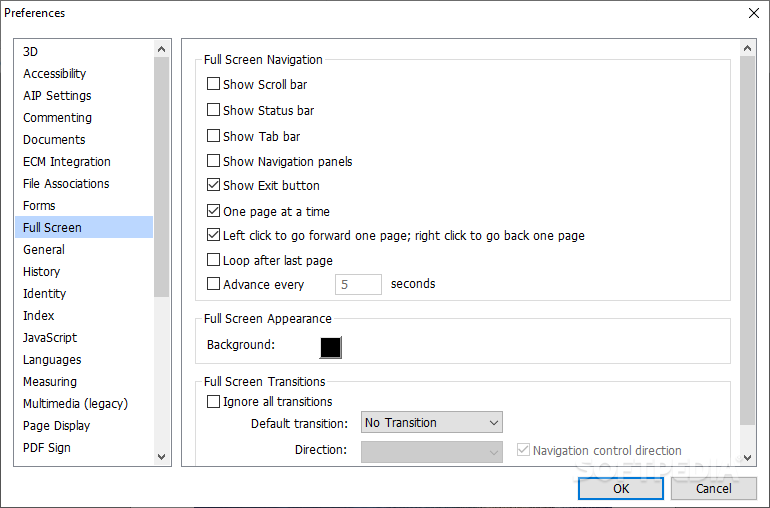
Foxit PDF Reader supports text-to-speech, meaning that it can read aloud a selected page or the entire document. There is also a “read mode” available, which hides all the unnecessary toolbars and menus to let you enjoy the content without distractions. You can also toggle either the mouse mode or the touch mode for touch screens. Moreover, due to the “night mode”, using Foxit PDF Reader during nighttime should not put a strain on your eyes.
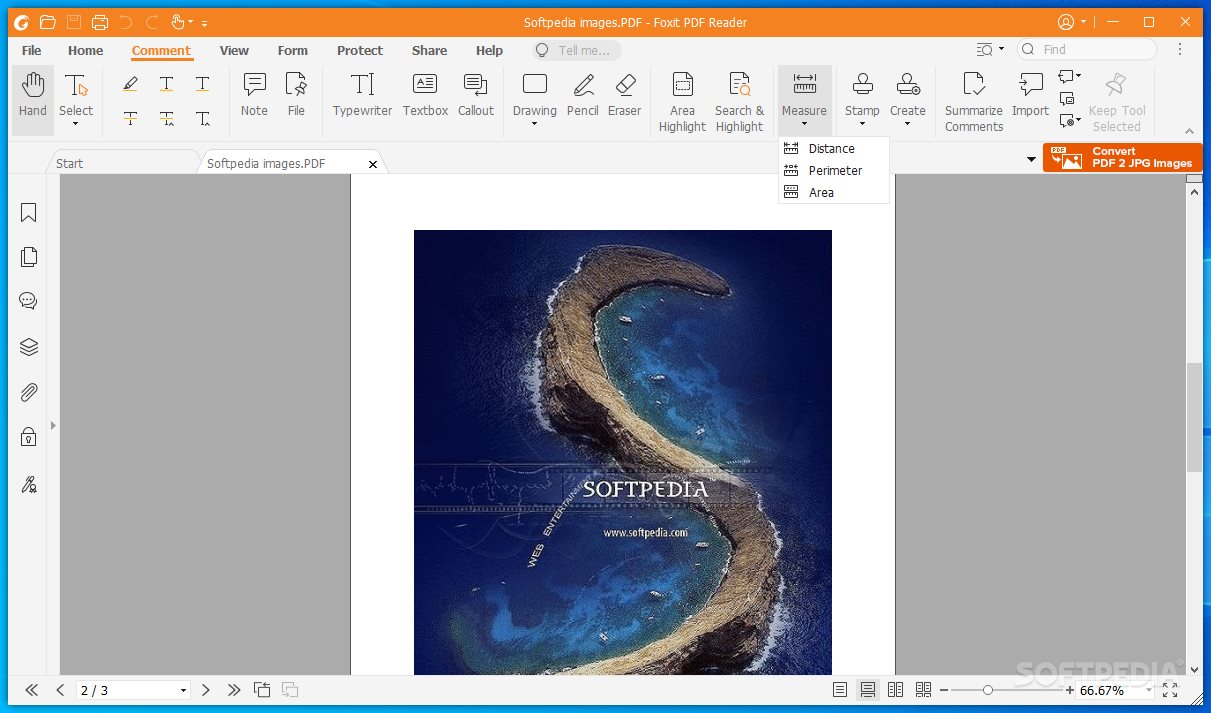
While it is only a file viewer, Foxit PDF Reader does provide a few editing tools to take advantage of. As such, you can append notes, callouts, stamps and overlay text boxes onto the pages of a document. Images, audio and video content can be attached to the main document.
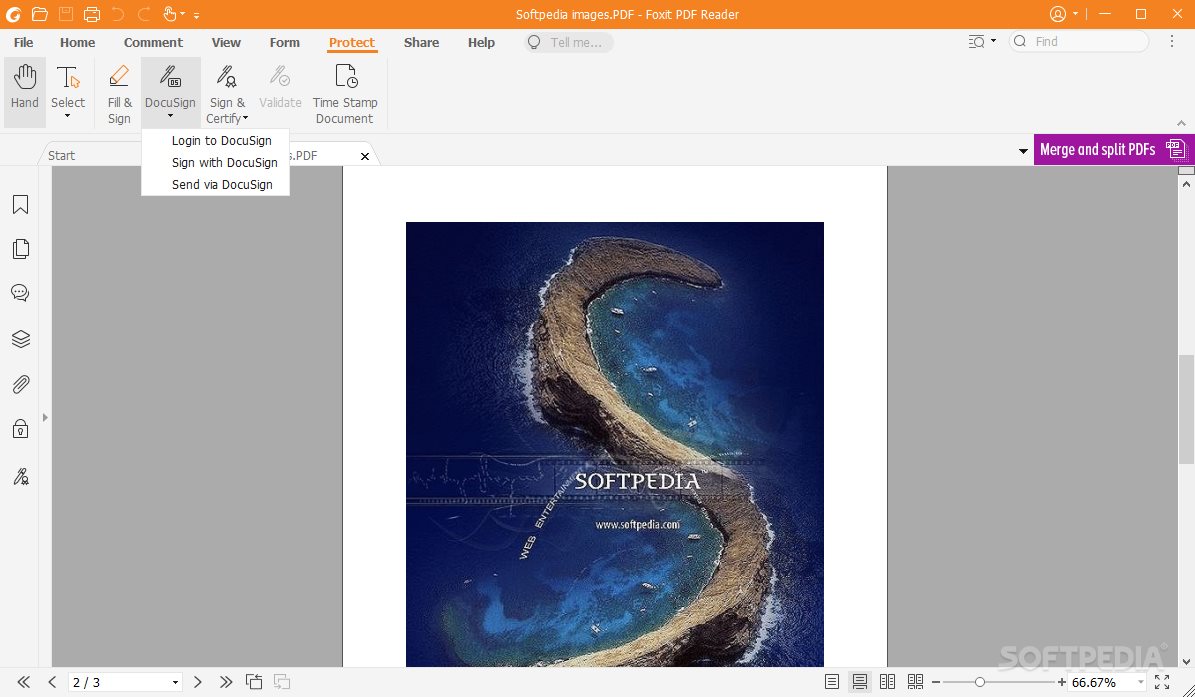
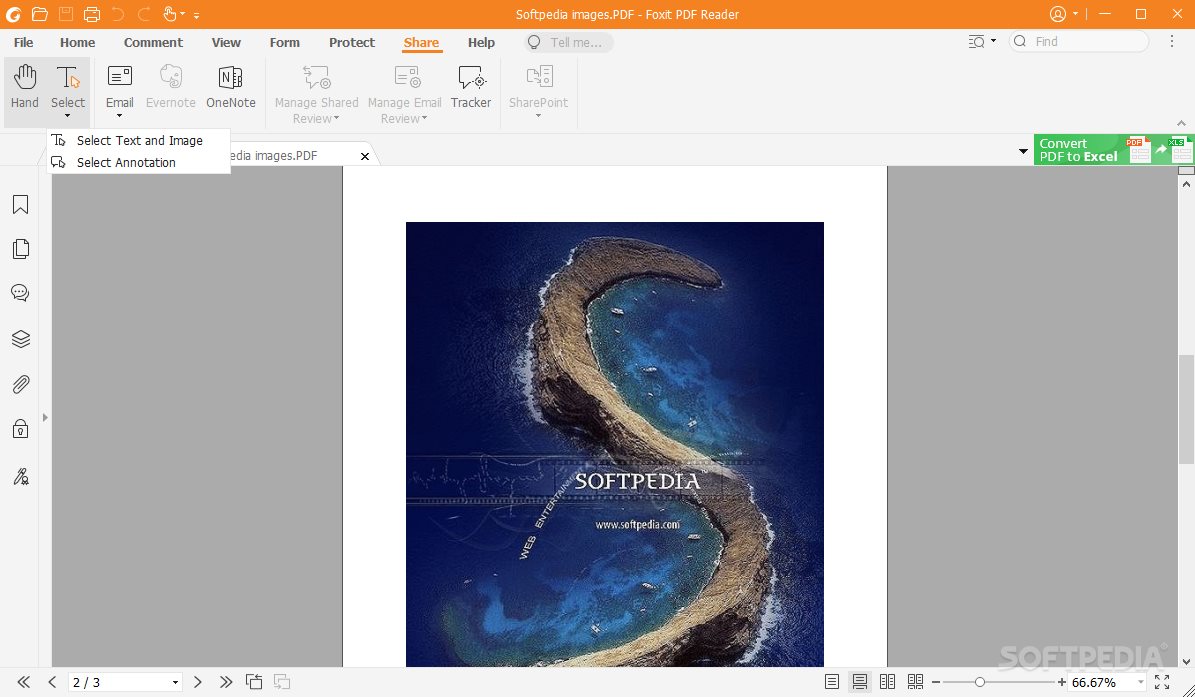
You can change the security settings according to your preferences. Foxit PDF Reader supports document signing and certification, providing support for DocuSign as well. Document sharing and collaboration is possible via email, Evernote and OneNote.
Foxit PDF Reader is, without a doubt, one of the most powerful PDF readers, ready to meet the requirements of the corporate environment. Together with the Foxit PDF Editor, it provides everything you need in terms of PDF management, reading and editing.
Foxit Reader Video Guide:
Download Hubs
Foxit PDF Reader is part of these download collections: Open PDF, PDF Viewers, View JB2
What's new in Foxit PDF Reader 2024.1.0.23997:
- Enhanced integration with ChatGPT to make end users more productive:
- Document Translation – Automatically translate entire documents into the desired target language, offering you seamless and efficient translation of your documents with just a few clicks.
Foxit PDF Reader 2024.1.0.23997
add to watchlist add to download basket send us an update REPORT- PRICE: Free
- portable version
- Portable Foxit PDF Reader
- runs on:
-
Windows 11
Windows 10 32/64 bit - file size:
- 146 MB
- filename:
- FoxitPDFReader20241_enu_Setup_Clean.exe
- main category:
- Office tools
- developer:
- visit homepage
Windows Sandbox Launcher

7-Zip

Microsoft Teams

4k Video Downloader

Zoom Client

ShareX

Context Menu Manager

IrfanView

Bitdefender Antivirus Free

calibre

- IrfanView
- Bitdefender Antivirus Free
- calibre
- Windows Sandbox Launcher
- 7-Zip
- Microsoft Teams
- 4k Video Downloader
- Zoom Client
- ShareX
- Context Menu Manager