
Edit PDF files easily and convert them in any format. #Edit PDF #PDF editor #PDF converter #Edit #Editor #Rotate

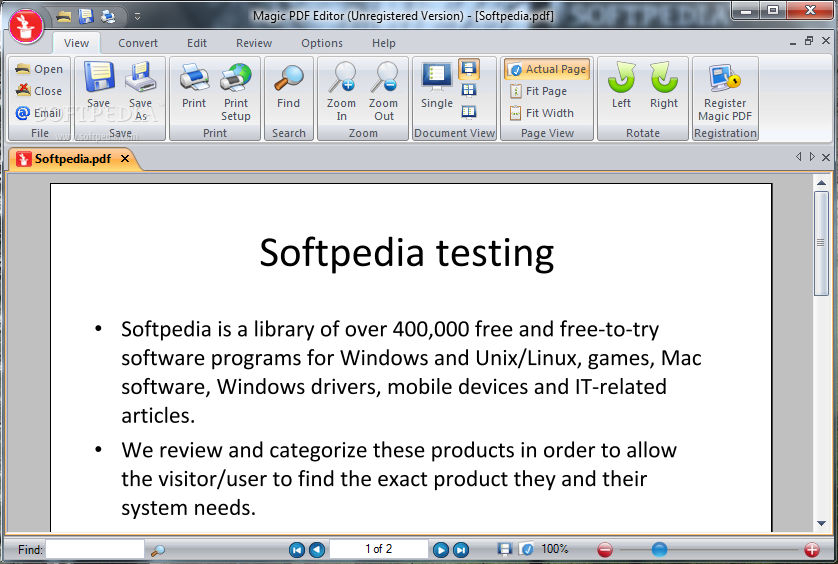
Magic PDF Editor is a powerful tool which allows you to view your PDF documents and make some modifications to them. It can be used by novices and experienced individuals alike.
The interface of the application is clean and simple to navigate through. You can import a PDF document by using the file browser only, since the "drag and drop" method is not supported.
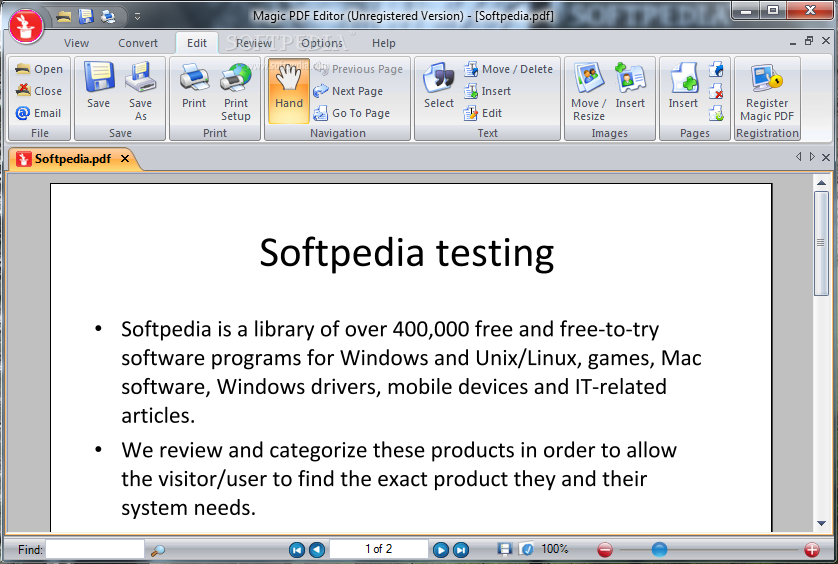
You can use a search function, zoom in and out, change the viewing mode (e.g. single, facing), move or resize elements, as well as insert, move, edit or delete text and images.
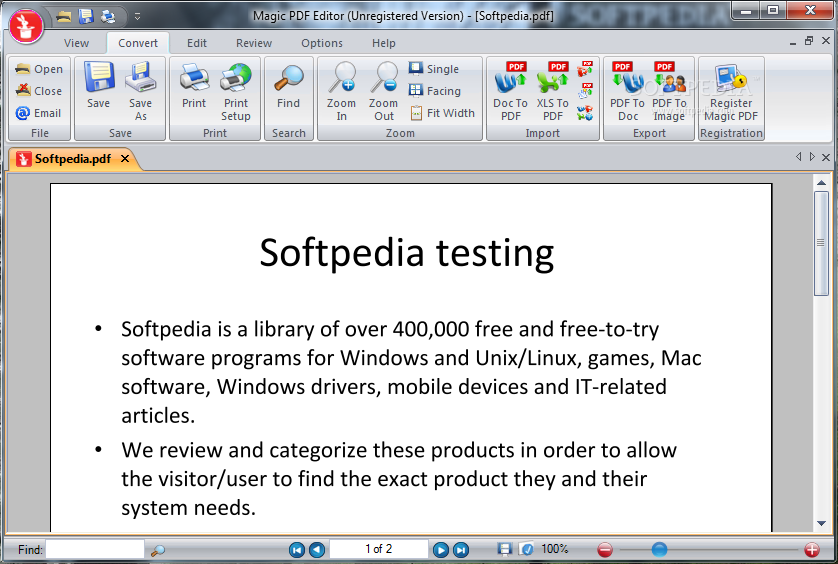
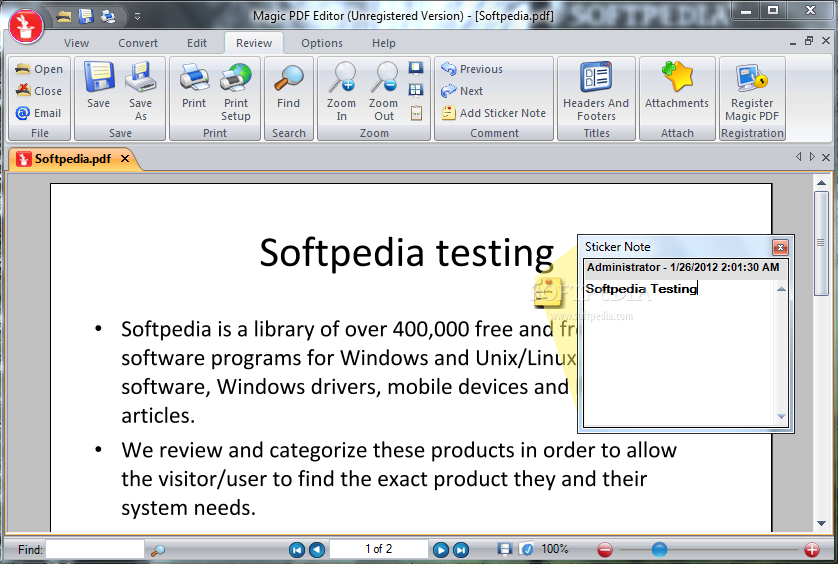
But you can also add sticker notes, headers, footers and attachments, as well as convert documents (DOC-to-PDF, XLS-to-PDF, PDF-to-DOC, PDF-to-image). Unfortunately, batch conversion is not supported.
The application requires a moderate-to-high amount of system resources, includes a well-written help file with snapshots, has a fair response time (it may take a while to convert files), supports two languages for the interface (English and French), and didn't cause us any difficulties during our tests.
However, Magic PDF Editor doesn't manage to convert some special characters found in other languages besides English. But, other than that, we strongly recommend this application to all users.
Download Hubs
Magic PDF Editor is part of these download collections: Edit PDF
Magic PDF Editor 2.3
add to watchlist add to download basket send us an update REPORT- runs on:
-
Windows 7
Windows Vista 32/64 bit
Windows XP
Windows 2K - file size:
- 18.2 MB
- filename:
- magicPDF-setup.exe
- main category:
- Office tools
- developer:
- visit homepage
Bitdefender Antivirus Free

Context Menu Manager

4k Video Downloader

7-Zip

Zoom Client

ShareX

calibre

Microsoft Teams

IrfanView

Windows Sandbox Launcher

- Microsoft Teams
- IrfanView
- Windows Sandbox Launcher
- Bitdefender Antivirus Free
- Context Menu Manager
- 4k Video Downloader
- 7-Zip
- Zoom Client
- ShareX
- calibre