
This tool allows users to create and modify all of their PDF documents with ease: manipulate the text, add signatures, fuse multiple files into a big document, and much more. #PDF creator #Watermark PDF #Edit PDF #PDF #Editor #Watermark

PDFs are pretty much the default extension of documents nowadays: they're easy to share, and most users know how to use them. A common method to create PDF files is by converting them through Word, and that is especially helpful when you don't want to run into formatting issues.
If you're looking for another way to create and manage PDF files, you might want to take a look at PDF Studio Pro, a piece of software well-equipped to handle your documents and offer you a suite of tools to manage them.
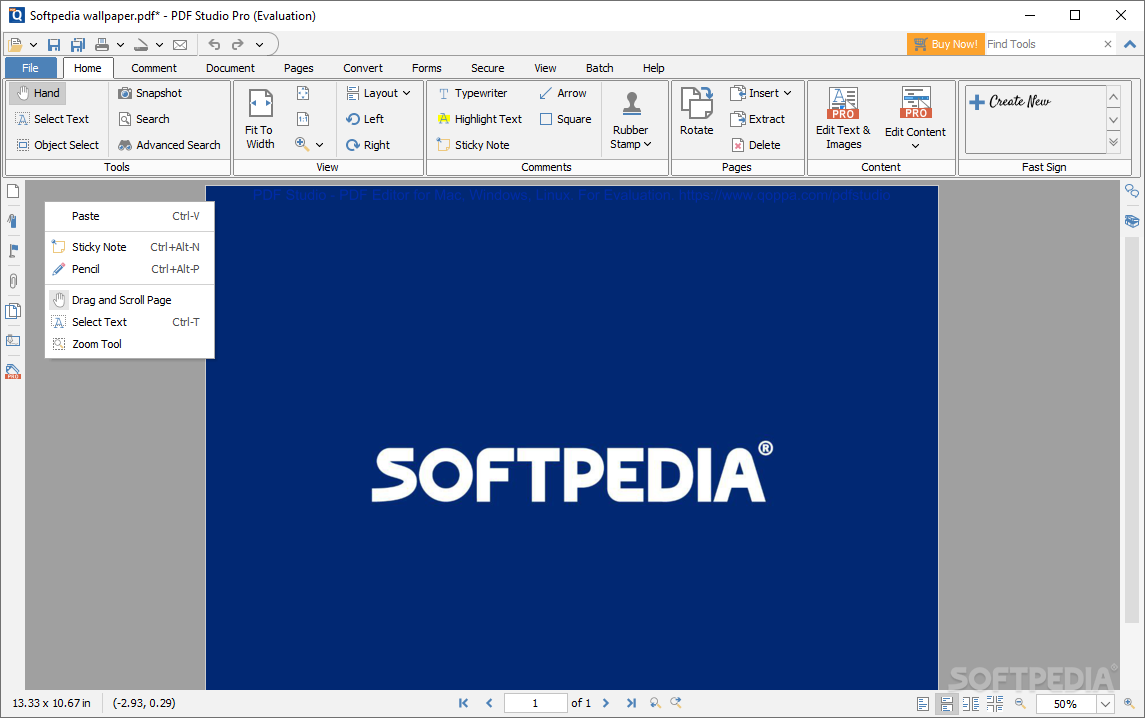
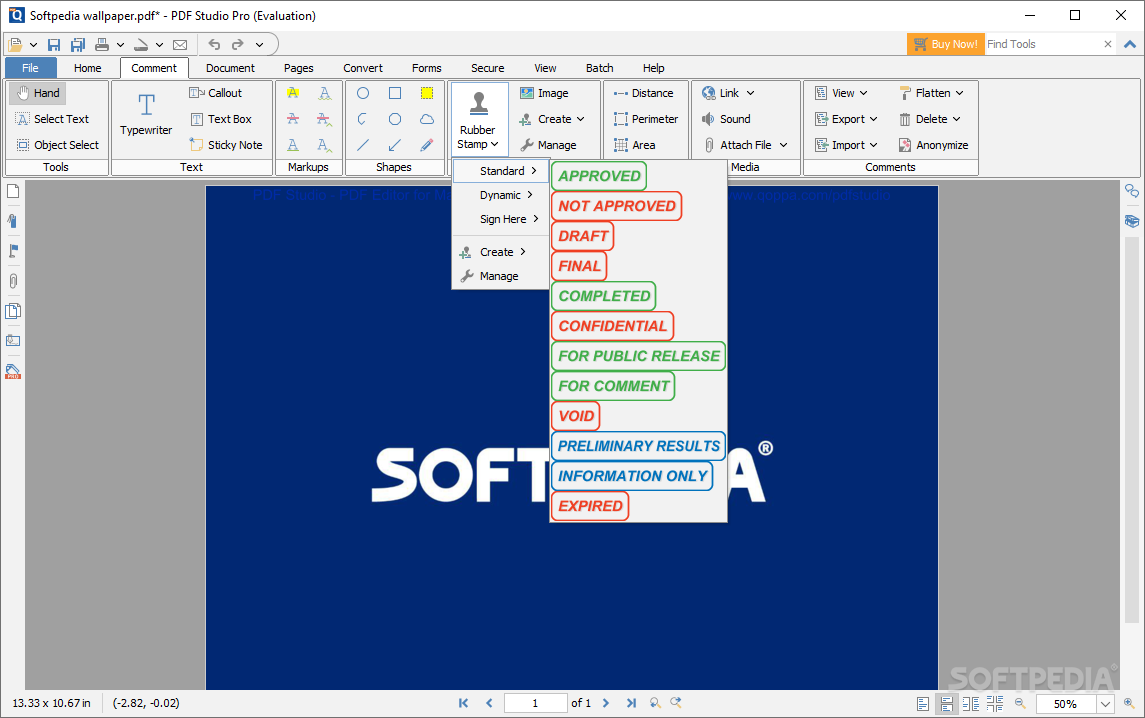
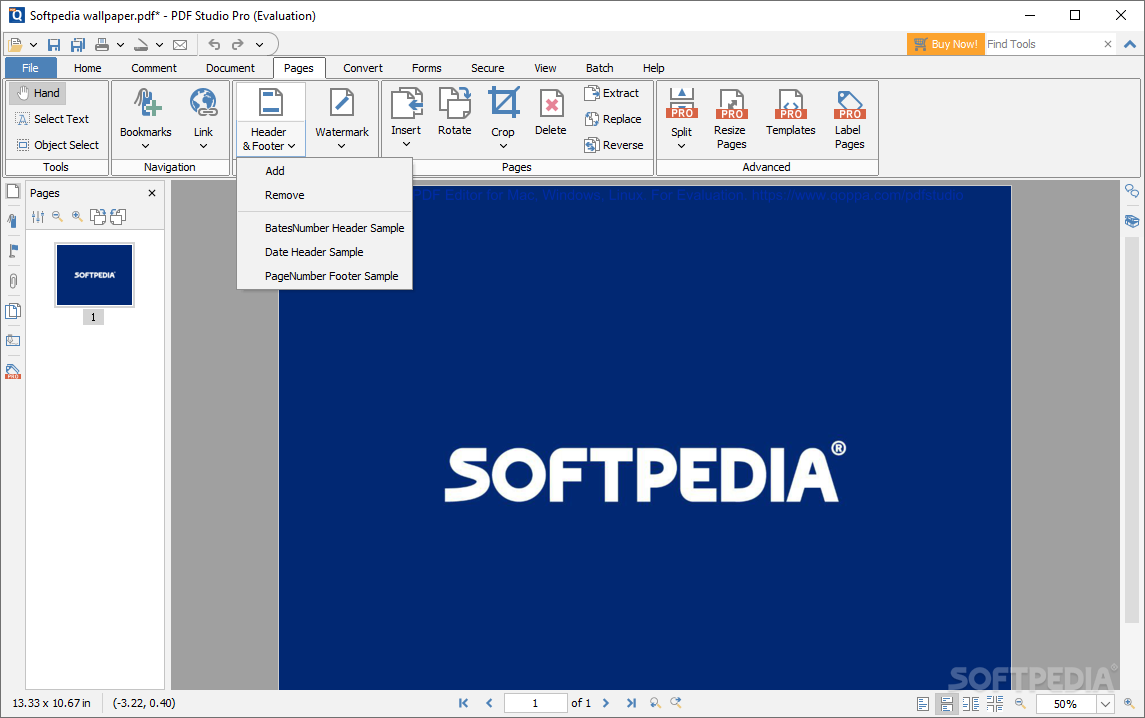
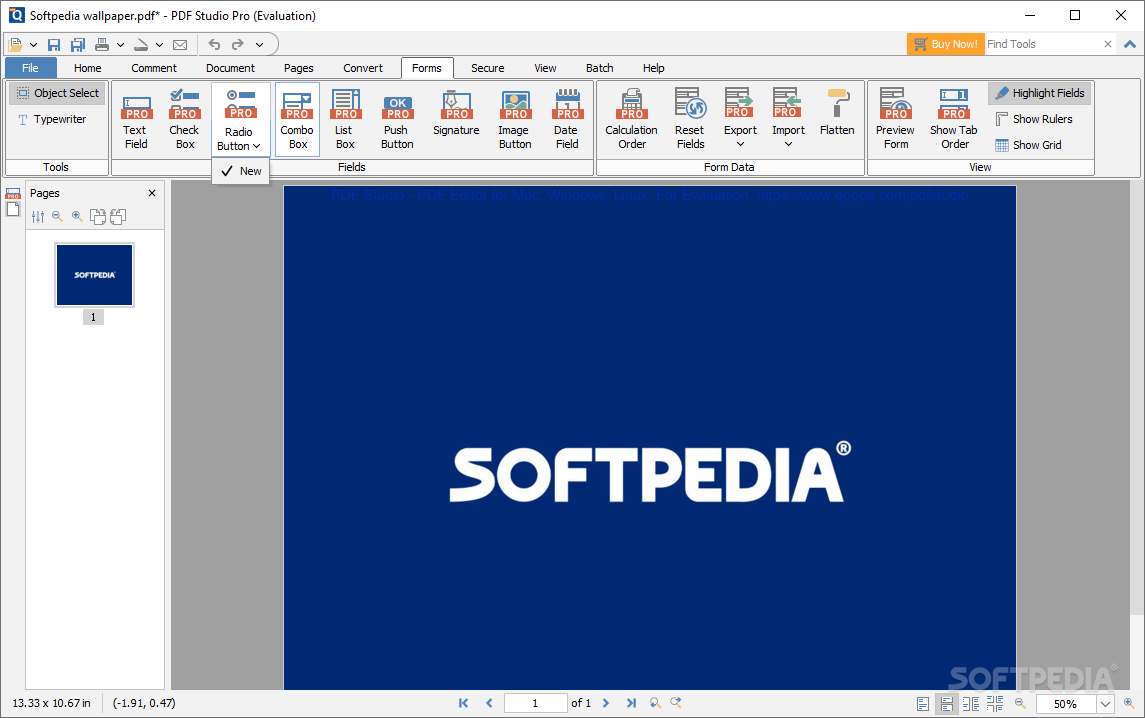
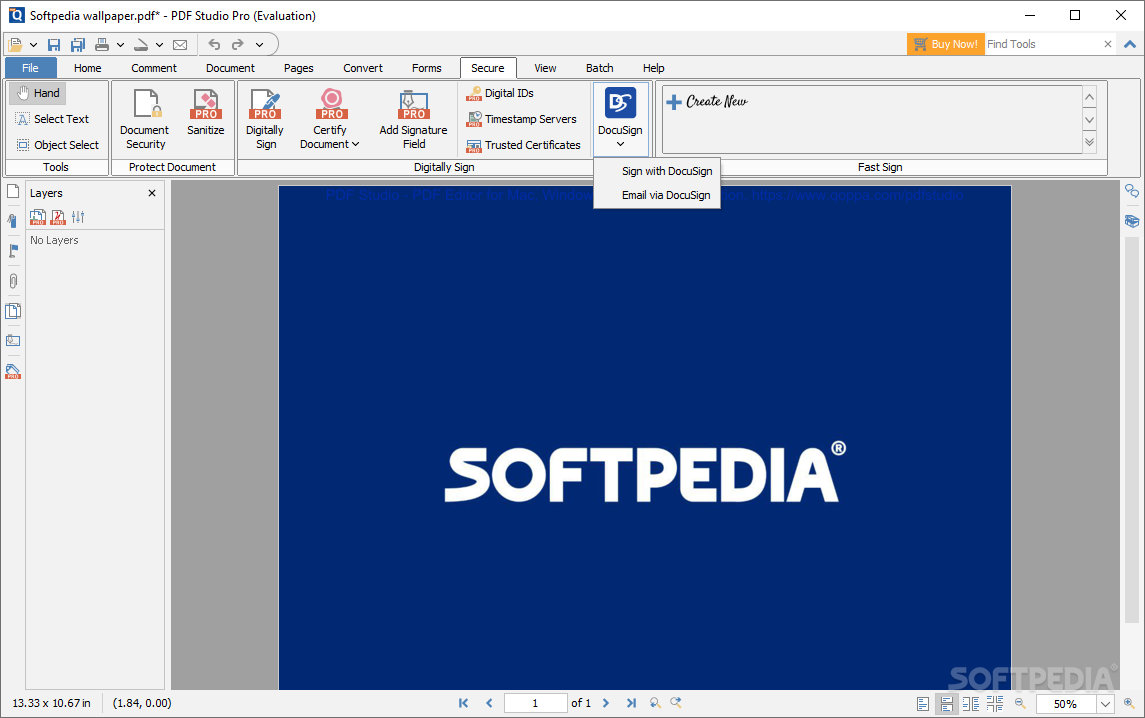
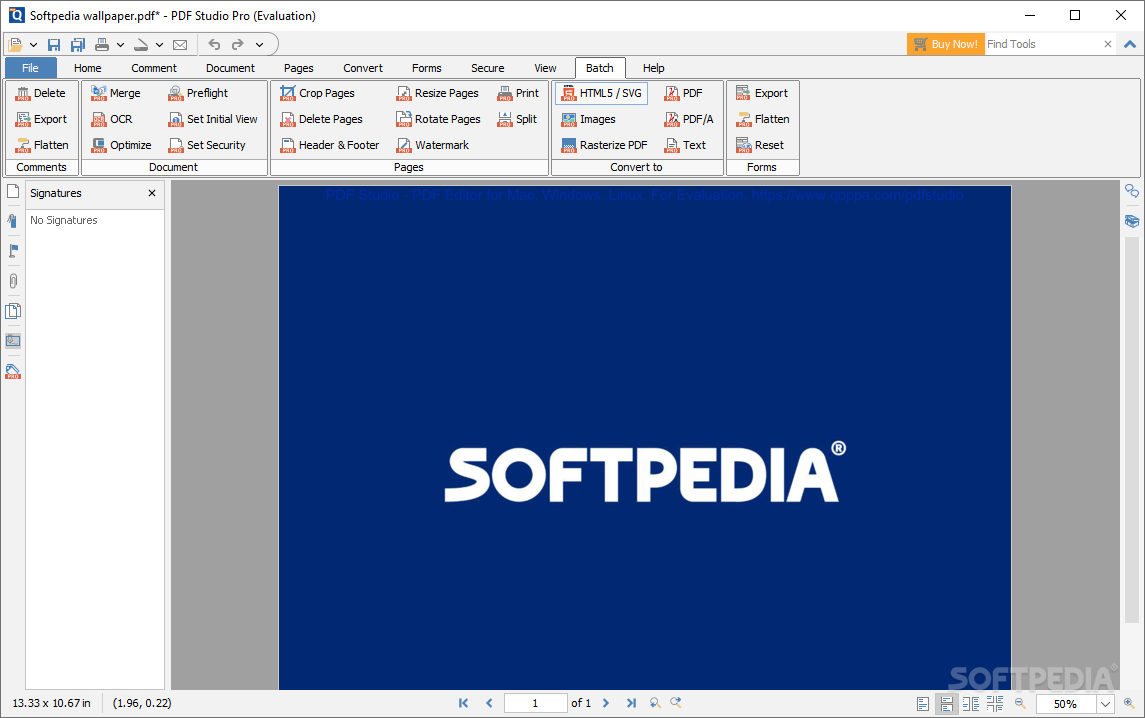
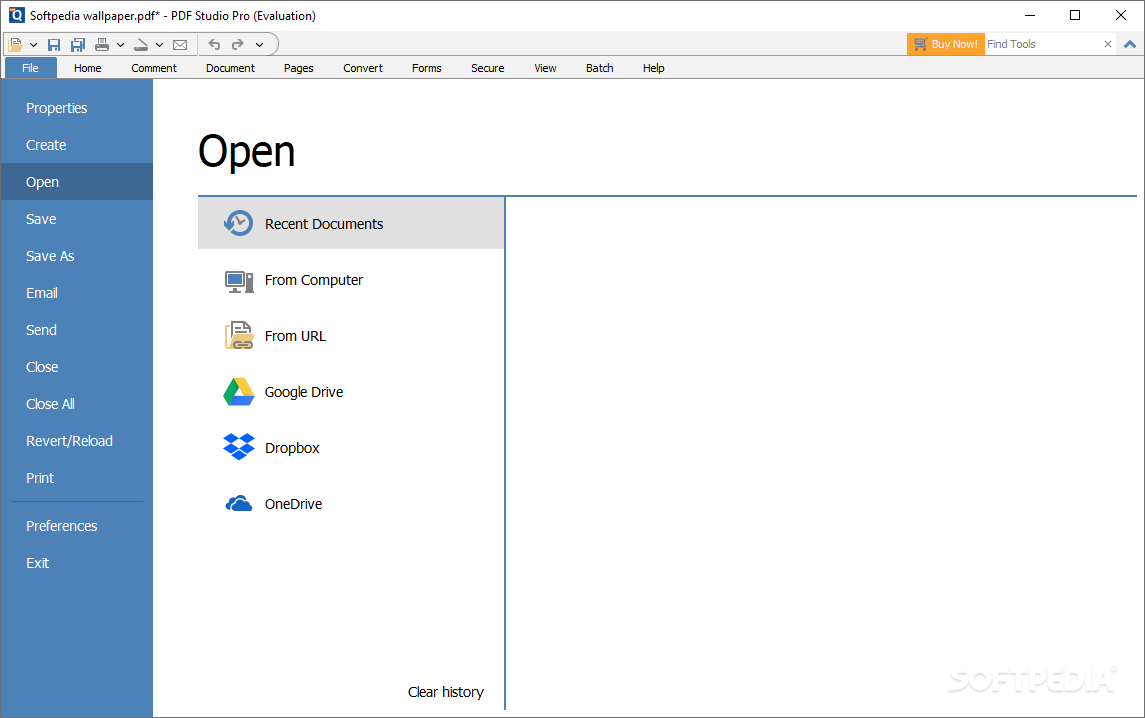
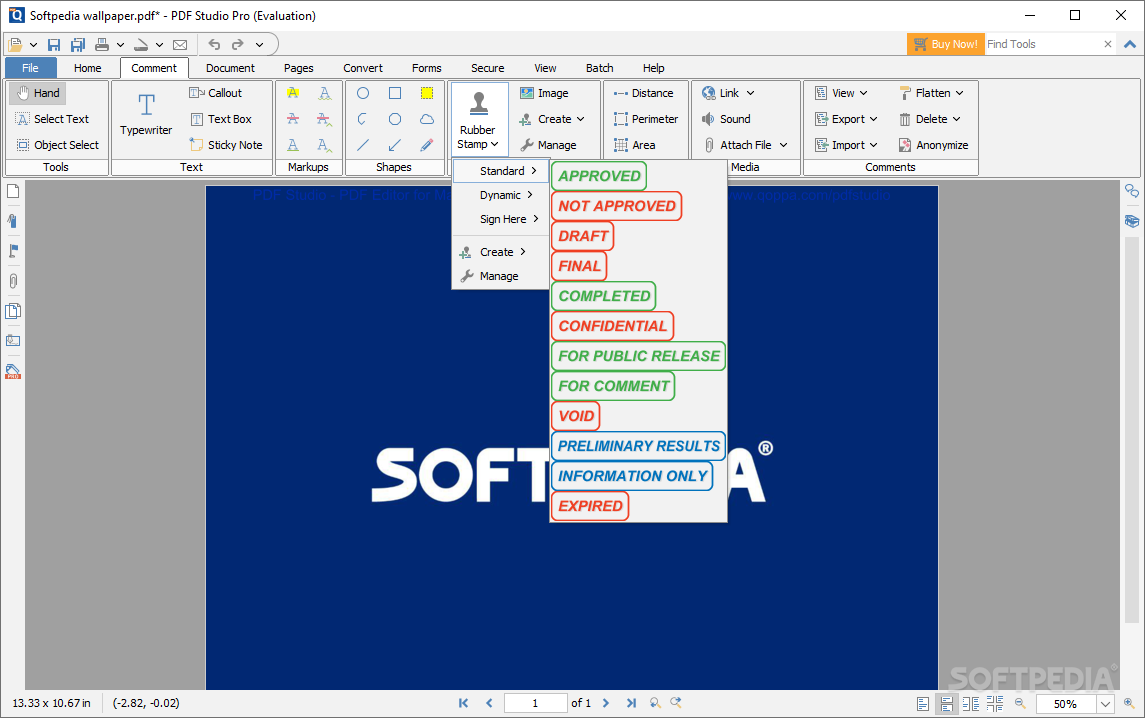
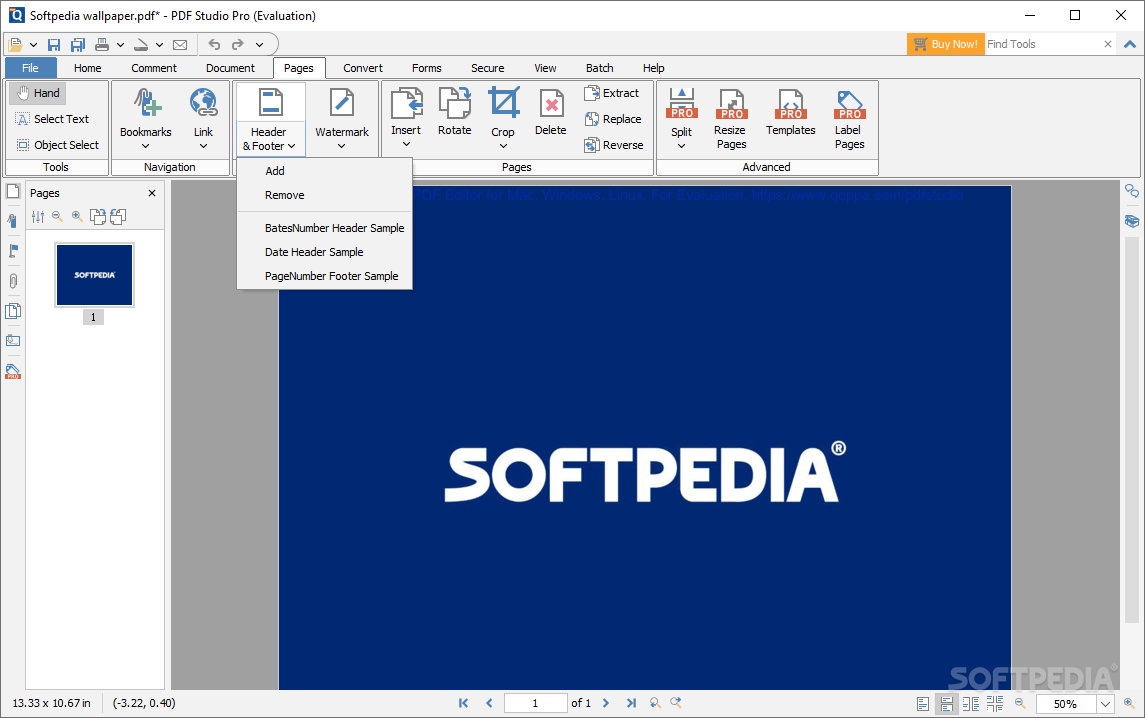
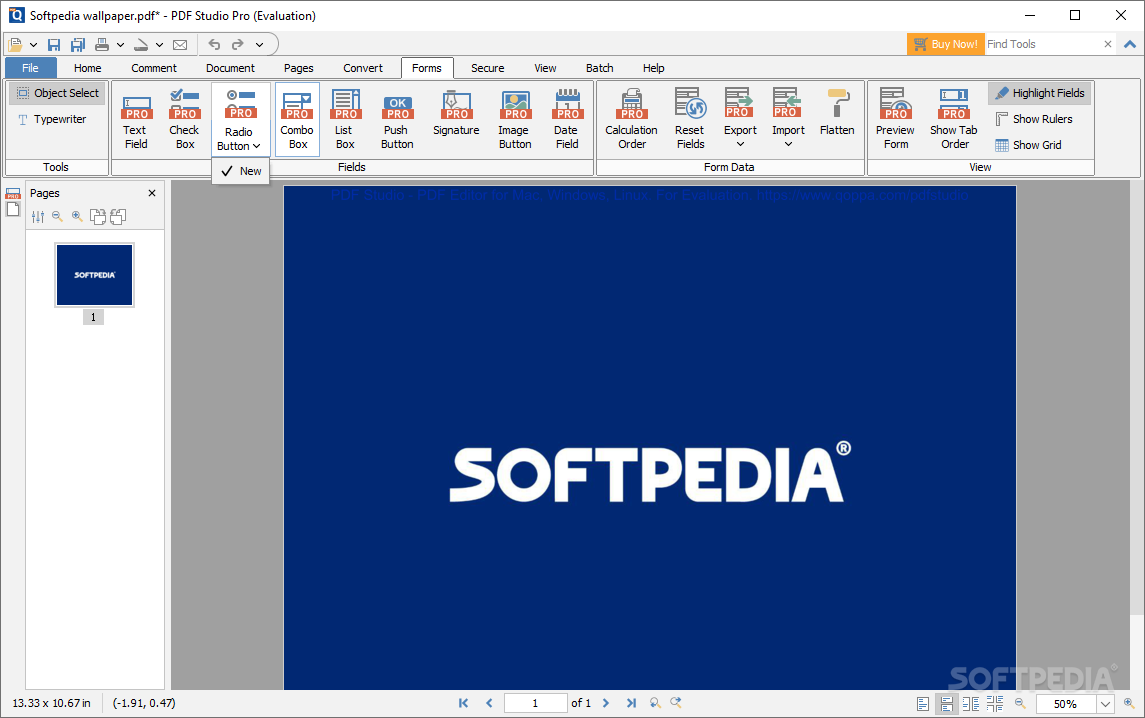
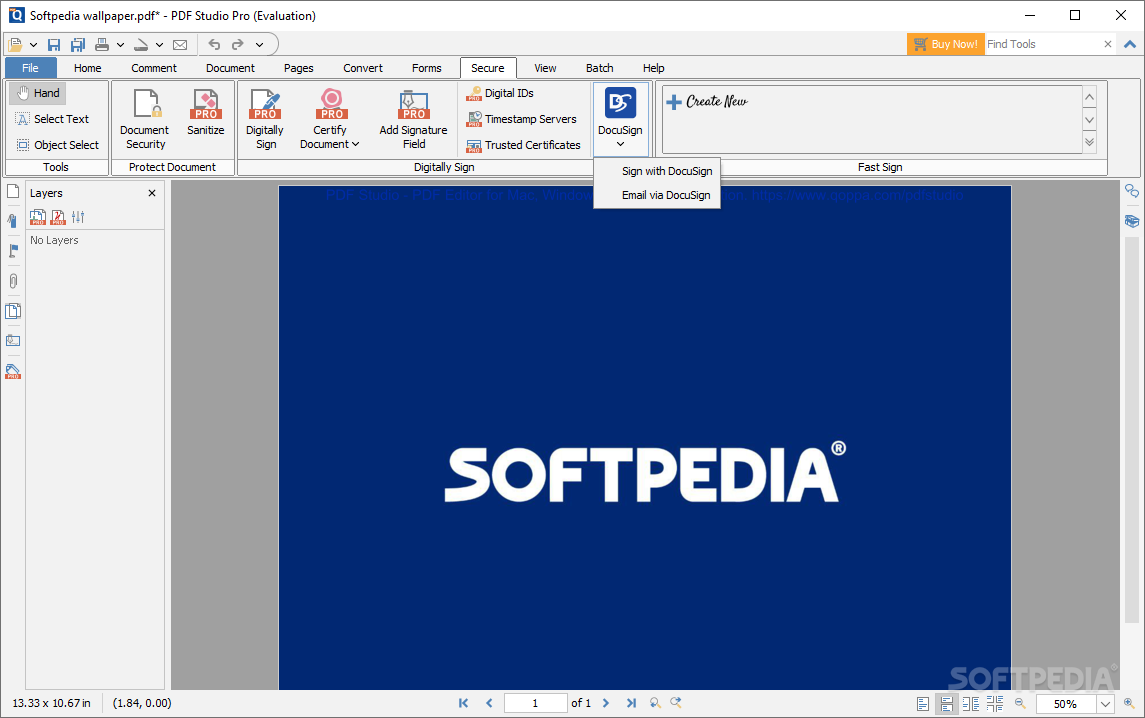
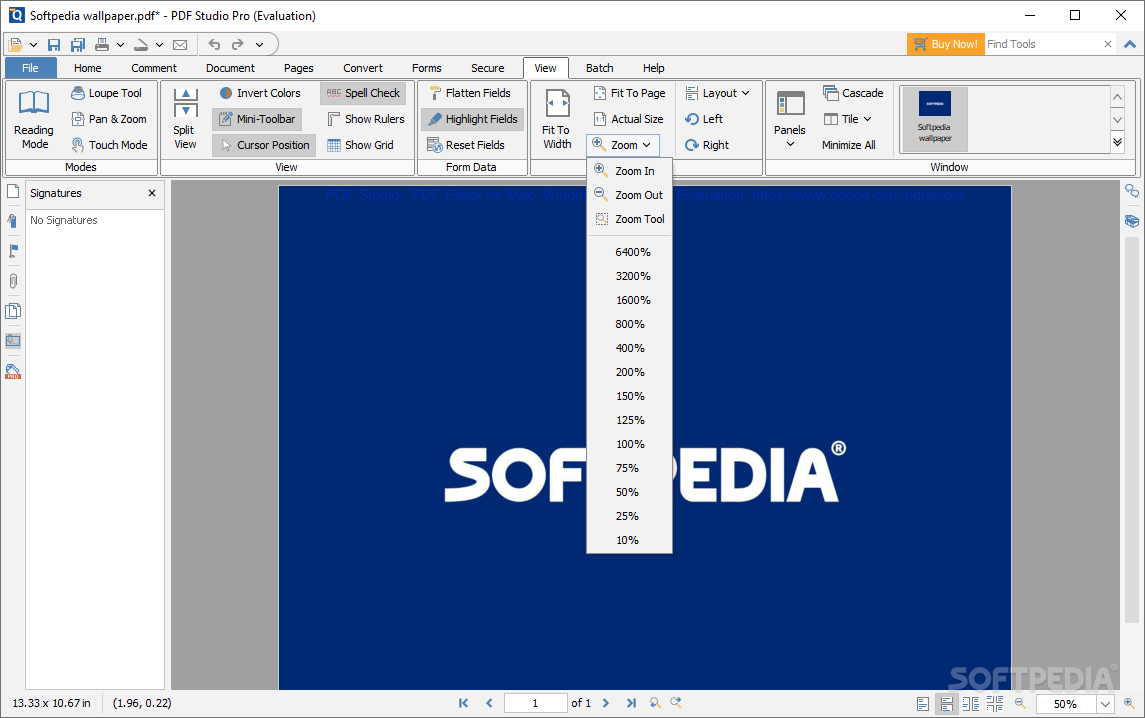
When first starting out, the program will prompt the user to add a document, or start from scratch. You can add a document by dropping it onto the interface, or by navigating to it. We first chose to create a new file, and everything worked as we wanted to: we could add images and text just like in a Word document, adjust the page layout, add comments, stamps, signatures, and watermarks, and even encrypt the file before exporting.
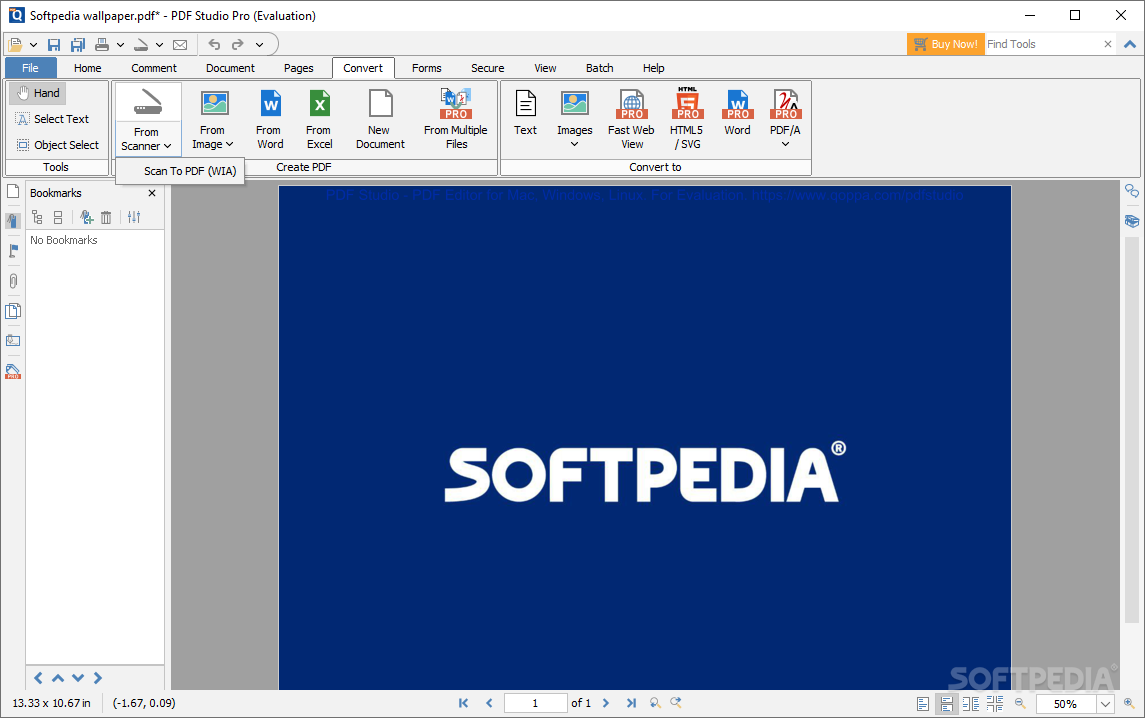
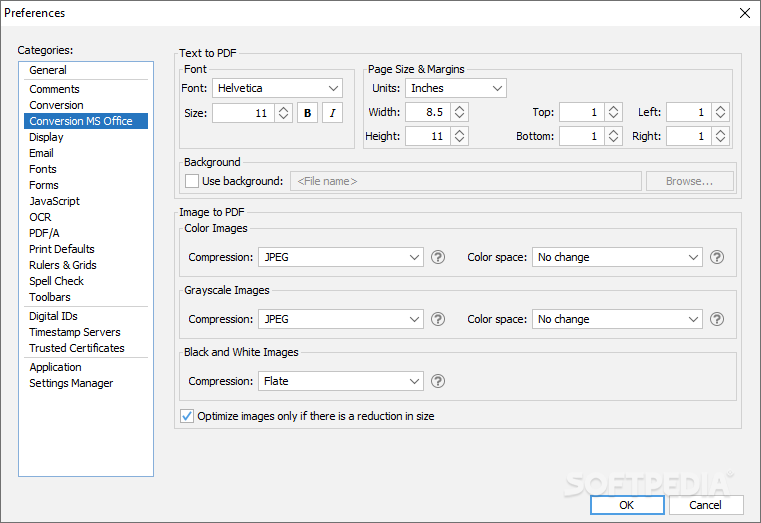
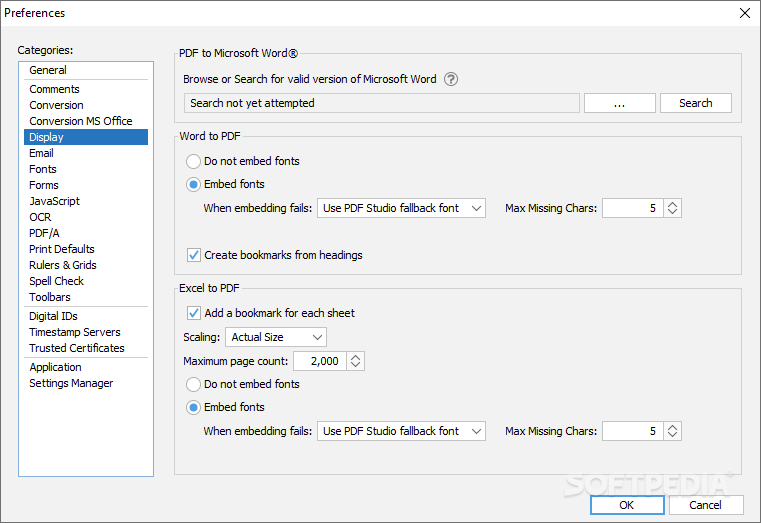
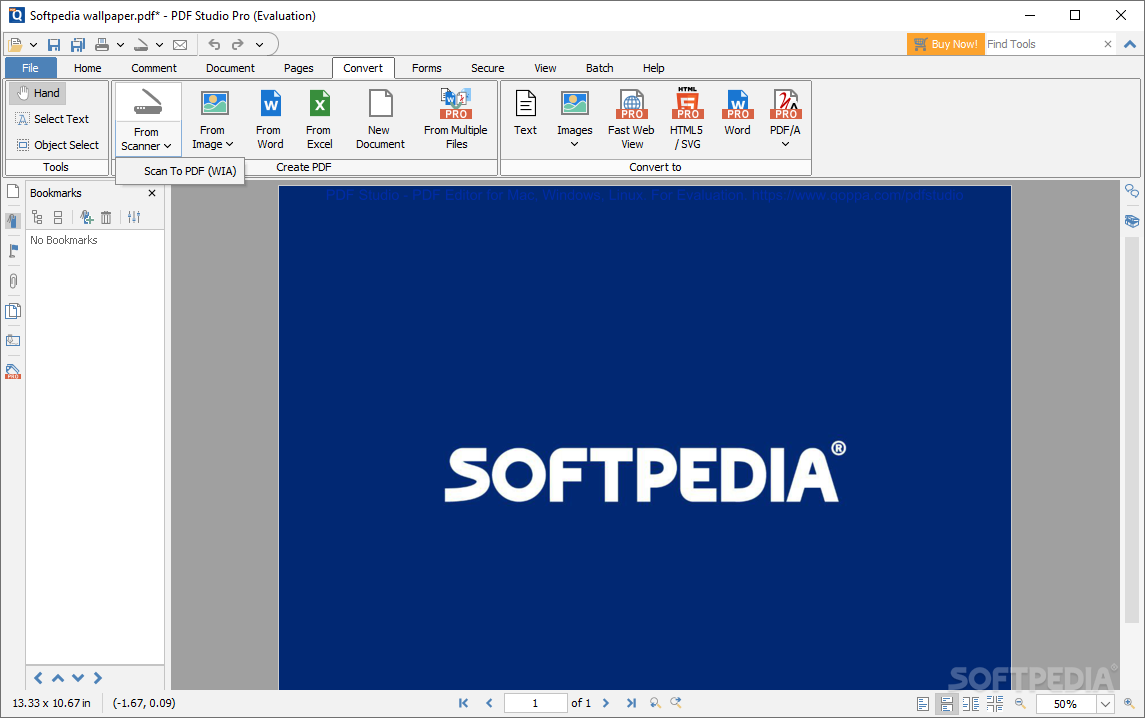
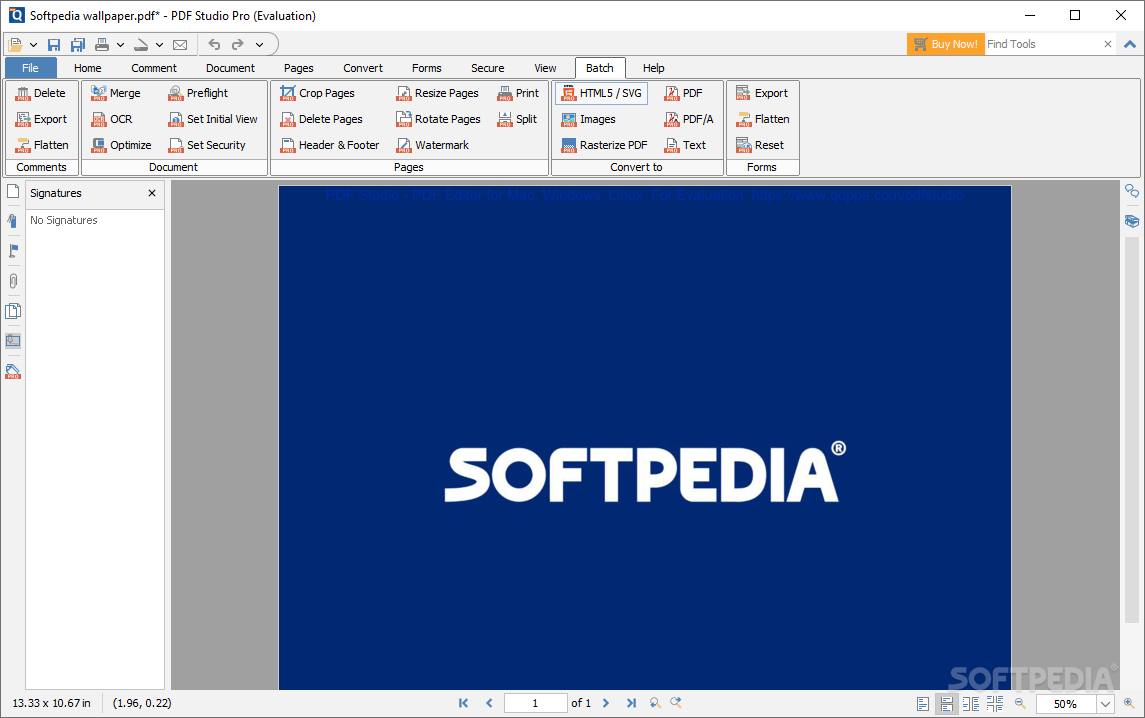
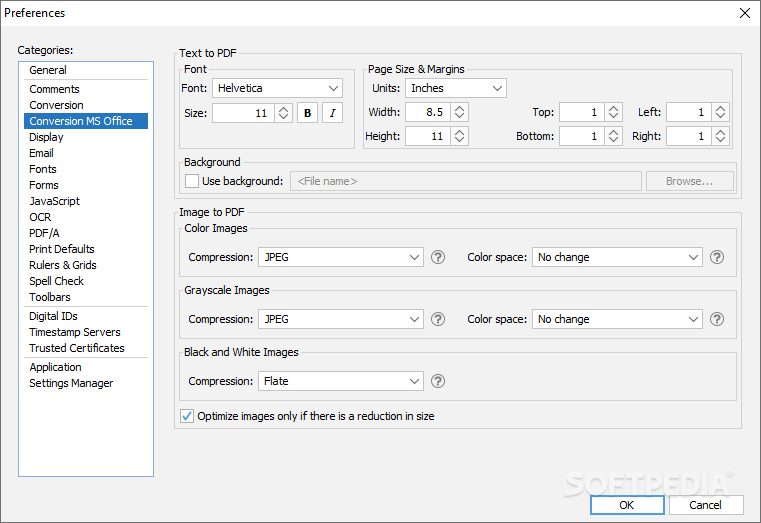
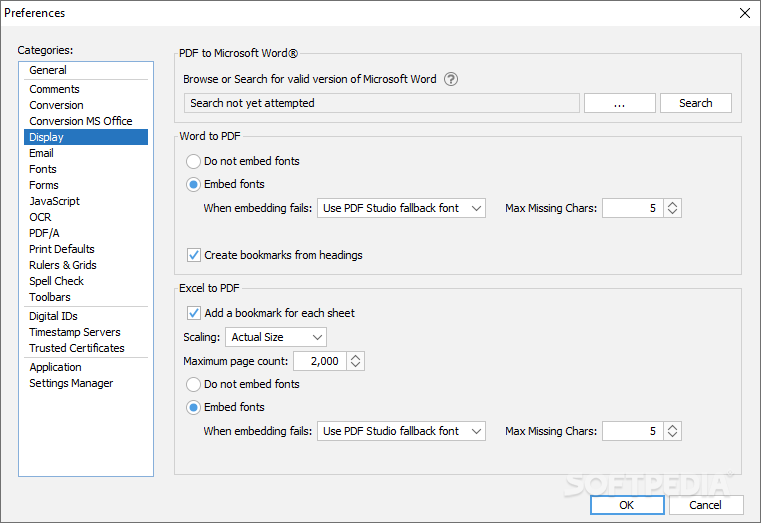
The conversion options are also of note: converting from a scanner is possible, likewise from Word, Excel, and even PowerPoint. You may also create a PDF from multiple files and fuse everything into one big document.
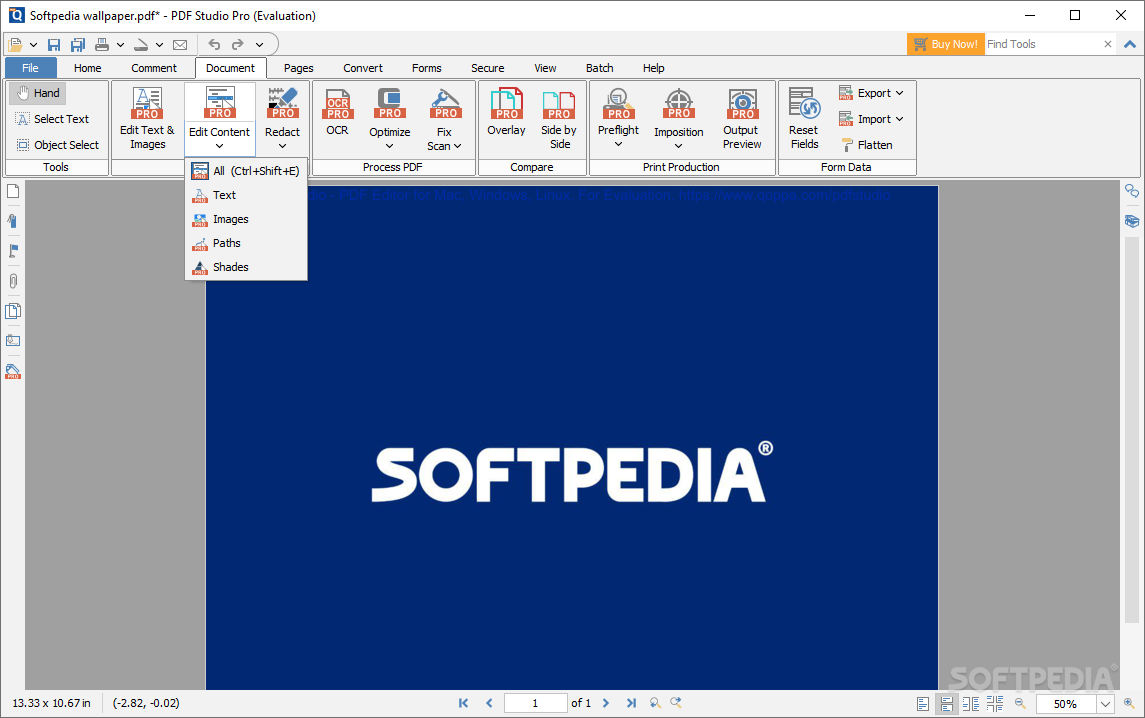
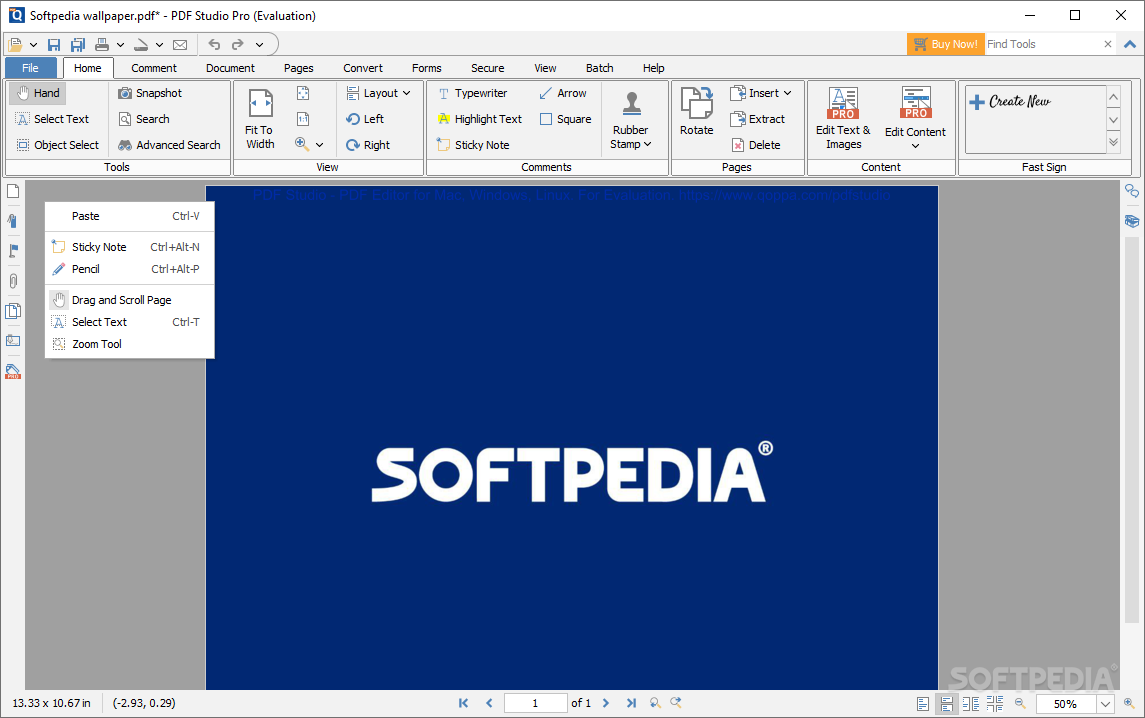
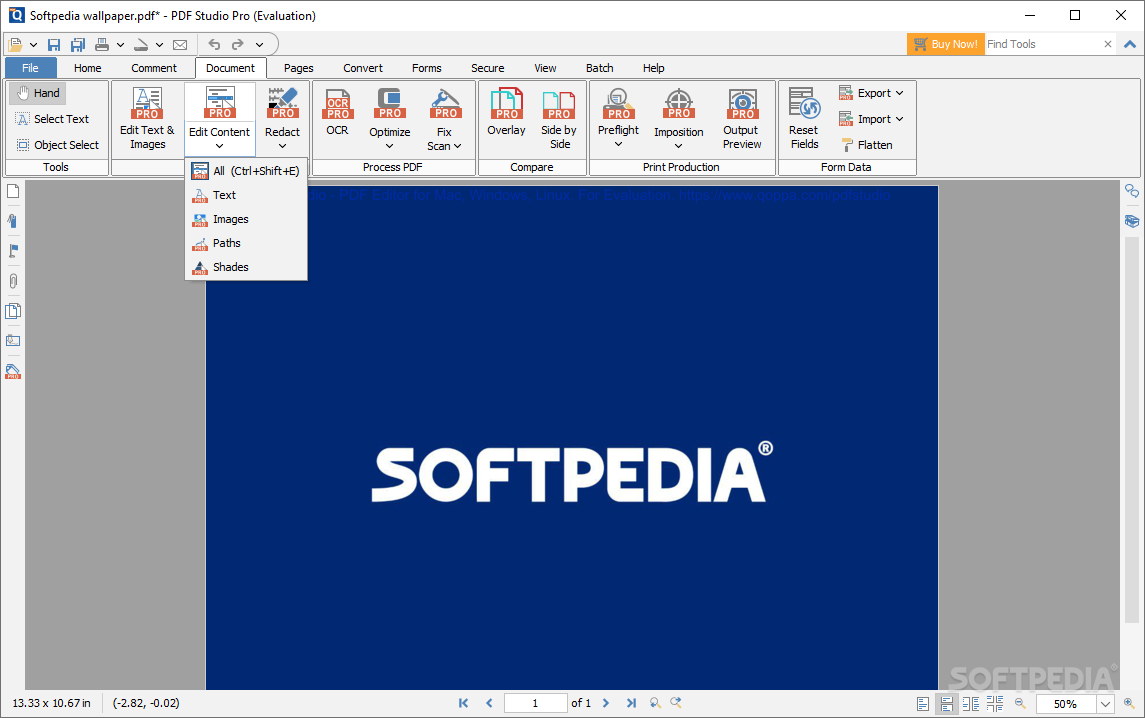
Editing is even simpler. Drop your files in, use the Hand to select the text, and modify everything to your liking. Using such a tool is especially useful when you want to stamp or sign something: it's quick and easy, and there's more to it.
You can even add links, audio, as well as any file to a document. The option to attach a file as a comment is also enticing, as it makes collaborating with others more convenient.
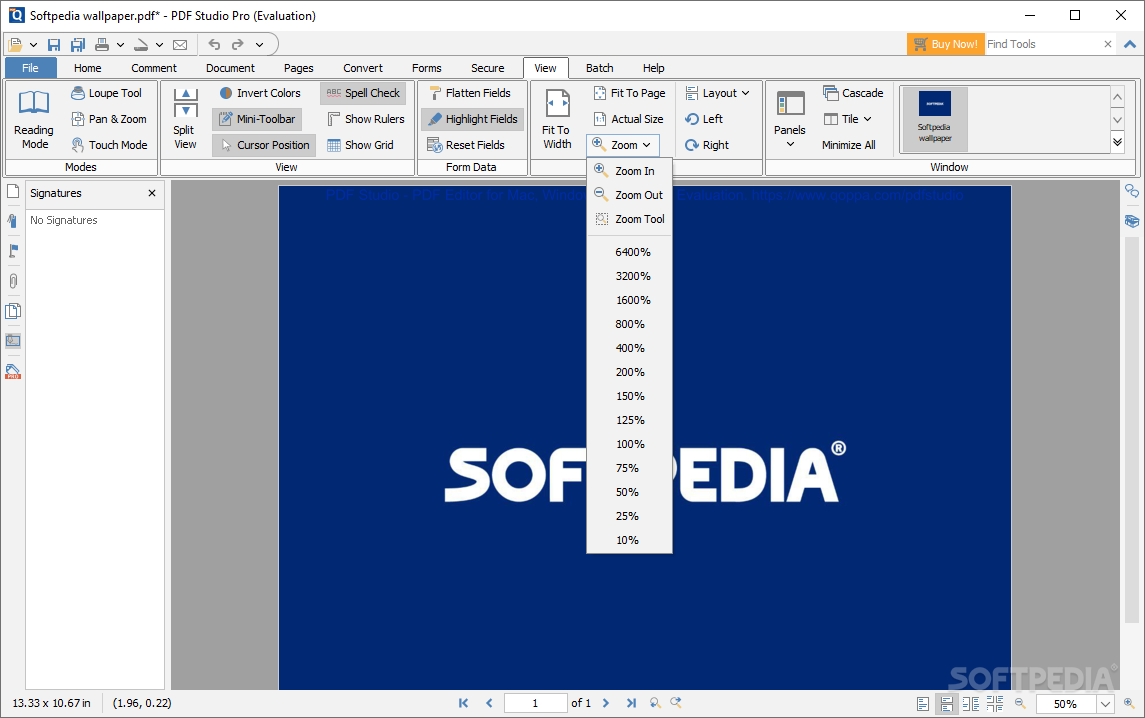
Convenience-wise, the tab-based design is also worth mentioning. Dealing with multiple PDF files is thus streamlined by the program, smoothing out the user workflow by allowing them to work on more than one document at a time.
PDF Studio Pro lives up to its name by providing a feature-rich tool for users to manage their documents. While the watermark on output might put off some users, it's nevertheless worth appreciating the versatility of the program's toolset.
Download Hubs
PDF Studio is part of these download collections: PDF Annotators, Encrypt PDF
What's new in PDF Studio 2023.0.4:
- Bugs Fixed:
- PS-6762: Regression – Multi-doc searches broken
- PS-6904: Save as not enabled for monochrome
- PS-6758: Extract pages feature is not able to extract every page on the document
PDF Studio 2023.0.4
add to watchlist add to download basket send us an update REPORT- runs on:
-
Windows 11
Windows Server 2019
Windows Server 2016
Windows 10 32/64 bit
Windows Server 2012
Windows 8 32/64 bit
Windows 7 32/64 bit - file size:
- 181 MB
- filename:
- PDFStudio_win32.exe
- main category:
- Office tools
- developer:
- visit homepage
Context Menu Manager

4k Video Downloader

calibre

Zoom Client

ShareX

IrfanView

Windows Sandbox Launcher

Bitdefender Antivirus Free

Microsoft Teams

7-Zip

- Bitdefender Antivirus Free
- Microsoft Teams
- 7-Zip
- Context Menu Manager
- 4k Video Downloader
- calibre
- Zoom Client
- ShareX
- IrfanView
- Windows Sandbox Launcher