
Perform a broad range of PDF manipulation tasks and create personalized tools for various operations, with this powerful and intuitive application. #Create PDF #PDF merge #Extract PDF #Creator #Split #Merge

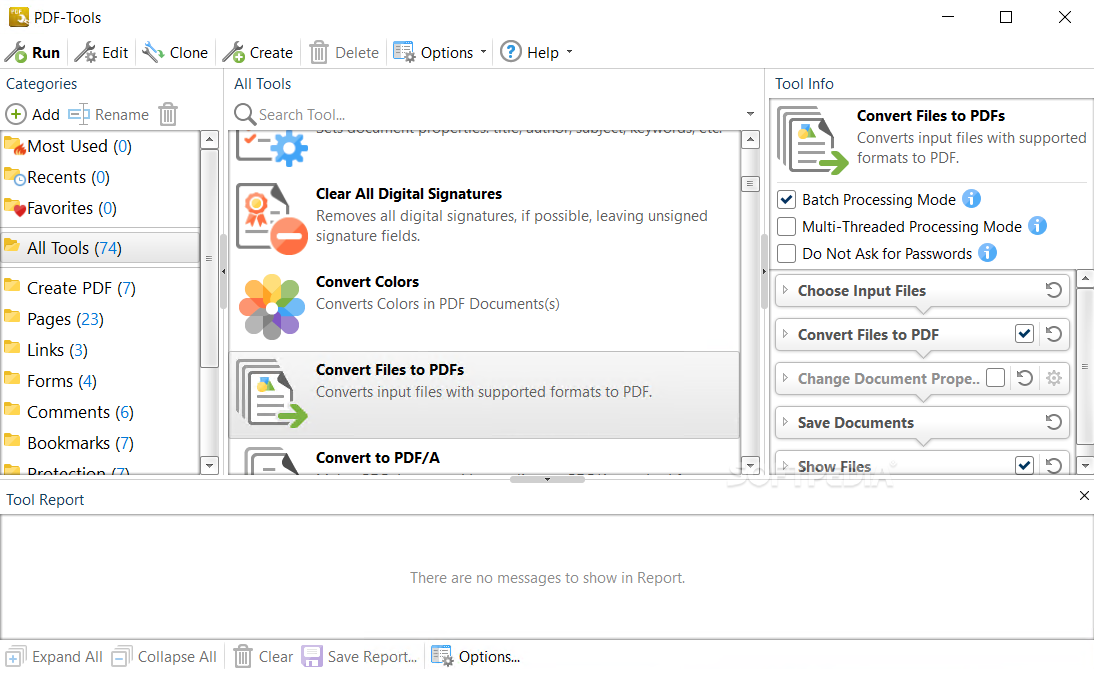
The PDF file format is used almost everywhere nowadays, and if you work with these documents on a regular basis you are sure to benefit from a powerful, all-inclusive PDF management utility.
PDF-Tools is an application designed to help you perform pretty much any PDF-related task, as it includes a diverse assortment of tools. Moreover, it allows you to create your own, so that you can perform routine operations as quickly and efficiently as possible.
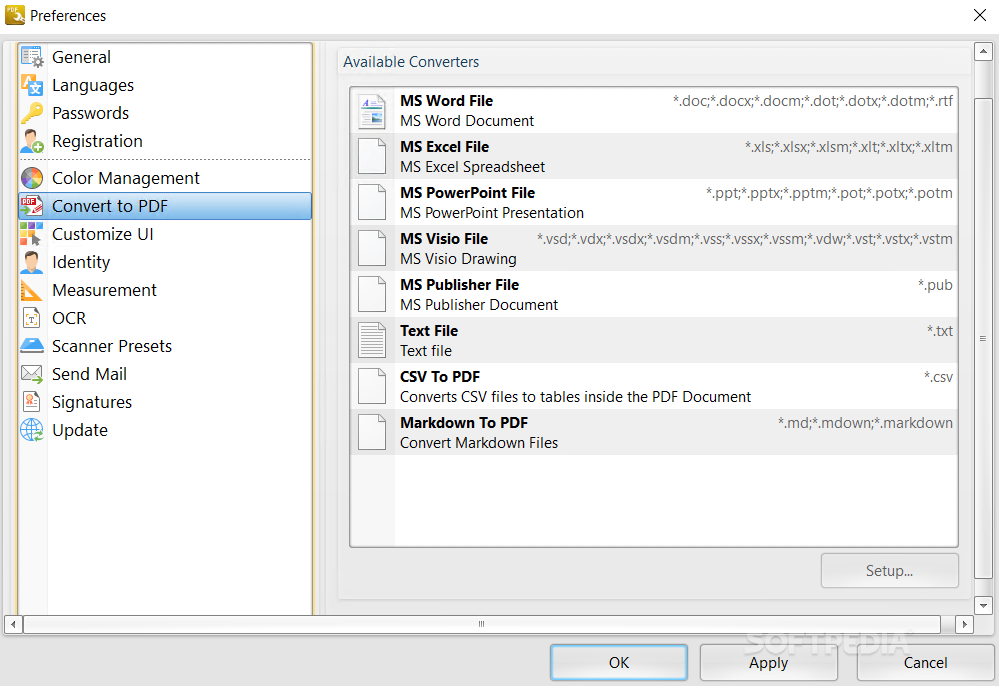
PDF-Tools can be used to convert files to PDF, create new documents from one or more images or text files, apply watermarks, crop, resize, and rotate pages, split or merge PDF files, secure documents, add signatures and much more.
It includes PDF-XChange Editor, a powerful PDF viewer and editor, as well as PDF-XChange Printer Lite, a useful program that enables you to create PDFs from any printable file.
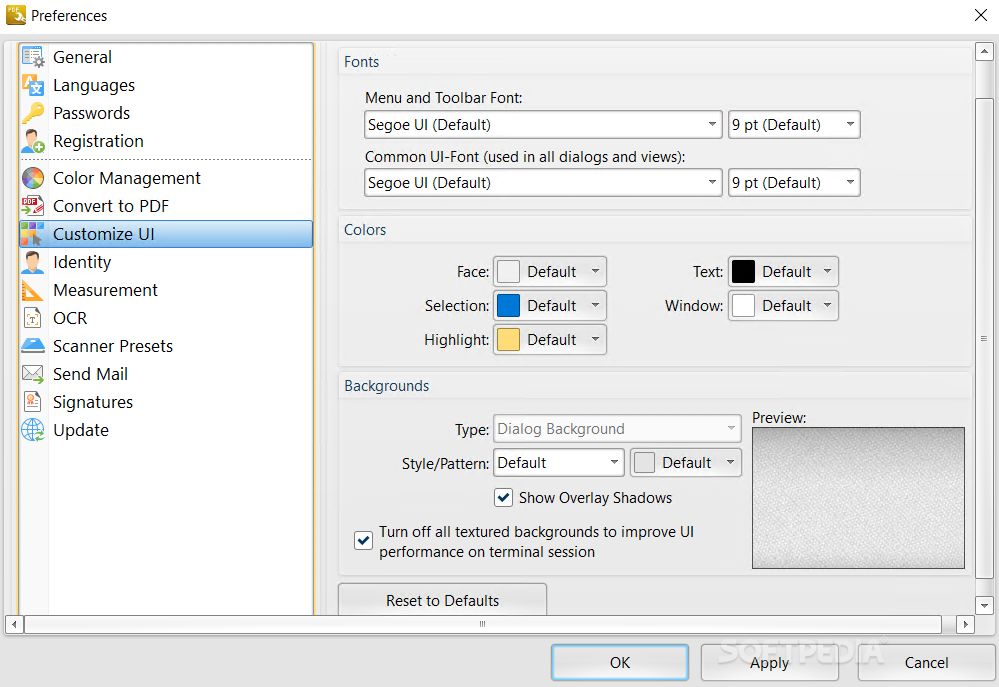
While the application comes with a set of predefined tools suitable for performing numerous common tasks, they can all be customized, and it is even possible to create new tools from scratch.
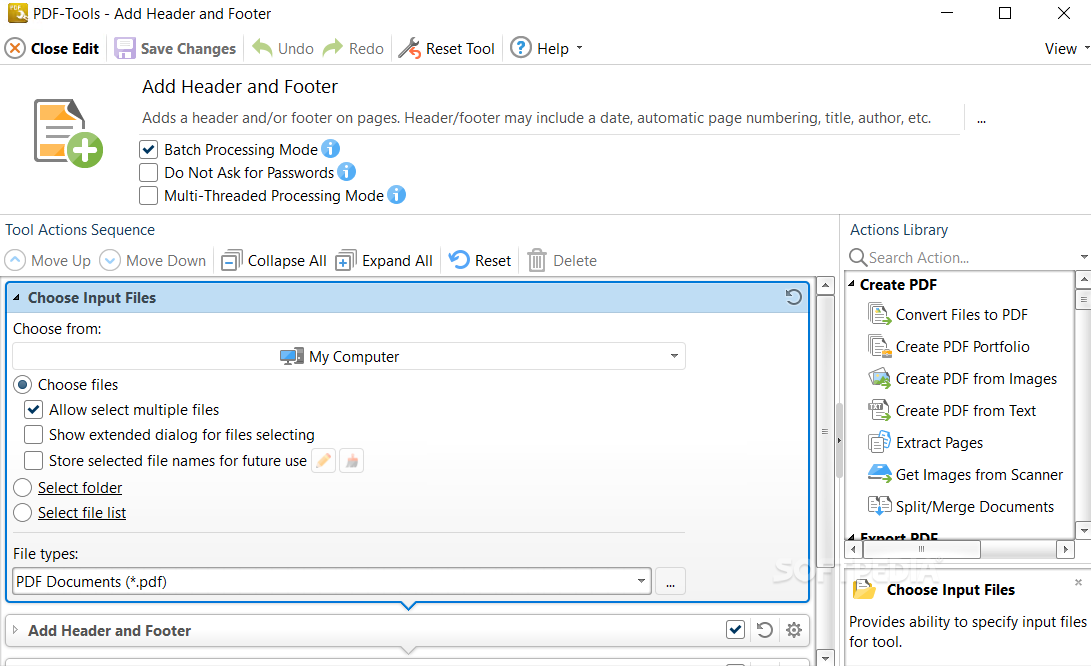
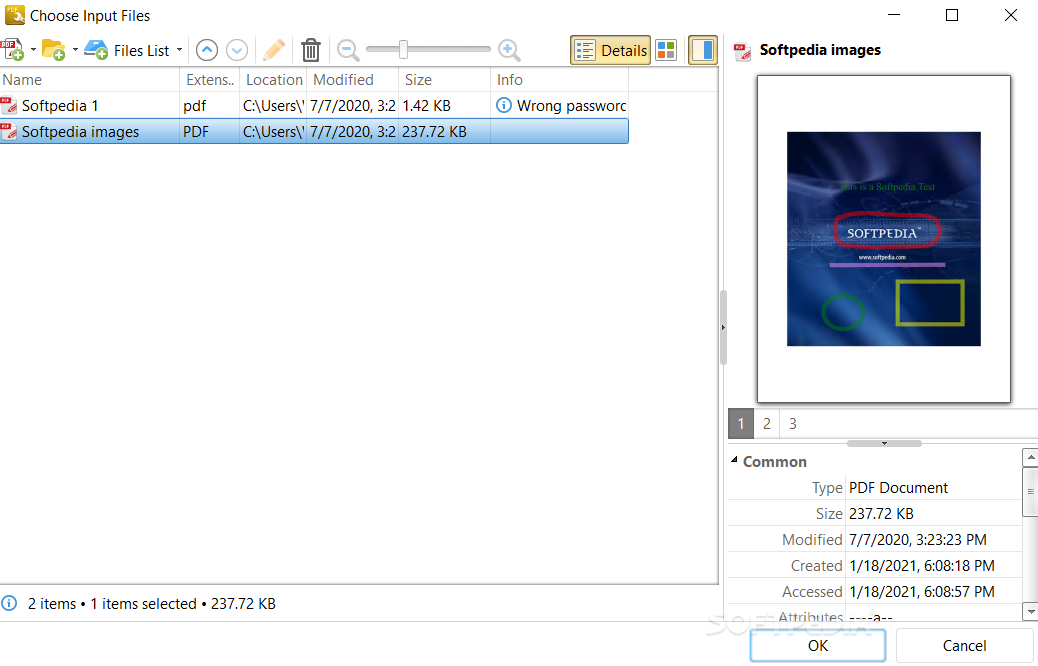
PDF-Tools allows you to define a specific action sequence, so you can easily set up a wizard that enables you to perform multiple operations without having to select new tools after each one and re-import the documents.
Because of the extensive customization options available, PDF-Tools is more complex that many other PDF manipulation utilities, but novices should not be deterred, as comprehensive documentation is provided.
Moreover, the user interface is well designed, both from a visual and functional standpoint.
PDF-Tools is a powerful application that provides you with a complete PDF management solution. It can help you perform an impressive array of PDF-related operations, as well as create personalized tools, while remaining very user-friendly.
What's new in PDF-Tools 10.2.1.385:
- Bugfixes and Improvements:
- Fixed an issue with the 'Save Images' action that was causing the inability to save multipage images.
PDF-Tools 10.2.1.385
add to watchlist add to download basket send us an update REPORT- runs on:
-
Windows 11
Windows 10 32/64 bit
Windows 8 32/64 bit
Windows 7 32/64 bit - file size:
- 412 MB
- filename:
- PDFTools10.zip
- main category:
- Office tools
- developer:
- visit homepage
4k Video Downloader

IrfanView

Zoom Client

calibre

Microsoft Teams

Windows Sandbox Launcher

ShareX

7-Zip

Bitdefender Antivirus Free

Context Menu Manager

- 7-Zip
- Bitdefender Antivirus Free
- Context Menu Manager
- 4k Video Downloader
- IrfanView
- Zoom Client
- calibre
- Microsoft Teams
- Windows Sandbox Launcher
- ShareX