
Modify and create PDF files from multiple supported image and document formats with this intuitive and comprehensive software solution. #Create PDF #DOC to PDF #XLS to PDF #Convert #DOC2PDF #XLS2PDF

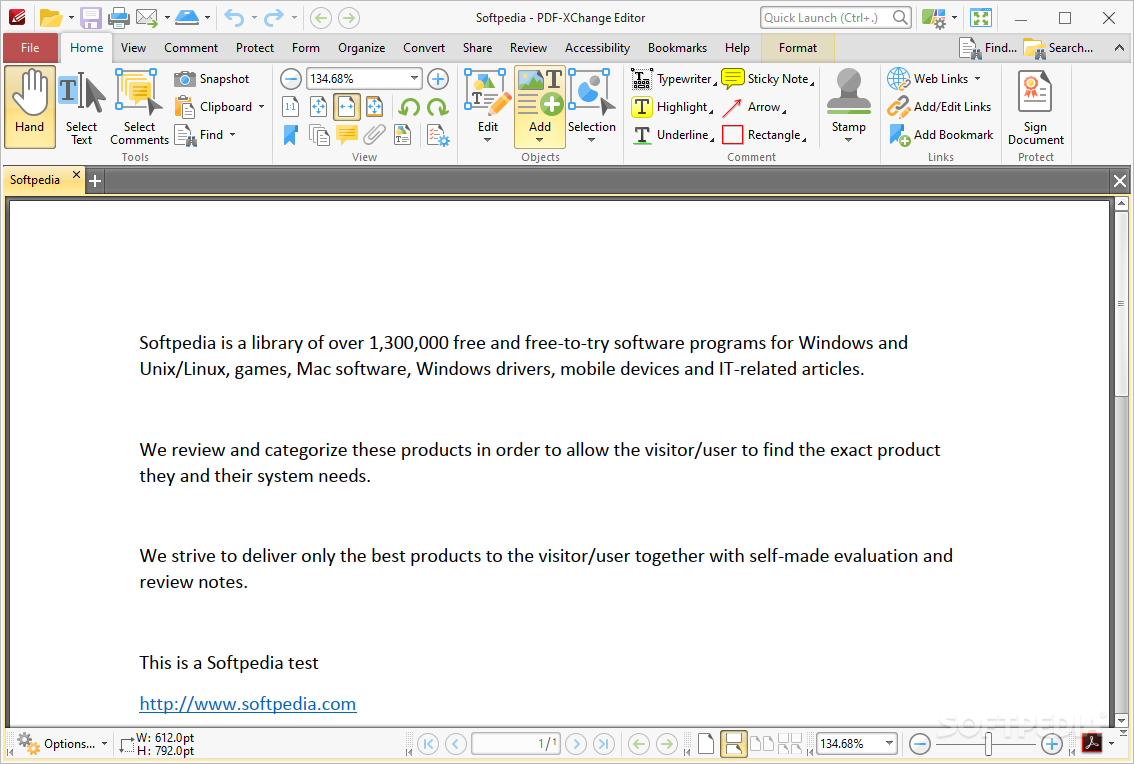
PDF-XChange Pro is not an application, but rather a suite comprising three of the most relevant PDF utilities developed by the respective company. PDF-Tools, PDF-XChange Printer Standard, and PDF-XChange Editor are deployed together to cover anyone's needs regarding the manaegment of PDF files, no matter the task at hand. Also, bundled software is known to be a bit softer on your wallet, resulting in a better financial outcome than independently acquiring each program.
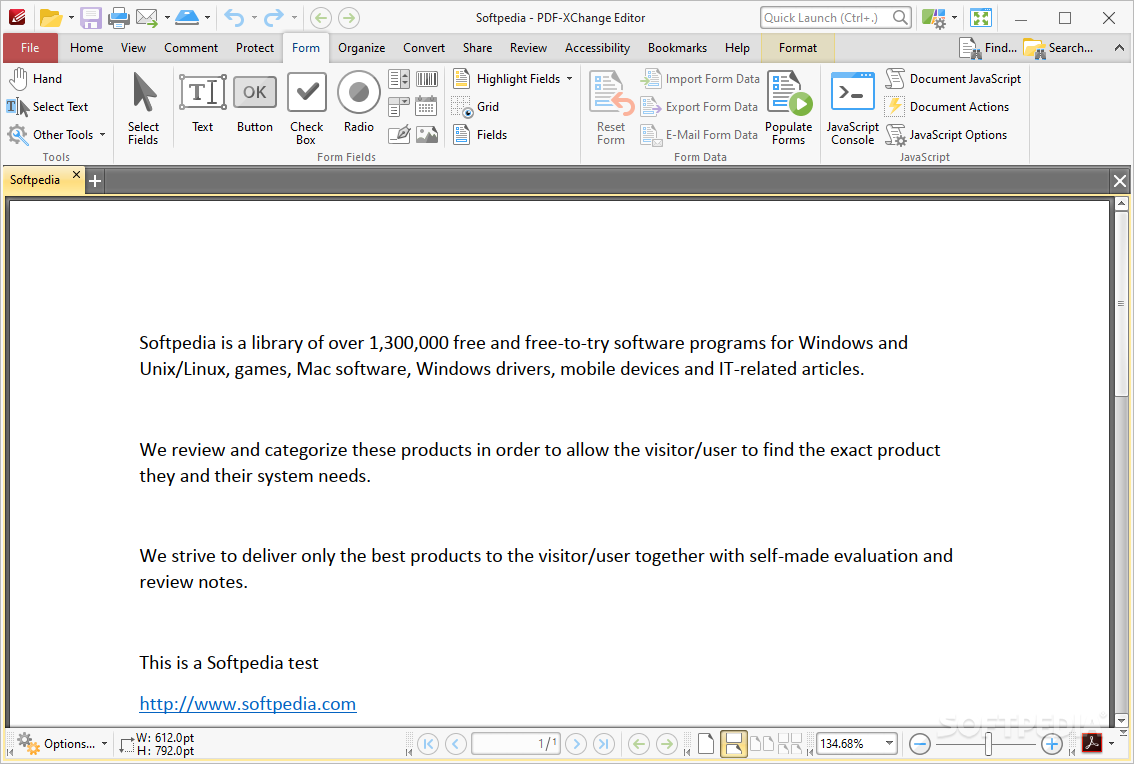
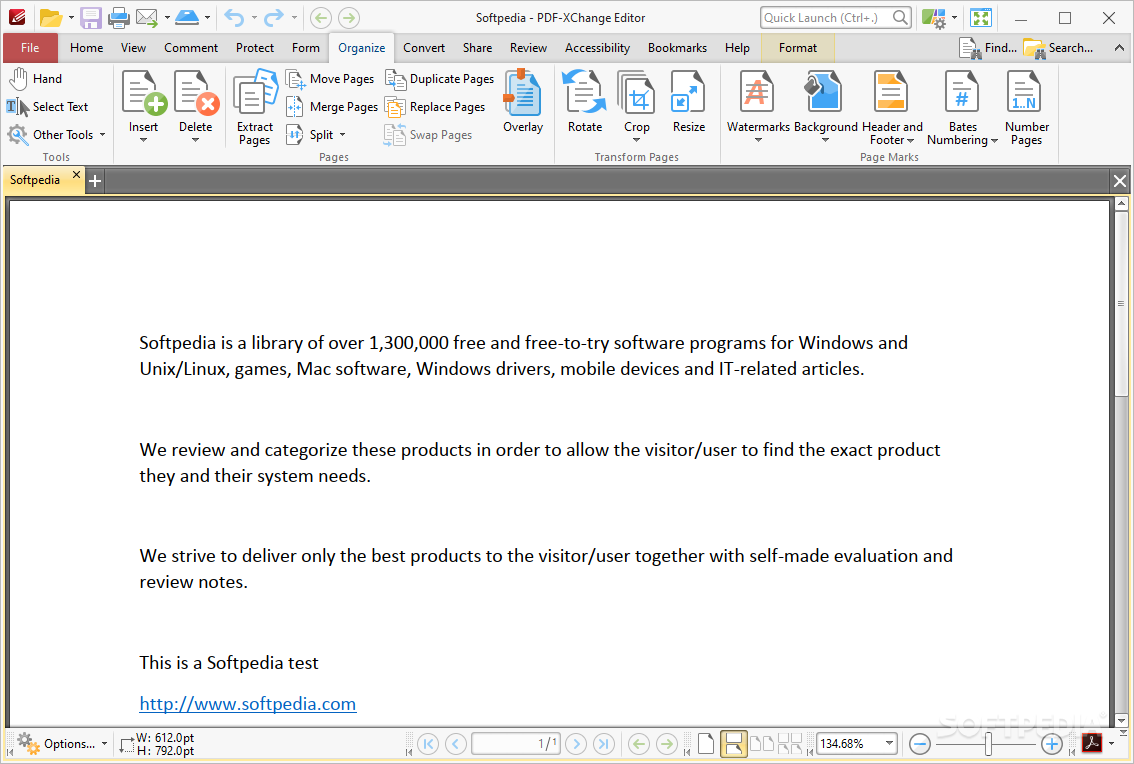
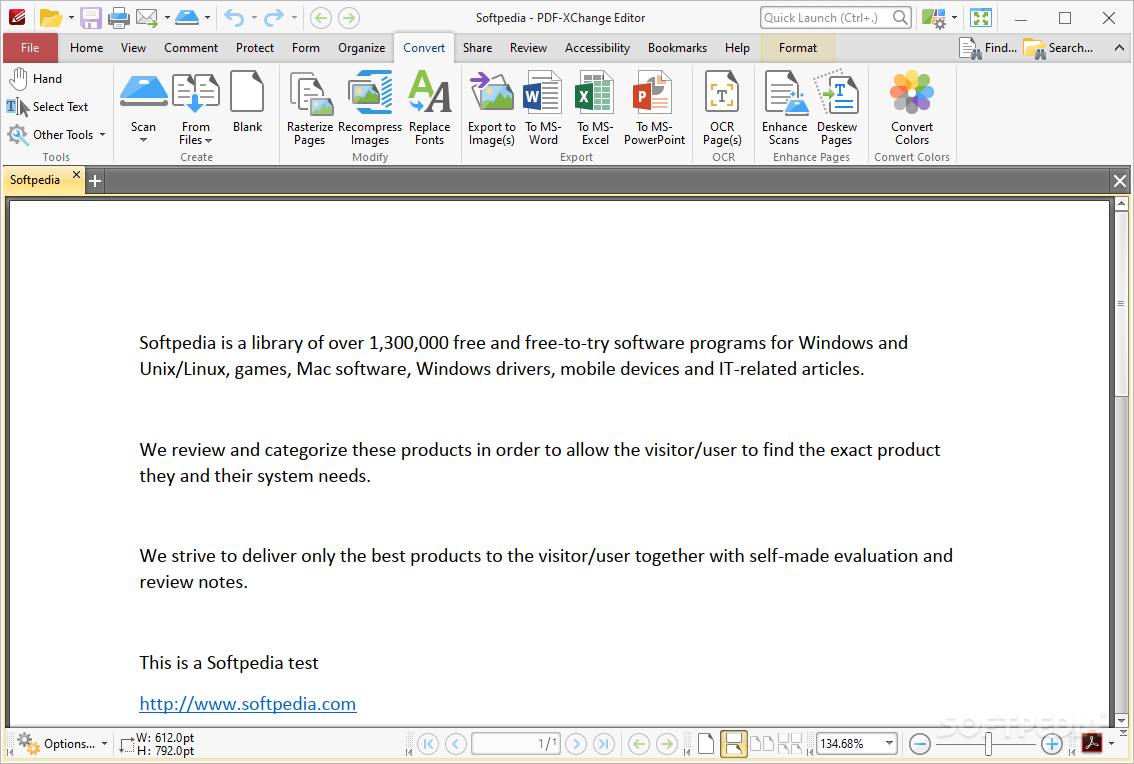
A simple name for what's maybe the most complex toolbox around. If you want to add watermarks, crop, merge pages, export form data, compress images, export PDF to spreadsheets, PPTX, or DOCX, along with many other features that make this application the juggernaut it is, you’re on the right track.
To display all tools in one window, select the All Tools entry from the Categories pane. Click a tool to access specific information and tweak and personalize that even more.
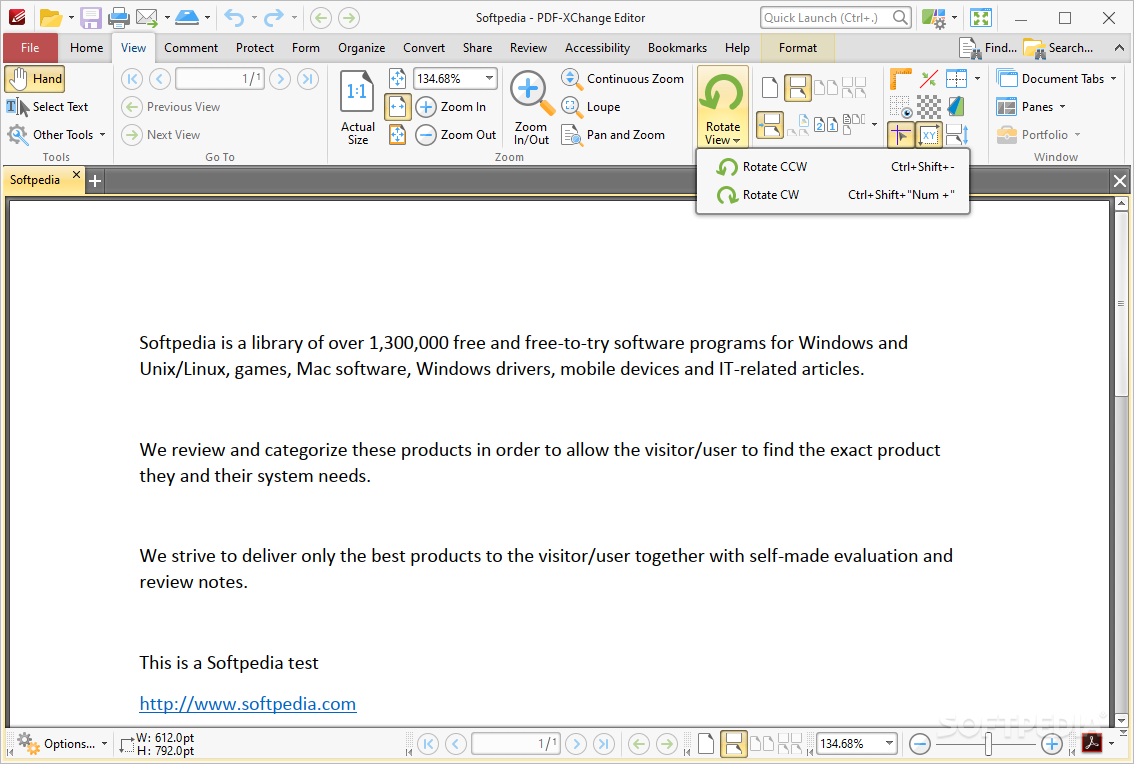
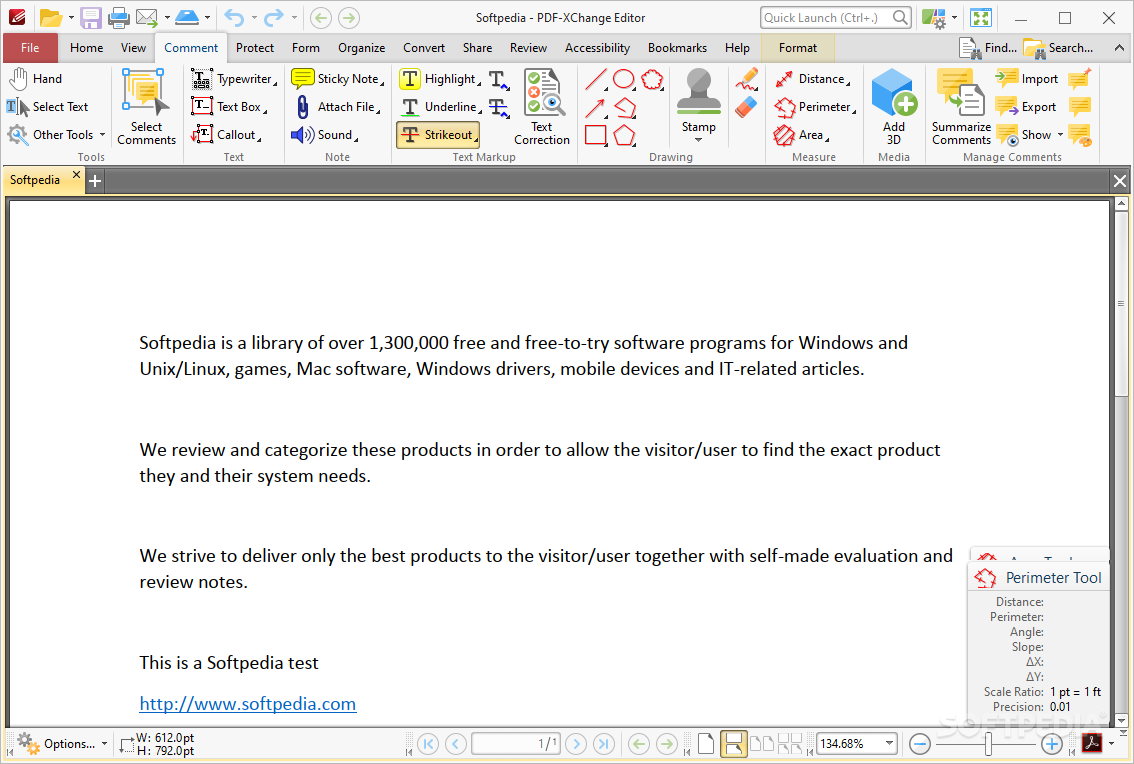
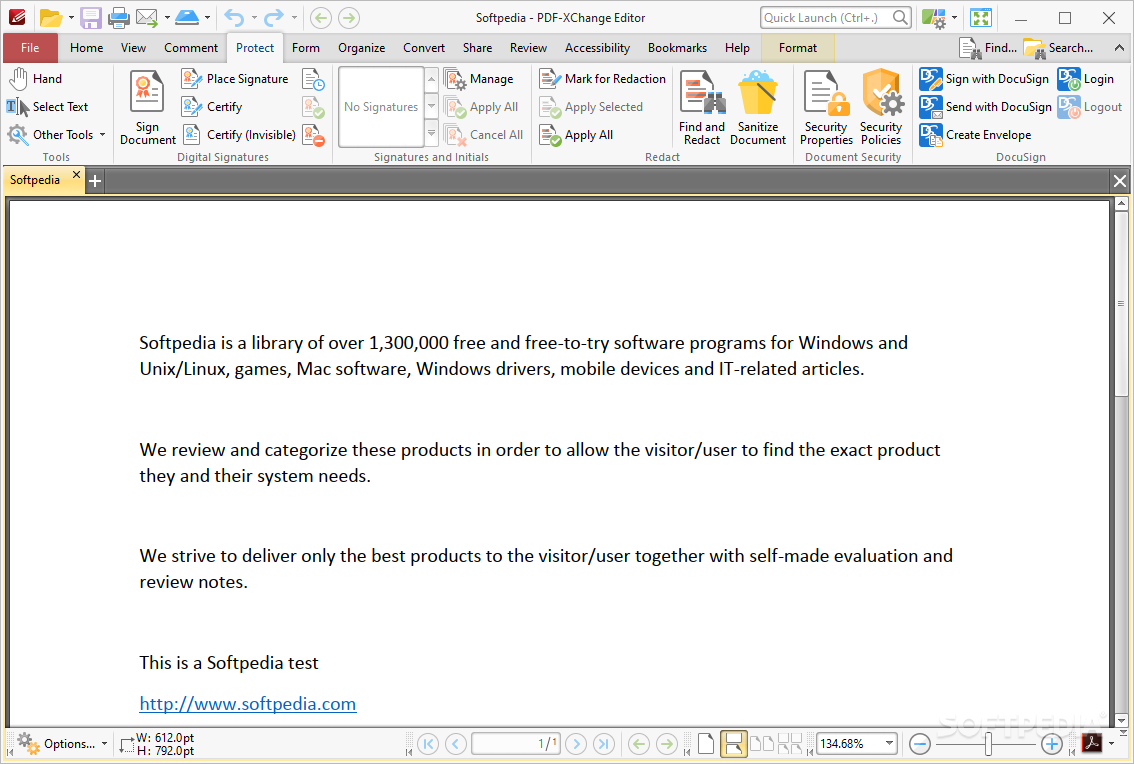
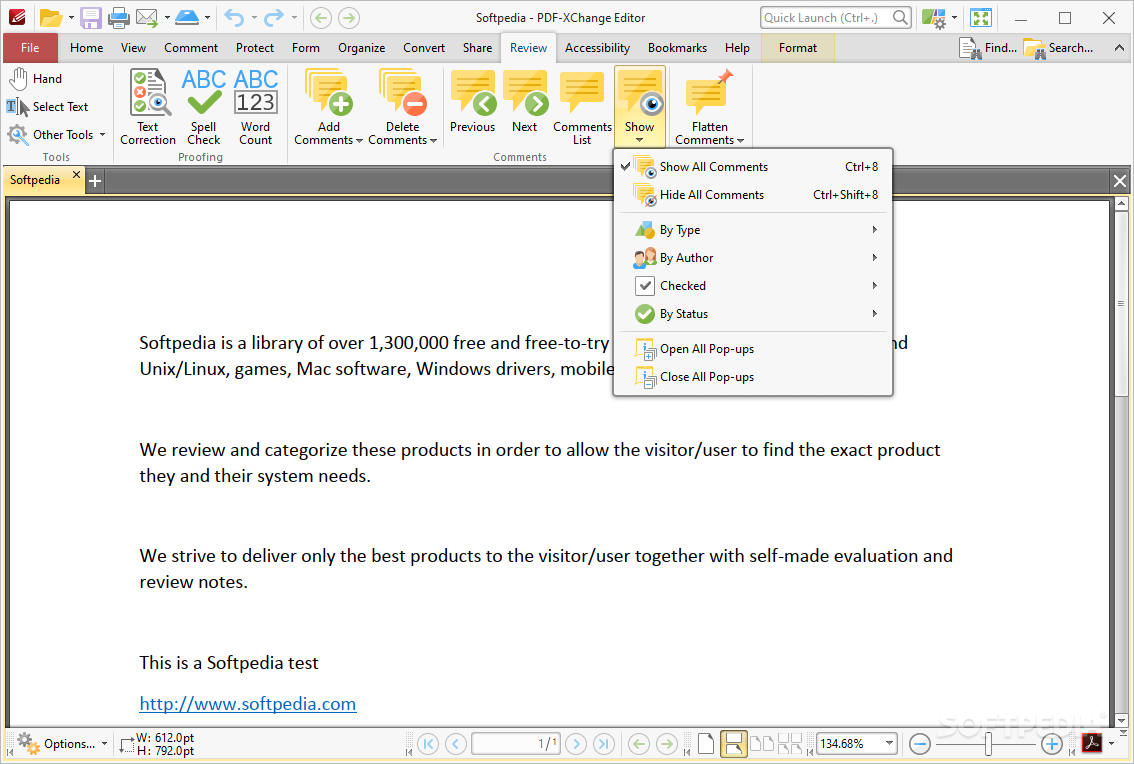
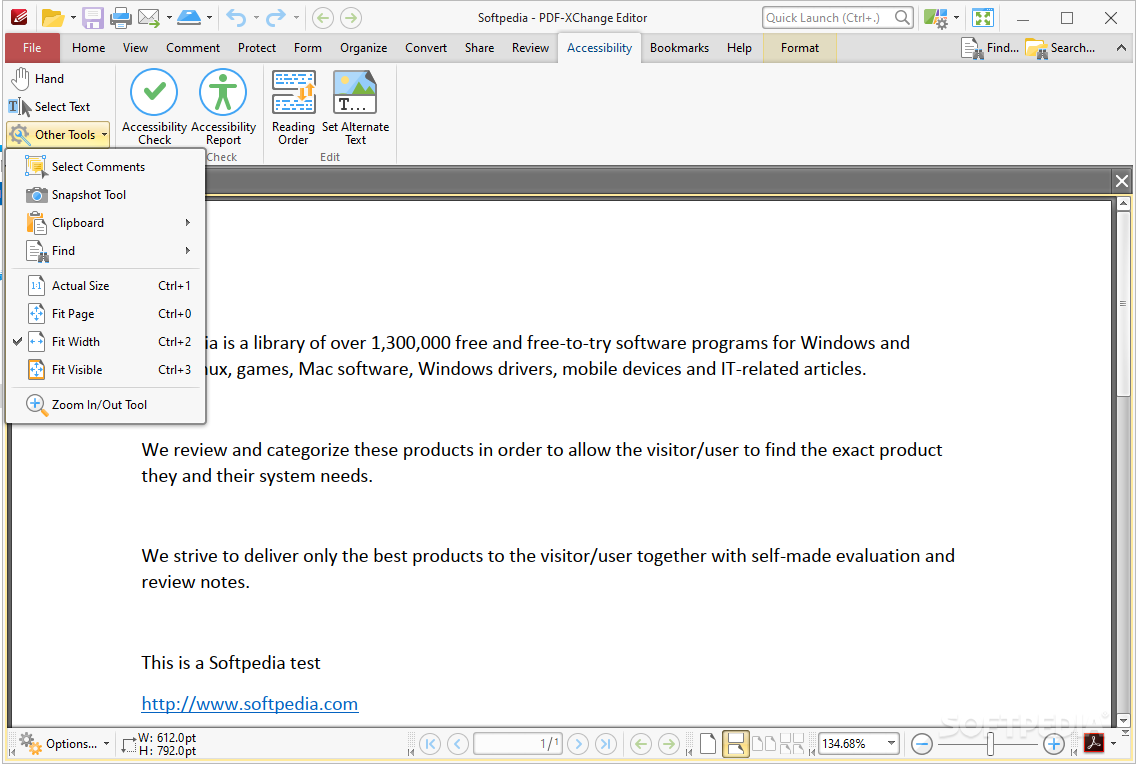
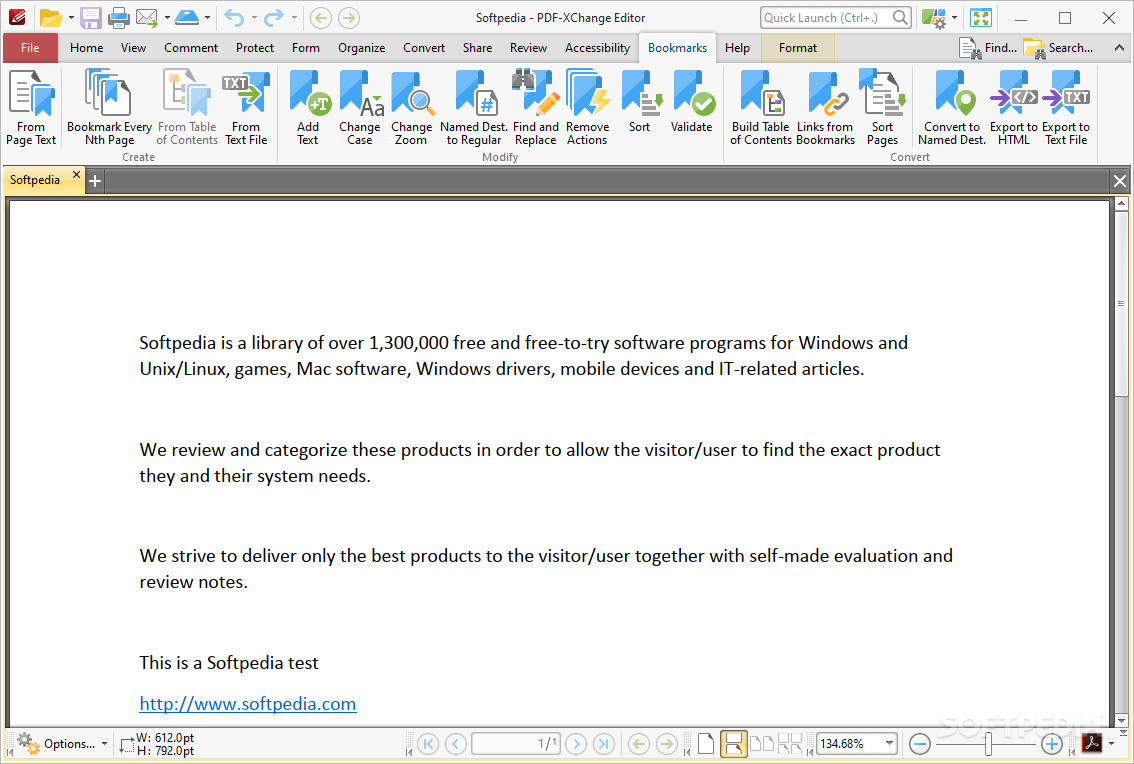
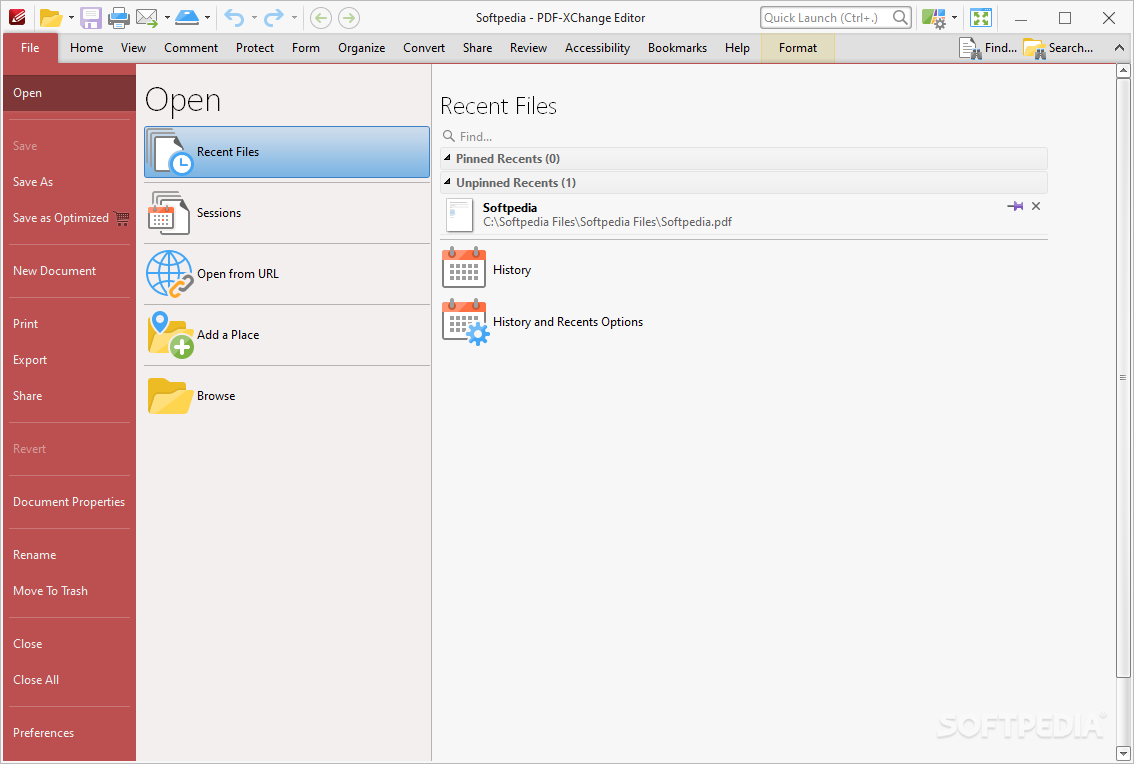
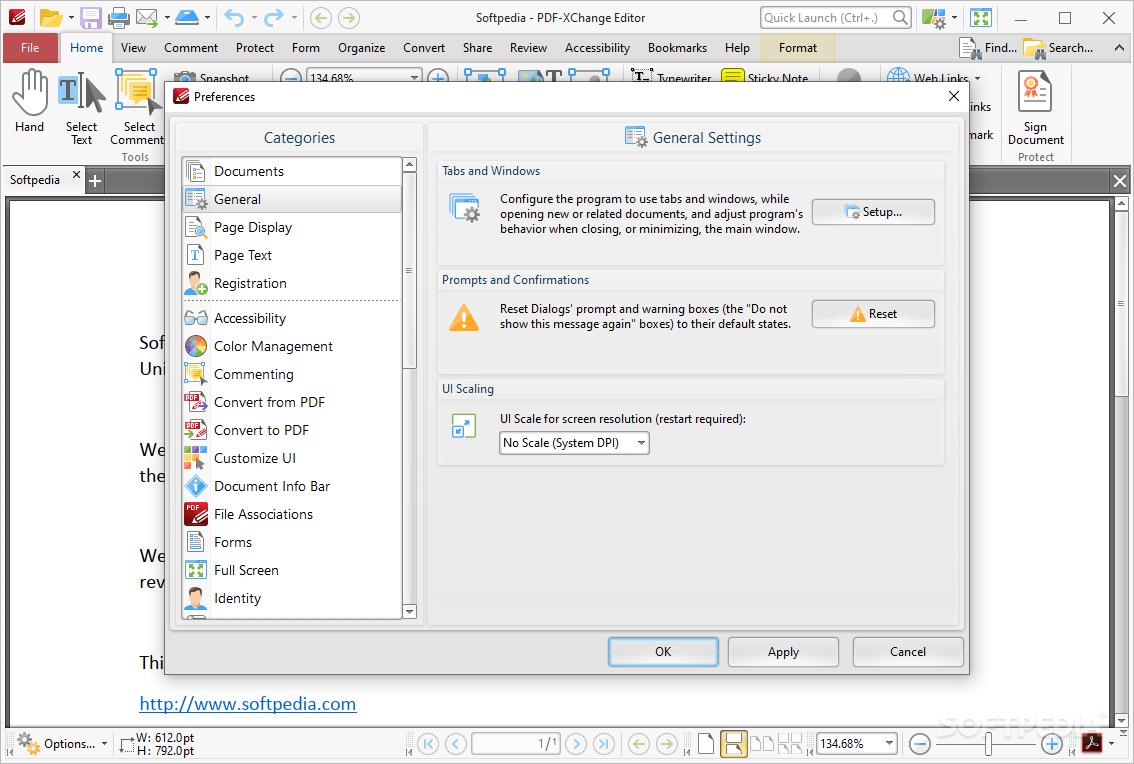
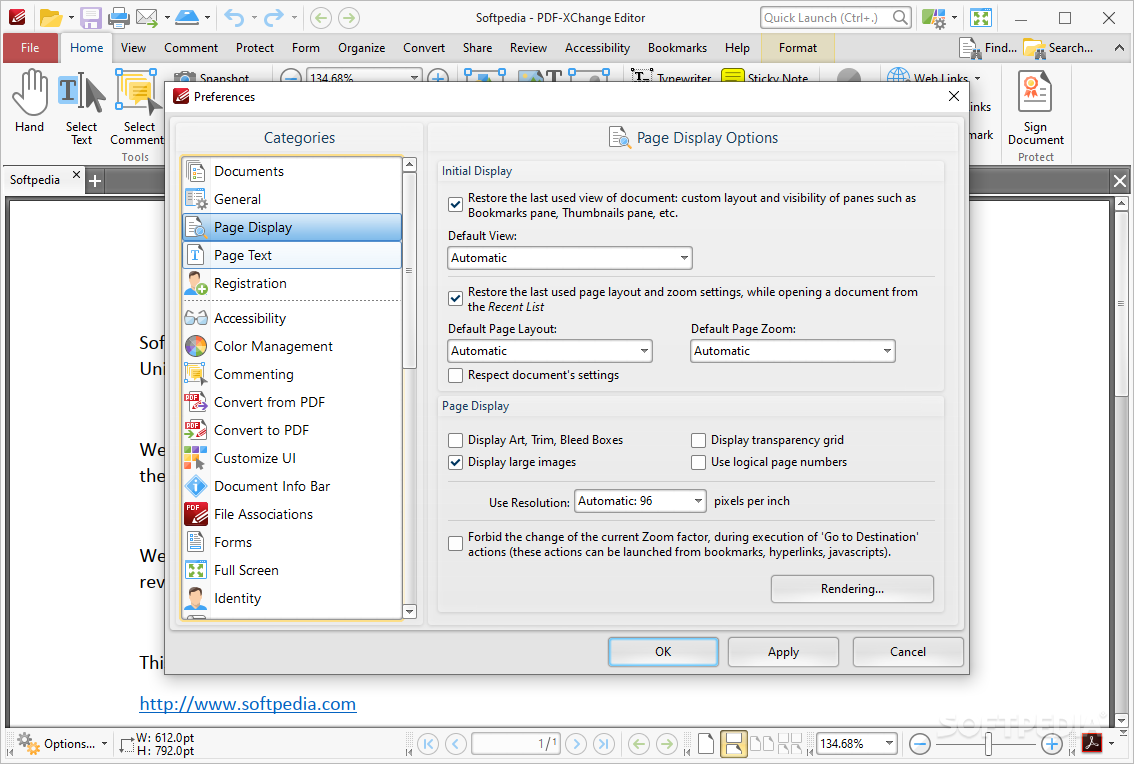
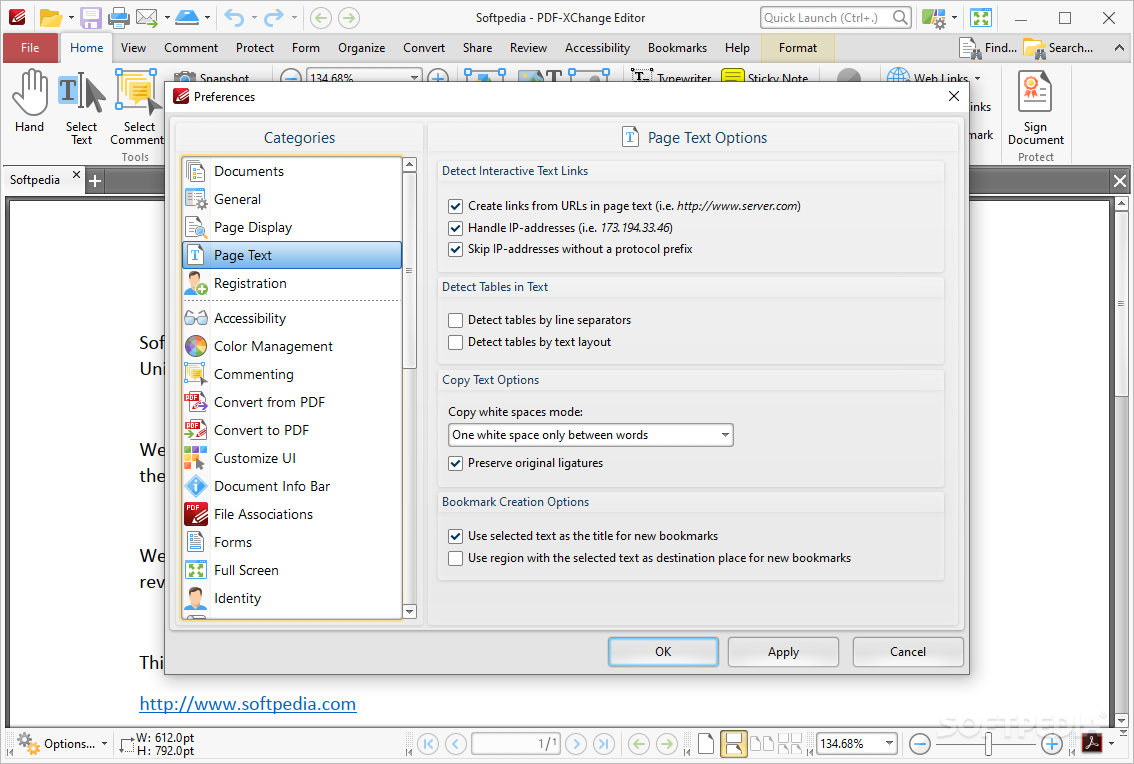
An alternative PDF viewer/editor that can replace Adobe's Acrobat Reader. Besides viewing, this tool can help one with singing and certifying documents, rasterizing and annotating pages. Creating new PDF files from scanned documents or image files is also a possibility, along with opening MS Office documents.
Also going by the name Office to PDF, this third and final part of the suite is nothing but a virtual printer. Handy for converting MS Office files as well as AutoCAD or any other similar format to the standard PDF. It shares some similarities with the other two tools, but that's because they were all developed as standalone programs.
The PDF-XChange Pro suite is a powerful pack of tools that offer its user complete control over their PDF documents. There is no trade-off when it comes to adopting a suite over smaller apps that offer the same but hand-picked features, especially if you don't mind spending some money for an all-around PDF kit.
Download Hubs
PDF-XChange Pro is part of these download collections: Convert XLS to PDF
What's new in PDF-XChange Pro 10.2.1.385:
- PDF-XChange Editor:
- NEW Added new options to tune the appearance of the Comments pane:
PDF-XChange Pro 10.2.1.385
add to watchlist add to download basket send us an update REPORT- runs on:
-
Windows 11
Windows 10 32/64 bit
Windows 8 32/64 bit
Windows 7 32/64 bit - file size:
- 432 MB
- filename:
- PDFXPro10.zip
- main category:
- Office tools
- developer:
- visit homepage
calibre

IrfanView

Microsoft Teams

4k Video Downloader

Bitdefender Antivirus Free

Windows Sandbox Launcher

Zoom Client

7-Zip

ShareX

Context Menu Manager

- 7-Zip
- ShareX
- Context Menu Manager
- calibre
- IrfanView
- Microsoft Teams
- 4k Video Downloader
- Bitdefender Antivirus Free
- Windows Sandbox Launcher
- Zoom Client