
Easily convert your PDF documents to MS Word format with the help of this approachable tool that only requires little user input #PDF converter #PDF to Word #Convert PDF #Convert #PDF2Word #Conversion

Ensuring that your files are easily portable is of utmost importance nowadays, when changing your documents’ format should be not only time-saving but also efficient.
There are many reliable solutions on the market, and this time around, we take a look at Some PDF to Word Converter, which has a pretty self-explanatory name hinting at its ability to convert PDF files to the Word format.
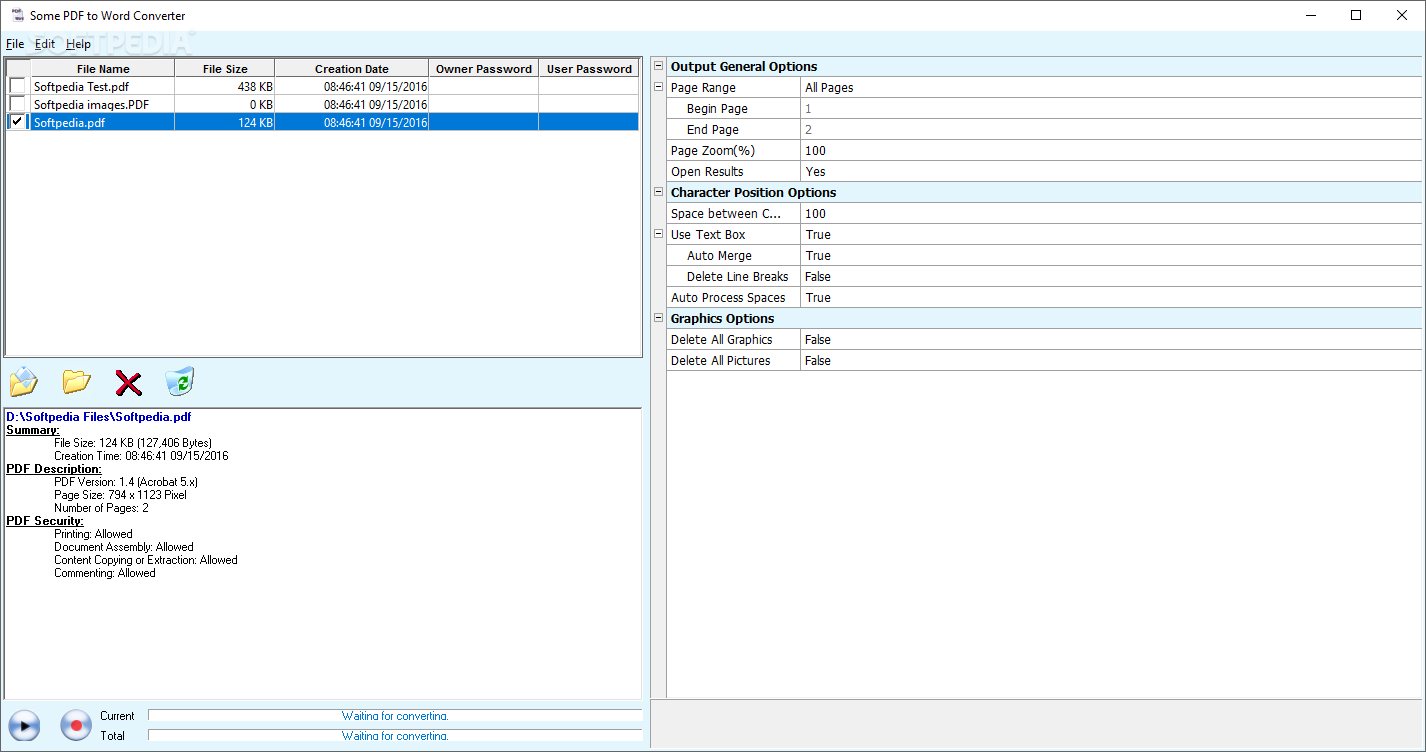
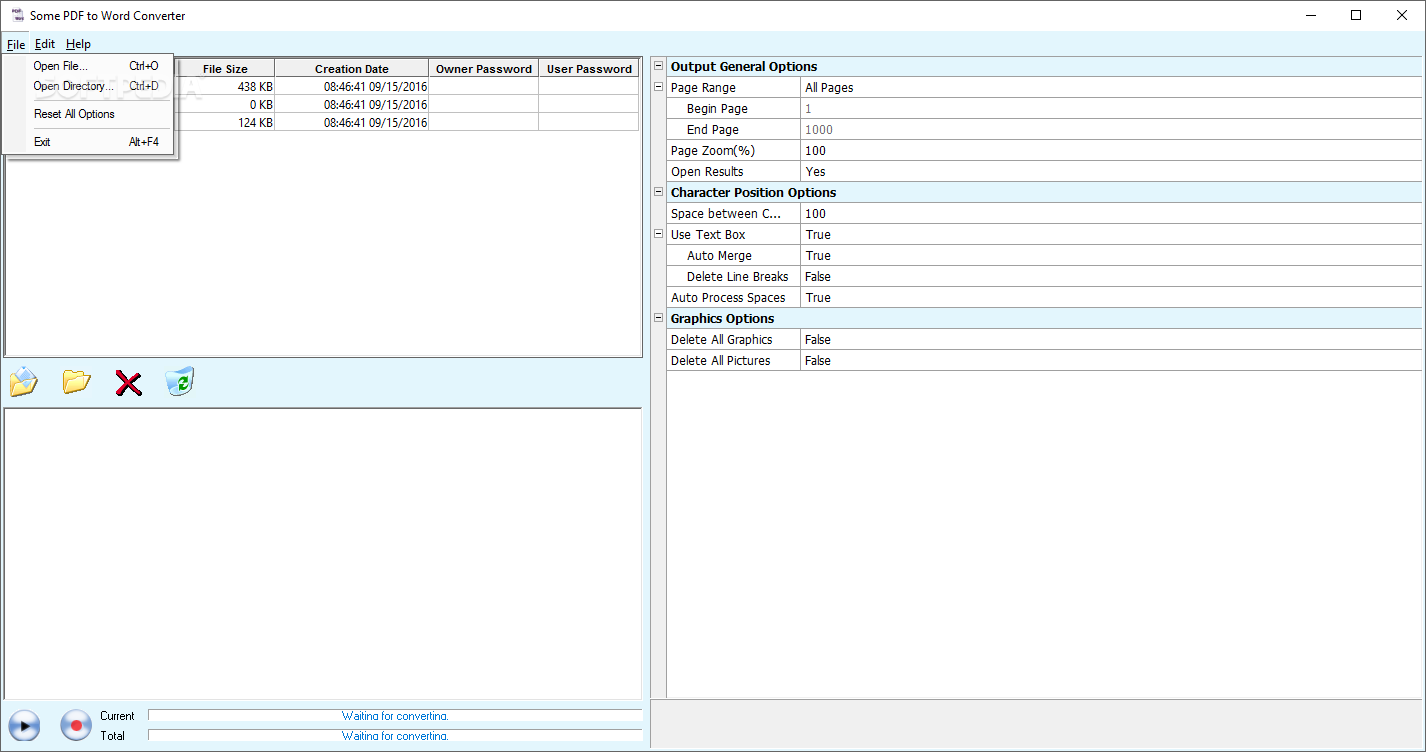
The user interface of the application is plain and simple. You can open a file or folder by using the file browser (the "drag and drop" method is not supported but batch processing is).
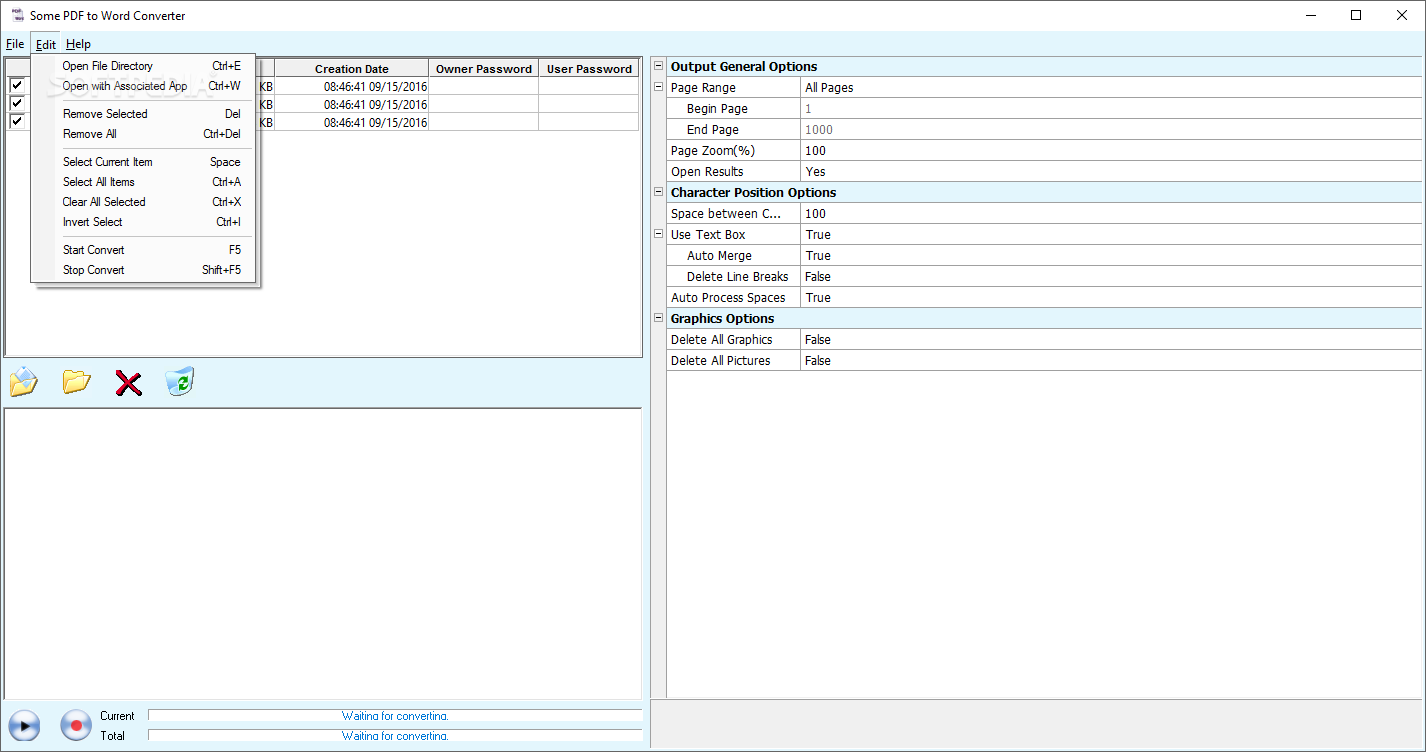
In the queue, you can view the size, date of creation, owner and user password of each file. But if you select a particular file, you can view more information, including printing, document assembly, content copying or extraction and commenting.
You can specify the page range and zoom, open results, space between characters, text box utilization (auto merge, line breaks deletion), auto process spaces and graphic options (delete all graphics and pictures). Settings can be reset to default at any time.
The program takes up a very low amount of system resources and includes a brief online help page. No errors have popped up during our tests. It can be used by both first-time users and experienced individuals.
However, you cannot specify the output destination and name of the RTF file. Also, the program failed to convert a document that contained images, tables and special characters found in other languages besides English (the output file was a blank page). It didn't manage to maintain a good text format otherwise. We suggest you look for a more advanced PDF-to-RTF converter.
Download Hubs
Some PDF to Word Converter is part of these download collections: Convert PDF, Convert PDF to Word
What's new in Some PDF to Word Converter 2.0.0801:
- fix conversion bugs
Some PDF to Word Converter 2.0.0801
add to watchlist add to download basket send us an update REPORT- runs on:
-
Windows 10 32/64 bit
Windows 2003
Windows 8 32/64 bit
Windows 7 32/64 bit
Windows Vista 32/64 bit
Windows XP
Windows 2K - file size:
- 685 KB
- filename:
- pdf2word_setup.exe
- main category:
- Office tools
- developer:
Zoom Client

7-Zip

4k Video Downloader

ShareX

calibre

Microsoft Teams

Context Menu Manager

Windows Sandbox Launcher

Bitdefender Antivirus Free

IrfanView

- Windows Sandbox Launcher
- Bitdefender Antivirus Free
- IrfanView
- Zoom Client
- 7-Zip
- 4k Video Downloader
- ShareX
- calibre
- Microsoft Teams
- Context Menu Manager