
Convert various files into PDF format by using this application which emulates the use of a printer to trick your machine into transforming all sorts of files into PDFs #PDF Creator #Virtual Printer #Create PDF #TXT2PDF #Converter #Creator

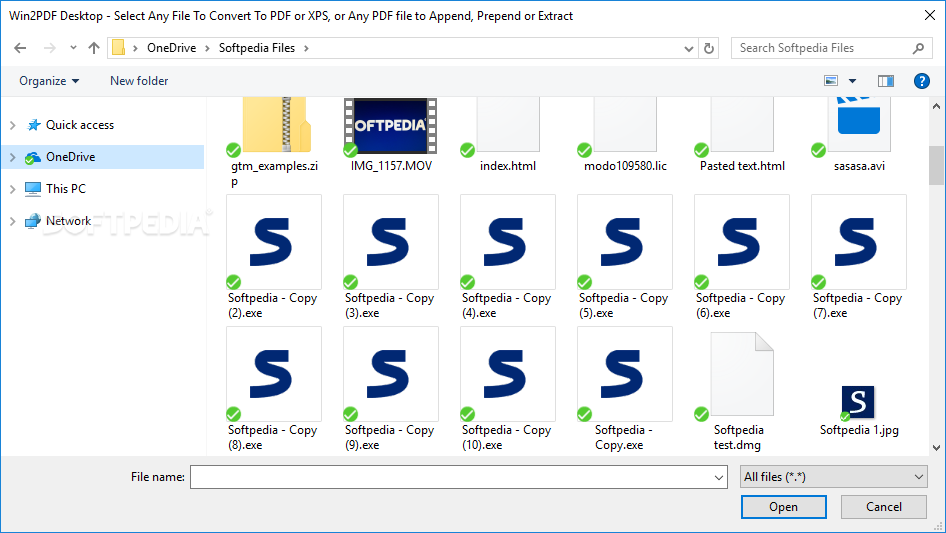
Win2PDF is an interesting way of creating PDF images from whatever source you consider fit. All it has to be able to do is be printed. The idea behind this application is quite simple. It acts as a printer option, only that it isn't a printer. You attempt to print a page, document, or file and the application will automatically render it in PDF mode, meaning you can save it as a PDF.
The program does not require any changes or adjustments. In fact, it does not even have an interface. It is made up of a simple service that acts as a pseudo printer, allowing the general user to "print" files as PDFs or to convert various input documents to PDFs. This sort of application is extremely helpful if you're dealing with documents on a daily basis and are required to file them or submit them in PDF form. Most administrative institutions will require citizens to submit various forms and papers in PDF. This app could work to their advantage.
You'll simply have to hit the print option on your document, file, or picture, allowing for the general printer sub-menus to appear. Select Win2PDF in the printer list. Make whatever adjustments you want to your future PDF. Once you're done, hit the printing button, and you are set. Make sure you save the PDF, once prompted, in a safe location of your choice. If you're dealing with more than one file, simply rinse and repeat.
Win2PDF is a useful program for those who constantly need to convert various file formats to PDF. It won't allow you to execute any adjustments or custom changes, but it will get the job done quickly and easily. Just make sure you save the resulting files to a safe spot.
Win2PDF 10.0.163
add to watchlist add to download basket send us an update REPORT- runs on:
-
Windows 10 32/64 bit
Windows 8 32/64 bit
Windows 7 32/64 bit
Windows Vista 32/64 bit
Windows XP - file size:
- 28.2 MB
- filename:
- w2pdf_setup.exe
- main category:
- Office tools
- developer:
- visit homepage
4k Video Downloader

Microsoft Teams

Bitdefender Antivirus Free

7-Zip

Context Menu Manager

Windows Sandbox Launcher

calibre

ShareX

Zoom Client

IrfanView

- ShareX
- Zoom Client
- IrfanView
- 4k Video Downloader
- Microsoft Teams
- Bitdefender Antivirus Free
- 7-Zip
- Context Menu Manager
- Windows Sandbox Launcher
- calibre