Search Perform an advanced search query SOFTPEDIA
 
SOFTPEDIA
Updated one minute ago
HomeSubmit a program for being reviewedAdvertise on our websiteGet help on surfing our websitesSend us your feedbackGet information about our XML/RSS backend and how to use itBrowse the news archiveVisit our discussion forumVizitati forumul in limba romana


Program Finder NormalFreeware onlyShareware only

Crimson Editor 3.70 Report spyware 

Click to download Crimson EditorCrimson Editor - Softpedia Pick Award (If you developed this product, click here to download your award)
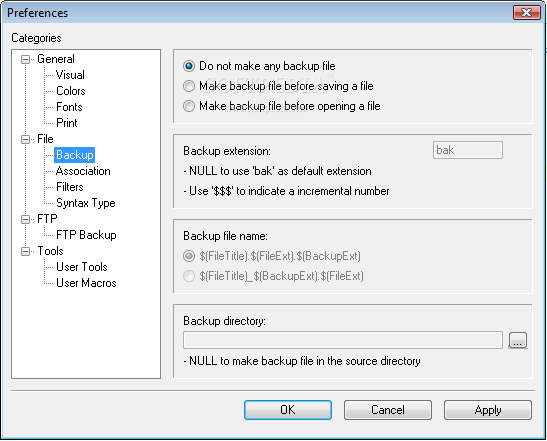
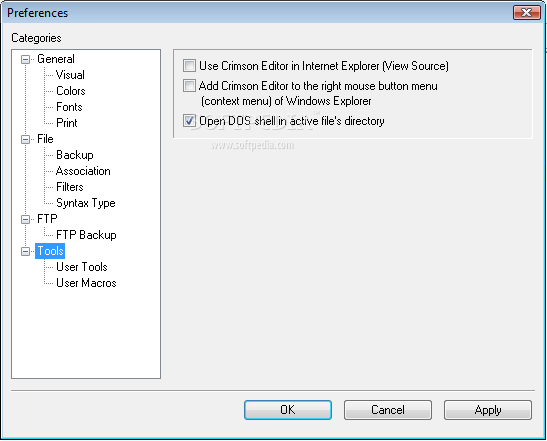
View more Crimson Editor screenshots (3)
 Downloads: 9,798
Rating: Very Good (4.2/5) | Rated by: 65 user(s)
Add to download basket     Send us update information
 Developer: Ingyu Kang | More programs by this producer
 License: Freeware  
 Size / OS: 1.19 MB, Windows All
 Last Updated: October 13th, 2004, 17:37 GMT
 Category: C: \ Office tools \ Text editors
 Read user reviews (2) Add a review Refer to friend Subscribe
    Download Crimson Editor

Crimson Editor description
A professional source editor for Windows

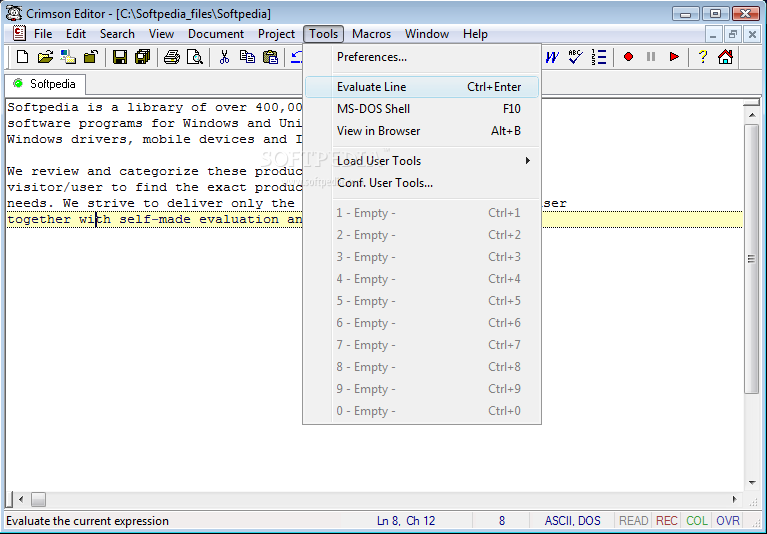
Crimson Editor is a professional source editor for Windows.

Here are some key features of "Crimson Editor":

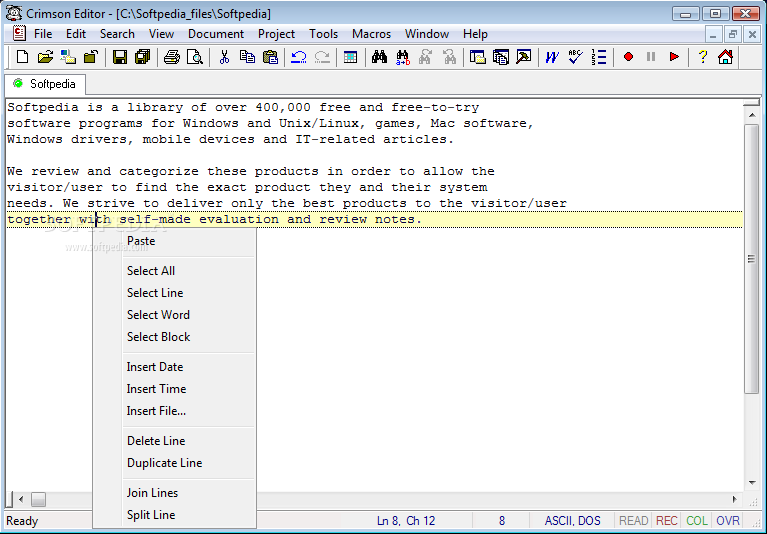
Edit multiple documents
· switch between documents using file selection tab
· pressing Ctrl+Tab brings the last accessed document to top

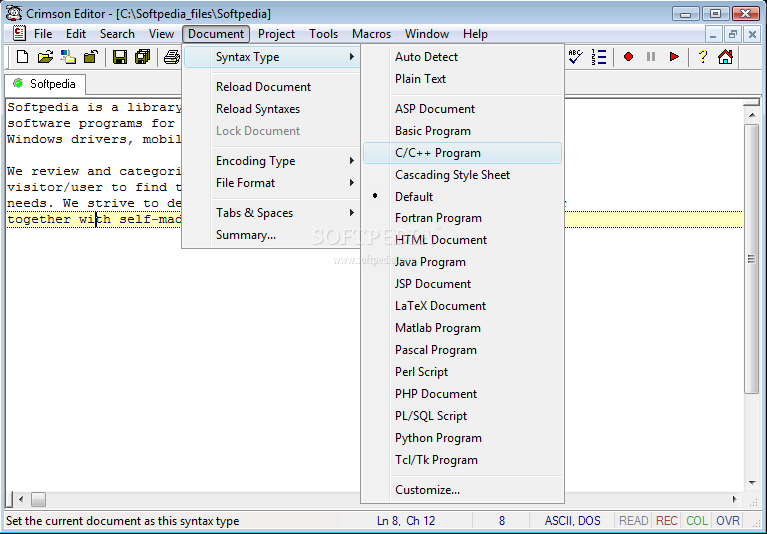
Syntax highlighting
· configurable via custom syntax files
· preconfigured for HTML, CSS, C/C++, Perl, Java, Delphi, Python, Matlab, LaTeX,Euphoria, PL/SQL, ASP, JSP, PHP, EDIF, VHDL, Verilog-HDL, HLA, Winbatch, OCaml, GNU-style x86 Assembly, JScript, PeopleSoft SQR, Ada 83, MIPS, and BAAN

Multi-level undo / redo
· all editing actions are recorded from the opening of a file
· unlimited undo and redo buffers

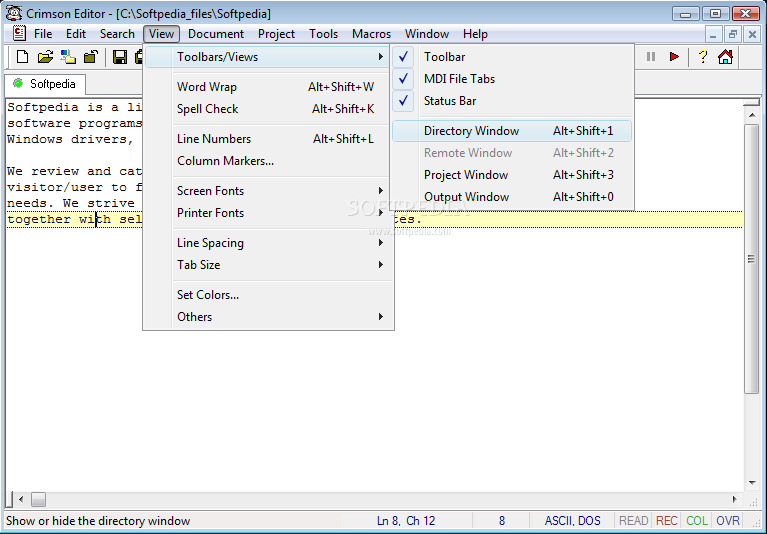
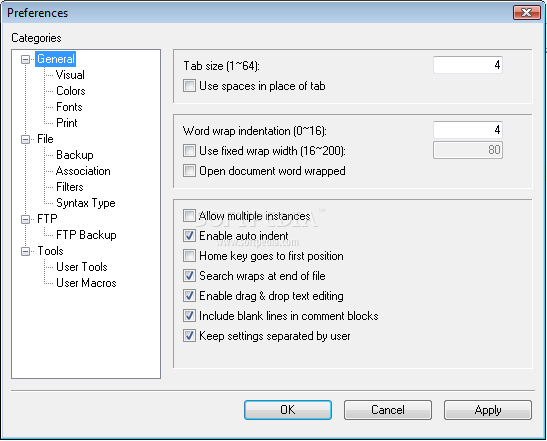
Natural word wrapping
· word wrapping does not affect
syntax highlighting
· configurable wrapping indentation (easer to understand the syntax)

Spell checker
· around 40000 words were added in the dictionary
· users can register new words in their own dictionary (InstallDir/user.dic)

User tools and macros
· execute external programs with proper arguments
· compile, execute and test your code
· ease your fingers with key stroke recording (record & replay)

Directory tree view window
· click to open documents
· filter to display only selected file class

Edit remote files directly using built-in FTP client
· open, edit, and save documents in remote FTP servers
· save account information (encoded) for automatic logon

Find & Replace
· replace specified text one by one, or as a whole

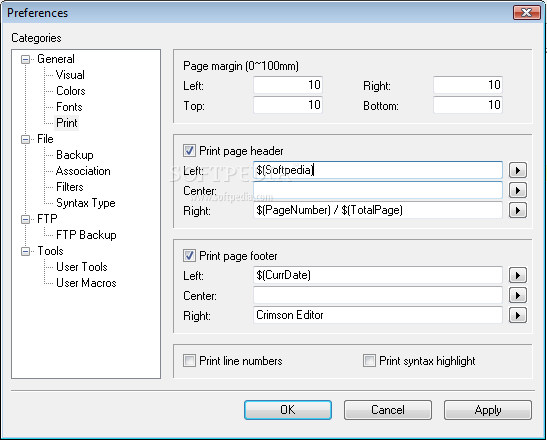
Print & Print preview
· configurable page header and footer
· print with line numbers
· print with syntax highlighting (used in color printer)
· true type font selection for printer

Other useful features:
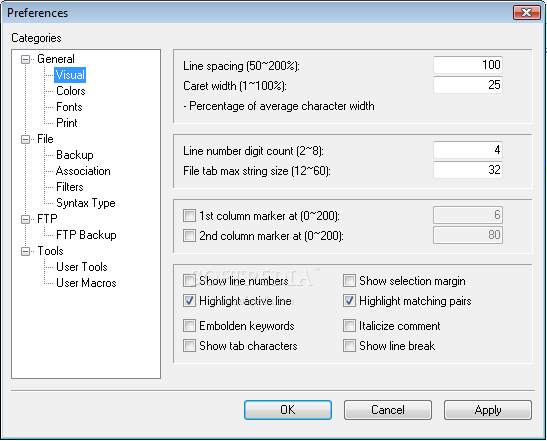
ability to detect changed files, single instance/multiple instances, bookmark & go to, highlight active line, highlight matching pairs, multi-byte support with integrated IME (for eastern languages), auto indent, wheel mouse support, copy & paste, line numbers, configurable line spacing, option to save files in Unix format, option to set working directory

Requirements:

· 4MB free disk space


Limitations:

· A single line cannot have more than 32768 characters.


What's New in This Release:

· unicode encoding, splitter window
· bug fixed: DEL key deletes directory item when project item is selected.
· bug fixed: ftp file transfer error when the file size is multiple of 512 bytes.
· bug fixed: search & replace the beginning of line crashes Crimson Editor.
· bug fixed: find with 'Match whole word' considers a '_' as not part of a word.
· bug fixed: comment color when typing the word 'remove' in ASP document.
· bug fixed: screen resolution problem using dual monitor.
· bug fixed: backup file creation failed in UNC path.
· bug fixed: abnormal caret movement after print preview.
· bug fixed: search next selected text in column mode.
· bug fixed: open last working remote file without saving password.
· bug fixed: CWD now follows 'File Open' dialog.
· bug fixed: problem typing Se-Bul-Sik Korean characters.
· bug fixed: loses project workspace when user cancel program termination.
· bug fixed: sharing violation when try to open a file already in use.
· bug fixed: abnormal command line execution 'C:some path>cedt autoexec.bat'.
· Drag and Drop text editing.
· Reduced memory footprint. (50%) - but still uses lots of memory
· Supports Unicode and UTF-8 encoding.
· Increased maximum number of characters in a single line. (4096->32768)
· Splitter Window, New Window.
· Drive list in directory window refreshes on drop down.
· Saves project workspace whenever there is a change in project tree.
· Saves folding status of project categories.
· [Shell Execute] right click menu for files listed in a project.
· Project category names are editable now.
· User Tool path and argument reconize shell variables. (variable expansion)
· Predefined column mode font when screen font is not a fixed size font.
· Saves workspace windows placement.
· Follows symbolic links in Open Remote dialog.
· Increased the number of ftp server accounts. (10->16)
· Added [Replace All] in 'Replace This Occurrence' box. (Yes/No/All/Once/Stop)
· F3, Shift+F3 skips current search occurrence during Search and Replace.
· Search wraps at end of file. (optional)
· Cedt-type document icon changed.
· Third quotation mark definition in language specification.
· Accurate variable detection logic. ("$VARIABLEENCLOSEDBY={}")
· Variable highlight in constant string. (in PHP, Perl, Shell, ...)
· Added short-cuts in all popup menu items.
· Hot keys changed. - Scroll Screen Center (F5), Top (Shift+F5)
· Hot keys changed. - Close Window (Ctrl+W), Select Word (Ctrl+D)
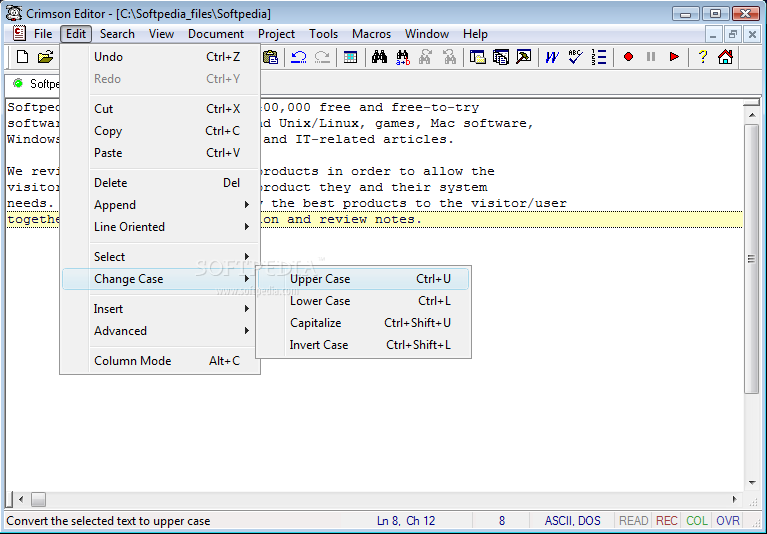
· Hot keys changed. - Lower Case (Ctrl+L), Invert Case (Ctrl+Shift+L)
· New hot keys. - Next Pane (F6), Prev Pane (Shift+F6... [ read full changelog ]


Softpedia guarantees that Crimson Editor 3.70 is 100% CLEAN, which means it does not contain any form of malware, including but not limited to: spyware, viruses, trojans and backdoors.

This software product was tested thoroughly and was found absolutely clean, therefore it can be installed with no concern by any computer user.

However, it should be noted that this product will be retested periodically and the award may be withdrawn, so you should check back on this page from time to time. (click here for more information)


Related downloads IT News Popular downloads New additions   Latest reviews  
Source Edit 3.0
Source Edit is an editor especially made for developers but can of course be used as a regular text editor as well
Source Editor 2.5.7.6
Source Editor is a simple editor with text coloring.
FreeSpell 4.2
FreeSpell is a spell checker for any and all Windows applications
SourceEditor 2.5.7
Source Editor is a simple cource-code editor with text coloring
JRSpell Checker 3.2
JRSpell Checker - ActiveX control to add spell checking capabilities to your applications
Editawy 1.0
Editawy is a free source code editor with syntax highlighting for every language ActiveX Control OCX for VB
artiw FastSpell 1.1
FastSpell is a useful tool checks for spelling errors on the fly
SourceEditor 0.2
SourceEditor enables you to easily view and edit the source of a HTML element

go to top Use the following code to link to this page:


Welcome!
Hello, Guest

Login if you have a Softpedia.com account.

Otherwise, register for one.

Main categories:
  • Antivirus
  • Compression tools
  • CD/DVD Tools
  • Office tools
  • Programming
  • Authoring tools
  • File managers
  • Desktop Enhancements
  • Internet
  • Network Tools
  • IPOD TOOLS
  • Mobile Phone Tools
  • Multimedia
  • Tweak
  • System
  • Security
  • Others
  • Science / CAD
  • UNIX
  • Windows Widgets
  • PORTABLE SOFTWARE

  • Week's best:
  • Adobe Media Player 1...
  • Registry Mechanic 8....
  • BitSpirit 3.3.2.263
  • AnyDVD 6.4.5.6
  • Firefox 3.0.1 / 2.0....
  • AutoCAD 2009
  • Norton AntiVirus 200...
  • Norton Internet Secu...
  • The Bat! Professiona...
  • WinRAR 3.80 Beta 3 /...
  • GMail Drive shell ex...
  • DAEMON Tools Lite 4....
  • UBCD4WIN 3.2.0
  • Adobe Reader 9.0.0 /...
  • Total Commander Ulti...
  • System Mechanic 8.0....
  • Adobe Acrobat Profes...
  • iPhone PC Suite 1.0....
  • Portable Firefox 3.0...
  • MPlayer for Windows ...
  • Vista Codec Package ...
  • Windows Live Messeng...
  • WinBubble 1.73
  • Kaspersky Anti-Virus...
  • Malware Removal Tool...
  • Royale Noir Theme fo...
  • IBM Lotus Symphony 1...
  • Adobe Dreamweaver 10...
  • Adobe Fireworks 10.0...
  • BitDefender Total Se...
  • © 2001 - 2008 Softpedia. All rights reserved.
    Softpedia™ and Softpedia™ logo are registered trademarks of SoftNews NET SRL.
    Copyright Information | Privacy Policy | Terms of Use | Contact Softpedia | Update your software | Archive