
Text editor and HTML coding tool and an ideal Notepad replacement. #Text editor #HTML coding #Notepad replacement #Text #Editor #HTML

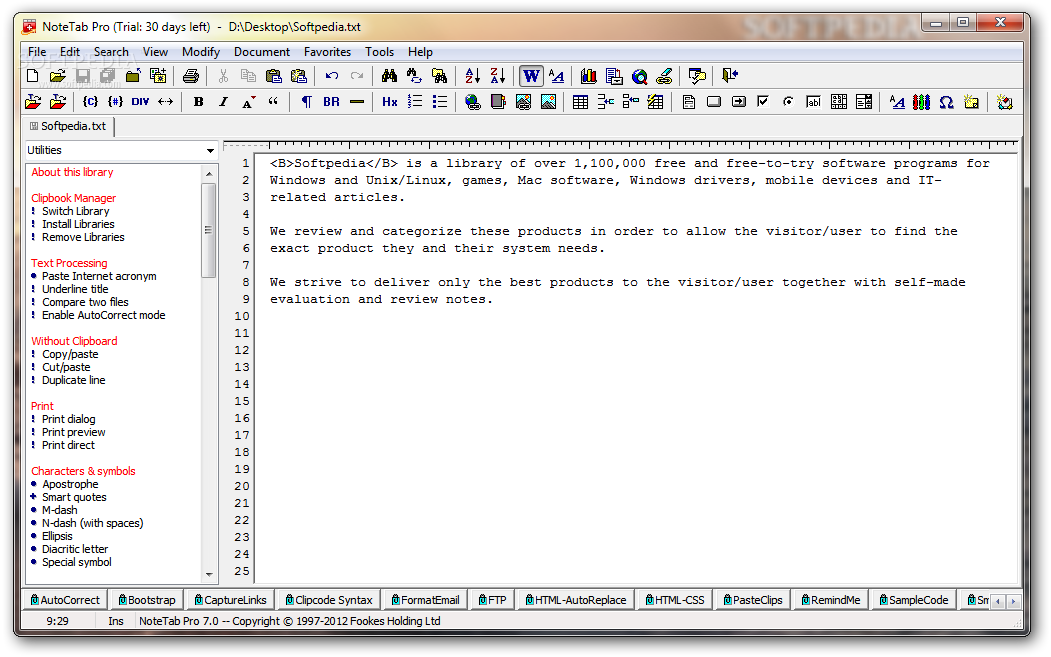
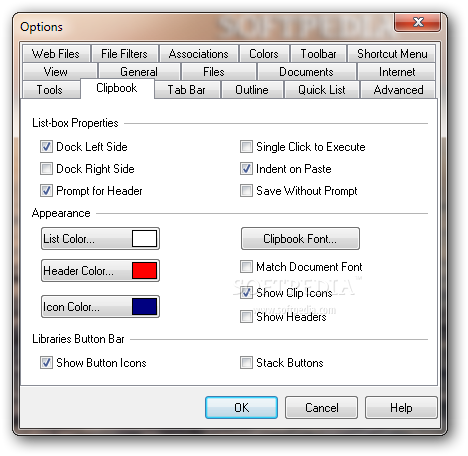
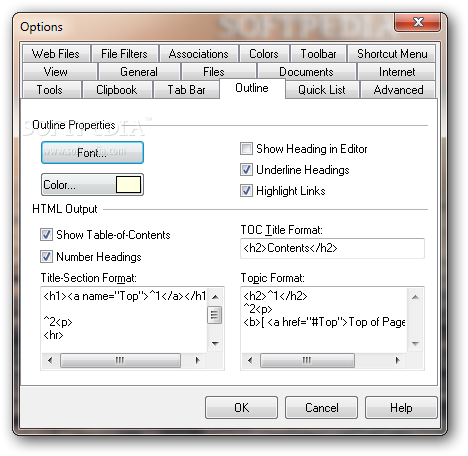
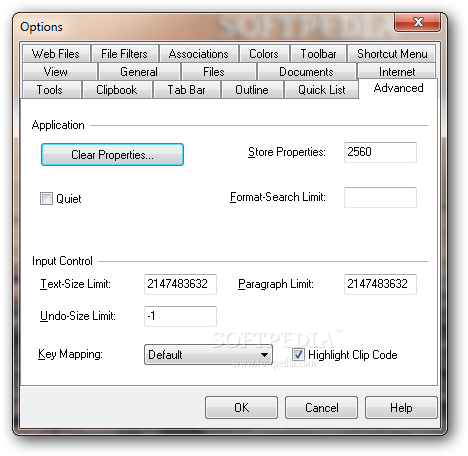
Jotting down various notes doesn’t have to be done in an overly-complicated text editor. NoteTab Pro is a small program that was designed to give you a simple solution to taking notes and editing HTML codes.
The app has a simple interface that should be easy to figure out, thanks to the intuitive layout.
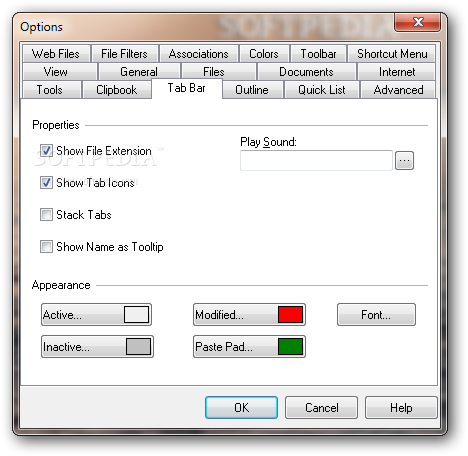
As mentioned, NoteTab Pro is an app that makes text editing an easy task. You may work on several notes at the same time, since they can be opened in separate tabs.
The text can be formatted in multiple ways, depending on what you desire, since the tools put at your disposal cover most of everything you can dream of.
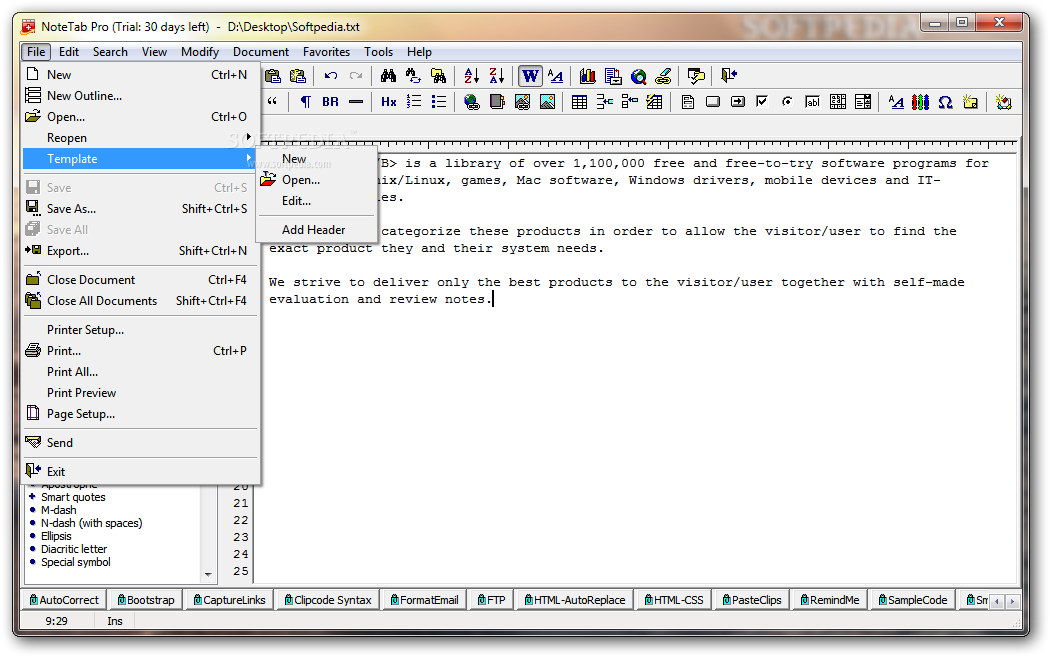
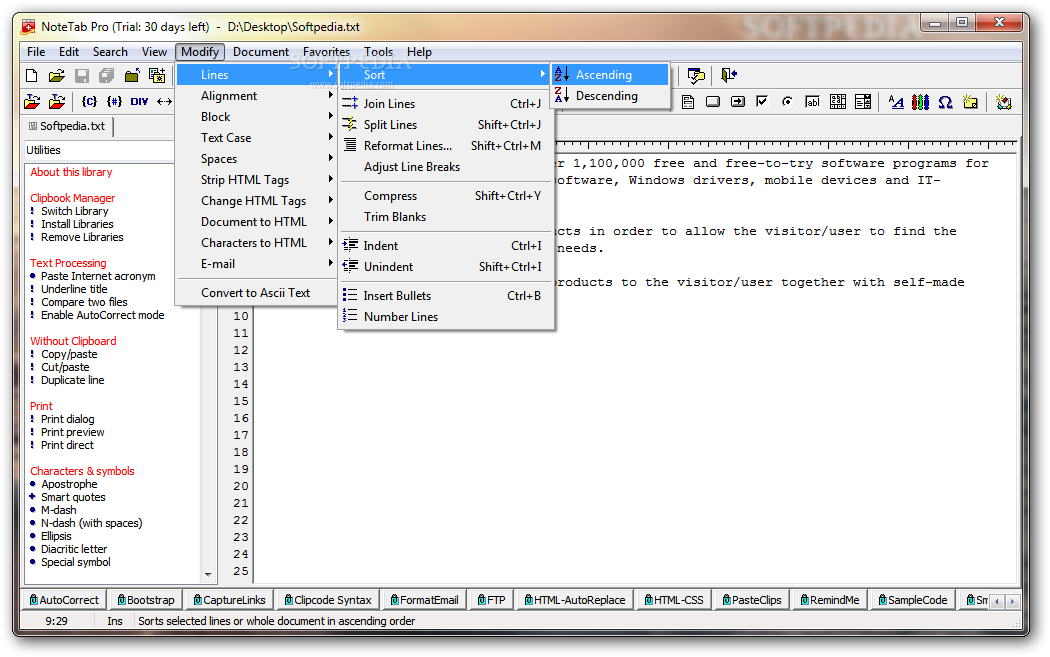
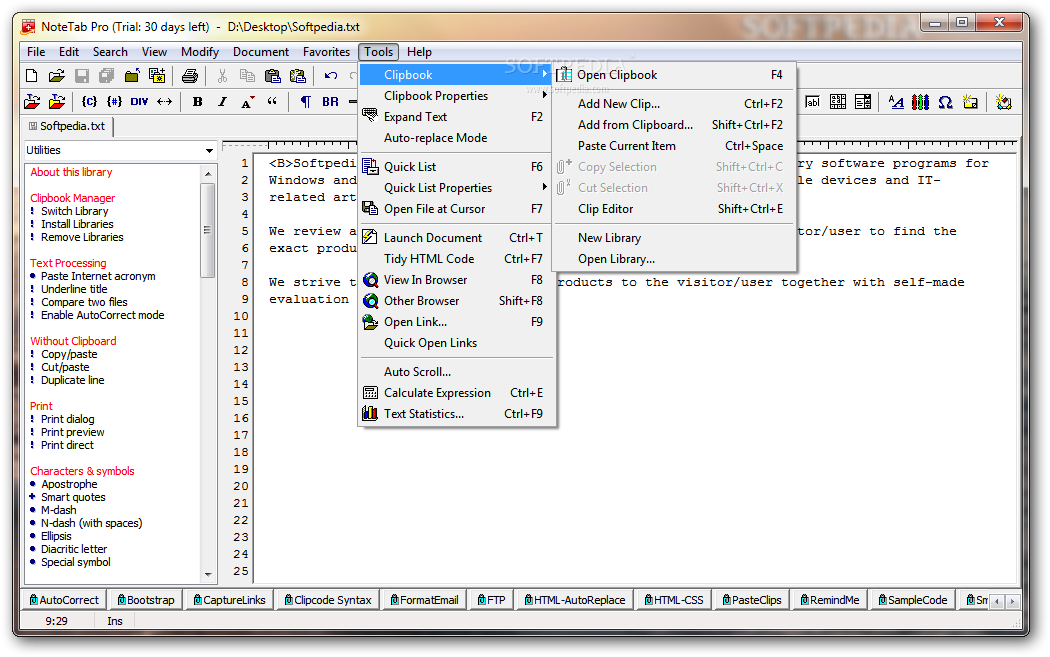
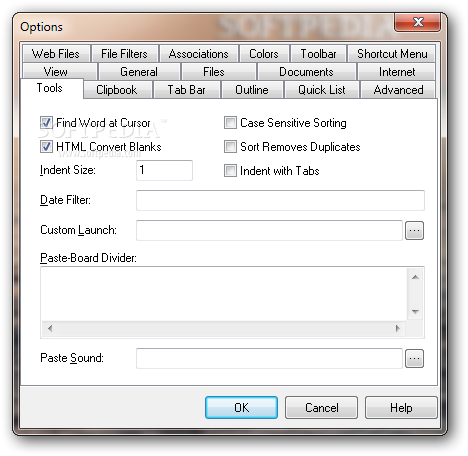
For instance, if you need to cut and paste areas from a pile of files, you may set up a Paste Board file and save text clips automatically. Also, you may strip all the HTML tags from files, thus leaving behind only the text in its pure form.
The app provides a search tool that is quite thorough and even comes with an option to replace the discovered areas.
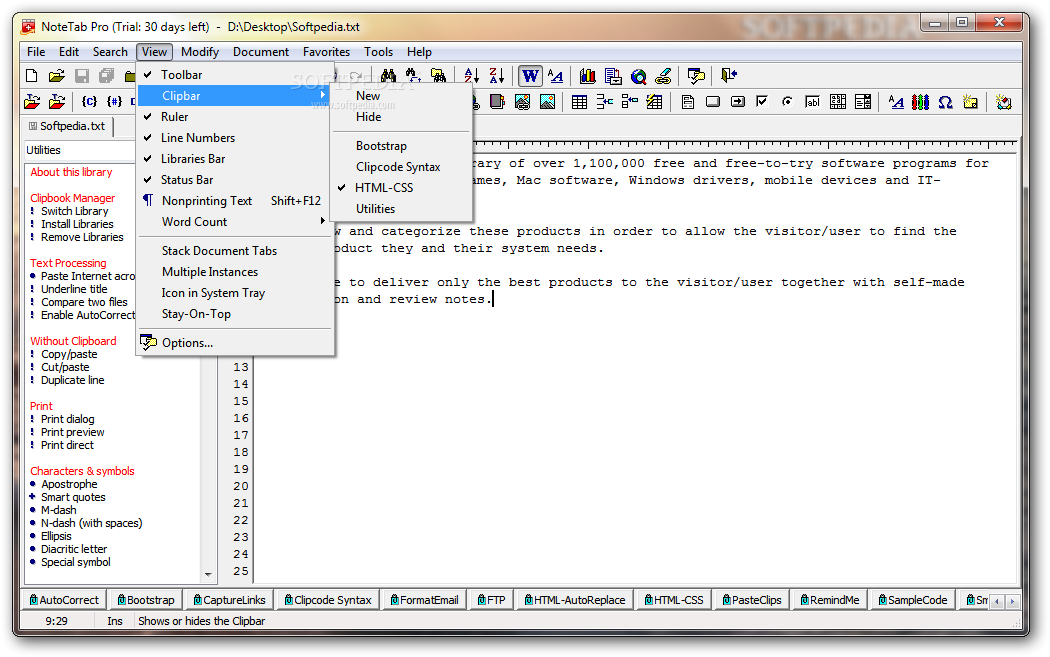
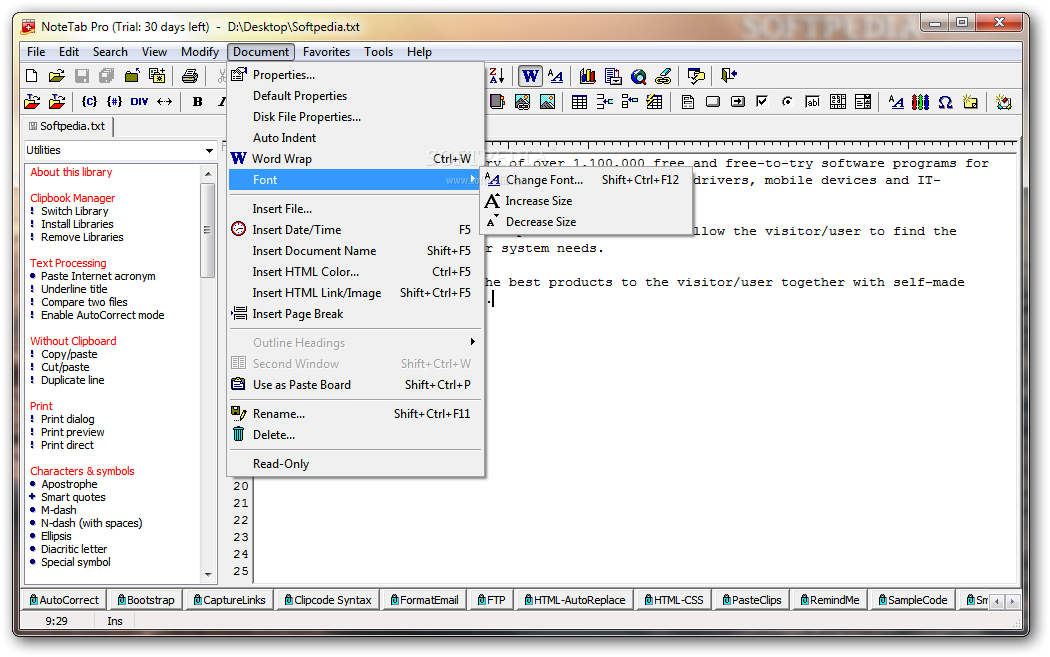
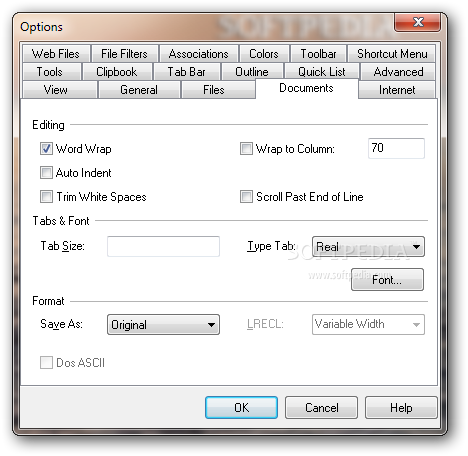
There are also several formatting options, which enable you to modify the size of the font, to toggle word wrap and even to change the font name, size and style.
It’s also possible to set up text macros that can be filled in automatically by pressing certain shortcuts. Some macro libraries are supplied, but additional ones can be built personally.
NoteTab Pro is a nice tool that has a wide range of features which can be quite useful. Less experienced individual should be able to figure out at least a part of what the app has to offer since some of its features are dedicated to more advanced users.
What's new in NoteTab Pro 7.2:
- Updated the regular expressions engine to the latest version (based on PCRE 8.36).
- Added 10 new Clip commands.
- Added new shortcut to insert « French quotation marks » around selected text: Ctrl+Alt+,
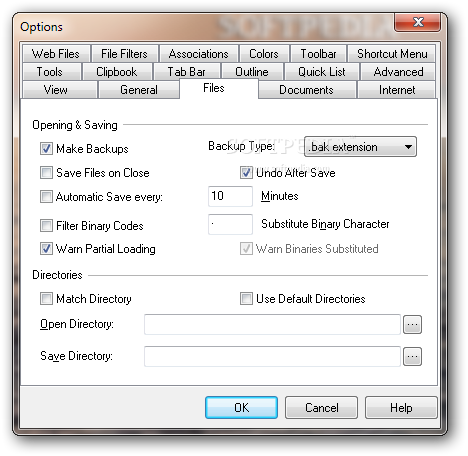
- Added “Full Name in Title Bar” setting on General tab in Options dialog box. Check this option to display the current document name with the full folder path. Uncheck it to hide the folder path.
NoteTab Pro 7.2
 Softpedia Editor's Pick
add to watchlist
add to download basket
send us an update
REPORT
Softpedia Editor's Pick
add to watchlist
add to download basket
send us an update
REPORT
- runs on:
- Windows All
- file size:
- 2 MB
- main category:
- Office tools
- developer:
- visit homepage
ShareX

4k Video Downloader

Bitdefender Antivirus Free

IrfanView

calibre

Windows Sandbox Launcher

Context Menu Manager

7-Zip

Microsoft Teams

Zoom Client

- 7-Zip
- Microsoft Teams
- Zoom Client
- ShareX
- 4k Video Downloader
- Bitdefender Antivirus Free
- IrfanView
- calibre
- Windows Sandbox Launcher
- Context Menu Manager