
This advanced word processor empowers users to work on their text: the column mode and multi-editing functions make manipulating everything easier, while also featuring a source code editor to boot. #Notepad alternative #Text editor #Syntax highlight #Editor #Edit #Source code

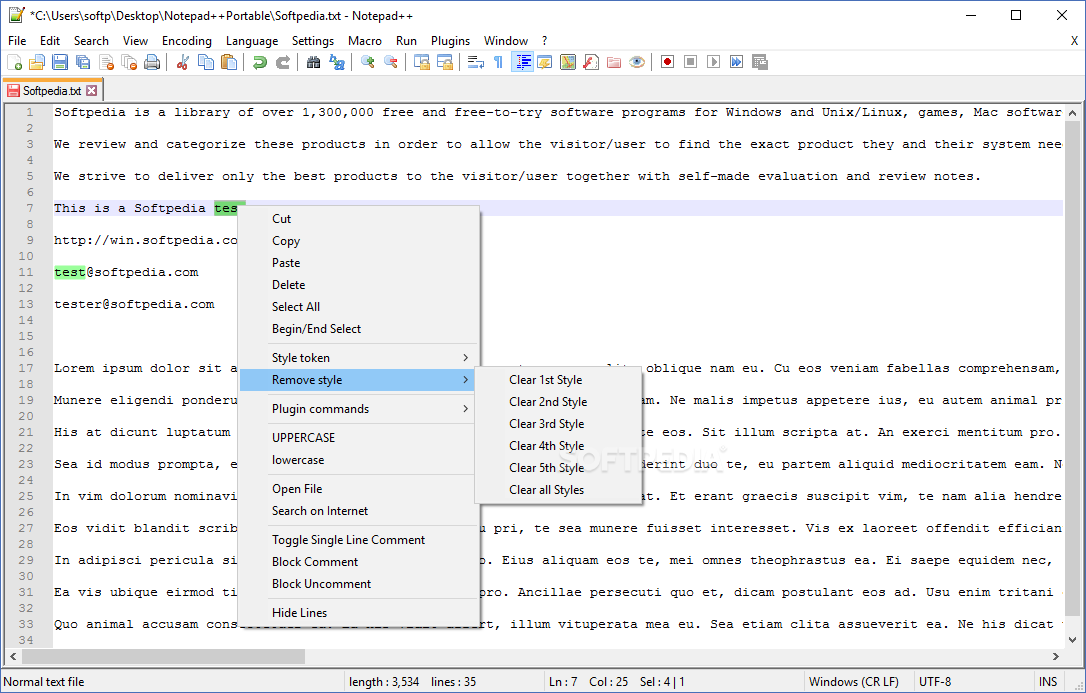
The market for word processors is plenty filled, and there's only so much you can innovate for your program to stand above the rest. Granted, the built-in Notepad is serviceable and gets the job done, but what if there was a better, supercharged alternative of sorts?
Notepad++ is a third-party alternative to the built-in solution, and per its name, it aims to provide a more refined, feature-packed experience, replete with various editing tools to smoothen one's workflow, as well as a code editor functionality.
The installation process is business-as-usual, as the wizard guides users through everything. One thing that is worth paying attention to is the localization: if you want the interface in another language, you can adjust that even before you get into the program.
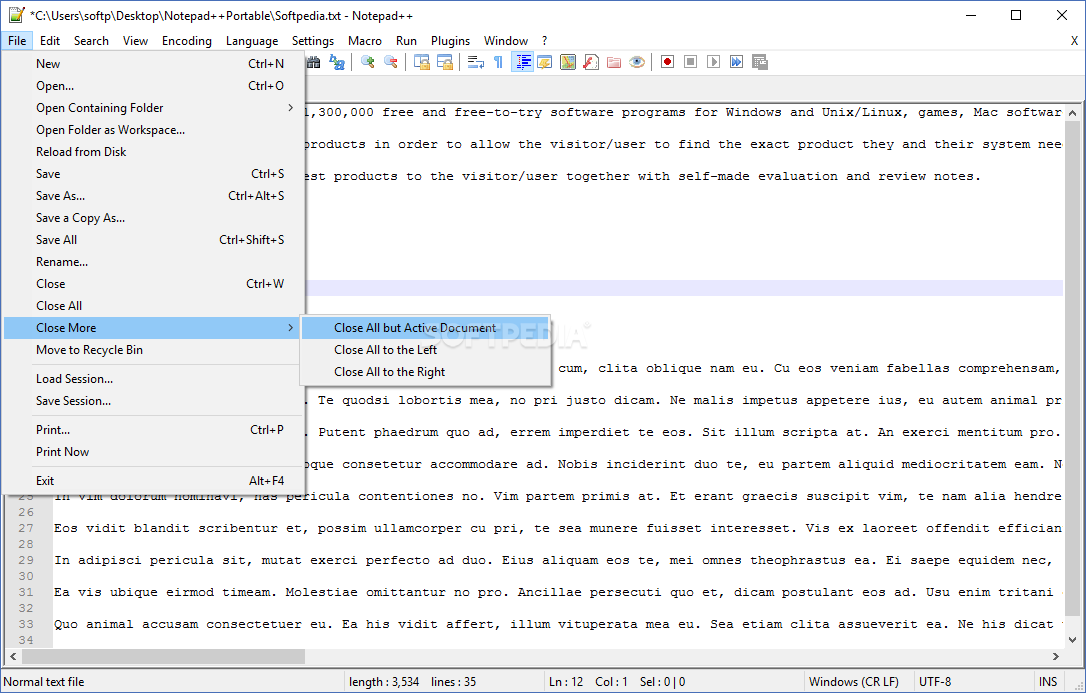
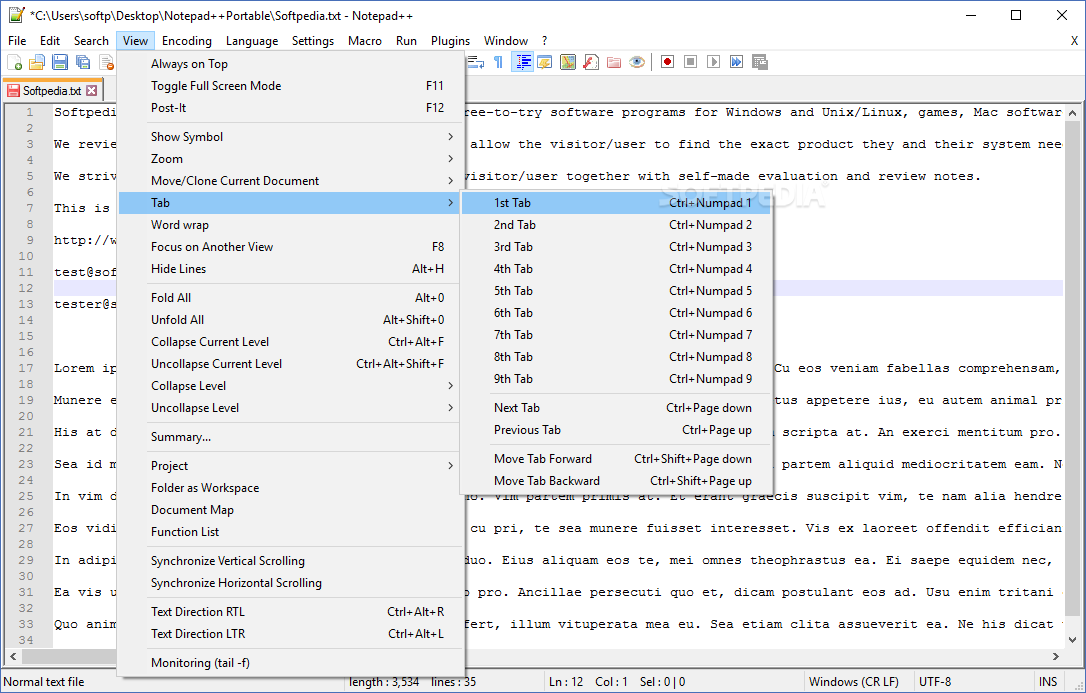
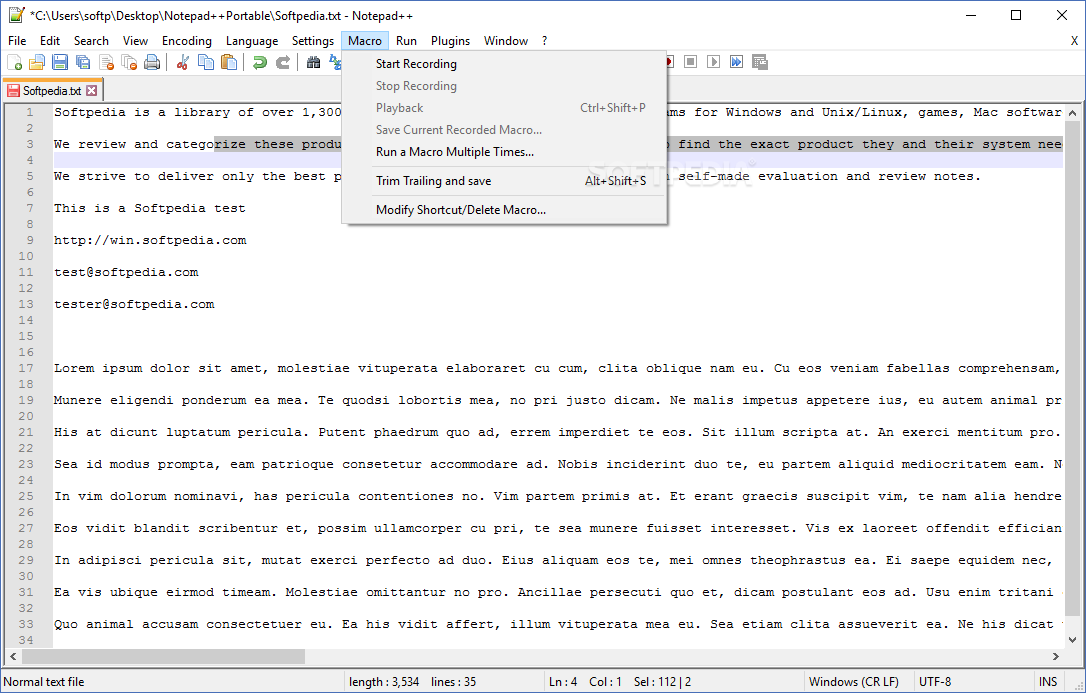
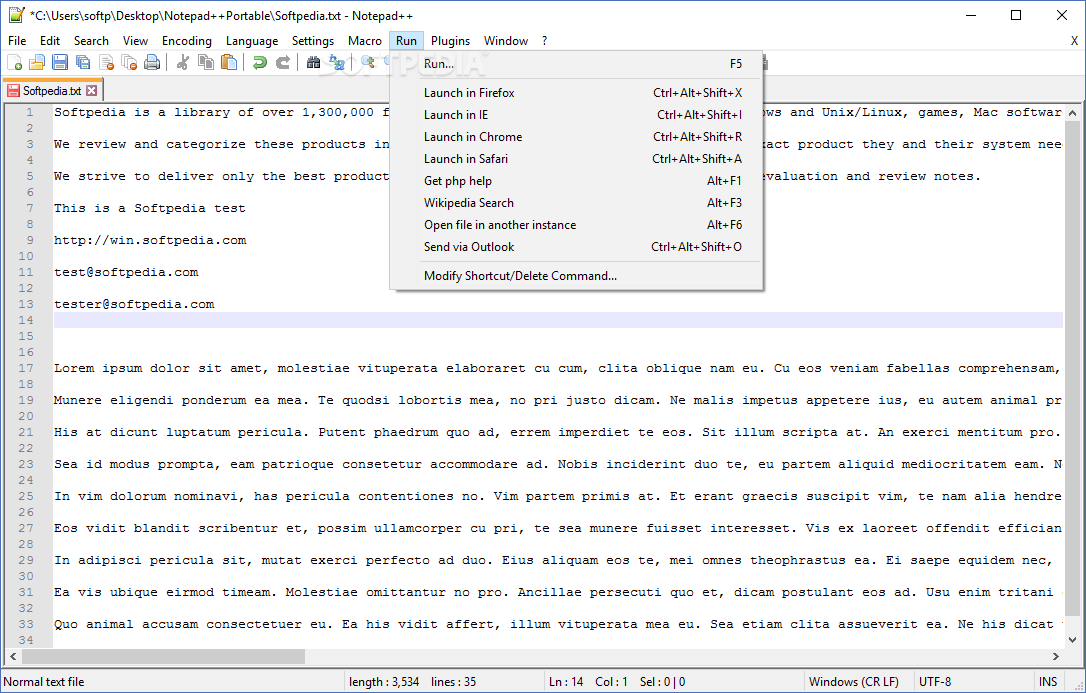
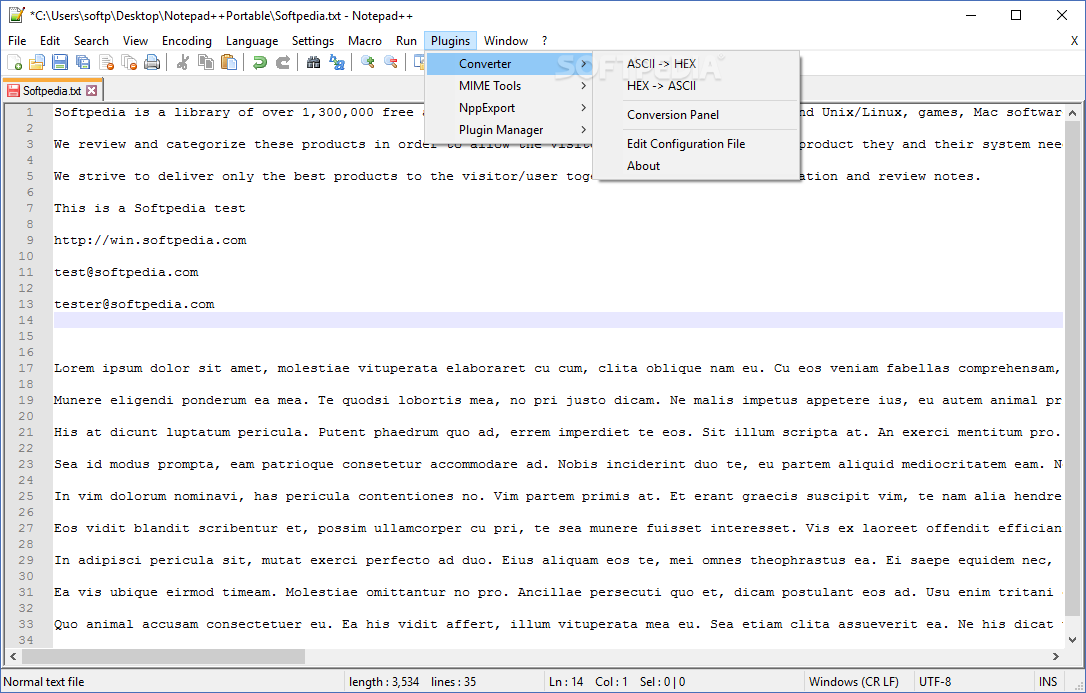
After starting it up, you'll be greeted by a functional interface, without any design flourishes. You'll likely notice the tab-based design first, which allows one to work on multiple projects at a time, whilst also enabling some additional functions. For instance, a dual-view panel can be opened this way, allowing users to inspect two separate text documents. In the same vein, cloning is also possible.
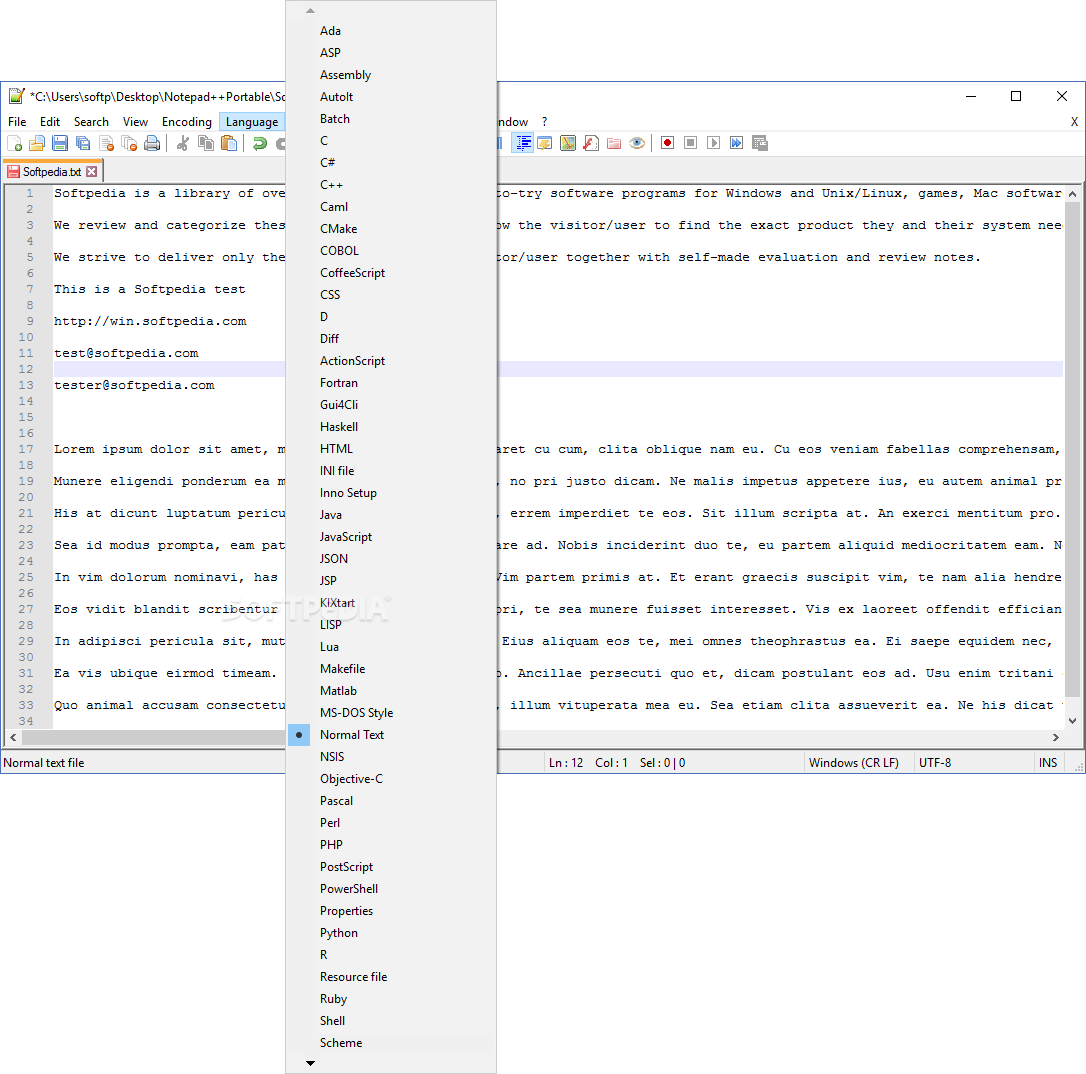
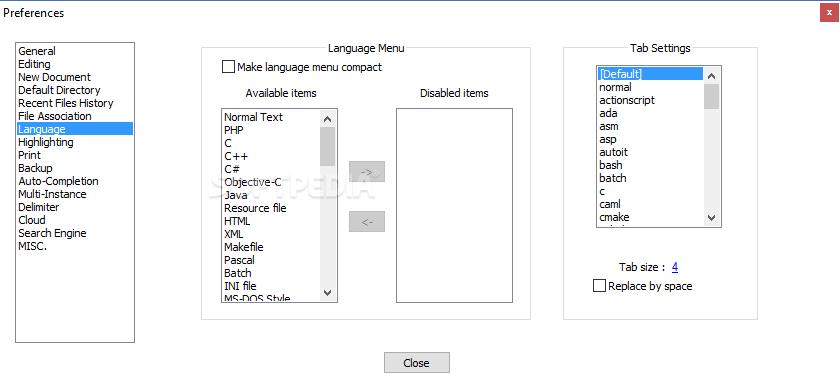
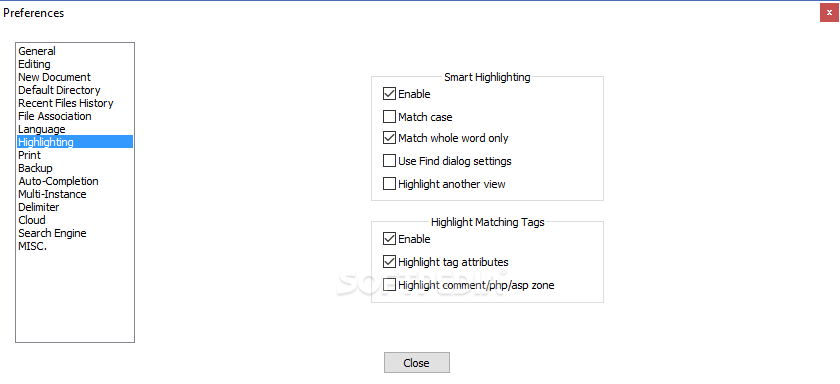
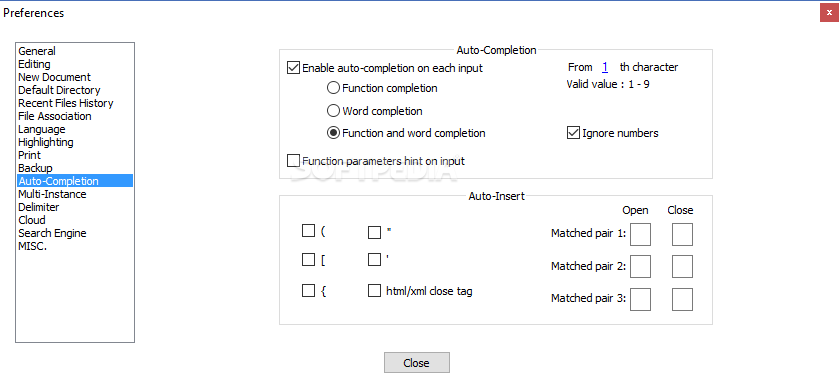
The tool also features a built-in code editor. Simply write your code, and it's very likely it'll be among the almost 80 supported programming languages for the program to recognize. Customizable syntax highlighting, folding, as well as auto-complete tools are all available here.
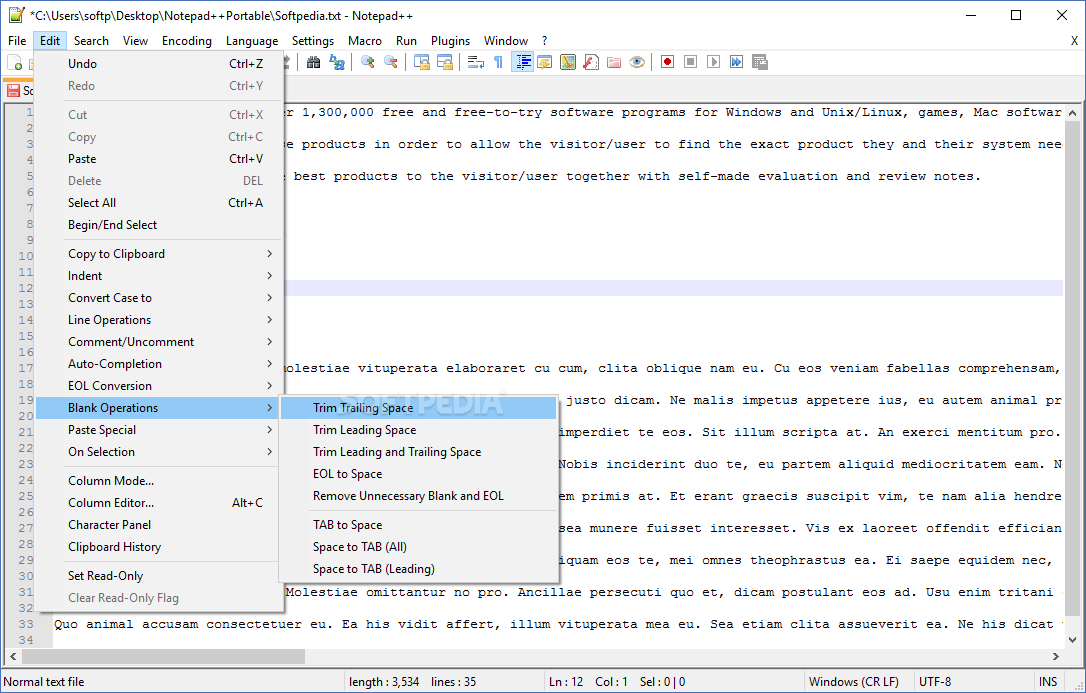
Where users can leverage the added value of such a tool is in the editing department. In short, tools such as the Column Mode and Editor are of great help when it comes to manipulating one's text. Pressing the Alt key whilst dragging your mouse over the passages you want to edit allows you to simultaneously edit those entries.
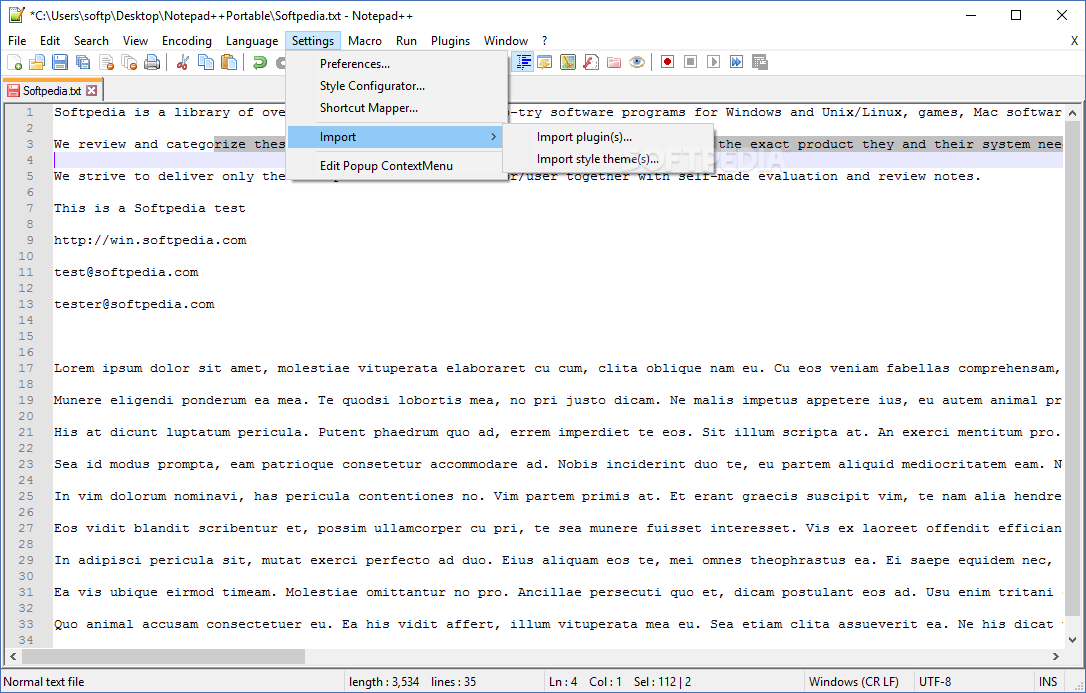
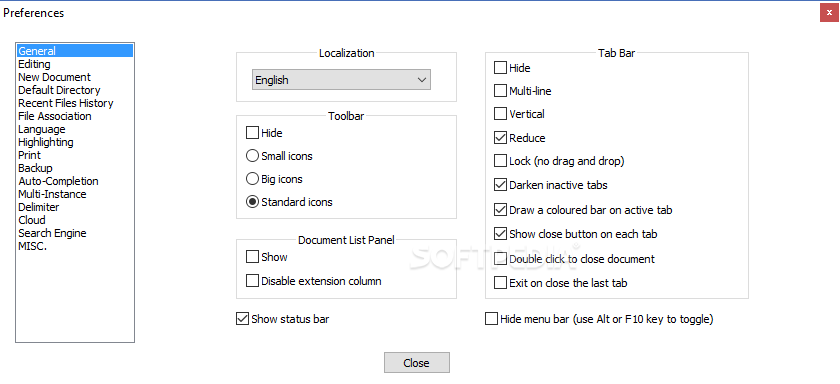
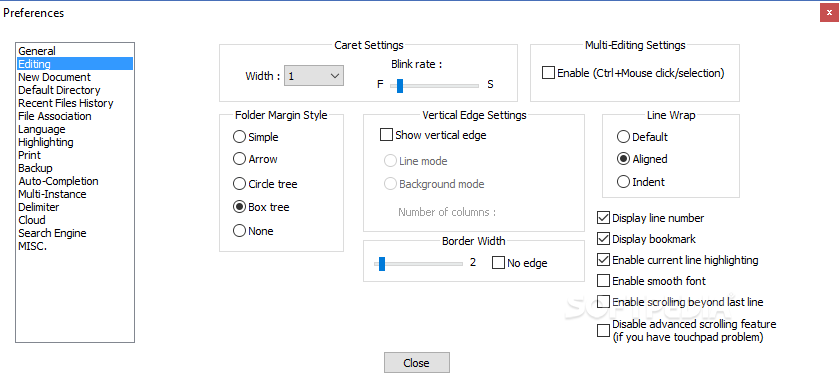
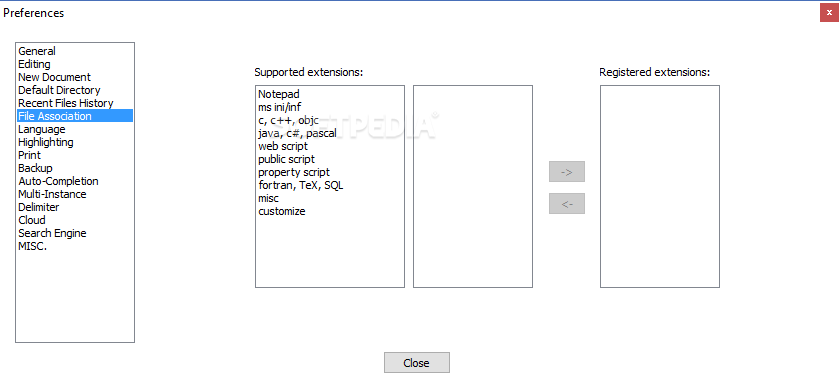
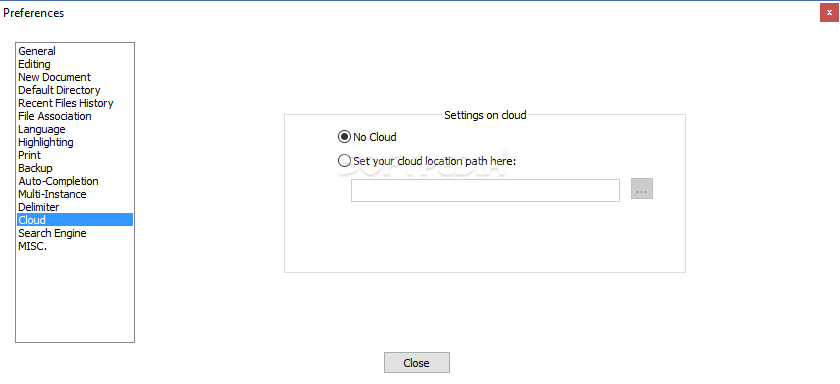
Multi-editing is also available, and Ctrl+Mouse clicking is the hotkey to use upon enabling this function in the Preferences - Editing menu. This permits one to have greater control when editing documents with lots of repetitions.
Notepad++ is an empowered version of the built-in Notepad, and that's immediately observable upon boot up. It is a tool suited for casual and power-users alike, and if you feel you've outgrown the Microsoft-offered solution, then this might prove to be a good change of pace.
Download Hubs
Notepad++ is part of these download collections: Compare Texts, Open CSV, Text Editors, RTF Viewer
What's new in Notepad++ 8.6.5:
- To address a performance issue of “Replace All” in previous version 8.6.4, Notepad++ no longer triggers SCN_MODIFIED and other Scintilla notifications during the “Replace All” action. Consequently, some plugins that rely on Scintilla’s notifications may malfunction after a “Replace All” operation. To rectify this regression, a new notification called NPPN_GLOBALMODIFIED has been implemented in Notepad++ v8.6.5. Plugin developers should monitor NPPN_GLOBALMODIFIED alongside SCN_MODIFIED, if SCN_MODIFIED is already monitored in the plugin. For additional information about NPPN_GLOBALMODIFIED, please refer to this link: https://community.notepad-plus-plus.org/topic/25504/new-nppn_globalmodified-notification
- The session loss problem and the data loss due to the power outages issue are also addressed in this release.
Notepad++ 8.6.5
 Softpedia Editor's Pick
add to watchlist
add to download basket
send us an update
REPORT
Softpedia Editor's Pick
add to watchlist
add to download basket
send us an update
REPORT
- portable version
- Notepad++ Portable
- runs on:
-
Windows 11
Windows 10 32/64 bit
Windows 8 32/64 bit
Windows 7 32/64 bit - file size:
- 4.5 MB
- filename:
- npp.8.6.5.Installer.exe
- main category:
- Office tools
- developer:
- visit homepage
Context Menu Manager

IrfanView

Zoom Client

Windows Sandbox Launcher

4k Video Downloader

calibre

Microsoft Teams

Bitdefender Antivirus Free

7-Zip

ShareX

- Bitdefender Antivirus Free
- 7-Zip
- ShareX
- Context Menu Manager
- IrfanView
- Zoom Client
- Windows Sandbox Launcher
- 4k Video Downloader
- calibre
- Microsoft Teams