
Modern-looking word processing application with extensive features for advanced users, including syntax highlighting and spell checker. #Code Editor #Syntax Highlight #Create Macro #Editor #Highlight #Indent
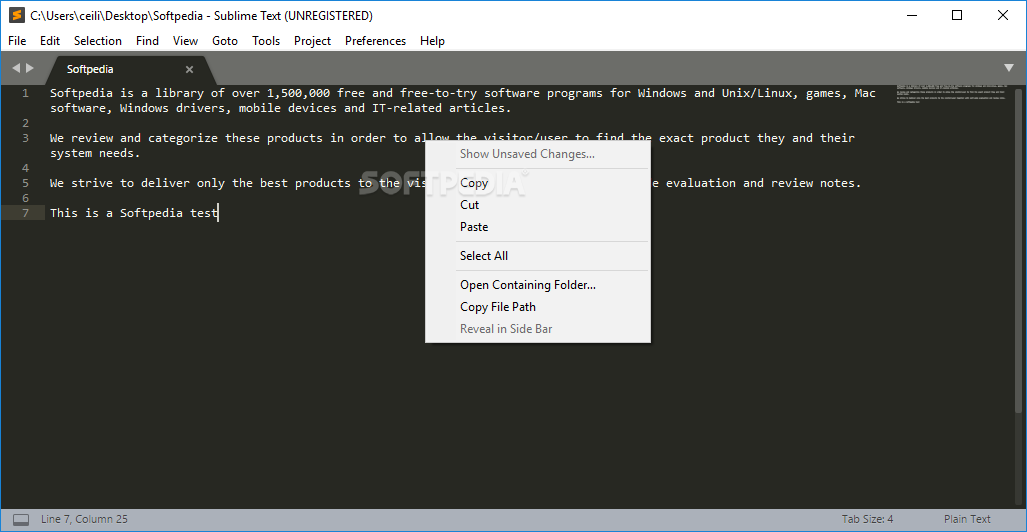
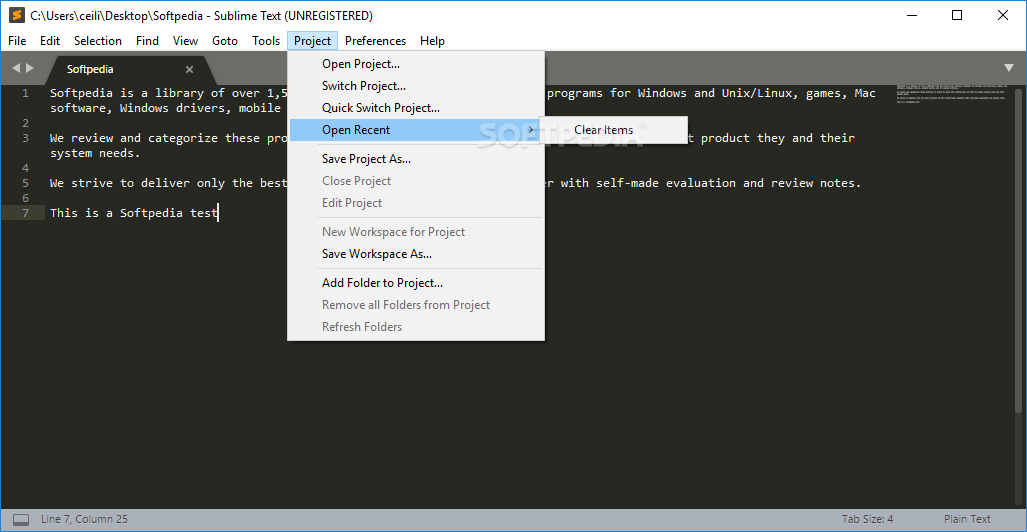
Sublime Text enables you to write code easily, run your scripts from within the tool's interface, as well as render interfaces, and much more.
Sublime Text gets installed super fast and is a handy tool for all engineers and programmers in need of a simple yet powerful instrument for writing and managing multiple code files.
With the application's multi-tab functionality, you can work on large projects, seamlessly switch between tabs, split the window tabs, and customize your working space with dedicated commands.
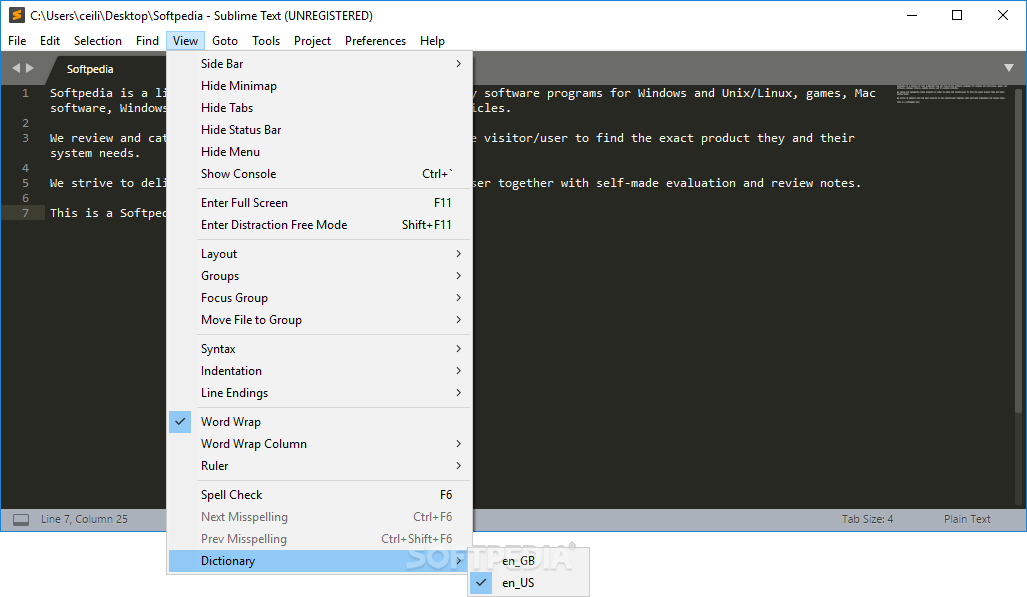
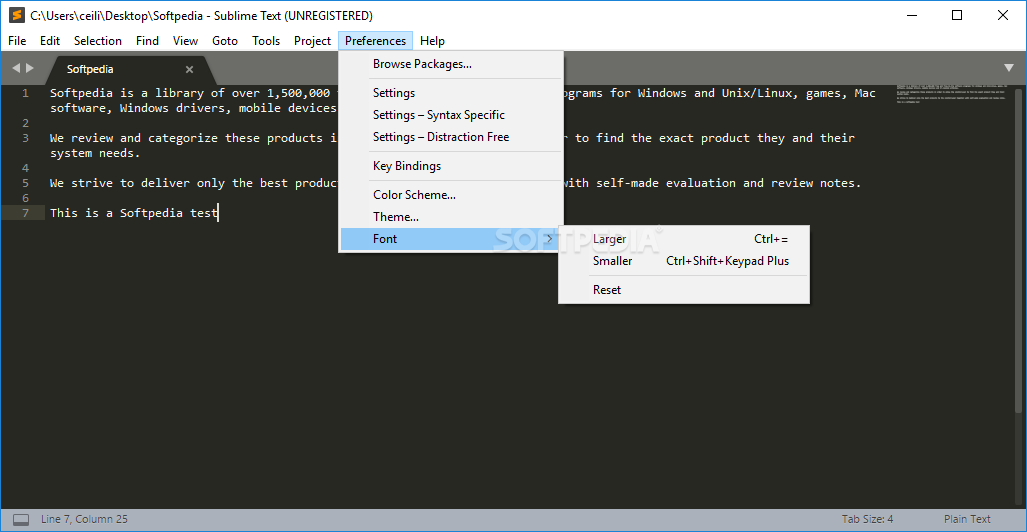
Using this code editor, it is easier than ever to adjust the environment parameters for getting the perfect setup. For example, you can adjust the layout, hide or reveal tab names, status bar, console, menu, etc., as well as adjust the indentation, change elements of the interface, use 'Adaptive themes' for avoiding eye strain, and much more.
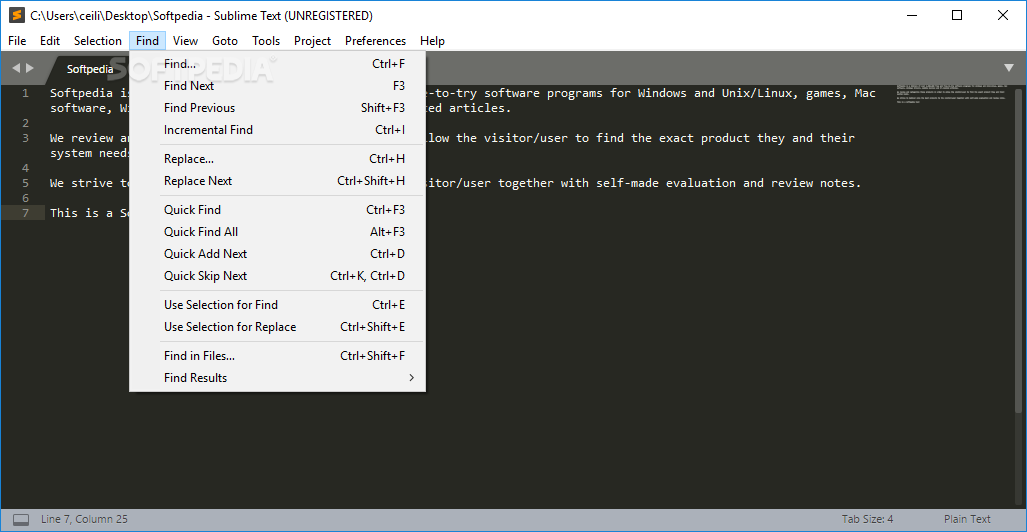
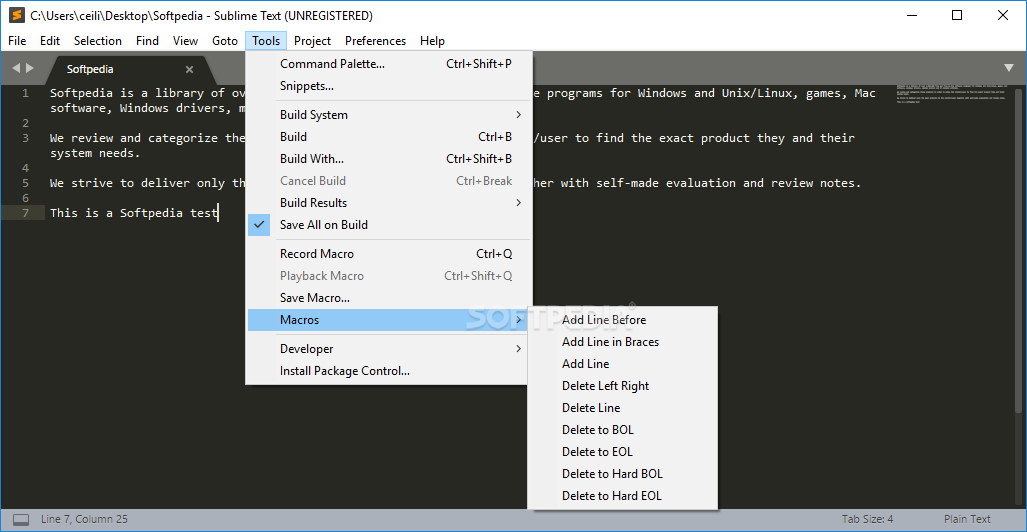
With the C+P key-stroke, you can access the Command Palette, a handy search bar that lets you type what you are looking for and offers suggestions based on your input; as such, it is even easier to look for the desired configuration option, without having to endlessly search through the menu for what you're looking for.
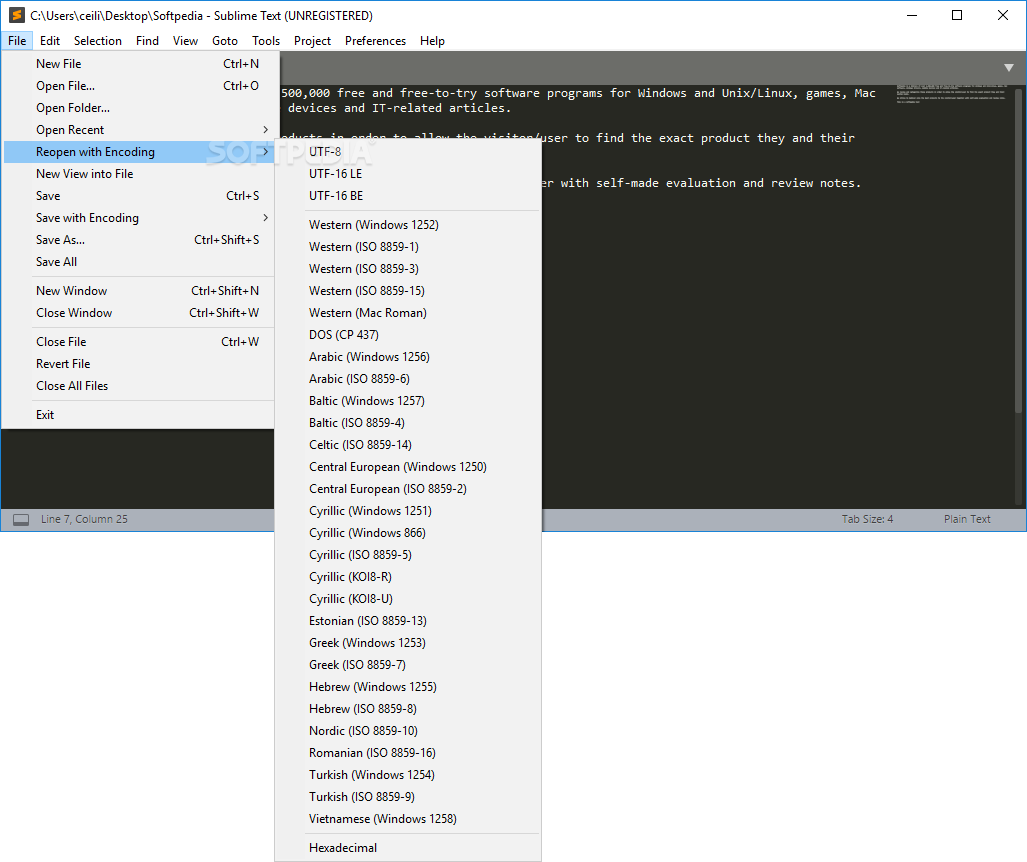
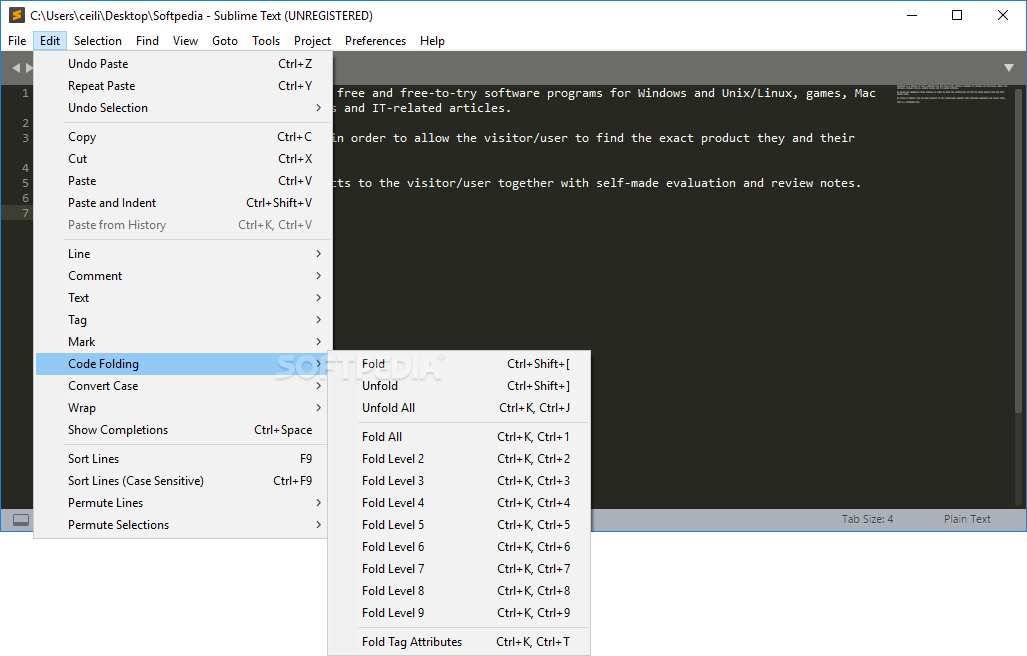
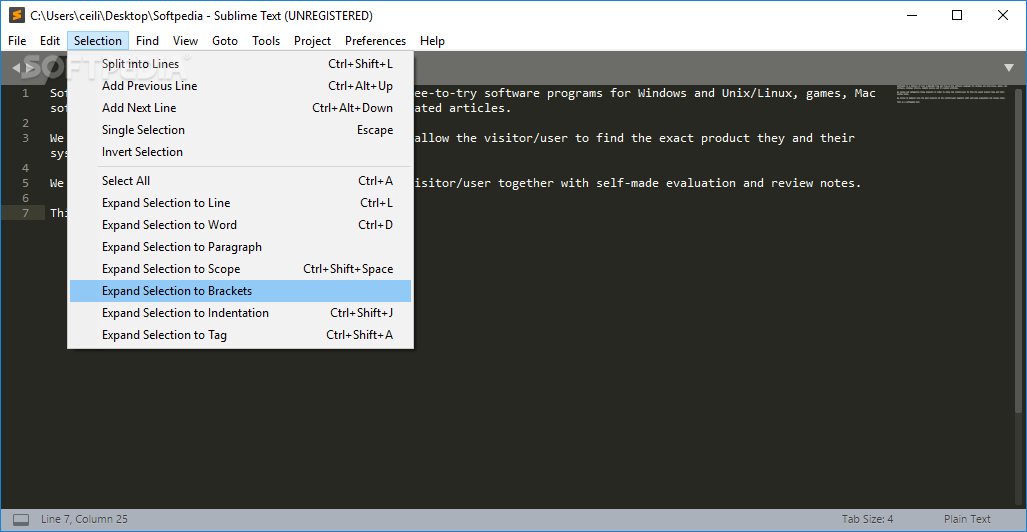
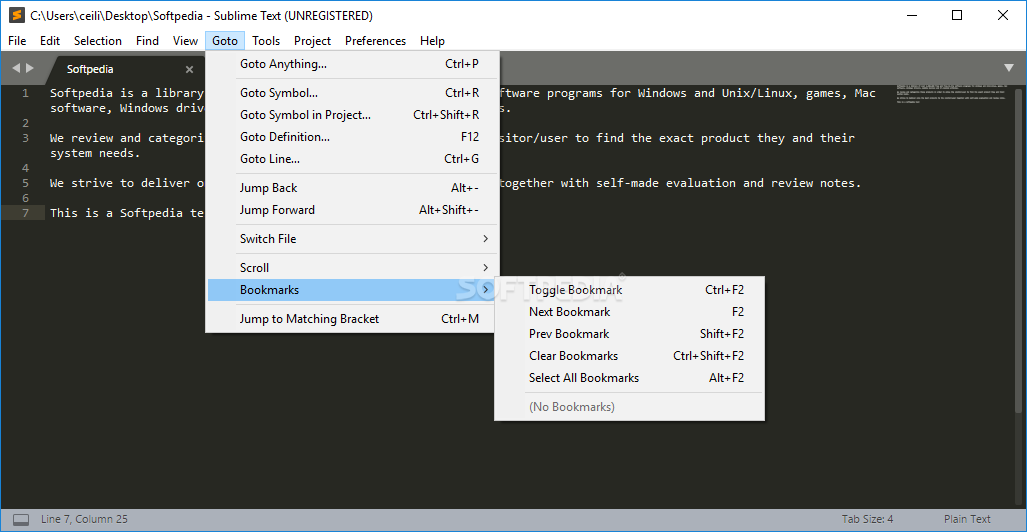
Also, when having to deal with large code files, the app enables different selection types, jumping to previous/next modification, easily using the right-click option for finding a file's path/containing folder, handling marks, (un)folding code with the click of a button, handle or sort lines based on given criteria, and others.
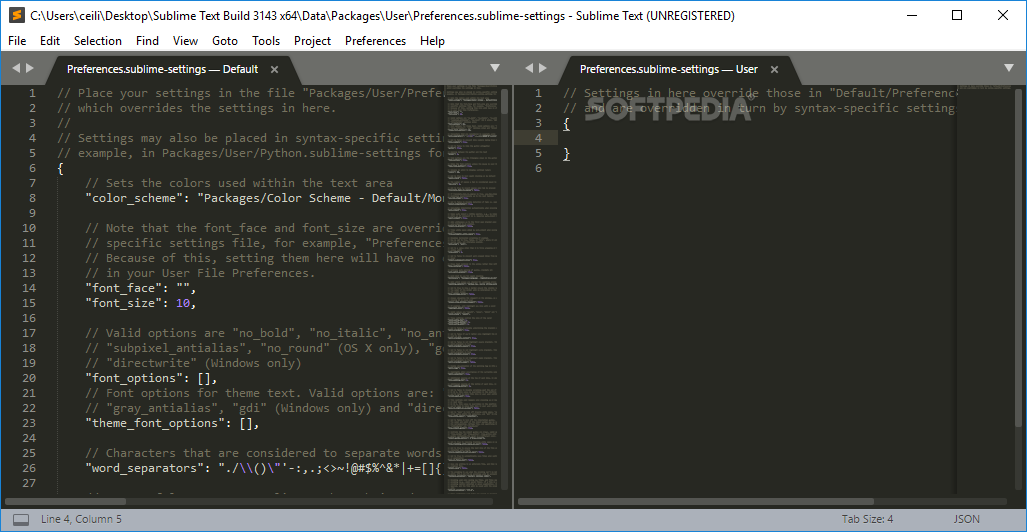
Sublime Text is extremely versatile when it comes to the language syntaxes it supports. The tool is perfect for multiple types of developers, it allows you to intuitively build your scripts, opt for an automatic or specific code building system, use smart-syntax builders, rewrite the default configurations with code, utilize the smart auto-completion engine that takes reference from existing code in your project files, etc.
Depending on your needs and code/syntax requirements, you can download and install purpose-oriented plugins. These can be configured and integrated into your environment by adding the plugin into the Packages directory or from within the Package Control center.
Download Hubs
Sublime Text is part of these download collections: Markdown Editors
What's new in Sublime Text 4 Build 4173 Dev:
- Fixed another deadlock issue when reloading plugins
- Improved accuracy of scope selectors
- Improved clarity of dragged tabs in mixed-dpi setups
- Fixed dragged tabs not following mouse in mixed-dpi setups
Sublime Text 4 Build 4169 / 4 Build 4173 Dev
add to watchlist add to download basket send us an update REPORT- portable version
- Portable Sublime Text
- runs on:
-
Windows 11
Windows 10 32/64 bit
Windows 8 32/64 bit
Windows 7 32/64 bit - file size:
- 15.3 MB
- filename:
- sublime_text_build_4169_x64_setup.exe
- main category:
- Office tools
- developer:
- visit homepage
Context Menu Manager

IrfanView

calibre

Windows Sandbox Launcher

ShareX

Bitdefender Antivirus Free

Microsoft Teams

4k Video Downloader

7-Zip

Zoom Client

- 4k Video Downloader
- 7-Zip
- Zoom Client
- Context Menu Manager
- IrfanView
- calibre
- Windows Sandbox Launcher
- ShareX
- Bitdefender Antivirus Free
- Microsoft Teams