
Work with texts in whatever way and to whatever end you need with this application that offers a slightly better editor than the ones provided by default. #Text editor #Edit text #Spell checker #Notepad #Editor #Edit

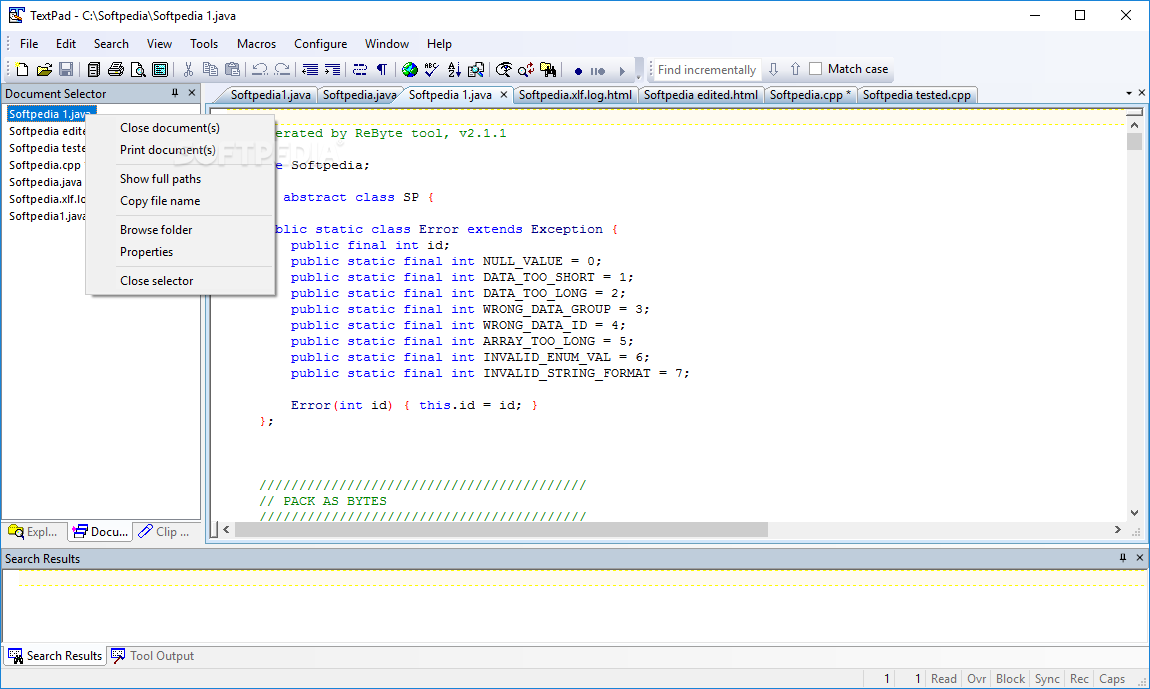
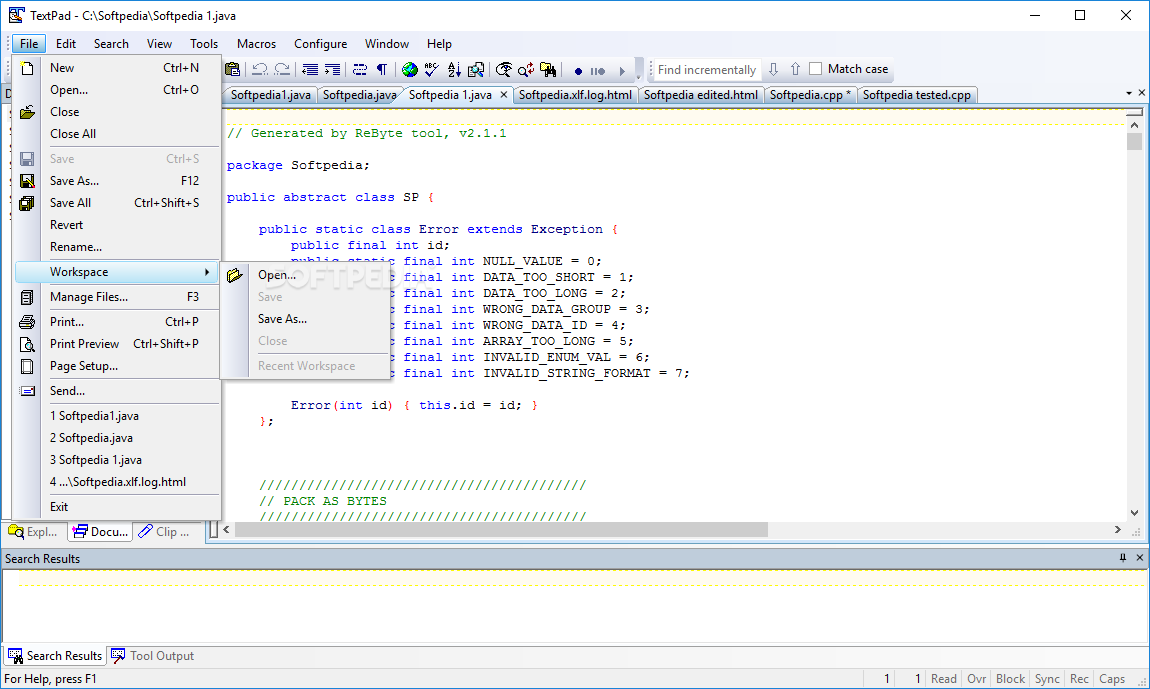
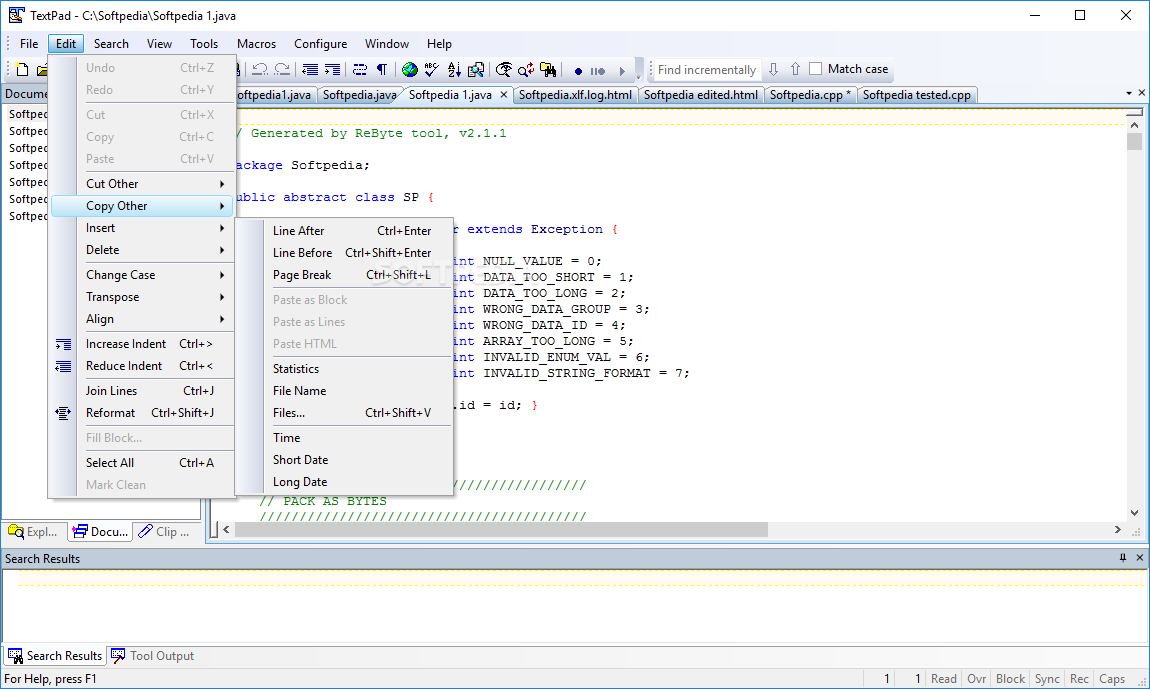
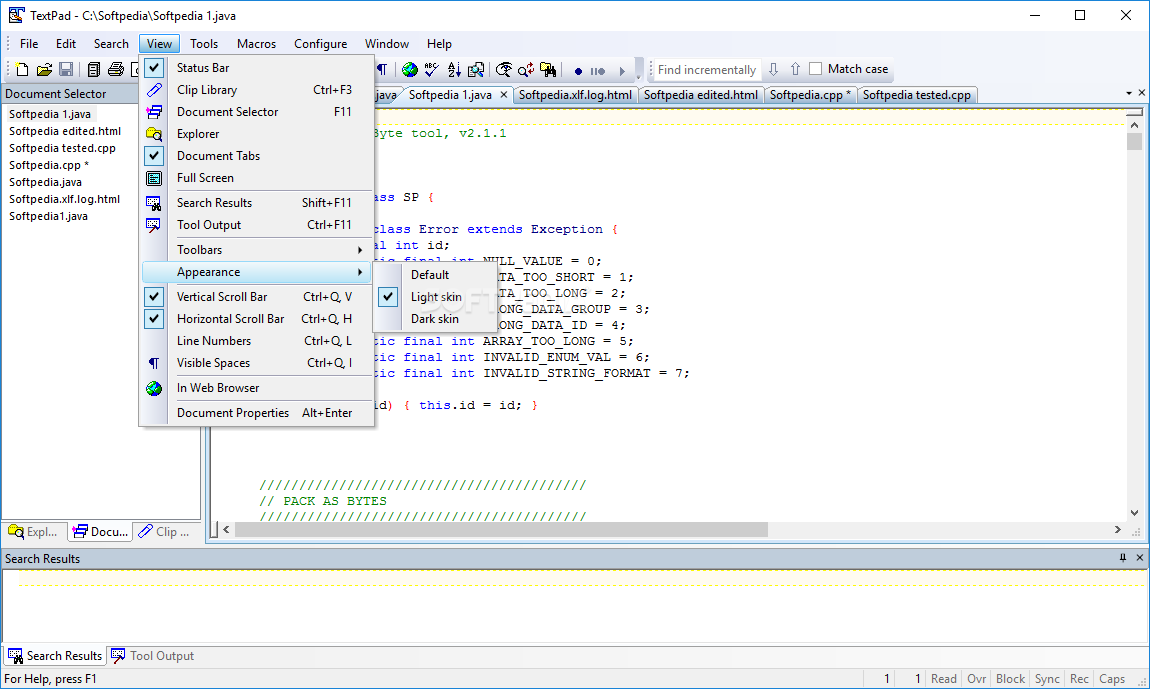
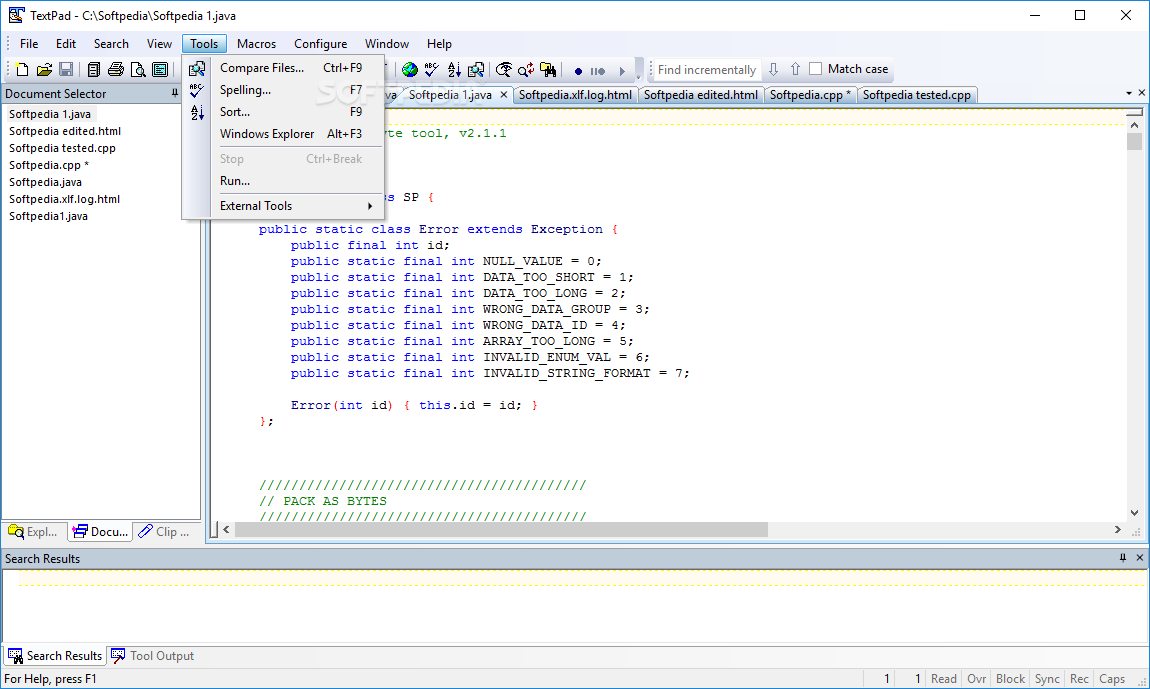
TextPad, as you might have guessed, is yet another text editor application. Although the name might suggest it is similar to the applications included by default with your OS, in truth it represents more than that, including extra tools and a friendlier interface. All features are packed neatly into submenus and menus, allowing one to easily find the functions or settings that are most important for the project at hand.
You'll notice for sure the similarity between your average Text application and this one. Yes, the classic vibe is there, but it also feels slightly beefer. The search results pane in the lower part of the window, even the opened documents list on the left or the multiple tabs on top of the main window are a sign of an evolved text editor structure. Yes, you can edit and switch between tabs as you please. There's nothing stopping you. It is also very helpful if you're working with more than one type of document.
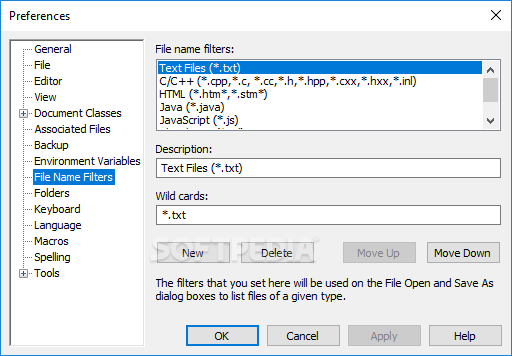
Aside from the classic TXT files, this app also works well with INI, CPP, CXX, INL, HTM, and JAVA. A DOS converter has also been integrated into the application. It can very easily be used for various coding or programming projects. From this perspective, this app can be adapted for plenty of scenarios. The decision lies in the hands of the one working with this app.
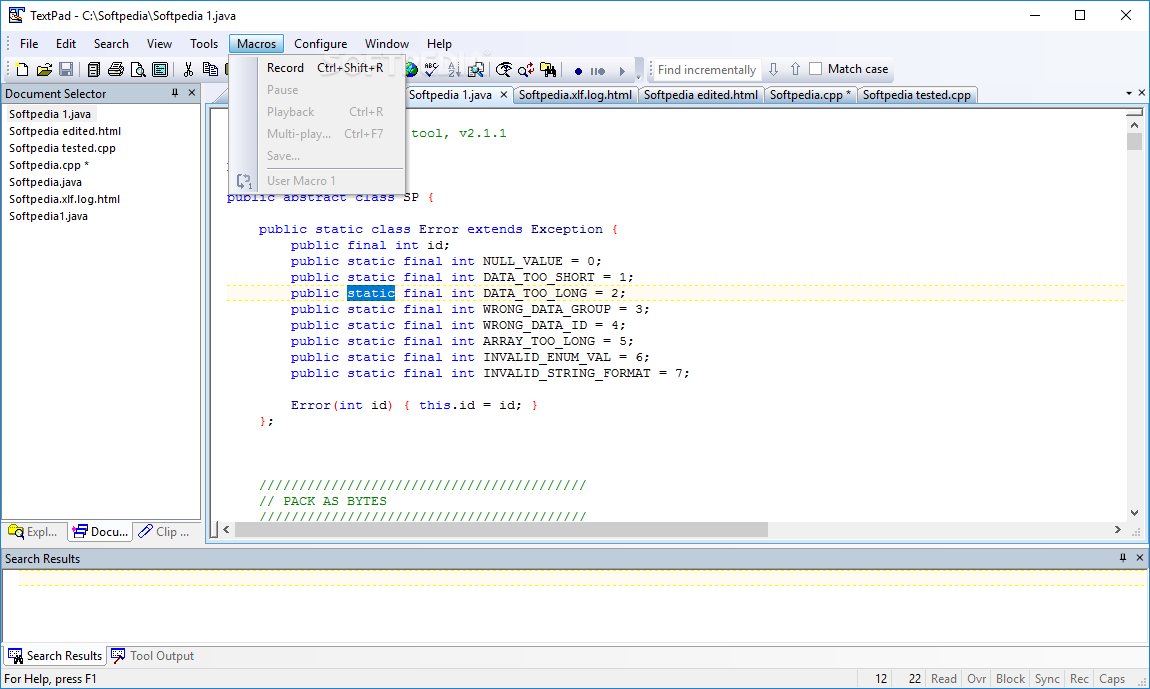
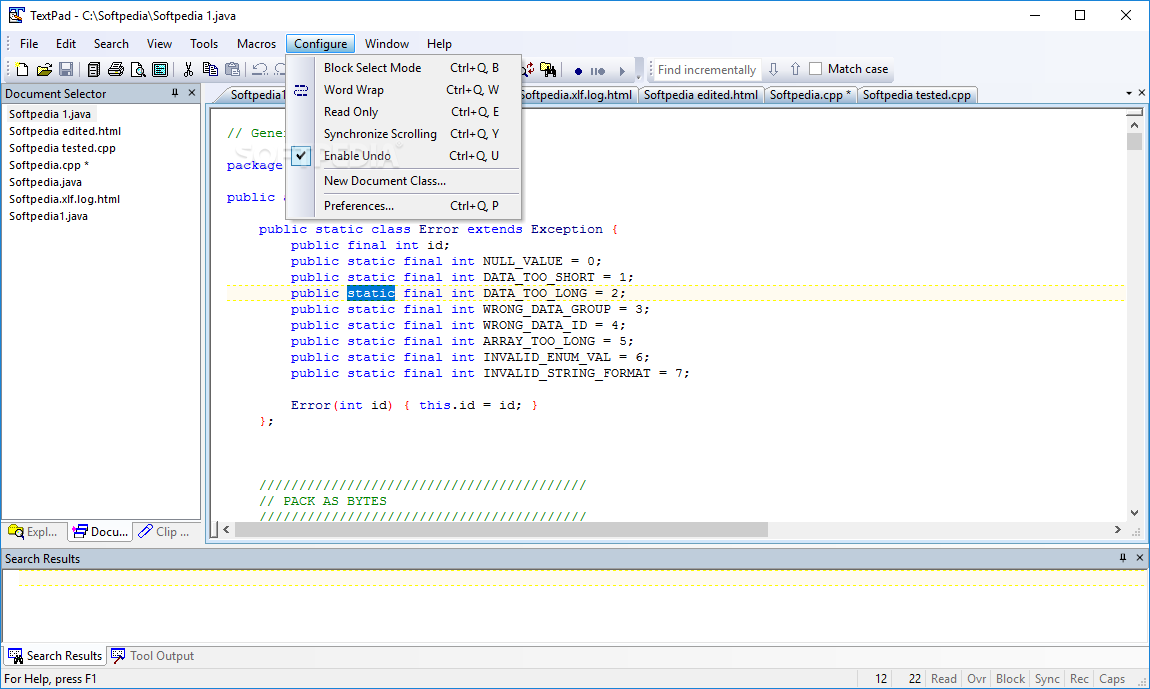
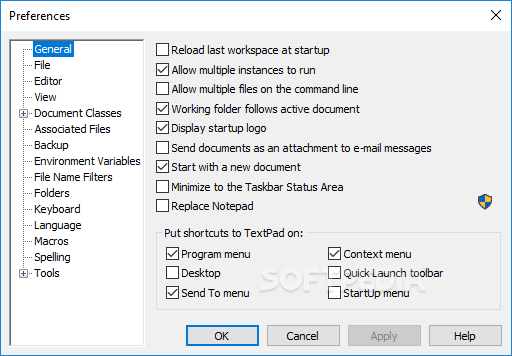
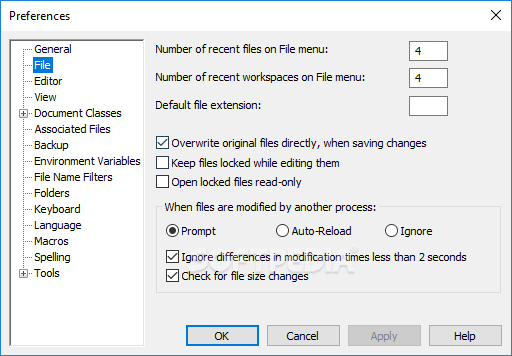
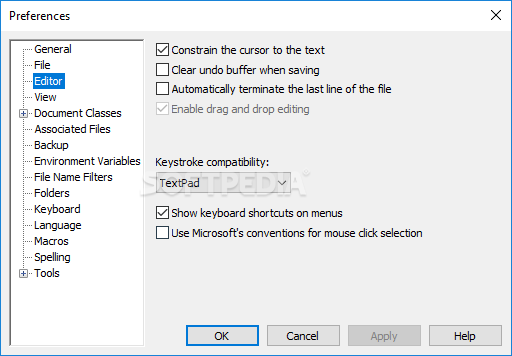
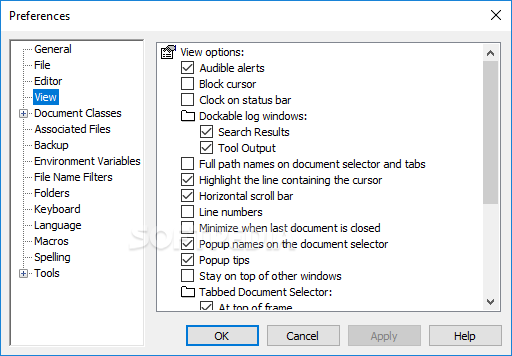
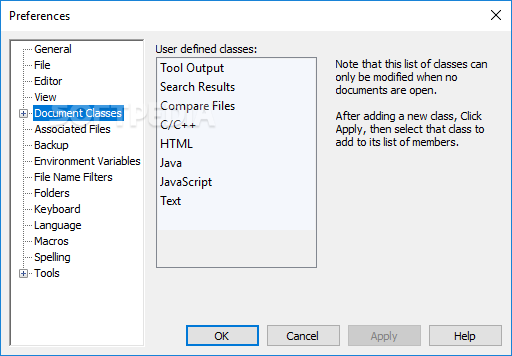
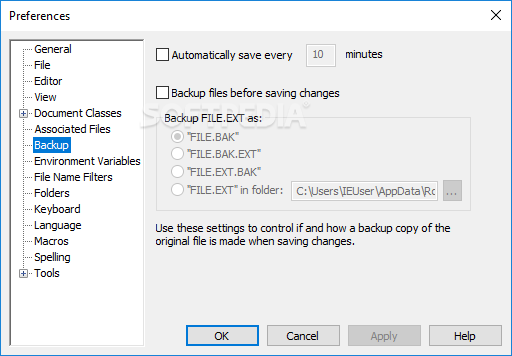
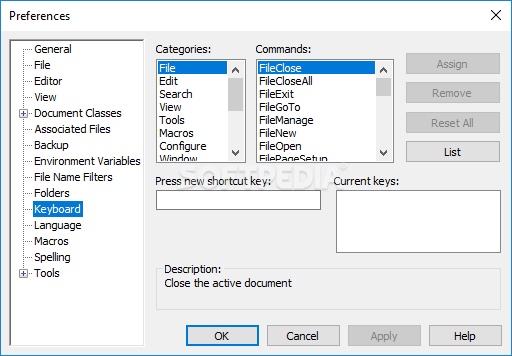
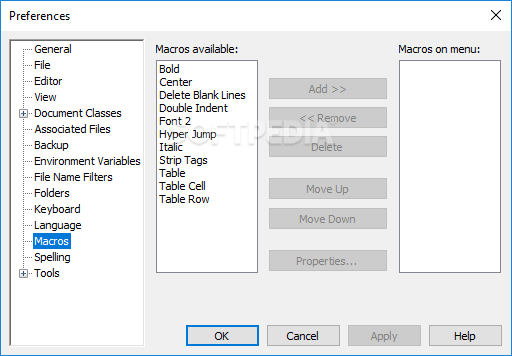
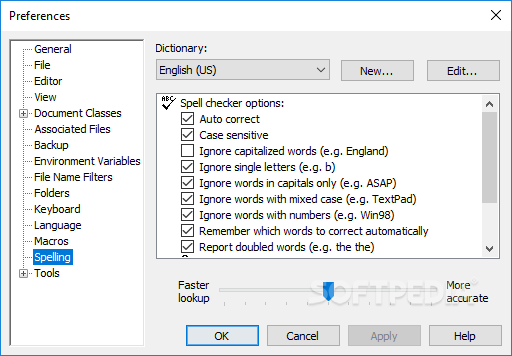
Macros are also an important aspect added to this program. In terms of adjustable settings, anything from your general app behavior changes to spelling, backup, and macros can be tweaked, changed, or improved. The user is once again responsible for tailoring the app to whatever is desired.
Although still a text editor, TextPad seems like a mature version of other applications, a program that manages to take what's best from all the other examples and combine them to form a better version for all users to enjoy.
Download Hubs
TextPad is part of these download collections: Text Editors, Open TXT, Convert TXT, Create TXT
What's new in TextPad 9.4.1:
- Issues resolved:
- The option to reload the last workspace at startup was ignored.
- The command to manage history lists crashed when the number of recently used files was set to zero.
- There should have been a prompt to save modified documents on exit.
TextPad 9.4.1
add to watchlist add to download basket send us an update REPORT- runs on:
-
Windows 11
Windows Server 2022
Windows Server 2019
Windows Server 2016
Windows 10 64 bit - file size:
- 11.2 MB
- filename:
- txpfra811-32.zip
- main category:
- Office tools
- developer:
- visit homepage
Zoom Client

4k Video Downloader

7-Zip

calibre

ShareX

Context Menu Manager

Windows Sandbox Launcher

Microsoft Teams

Bitdefender Antivirus Free

IrfanView

- Microsoft Teams
- Bitdefender Antivirus Free
- IrfanView
- Zoom Client
- 4k Video Downloader
- 7-Zip
- calibre
- ShareX
- Context Menu Manager
- Windows Sandbox Launcher